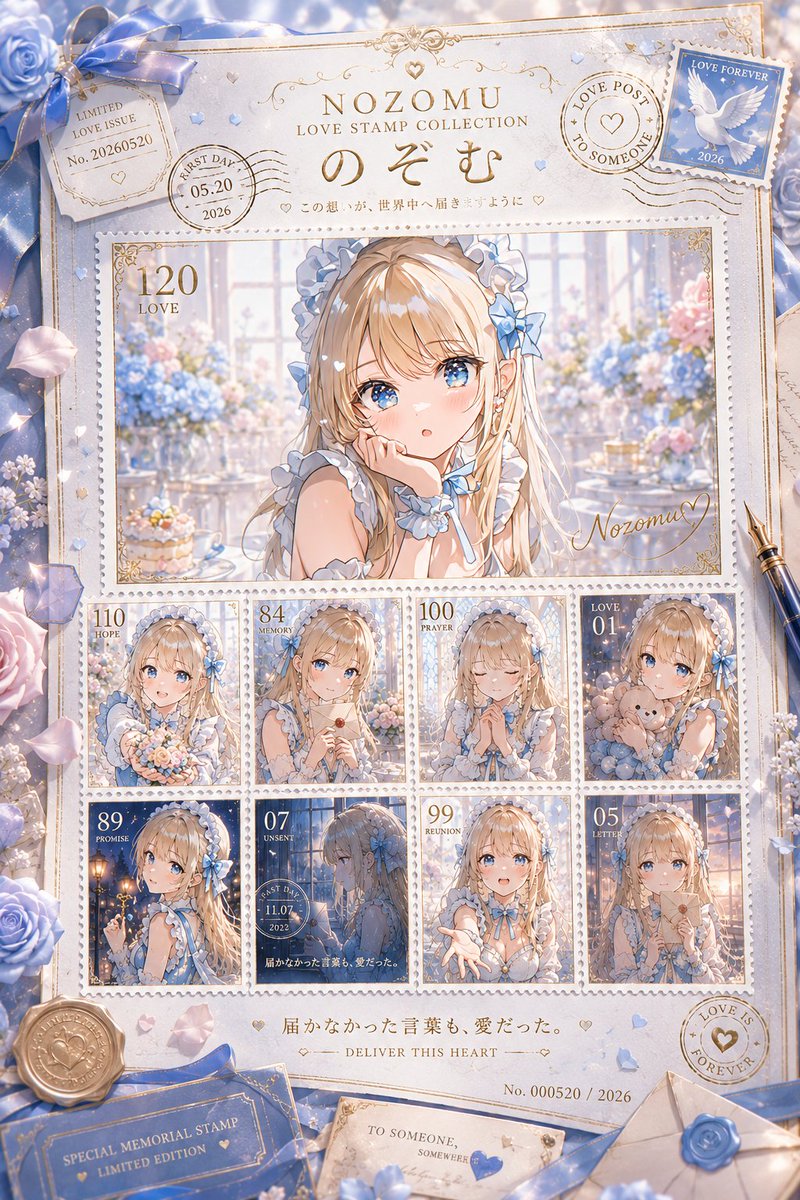
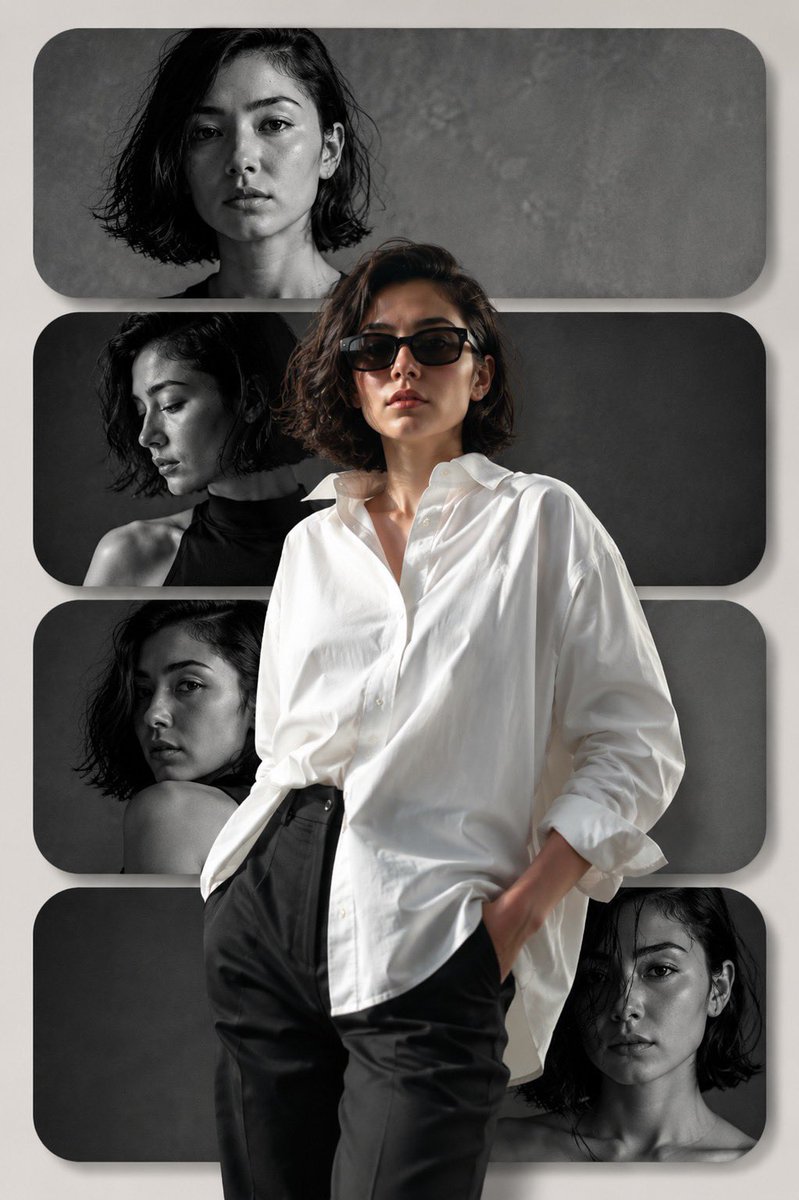
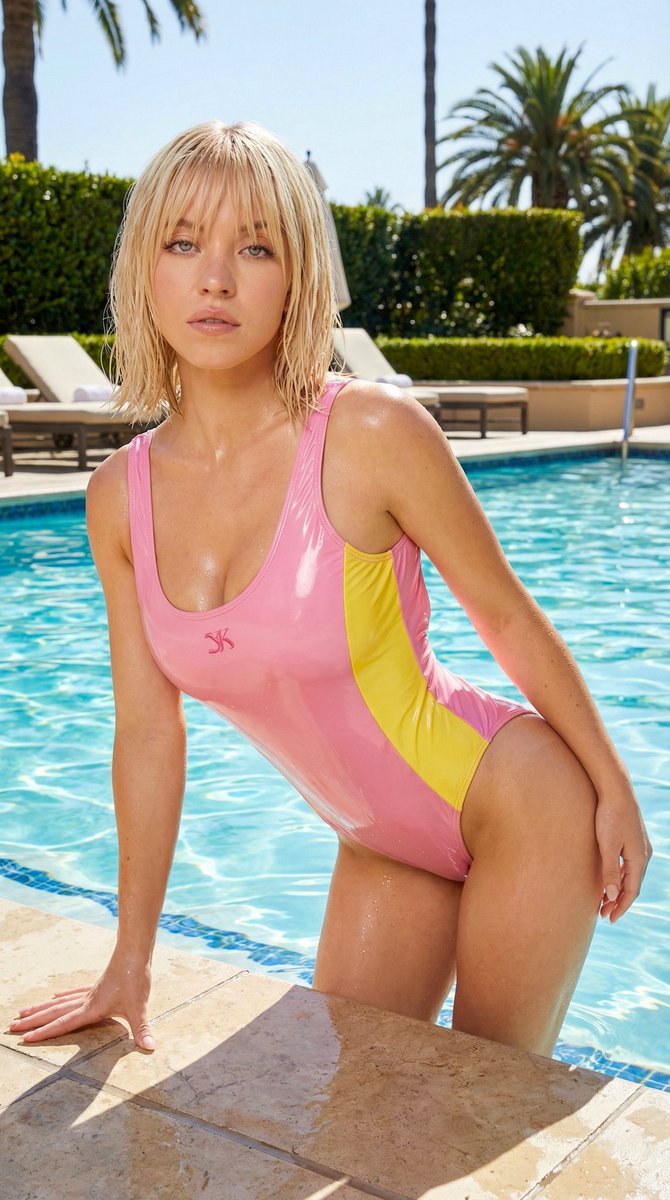
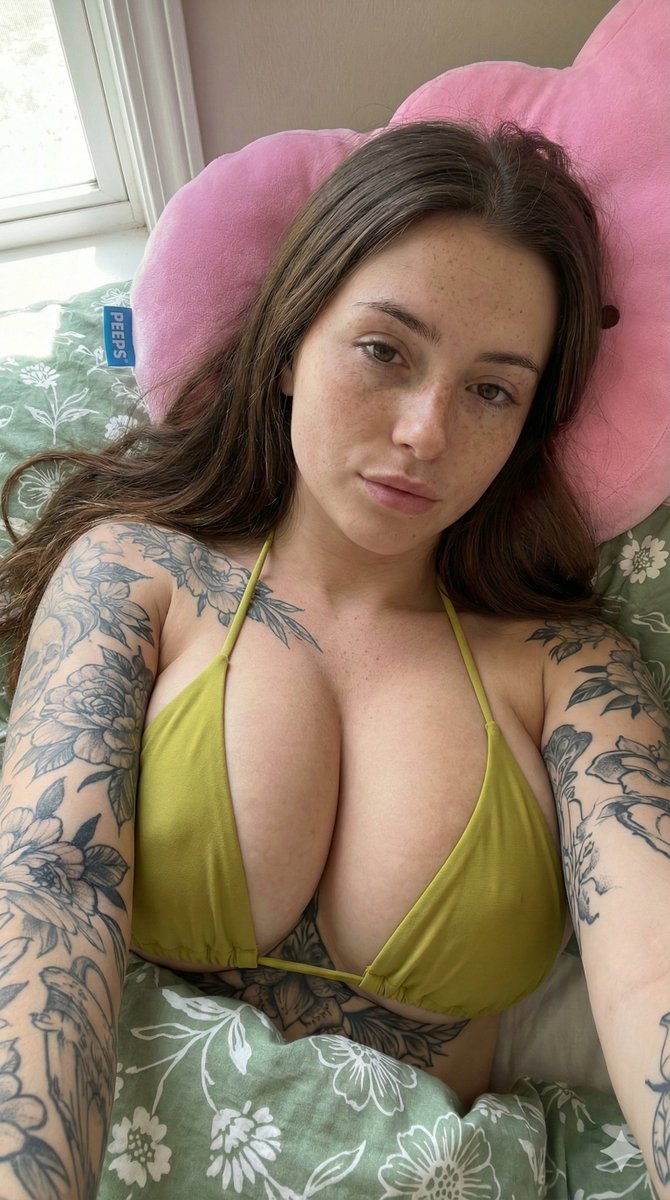
How do I use the LOVE template?
Choose the primary action to open PicX Studio with the available template settings. Review the model and format, personalize the creative direction, and generate when ready.


Use the LOVE AI image template on PicX Studio. Free template, no signup required.
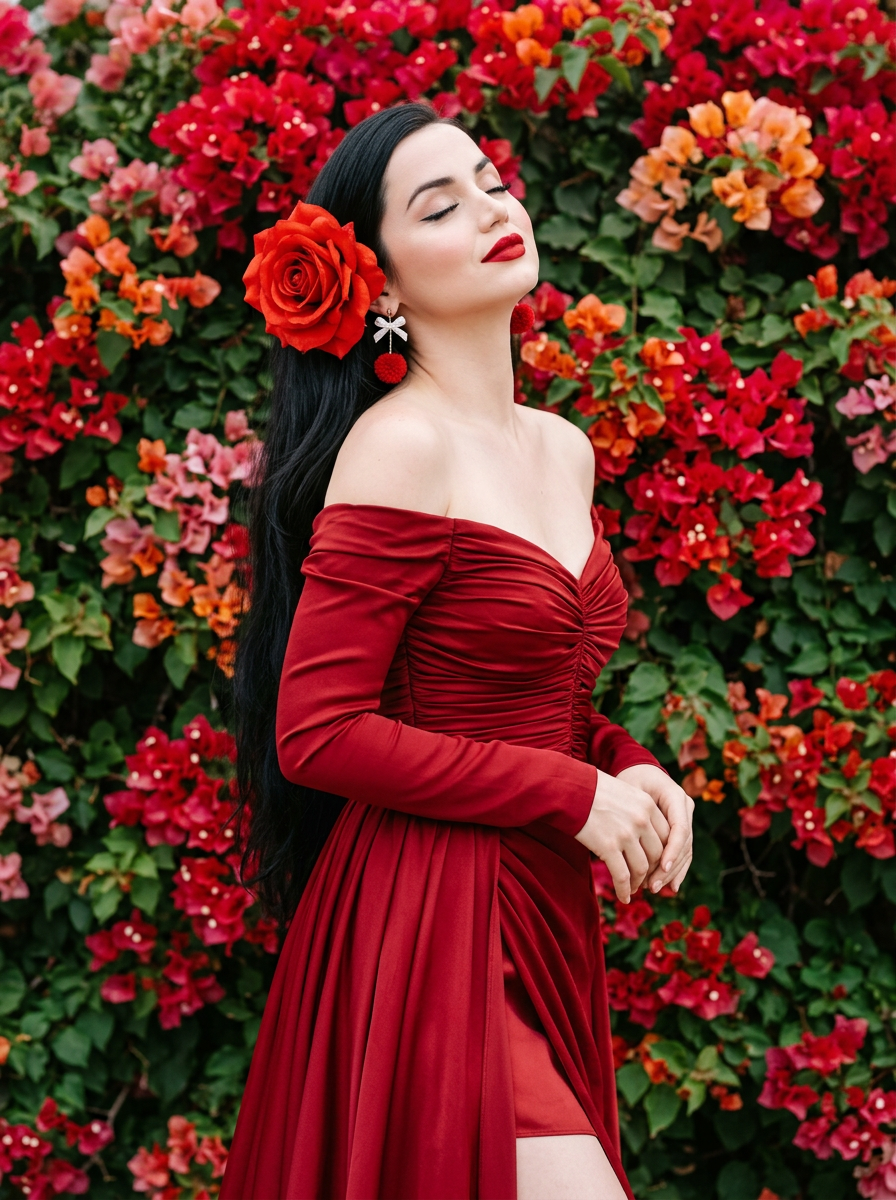
{ "project_configuration": { "version": "2.0", "output_quality": "Ultra-HD 8K", "aspect_ratio": "3:4", "render_engine_hints": [ "Path tracing", "Subsurface scattering", "Physically based rendering (PBR)" ] }, "subject_profile": { "model": "Ana de Armas", "physical_attributes": { "skin": { "texture": "Porcelain", "finish": "Luminous, smooth", "complexion": "Fair/Pale" }, "anatomy": { "eyes": "Closed", "head_angle": "Tilted slightly backward", "expression": "Serene, ethereal, sophisticated" }, "hair": { "color": "Raven black", "texture": "Straight, voluminous, flowing", "length": "Extra-long, cascading down back", "styling": "Elegant, side-parted with floral tuck" } }, "pose_and_gesture": { "overall_stance": "Elegant, statuesque", "hand_positioning": { "left_hand": "Raised near jawline, delicate finger placement", "right_hand": "Raised near temple, soft-touch gesture", "gesture_quality": "Fluid, graceful, high-fashion editorial" } } }, "styling_and_cosmetics": { "apparel": { "primary_garment": "Deep crimson red off-the-shoulder gown", "construction_details": { "sleeves": "Long, ruched fabric, fitted", "bodice": "Sophisticated tailoring", "skirt": "High-thigh side slit", "layering": "Matching red silk underskirt" }, "fabric_physics": { "materials": ["Silk", "Heavy crepe", "Satin"], "behavior": "Soft drapes, rich textural folds" } }, "makeup_artistry": { "palette": "Monochromatic red and soft rose", "lips": "Matte finish, bold crimson red, sharp definition", "eyes": "Subtle feline winged eyeliner, long lashes", "cheeks": "Soft rosy blush, high-placed highlight", "style": "Soft-glam, editorial" }, "accessories": { "ear_jewelry": { "type": "Pom-pom drop earrings", "color": "Vibrant red", "charms": "Tiny white bow detail", "aesthetic": "Elegant whimsicality" }, "hair_jewelry": { "item": "Oversized fabric rose", "color": "Fiery red", "placement": "Behind the left ear" } } }, "environment_and_scenery": { "background_type": "Dense floral installation", "floral_composition": { "species": "Bougainvillea", "primary_colors": ["Fiery red", "Bright orange"], "secondary_colors": ["Hints of pink", "Emerald green leaves"], "density": "Immersive wall, zero negative space, tightly packed" }, "spatial_depth": "Shallow, textured backdrop" }, "cinematography_and_optics": { "camera_settings": { "lens": "35mm prime", "aperture": "f/1.8", "focus_mode": "Eye-level focus, soft fall-off" }, "lighting_design": { "source": "Natural daylight", "quality": "Soft-box effect, diffused sunlight", "highlights": "Gentle skin glow, rim lighting on hair", "shadows": "Soft, high-key transition" }, "post_processing": { "color_grading": "Cinematic, high-saturation reds", "contrast_ratio": "High contrast (Model vs. Shadow)", "vibe": "Dreamy, luxury perfume advertisement" } } }
Use LOVE to plan an AI image around themes such as nb22. Match the preview's composition first, then personalize the subject, setting, and mood for your own project.
Use the primary action to load the template settings in PicX Studio.
Adjust the subject and creative details for your destination.
Create the image, compare the result with the preview, and refine one variable at a time.
A continuous mix — similar concepts first, woven with same-model prompts and fresh picks from the catalog.
Choose the primary action to open PicX Studio with the available template settings. Review the model and format, personalize the creative direction, and generate when ready.
Yes. You can change the subject, setting, lighting, mood, format, and available model controls before creating your image.
This template is free to open and customize. Generation usage is shown in PicX Studio before you create.
Choose a compatible model in PicX Studio based on the style, speed, and output controls your project needs.
A continuous mix — similar concepts first, woven with same-model prompts and fresh picks from the catalog.
Follow a topic to a crawlable collection of related PicX Studio templates.
32,032 public templates available. Verified via the PicX Studio public templates API; refreshed hourly.