
Vintage Love Letter Collage Template
Vintage Love Letter Collage Template is a ready photo look.
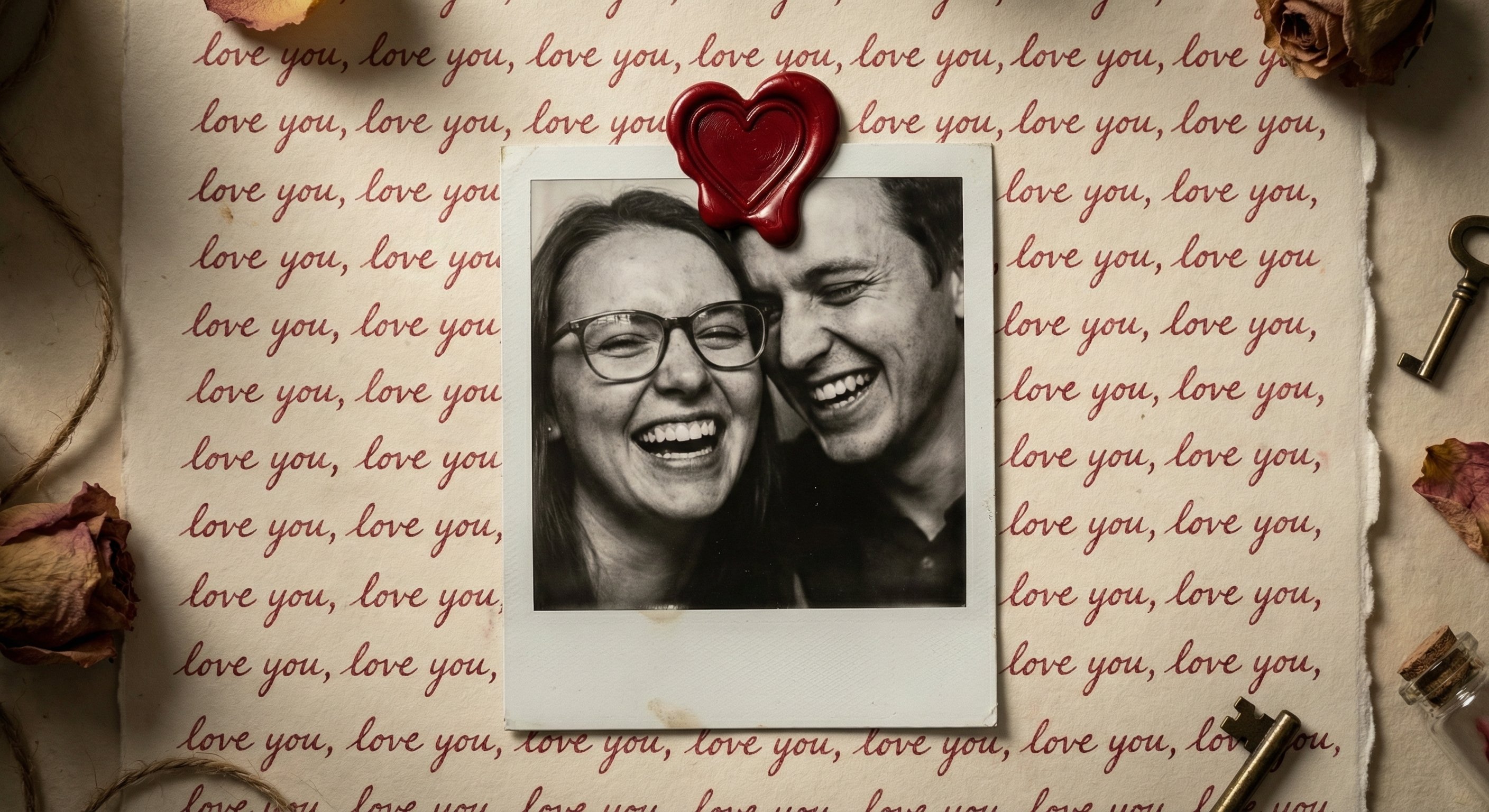
- Prompt included
- Model and format preset
- Premium template
The prompt behind this image
Copy the exact prompt behind Vintage Love Letter Collage Template, or open it in the studio and make it yours.
Romantic handmade Valentine collage with a nostalgic stationery aesthetic. Background: warm off-white textured paper covered in repeating handwritten red ink text reading “love you”, casual cursive handwriting, imperfect spacing, natural ink bleed. Center: a Polaroid-style black-and-white photograph with thick white border, slight paper curl, realistic shadow beneath. Top center: a glossy red heart-shaped wax seal pinning the photo, reflective highlights, melted wax texture. Inside the Polaroid: close-up joyful couple selfie. Woman: must EXACTLY match the girl from the uploaded reference image — take reference from uploaded image. Same glasses, smile, facial proportions, teeth, skin texture, hairline, expression. Man: must be the same man as the original template, unchanged. Emotion: loud laughter, intimate closeness, carefree joy. Image quality: authentic film grain, real photographic contrast, no stylization. Layout, spacing, and proportions must be EXACTLY identical to the original template. NEGATIVE PROMPT AI face smoothing, altered identity, stylized art, illustration, cartoon, painting, digital aesthetic, incorrect handwriting, missing wax seal, modern typography, overexposed highlights, blur, watermark, text overlays, layout deviation
How to use Vintage Love Letter Collage Template in 3 steps
- 1Upload ImagePNG, JPG or paste
Add your photo
Upload the photo the template builds on. The prompt, model and format are already set.
- 2…a portrait of your subject in softgolden-hour light, 85mm…
Personalize
Edit the subject and creative details for your destination.
- 3Generate
Generate
Press Generate — your image is created in PicX Studio, so you can compare it with the original and refine one variable at a time.
More like this
Templates with the same subject, style or setup. Open one to see its prompt.







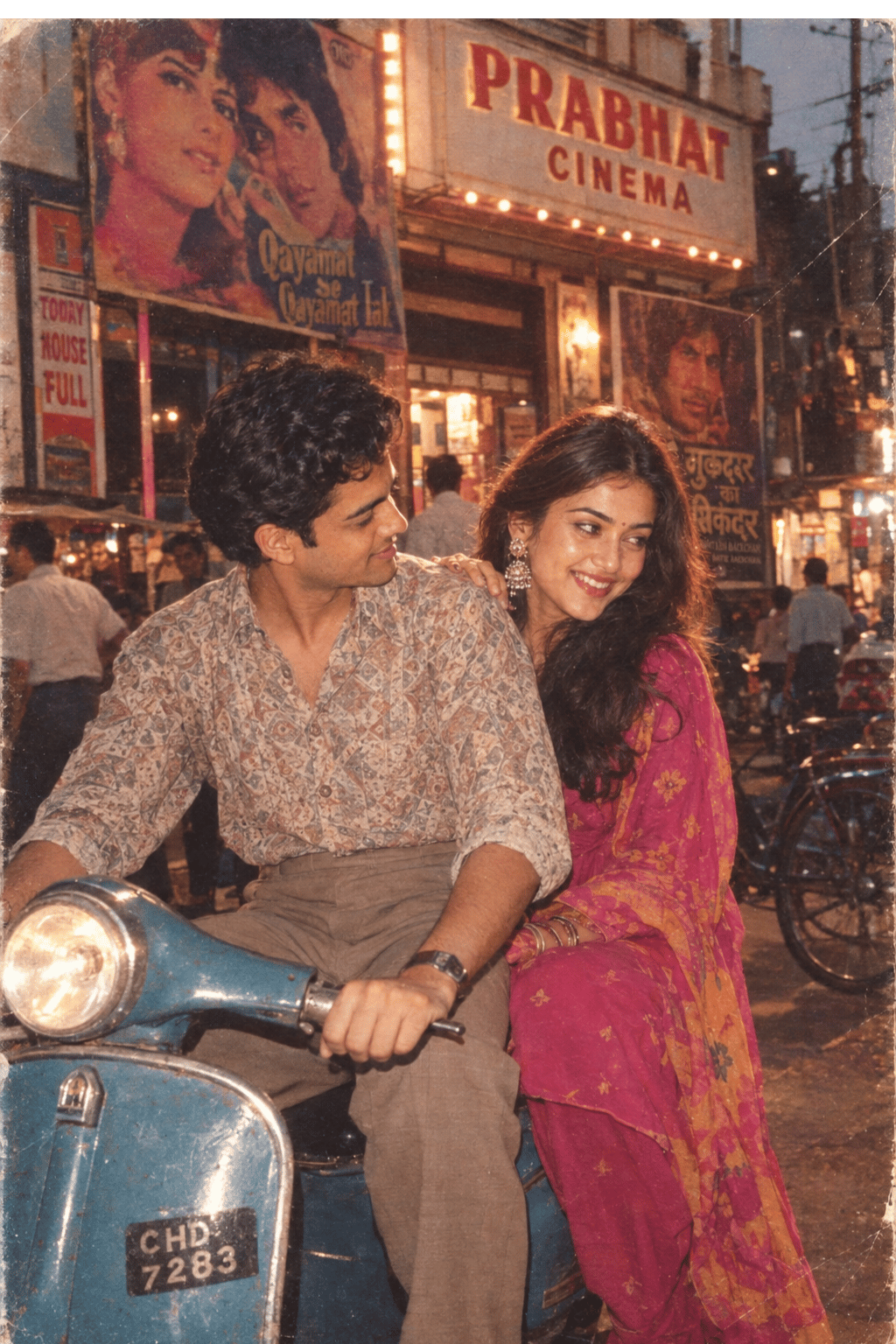

Make it yours
Vintage Love Letter Collage Template works as-is. These are the safest ways to change it without losing the look.
Change one field
Copy a single group, rewrite it, and generate again so you can see what that field is doing.
Keep the frame, change the subject
Hold the composition and light of Vintage Love Letter Collage Template, then swap wardrobe, props or the person for a new take.
| If the result… | Why | Fix |
|---|---|---|
| The result drifts from the preview | Too many fields changed at once. | Reuse Vintage Love Letter Collage Template as-is first, then change one group — subject, light, or setting. |
| The model over-stylizes the scene | The prose prompt leaves finish and camera underspecified. | Add one camera or lighting sentence and stay on PicX Studio. |
More image prompts
Fresh picks from across the catalog.
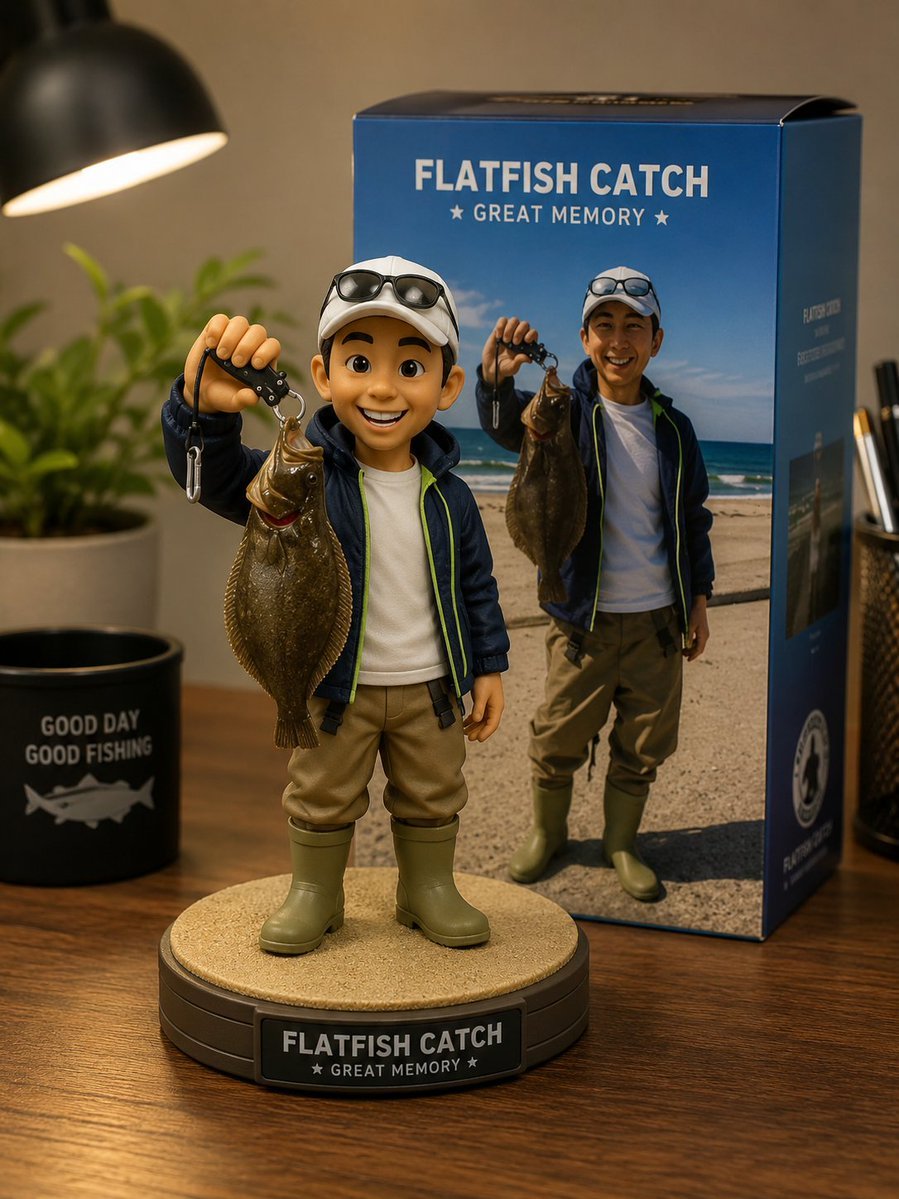
Toy Figure Character Transformation
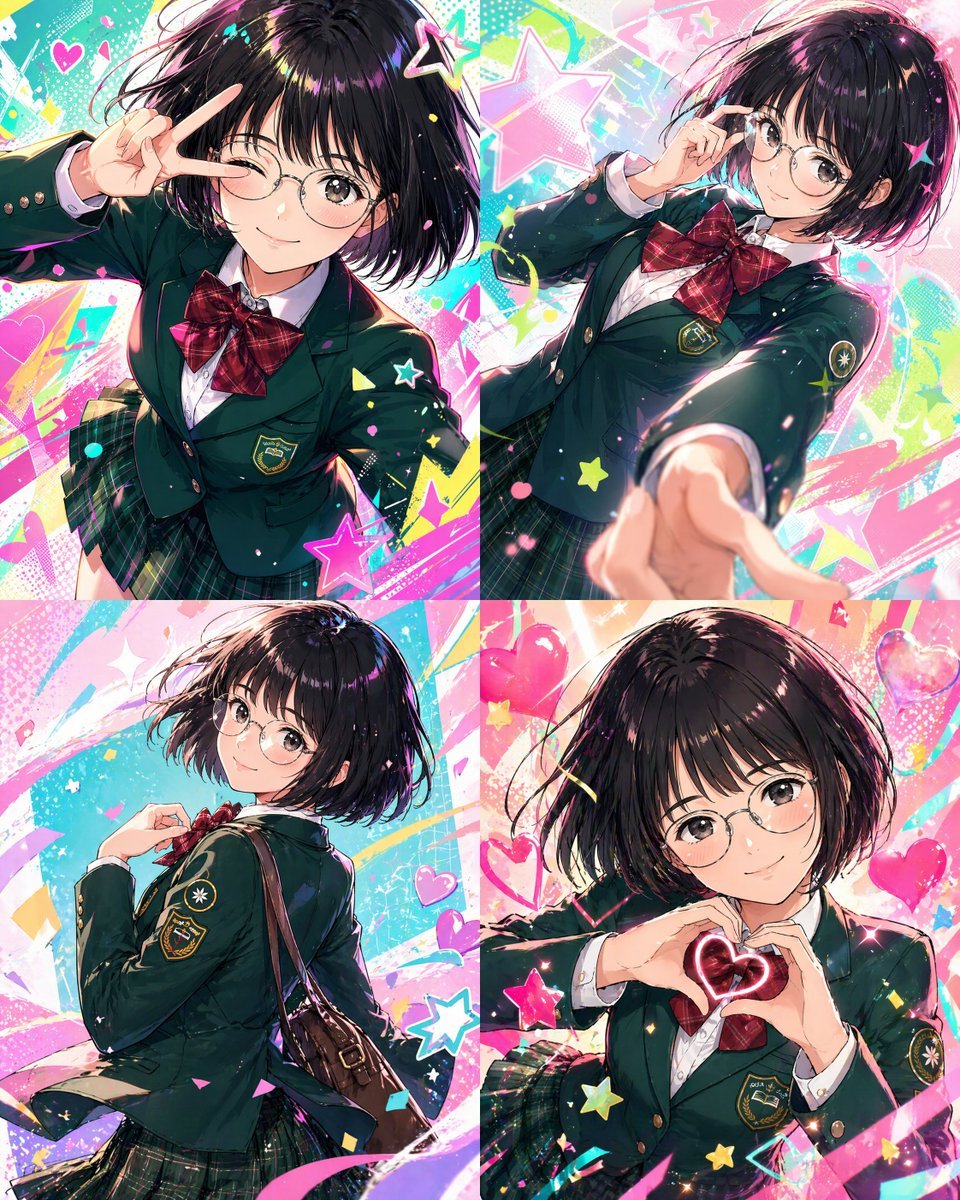
Character color and style adjustment
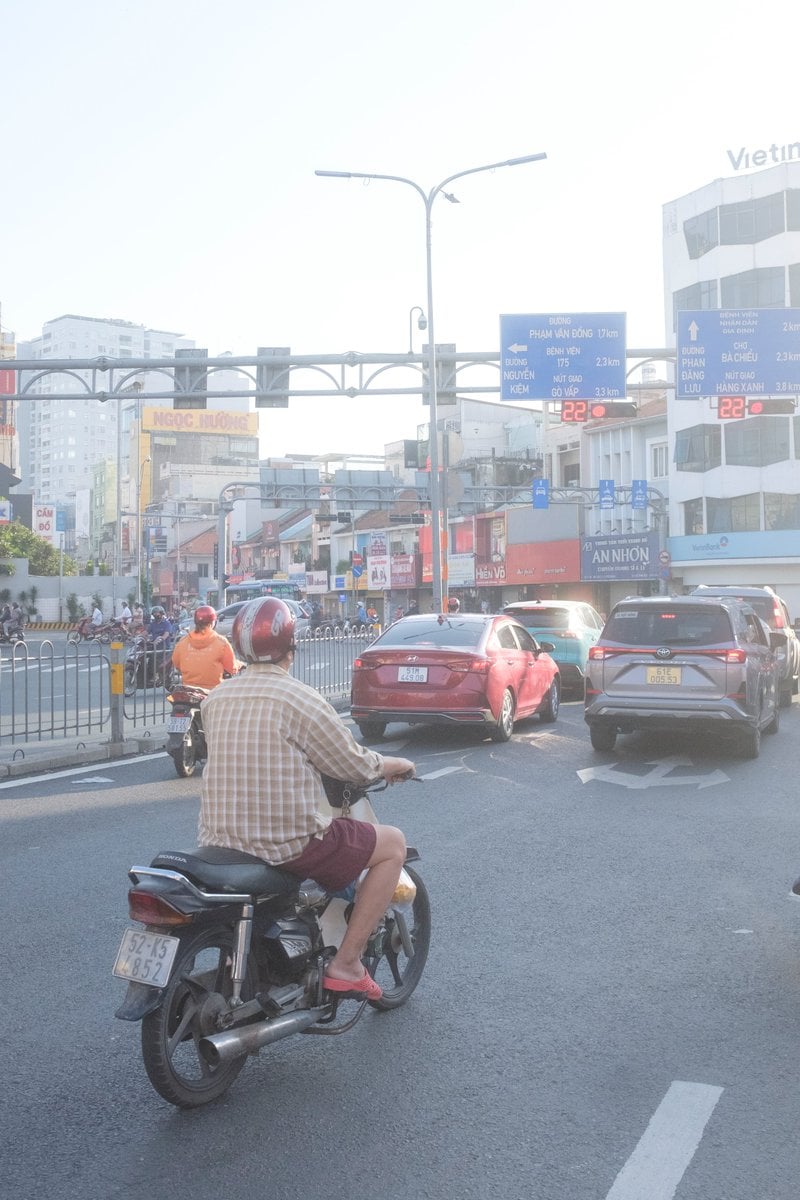
Edit city photo into rainy scene with Vietnamese bikers
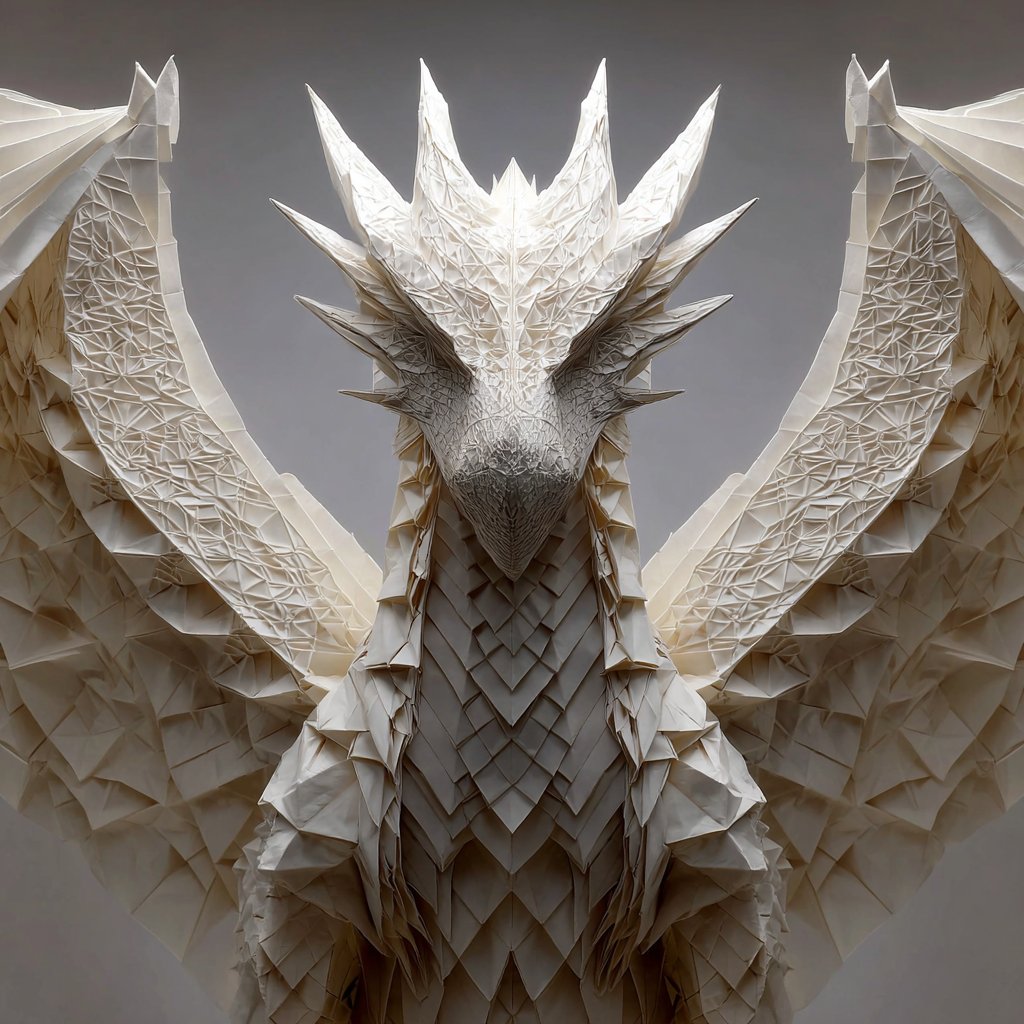
Origami-style step-by-step folding instructions
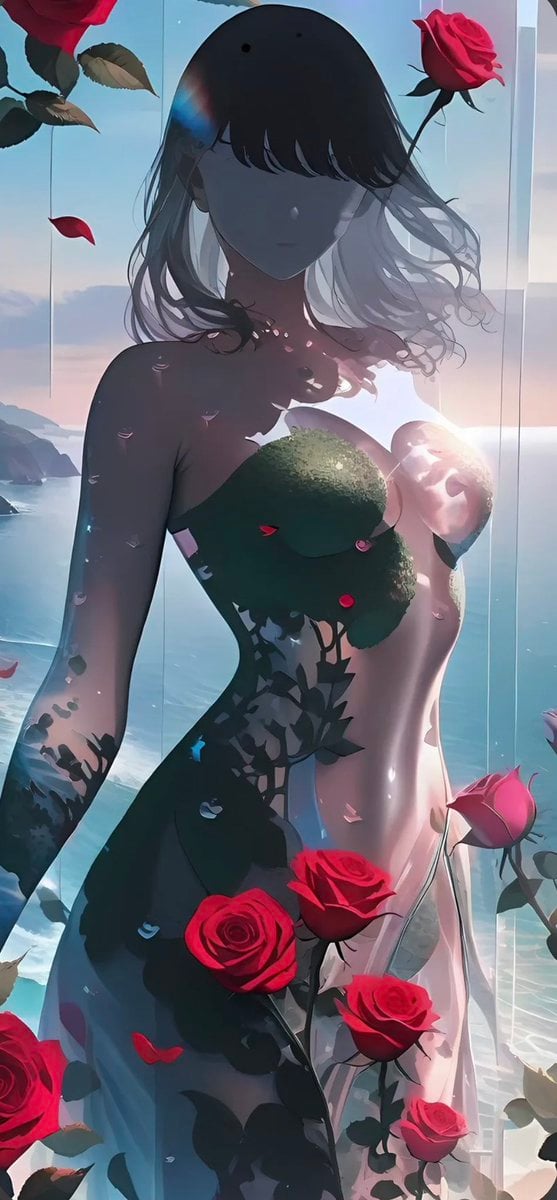
Rose Spirit Ocean Manhwa Portrait
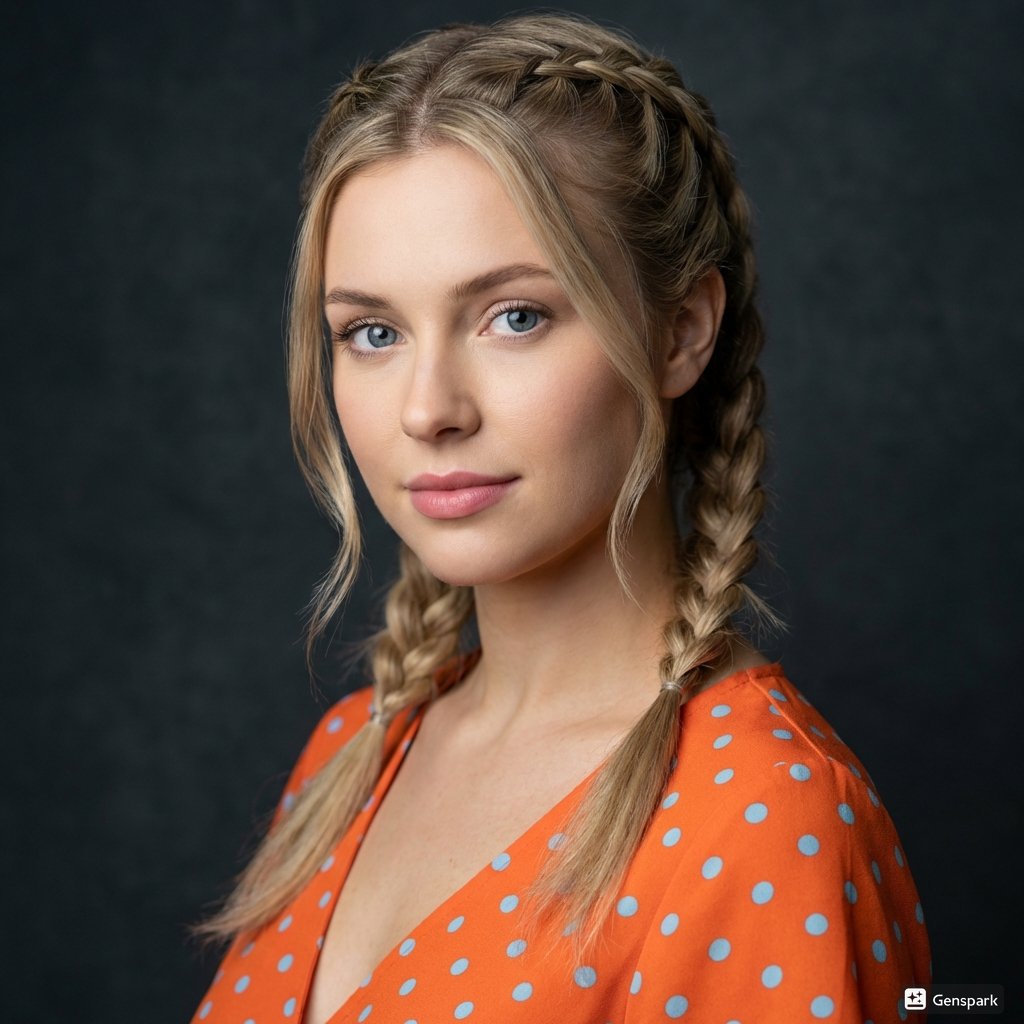
Cinematic Portrait of Woman with Braids
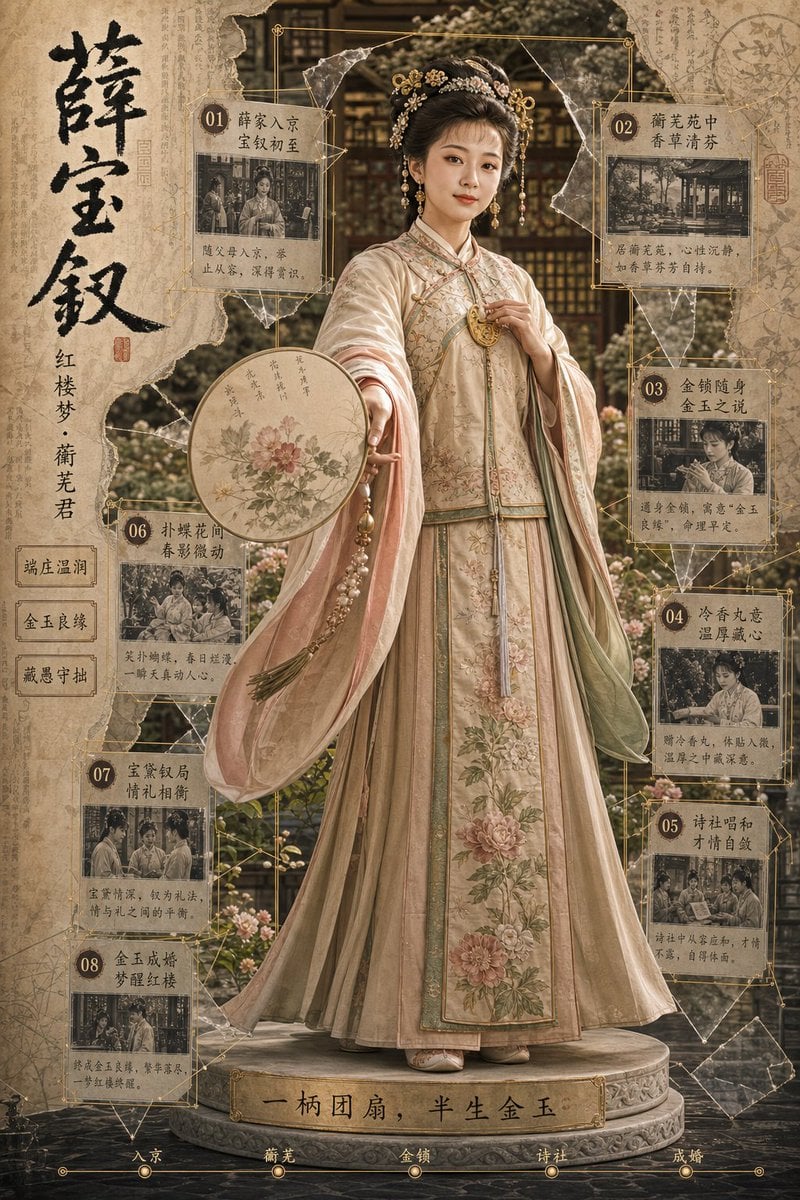
Antique Chinese Noblewoman Poster
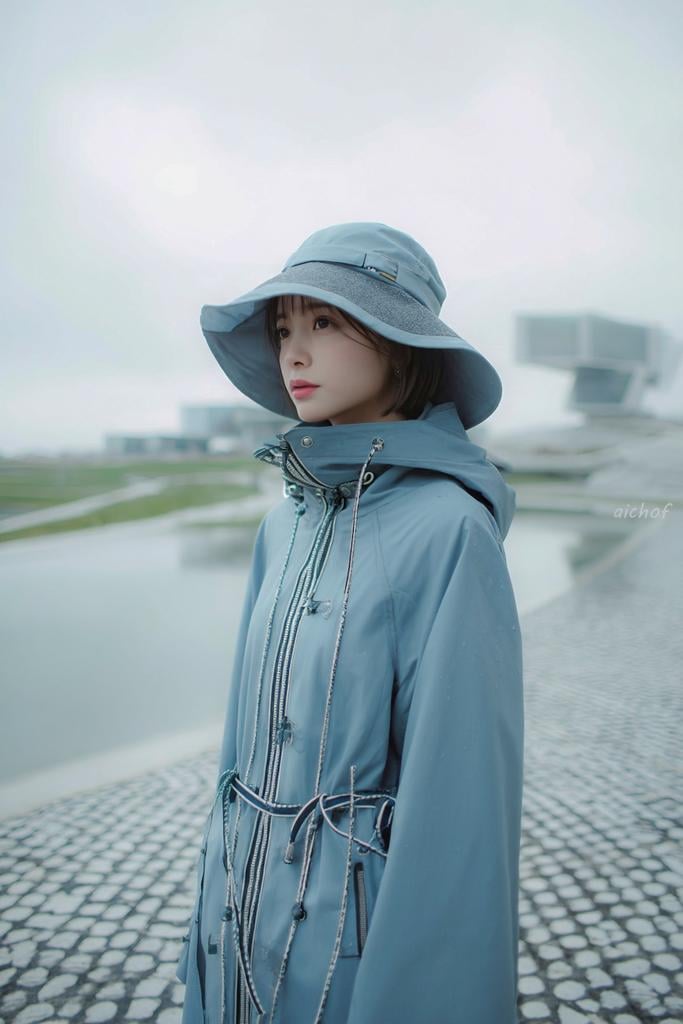
Rainy Blue Editorial Portrait
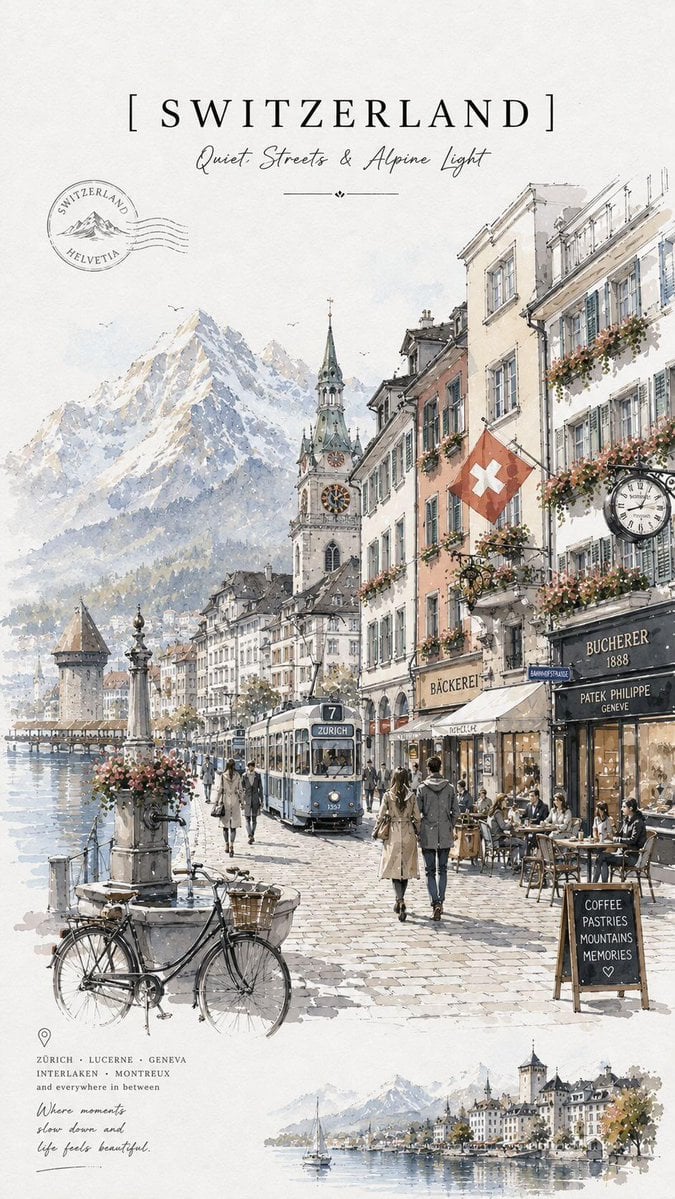
Vintage Watercolor Travel Posters
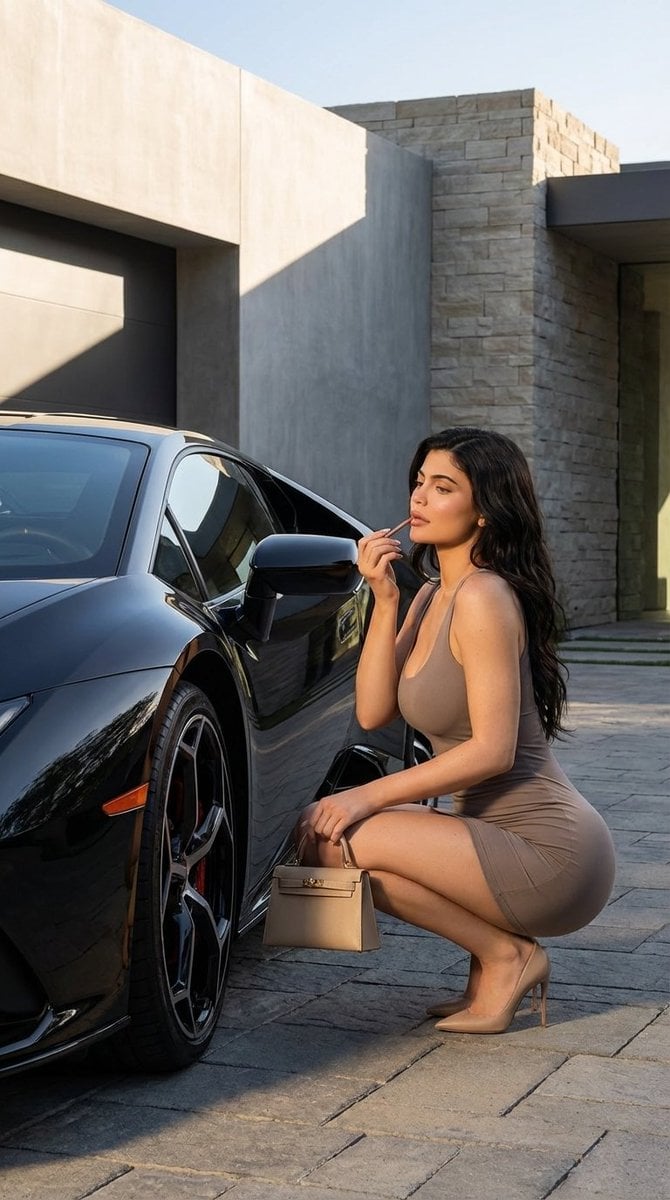
Luxury Photoshoot Prompt with Sports Car and Face Preservation
Browse template categories
Vintage Love Letter Collage Template questions
How do I use the Vintage Love Letter Collage Template template?
Add your photo if the template asks for one, edit the prompt if you like — the template's model and format are already selected — and press Generate. Your version opens in PicX Studio.
Can I customize the Vintage Love Letter Collage Template template?
Yes. You can change the subject, setting, lighting, mood, format, and available model controls before creating your image.
Is the Vintage Love Letter Collage Template template free?
Opening and editing this template is free. Generating uses credits, shown on the Generate button when you are signed in.
Which AI model should I use?
Choose a compatible model in PicX Studio based on the style, speed, and output controls your project needs.
Looking for something else? Browse all templates.

Your photo, any look
Thousands of ready templates for every top image and video model, from one credit balance.