
JSON Prompt for High-Fashion Editorial Portrait in Crimson Suit
A highly detailed JSON prompt for Gemini Nano Banana Pro, requesting an ultra-realistic high-fashion editorial shot of a woman (identity matched from reference) in a crimson/burgundy oversized wool suit, featuring a…
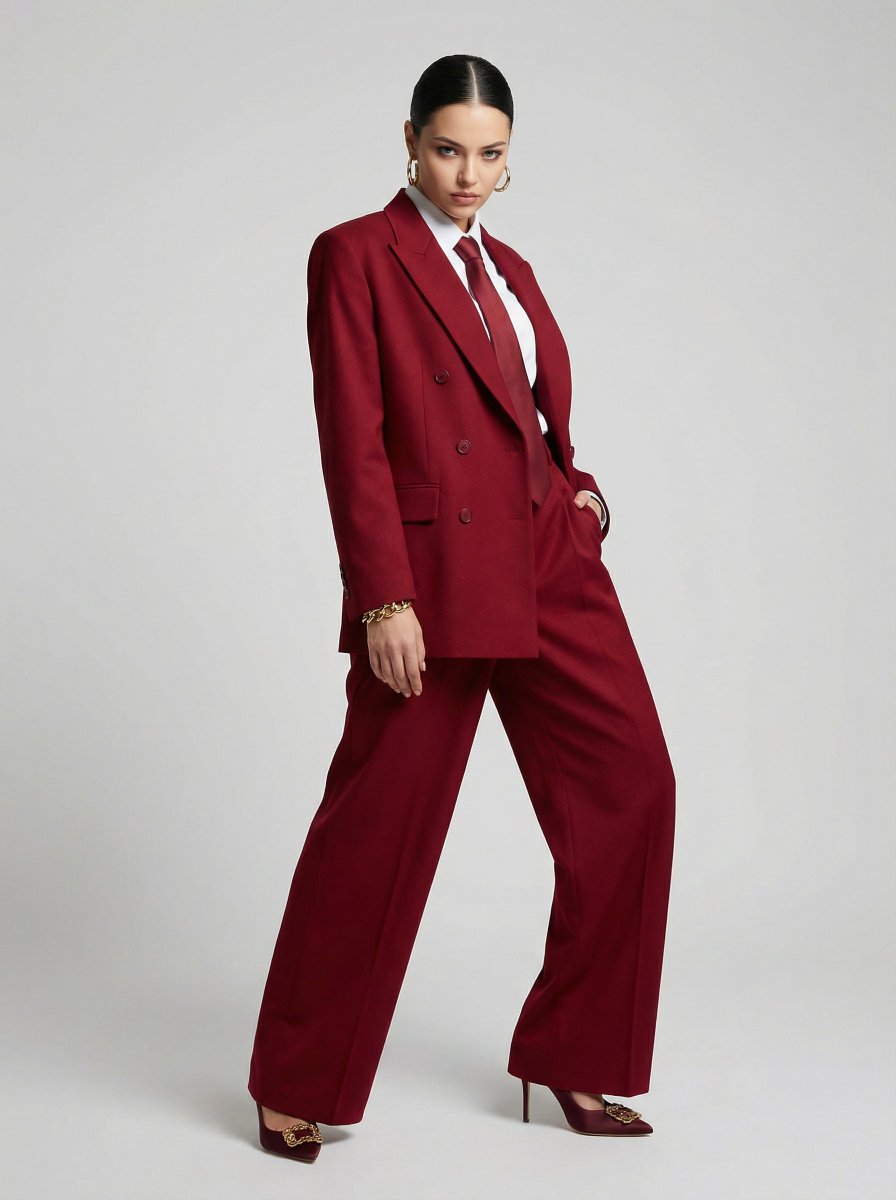
- Prompt included
- Model and format preset
- Premium template
The prompt behind this image
Copy the exact prompt behind JSON Prompt for High-Fashion Editorial Portrait in Crimson Suit, or open it in the studio and make it yours.
{ "subject": { "identity_reference": "uploaded face reference", "identity_accuracy": "100% match in facial structure, eyes, lips, nose, jawline, hairline, natural skin texture; do not alter identity", "age_range": "adult woman", "pose": { "body_orientation": "standing, torso twisted, body turned at sharp angle", "shoulders": { "front_shoulder": "thrust forward prominently toward camera", "rear_shoulder": "pulled back" }, "head": { "tilt": "chin down, head slightly lowered", "gaze": "eyes looking up from under brows, predatory intense gaze" }, "arms": "hanging naturally or one hand in pocket", "hands": "bare, realistic fingers" }, "expression": "fierce, predatory, intense, theatrical, smoldering gaze", "hair": "tight sleek bun" }, "wardrobe": { "suit": { "blazer": { "color": "deep cherry red / burgundy", "fit": "oversized, exaggerated dropped-shoulder, structured broad shoulders, sharp shoulder pads, mid-thigh length", "front": "double-breasted, wide peak lapels, slightly boxy silhouette, sleeves slightly long" }, "trousers": { "style": "high-waisted, ultra-wide-leg, deep front pleats, long hem pooling over heels" }, "fabric": { "material": "premium heavy wool gabardine / wool twill", "texture": "dense, matte, slightly dry, visible diagonal twill weave, subtle creases, realistic drape", "finish": "no shine, no polyester look" } }, "shirt": { "color": "crisp white poplin", "collar": "stiff, clean texture" }, "tie": { "color": "deep cherry red", "material": "matte silk twill" }, "accessories": { "earrings": "large gold hoop", "bracelet": "chunky gold on bare wrist" }, "shoes": { "color": "burgundy", "style": "stiletto heels with ornate gold buckles" } }, "environment": { "background": "seamless light-grey studio cyclorama", "studio": "clean, minimal, no props" }, "camera": { "equipment": "Phase One XF, Schneider Kreuznach 80mm f/2.8 LS", "settings": { "aperture": "f/8", "ISO": 100, "shutter_speed": "1/160s" }, "perspective": "vertical 3:4 full-body medium-to-long shot", "focus": "tack sharp face and fabric details" }, "lighting": { "type": "soft diffused butterfly lighting", "fill": "subtle studio fill", "effect": "high-fashion clean illumination, emphasizes texture and drape" }, "composition": { "framing": "full body, dramatic diagonal lines from torso twist, exaggerated theatrical stance", "balance": "centered subject with high-fashion editorial energy" }, "aesthetic": { "style": "ultra-realistic high-fashion editorial", "mood": "theatrical, fierce, hunter energy, intense predatory attitude", "color_palette": ["deep " } }
How to use JSON Prompt for High-Fashion Editorial Portrait in Crimson Suit in 3 steps
- 1Upload ImagePNG, JPG or paste
Add your photo
Upload the photo the template builds on. The prompt, model and format are already set.
- 2…a portrait of your subject in softgolden-hour light, 85mm…
Personalize
Edit the subject and creative details for your destination.
- 3Generate
Generate
Press Generate — your image is created in PicX Studio, so you can compare it with the original and refine one variable at a time.
More like this
Templates with the same subject, style or setup. Open one to see its prompt.

Caution Tape Fashion — Industrial Editorial

Couture Fashion Editorial Woman and Drag

Nano Banana 2 Editorial Fashion Portrait
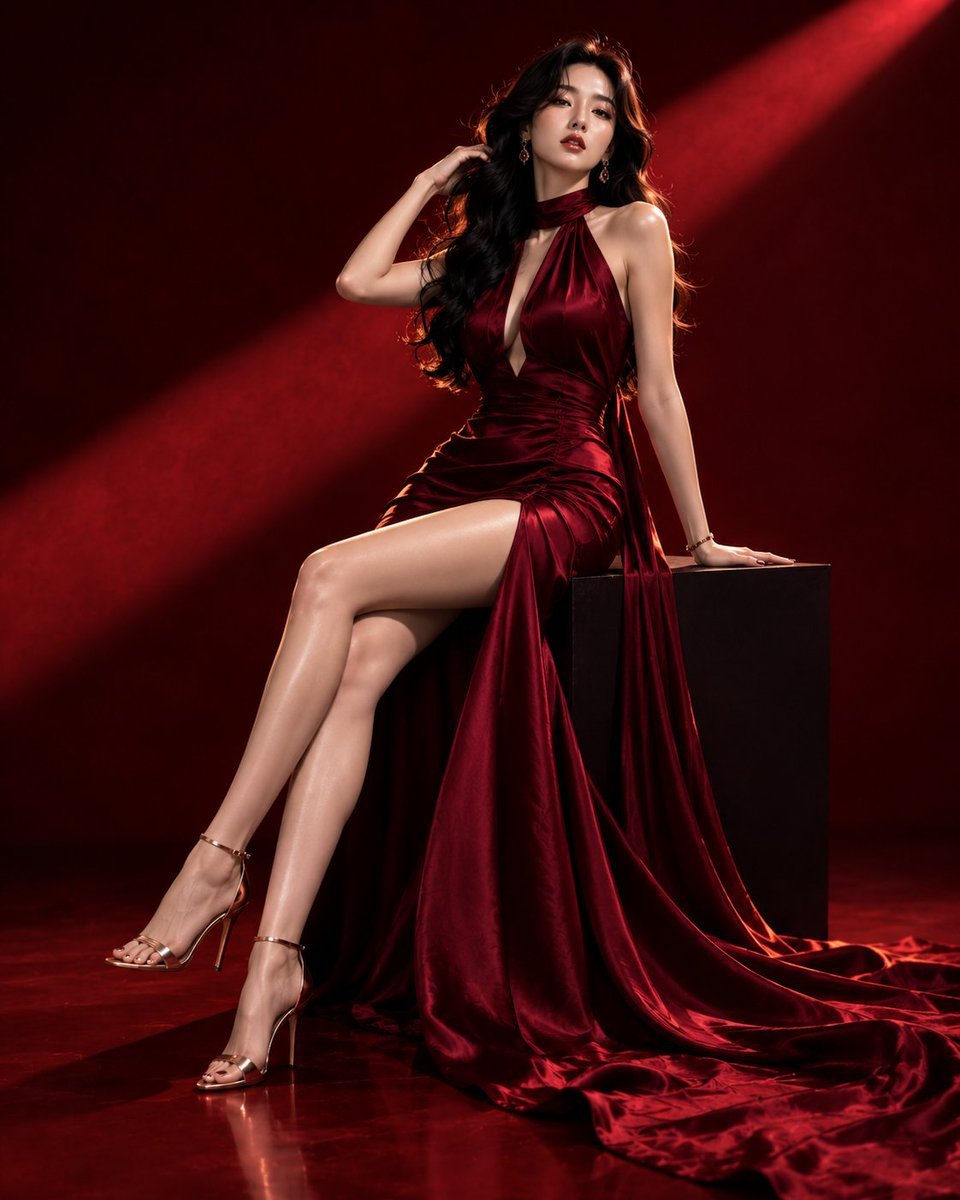
Luxury Crimson Fashion Editorial Portrait

untitled

Nano Banana 2 High Fashion Sports Campai

Ive Yujin Fashion Portrait in Blue

21 Glass Floor Skyscraper — California Series

19 Luxury Helicopter Travel — California Series

08 Rodeo Drive Luxury Exit — California Series

03 Beverly Hills Convertible — California Series

Nano Banana - Paris Cafe Editorial
Make it yours
JSON Prompt for High-Fashion Editorial Portrait in Crimson Suit works as-is. These are the safest ways to change it without losing the look.
Change one field
Copy a single group, rewrite it, and generate again so you can see what that field is doing.
Keep the frame, change the subject
Hold the composition and light of JSON Prompt for High-Fashion Editorial Portrait in Crimson Suit, then swap wardrobe, props or the person for a new take.
| If the result… | Why | Fix |
|---|---|---|
| The result drifts from the preview | Too many fields changed at once. | Reuse JSON Prompt for High-Fashion Editorial Portrait in Crimson Suit as-is first, then change one group — subject, light, or setting. |
| The model over-stylizes the scene | The prose prompt leaves finish and camera underspecified. | Add one camera or lighting sentence and stay on Nano Banana 2. |
More Nano Banana 2 templates
Other prompts made for Nano Banana 2.

Photorealistic Leaf Shaped Like a Dragon

K-Pop Idol Portrait Grid for Rapid Selection

Poetic Rain Forest Portrait During Golden Hour

Urban Street Portrait with Cartoon Inner Self Duo

Candid Nighttime Photo with Cat Prompt

High-Concept 3D Diorama Generation Prompt

Cinematic Futuristic Studio Portrait Template

Skincare Editorial Photography Collage Prompt

Hyper-Realistic Commercial Product Photography (Splash Effect)

Hyper-Realistic Nightclub Portrait Prompt
More image prompts
Fresh picks from across the catalog.
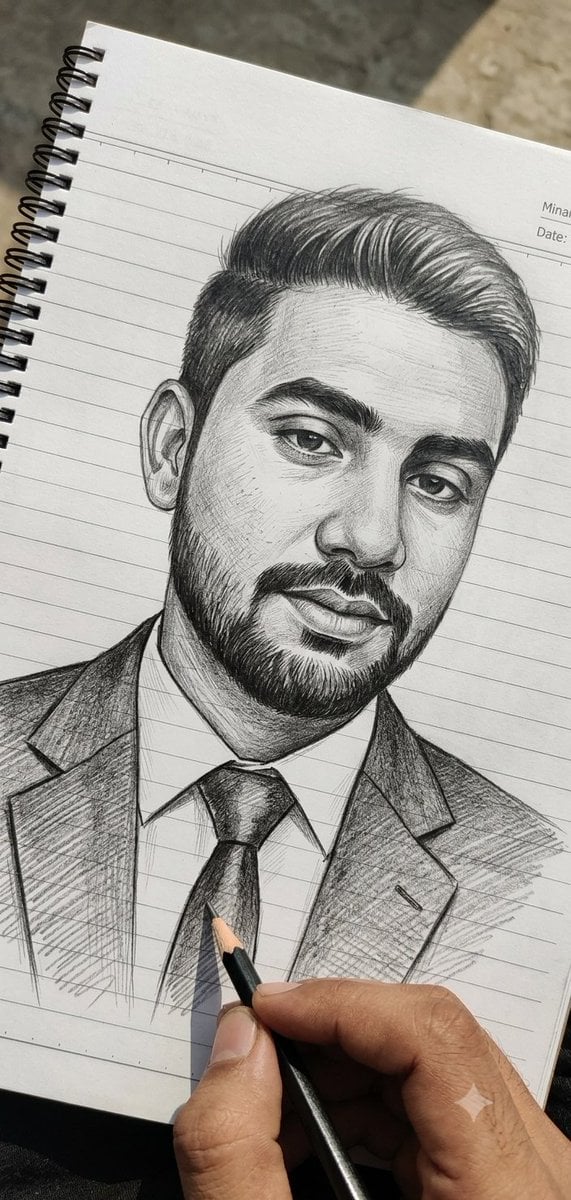
Hand-Drawn Pencil Sketch Portrait
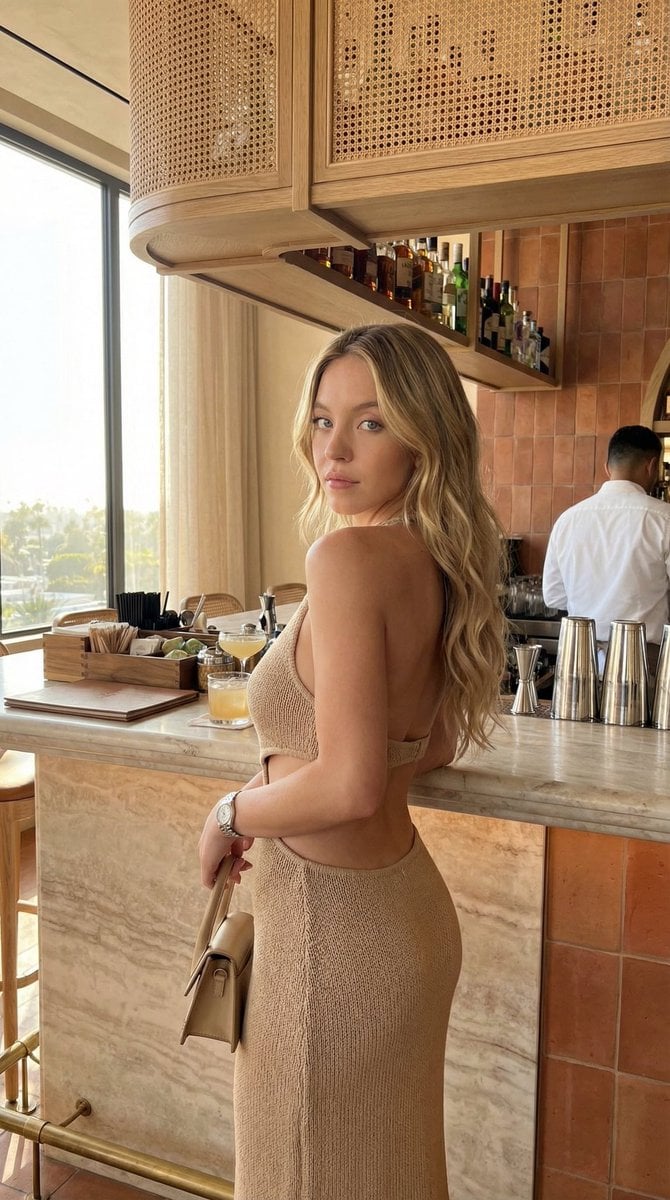
Chic Bar Lifestyle Photography Prompt
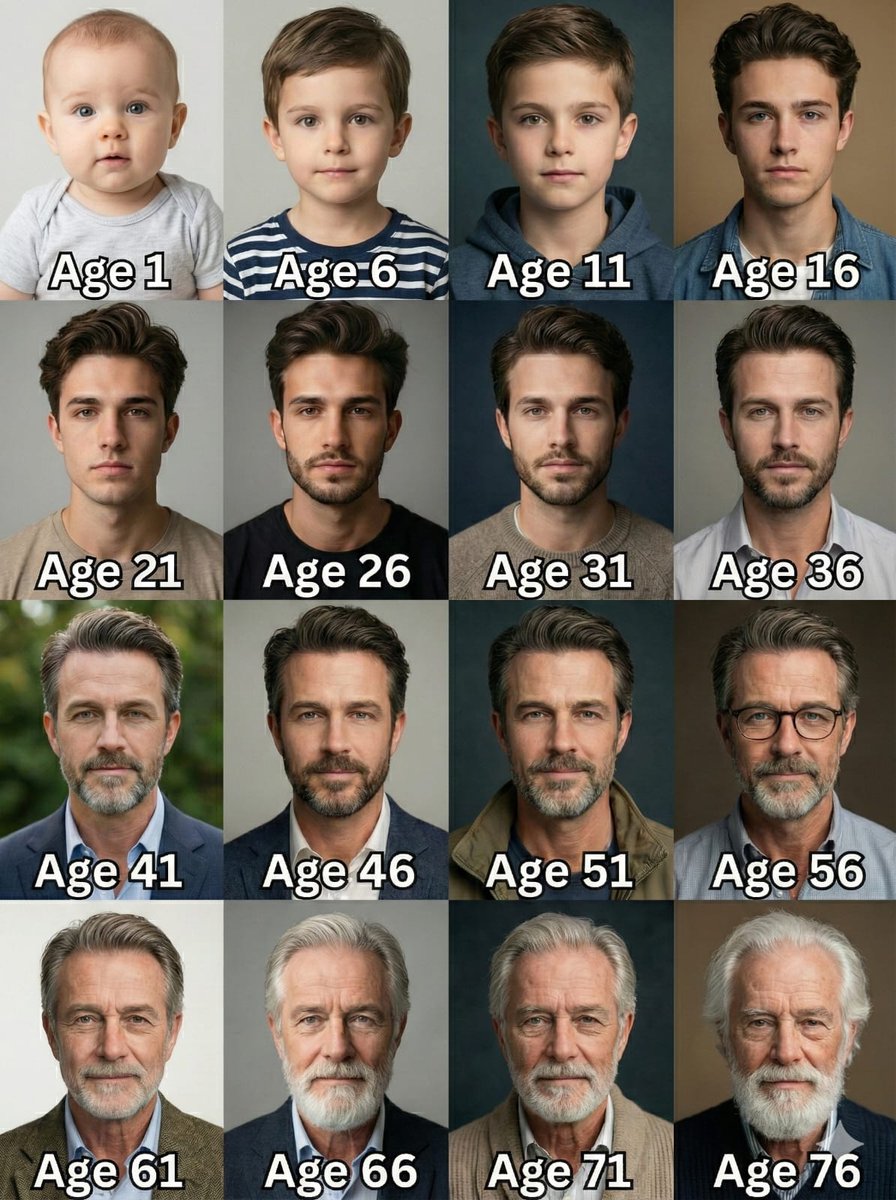
Age Progression Grid Prompt
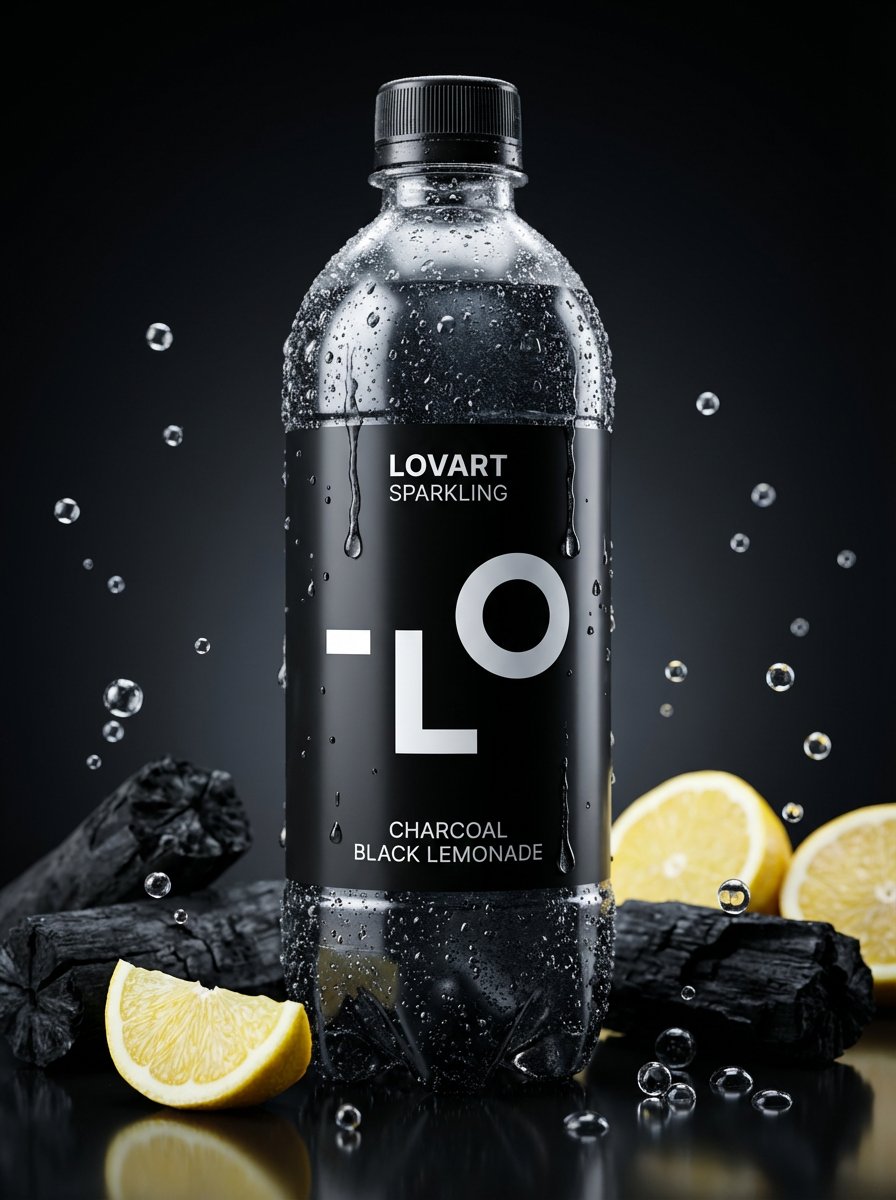
Image-to-Beverage Mockup Conversion
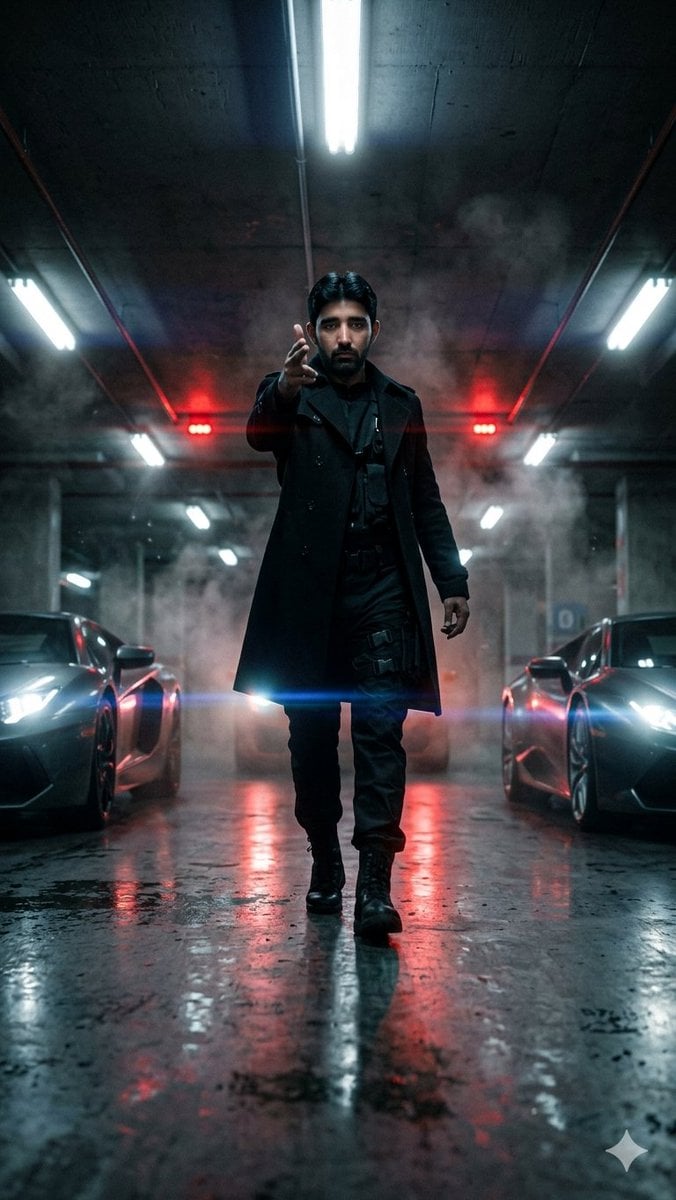
Cinematic Parking Garage Walk

Candid Bird Contest Meme Photo
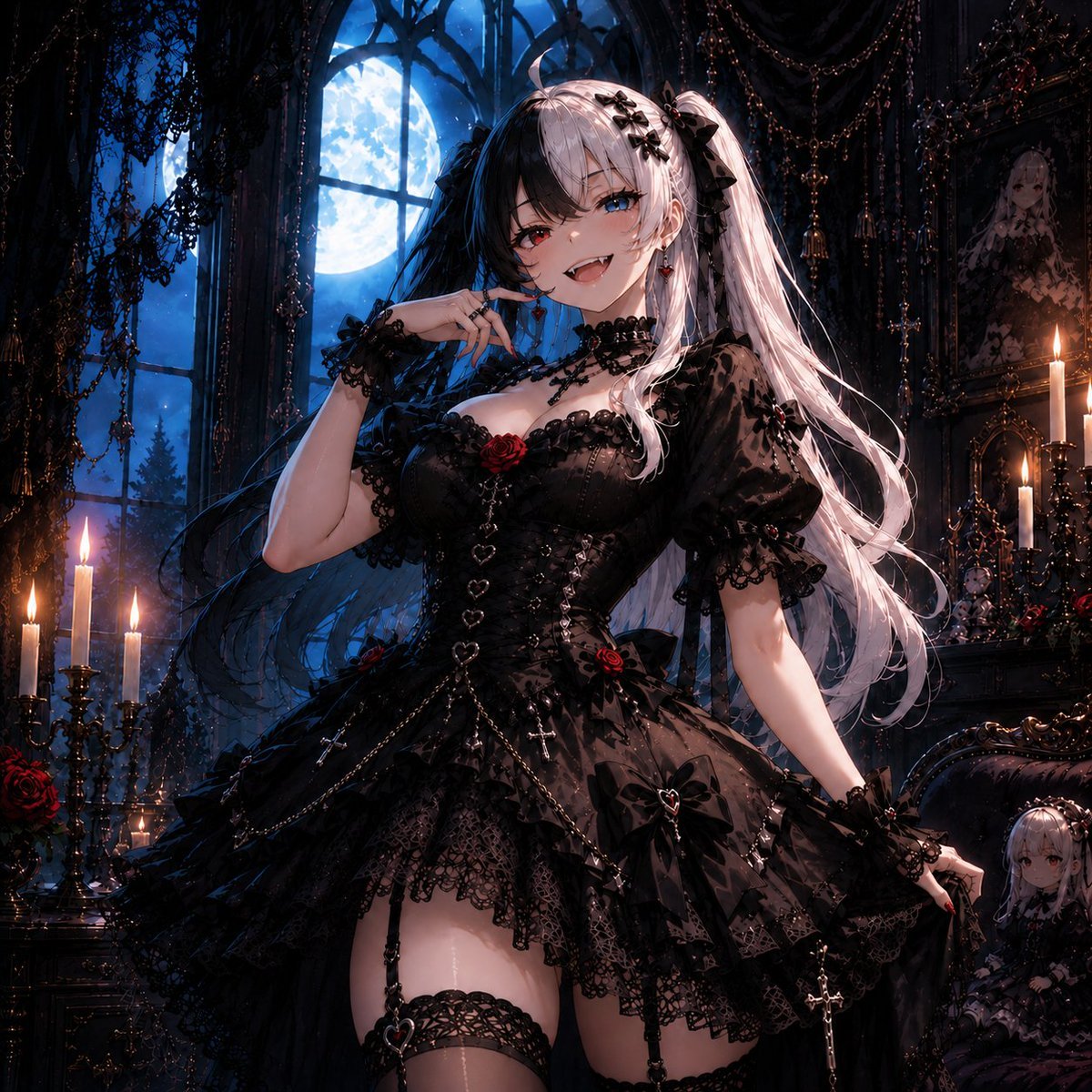
Feisty Gothic Lolita Girl
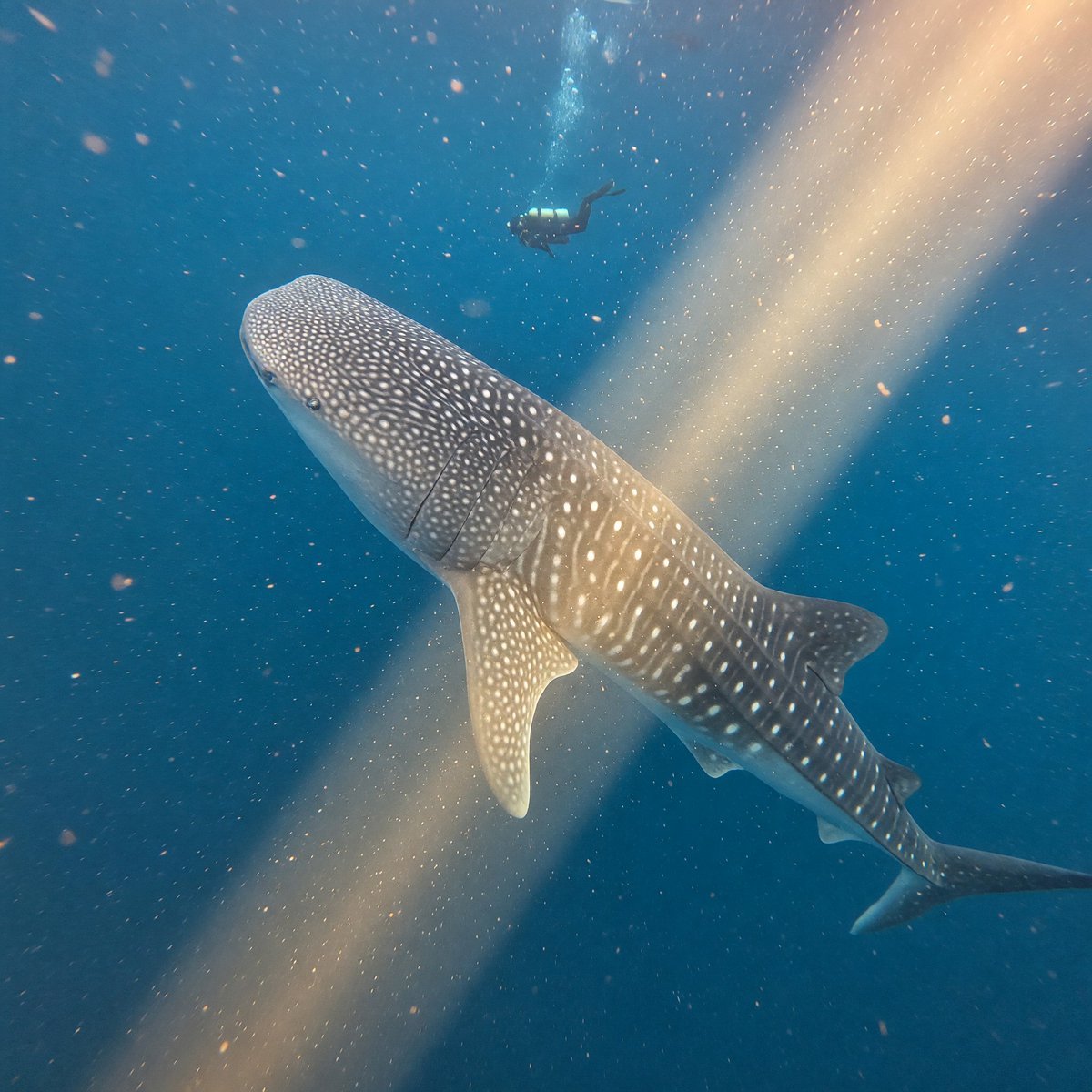
Whale Shark in Sunbeam
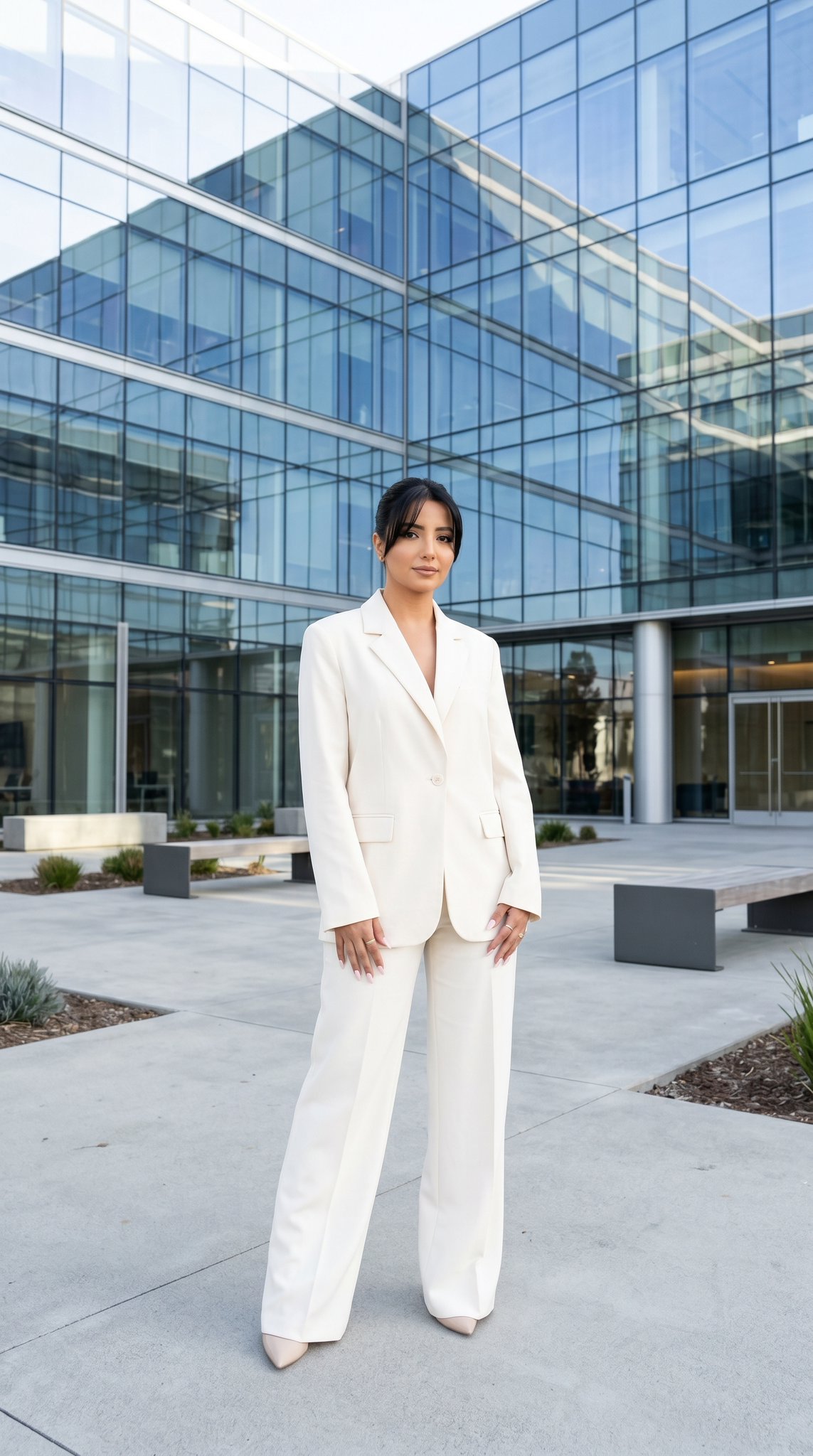
10 Modern Glass HQ Building — California Series
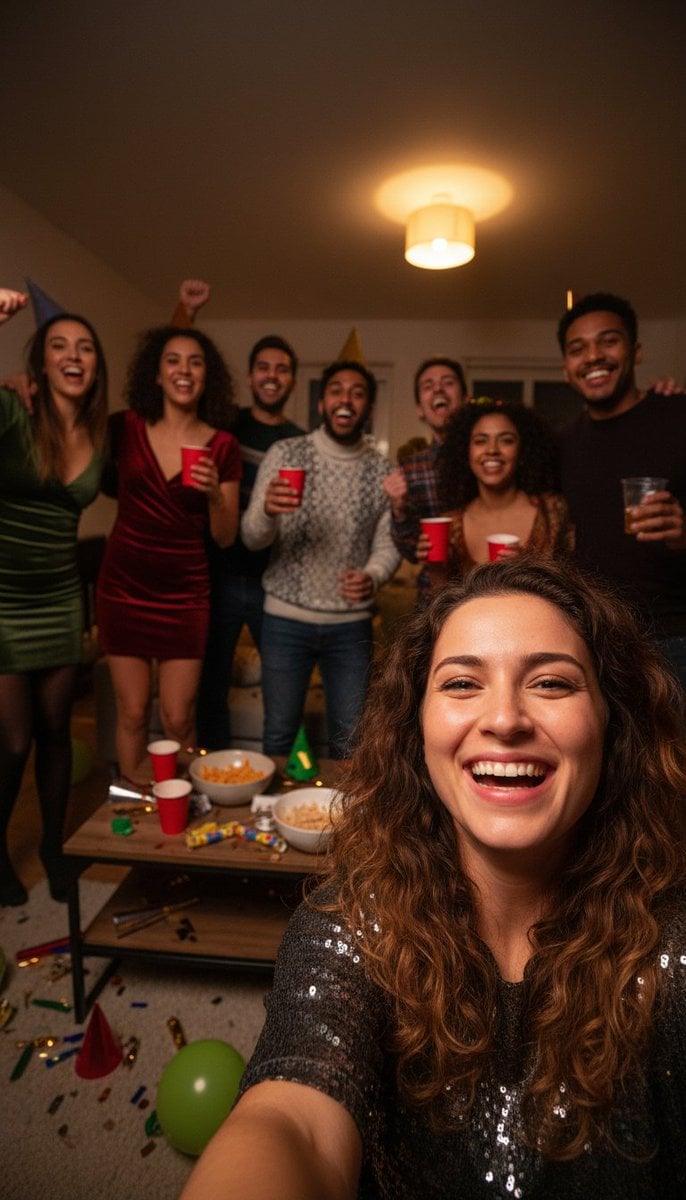
Realistic Group Selfie with Smartphone Flash Effect
Browse template categories
JSON Prompt for High-Fashion Editorial Portrait in Crimson Suit questions
How do I use the JSON Prompt for High-Fashion Editorial Portrait in Crimson Suit template?
Add your photo if the template asks for one, edit the prompt if you like — the template's model and format are already selected — and press Generate. Your version opens in PicX Studio.
Can I customize the JSON Prompt for High-Fashion Editorial Portrait in Crimson Suit template?
Yes. You can change the subject, setting, lighting, mood, format, and available model controls before creating your image.
Is the JSON Prompt for High-Fashion Editorial Portrait in Crimson Suit template free?
Opening and editing this template is free. Generating uses credits, shown on the Generate button when you are signed in.
Which AI model should I use?
Start with Nano Banana 2, which is the model associated with this template. You can compare another compatible model for a different finish.
Looking for something else? Browse all templates.

Your photo, any look
Thousands of ready templates for every top image and video model, from one credit balance.