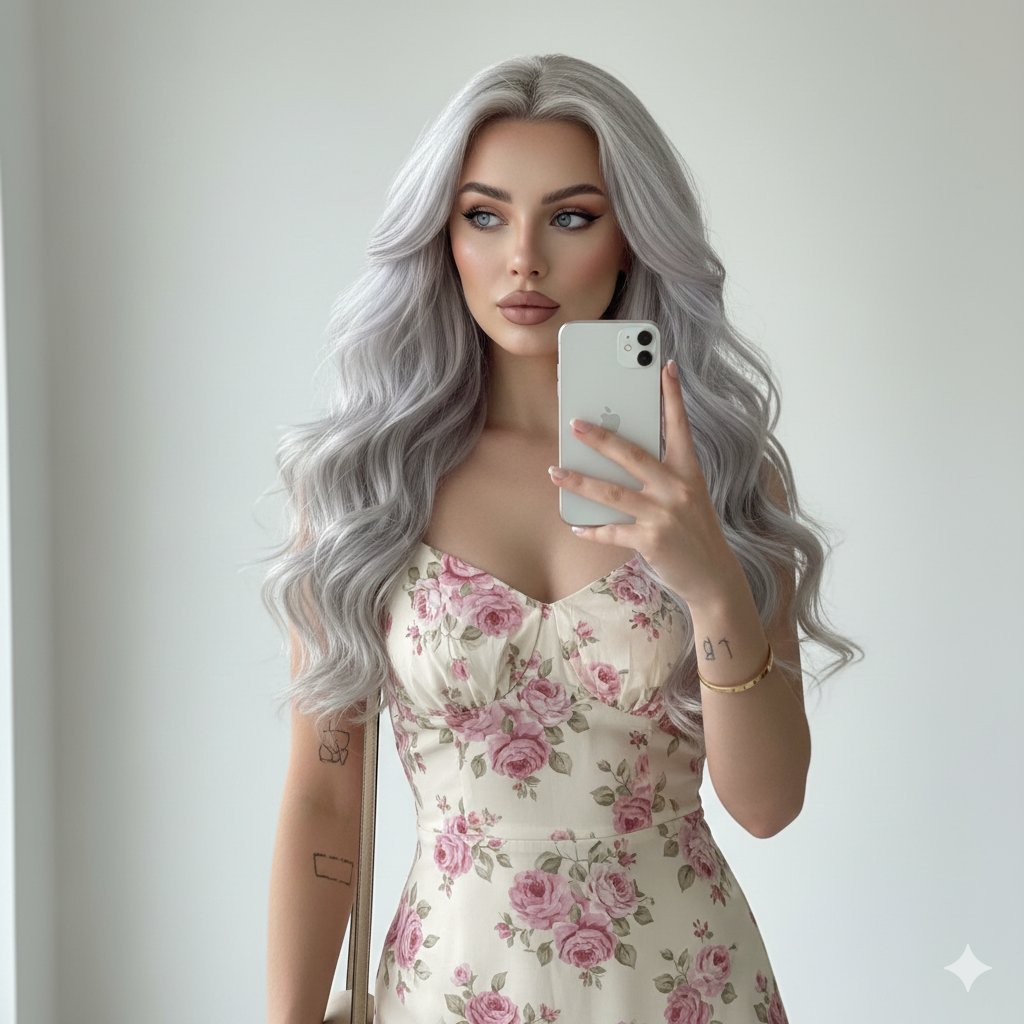
Roller Skate Portrait Prompt with Tropical Background
{
"prompt_type": "detailed_image_generation",
"subject": {
"demographics": {
"gender": "Female",
"age_range": "20s",
"ethnicity": "Caucasian"
},
"physique": {
"body_type": "Athletic, toned, slim but curvy fit",
"pose": "Seated on the edge of a white concrete ledge, leaning forward slightly from the waist. Hands are placed on the right shin just below the knee, as if adjusting a sock. The back is slightly arched, highlighting posture."
},
"face_details": {
"shape": "Oval face with a defined jawline",
"skin_tone": "Light tan/sunkissed, smooth texture, even complexion",
"eyes": {
"color": "Light blue or green (light colored)",
"shape": "Large, almond-shaped",
"gaze": "Direct eye contact with the camera, intense and alluring",
"makeup": "Defined upper lashes, subtle eyeliner, natural eyeshadow"
},
"brows": "Arched, well-groomed, medium thickness, light brown",
"nose": "Straight bridge, refined and narrow tip",
"lips": {
"shape": "Full, particularly the bottom lip",
"color": "Soft mauve-pink nude",
"expression": "Parted slightly, relaxed, sultry",
"finish": "Matte"
},
"cheeks": "High cheekbones, subtle bronzer/contouring for definition"
},
"hair": {
"color": "Light brown roots transitioning to honey blonde and platinum highlights (balayage)",
"length": "Long, reaching mid-back",
"texture": "Straight with slight body",
"style": "Loose, flowing down the back and over the left shoulder"
}
},
"wardrobe": {
"bodysuit": {
"color": "{argument name="bodysuit color" default="Heather gray"}",
"fabric": "Cotton jersey or spandex blend",
"style": "Deep scoop neckline, thick tank-style straps, high-cut leg openings exposing the hip, form-fitting"
},
"socks": {
"color": "White",
"style": "Knee-high tube socks",
"details": "Two distinct bright pink horizontal stripes at the top cuff"
},
"footwear": {
"item": "Quad roller skates",
"color": "Classic white leather boot",
"details": "Brown wooden heel base, silver trucks",
"wheels": "Translucent hot pink polyurethane wheels",
"toe_stop": "Hot pink rubber"
}
},
"environment": {
"setting": "Outdoor park or promenade",
"background_objects": {
"immediate": "Curved white concrete bench or wall (smooth texture)",
"mid_ground": "Light grey paved ground/concrete",
"background": "Blurred tropical foliage, palm tree trunks, hints of white architectural structures"
},
"lighting": {
"type": "Soft natural daylight",
"direction": "Front-lit",
"quality": "Diffused (no harsh shadows on face), likely overcast or open shade"
}
},
"technical_specs": {
"aspect_ratio": "4:5 (Vertical portrait)",
"camera_shot": "Full body / Medium-long shot",
"depth_of_field": "Shallow (subject shar












![Naive doodle-style subject illustration — A doodle-style {argument name="subject" default="[subject]"}, naive lines, humorous shape exaggeration](https://pbs.twimg.com/media/G6Wl2YxbsAARB2b.jpg)





















![Realistic Character Snow Sculpture Generation — 【設定】
[キャラクターの外見] = 「入力画像」
[タイトル] = {argument name="タイトル" default="Lovart 最高"}
変換のルール:
日本の雪まつりの会場で撮影された、[キャラクター]を](https://pbs.twimg.com/media/G8hQkH7agAAIgk3.jpg)