How do I use the Playful Selfie Portrait with Multiple Poses template?
Choose the primary action to open PicX Studio with the available template settings. Review the model and format, personalize the creative direction, and generate when ready.
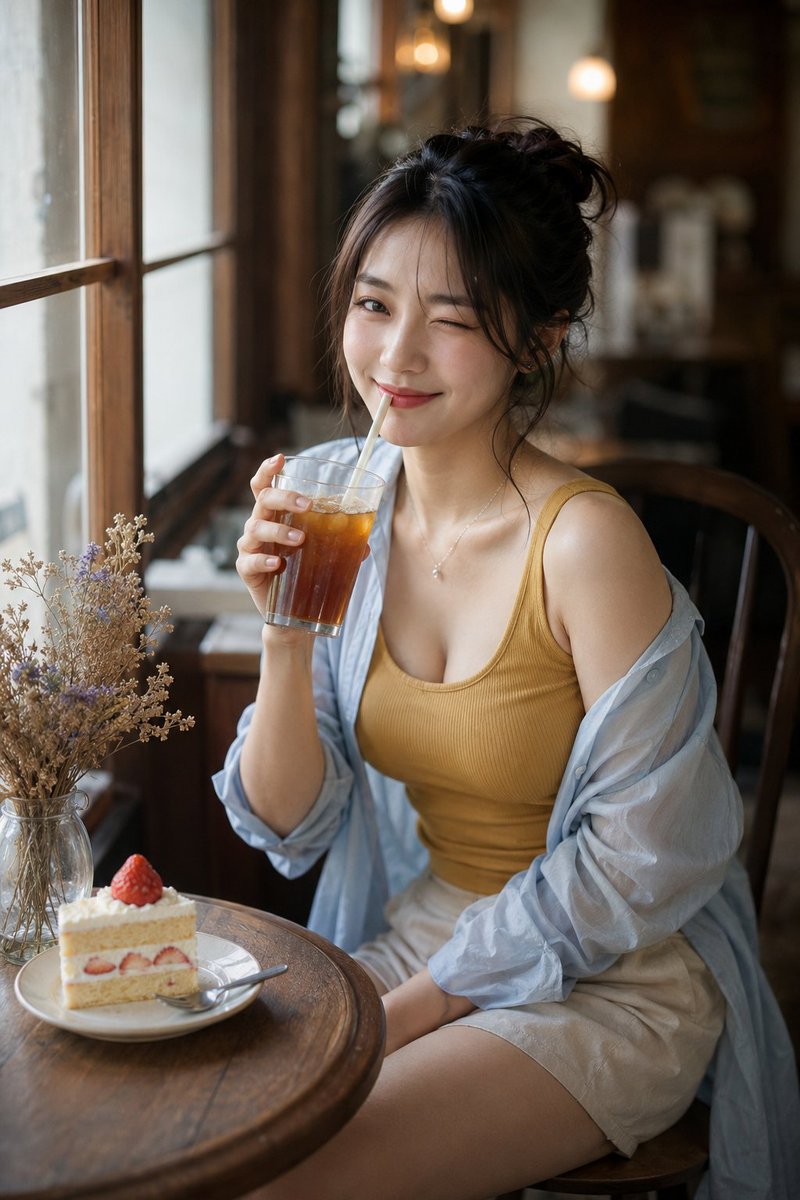
A long, detailed prompt for generating a photorealistic selfie of a young woman with specific features (blonde braids, blue eyes, subtle freckles) and a playful, flirty mood. Change the subject, setting, or lighting one variable at a time.

{ "prompt": "extremely beautiful young western woman 18-20 years old, delicate soft facial features, big expressive blue eyes, long thick blonde braids, natural blush cheeks, glossy full lips, subtle freckles, playful and flirty expressions, wearing light blue bandana headscarf with small white patterns, turquoise tight cropped ribbed tank top showing cleavage, vintage light blue denim overalls shorts, white shell necklace choker, delicate tiny tattoo on collarbone, silver ring on finger, blue ring on another finger, selfie pose in bedroom, tropical houseplant background, monstera leaves, natural daylight, soft warm indoor lighting, mirror selfie style, four different cute poses: {argument name="pose 1" default="peace sign wink"} {argument name="pose 2" default="kissy lips"}, big happy smile, blowing kiss with hands around face, eyes closed smiling blissfully, highly detailed skin texture, realistic makeup, dewy skin, cinematic color grading, pastel turquoise aesthetic, photorealistic, 8k", "negative_prompt": "blurry, low quality, deformed face, bad anatomy, extra limbs, mutated hands, poorly drawn face, bad proportions, watermark, text, logo, overexposed, underexposed, plastic skin, heavy makeup, too much contour, uncanny valley, cartoon, 3d render, anime", "aspect_ratio": "3:4", "style": "photorealistic", "lighting": "soft natural daylight + warm indoor bounce light", "quality_tags": "masterpiece, best quality, ultra detailed, sharp focus, 8k uhd", "camera": "smartphone selfie, slight wide angle, natural vignetting", "color_palette": "turquoise, soft blue, pastel tones, white shells, warm beige skin tones", "mood": "playful, flirty, youthful, summery, dreamy, happy" }
Choose the primary action to open PicX Studio with the available template settings. Review the model and format, personalize the creative direction, and generate when ready.
Yes. You can change the subject, setting, lighting, mood, format, and available model controls before creating your image.
This template is free to open and customize. Generation usage is shown in PicX Studio before you create.
Start with Nano Banana 2, which is the model associated with this template. You can compare another compatible model for a different finish.
Follow a topic to a crawlable collection of related PicX Studio templates.
43,474 public templates available. Verified via the PicX Studio public templates API; refreshed hourly.

![86-hyper-realistic-ai-selfie-prompt-generat — Raw iPhone [model] photo, [shot type] of [character details: age, ethnicity, specific features], [hair with imperf](/_next/image?url=https%3A%2F%2Fcdn.picxstudio.com%2Fuploads%2Fpost86_img0_c444d40d-a07d-4013-8b75-e692799481c0.jpg&w=828&q=100)



![Playful Laundry Room Portrait Prompt — Transform this image [Upload Your Image] into a 64K DSLR shot resolution of A playful, lifestyle ind…](https://pbs.twimg.com/media/G9fTvxcbkAAG7-Z.jpg)


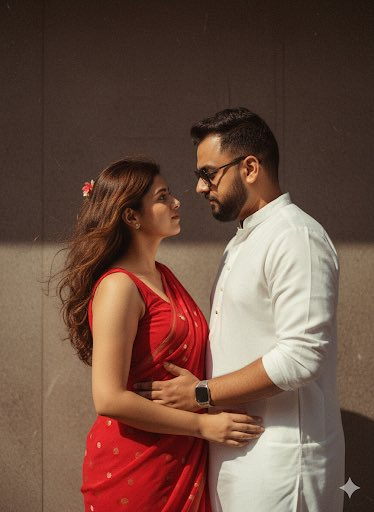






![Naive doodle-style subject illustration — A doodle-style {argument name="subject" default="[subject]"}, naive lines, humorous shape exaggeration](https://pbs.twimg.com/media/G6Wl2YxbsAARB2b.jpg)














![Claymation Luxury Magazine Cover — ROUGE VOGUE luxury beauty magazine cover
[SUBJECT]: {argument name="subject" default="A bold clayma…](https://cms-assets.youmind.com/media/1780564637402_qkh0pd_HJ3FrEIboAAQGAH.jpg)