
Margaret Qualley Red Leather Editorial Prompt
A highly detailed, structured prompt focusing on generating a photorealistic, high-fashion editorial portrait of Margaret Qualley.
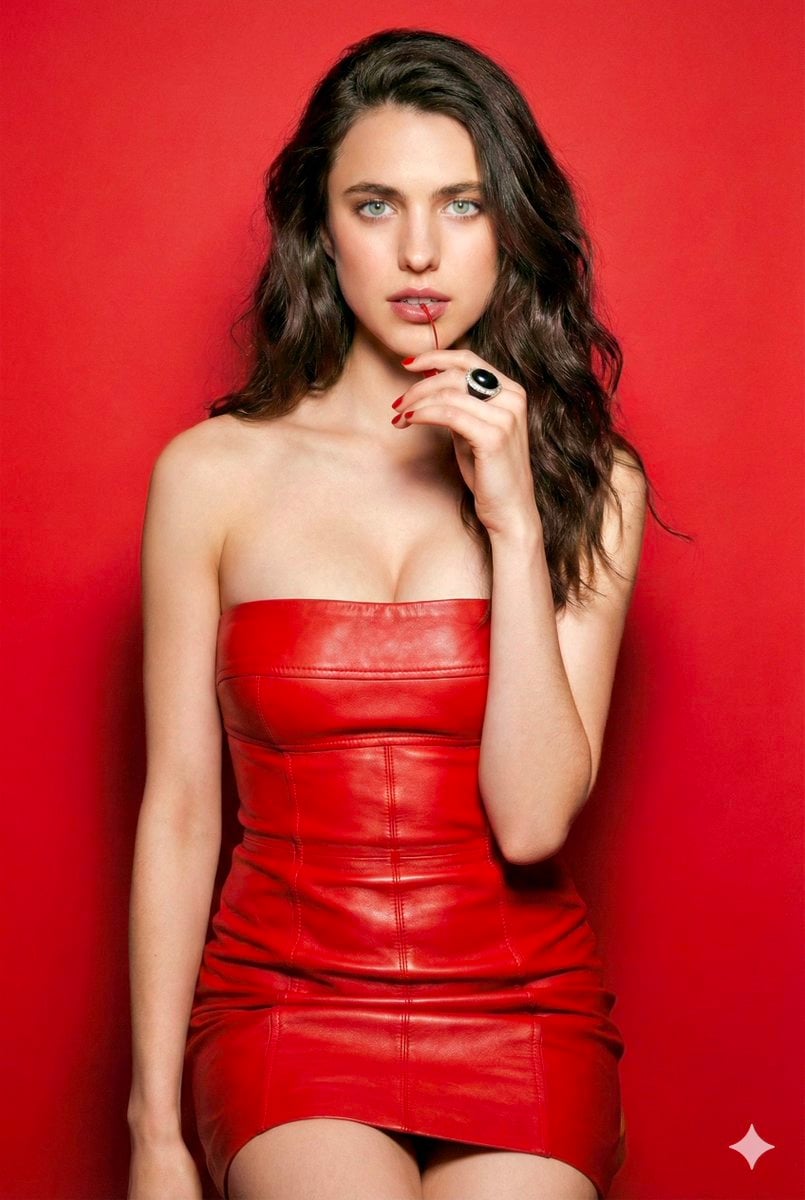
- Prompt included
- Model and format preset
- Free template
The prompt behind this image
Copy the exact prompt behind Margaret Qualley Red Leather Editorial Prompt, or open it in the studio and make it yours.
{ "subject": { "appearance": { “character”: “{argument name="character name" default="Margaret Qualley"}”, "gender": "Female", "age_range": "Young adult", "hair": "Long, dark brown, wavy, parted slightly off-center, with individual strands, flyaways, and realistic texture visible.", "eyes": "Light blue, striking intensity, with detailed iris structure, capillaries, and moisture catchlights.", "skin_tone": "Fair, porcelain, with visible pores, fine lines, natural imperfections, and realistic subsurface scattering.", "makeup": "Natural but polished, soft pink lip with fine texture, defined lashes, subtle contouring." }, "pose": { "stance": "Standing facing forward", "hand_position": "Right hand raised to chin/mouth area, fingers gently curled, showing skin texture and veins.", "action": "Holding a thin red stem (likely a cherry stem) between lips/teeth, showing moisture and pressure.", "gaze": "Direct eye contact with the camera, alluring and intense." } }, "attire": { "clothing": "Strapless mini dress", "material": "{argument name="clothing material" default="Red leather"} or faux leather, slight sheen, with detailed grain, natural creases, imperfections, and stretching around curves.", "design": "Layered bandage style, horizontal panels, structured pleats, form-fitting silhouette, with visible stitching and seam details.", "color": "Vibrant red" }, "accessories": { "jewelry": [ "Silver stud earrings with crystal accents, showing facets, light refraction, and metal texture.", "Large statement ring with black and silver detailing on right ring finger, with realistic material contrast and wear." ], "nails": "Manicured with red polish matching the dress, showing glossy finish and cuticle details." }, "environment": { "background": "Solid {argument name="background color" default="vibrant red"} studio backdrop, with subtle surface texture, minor imperfections, and realistic light fall-off.", "props": "None visible other than the small stem in mouth" }, "lighting": { "type": "Studio lighting", "quality": "Soft but directional, creating realistic highlights, deep shadows, and accurate volume.", "shadows": "Subtle soft shadows behind the subject, anchored to the floor, showing accurate density and color bleeding.", "highlights": "Specular highlights on the leather dress, lips, eyes, and jewelry, showing light source reflections." }, "technical_details": { "camera_angle": "Eye level", "shot_size": "Medium shot (thighs up)", "style": "High-fashion editorial, glossy magazine aesthetic, with ultra-high detail and fidelity.", "resolution": "8k, RAW file quality, with natural film grain, sharp focus, and photorealistic rendering.", "color_palette": "Monochromatic red theme with skin tone contrast, realistic color rendering and gradients." } }
How to use Margaret Qualley Red Leather Editorial Prompt in 3 steps
- 1
Open
The prompt is already in the box next to the preview, with the template's model and format selected.
- 2…a portrait of your subject in softgolden-hour light, 85mm…
Personalize
Edit the subject and creative details for your destination.
- 3Generate
Generate
Press Generate — your image is created in PicX Studio, so you can compare it with the original and refine one variable at a time.
More like this
Templates with the same subject, style or setup. Open one to see its prompt.
Nano Banana - Opera Red Gown Couture
Red Leather Car Interior Portrait

Urban Fashion Editorial Collage Streetwear Poster

Monochrome Hypebeast Street Fashion Editorial Motion

Elegant Green Evening Gown Studio Fashion Portrait

Artistic Patchwork Fashion Portrait Spring Festival

Japanese Architectural Concrete Studio Fashion Campaign

Monroe and Ash Mediterranean Luxury Fashion Campaign

Premium Fashion Editorial Cover Layout System

Korean Luxury Fashion Editorial 2x2 Grid Series

Monochrome Halftone Editorial Fashion Poster

Retro Mirror Luxury Fashion Campaign Poster
Make it yours
Margaret Qualley Red Leather Editorial Prompt works as-is. These are the safest ways to change it without losing the look.
Change one field
Copy a single group, rewrite it, and generate again so you can see what that field is doing.
Keep the frame, change the subject
Hold the composition and light of Margaret Qualley Red Leather Editorial Prompt, then swap wardrobe, props or the person for a new take.
| If the result… | Why | Fix |
|---|---|---|
| The result drifts from the preview | Too many fields changed at once. | Reuse Margaret Qualley Red Leather Editorial Prompt as-is first, then change one group — subject, light, or setting. |
| The model over-stylizes the scene | The prose prompt leaves finish and camera underspecified. | Add one camera or lighting sentence and stay on Nano Banana 2. |
More Nano Banana 2 templates
Other prompts made for Nano Banana 2.

Photorealistic Leaf Shaped Like a Dragon

K-Pop Idol Portrait Grid for Rapid Selection

Poetic Rain Forest Portrait During Golden Hour

Urban Street Portrait with Cartoon Inner Self Duo

Candid Nighttime Photo with Cat Prompt

High-Concept 3D Diorama Generation Prompt

Cinematic Futuristic Studio Portrait Template

Skincare Editorial Photography Collage Prompt

Hyper-Realistic Commercial Product Photography (Splash Effect)

Hyper-Realistic Nightclub Portrait Prompt
More image prompts
Fresh picks from across the catalog.

Japanese Drama Collage Film Poster
Anime Rock Band Concert Poster
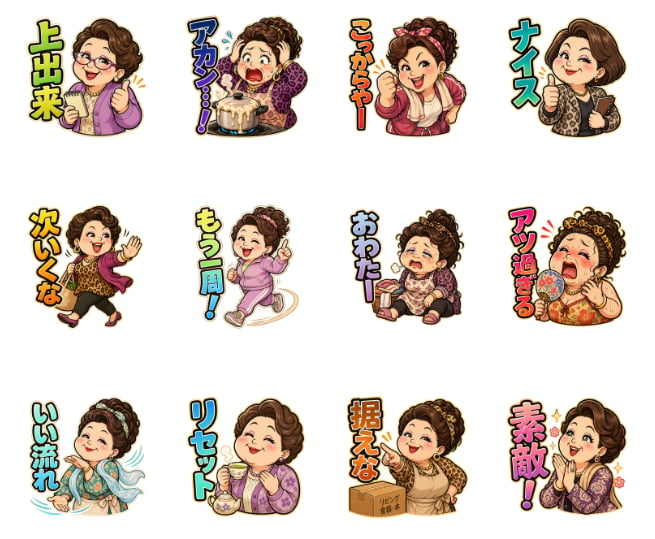
Pachinko Auntie LINE Sticker Sheet
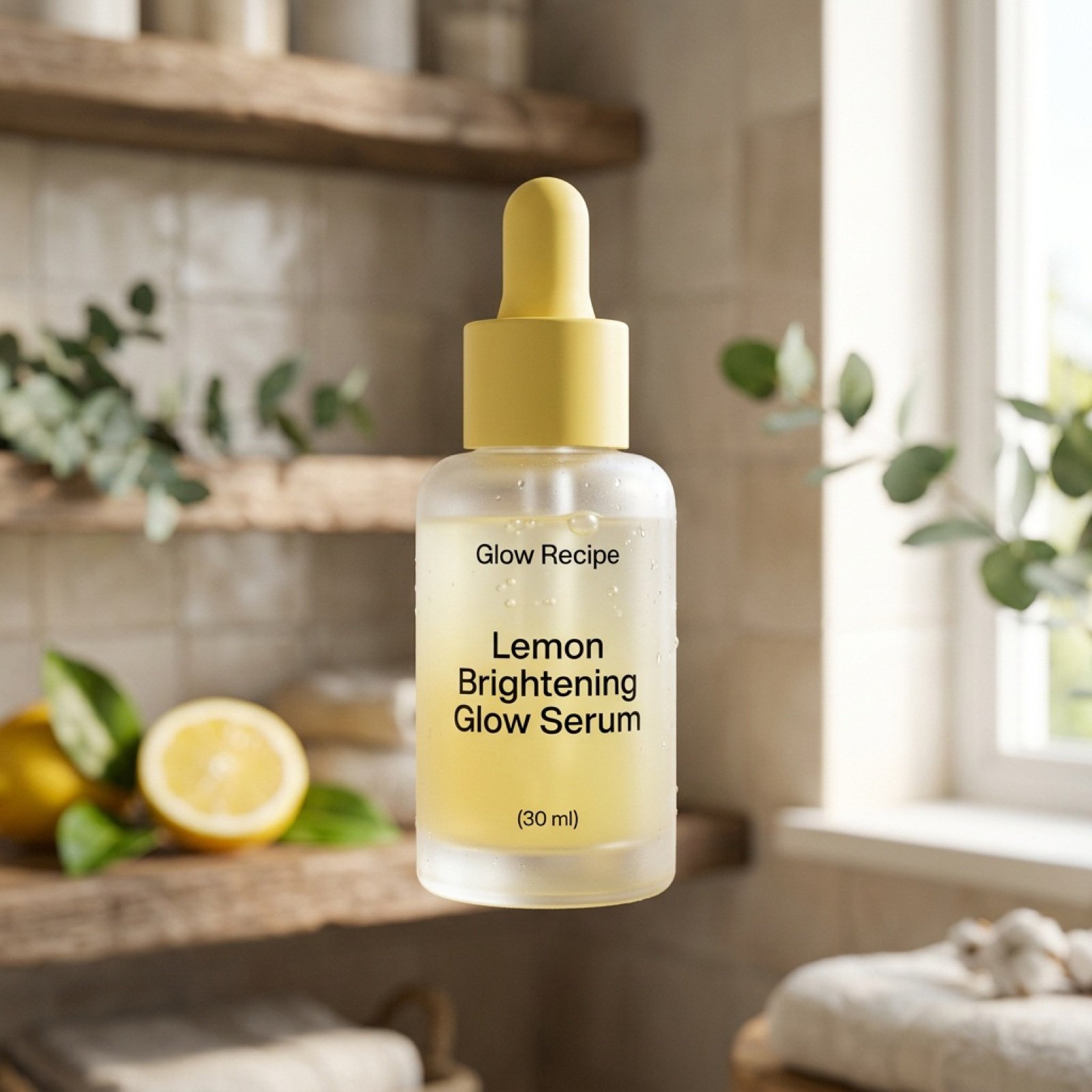
Ultra-Realistic Skincare Product Photography Prompt
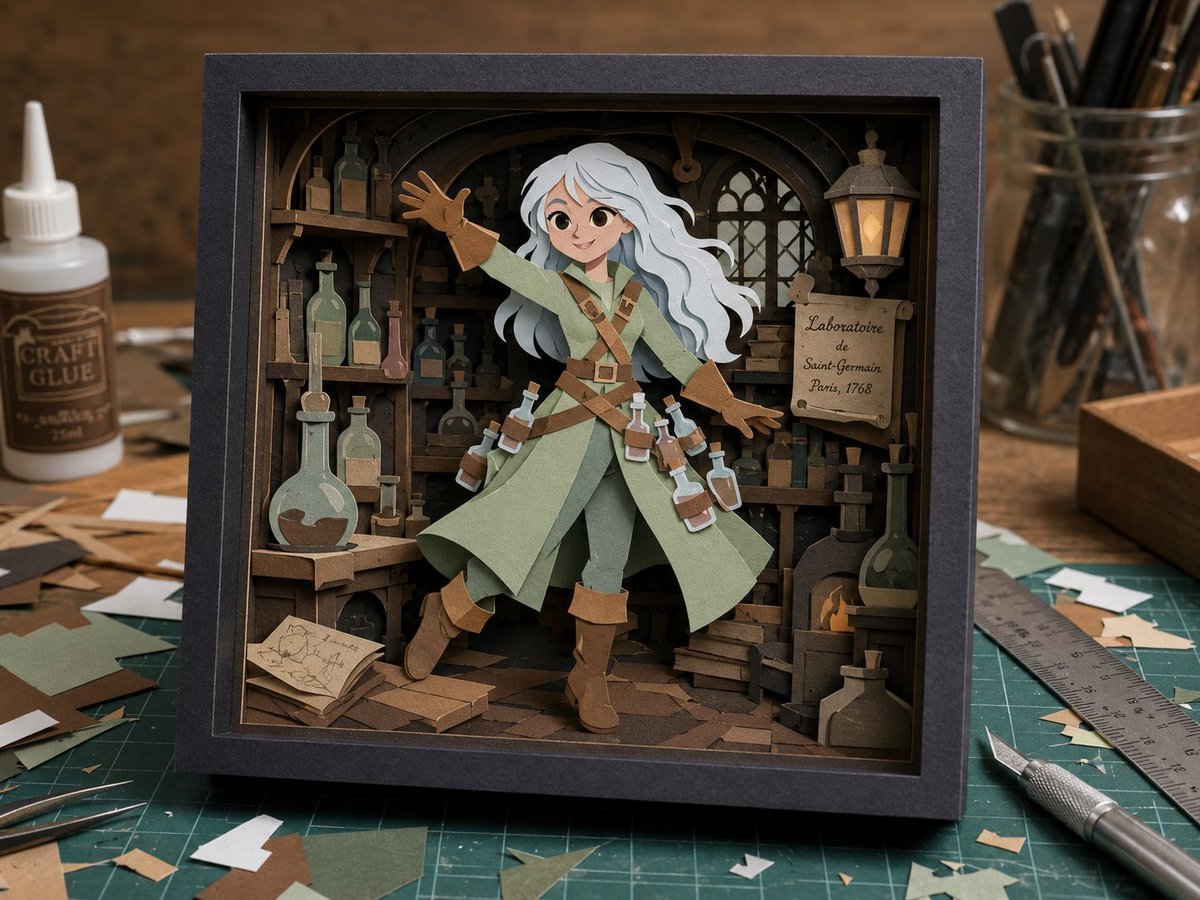
Craft Paper Alchemist Shadow Box
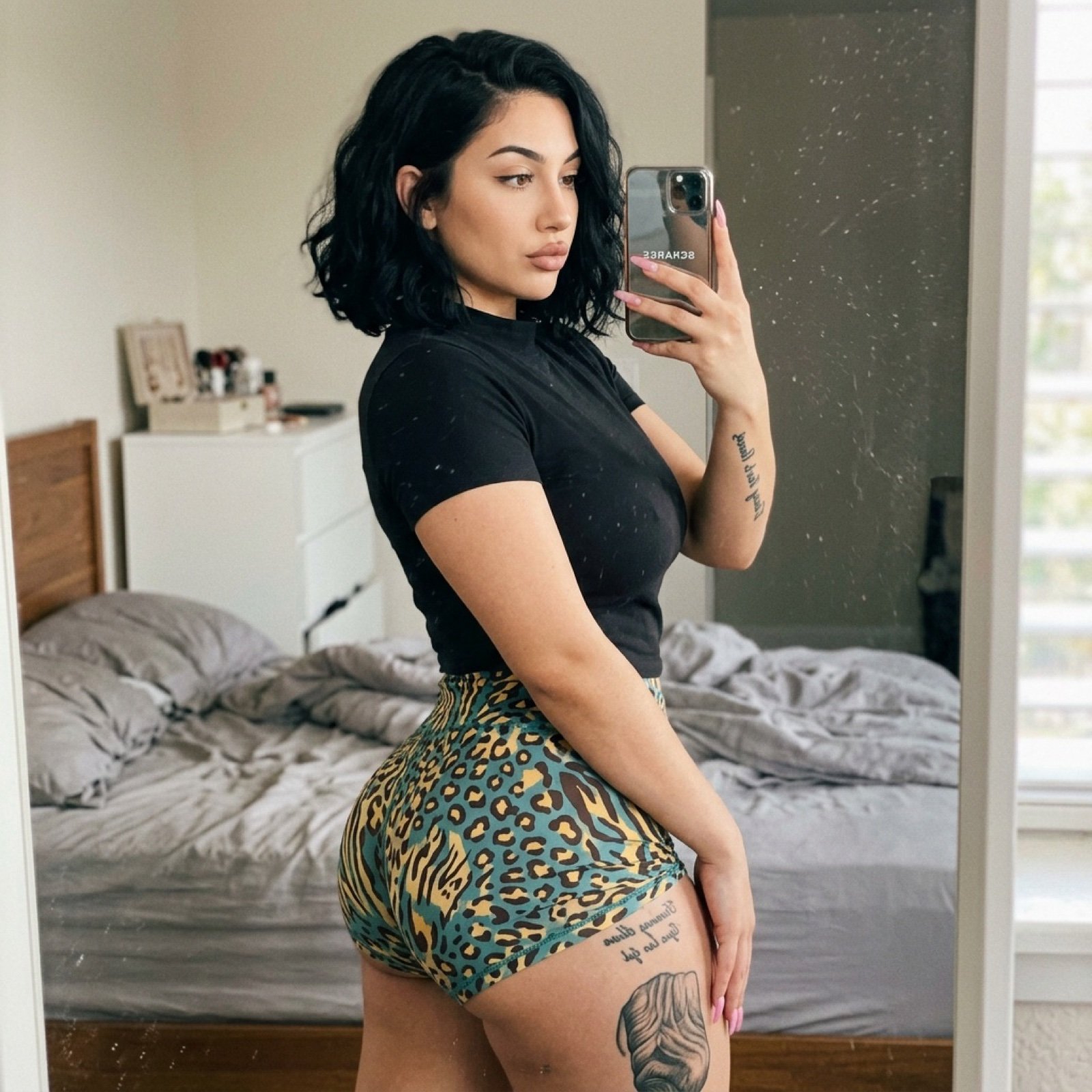
Bathroom Mirror Selfie Prompt (Image-to-Image)
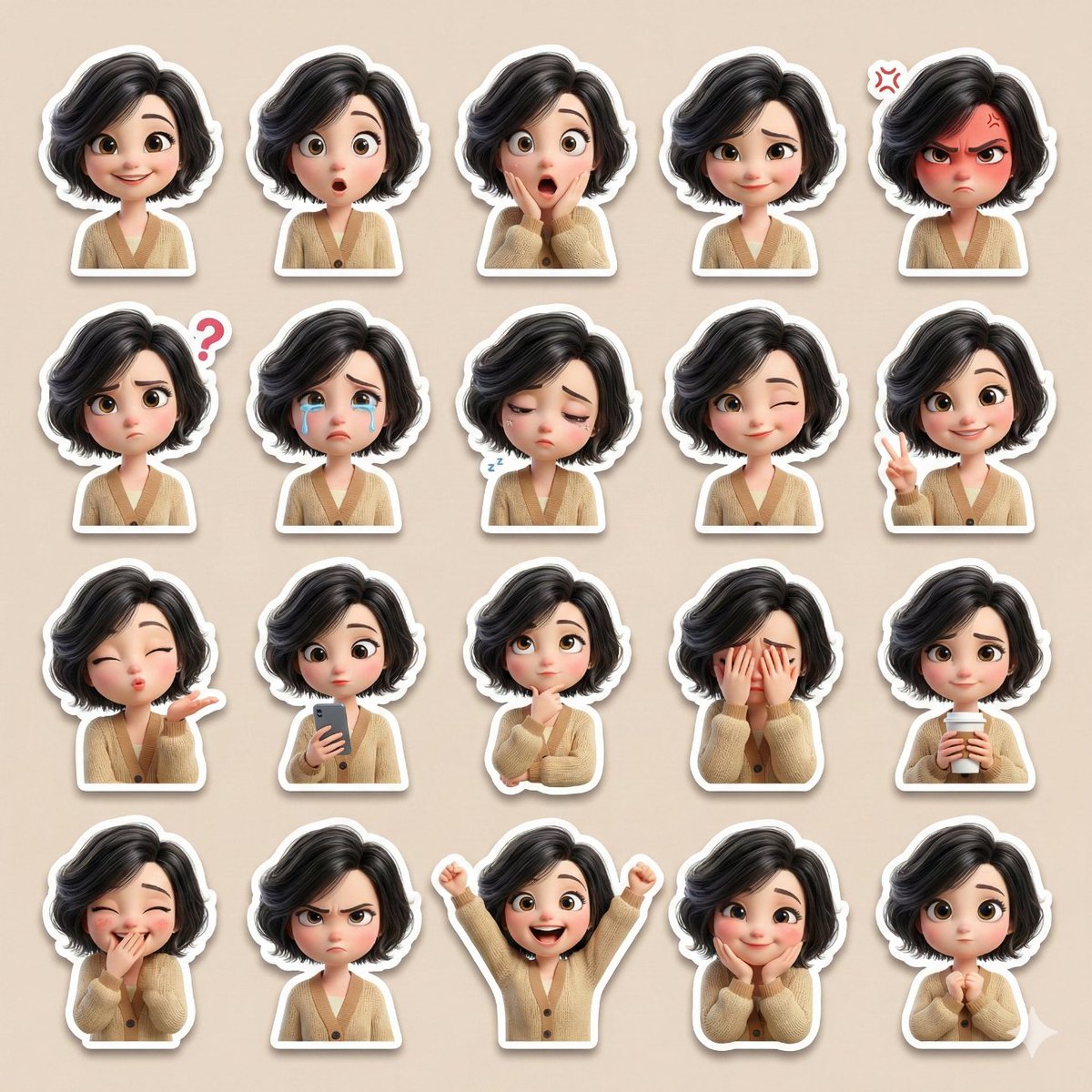
3D Pixar-Style Sticker Pack Generation from Reference Image
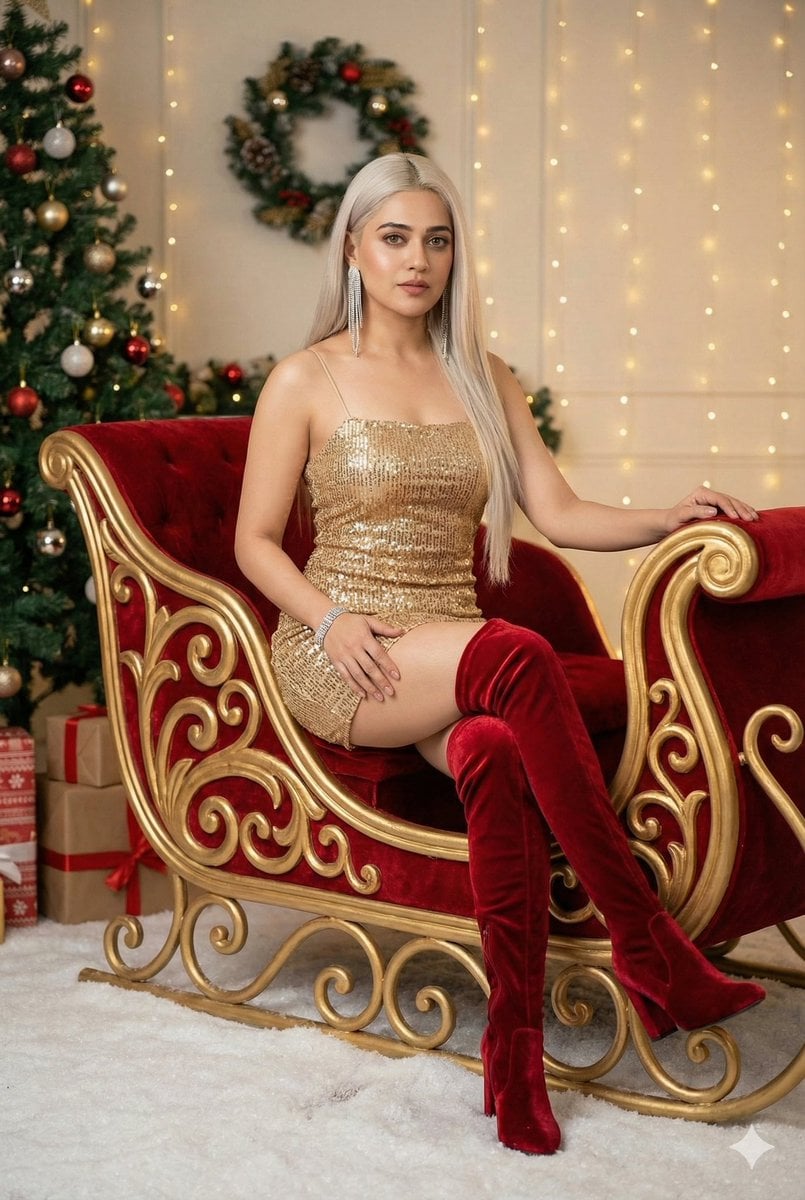
Glamorous Christmas Sleigh Full Body Shot
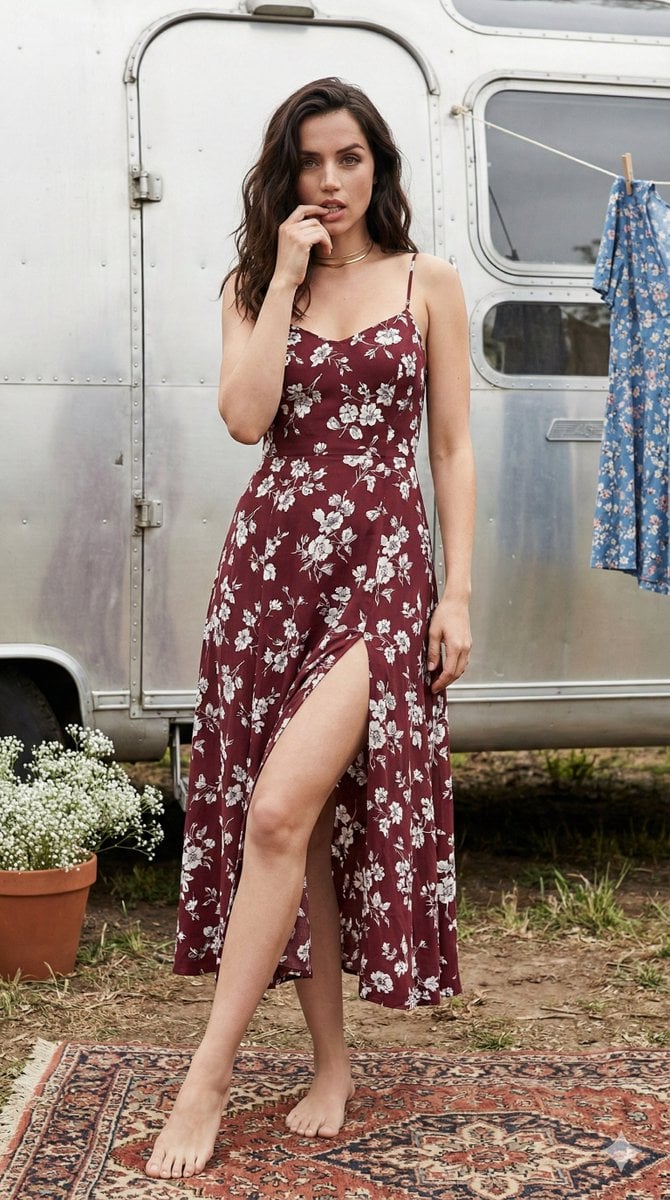
Bohemian Summer Airstream Portrait Prompt

Idol flyer stuck on a steamed bun vending machine
Browse template categories
Margaret Qualley Red Leather Editorial Prompt questions
How do I use the Margaret Qualley Red Leather Editorial Prompt template?
Add your photo if the template asks for one, edit the prompt if you like — the template's model and format are already selected — and press Generate. Your version opens in PicX Studio.
Can I customize the Margaret Qualley Red Leather Editorial Prompt template?
Yes. You can change the subject, setting, lighting, mood, format, and available model controls before creating your image.
Is the Margaret Qualley Red Leather Editorial Prompt template free?
Opening and editing this template is free. Generating uses credits, shown on the Generate button when you are signed in.
Which AI model should I use?
Start with Nano Banana 2, which is the model associated with this template. You can compare another compatible model for a different finish.
Looking for something else? Browse all templates.

Your photo, any look
Thousands of ready templates for every top image and video model, from one credit balance.