How to make a slideshow with pictures
Choose 5 to 15 photos that tell one story, add them, and put them in order with the arrows. Then set the duration: around 1.5 seconds per slide (the default) suits a casual loop, 2.5 to 4 seconds gives people time to look at each photo, and anything under half a second becomes a flip-book effect. Click Create Slideshow, watch the preview, and adjust before you download.
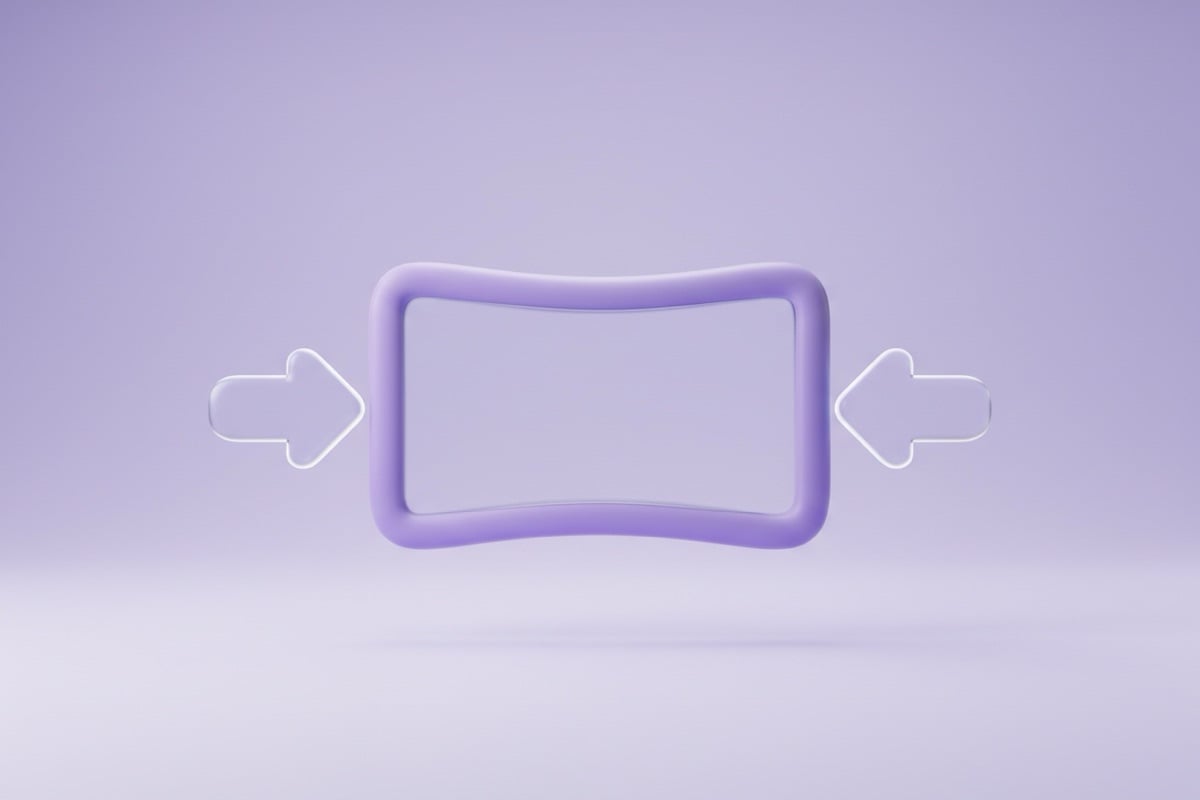
Use photos of the same shape. The first photo sets the size of the whole slideshow, and every other slide is scaled to exactly that size, so a portrait photo in a landscape slideshow would be squeezed. Crop them all to the same ratio first with the Image Cropper. Square photos are the safest choice if the slideshow will be shared in several places, since 1:1 fits chats, feeds and emails alike.
GIF slideshow vs video slideshow
This photo slideshow maker exports an animated GIF, not an MP4. That has real upsides and some limits, so it's worth knowing which you need.
| GIF slideshow (this tool) | Video slideshow (MP4) | |
|---|---|---|
| Plays automatically | Yes, loops in chats, email, web | Usually needs a tap or a player |
| Music and sound | No | Yes |
| Transitions | Straight cuts | Fades, zooms, effects |
| Colors | Up to 256 per frame | Full color |
| Best for | Short loops, quick sharing | Longer slideshows with music |
Free slideshow maker, no sign up to try
You can add photos, reorder them, set the timing and watch the preview without an account. Saving the finished GIF needs a free PicX account, no card needed, and there's no watermark on the result. GIFs from many large photos can get heavy, so if you plan to send it in a chat or email, resize the photos to about 1080 pixels wide first.
Many chat apps and social networks convert GIFs to short videos when you upload them, and some limit GIF file size, so a slideshow of a dozen photos at phone resolution is a good target. If a GIF feels too heavy, use fewer slides or shorter durations rather than lowering the photo quality.