✨ 10 Best 4K AI Prompts for Upscaling & Photo Restoration
Turn blurry, old or low-resolution photos into sharp 4K images — ten tested restoration and upscale prompts.
 PicX Studio4 min read10 prompts
Most "4K prompts" just add the word 4K to an image prompt. These ten do the real job: upscale an existing photo to 4K, repair cracks, scratches and fading on old family pictures, and add back skin and hair detail — while keeping the person's face and identity exactly as it was.
Prompt 1: 4K Image Restoration and Upscale
The most-used prompt for fixing old family photos: structured JSON that restores and upscales while preserving identity.
{ "task": "image_restoration_upscale", "positive_prompt":
"Restore and enhance the provided image. Preserve original identity, facial structure, proportions and composition. High-fidelity photo restoration, ultra-realistic, natural skin texture, accurate details, professional photographic look. 4K output, sharp but natural focus, modern cinematic lighting, subtle volumetric lighting, professional color grading, depth of field, HDR. Shot on Arri Alexa, raw photo aesthetic, masterpiece.",
"negative_prompt": "Creative reinterpretation, style change, identity alteration, face reshaping, exaggerated features, cartoonish, painting, illustration, over-sharpening, plastic skin, blur, noise, film grain, jpeg artifacts, distortion, bad anatomy, overexposed, underexposed, washed out colors.", "parameters":
{ "steps": 30, "cfg_scale": 6.5, "denoising_strength": 0.45,
"upscaler": "4x_NMKD_Siax_200k", "target_resolution": "4K" } }Prompt 2: 4K Upscale and Detail Enhancement
For photos that are fine but low-res: converts to 4K while keeping the character 100% consistent.
Upscale the uploaded image to 4K resolution, preserving 100 % character consistency, original facial features, clothing details, and scene composition. Maintain original lighting, texture, and fine details such as hair strands, fabric texture, reflections, and shadows. Apply high-quality upscaling with sharp but natural edges, no distortions, and minimal AI artifacts. Keep the character’s identity, proportions, and expressions unchanged. Enhance clarity in skin texture, eyes, and background elements while preserving the original color palette and artistic style. Output a crisp, highly detailed, ultra-high-resolution image suitable for print and professional display.
Prompt 3: Restore and Upscale for Nano Banana Pro
Repairs age-worn images to 4K with accurate texture, written for Nano Banana Pro.
{ "task": "image_restoration_upscale", "positive_prompt":
"Restore and enhance the provided image. Preserve original identity, facial structure, proportions and composition. High-fidelity photo restoration, ultra-realistic, natural skin texture, accurate details, professional photographic look. 4K output, sharp but natural focus, modern cinematic lighting, subtle volumetric lighting, professional color grading, depth of field, HDR. Shot on Arri Alexa, raw photo aesthetic, masterpiece.",
"negative_prompt": "Creative reinterpretation, style change, identity alteration, face reshaping, exaggerated features, cartoonish, painting, illustration, over-sharpening, plastic skin, blur, noise, film grain, jpeg artifacts, distortion, bad anatomy, overexposed, underexposed, washed out colors.", "parameters":
{ "steps": 30, "cfg_scale": 6.5, "denoising_strength": 0.45,
"upscaler": "4x_NMKD_Siax_200k", "target_resolution": "4K" } }Prompt 4: Damaged Photo to 4K
Handles tears, stains and fading on aged prints while keeping original identity and texture.
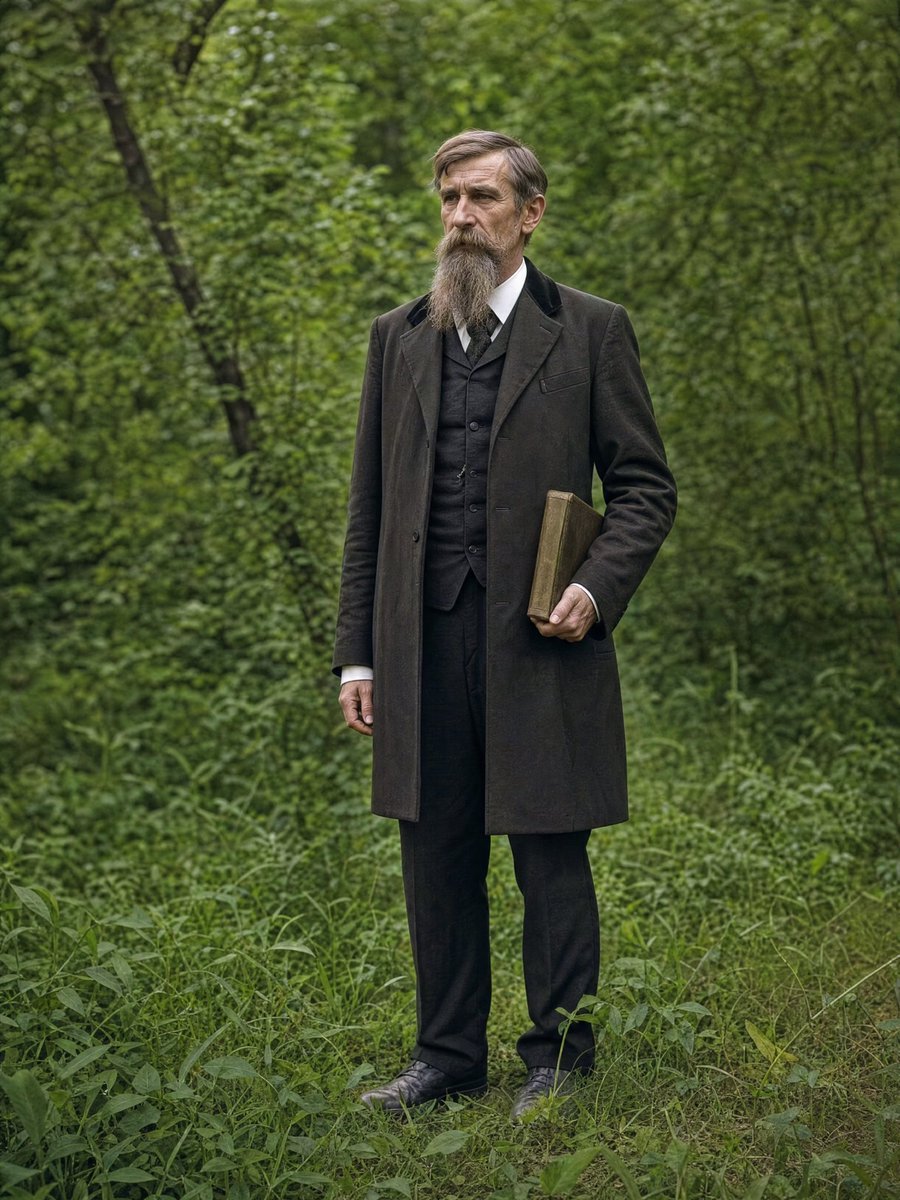
{ "task": "{argument name="task" default="image_restoration_upscale"}", "positive_prompt":
"Restore and enhance the provided image. Preserve original identity, facial structure, proportions and composition. High-fidelity photo restoration, ultra-realistic, natural skin texture, accurate details, professional photographic look. {argument name="resolution" default="4K"} output, sharp but natural focus, modern cinematic lighting, subtle volumetric lighting, professional color grading, depth of field, HDR. Shot on Arri Alexa, raw photo aesthetic, masterpiece.",
"negative_prompt": "Creative reinterpretation, style change, identity alteration, face reshaping, exaggerated features, cartoonish, painting, illustration, over-sharpening, plastic skin, blur, noise, film grain, jpeg artifacts, distortion, bad anatomy, overexposed, underexposed, washed out colors.", "parameters":
{ "steps": 30, "cfg_scale": 6.5, "denoising_strength": 0.45,
"upscaler": "4x_NMKD_Siax_200k", "target_resolution": "4K" } }Prompt 5: 4K Realistic Restoration
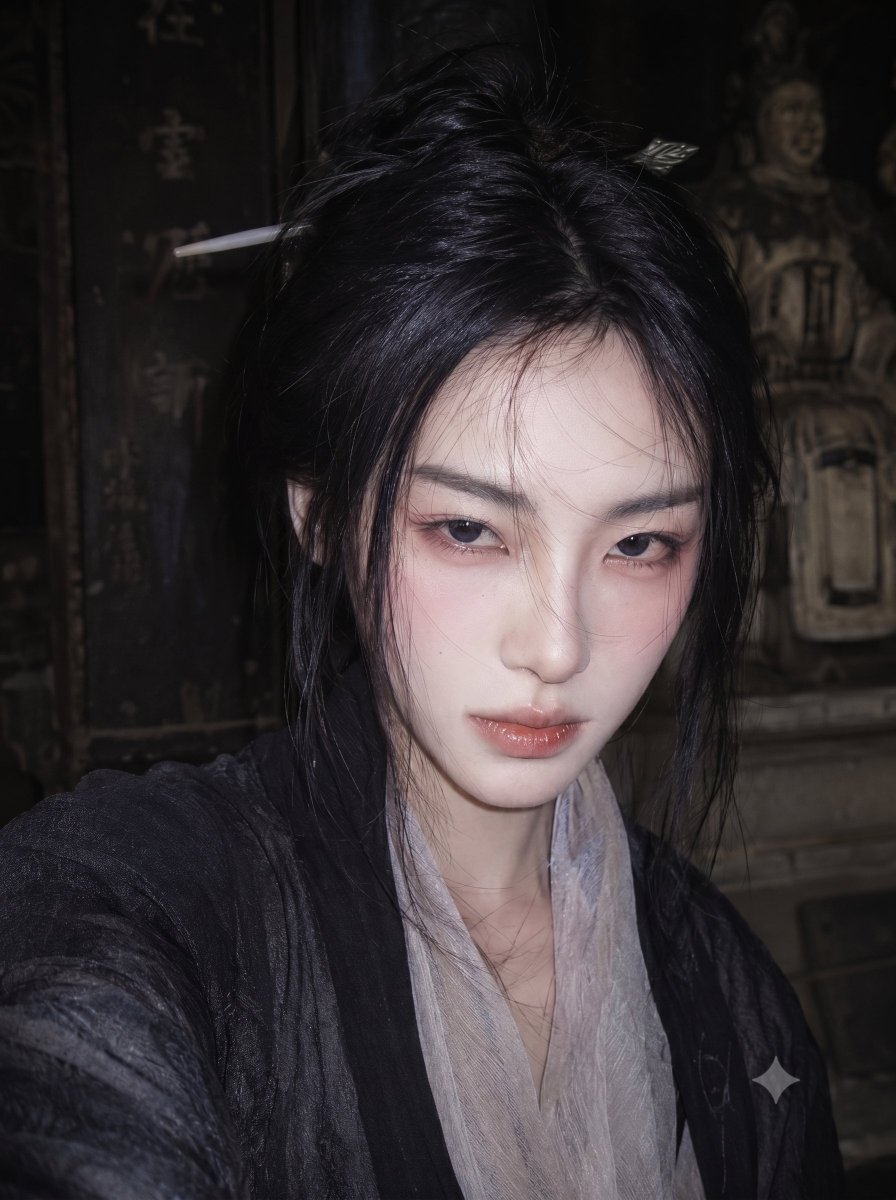
Removes noise and compression artifacts and rebuilds skin and hair detail to a professional finish.
Prompt 6: Faded Film to DSLR Quality
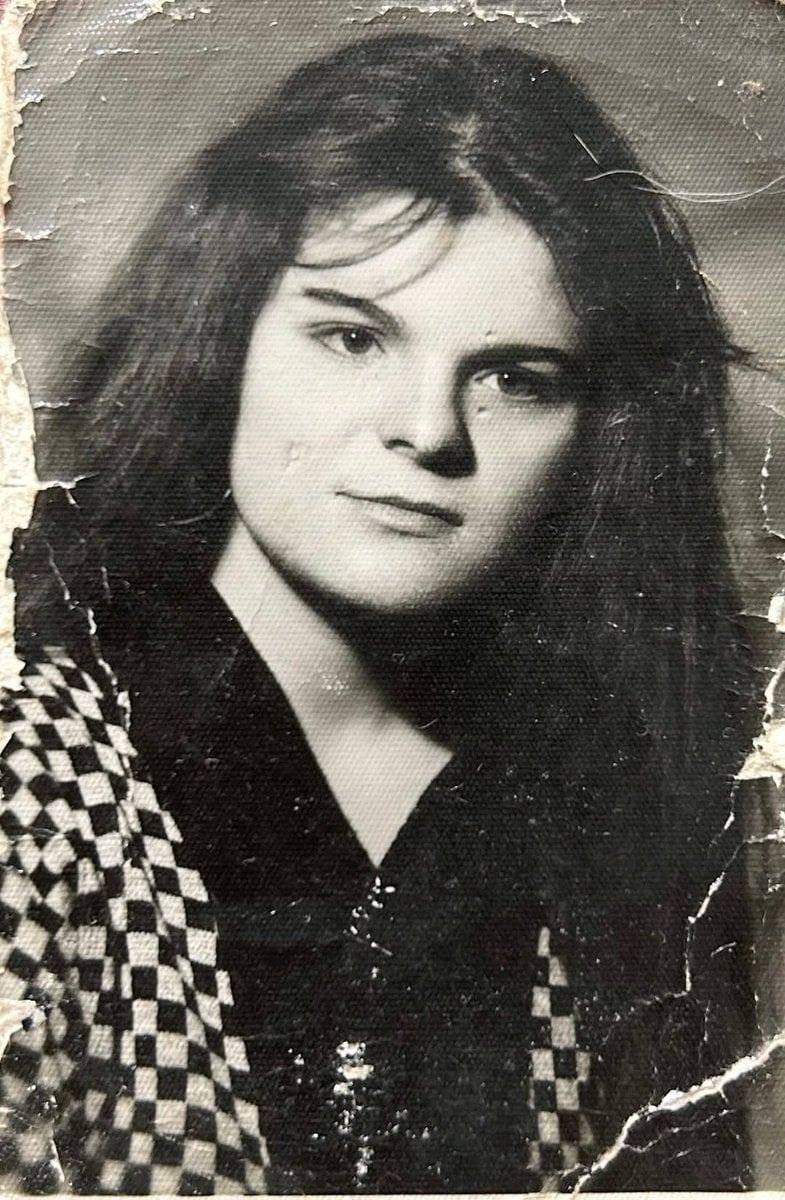
Brings a faded film photo back to crisp, DSLR-quality colour — written for Nano Banana 2.
Prompt 7: Vintage Photo Restoration
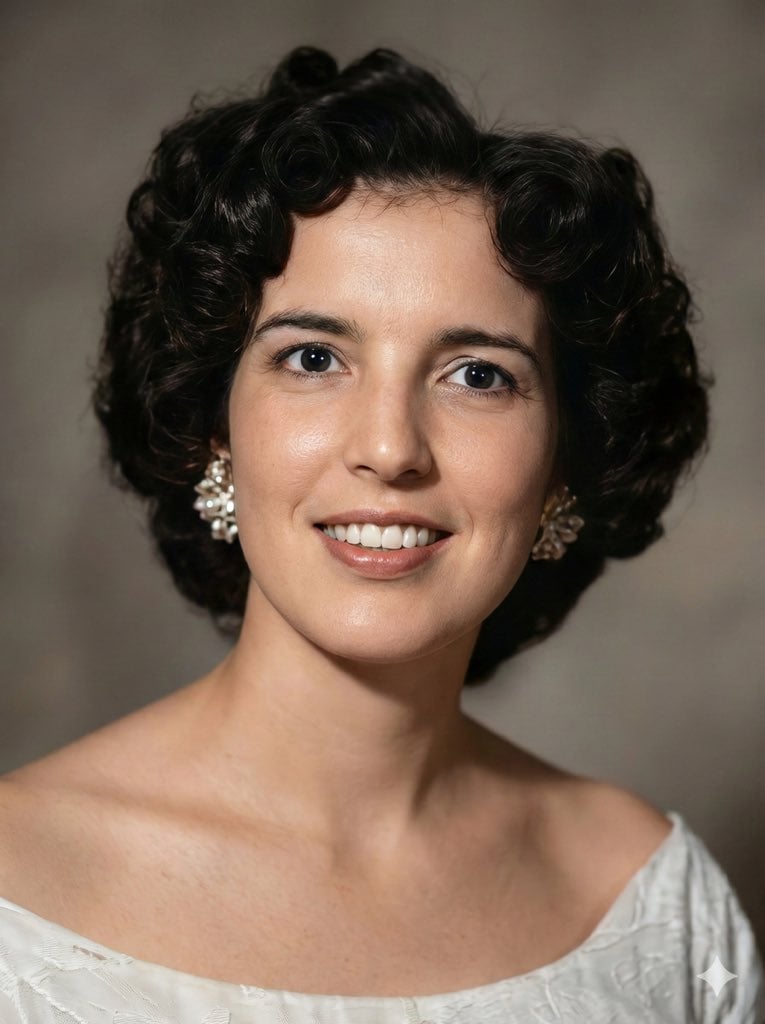
Short, reliable prompt for cracked vintage portraits; good when you want minimal re-styling.
Prompt 8: Old Photo to DSLR Portrait
Turns an old photo into a clean professional portrait with modern colour and detail.
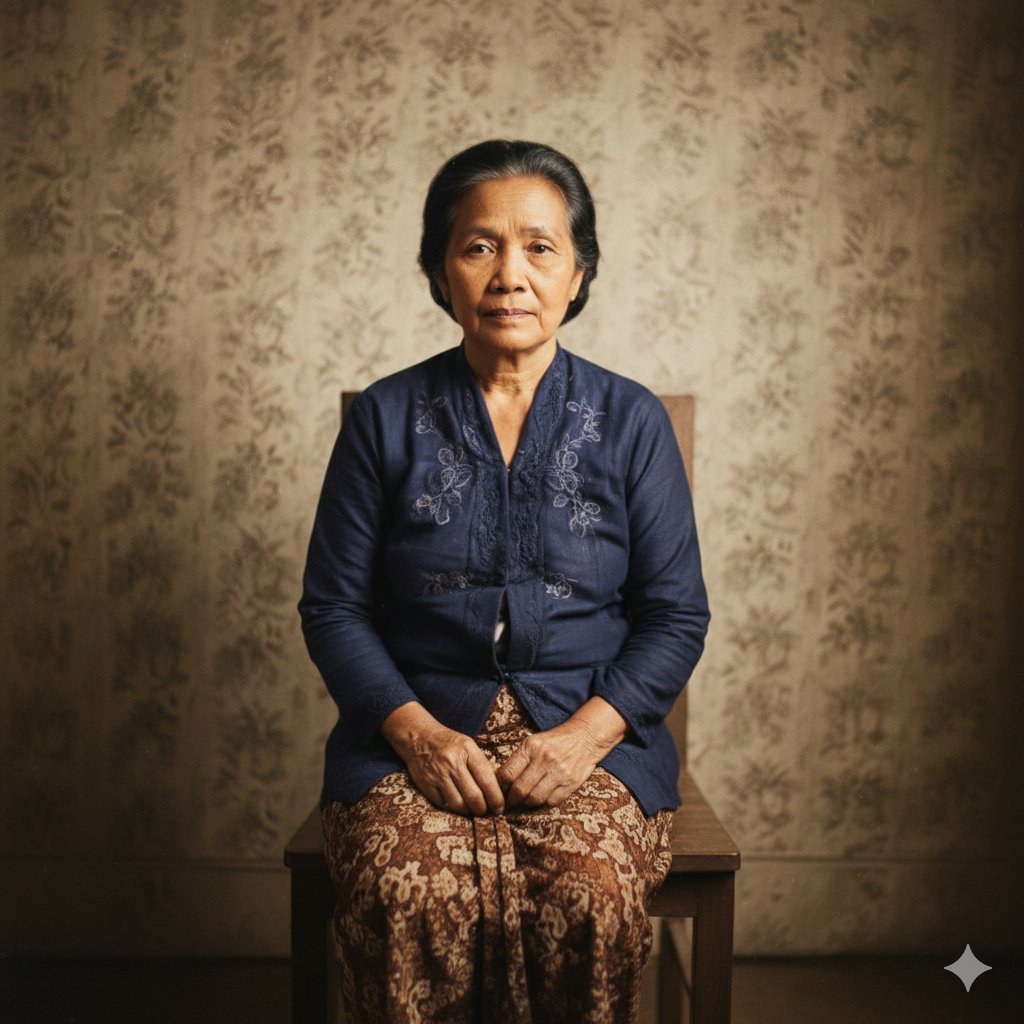
"Restore this old photo into professional portrait of DLSR - quality colour and detail, using an advanced upscaling algorithm comparable to the results from {argument name="camera model" default="canon EOS R6 II"}. Ensure the restored the image looks natural, retains exact facial features, has great clarity..."Prompt 9: Upscale to Extreme Close-Up
Upscales a character from a reference image into a sharp, high-resolution close-up.
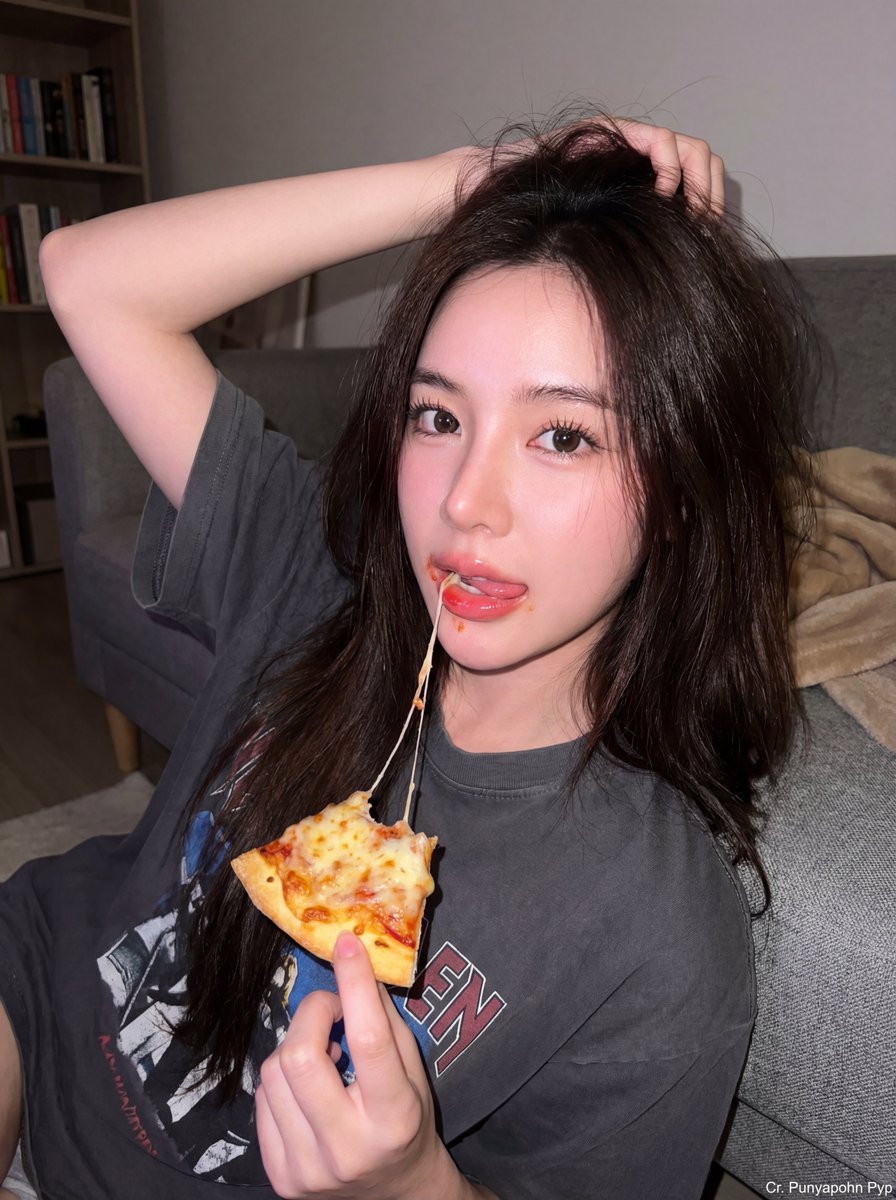
Prompt 10: Old Photo Restoration 4K (Short)
The simplest prompt on the list — one line that restores and upscales without changing details.
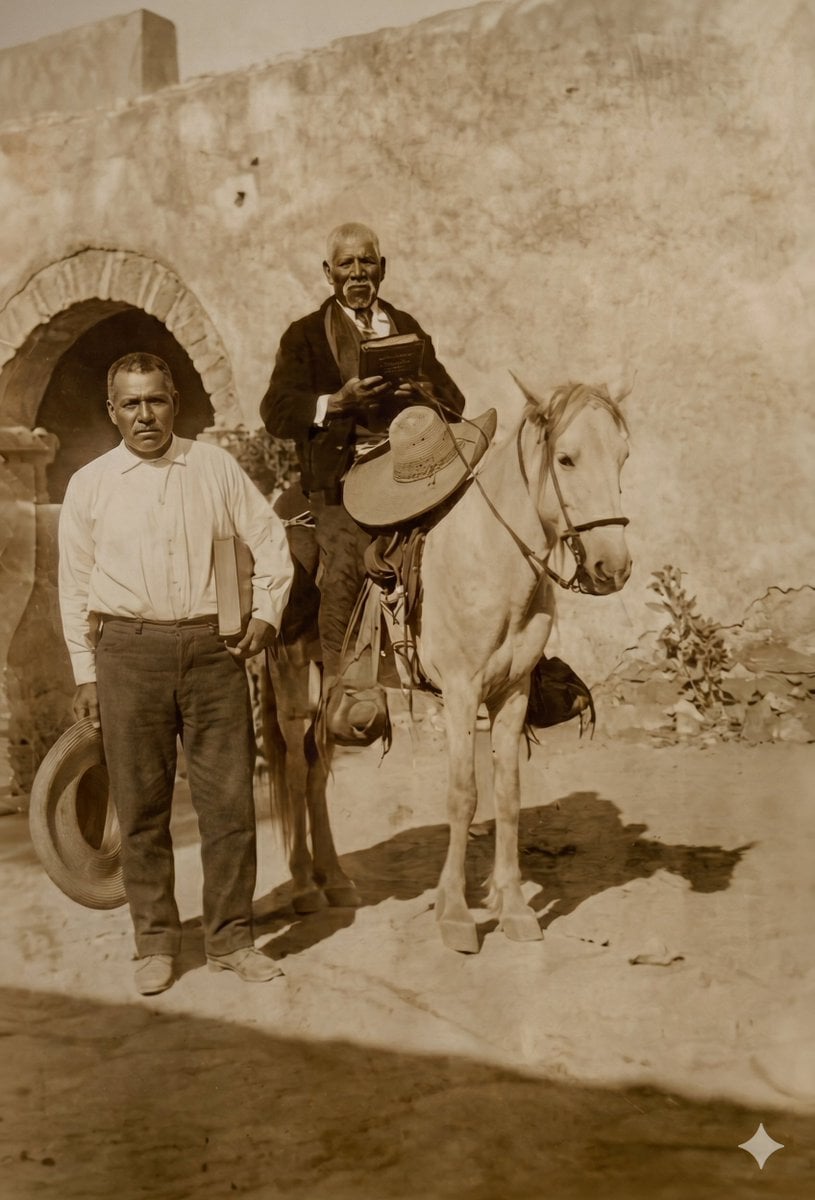
All ten are live PicX Studio templates. Upload the photo you want to fix, pick the prompt that matches its damage — faded, cracked, grainy or just low-res — and compare the before and after.