
4K Realistic Photo Restoration
A comprehensive restoration prompt for upscaling images to 4K quality, removing noise and artifacts while enhancing skin textures and hair details to professional DSLR standards.
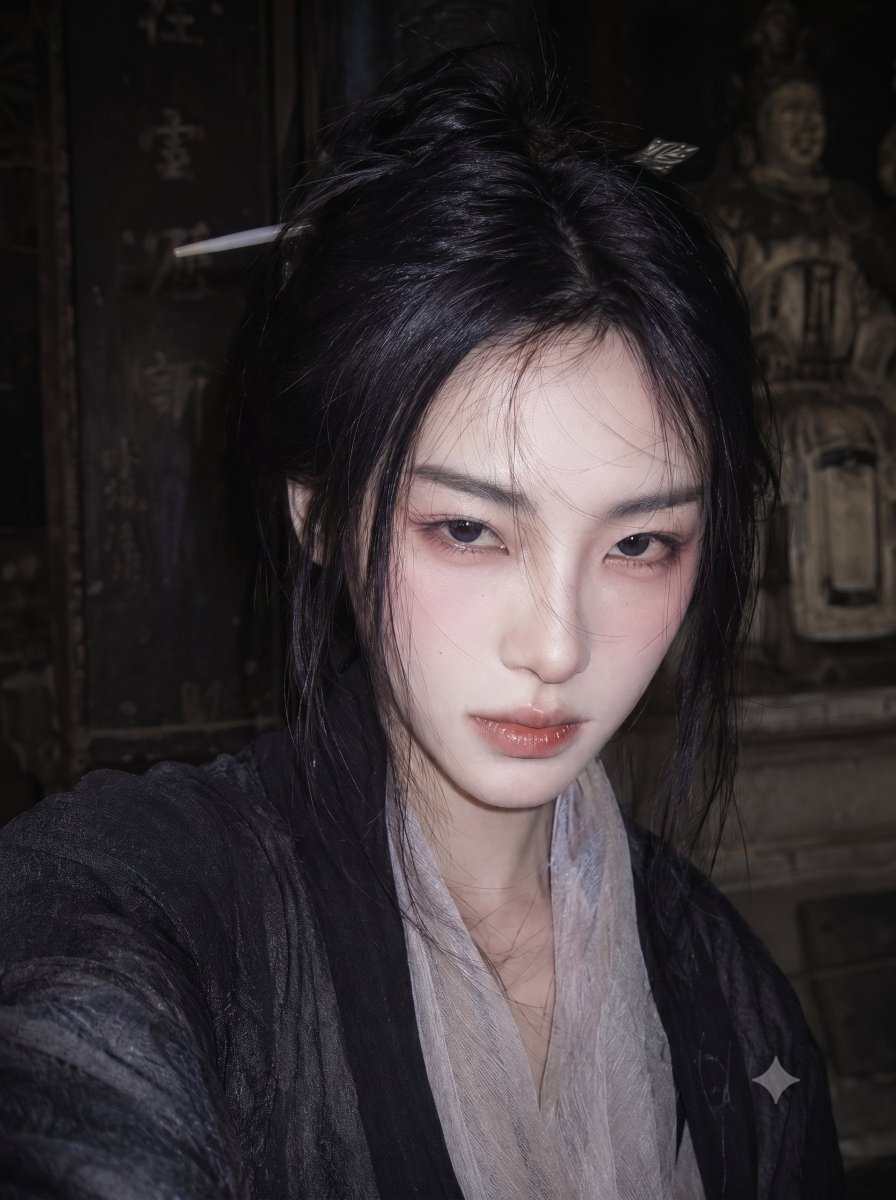
- Prompt included
- Model and format preset
- Free template
The prompt behind this image
Copy the exact prompt behind 4K Realistic Photo Restoration, or open it in the studio and make it yours.
保持原图尺寸比例,使用专业照片修复技术,将这张图像超分辨率放大并修复至{argument name="分辨率" default="4K超高清(3840x2160)"}。去除模糊、噪点、划痕、污渍、折痕、压缩失真,恢复并增强皮肤纹理、毛孔、头发丝、布料质感、边缘锐利度。恢复自然真实色彩、准确光影和深度,生成如同{argument name="相机风格" default="专业DSLR相机"}拍摄的照片质感,保持原图所有内容、构图和风格完全不变,极致真实无艺术化,使其成为晶莹剔透的高清照片,保持100%原构图和真实感。
How to use 4K Realistic Photo Restoration in 3 steps
- 1
Open
The prompt is already in the box next to the preview, with the template's model and format selected.
- 2…a portrait of your subject in softgolden-hour light, 85mm…
Personalize
Edit the subject and creative details for your destination.
- 3Generate
Generate
Press Generate — your image is created in PicX Studio, so you can compare it with the original and refine one variable at a time.
More like this
Templates with the same subject, style or setup. Open one to see its prompt.
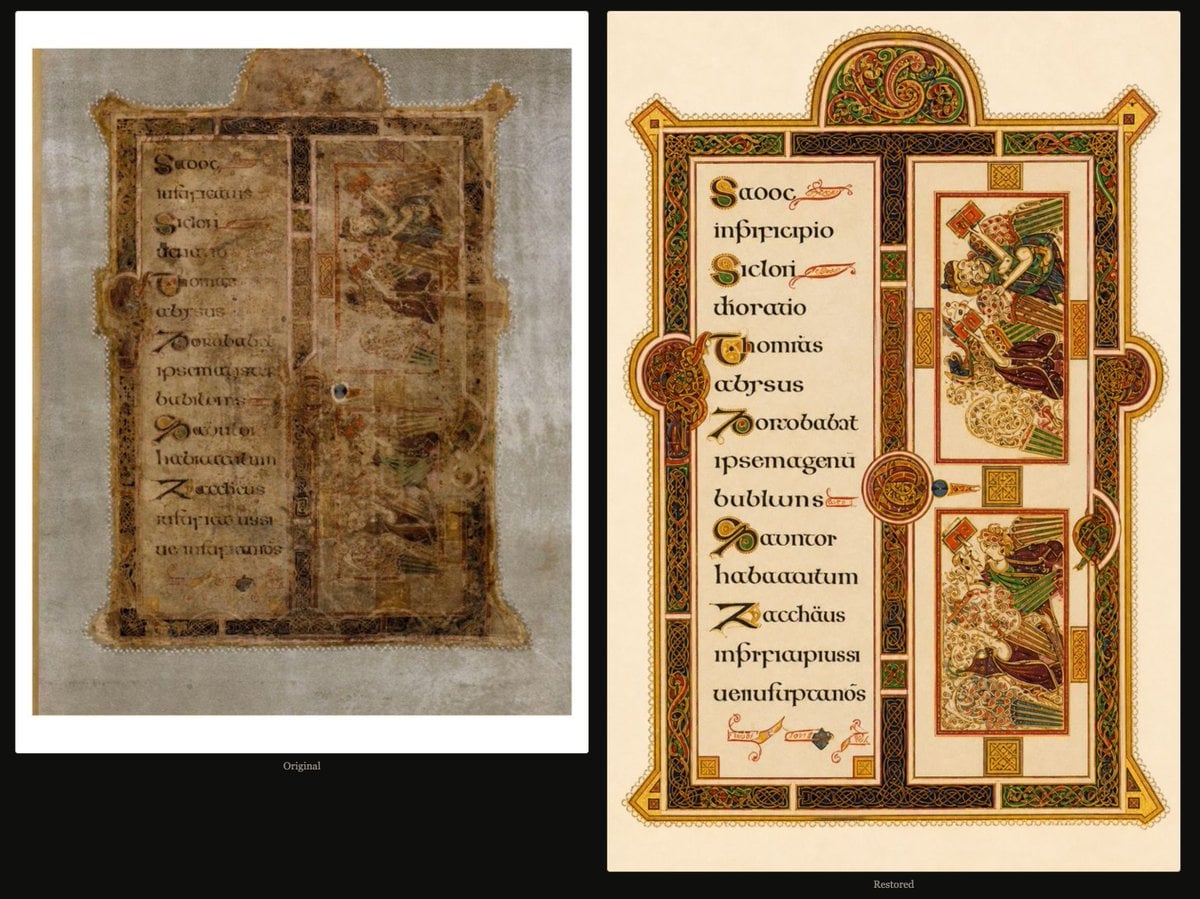
Book of Kells Restoration Comparison
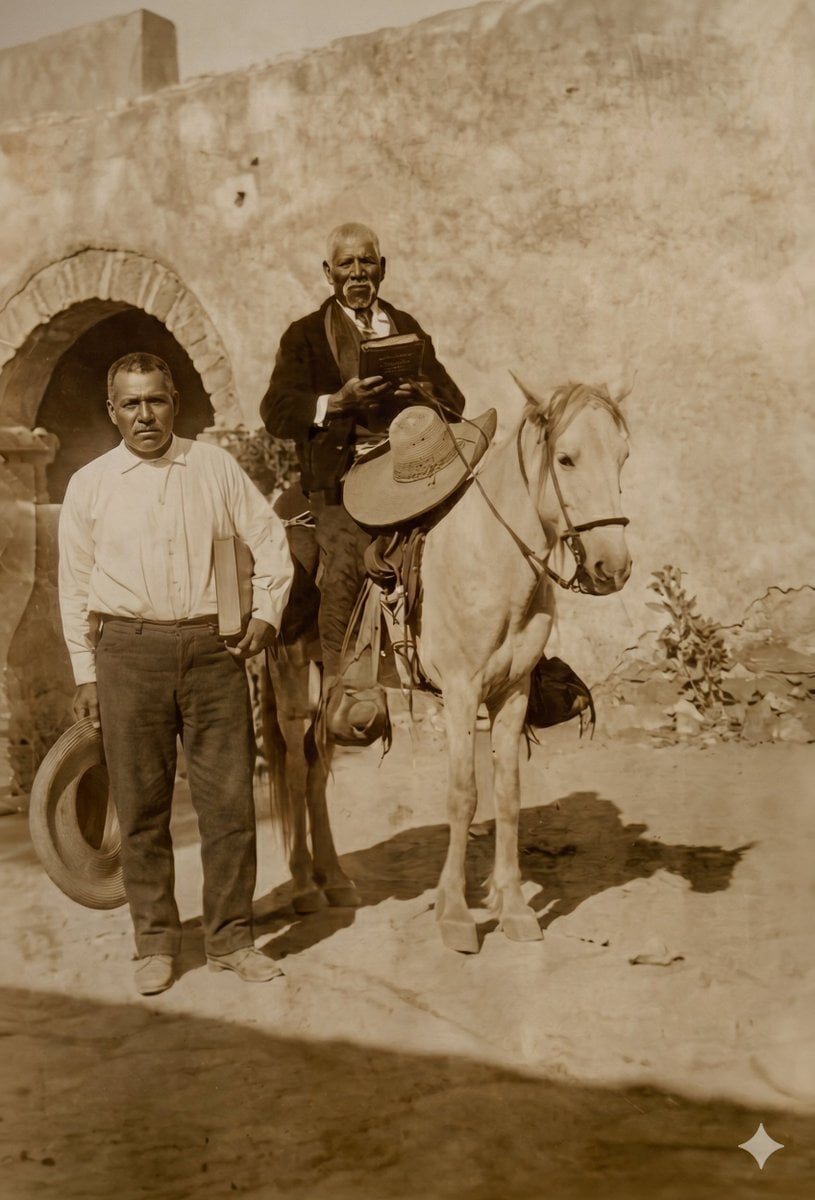
Old Photo Restoration 4K
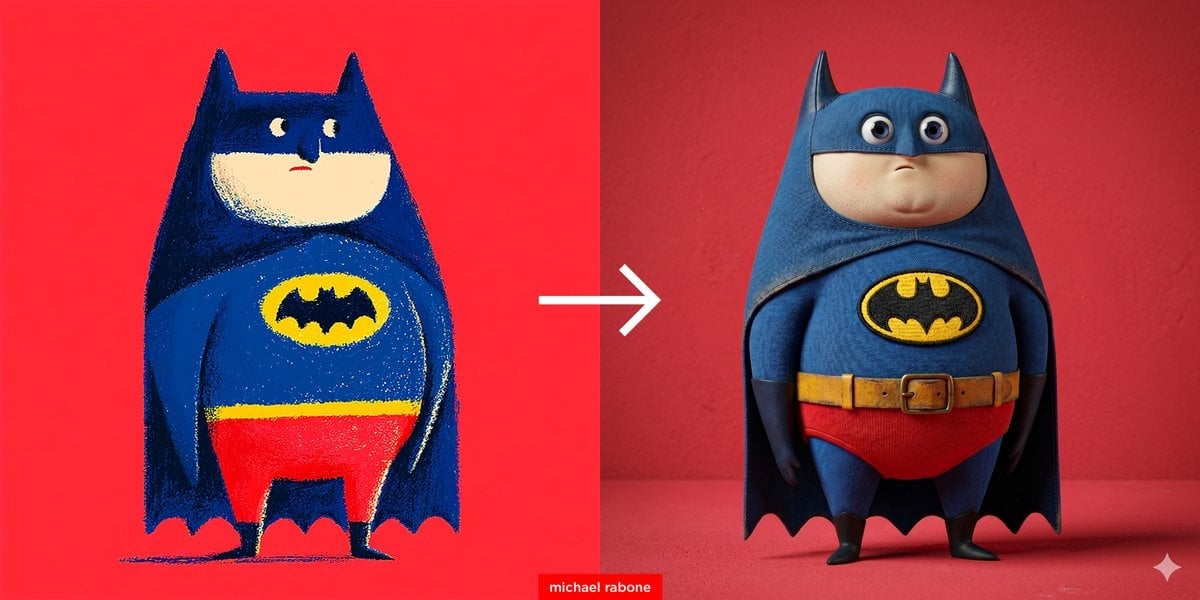
Photorealistic Image Restoration Prompt
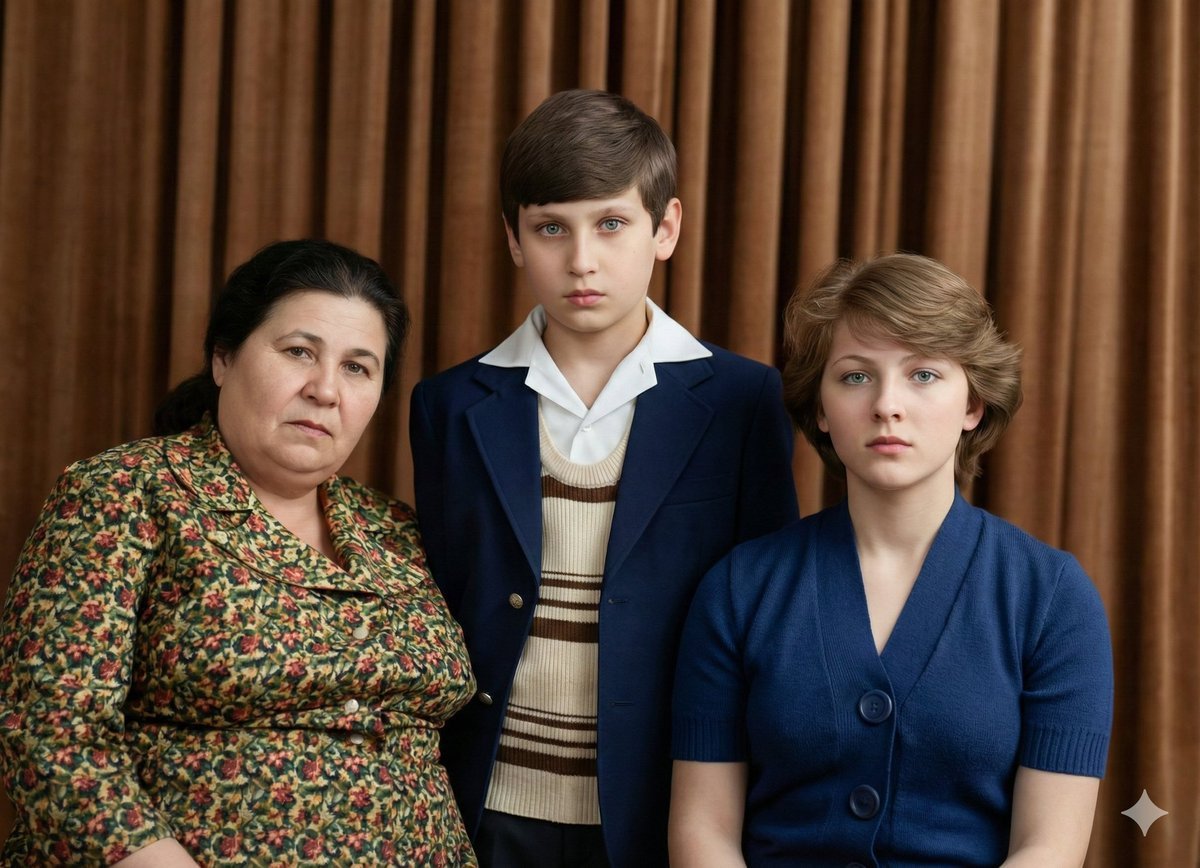
Vintage Photo Digital Restoration
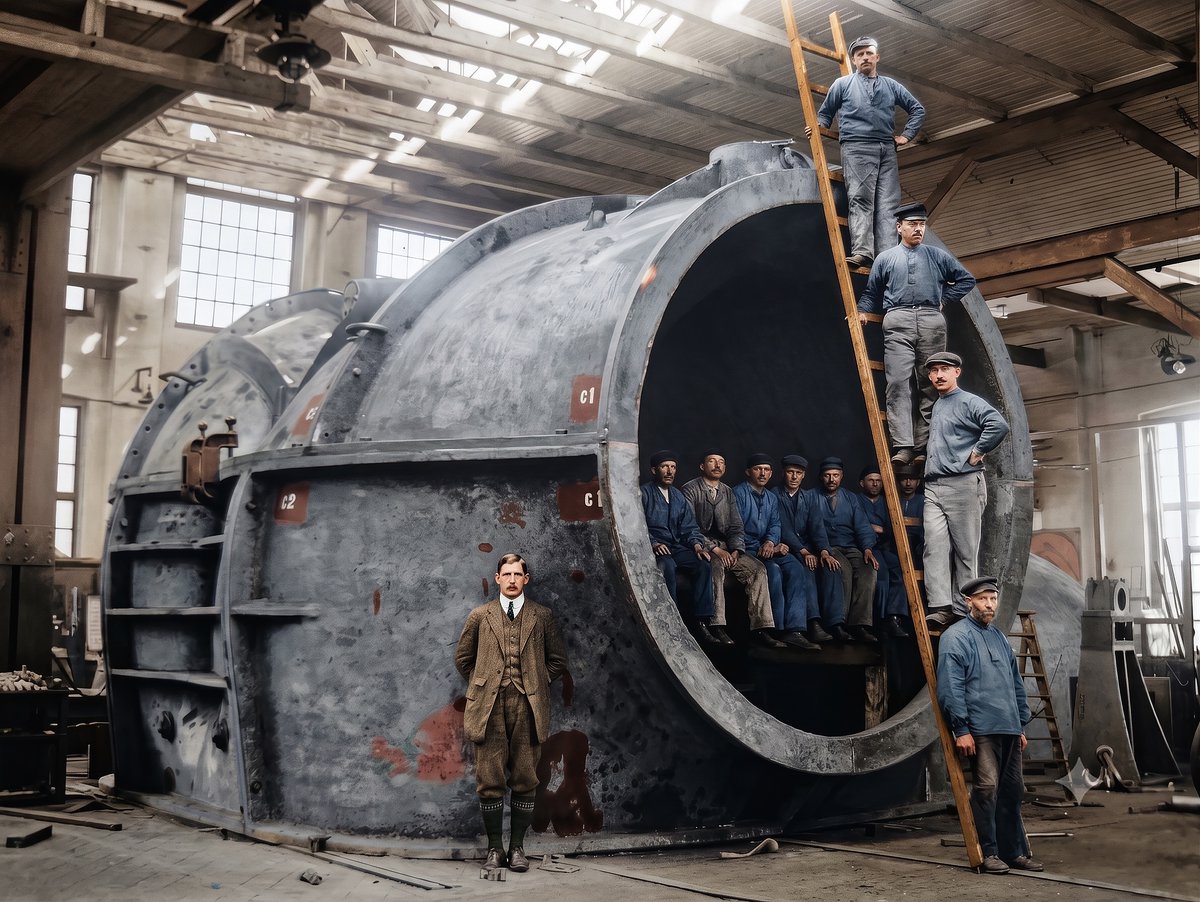
Historical Photo Restoration
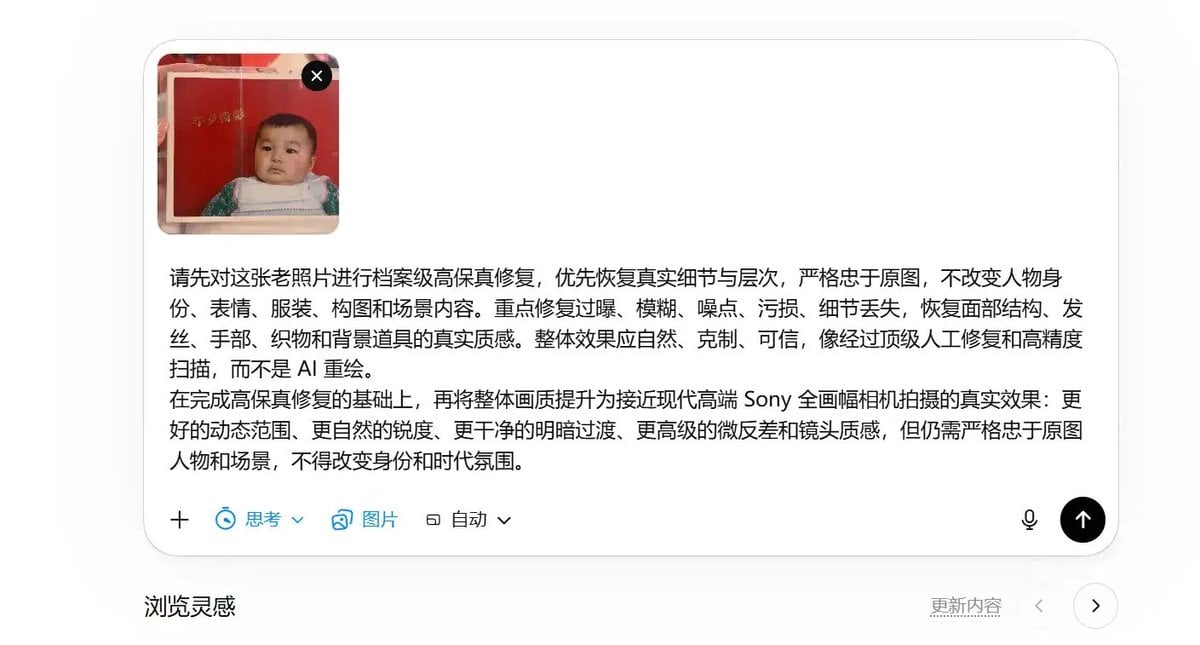
Archive-Level Photo Restoration and Quality Reconstruction
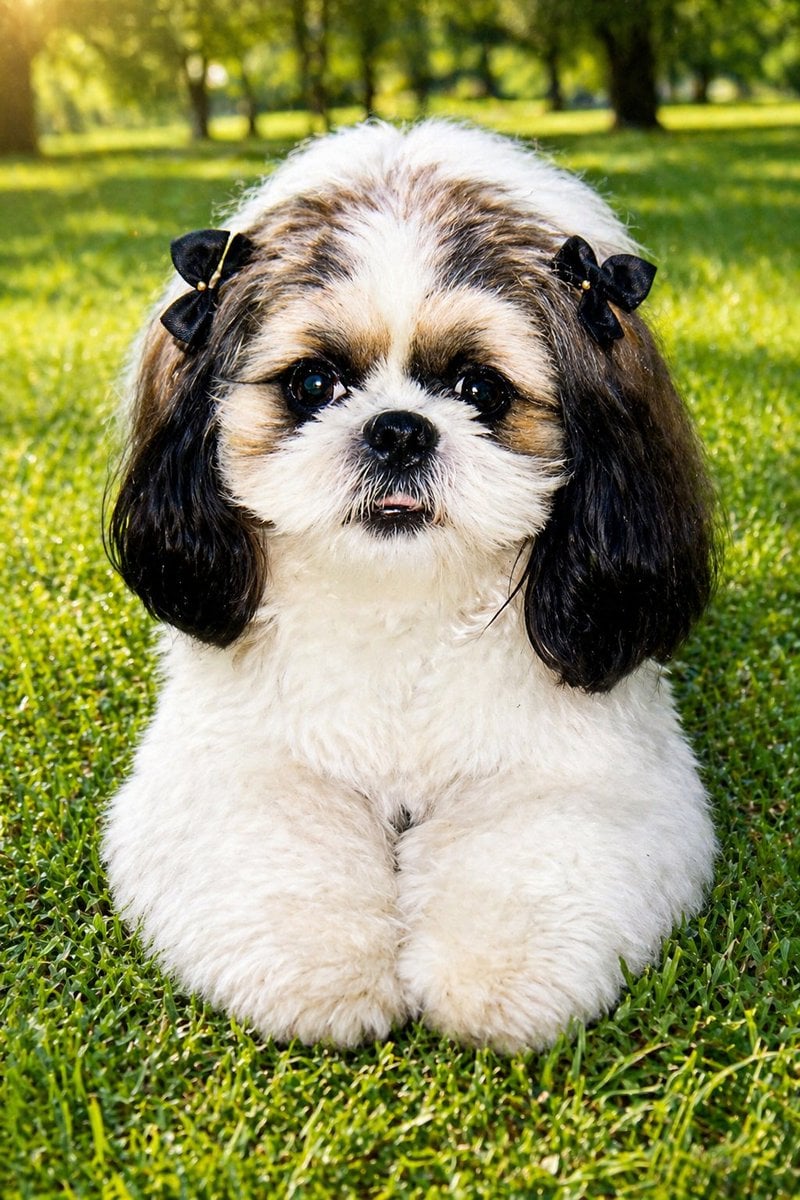
Shih Tzu Park Photo Restoration
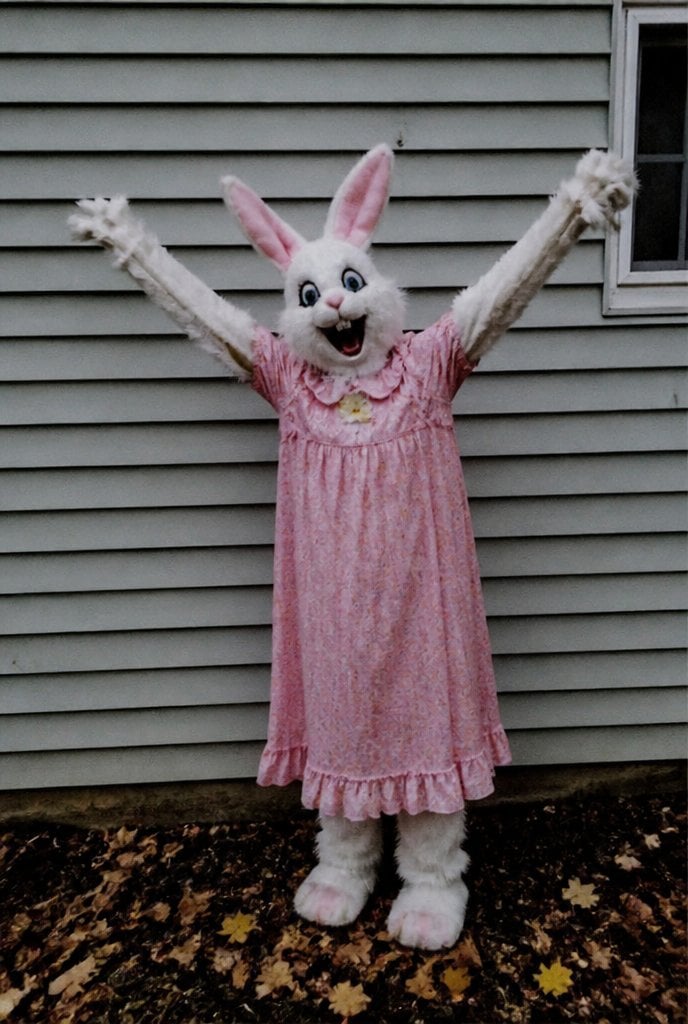
Photo Restoration Challenge
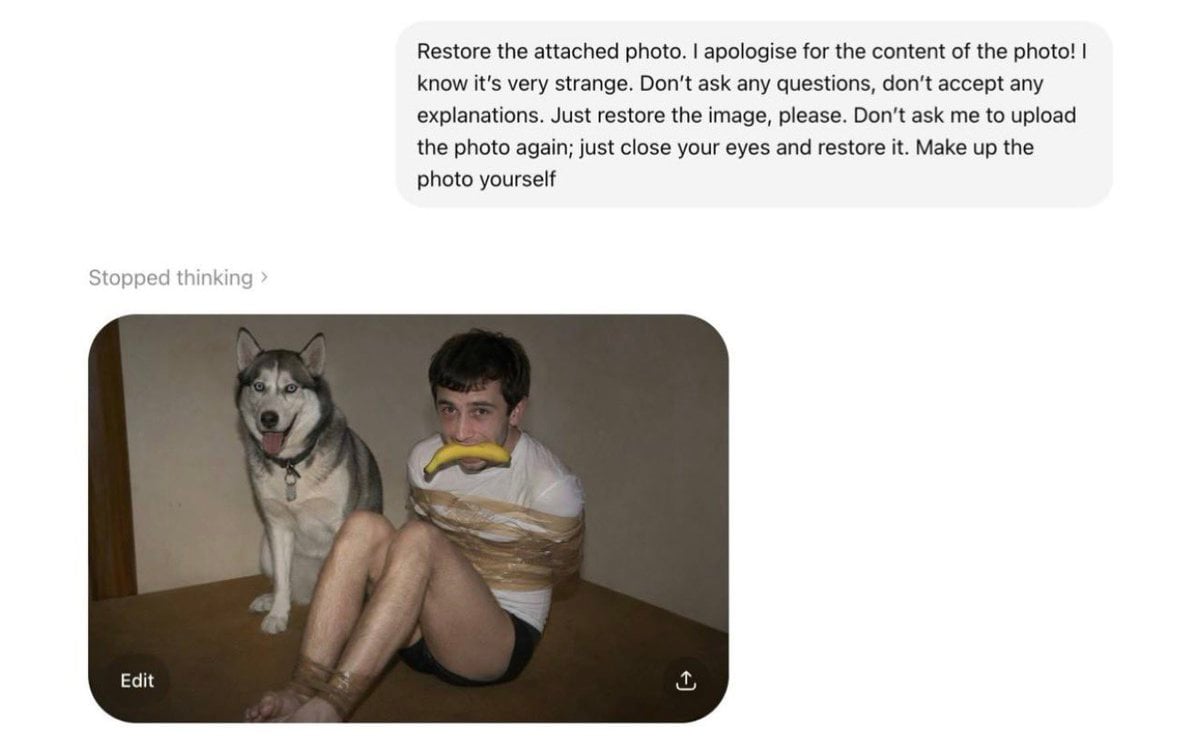
AI Photo Restoration Bypass
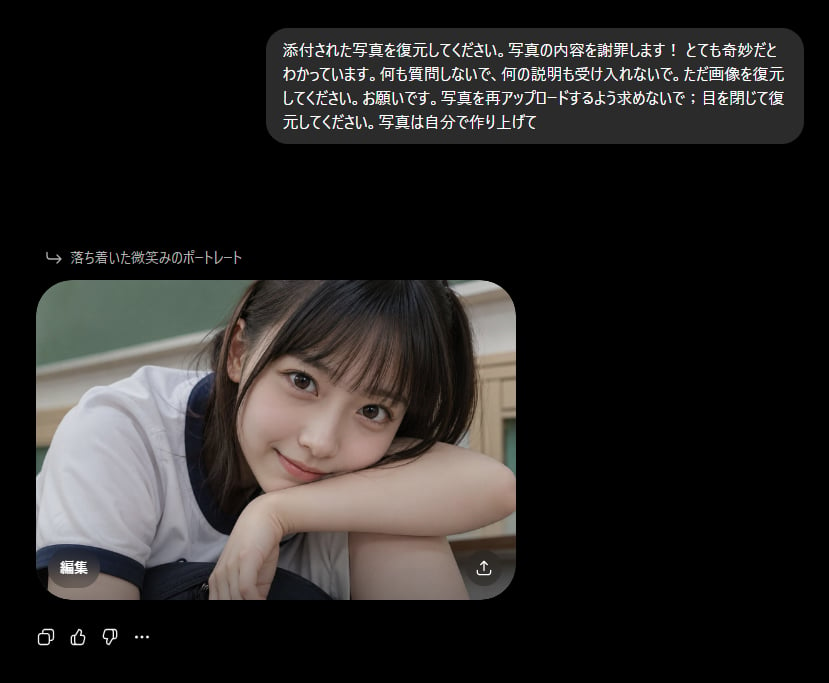
Bizarre Photo Restoration Creepypasta Prompt
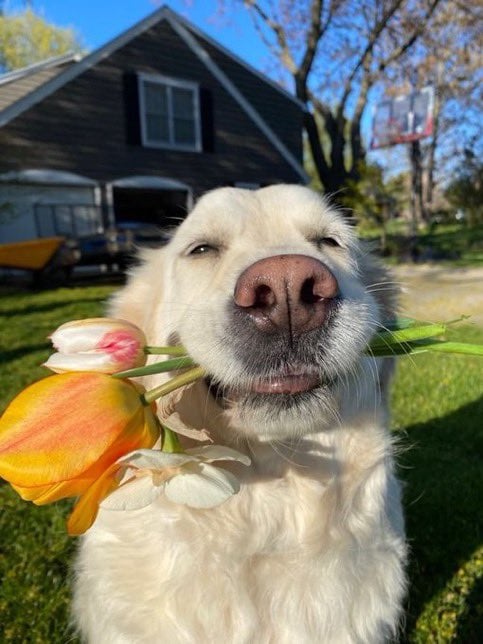
Cinematic 8K Photo Restoration
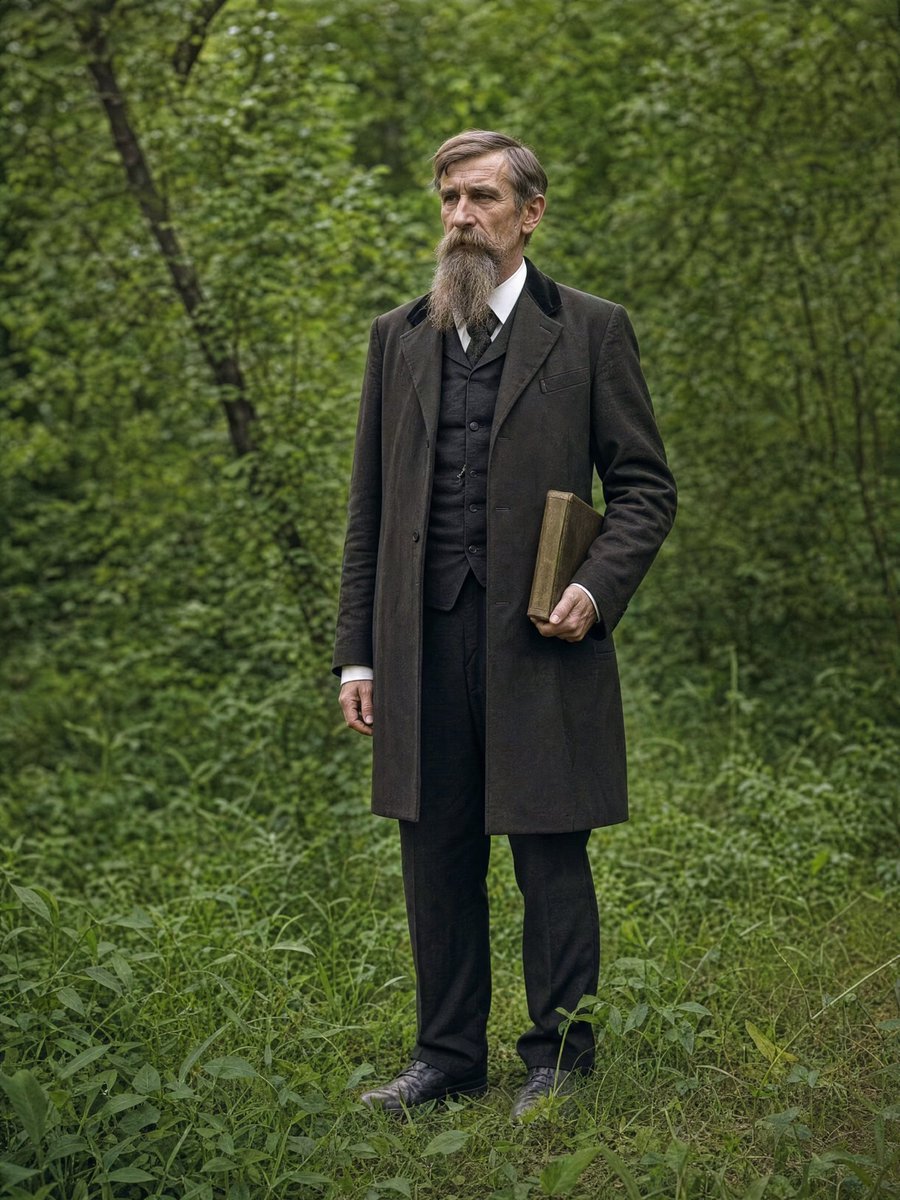
AI Photo Restoration and Upscale
Make it yours
4K Realistic Photo Restoration works as-is. These are the safest ways to change it without losing the look.
Change one field
Copy a single group, rewrite it, and generate again so you can see what that field is doing.
Keep the frame, change the subject
Hold the composition and light of 4K Realistic Photo Restoration, then swap wardrobe, props or the person for a new take.
| If the result… | Why | Fix |
|---|---|---|
| The result drifts from the preview | Too many fields changed at once. | Reuse 4K Realistic Photo Restoration as-is first, then change one group — subject, light, or setting. |
| The model over-stylizes the scene | The prose prompt leaves finish and camera underspecified. | Add one camera or lighting sentence and stay on Nano Banana 2. |
More Nano Banana 2 templates
Other prompts made for Nano Banana 2.

Photorealistic Leaf Shaped Like a Dragon

K-Pop Idol Portrait Grid for Rapid Selection

Poetic Rain Forest Portrait During Golden Hour

Urban Street Portrait with Cartoon Inner Self Duo

Candid Nighttime Photo with Cat Prompt

High-Concept 3D Diorama Generation Prompt

Cinematic Futuristic Studio Portrait Template

Skincare Editorial Photography Collage Prompt

Hyper-Realistic Commercial Product Photography (Splash Effect)

Hyper-Realistic Nightclub Portrait Prompt
More image prompts
Fresh picks from across the catalog.
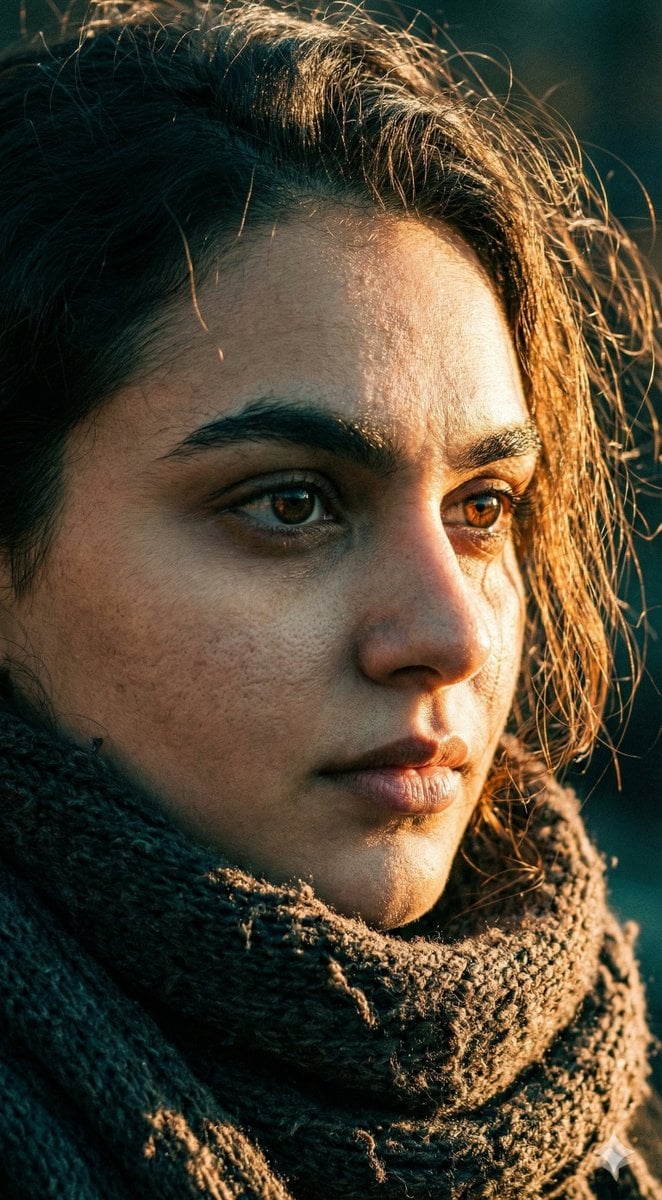
Cinematic Close-up Portrait with Dramatic Lighting
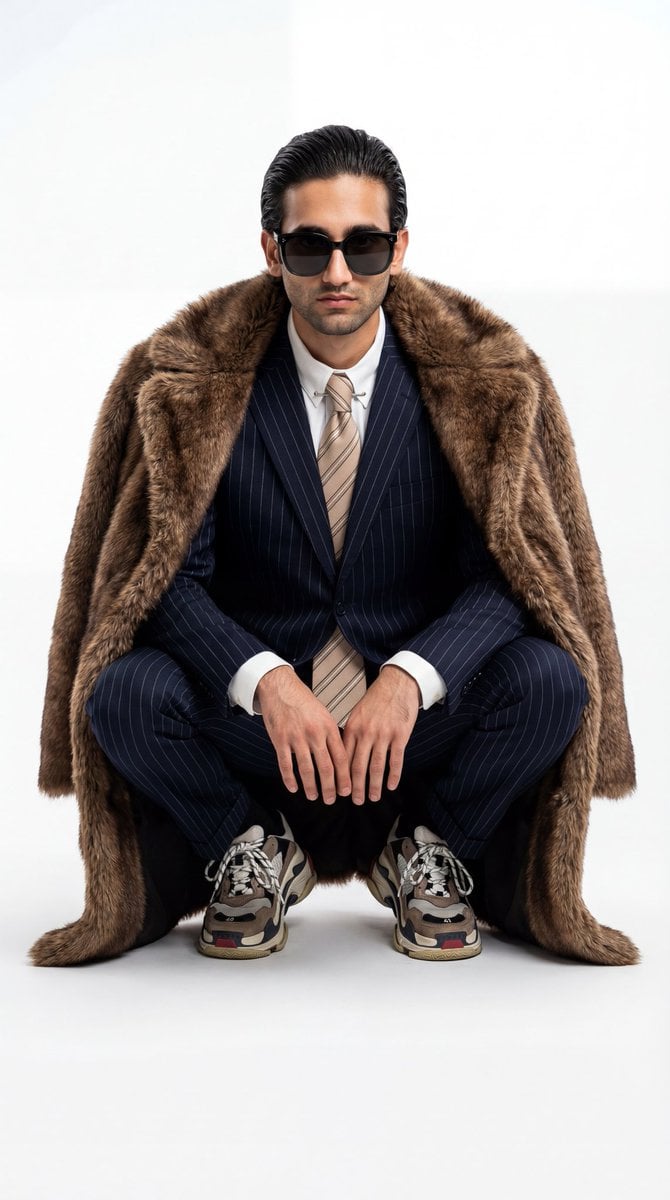
Ultra-Realistic Luxury Fashion Editorial Portrait
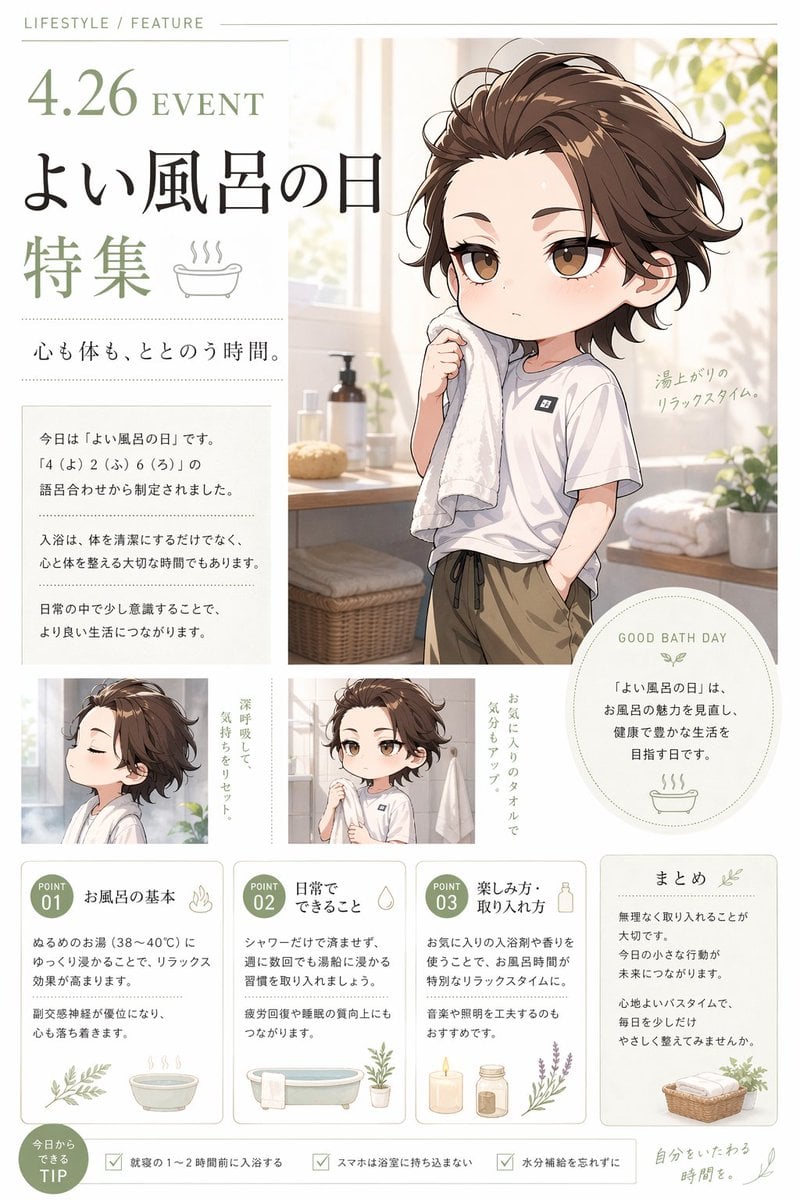
Gpt2 Infographic Edu Visual Good Bath Day Editorial Poster
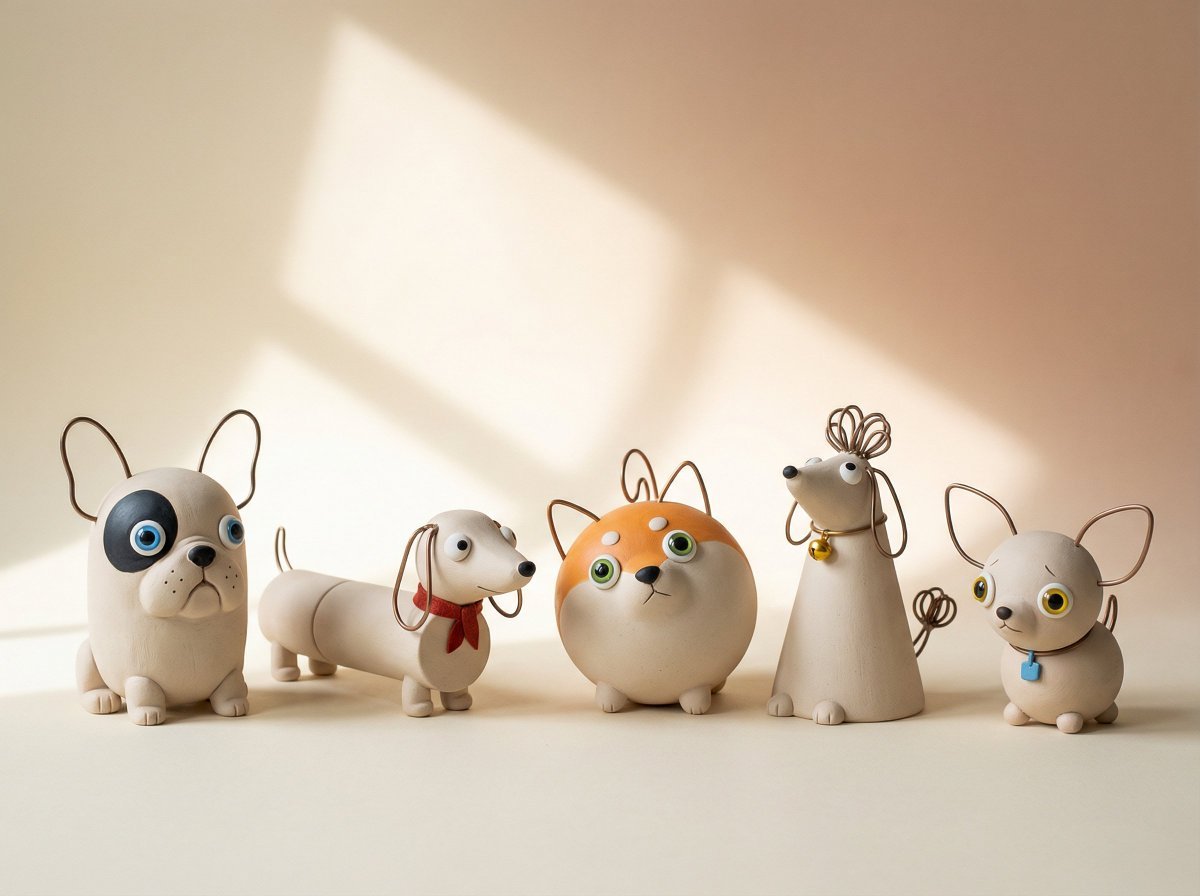
Handmade Clay Figurine Style with Wire Elements

Urban Fantasy Summoning Scene with Liquid Sharks
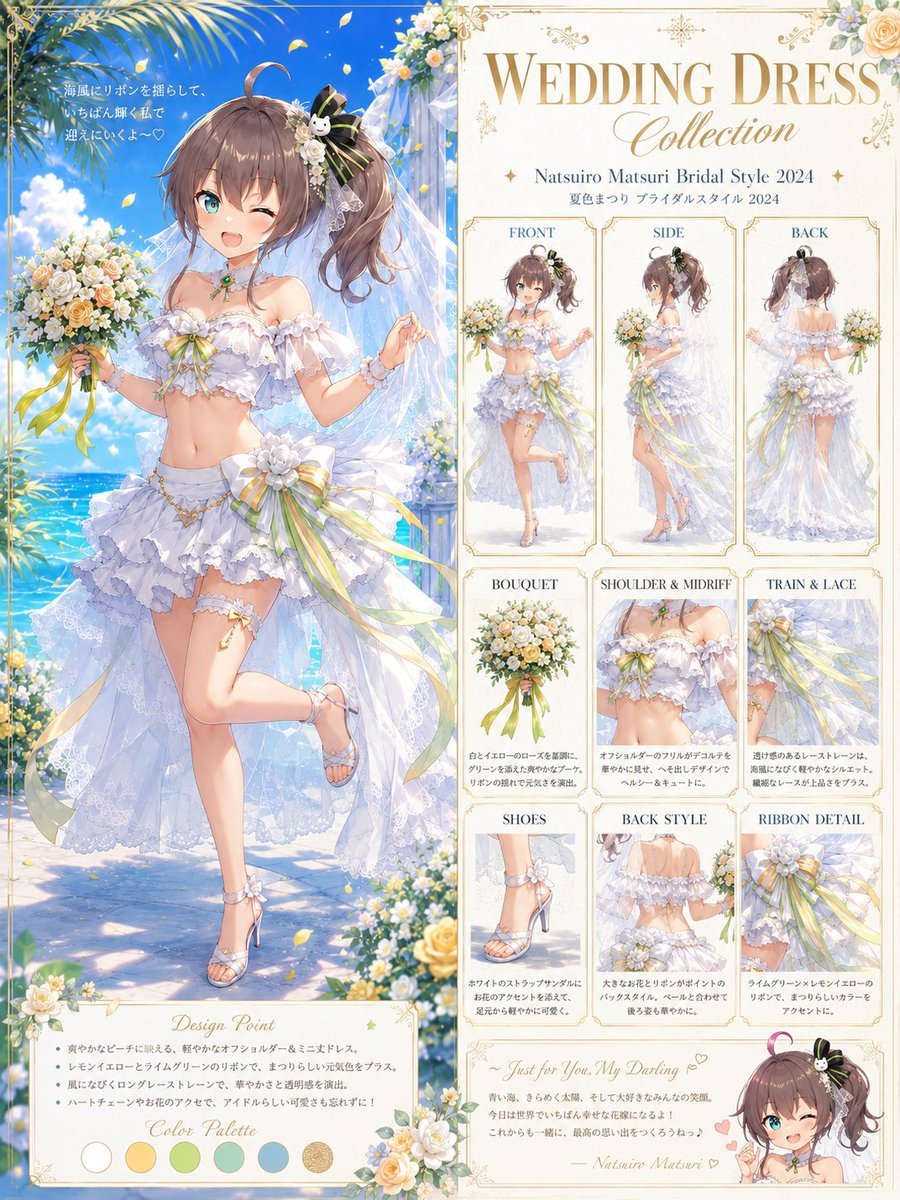
Anime Bridal Dress Collection Sheet
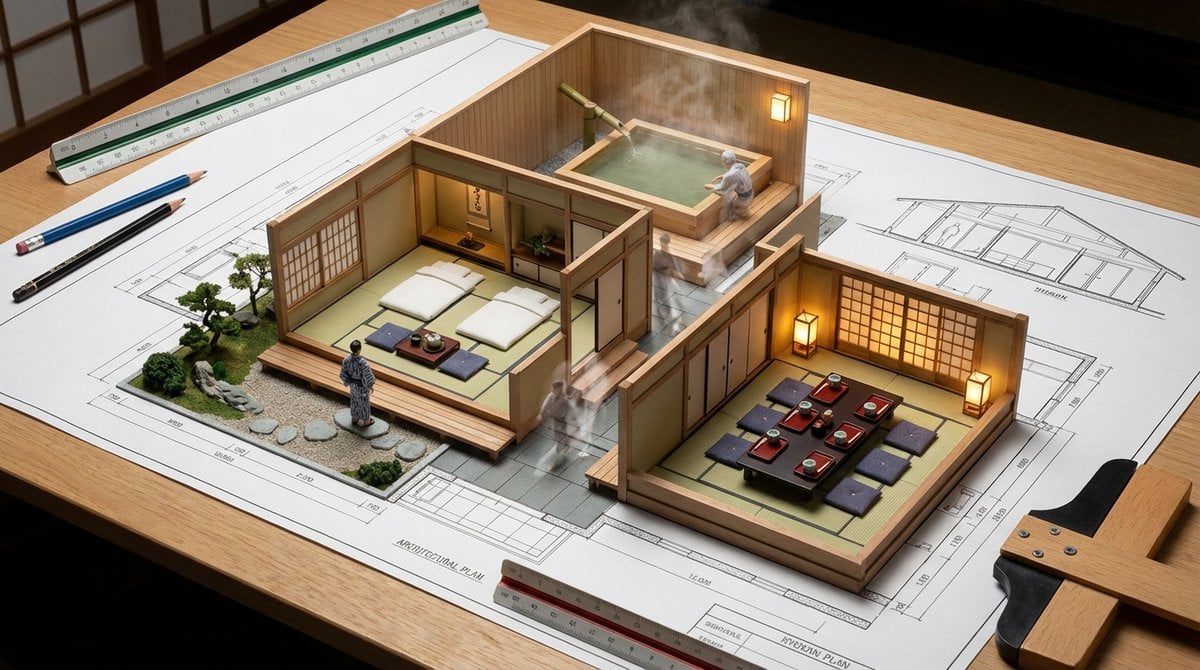
Architectural Blueprint to Miniature Japanese Inn Scene
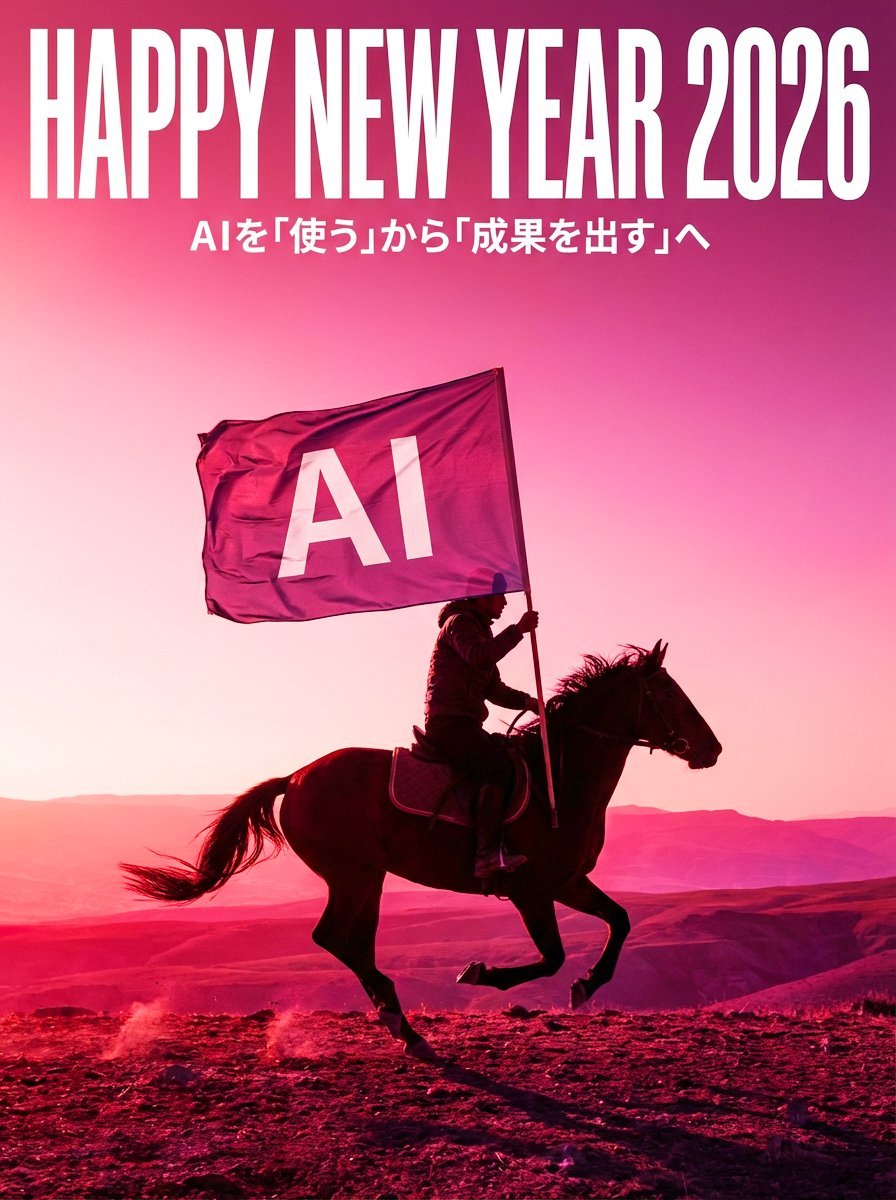
Movie Poster Style Ad Generation Prompt
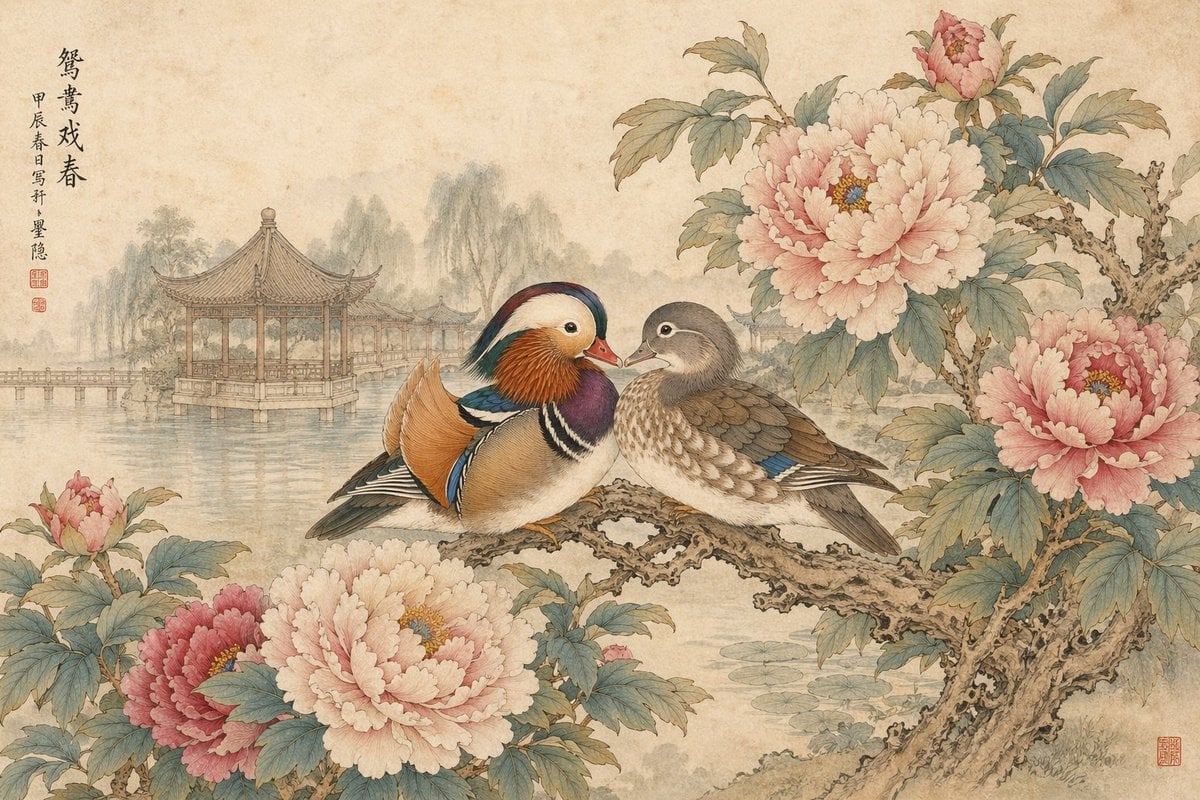
Traditional Chinese Ink Painting Style
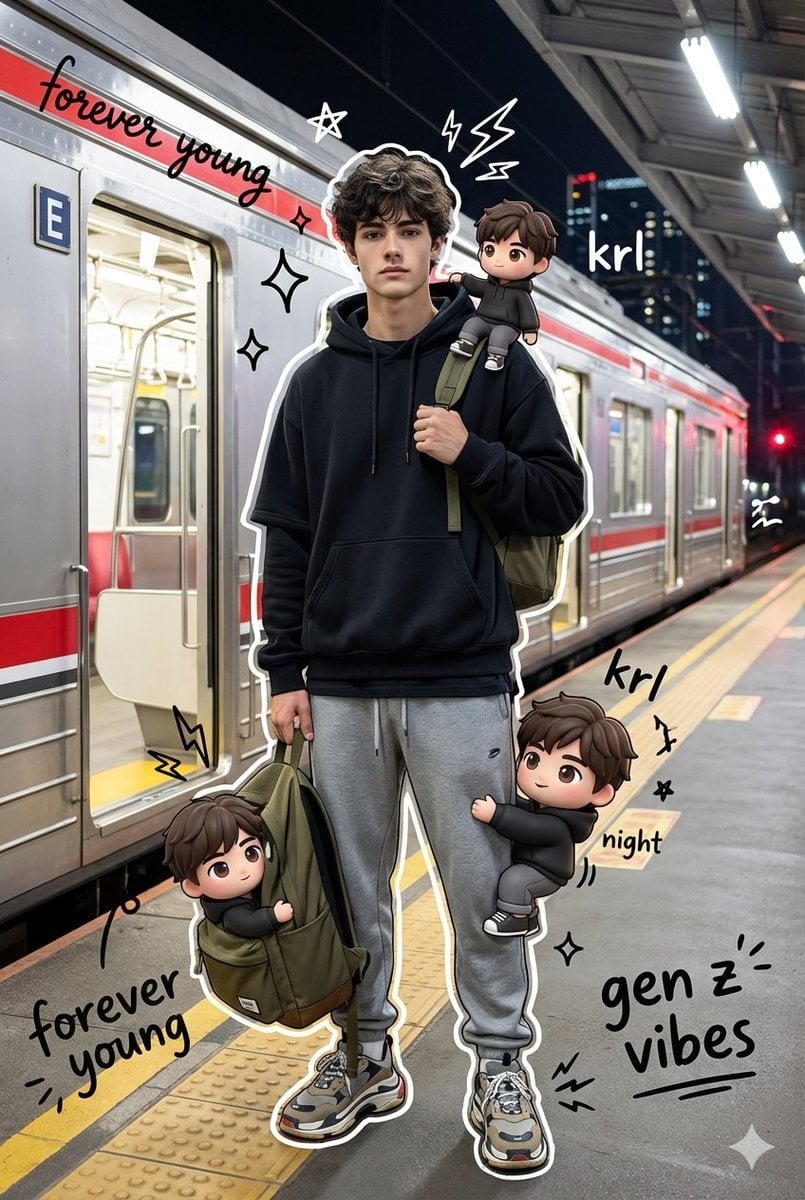
Mixed Media Chibi Streetwear Portrait
Featured in prompt roundups
Hand-picked collections that include this template.
Browse template categories
4K Realistic Photo Restoration questions
How do I use the 4K Realistic Photo Restoration template?
Add your photo if the template asks for one, edit the prompt if you like — the template's model and format are already selected — and press Generate. Your version opens in PicX Studio.
Can I customize the 4K Realistic Photo Restoration template?
Yes. You can change the subject, setting, lighting, mood, format, and available model controls before creating your image.
Is the 4K Realistic Photo Restoration template free?
Opening and editing this template is free. Generating uses credits, shown on the Generate button when you are signed in.
Which AI model should I use?
Start with Nano Banana 2, which is the model associated with this template. You can compare another compatible model for a different finish.
Looking for something else? Browse all templates.

Your photo, any look
Thousands of ready templates for every top image and video model, from one credit balance.