
Archive-Level Photo Restoration and Quality Reconstruction
A comprehensive prompt for restoring old, damaged photos to 4K resolution while maintaining strict identity fidelity and modern Sony camera quality.
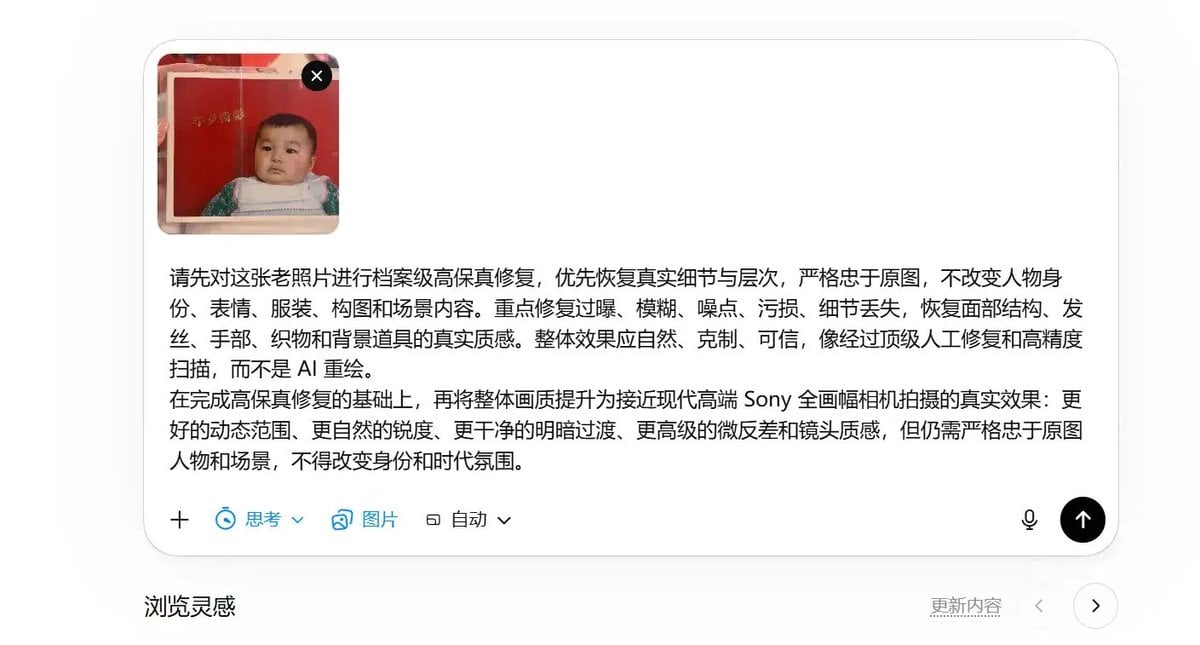
- Prompt included
- Model and format preset
- Free template
The prompt behind this image
Copy the exact prompt behind Archive-Level Photo Restoration and Quality Reconstruction, or open it in the studio and make it yours.
请先对这张老照片进行档案级高保真修复,优先恢复真实细节与层次,严格忠于原图,不改变人物身份、表情、服装、构图和场景内容。重点修复过曝、模糊、噪点、污损、细节丢失,恢复面部结构、发丝、手部、织物和背景道具的真实质感。整体效果应自然、克制、可信,像经过顶级人工修复和高精度扫描,而不是 AI 重绘。 在完成高保真修复的基础上,再将整体画质提升为接近现代高端 Sony 全画幅相机拍摄的真实效果:更好的动态范围、更自然的锐度、更干净的明暗过渡、更高级的微反差和镜头质感,但仍需严格忠于原图人物和场景,不得改变身份和时代氛围。 请对我提供的这张老照片进行“档案级高保真修复 + 现代高端 Sony 全画幅相机质感重建”。 核心目标: 不是把它重新画一遍,也不是简单美颜翻新,而是在严格忠于原始照片内容的前提下,最大程度修复老照片中的损伤、模糊、过曝和细节缺失,使最终效果尽可能接近:如果同一瞬间由现代高端 Sony Alpha 全画幅相机真实拍摄出来,会呈现出的清晰度、层次、质感与真实摄影效果。 必须严格遵守以下要求: 一、绝对忠于原图 保留原始构图、人物位置、表情、姿态、视线、服装、发型、圣诞树、玩偶、礼物盒、椅子、室内环境与时代氛围,不要随意改动场景内容。 不要改变人物身份,不要把人物“修成另外一个人”,不要美化成现代商业写真脸,不要修改五官结构,不要随意补充原图不存在的重要物件。 修复应以“恢复”与“重建真实细节”为主,而不是“参考原图另画一张”。 二、修复重点 重点修复老照片中的高光过曝、局部发白、模糊、颗粒噪点、扫描损伤、污点、低分辨率感和细节丢失。 重点恢复人物脸部、眼睛、嘴唇、鼻梁、发丝、手部、衣服面料纹理、玩偶、礼物包装、圣诞树装饰、椅子花纹和背景道具的真实细节与层次。 人物面部必须自然可信,五官边界准确,眼神清晰,发丝有真实走向,衣物褶皱与材质有真实表现。 允许提升画面清晰度,但必须避免 AI 过度锐化、塑料皮肤、假毛孔、假睫毛、假牙齿、假高光、过强轮廓线等不真实问题。 三、现代 Sony 摄影质感目标 整体质感应接近现代 Sony Alpha 高端全画幅相机拍摄效果,具有高解析力、自然锐度、真实微反差、干净通透的空气感、优秀动态范围、细腻的明暗过渡,以及可信的镜头成像质感。 人物主体应有明确而自然的焦点,细节清晰但不过分硬锐;背景保留合理层次,不要糊成一片,也不要过度虚化。 整体应呈现真实摄影语言,而不是插画、CG、油画、海报或 AI 绘制感。 如果进行上色,应采用保守、真实、克制的纪实上色方式:肤色、木材、布料、树木、包装盒、金属装饰等颜色必须自然可信,符合年代室内环境,不要过饱和,不要网红滤镜,不要夸张电影调色。 四、真实性优先 优先保证真实摄影逻辑,而不是“修得好看”。 宁可保守,也不要凭空脑补过多不存在的细节。 对于原图信息不足的区域,应做可信、克制、符合时代与场景的细节重建,而不是随意发挥。 最终效果应像:经过顶级人工修复、高清扫描、并以现代 Sony 相机画质标准重现后的真实照片。 五、负面约束 不要磨皮,不要过度美容,不要脸部年轻化,不要现代网红妆感,不要夸张景深,不要虚假的电影滤镜,不要过度 HDR,不要过强对比,不要塑料感,不要油画感,不要插画感,不要凭空改人物,不要改变年龄气质,不要改变时代感,不要把老照片直接重绘成一张“像 AI 创作的新图”。 最终关键词方向: 高保真修复、档案级修复、真实摄影、Sony Alpha 全画幅质感、自然高解析、真实微反差、细腻层次、可信上色、纪实、克制、忠于原图。
Reference images included
Archive-Level Photo Restoration and Quality Reconstruction needs input media to work. They load alongside the prompt when you open it in the studio.
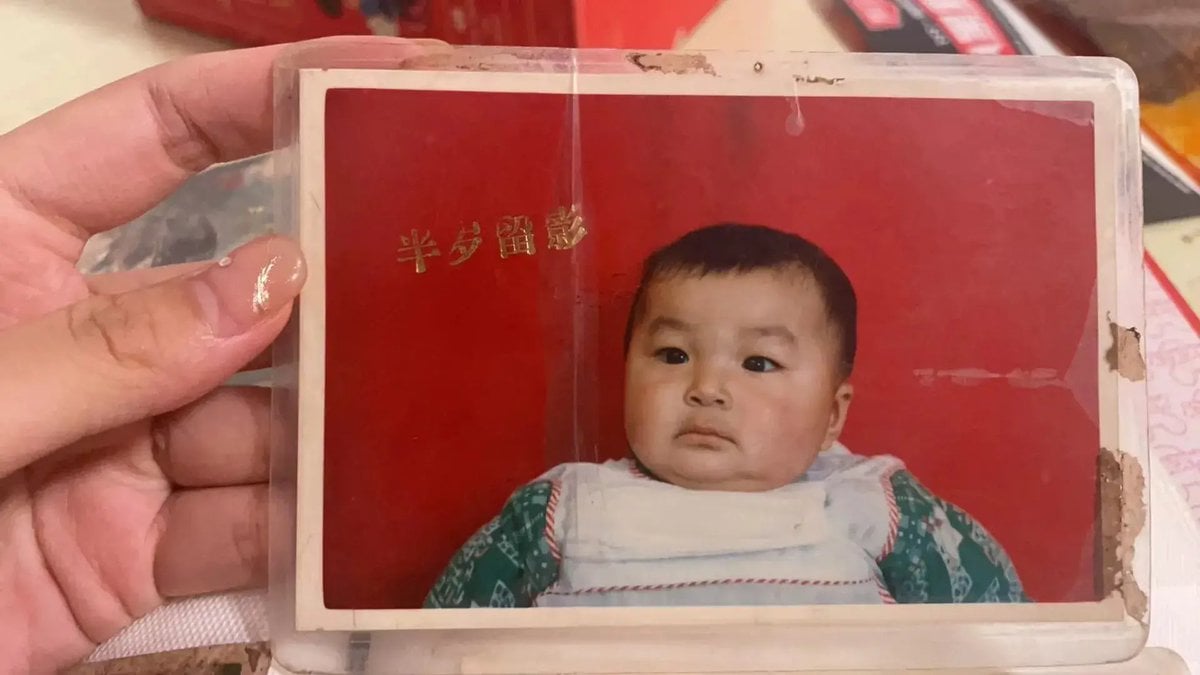
How to use Archive-Level Photo Restoration and Quality Reconstruction in 3 steps
- 1Upload ImagePNG, JPG or paste
Add your photo
Upload the photo the template builds on. The prompt, model and format are already set.
- 2…a portrait of your subject in softgolden-hour light, 85mm…
Personalize
Edit the subject and creative details for your destination.
- 3Generate
Generate
Press Generate — your image is created in PicX Studio, so you can compare it with the original and refine one variable at a time.
More like this
Templates with the same subject, style or setup. Open one to see its prompt.
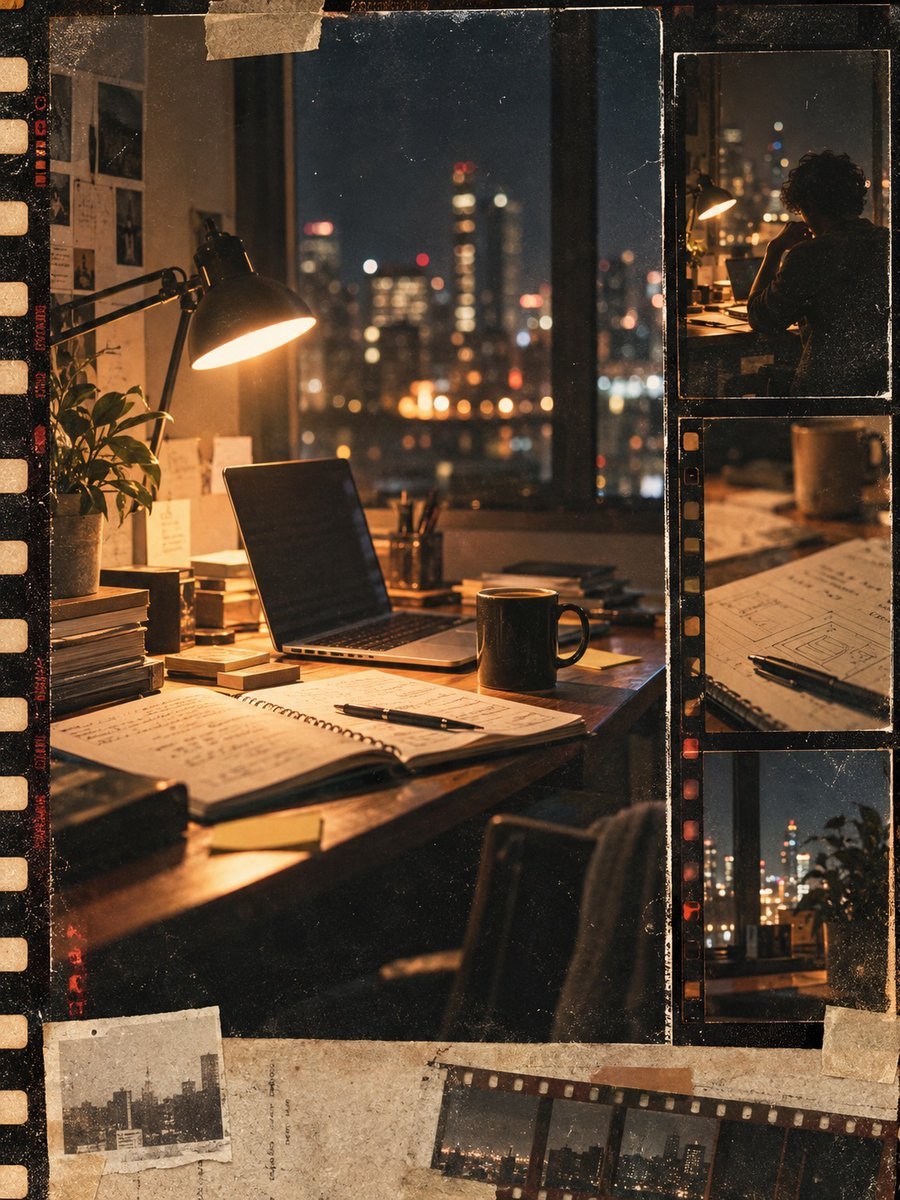
Vintage Film Startup Archive Poster
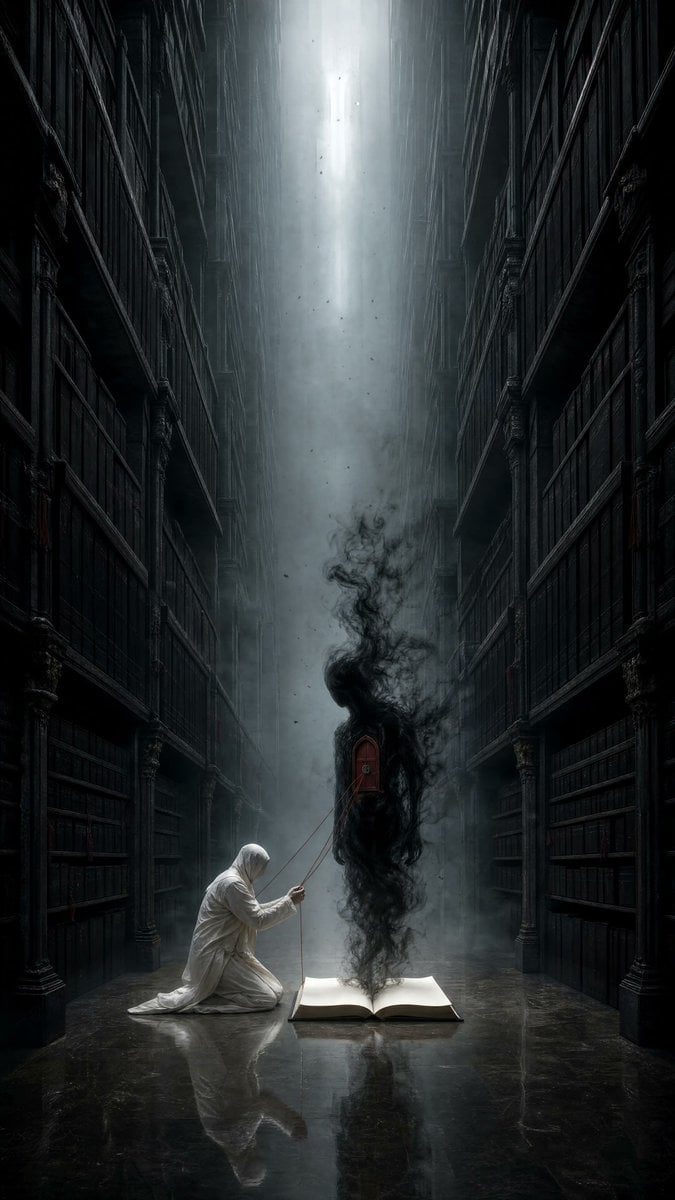
Dark Surrealist Library Archive
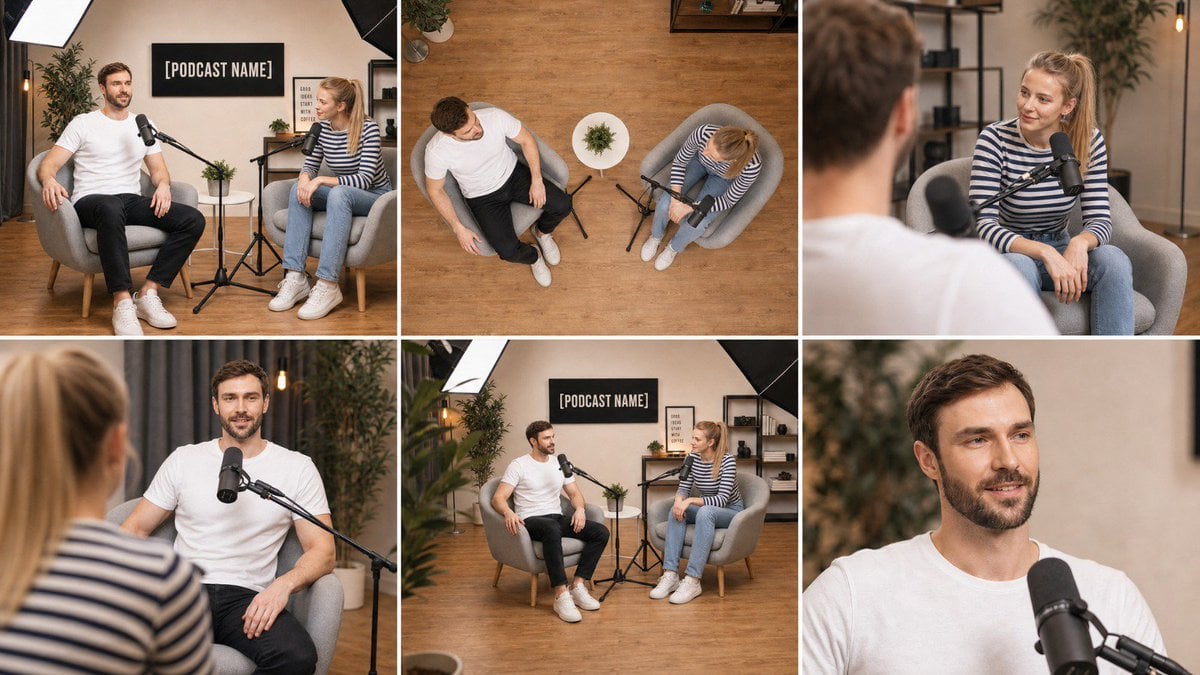
Multi-Angle Scene Reconstruction Grid
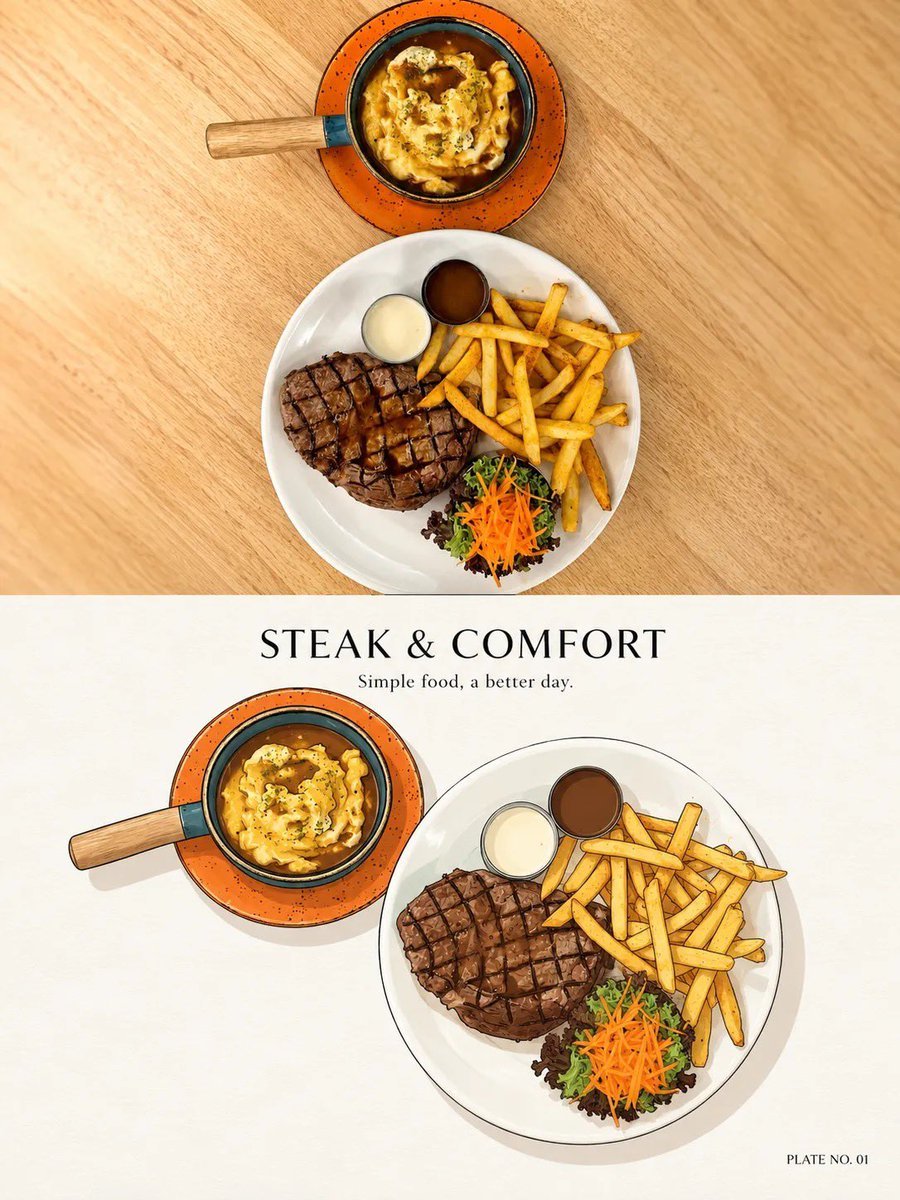
Minimal Ink Vignette Archive
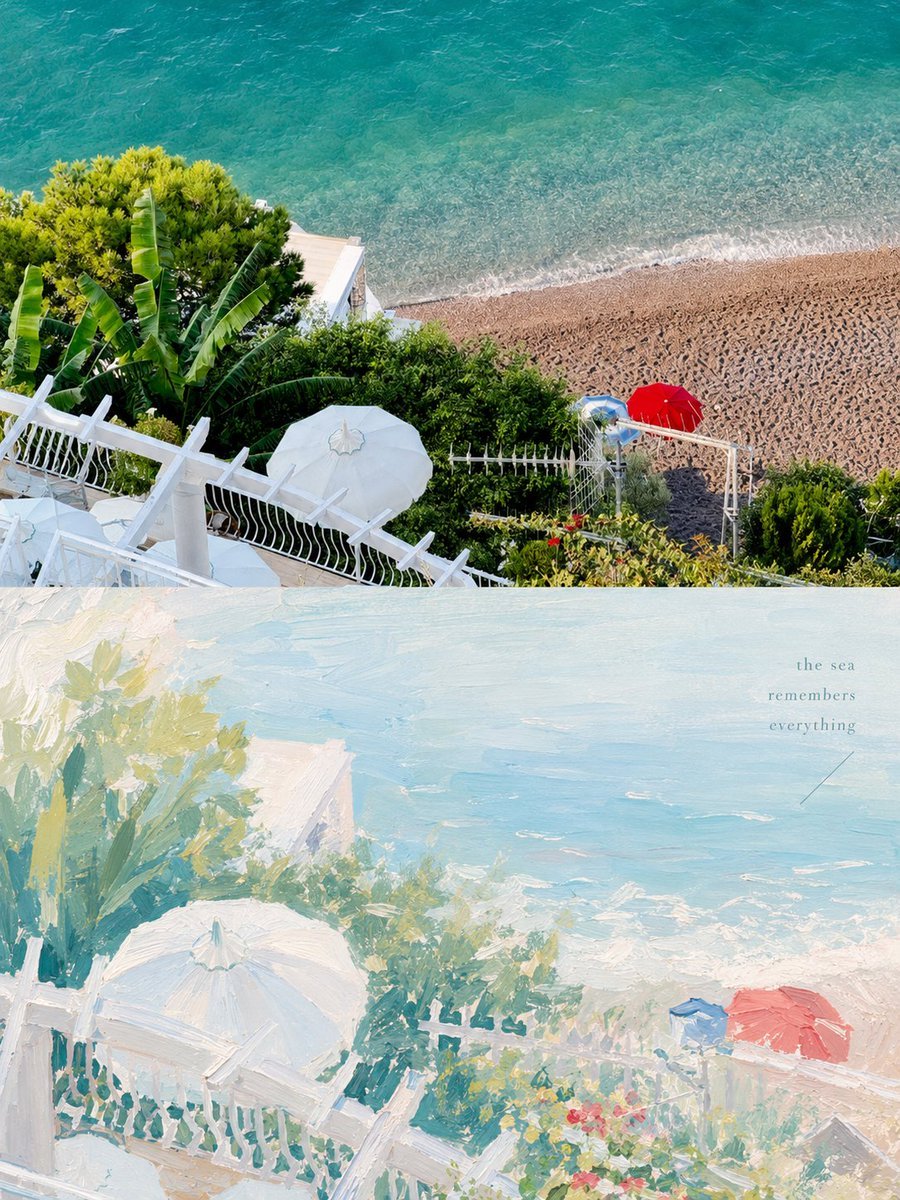
Healing Pastel Style Artistic Reconstruction
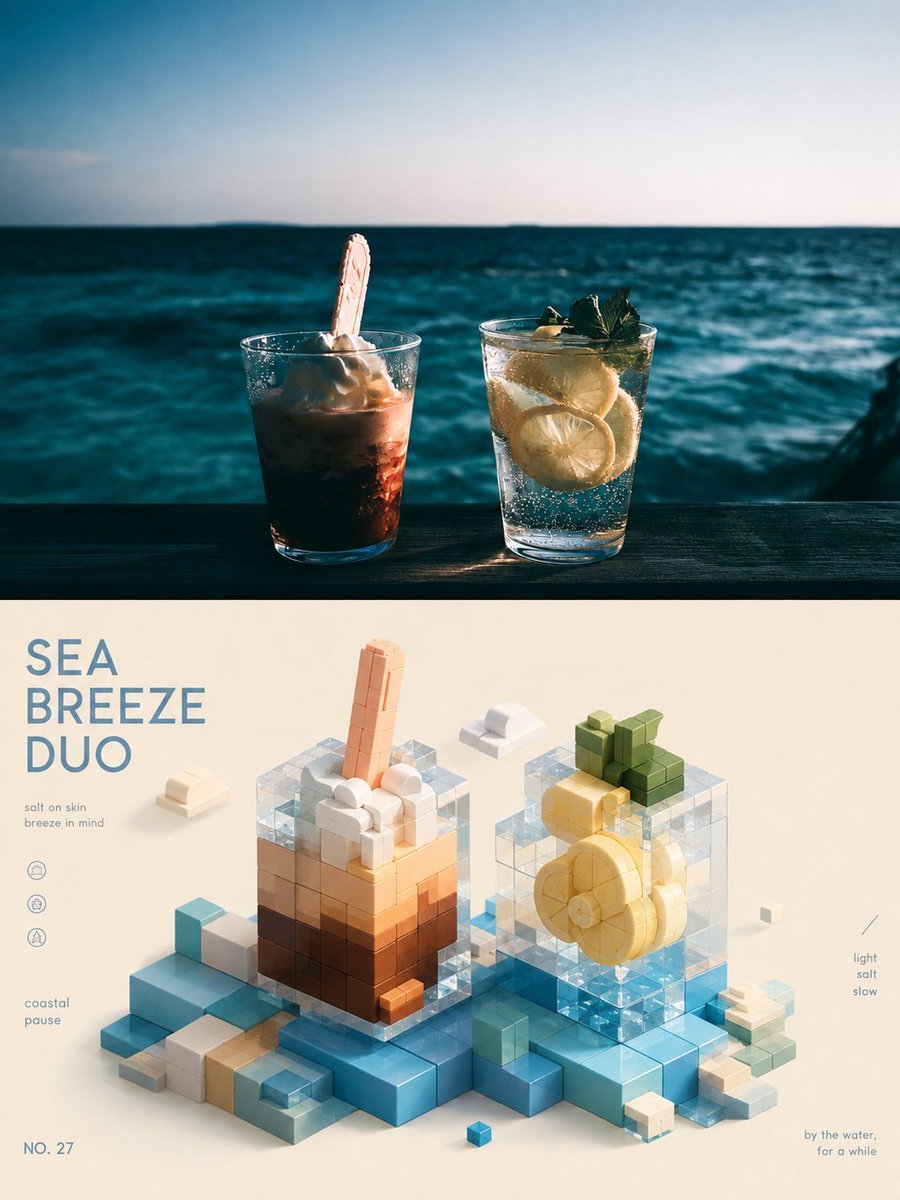
3D Isometric Block Art Reconstruction

Water-level Bridge Modification
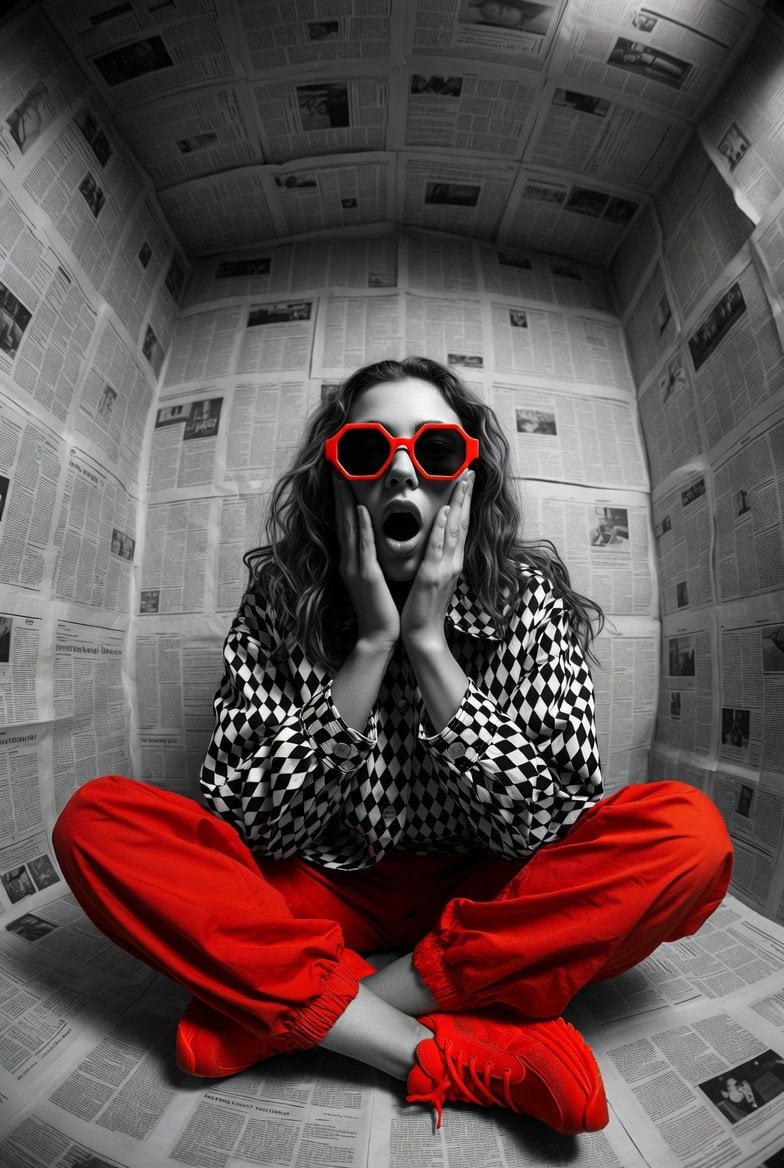
Hyper-realistic editorial photo shot at eye level with a 12mm ultra-wide
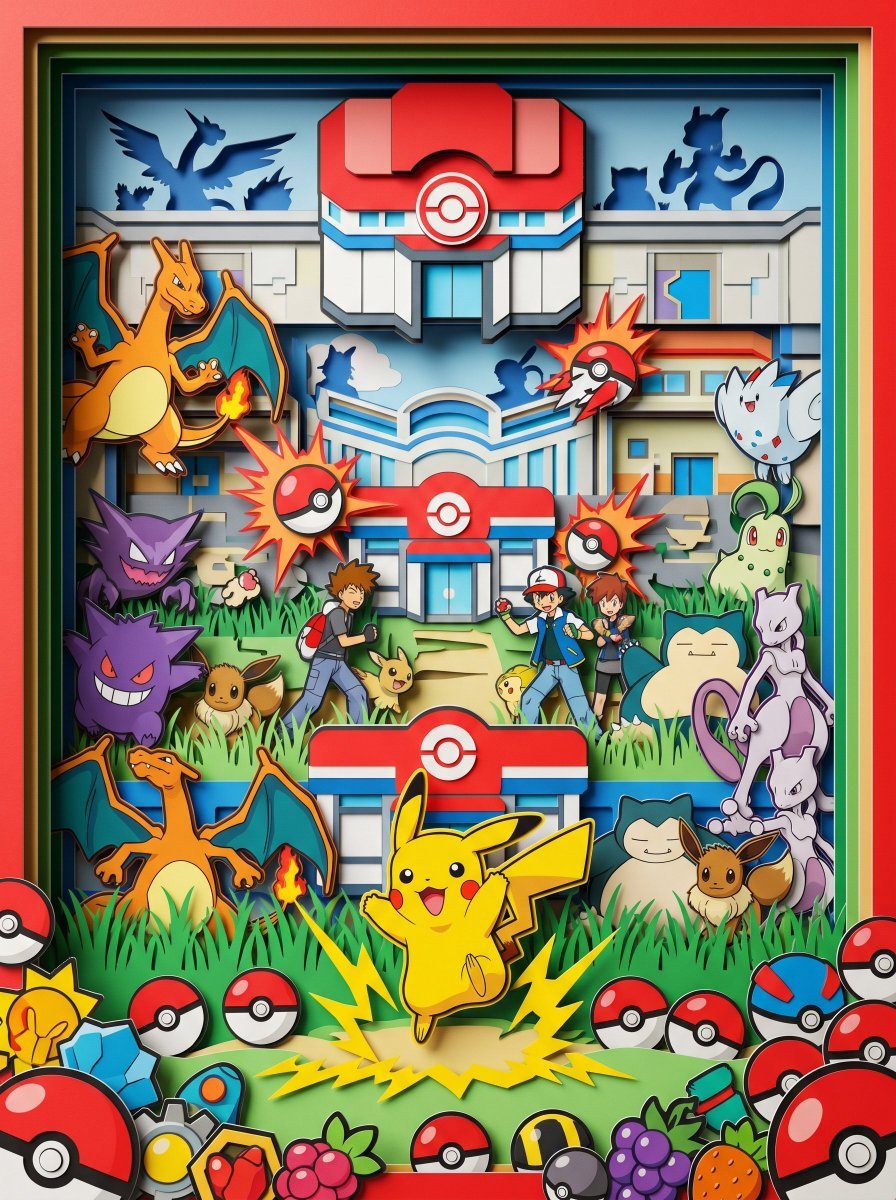
Eye-level straight-on view, looking directly into a hyper-vibrant 3D
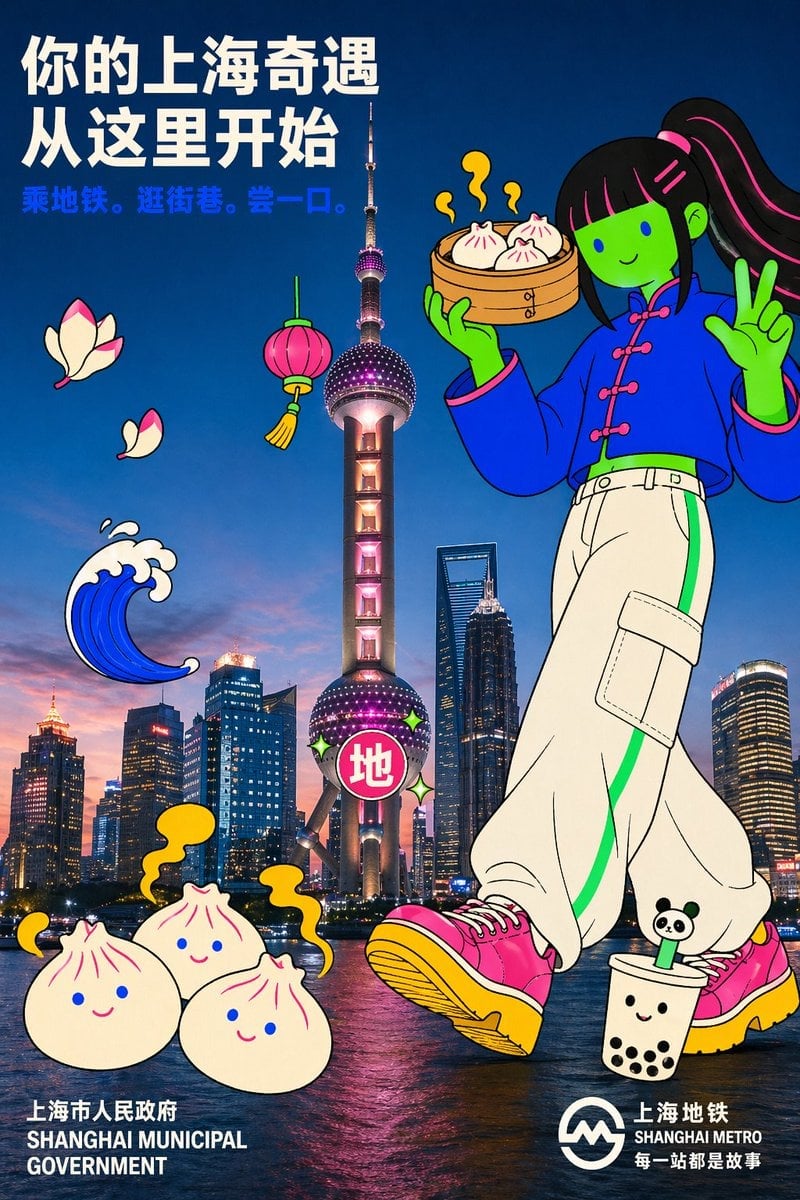
Holding a cartoon xiaolongbao steamer basket up to eye level with one

Ultra-Wide Horizontal Game Level Concept
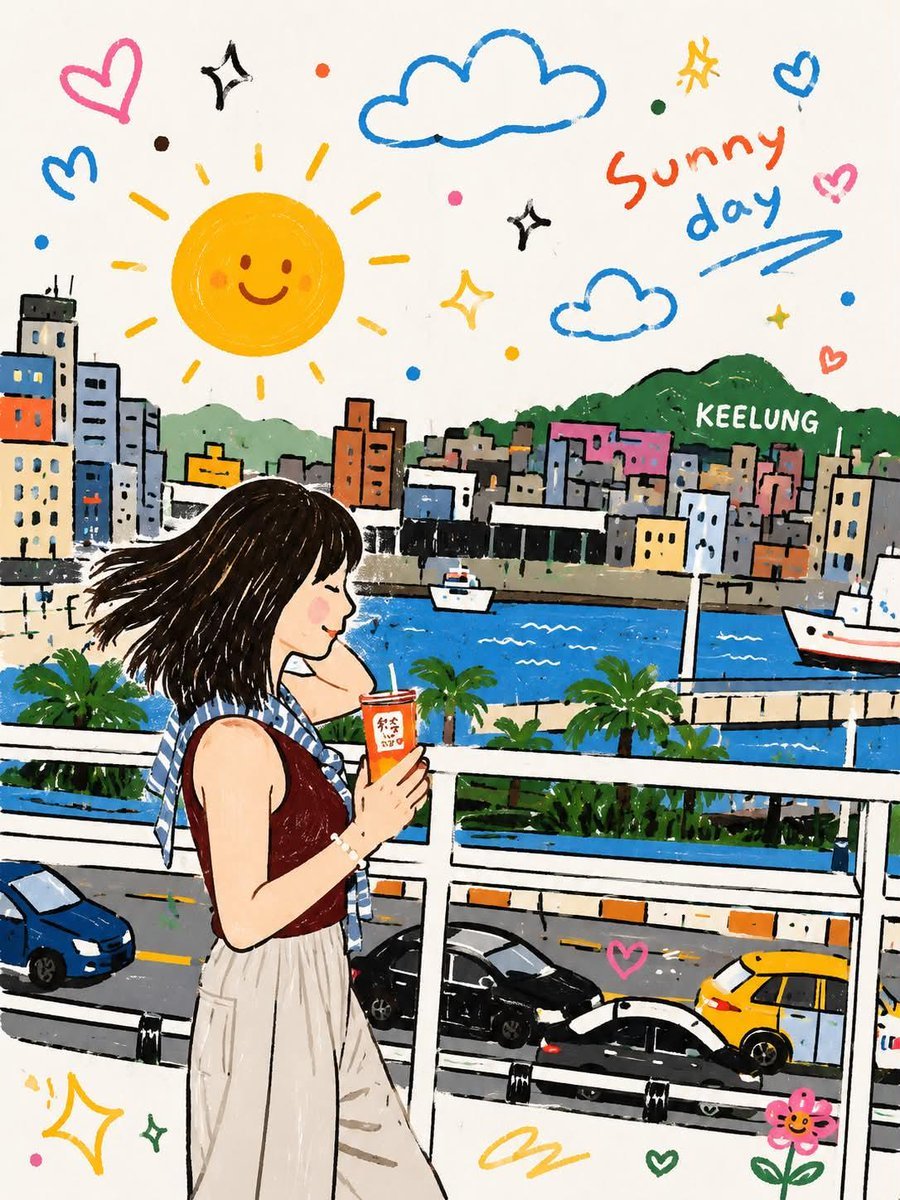
Whimsical Childlike Doodle Reconstruction
Make it yours
Archive-Level Photo Restoration and Quality Reconstruction works as-is. These are the safest ways to change it without losing the look.
Change one field
Copy a single group, rewrite it, and generate again so you can see what that field is doing.
Keep the frame, change the subject
Hold the composition and light of Archive-Level Photo Restoration and Quality Reconstruction, then swap wardrobe, props or the person for a new take.
| If the result… | Why | Fix |
|---|---|---|
| The result drifts from the preview | Too many fields changed at once. | Reuse Archive-Level Photo Restoration and Quality Reconstruction as-is first, then change one group — subject, light, or setting. |
| The model over-stylizes the scene | The prose prompt leaves finish and camera underspecified. | Add one camera or lighting sentence and stay on GPT Image 2. |
More GPT Image 2 templates
Other prompts made for GPT Image 2.

Six VTuber Japanese Logo Sheet

Realistic Portrait of Woman and Deer

The Vista Modular Condo Poster

AI Model Routing Comparison Infographic

2.5D Anime Art Board

Isometric Productivity Desk Scene

New York Double Exposure Poster

Four-Panel AI Landscape Comparison

Japanese Tatami Lifestyle Magazine Cover

NESCAFÉ Coffee Map Poster
More image prompts
Fresh picks from across the catalog.
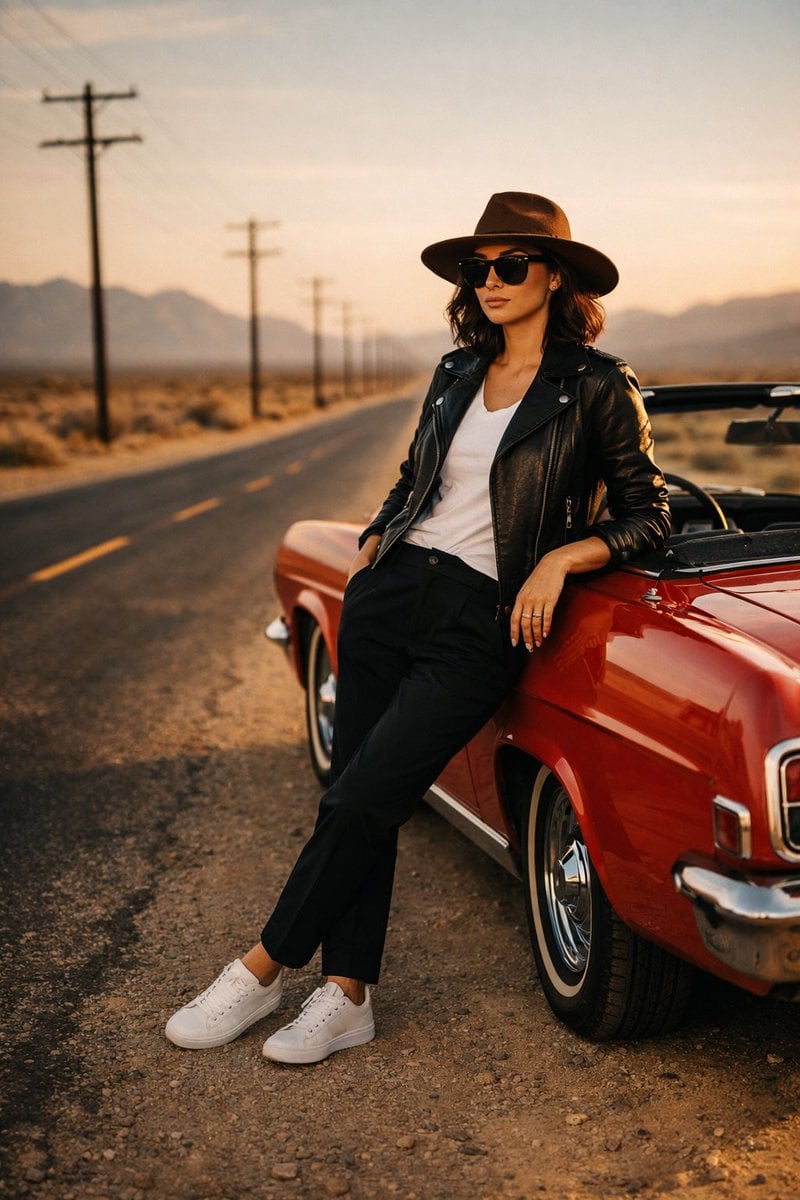
Cinematic Desert Highway Fashion Portrait
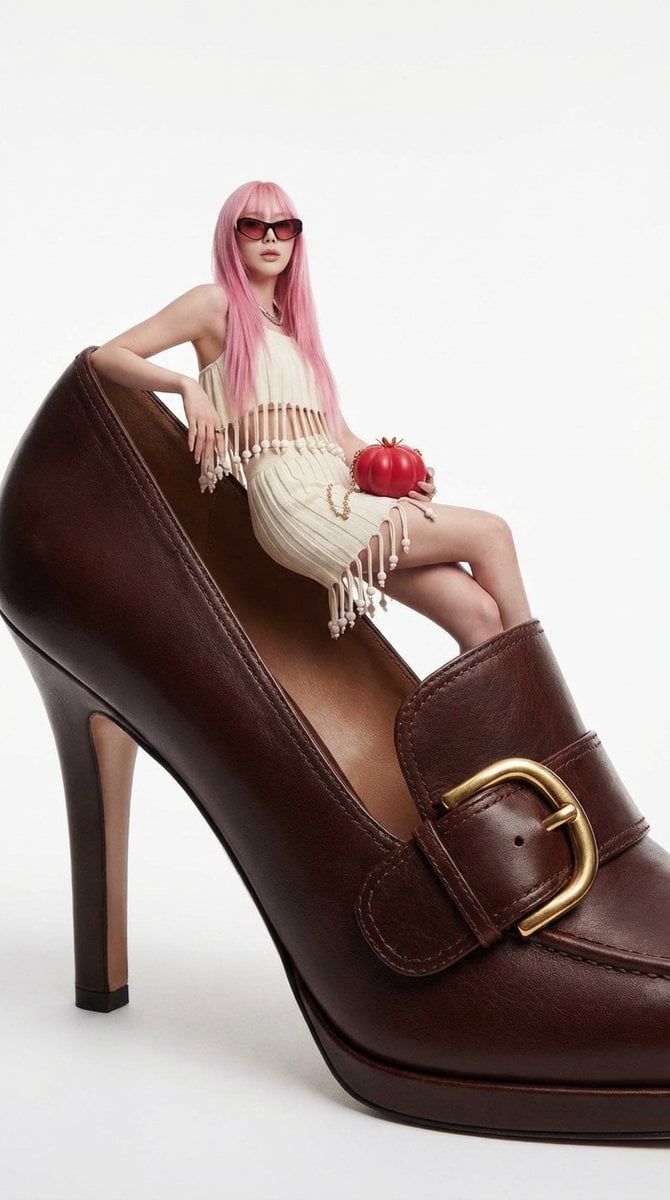
Fashion Editorial: Woman on Giant High-Heel Shoe

Hyper-Realistic Commercial Food Photography Prompt for Gemini Nano Banana Pro
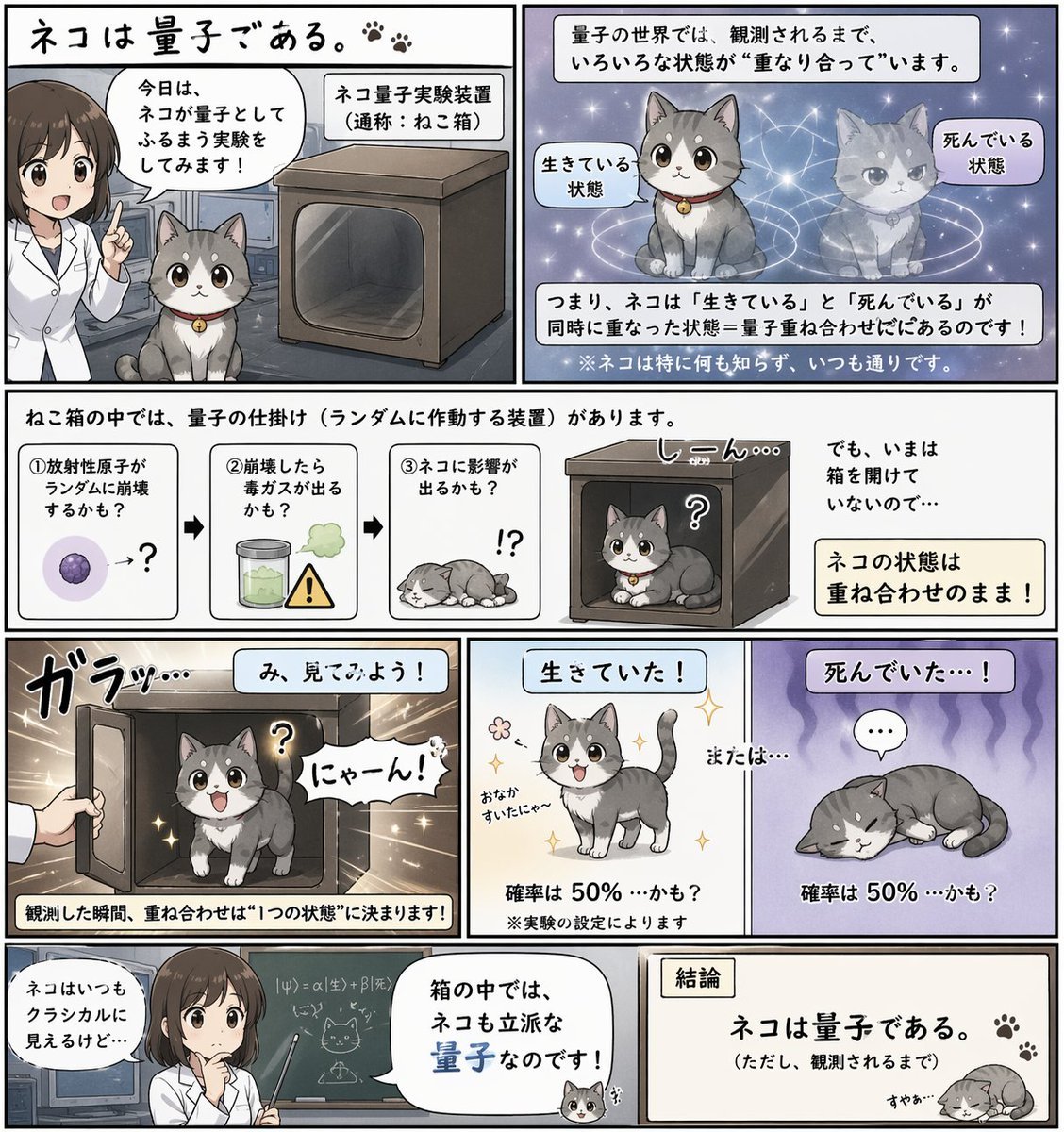
Quantum Cat Manga
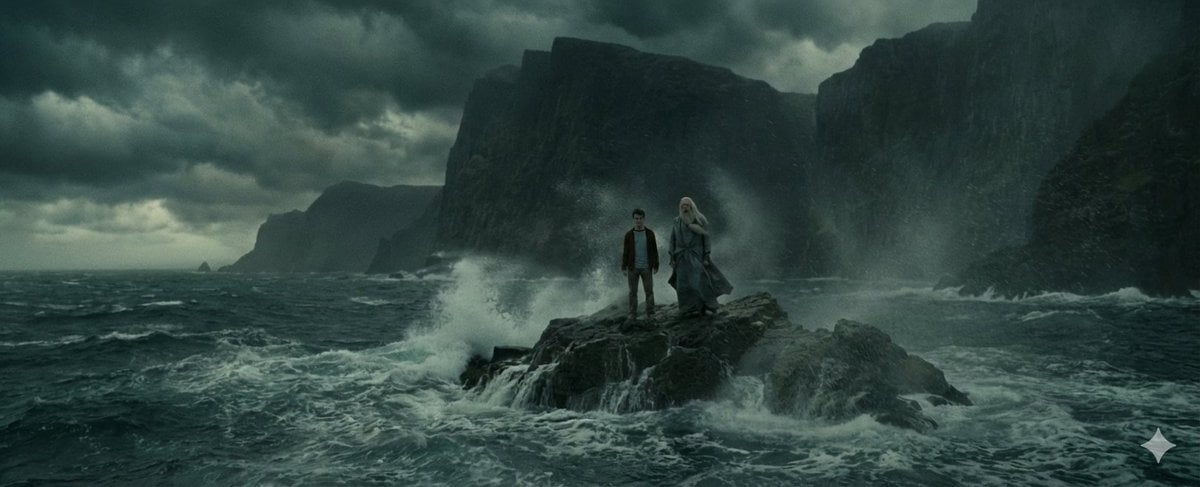
Time Progression Image Generation
Hand-Drawn Doodles Overlay Prompt

Bizarre Flat Cartoon Character
Grainy Film Night Portrait Prompt
Cinematic Portrait of a Man on a Luxury Balcony

Gpt2 Fisheye Sky Crouch Portrait
Browse template categories
Archive-Level Photo Restoration and Quality Reconstruction questions
How do I use the Archive-Level Photo Restoration and Quality Reconstruction template?
Add your photo if the template asks for one, edit the prompt if you like — the template's model and format are already selected — and press Generate. Your version opens in PicX Studio.
Can I customize the Archive-Level Photo Restoration and Quality Reconstruction template?
Yes. You can change the subject, setting, lighting, mood, format, and available model controls before creating your image.
Is the Archive-Level Photo Restoration and Quality Reconstruction template free?
Opening and editing this template is free. Generating uses credits, shown on the Generate button when you are signed in.
Which AI model should I use?
Start with GPT Image 2, which is the model associated with this template. You can compare another compatible model for a different finish.
Looking for something else? Browse all templates.

Your photo, any look
Thousands of ready templates for every top image and video model, from one credit balance.