
Multi-Angle Scene Reconstruction Grid
A specialized master prompt for GPT Image 2 that transforms a single wide-angle photograph into a clean 3x2 grid of six consistent shots from different camera positions, lens types, and angles.
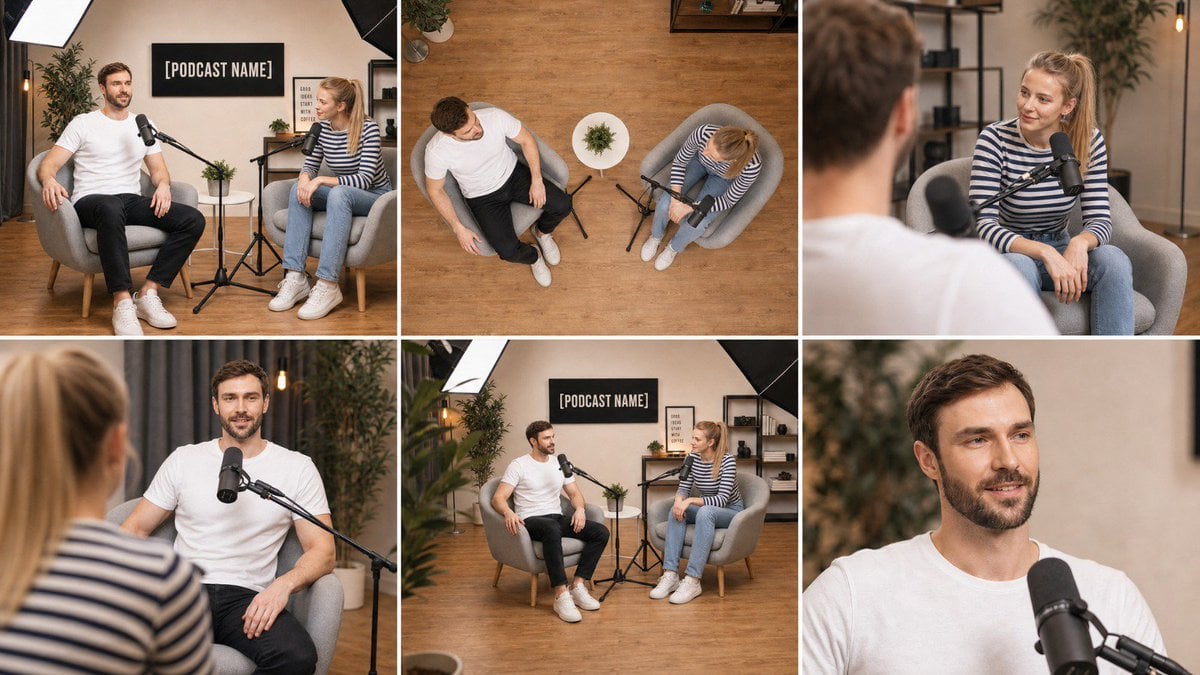
- Prompt included
- Model and format preset
- Free template
The prompt behind this image
Copy the exact prompt behind Multi-Angle Scene Reconstruction Grid, or open it in the studio and make it yours.
Using the attached image as the single source of truth, create ONE image that is a clean 3-column by 2-row grid of six photographs of the EXACT same scene, captured from six different camera positions, as if six cameras were placed around the room at the same instant. Lock everything from the attached image: the same people with the same faces, hair, skin tone, glasses, clothing and body proportions; the same furniture, props, walls, signage with the same text, lighting setup and color grade; the same time of day. Nothing is added, removed, or rearranged — only the camera position, lens and framing change between panels. Every object stays in the same physical place in the room, so the spatial relationships remain consistent from angle to angle. Panel 1 (top-left): Wide master shot — the same framing and camera position as the attached image, eye-level, 35mm lens, the full scene visible. Panel 2 (top-center): High-angle top-down shot — camera mounted directly above the center of the scene looking straight down at the floor, 24mm lens, showing the layout of the furniture, props and people from above, like a ceiling camera. Panel 3 (top-right): Over-the-shoulder shot from behind the subject on the LEFT of the original image, looking across at the subject on the RIGHT, 50mm lens at f/2.0, the near shoulder soft in the foreground, the far subject sharp. Panel 4 (bottom-left): Reverse over-the-shoulder shot from behind the subject on the RIGHT of the original image, looking across at the subject on the LEFT, 50mm lens at f/2.0, near shoulder soft, far subject sharp. Panel 5 (bottom-center): Low-angle three-quarter shot — camera placed low near floor height at the front-left corner of the scene, tilted slightly upward, 28mm lens, showing the scene with depth toward the back wall. Panel 6 (bottom-right): Tight close-up on the main subject's face and upper body, 85mm lens at f/1.8, eye-level, shallow depth of field, background softly blurred, natural skin texture, catchlights in the eyes. If the scene contains only one person, apply the over-the-shoulder panels as a three-quarter side angle from the left and from the right of that person instead. If the scene contains no people, treat the main object or furniture group as the subject for panels 3, 4 and 6. Grid rules: six equal-sized panels, thin clean white gutters between them, no borders, no text labels, no numbers, no captions, no watermarks inside the image. All six panels share identical photographic style: photorealistic, same white balance, same exposure, same color grade, same subtle film grain, consistent lighting direction as in the attached image. Sharp, professional, real-camera look in every panel.
How to use Multi-Angle Scene Reconstruction Grid in 3 steps
- 1Upload ImagePNG, JPG or paste
Add your photo
Upload the photo the template builds on. The prompt, model and format are already set.
- 2…a portrait of your subject in softgolden-hour light, 85mm…
Personalize
Edit the subject and creative details for your destination.
- 3Generate
Generate
Press Generate — your image is created in PicX Studio, so you can compare it with the original and refine one variable at a time.
More like this
Templates with the same subject, style or setup. Open one to see its prompt.
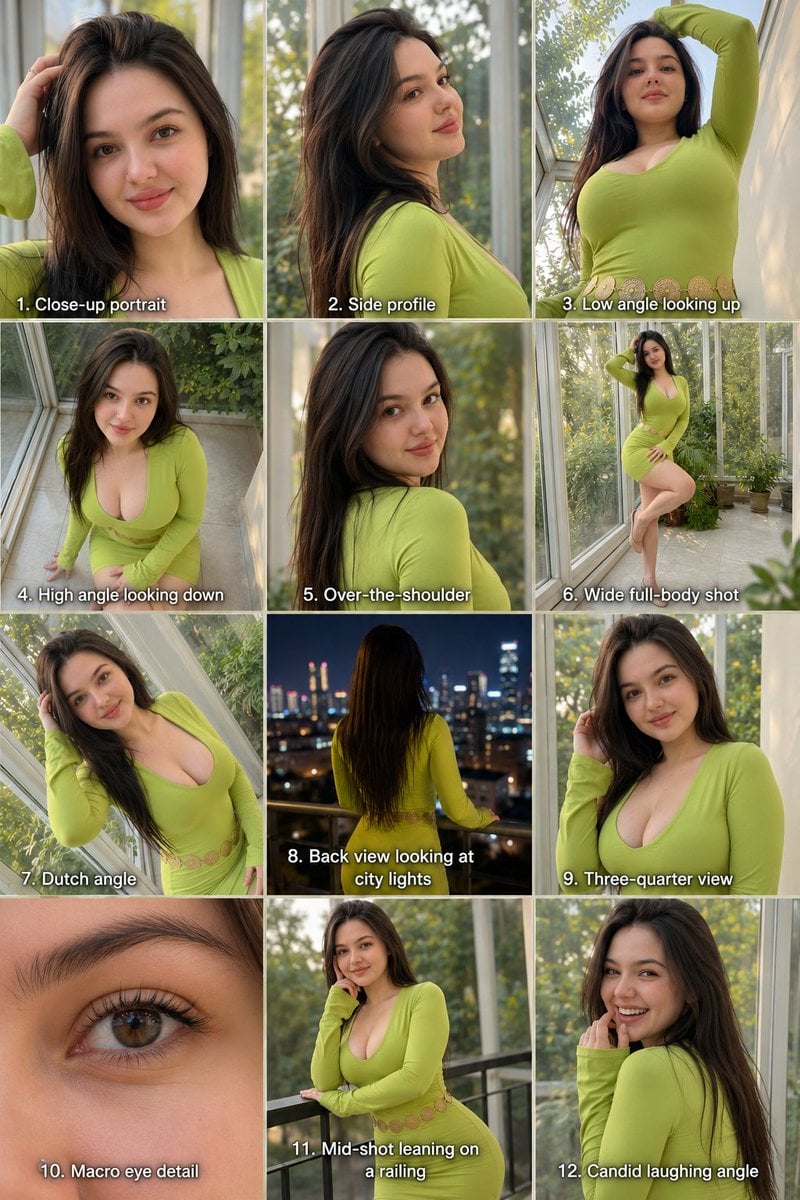
Twelve Angle Multi-View Face Grid
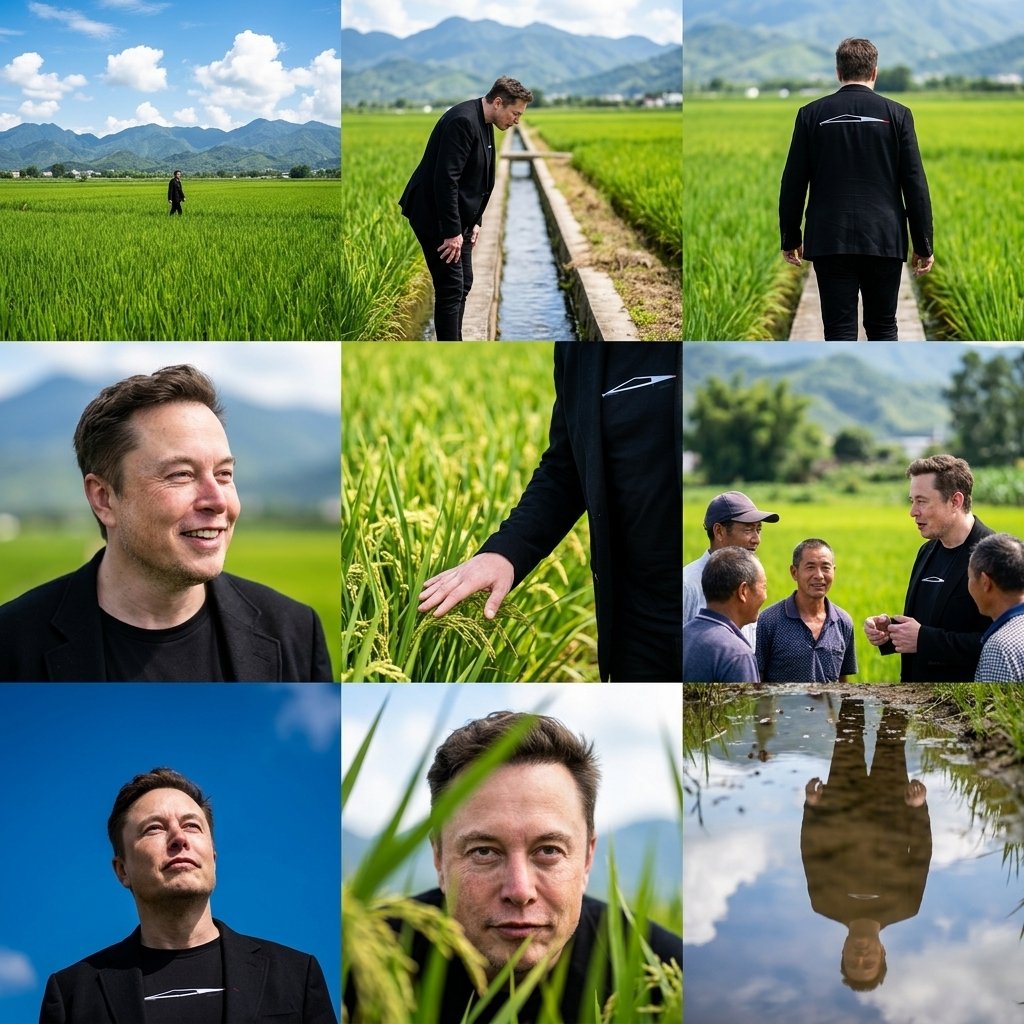
Rural Fields Multi-Perspective Grid

Korean Luxury Fashion Editorial 2x2 Grid Series

Minimalist Fashion Editorial Split Layout

Ultra-Realistic Vogue-Style Editorial Fashion Grid

Headphones Lifestyle Nine Panel Grid
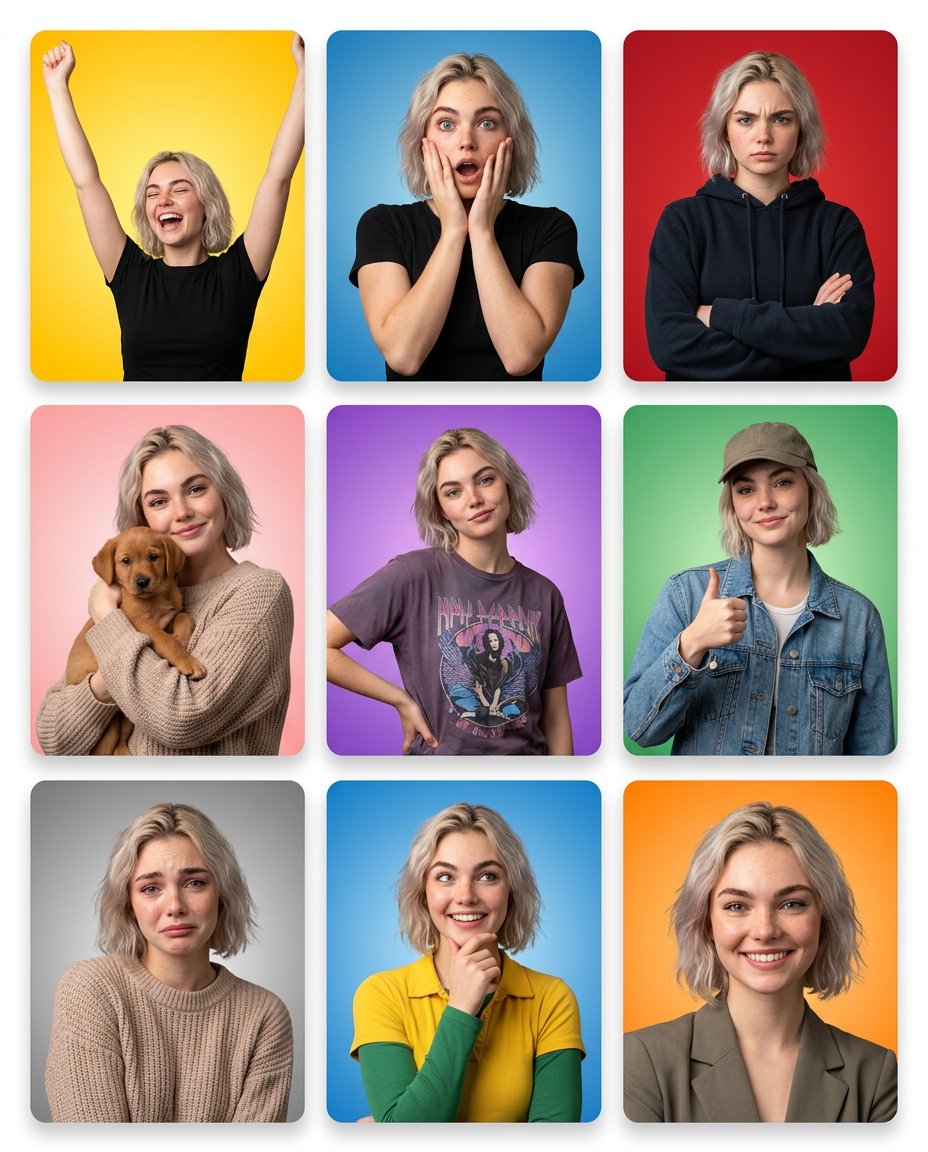
Multi-Panel Emotional State Grid
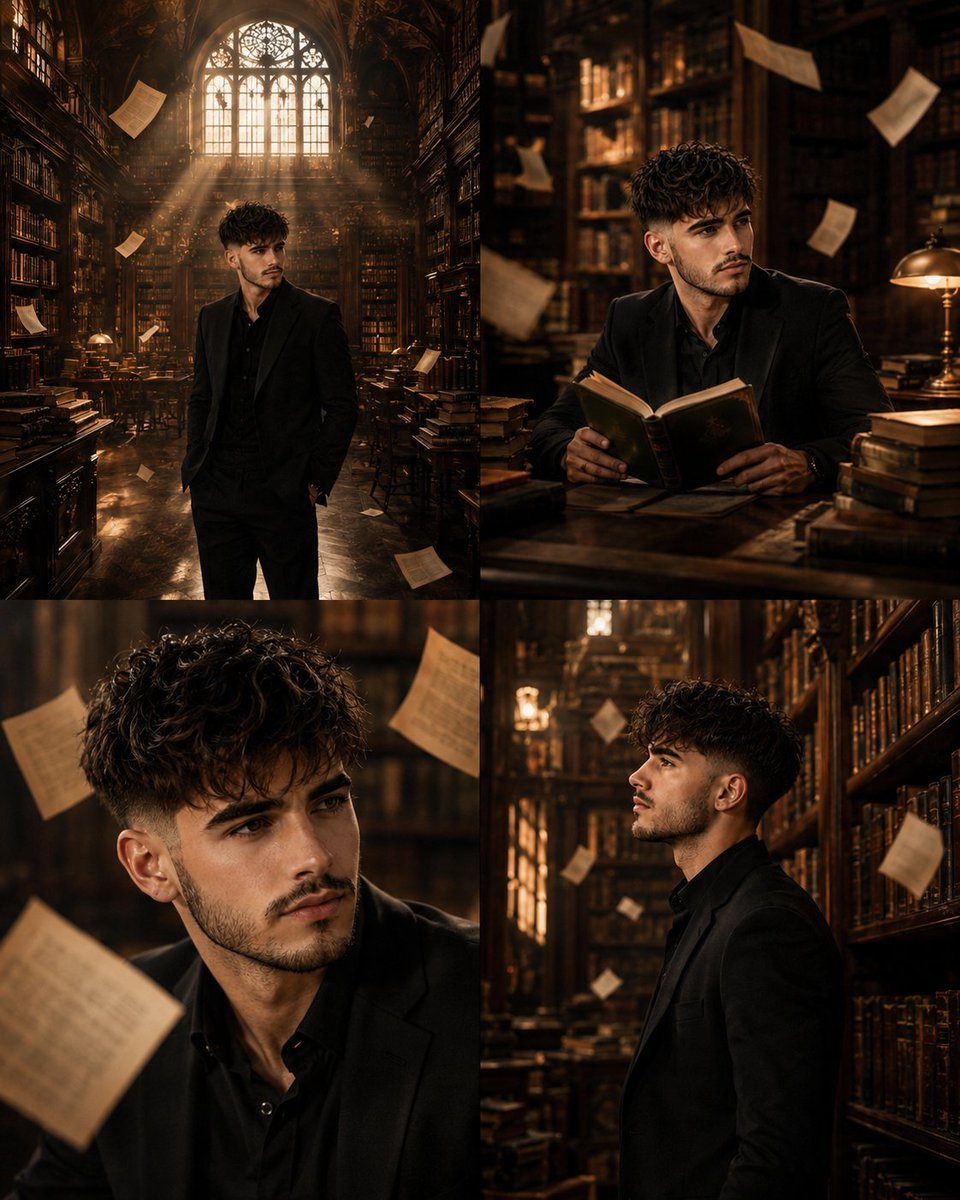
Surreal Library Multi-Angle Portrait

4x4 Grid - Candid Nostalgic Vacation Selfies

Movement Sheet - Dance Reference (Seedance 2.0)
AI Image Generation Prompts for Multiple Angles

Paris Travel Collage Grid - Face Reference
Make it yours
Multi-Angle Scene Reconstruction Grid works as-is. These are the safest ways to change it without losing the look.
Change one field
Copy a single group, rewrite it, and generate again so you can see what that field is doing.
Keep the frame, change the subject
Hold the composition and light of Multi-Angle Scene Reconstruction Grid, then swap wardrobe, props or the person for a new take.
| If the result… | Why | Fix |
|---|---|---|
| The result drifts from the preview | Too many fields changed at once. | Reuse Multi-Angle Scene Reconstruction Grid as-is first, then change one group — subject, light, or setting. |
| The model over-stylizes the scene | The prose prompt leaves finish and camera underspecified. | Add one camera or lighting sentence and stay on GPT Image 2. |
More GPT Image 2 templates
Other prompts made for GPT Image 2.

Six VTuber Japanese Logo Sheet

Realistic Portrait of Woman and Deer

The Vista Modular Condo Poster

AI Model Routing Comparison Infographic

2.5D Anime Art Board

Isometric Productivity Desk Scene

New York Double Exposure Poster

Four-Panel AI Landscape Comparison

Japanese Tatami Lifestyle Magazine Cover

NESCAFÉ Coffee Map Poster
More image prompts
Fresh picks from across the catalog.

Retro Japanese Anime Wallpaper
Retro Street Fashion Portrait
Ultra-Realistic Studio Fashion Model Portrait Prompt
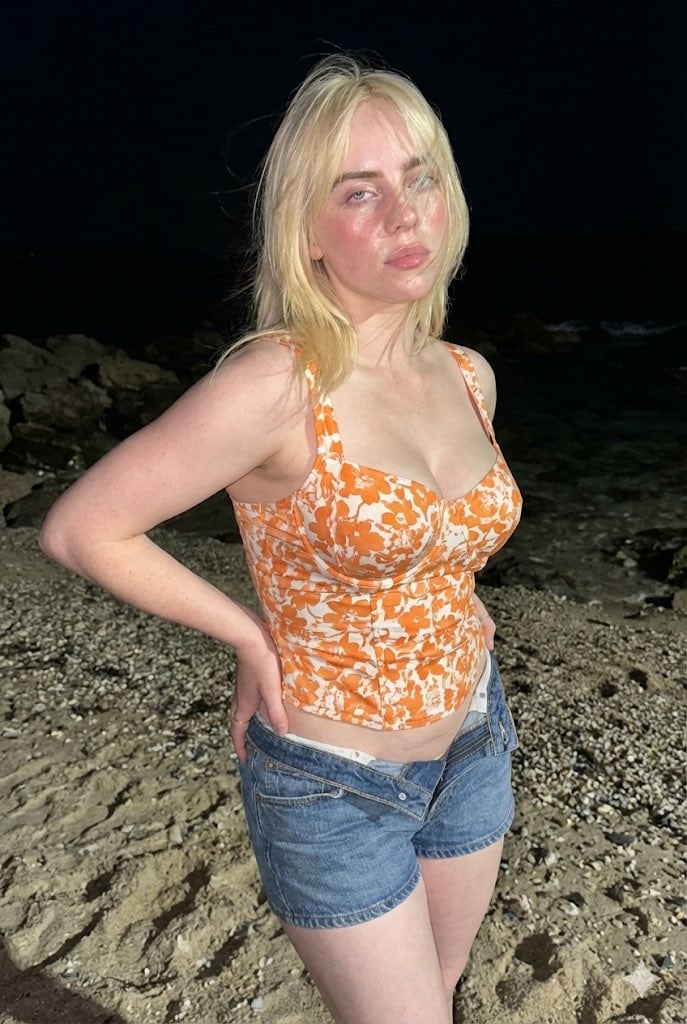
Raw High-Contrast Night Documentation Portrait

Ultra Cinematic Vfx Transformation Seque
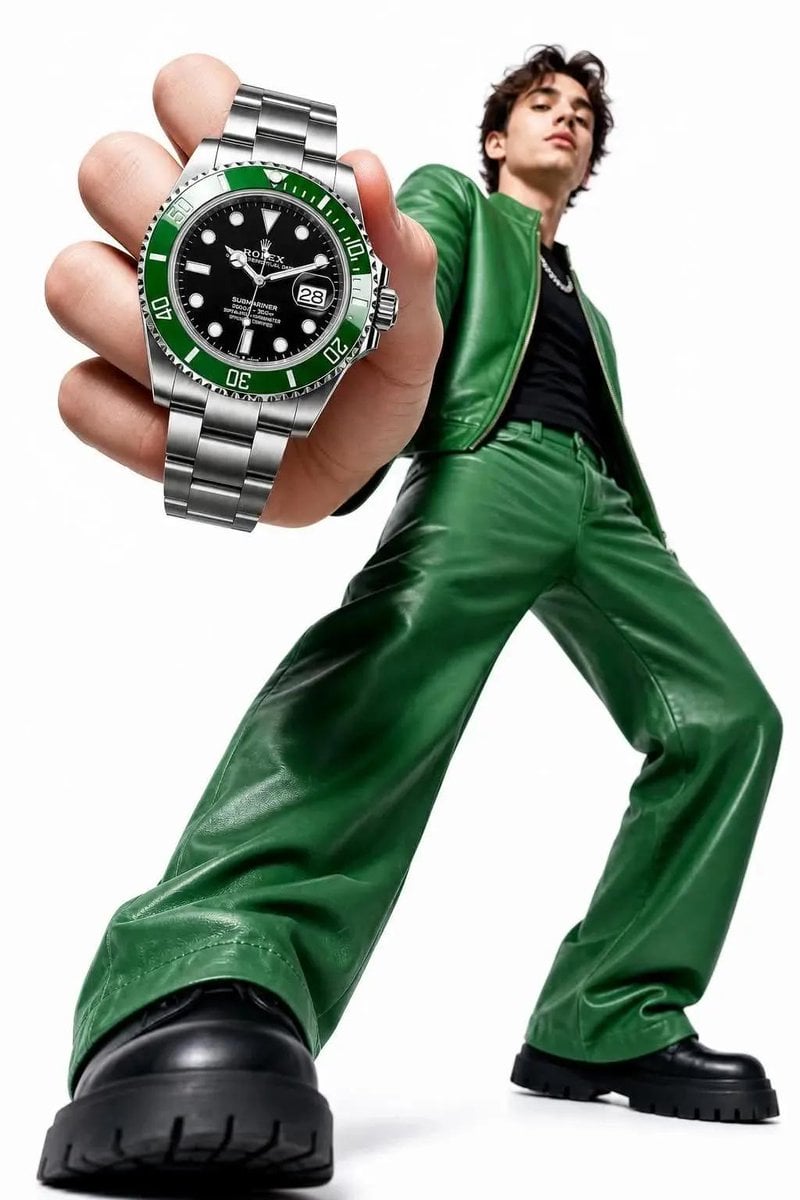
High-Key Fashion Product Photography
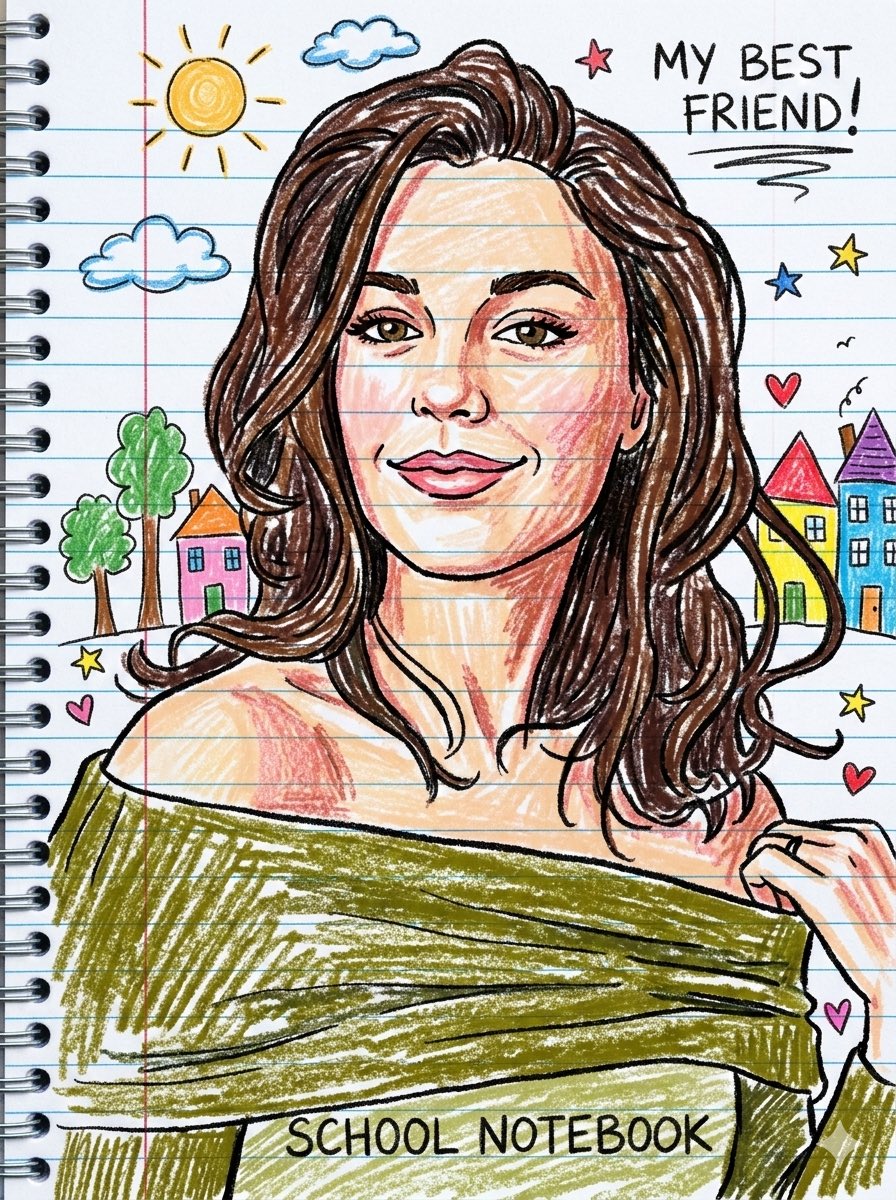
Playful Crayon Drawing Notebook Style Prompt
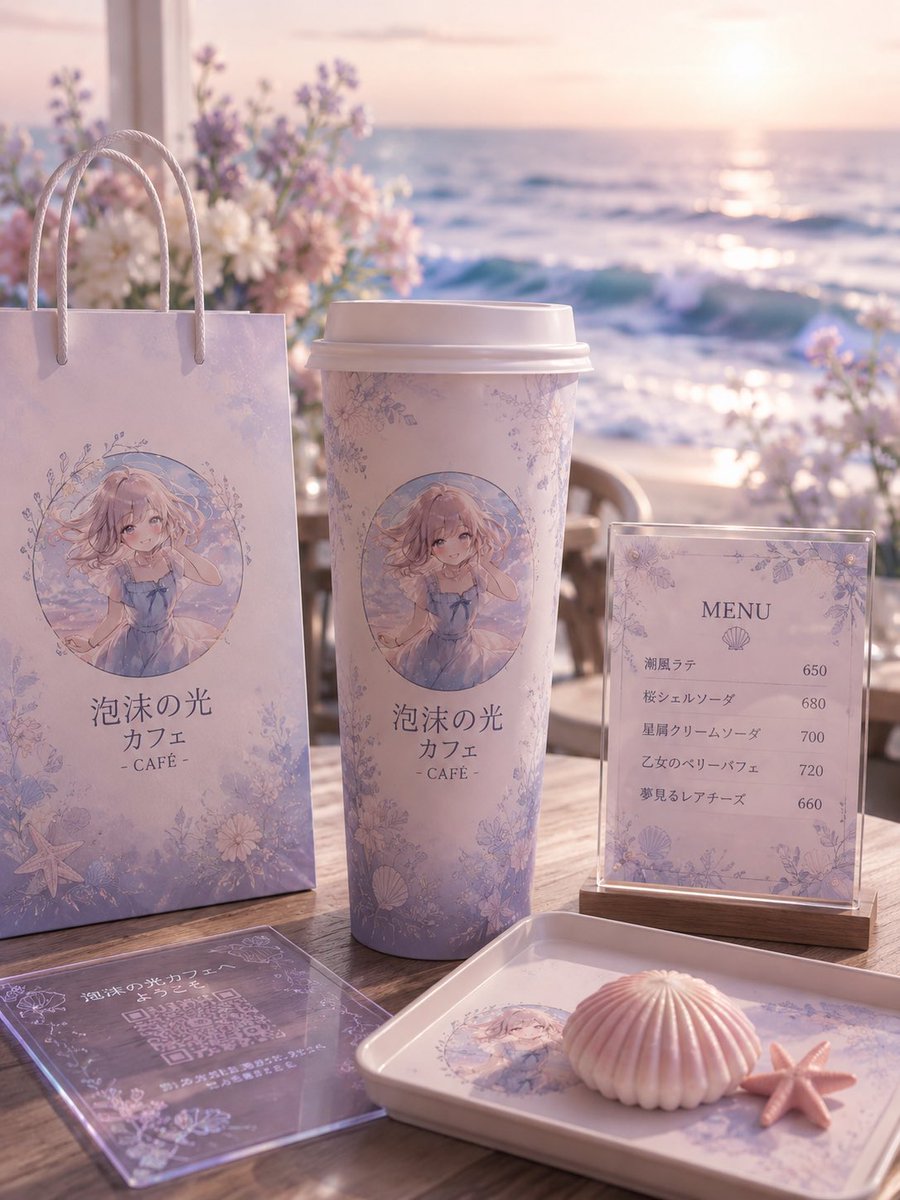
Pastel Seaside Anime Cafe Mockup
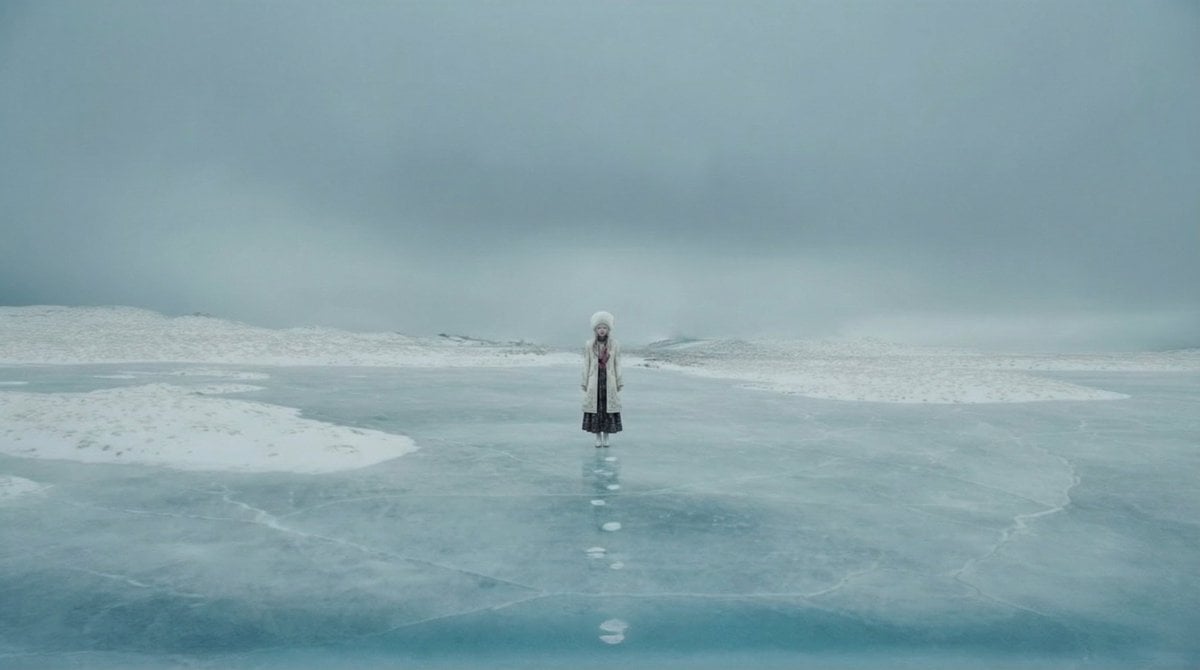
Instructing Costume Correction via Reference Image
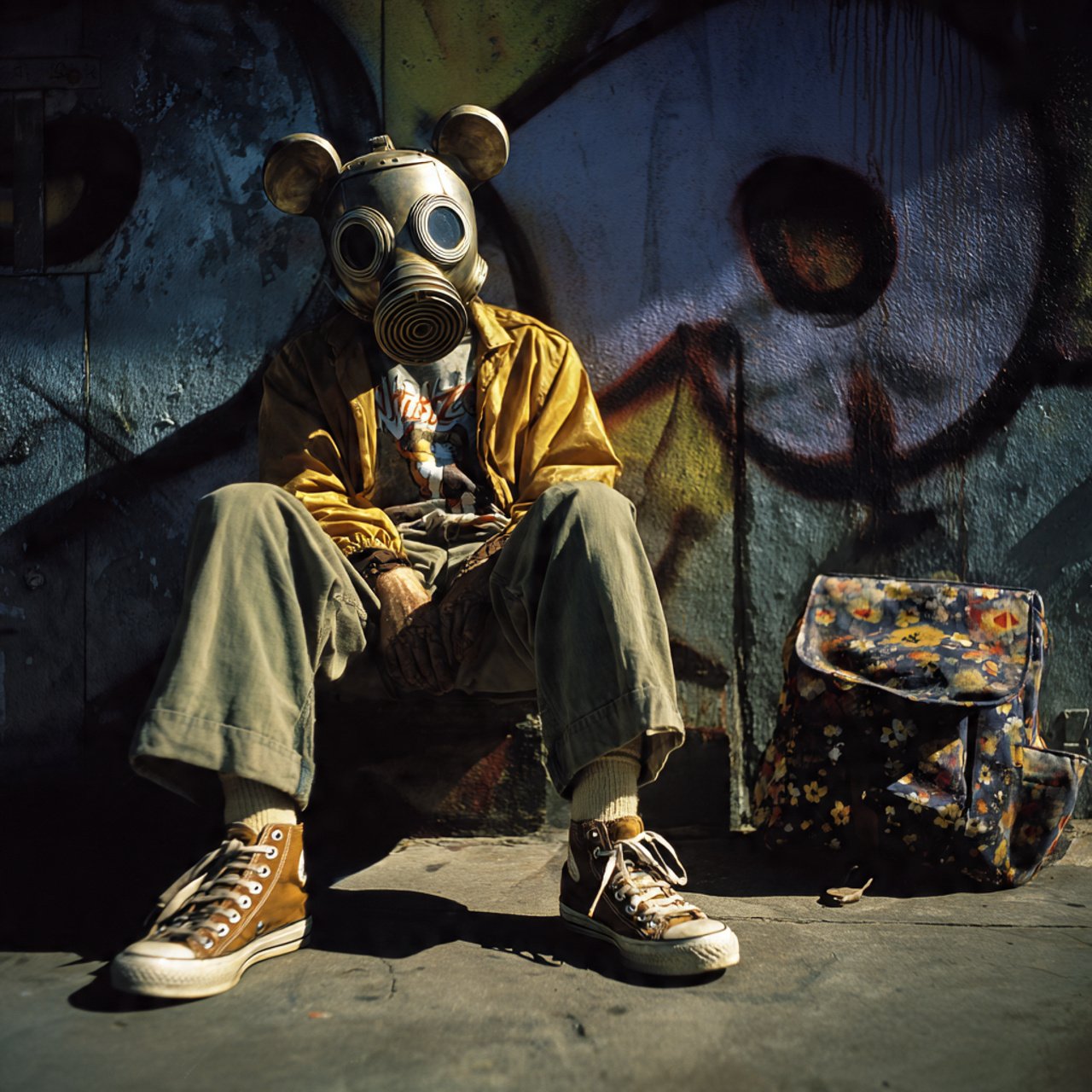
mickey toxico
Browse template categories
Multi-Angle Scene Reconstruction Grid questions
How do I use the Multi-Angle Scene Reconstruction Grid template?
Add your photo if the template asks for one, edit the prompt if you like — the template's model and format are already selected — and press Generate. Your version opens in PicX Studio.
Can I customize the Multi-Angle Scene Reconstruction Grid template?
Yes. You can change the subject, setting, lighting, mood, format, and available model controls before creating your image.
Is the Multi-Angle Scene Reconstruction Grid template free?
Opening and editing this template is free. Generating uses credits, shown on the Generate button when you are signed in.
Which AI model should I use?
Start with GPT Image 2, which is the model associated with this template. You can compare another compatible model for a different finish.
Looking for something else? Browse all templates.

Your photo, any look
Thousands of ready templates for every top image and video model, from one credit balance.