
Book of Kells Restoration Comparison
Generates a side-by-side archival comparison of a damaged illuminated manuscript page and an ornate idealized restoration.
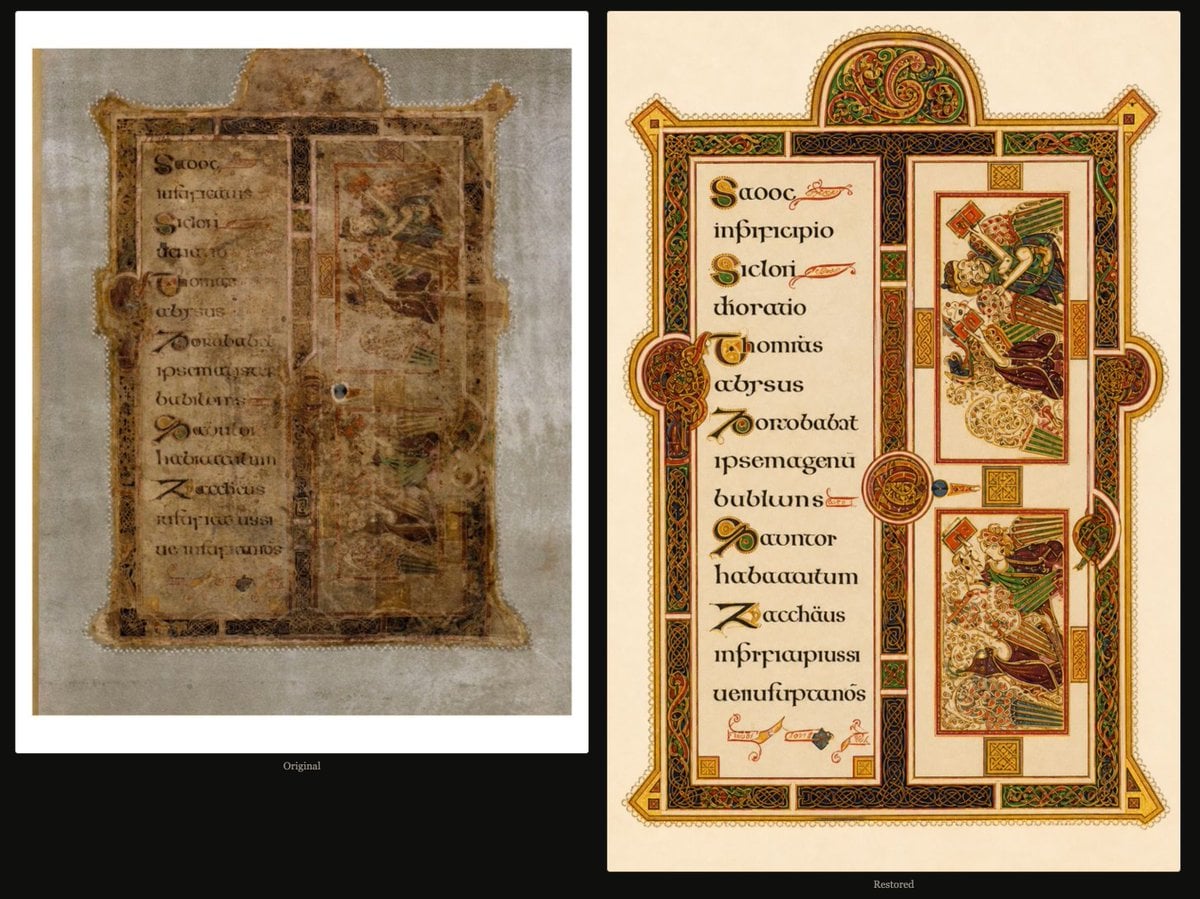
- Prompt included
- Model and format preset
- Premium template
The prompt behind this image
Copy the exact prompt behind Book of Kells Restoration Comparison, or open it in the studio and make it yours.
Goal: Create a side-by-side comparison image showing an ancient illuminated manuscript page before and after restoration, inspired by the Book of Kells, with the restored version looking far cleaner, brighter, and more ornate than the damaged original. Canvas: Wide horizontal black background, approximately 16:9. Place two large vertical manuscript panels side by side with generous margins: the left panel is the damaged original, the right panel is the restored reconstruction. Add a small centered label under each panel: left label “Original”, right label “Restored”. Layout: Use exactly 2 main panels. The left panel occupies the left half and sits inside a white photo-like border. The right panel occupies the right half and is larger-looking, crisp, and framed by a pale parchment page edge. Both panels show the same general manuscript-page composition: a tall decorative border, a left text column, and a right illustration column. Left panel, damaged original: Show a faded, weathered manuscript page photographed on a grayish archival background. The parchment is brown, stained, frayed, and translucent in places, with torn edges, missing corners, water damage, darkened seams, and uneven discoloration. The design is barely legible: a vertical text block on the left with dark medieval calligraphy, faded red and gold initials, and a right column with two ghostly miniature illustrations that are almost erased. The ornamental border should be visible but worn, dirty, and incomplete. Include one small dark circular blemish or hole near the center-right of the original page. Keep the whole left image muted, low contrast, and degraded. Right panel, restored version: Show a vividly restored illuminated manuscript page on warm cream parchment. The page has a highly polished medieval Celtic style with abundant gold leaf, red, green, black, and orange ornament. Use an ornate architectural frame with interlacing knotwork, geometric panels, round medallions, and a domed arch at the top. The restoration should look idealized and too pristine, with sharp lines and saturated colors. Restored page element count: Include exactly 1 large outer decorated manuscript frame; exactly 1 domed arch at the top filled with Celtic spiral ornament; exactly 4 protruding side ornaments on the frame, one at each side midpoint and corner-like extension; exactly 1 left vertical text column containing 10 lines of pseudo-Latin uncial calligraphy with decorated initials; exactly 2 rectangular narrative miniature illustrations stacked vertically in the right column; exactly 3 circular medallion ornaments overlapping the central divider and side frame; exactly 4 small square gold decorative blocks, placed near the top, center, lower center, and bottom of the frame. Text and lettering: The manuscript text should resemble medieval Insular script and pseudo-Latin, not modern readable typography. Use decorative initials in green, red, gold, and black. Suggested visible pseudo-text can include “Scooc”, “infiricipio”, “Sicloi”, “thoratio”, “chomias”, “abysus”, “Zorozobat”, “ipsemagenu”, “bubliuns”, “Qauncor”, “habacautum”, “Zacchäus”, and “uenufurcanos”, but it may remain partly nonsensical as long as the style matches. Visual style: Museum-comparison presentation, archival documentary on the left and idealized digital restoration on the right. High contrast between decay and restoration. The restored page should include obvious metallic gold leaf highlights, clean parchment, Celtic knots, evangelist-manuscript styling, and intricate medieval ornament. Constraints: Do not add extra panels, people, UI controls, watermarks, or explanatory captions beyond the two small labels. Keep the comparison balanced and centered on a plain black background.
How to use Book of Kells Restoration Comparison in 3 steps
- 1Upload ImagePNG, JPG or paste
Add your photo
Upload the photo the template builds on. The prompt, model and format are already set.
- 2…a portrait of your subject in softgolden-hour light, 85mm…
Personalize
Edit the subject and creative details for your destination.
- 3Generate
Generate
Press Generate — your image is created in PicX Studio, so you can compare it with the original and refine one variable at a time.
More like this
Templates with the same subject, style or setup. Open one to see its prompt.
Skin Comparison Portrait — Nano Banana Pro
Split Photo and Storybook Illustration

AI Model Routing Comparison Infographic

Four-Panel AI Landscape Comparison

Arctic Warship Style Comparison
Four-Panel Anime Face Comparison
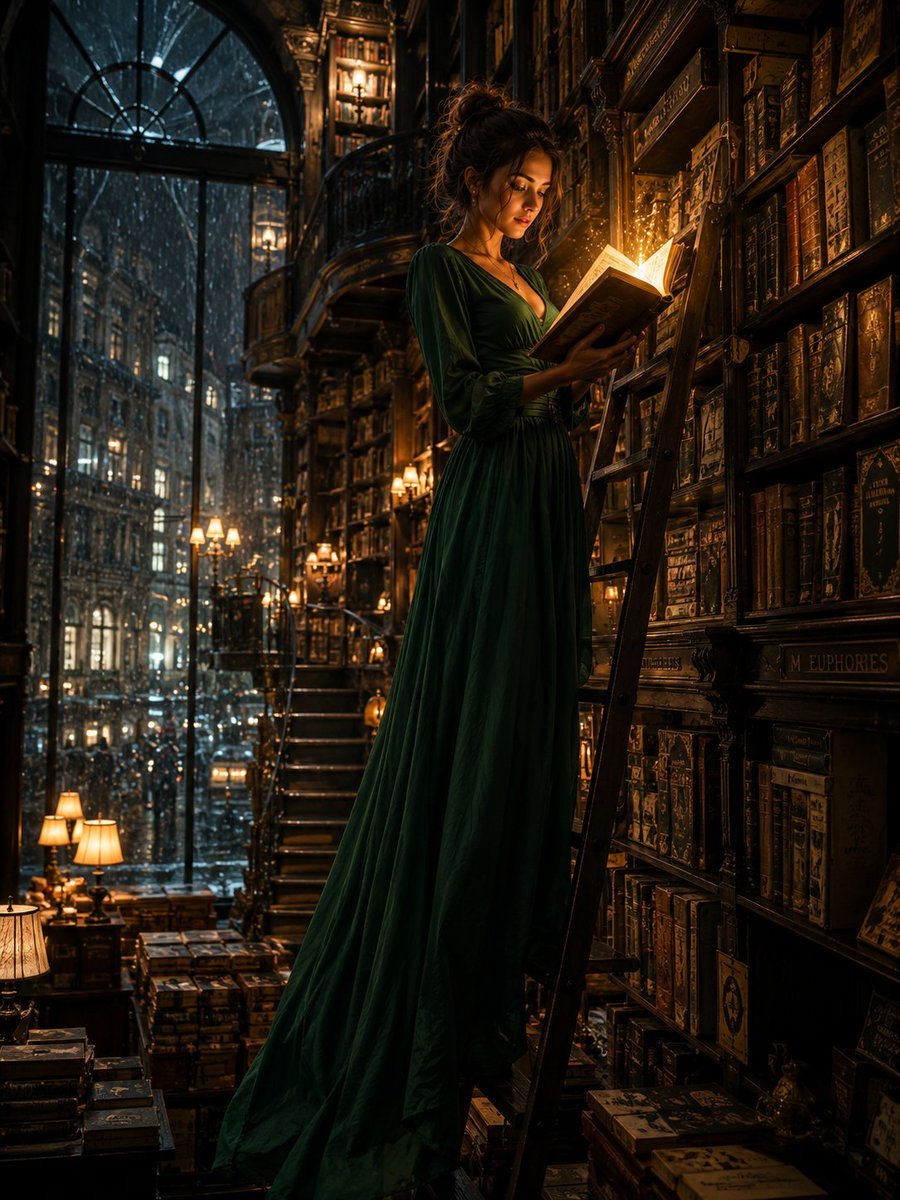
Cinematic Midnight Bookstore Mystery
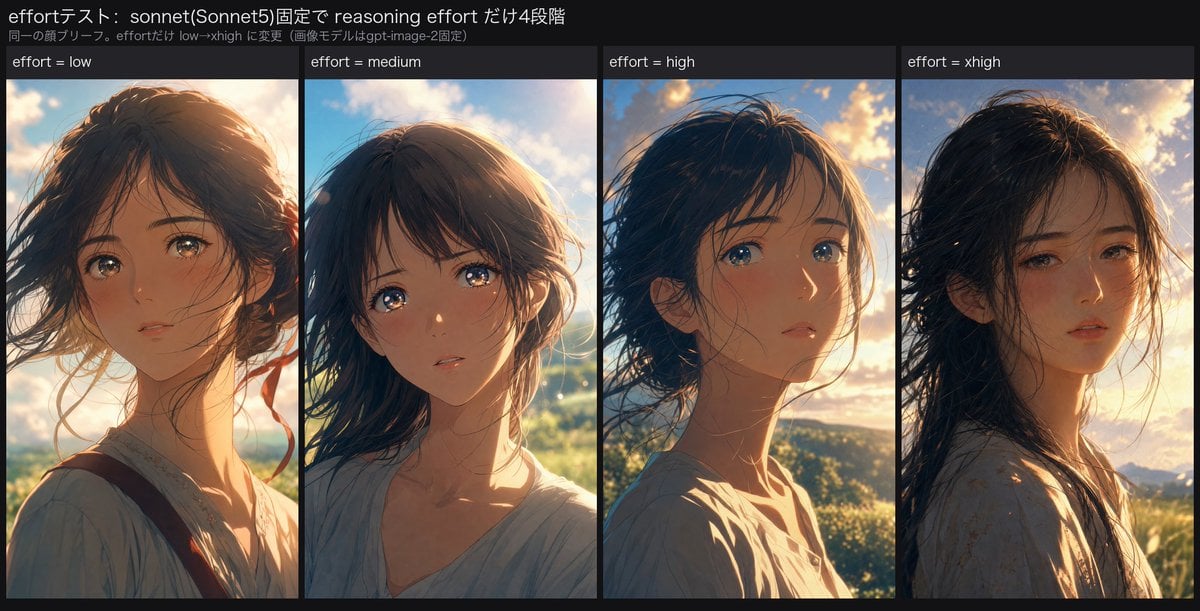
Reasoning Effort Anime Comparison
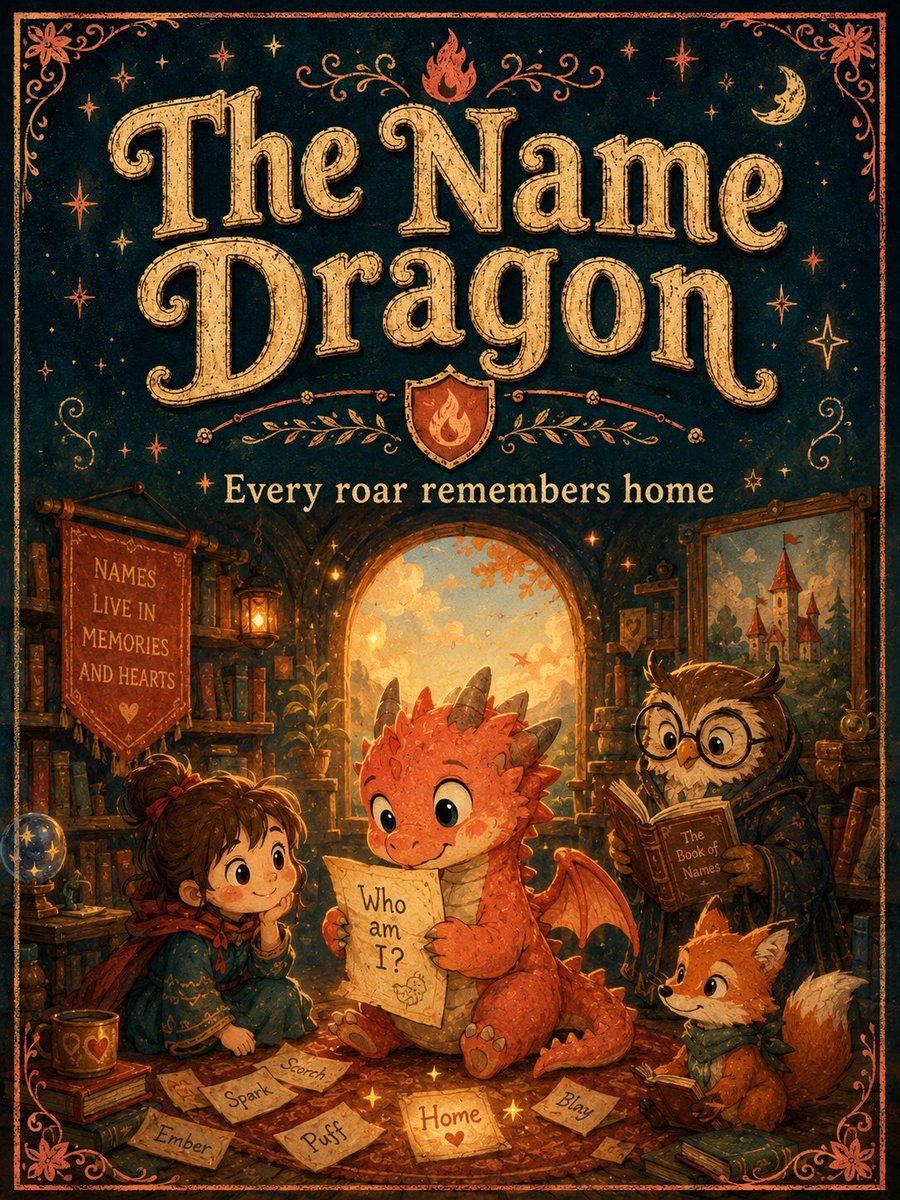
Vintage Name Dragon Storybook Poster

Cinematic Anime Photo Comparison
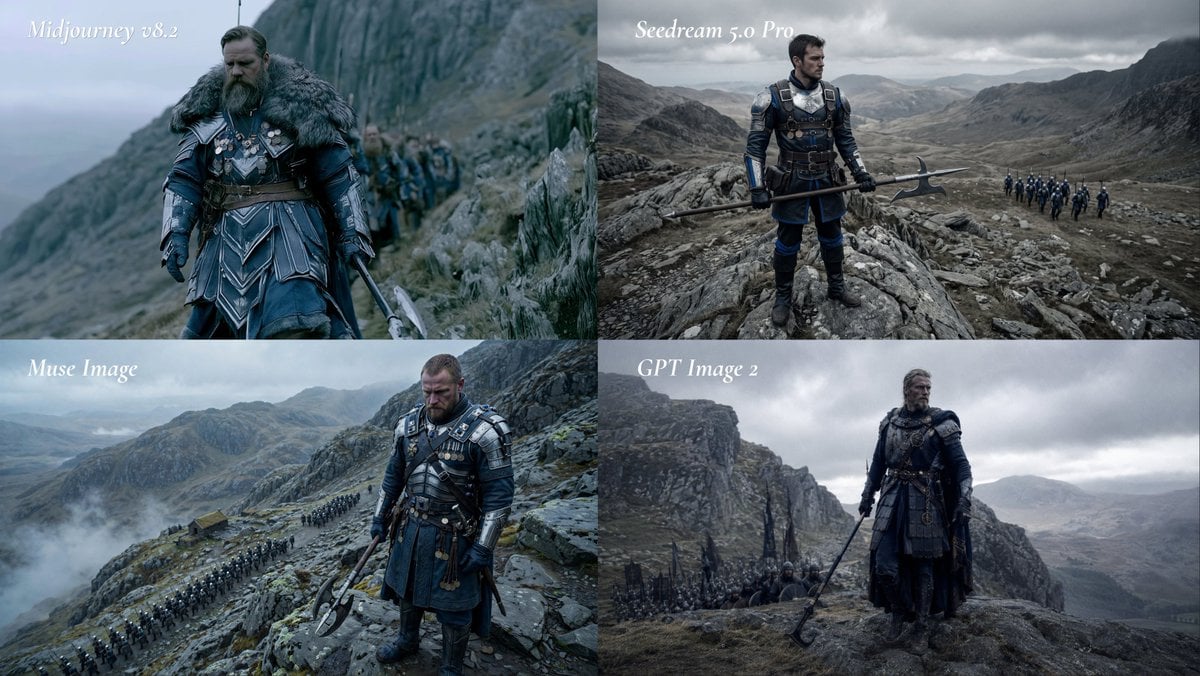
Fantasy Model Comparison Grid
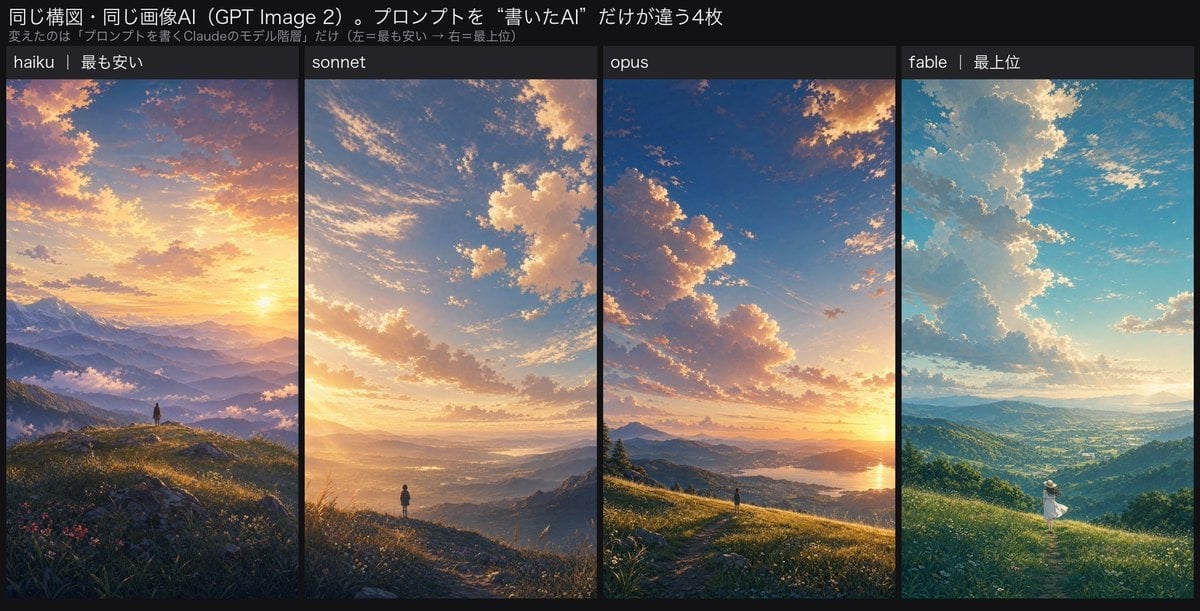
Four-Panel AI Landscape Comparison
Make it yours
Book of Kells Restoration Comparison works as-is. These are the safest ways to change it without losing the look.
Change one field
Copy a single group, rewrite it, and generate again so you can see what that field is doing.
Keep the frame, change the subject
Hold the composition and light of Book of Kells Restoration Comparison, then swap wardrobe, props or the person for a new take.
| If the result… | Why | Fix |
|---|---|---|
| The result drifts from the preview | Too many fields changed at once. | Reuse Book of Kells Restoration Comparison as-is first, then change one group — subject, light, or setting. |
| The model over-stylizes the scene | The prose prompt leaves finish and camera underspecified. | Add one camera or lighting sentence and stay on GPT Image 2. |
More GPT Image 2 templates
Other prompts made for GPT Image 2.

Six VTuber Japanese Logo Sheet

Realistic Portrait of Woman and Deer

The Vista Modular Condo Poster

2.5D Anime Art Board

Isometric Productivity Desk Scene

New York Double Exposure Poster

Japanese Tatami Lifestyle Magazine Cover

NESCAFÉ Coffee Map Poster

Brutalist Cogito Chinese Typography Poster

Cinematic Luxury Terrace Portrait
More image prompts
Fresh picks from across the catalog.
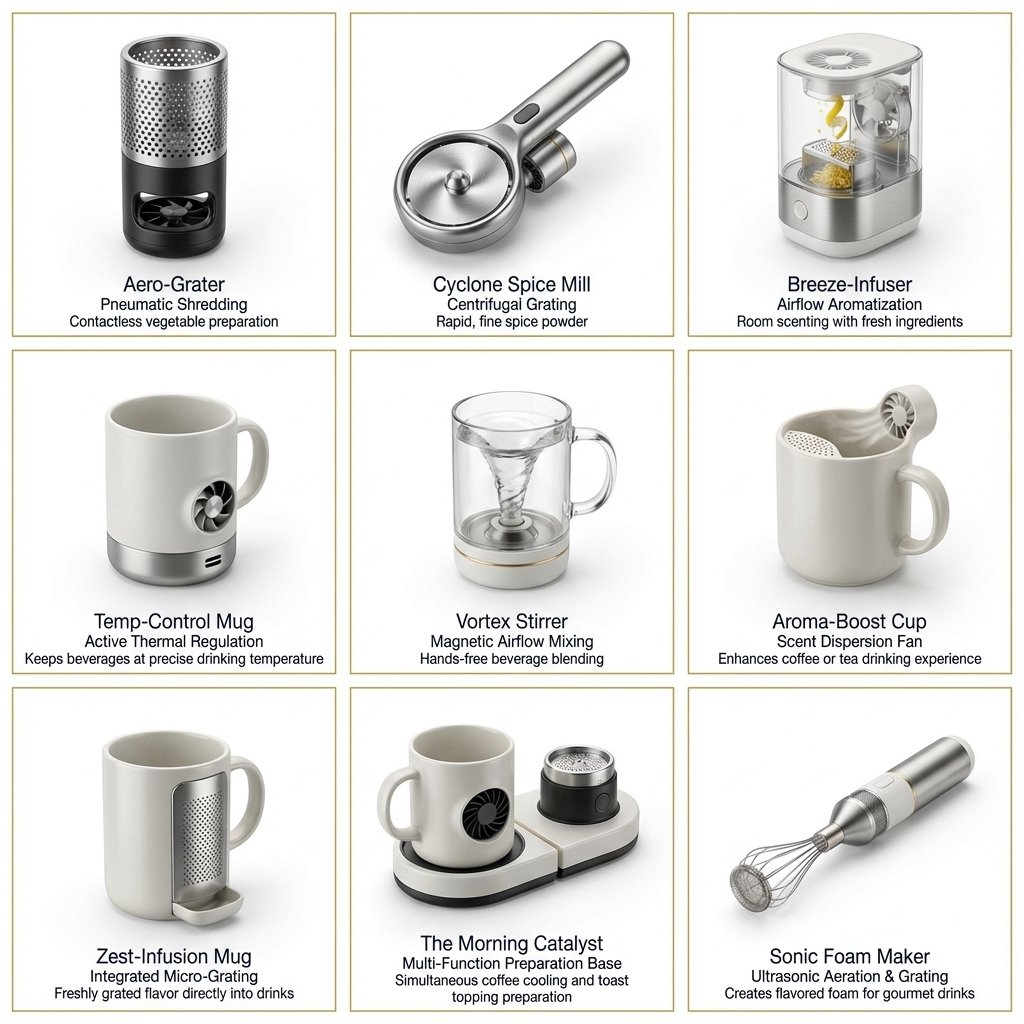
Two-Phase Prompt for Absurd Product Fusion Concepts
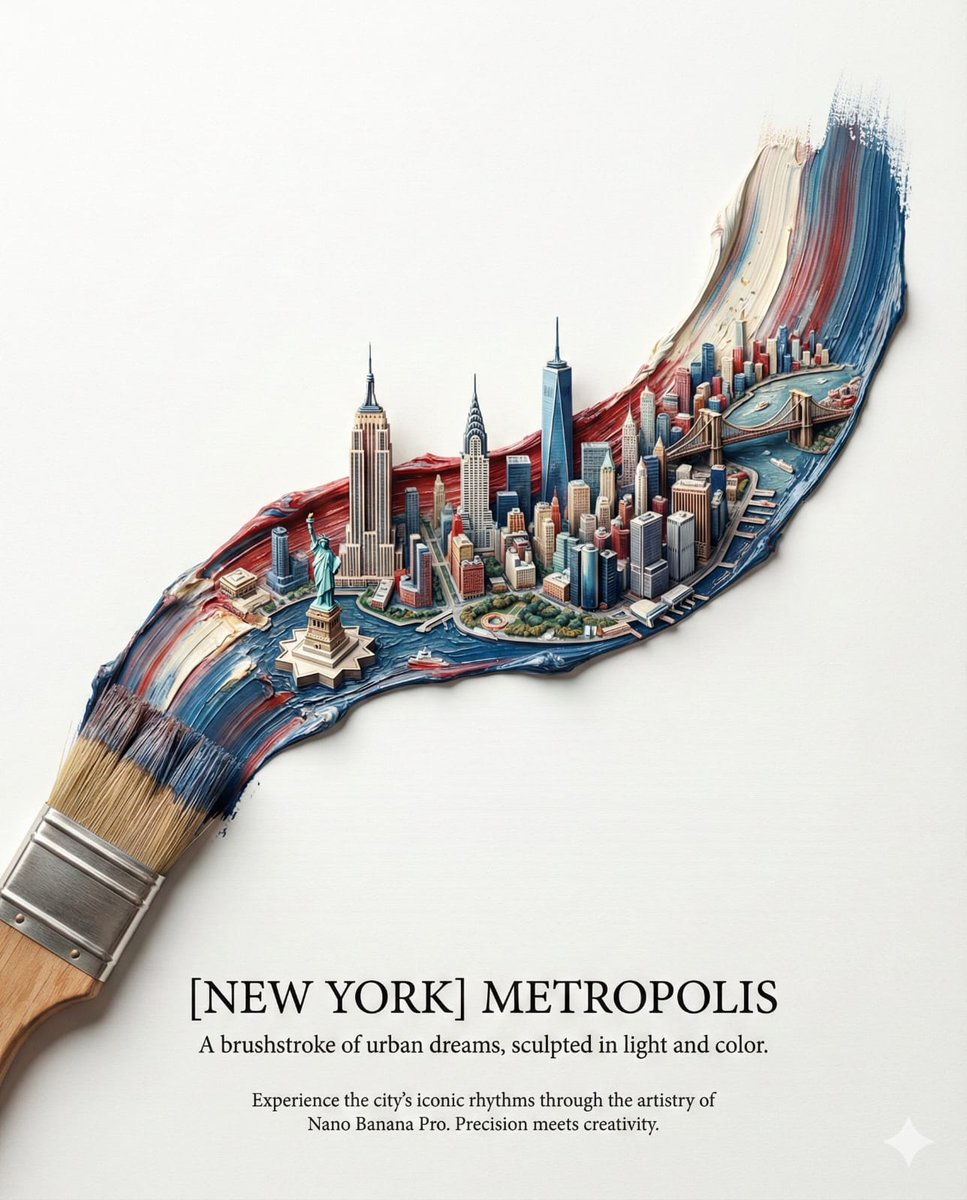
Ultra-Realistic Promotional Image Prompt

Luis Miguel as K-Pop Star in Gangnam
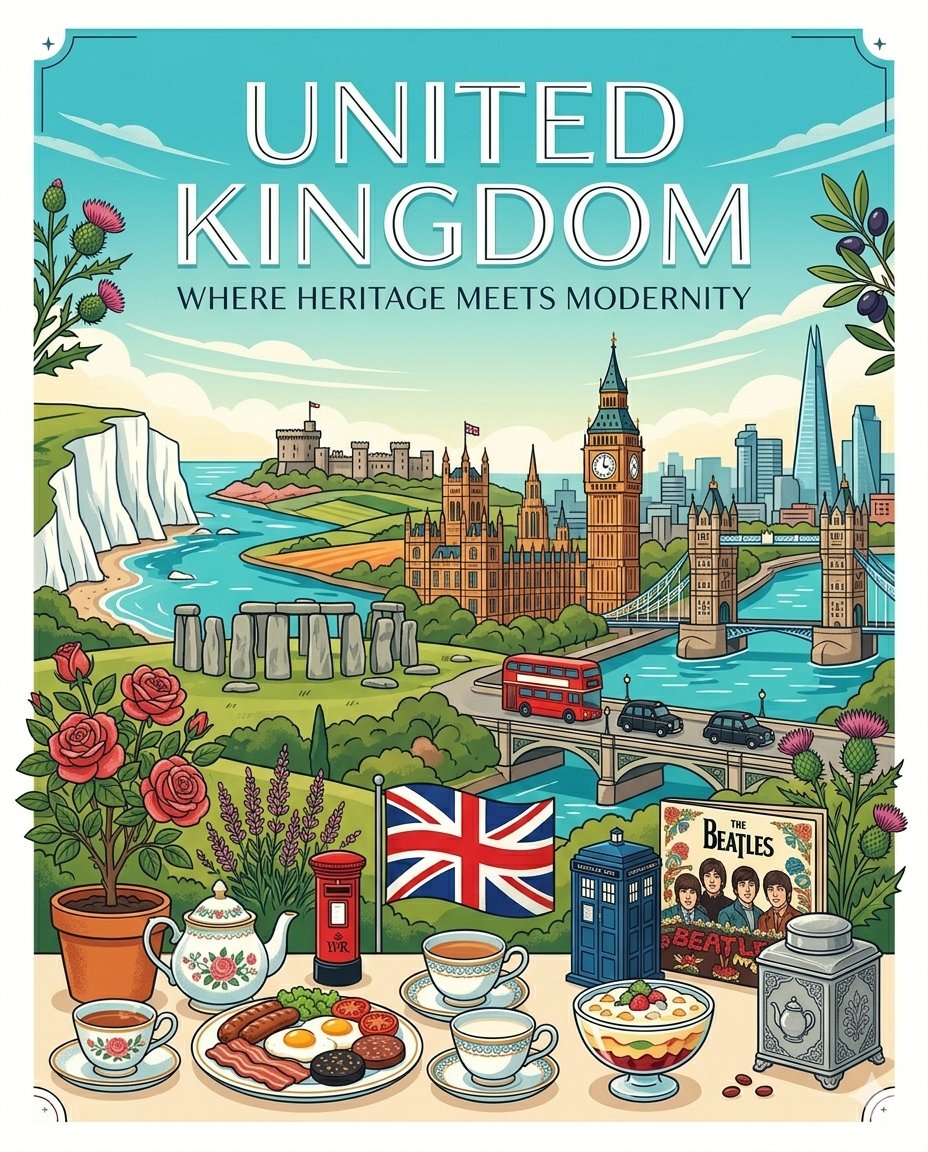
Gemini Nano Banana Pro Golden Sunset Por

Cinematic Subway Portrait with Holographic Music UI

Surreal Giantess Neon Park Portrait
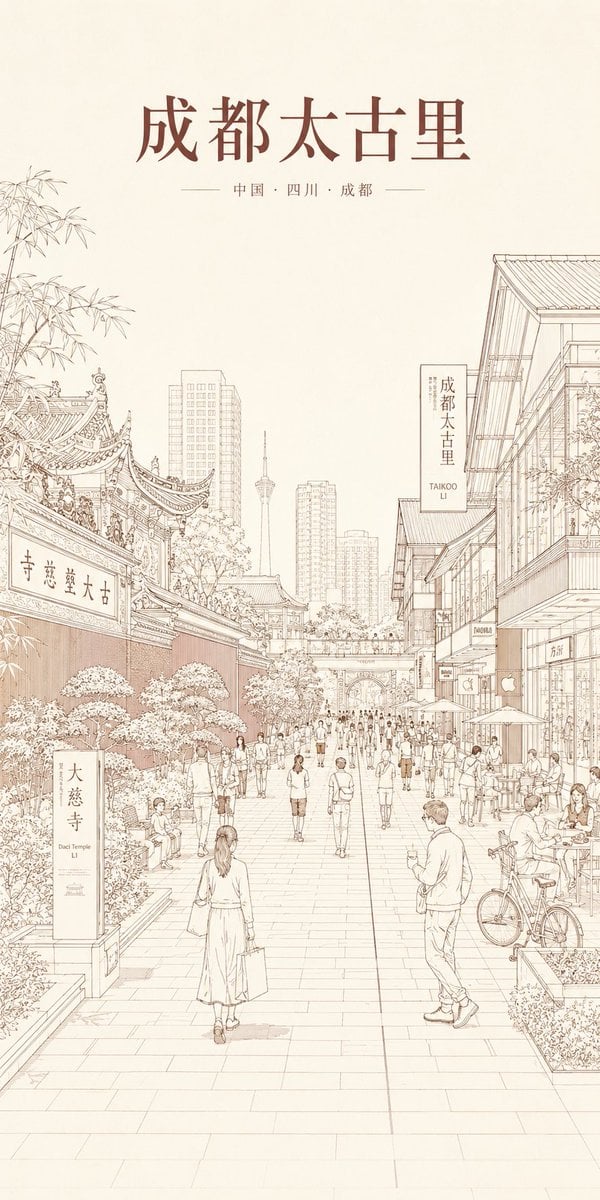
Chengdu Taikoo Li Line Art Poster

GPT Image 2 MS Paint Drawing Prompt

Anime Character Real-World Stream i2i

Painterly Steampunk Girl Portrait
Browse template categories
Book of Kells Restoration Comparison questions
How do I use the Book of Kells Restoration Comparison template?
Add your photo if the template asks for one, edit the prompt if you like — the template's model and format are already selected — and press Generate. Your version opens in PicX Studio.
Can I customize the Book of Kells Restoration Comparison template?
Yes. You can change the subject, setting, lighting, mood, format, and available model controls before creating your image.
Is the Book of Kells Restoration Comparison template free?
Opening and editing this template is free. Generating uses credits, shown on the Generate button when you are signed in.
Which AI model should I use?
Start with GPT Image 2, which is the model associated with this template. You can compare another compatible model for a different finish.
Looking for something else? Browse all templates.

Your photo, any look
Thousands of ready templates for every top image and video model, from one credit balance.