How do I use the Baroque Lolita Dress Fashion Prompt template?
Choose the primary action to open PicX Studio with the available template settings. Review the model and format, personalize the creative direction, and generate when ready.
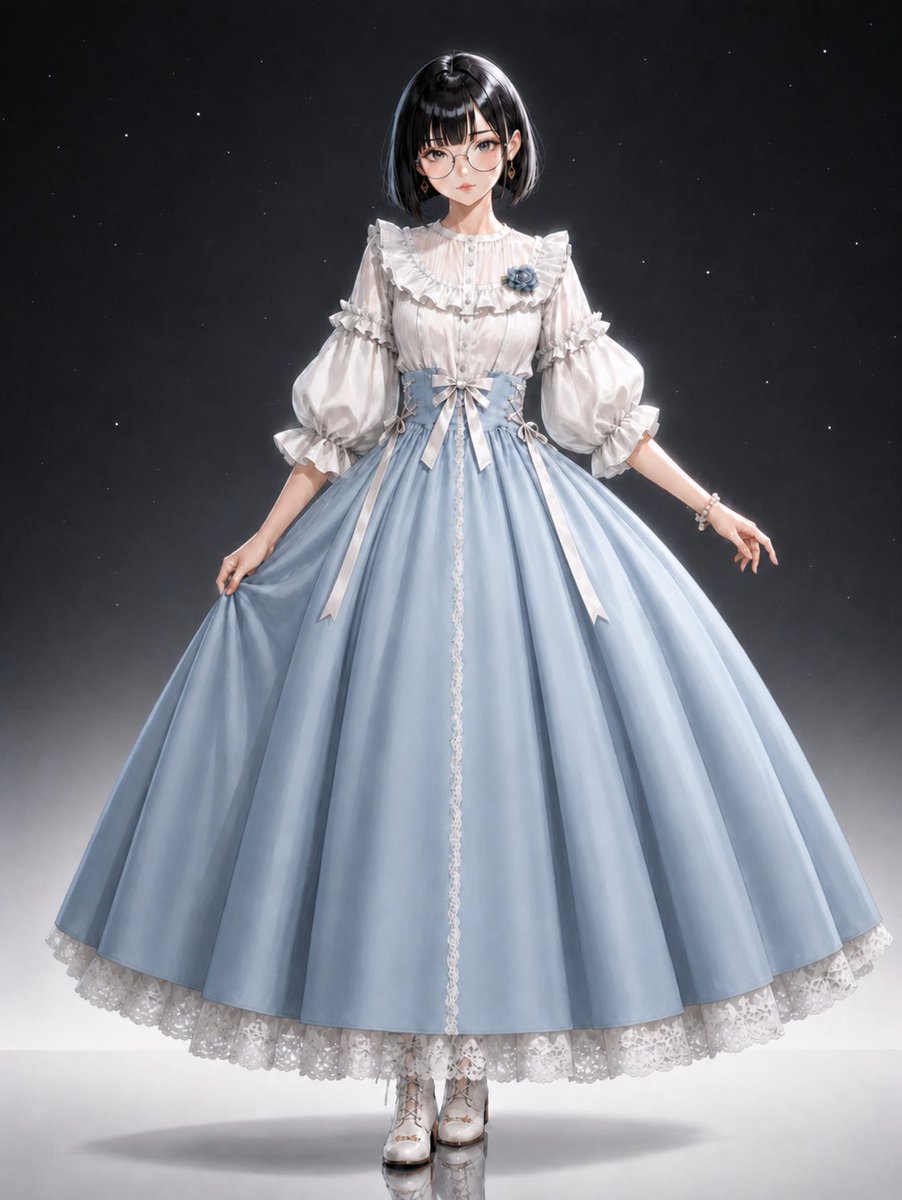
An image generation prompt detailing the creation of a photorealistic image of a beautiful Japanese young woman wearing a highly ornate, navy blue and white Lolita dress with baroque design elements, gold trim, and intricate lace details. Change the subject, setting, or lighting one variable at a time.

A beautiful japanese young woman Navy blue and white Lolita dress with ornate baroque design and gold trim details. White puff sleeves with lace ruffles and navy ribbon ties. Navy blue bodice with gold embroidered motifs and lace-up front corset styling. White lace collar with decorative brooch detail. Navy blue full skirt with gold embroidered patterns and brocade fabric. White lace apron overlay with ruffled edges. Navy and white hair bow accessory with lace and ribbon details. Classic Lolita style with navy, white, and gold color palette. Baroque elegant aesthetic with ornate decorative elements. NOT casual wear, NOT minimalist design, NOT modern styling.
Choose the primary action to open PicX Studio with the available template settings. Review the model and format, personalize the creative direction, and generate when ready.
Yes. You can change the subject, setting, lighting, mood, format, and available model controls before creating your image.
This template is free to open and customize. Generation usage is shown in PicX Studio before you create.
Start with Nano Banana 2, which is the model associated with this template. You can compare another compatible model for a different finish.
Follow a topic to a crawlable collection of related PicX Studio templates.
43,474 public templates available. Verified via the PicX Studio public templates API; refreshed hourly.












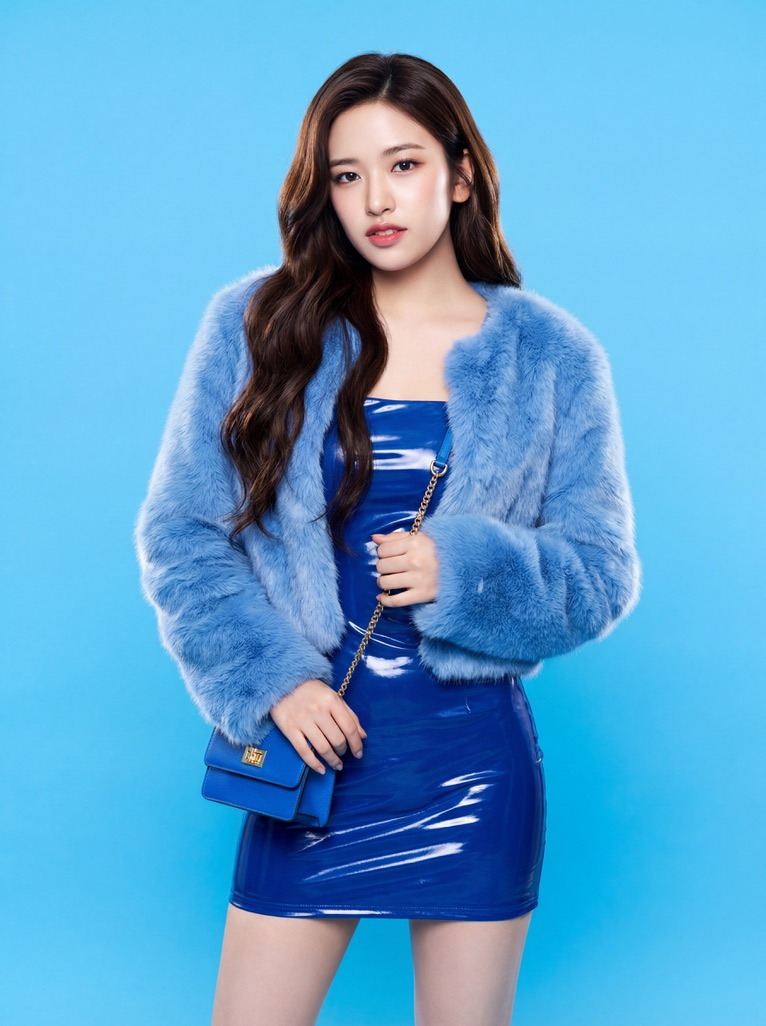


![Naive doodle-style subject illustration — A doodle-style {argument name="subject" default="[subject]"}, naive lines, humorous shape exaggeration](https://pbs.twimg.com/media/G6Wl2YxbsAARB2b.jpg)













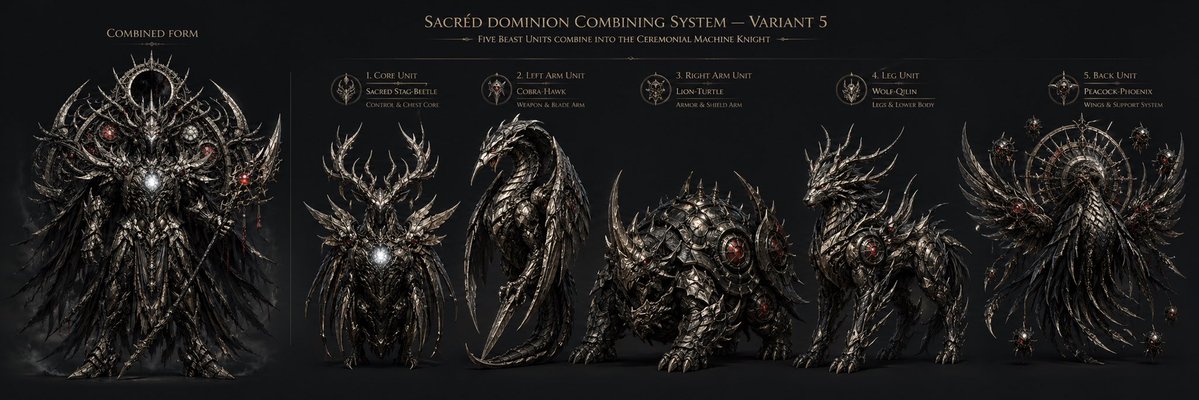




![One Piece Anime Character Portrait Template — [{argument name="角色名称" default="角色名称"}],One Piece动漫角色,深色长发,金色耳环,严肃自信表情
[姿势]:全身站立,双臂自然下垂,双腿并拢,行走姿态
[服…](https://pbs.twimg.com/media/G_eW3mtaYAAliaN.jpg)