How do I use the Cinematic fashion editorial in a windstorm template?
Choose the primary action to open PicX Studio with the available template settings. Review the model and format, personalize the creative direction, and generate when ready.
A comprehensive prompt for a high-fashion cinematic editorial portrait in a windy city street with motion blur, plus negative prompt and technical parameters for high-end renders. Change the subject, setting, or lighting one variable at a time.

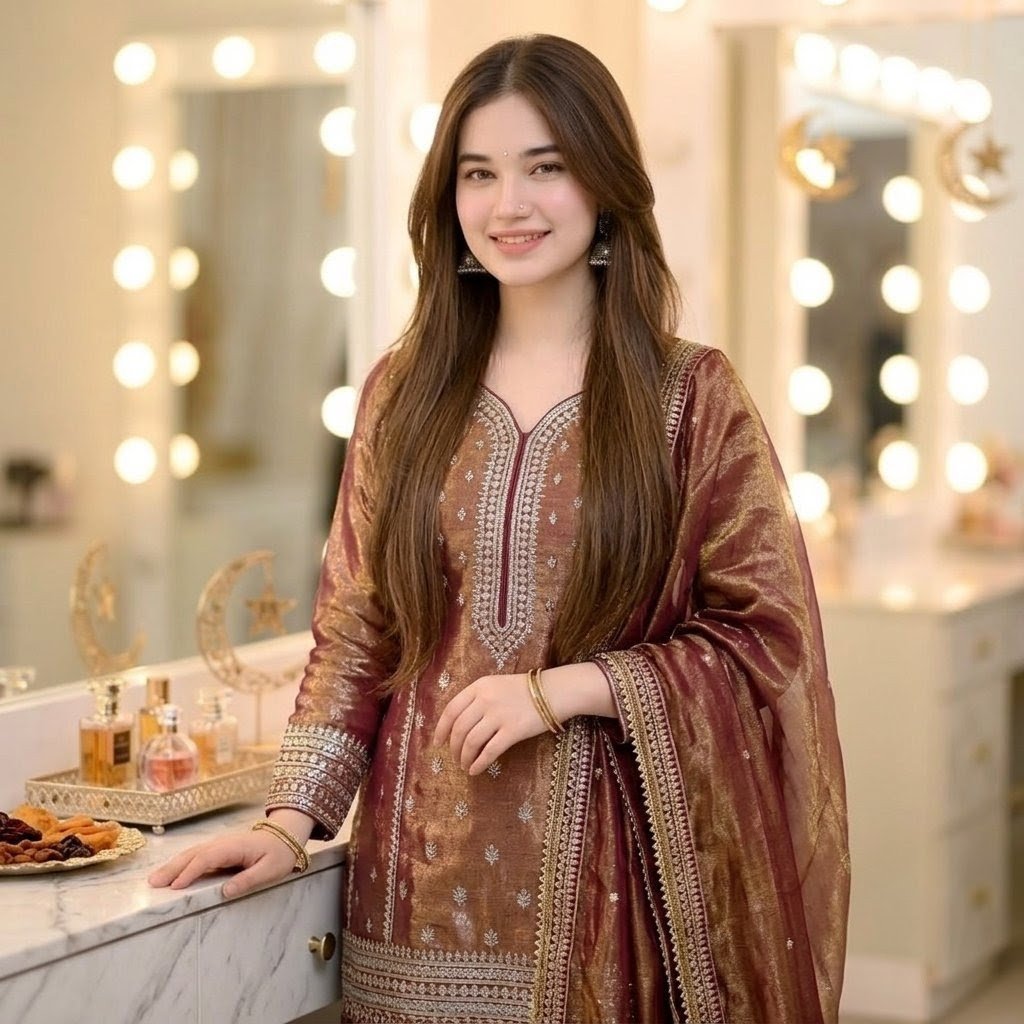
High-fashion cinematic editorial portrait, medium shot. A subject facing the camera caught in a chaotic windstorm on a metropolitan street. Hundreds of flying newspapers swirling in the air, debris, heavy horizontal motion blur on the background and papers to convey intense speed and wind. The subject is wearing a {argument name="outfit_details" default="[INSERT_OUTFIT_DETAILS_HERE]"}. The face is kept in sharp focus with hyper-realistic skin texture and dramatic lighting, while the environment is blurred. Vogue aesthetic, 8k resolution, masterpiece, depth of field, freeze-frame action shot. negative_prompt: static, calm, still air, blurry face, distorted features, cartoon, illustration, 3d render, bad anatomy, watermark, low quality, noise, grain, ugly, deformed.
Choose the primary action to open PicX Studio with the available template settings. Review the model and format, personalize the creative direction, and generate when ready.
Yes. You can change the subject, setting, lighting, mood, format, and available model controls before creating your image.
This template is free to open and customize. Generation usage is shown in PicX Studio before you create.
Start with Nano Banana 2, which is the model associated with this template. You can compare another compatible model for a different finish.
Follow a topic to a crawlable collection of related PicX Studio templates.
43,474 public templates available. Verified via the PicX Studio public templates API; refreshed hourly.






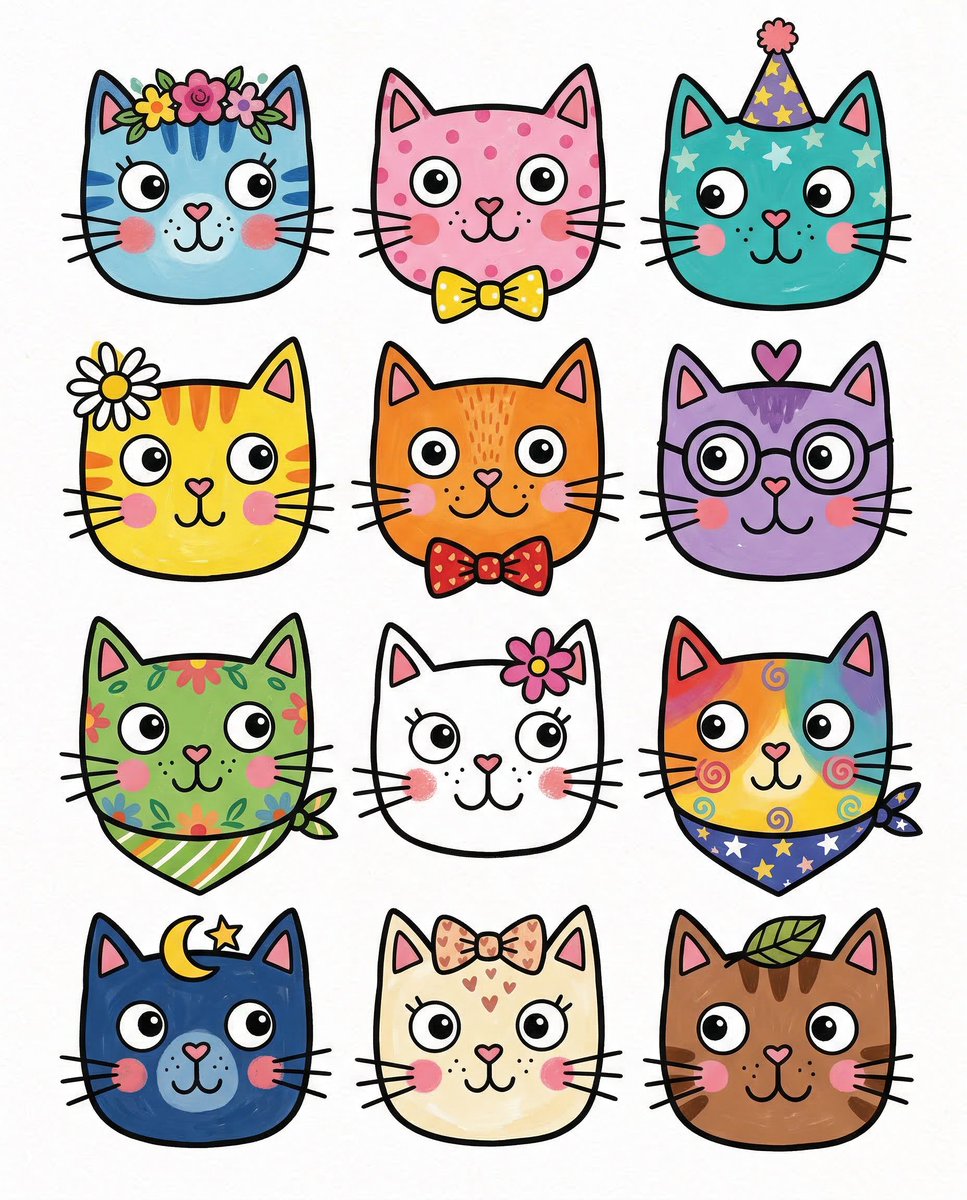
![Naive doodle-style subject illustration — A doodle-style {argument name="subject" default="[subject]"}, naive lines, humorous shape exaggeration](https://pbs.twimg.com/media/G6Wl2YxbsAARB2b.jpg)















![Commercial Cosmetic Product Photography Prompt — A centrally placed pink cosmetic jar labeled “LANEIGE Lip Sleeping Mask [Berry] 3 g” sits on top of a large spi](https://pbs.twimg.com/media/HDhRyeEaIAAW8dL.jpg)