How do I use the Arctic Wolves Aurora Clash template?
Edit the prompt in the box under the preview — the template's model and format are already selected — and press Generate. Your version appears right on this page.
A cinematic video prompt describing a dynamic confrontation between two wolves in a frozen tundra under the northern lights, featuring advanced physics simulations for fur and snow.
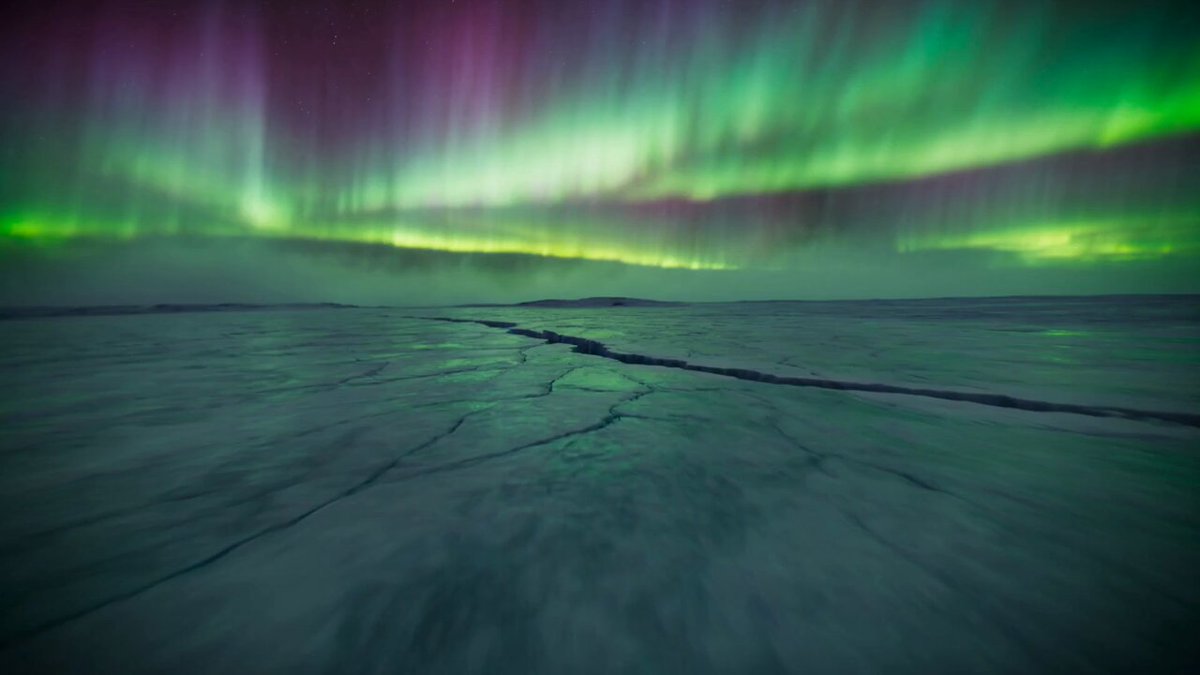
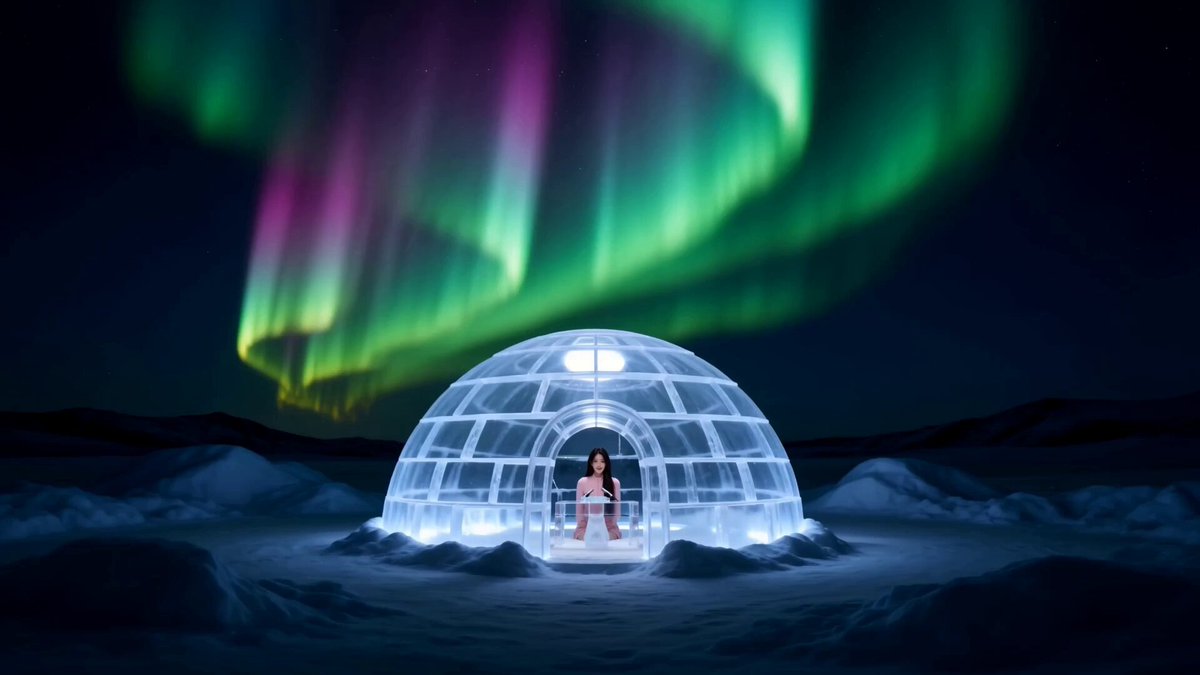
**Environment:** A frozen tundra under aurora-lit night skies. Pale green northern lights reflecting across a wide snowfield with icy winds sweeping snow particles across the ground. **Action:** 15.0s sequence. A giant silver arctic wolf charges across the snow while a rival black wolf emerges from the drifting snowstorm. The two wolves collide in a powerful clash, sliding across the icy surface. Velocity Ramp choreography: the moment their bodies collide freezes briefly as snow explodes around them before snapping back to full speed as they tumble across the frozen ground. **Camera:** Low tracking shot racing through blowing snow alongside the wolves, occasionally capturing the action reflected across icy surfaces. **Style & Constraints:** Photorealistic fur simulation, volumetric snow particles, aurora sky lighting, cinematic cold atmosphere, 35mm film grain, 8K.
**Environment:** A frozen tundra under aurora-lit night skies. Pale green northern lights reflecting across a wide snowfield with icy winds sweeping snow particles across the ground. **Action:** 15.0s sequence. A giant silver arctic wolf charges across the snow while a rival black wolf emerges from the drifting snowstorm. The two wolves collide in a powerful clash, sliding across the icy surface. Velocity Ramp choreography: the moment their bodies collide freezes briefly as snow explodes around them before snapping back to full speed as they tumble across the frozen ground. **Camera:** Low tracking shot racing through blowing snow alongside the wolves, occasionally capturing the action reflected across icy surfaces. **Style & Constraints:** Photorealistic fur simulation, volumetric snow particles, aurora sky lighting, cinematic cold atmosphere, 35mm film grain, 8K.
Edit the prompt in the box under the preview — the template's model and format are already selected — and press Generate. Your version appears right on this page.
Yes. You can change the subject, setting, lighting, mood, format, and available model controls before creating your video.
Opening and editing this template is free. Generating uses credits, shown on the Generate button when you are signed in.
Start with Seedance 2.0, which is the model associated with this template. You can compare another compatible model for a different finish.
Follow a topic to a crawlable collection of related PicX Studio templates.