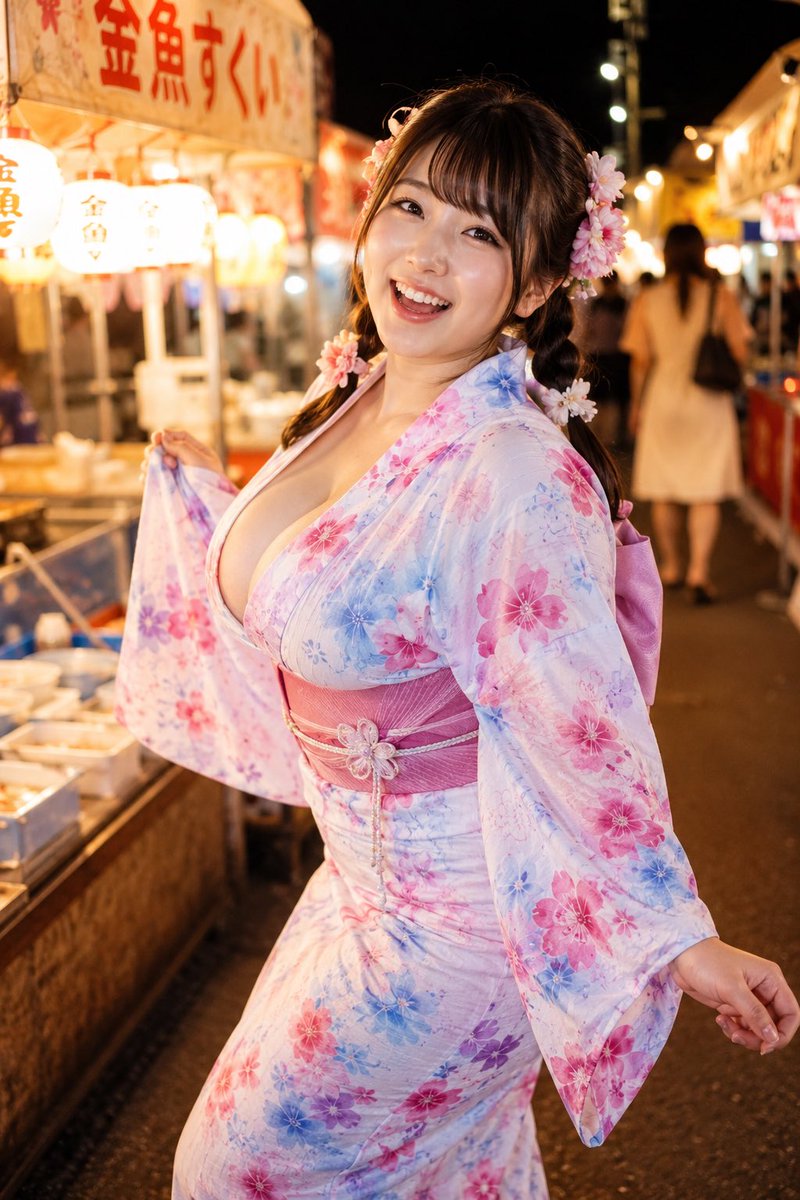
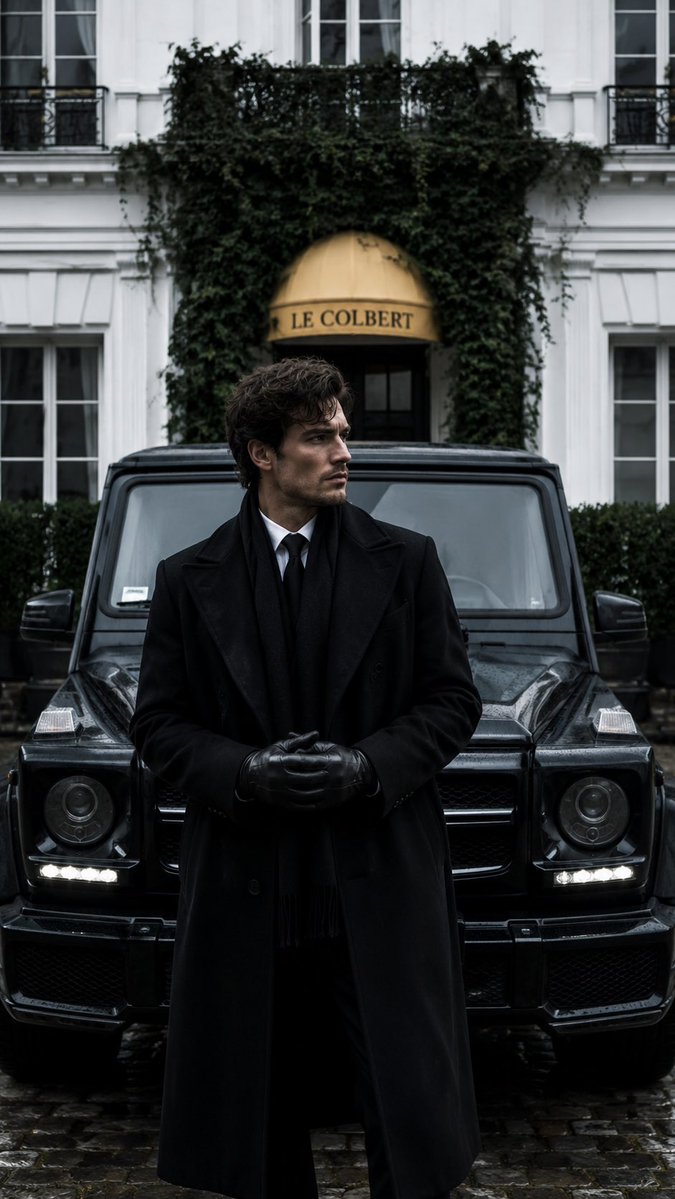
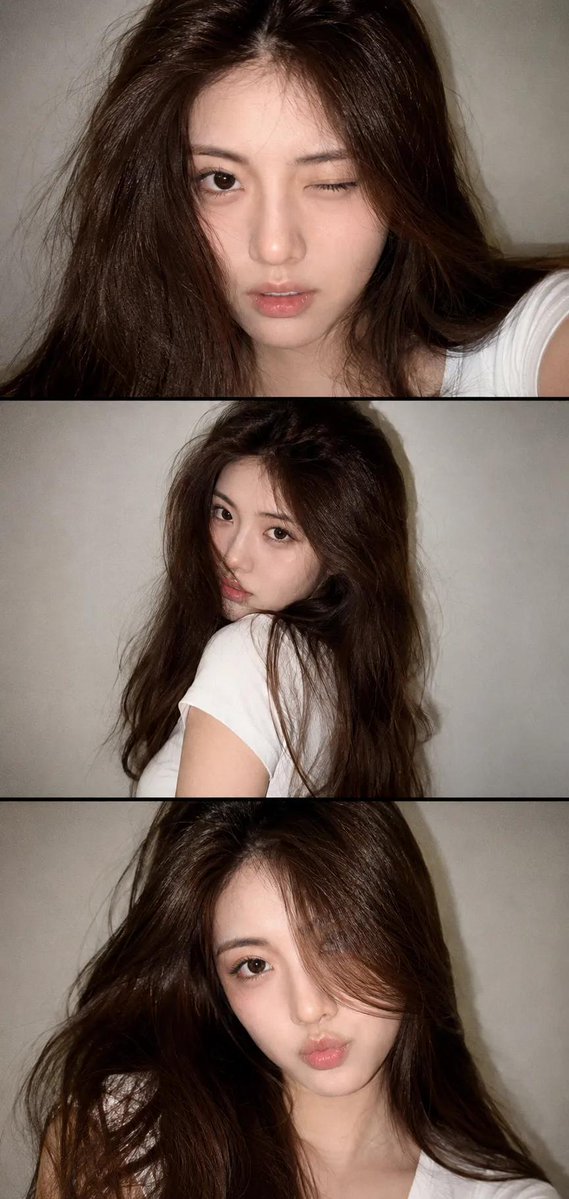
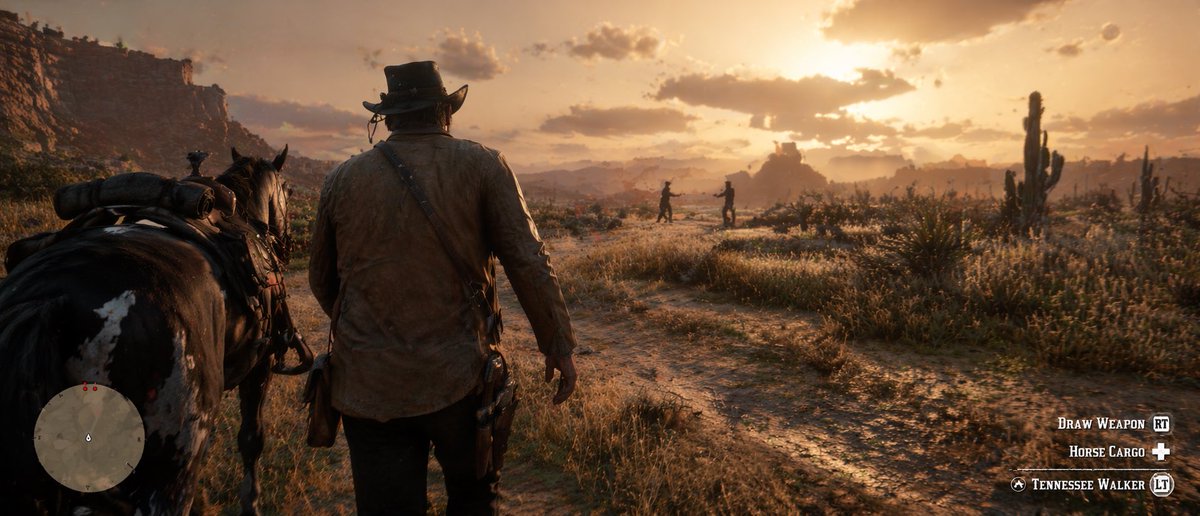
How do I use the Cinematic POV Mediterranean Portrait template?
Choose the primary action to open PicX Studio with the available template settings. Review the model and format, personalize the creative direction, and generate when ready.
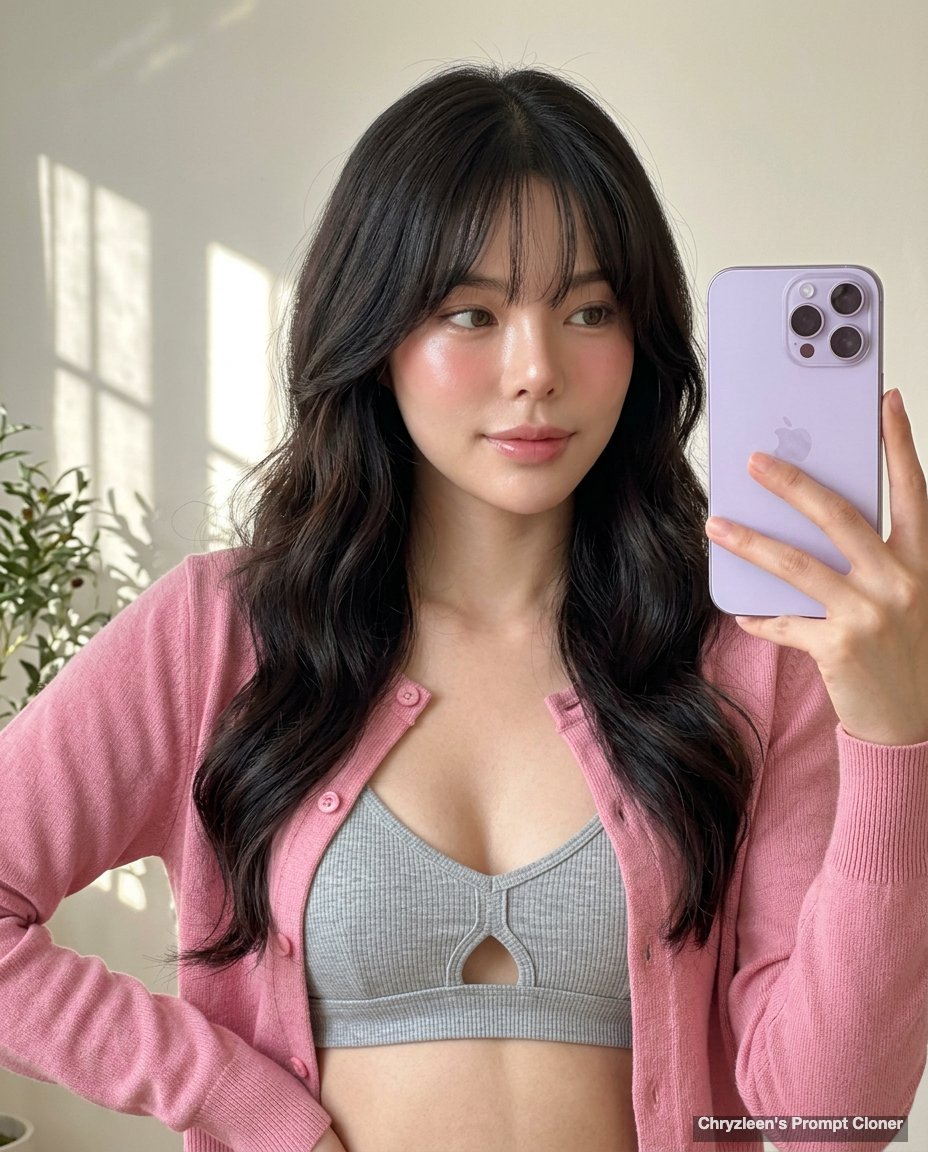
A high-fidelity environmental portrait featuring a cinematic high-angle shot in a Mediterranean setting at dusk, emphasizing realistic textures and lighting. Change the subject, setting, or lighting one variable at a time.

(9:16) Raw high-fidelity photo, high-angle, medium-wide environmental portrait, iPhone 17 Pro sim, 24mm, f/8, full sharpness, zero bokeh, authentic grain.\n\nFraming: Subject ~60% frame, ~2m distance, looking down, {argument name="sky and roofs" default="dusk sky + white roofs top (~35%)"}, stone ledge foreground.\n\nIdentity Lock: Preserve ALL facial features (structure, skin, hair, marks).\nEnhancement: Natural skin clarity (visible pores), even tone, soft glow, subtle contour via light, refined highlights (eyes/lips/cheekbones), natural lashes/brows/teeth, salon hair.\nBio-Fidelity: Micro-pores, fine vellus hair (jawline), hydrated skin.\nExpression: Warm/inviting smile, direct eye contact, slight head tilt (~10° right).\n\nHair: Same color/texture, long straight, over right shoulder, framing face, golden-hour highlights.\nMakeup: Soft-glam (rose lip, natural base, defined lashes).\n\nAccessories: Thin gold necklace.\n\nOutfit: {argument name="outfit" default="black satin bodycon mini-dress"}, thin straps, tight fit, realistic ruching/tension, defined S-curve.\n\nPose: Seated on ledge, torso forward, legs toward camera, left hand at neck/hair, right arm supporting behind, natural articulation + surface contact.\n\nMood/Color: Warm, romantic; palette (black, white, amber, pink), ~3200K light, moderate contrast.\n\nEnvironment: {argument name="location" default="Mediterranean village at dusk"}, stone balcony, railing, white houses, winding path, all sharp.
Choose the primary action to open PicX Studio with the available template settings. Review the model and format, personalize the creative direction, and generate when ready.
Yes. You can change the subject, setting, lighting, mood, format, and available model controls before creating your image.
This template is free to open and customize. Generation usage is shown in PicX Studio before you create.
Start with Nano Banana 2, which is the model associated with this template. You can compare another compatible model for a different finish.
Follow a topic to a crawlable collection of related PicX Studio templates.
43,474 public templates available. Verified via the PicX Studio public templates API; refreshed hourly.


![69-untitled — FORMAT: 15s / 145 BPM / 14 SHOTS
SUBJECT: @[image1]
WARDROBE: Clean modern outfit
ENVIRONMENT: Street / indoor transitions
MOOD: Discovery → contr](/_next/image?url=https%3A%2F%2Fcdn.picxstudio.com%2Fuploads%2Fpost69_img0_d45faecf-38c3-4bcb-81a4-f6eb1cf42bb2.jpg&w=828&q=100)














![118-google-nano-banana-pro-skincare-product- — A professional skincare shot of a [product container] with [cap/lid], labeled [brand, product, descriptor, volume](/_next/image?url=https%3A%2F%2Fcdn.picxstudio.com%2Fuploads%2Fpost118_img0_332898b8-29ea-42a9-87ab-9ed746a3f944.jpg&w=828&q=100)


![Naive doodle-style subject illustration — A doodle-style {argument name="subject" default="[subject]"}, naive lines, humorous shape exaggeration](https://pbs.twimg.com/media/G6Wl2YxbsAARB2b.jpg)



















![Surreal Studio Ghibli food advertisement prompt — Create a surreal 1:1 advertisement for [{argument name="brand name" default="Pringles"}], placing the hyper-re](https://pbs.twimg.com/media/G_Myqg8bcAA8X86.jpg)