How do I use the Sadie Sink Bath Time Editorial Portrait Prompt template?
Choose the primary action to open PicX Studio with the available template settings. Review the model and format, personalize the creative direction, and generate when ready.
A structured prompt for generating a photorealistic, intimate portrait of Sadie Sink sitting on the edge of a bathtub, focusing on soft, diffused lighting, specific clothing details (white floral bodysuit), and a serene, elegant mood in a modern bathroom setting. Change the subject, setting, or lighting one variable at a time.

{ "type": "image_prompt", "description": { "subject": { "main": "{argument name="subject name" default="Sadie Sink"} with her hair up, with a few soft strands framing her face. Neutral, calm and natural expression.", "details": "Light and natural makeup, with a soft finish, and a delicate curved silver bar necklace." }, "clothing": "One-piece white bodysuit with a small floral pattern in shades of {argument name="floral color 1" default="yellow"} and {argument name="floral color 2" default="green"}, finished with yellow ruffles on the straps and bust, and side ties at the hip.", "body_type": "Slender physique with soft, natural contours.", "pose": "Sitting on the edge of a bathtub, arms gently crossed. Legs extended downwards, feet flat on the floor, head slightly tilted, conveying a relaxed and natural posture.", "setting": "Modern and well-lit bathroom with textured white tiles in a wavy pattern, minimalist white bathtub, and light wood-look flooring.", "props": [ "White-rimmed straw storage basket containing various jars", "Silver-finished shower", "Wall-mounted silver faucet" ], "lighting": "Soft, bright, and diffused interior lighting, evenly distributed, with minimal shadows for a clean and airy look." natural.", "mood": "Serene, calm, intimate, and elegant.", "color_palette": [ "white", "cream", "soft yellow", "light wood tones", "silver" ], "technical": { "camera": "Medium-wide shot, eye-level framing.", "style": "Photorealistic portrait with editorial aesthetic.", "quality": "High resolution, highly detailed, sharp focus, and professional lighting.", "aspect_ratio": "9:16" } } }
Choose the primary action to open PicX Studio with the available template settings. Review the model and format, personalize the creative direction, and generate when ready.
Yes. You can change the subject, setting, lighting, mood, format, and available model controls before creating your image.
This template is free to open and customize. Generation usage is shown in PicX Studio before you create.
Start with Nano Banana 2, which is the model associated with this template. You can compare another compatible model for a different finish.
Follow a topic to a crawlable collection of related PicX Studio templates.
43,474 public templates available. Verified via the PicX Studio public templates API; refreshed hourly.






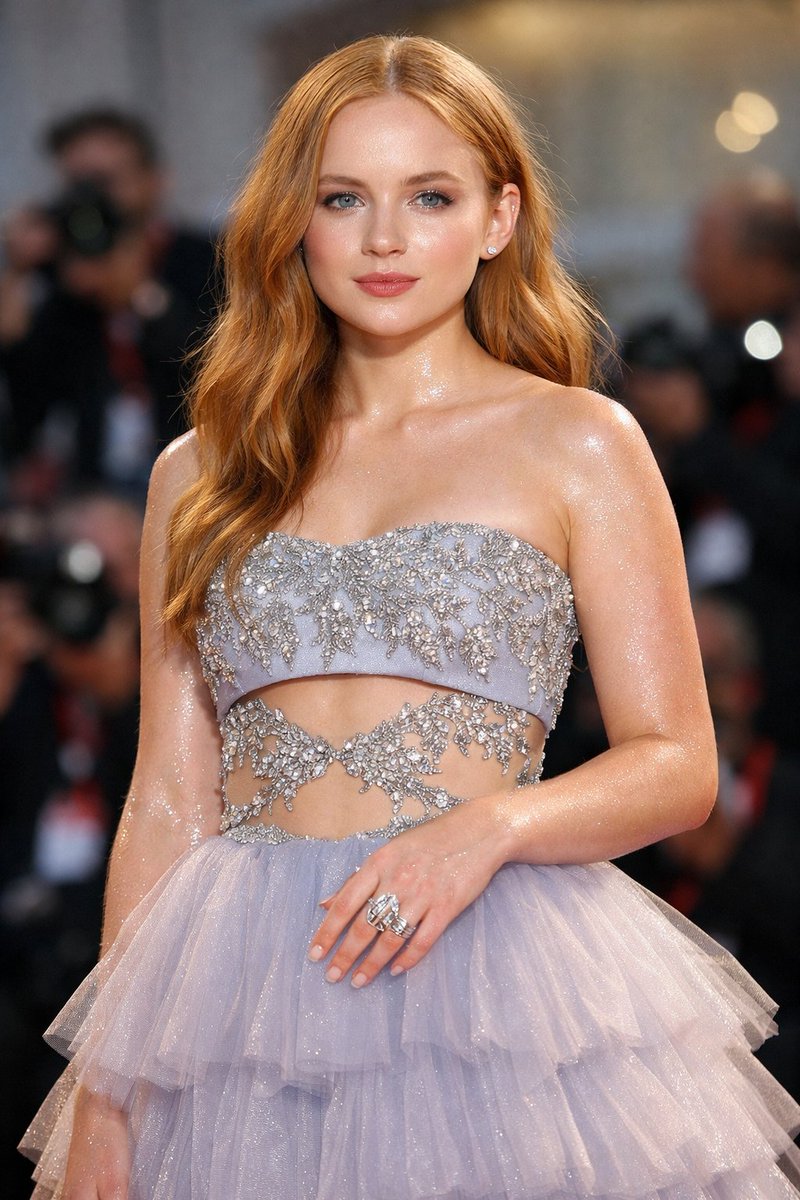











![Naive doodle-style subject illustration — A doodle-style {argument name="subject" default="[subject]"}, naive lines, humorous shape exaggeration](https://pbs.twimg.com/media/G6Wl2YxbsAARB2b.jpg)
















![360-Degree Equirectangular Panorama Prompt — [SCENE] = {argument name="scene description" default="Troy, Anatolia, approx. 12th century BC. The moments after th](https://pbs.twimg.com/media/G-6FhchXQAAg2v9.jpg)
![Selfie with Movie Character Template Prompt — I’m taking a selfie with {argument name="movie character" default="[movie character]"} on the set of {argument nam](https://pbs.twimg.com/media/G752JHzbsAAho4B.jpg)