
Pixar-style Dancing Couple
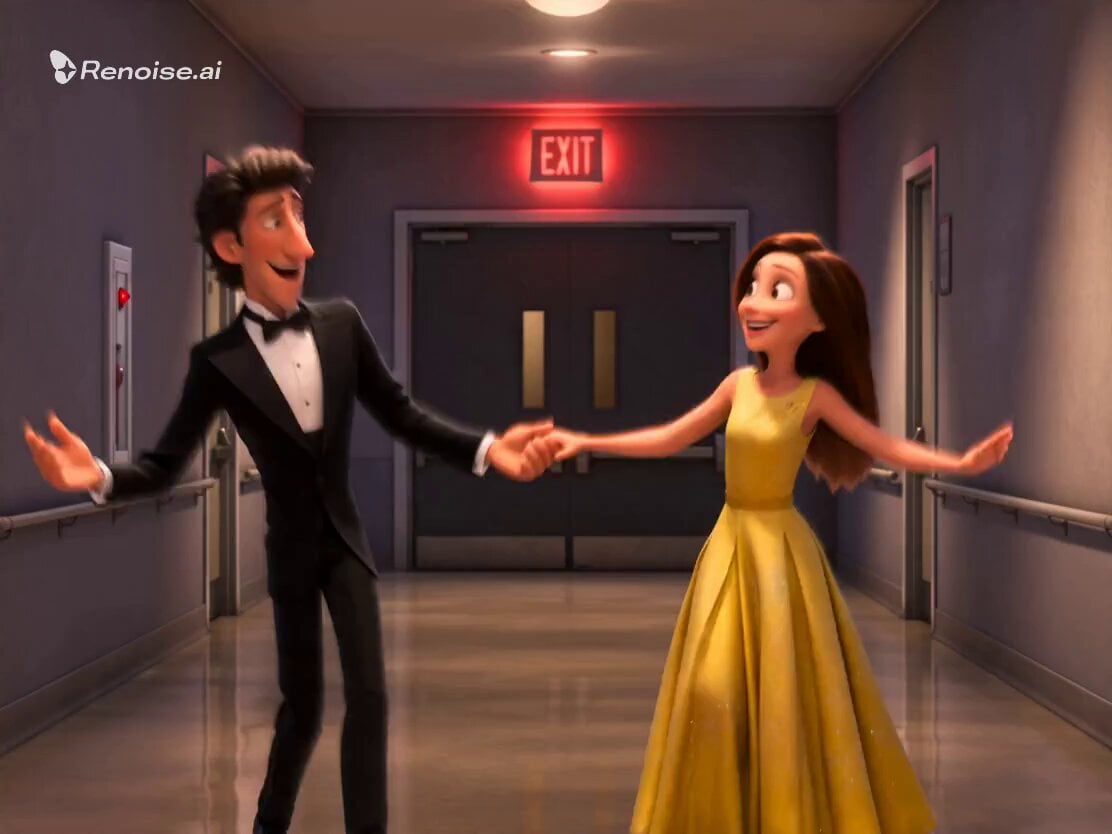
A smooth 3D animation prompt of a couple dancing joyfully in a modern hallway with a warm, romantic Pixar-inspired aesthetic.
- Prompt included
- Model and format preset
- Premium template
The prompt behind this video
Copy the exact prompt behind Pixar-style Dancing Couple, or open it in the studio and make it yours.
3D Pixar-style animation, romantic comedy vibe, highly detailed. A handsome man with wavy dark hair, wearing a sleek black tuxedo, and a beautiful woman with long brown hair, wearing a vibrant sleeveless yellow dress, are dancing enthusiastically down a modern hallway. They are grooving, laughing, and gesturing playfully toward each other with expressive, joyful faces. The hallway has light grey walls, polished floors reflecting the warm lighting, and a red glowing 'EXIT' sign in the background. The animation style is ultra-smooth, featuring warm, romantic, and dreamy lighting with cinematic depth of field. Soft colors, highly expressive character designs, capturing a sweet and affectionate connection between a loving couple. 8k resolution, masterpiece.
How to use Pixar-style Dancing Couple in 3 steps
- 1
Open
The prompt is already in the box next to the preview, with the template's model and format selected.
- 2…a portrait of your subject in softgolden-hour light, 85mm…
Personalize
Edit the subject and creative details for your destination.
- 3Generate
Generate
Press Generate — your video is created in PicX Studio, so you can compare it with the original and refine one variable at a time.
More like this
Templates with the same subject, style or setup. Open one to see its prompt.
3D Pixar Dancing Hip-Hop Cat Prompt
Cinematic Couple Dancing in Rain
Cinematic Scene: Dancing Couple - Shot 1
In Each Other's Gravity — Dance Duo
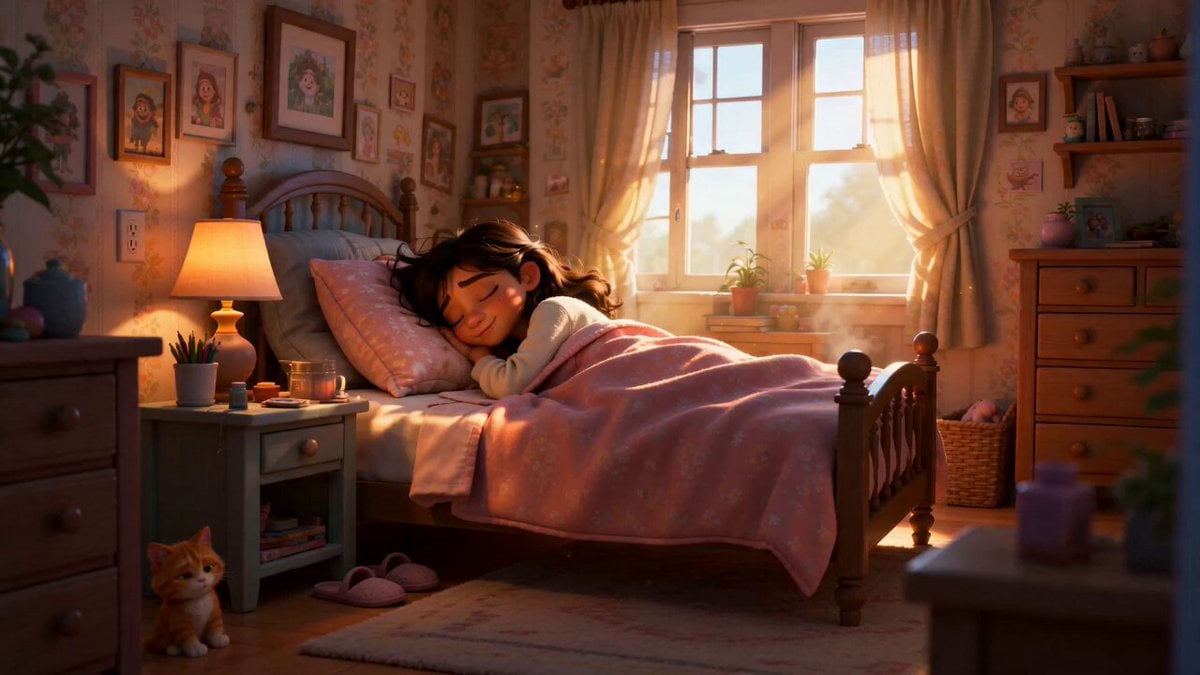
Pixar Style Sleeping Girl Animation
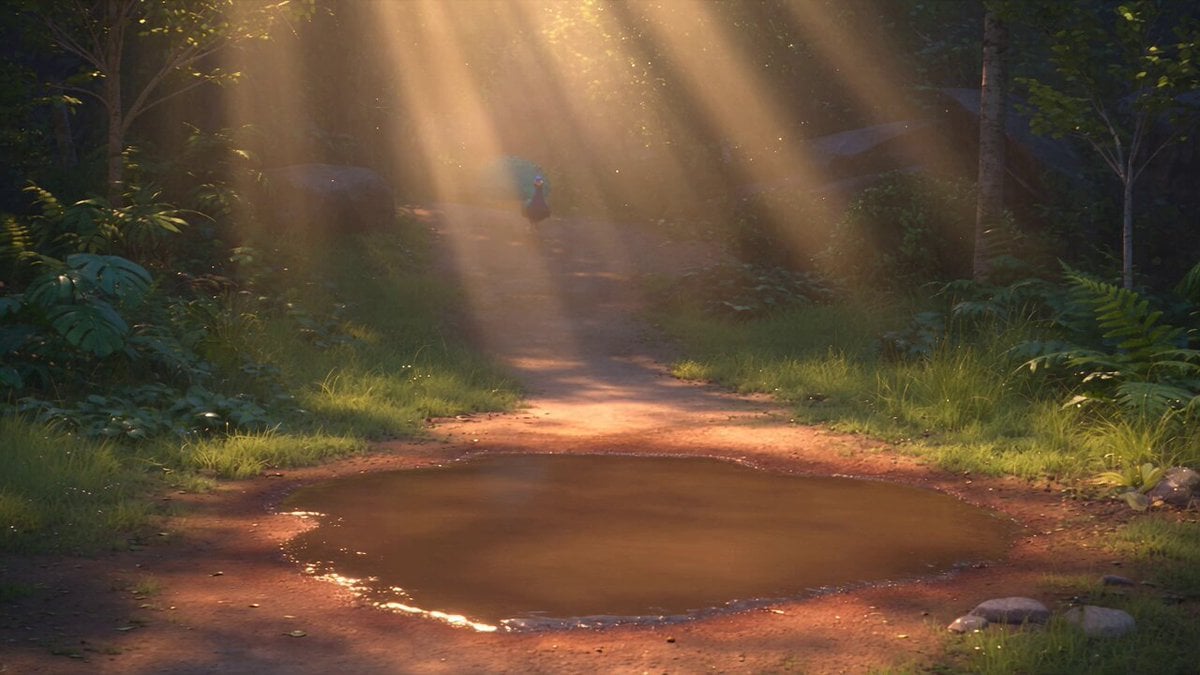
Pixar Style 3D Animation Prompt
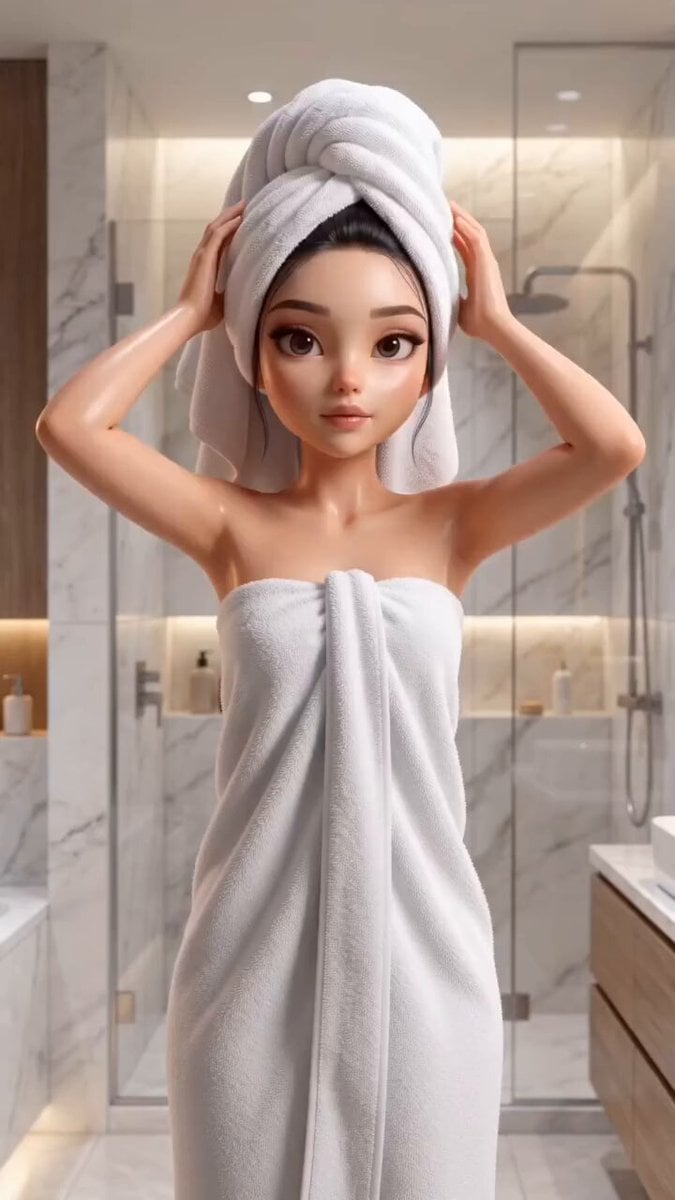
Pixar Style Beauty Routine Animation
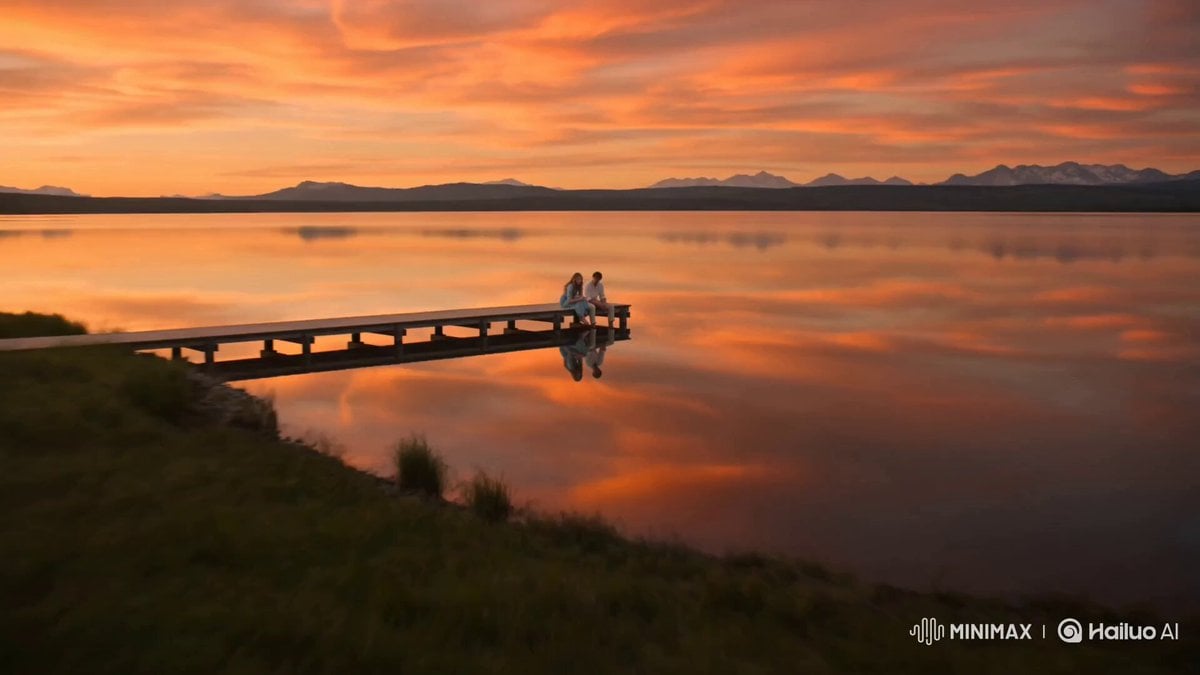
Alpine Lake Golden Hour Couple
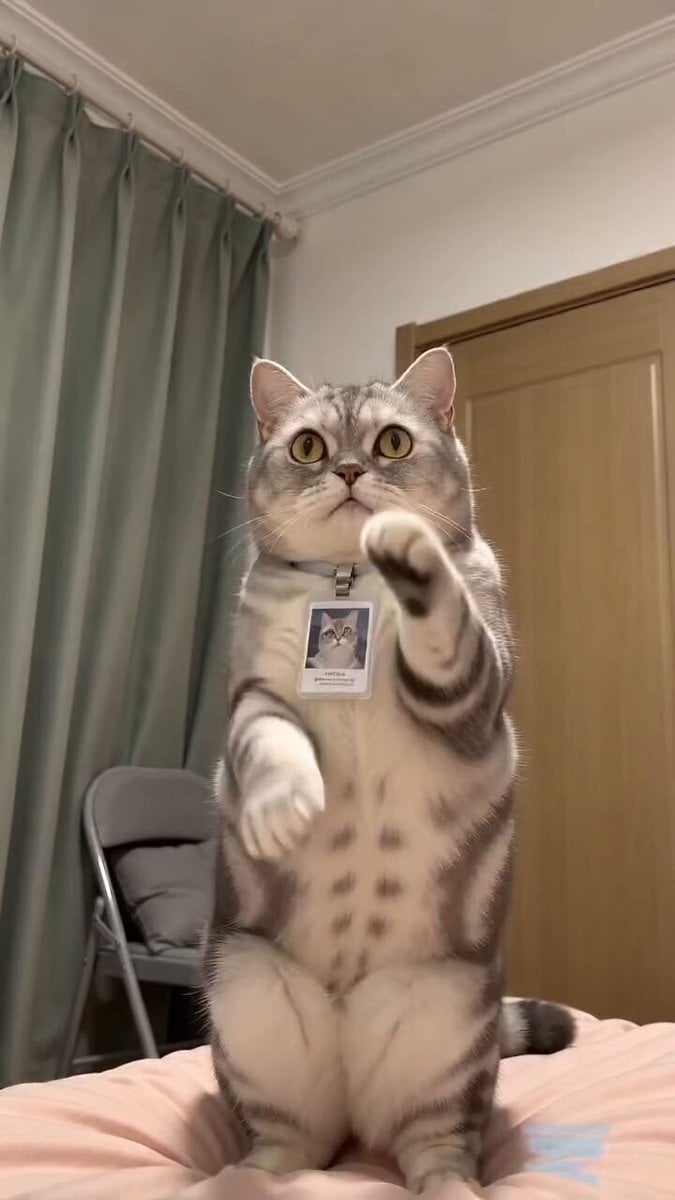
Funny Pet Dancing Expression Video

Pigeon Nemesis Pixar Animation Storyboard
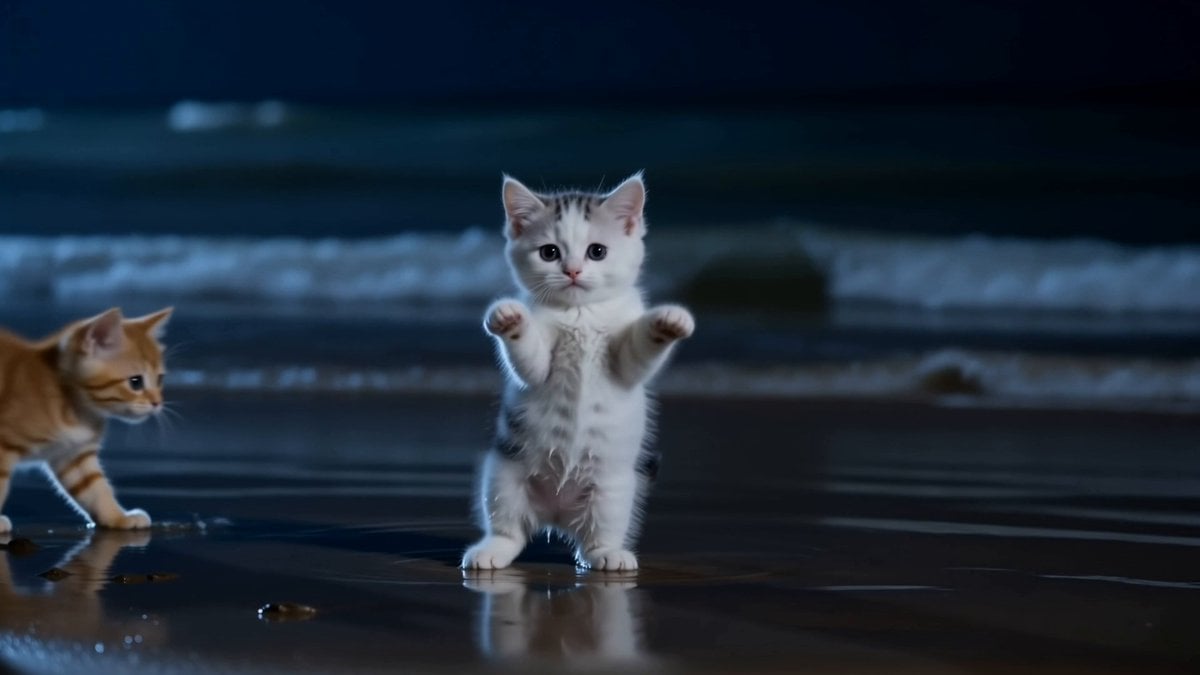
Adorable Dancing Kittens Night Beach
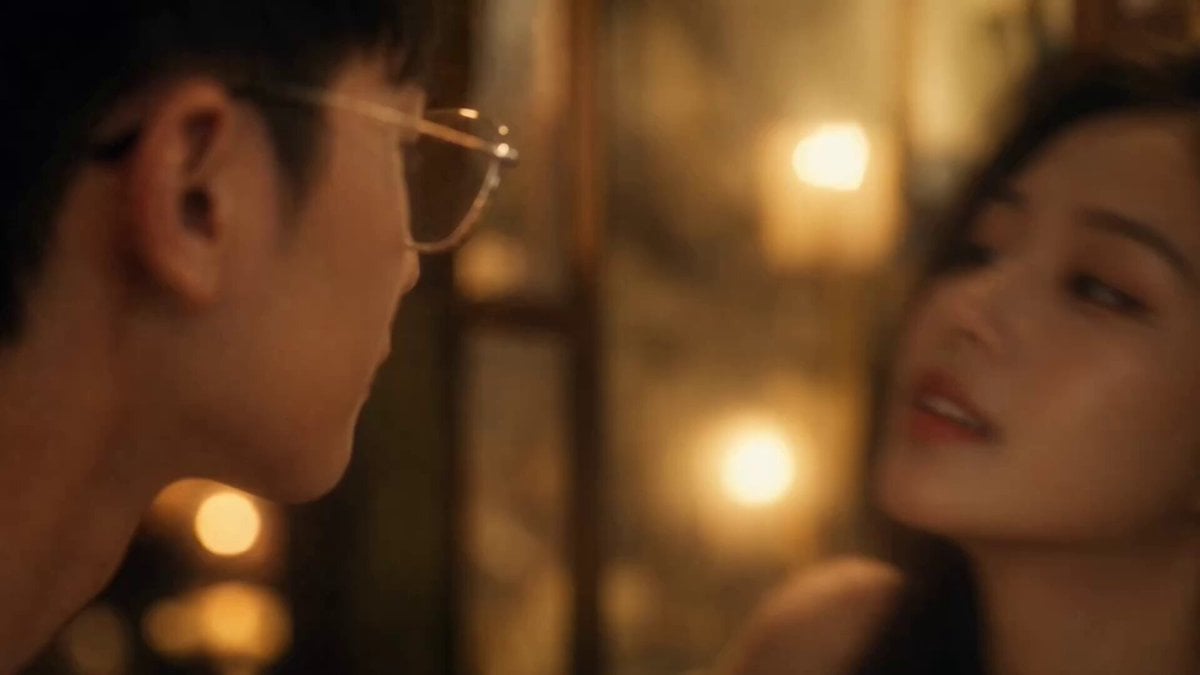
Cinematic Warm Gold Interior Couple Video
Make it yours
Pixar-style Dancing Couple works as-is. These are the safest ways to change it without losing the look.
Change one field
Copy a single group, rewrite it, and generate again so you can see what that field is doing.
Keep the frame, change the subject
Hold the composition and light of Pixar-style Dancing Couple, then swap wardrobe, props or the person for a new take.
| If the result… | Why | Fix |
|---|---|---|
| The result drifts from the preview | Too many fields changed at once. | Reuse Pixar-style Dancing Couple as-is first, then change one group — subject, light, or setting. |
| The model over-stylizes the scene | The prose prompt leaves finish and camera underspecified. | Add one camera or lighting sentence and stay on Seedance 2.0. |
More Seedance 2.0 templates
Other prompts made for Seedance 2.0.

Comical Martial Arts Punch Scene

Maglev Train Action Sequence

Martial Arts Fight Sequence

Wuxia Protection and Trust Script

Vintage Korean Arcade MiniDV Vlog

Mercedes 190 SL Luxury Ad

Rainy Night Supernatural Reverse Comedy Video Script

Amazon Civilization Discovery

Futuristic South Asian City Transformation

Cozy Luxury Cafe Commercial
More video prompts
Fresh picks from across the catalog.
Anime Storyboard Generation with GPT Image 2
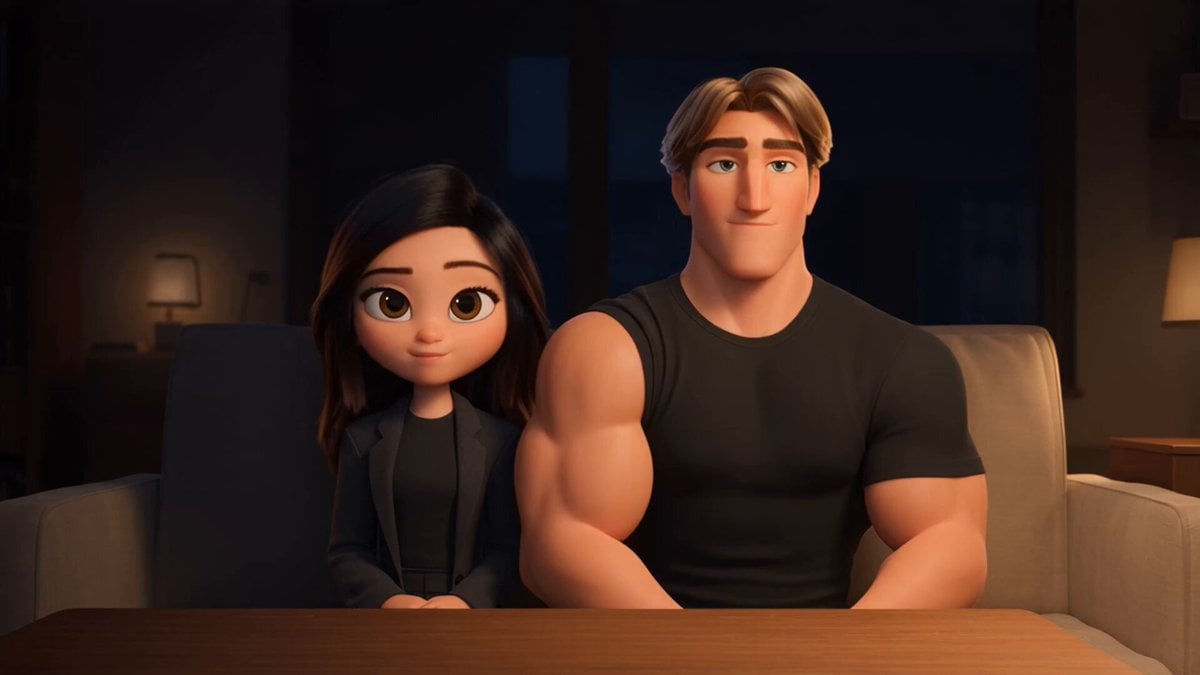
3D Animated Romantic Comedy Clip
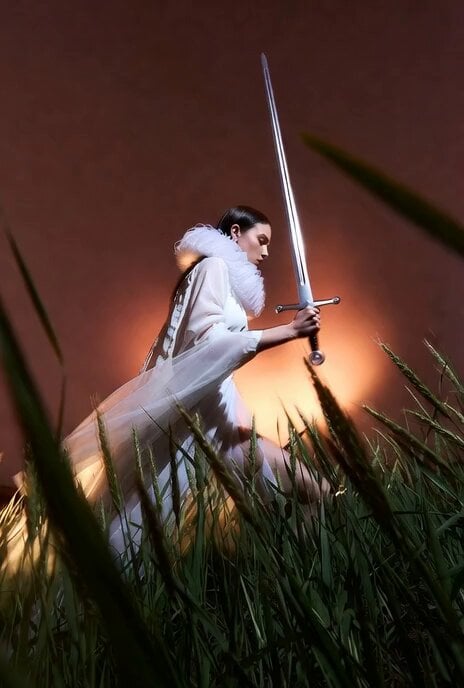
Model Climbing Slope Behind Grasses
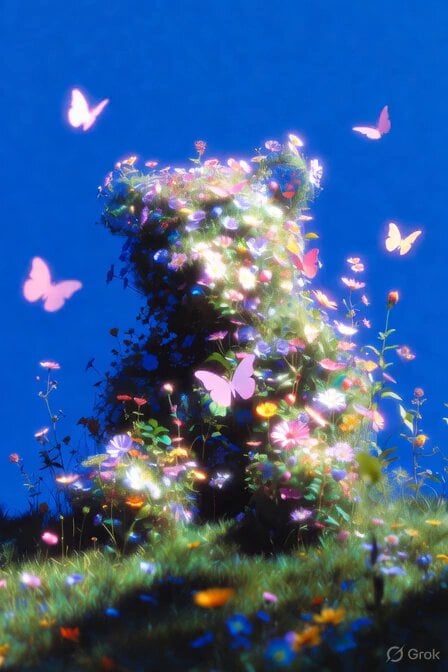
Bear Self-Hug Animation
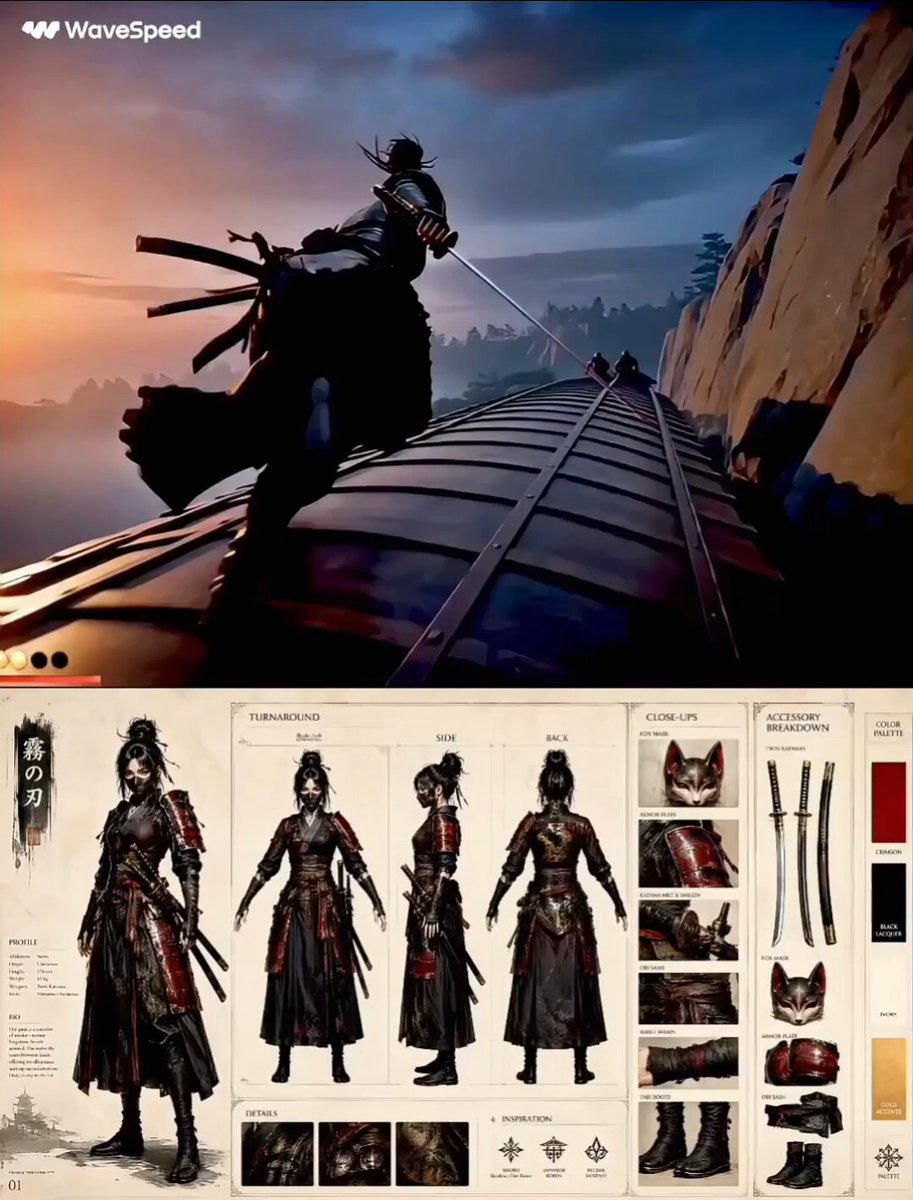
Feudal Japan Samurai War Train
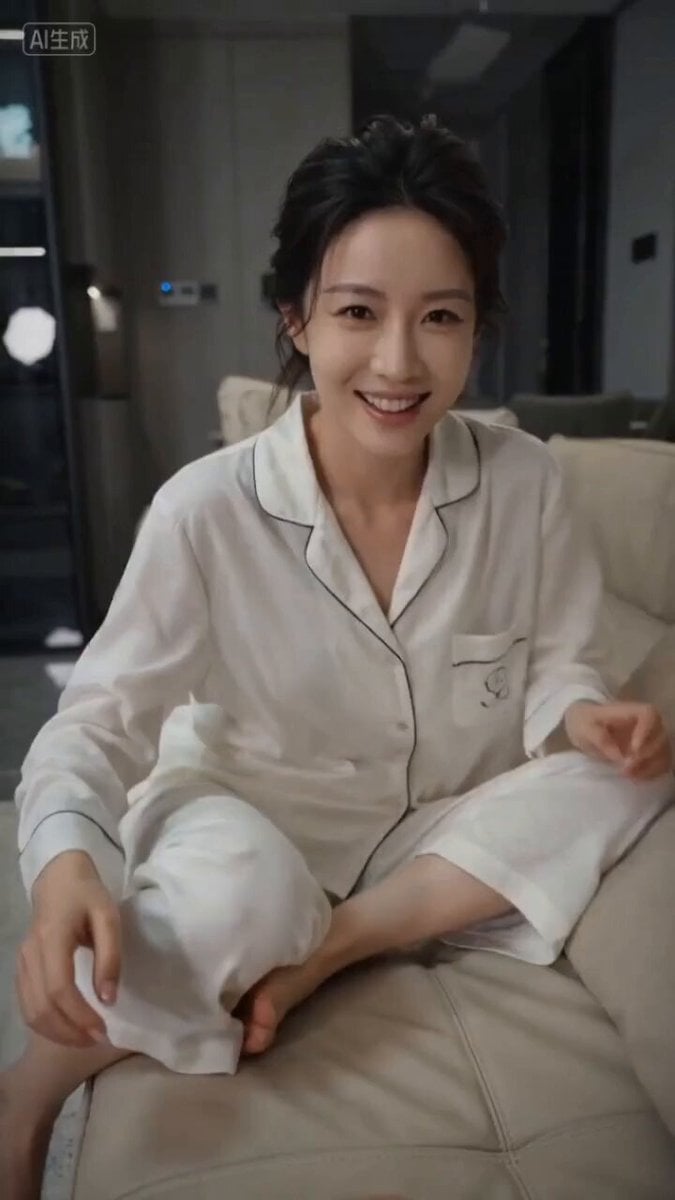
First-Person Perspective Couple Interaction Video Prompt
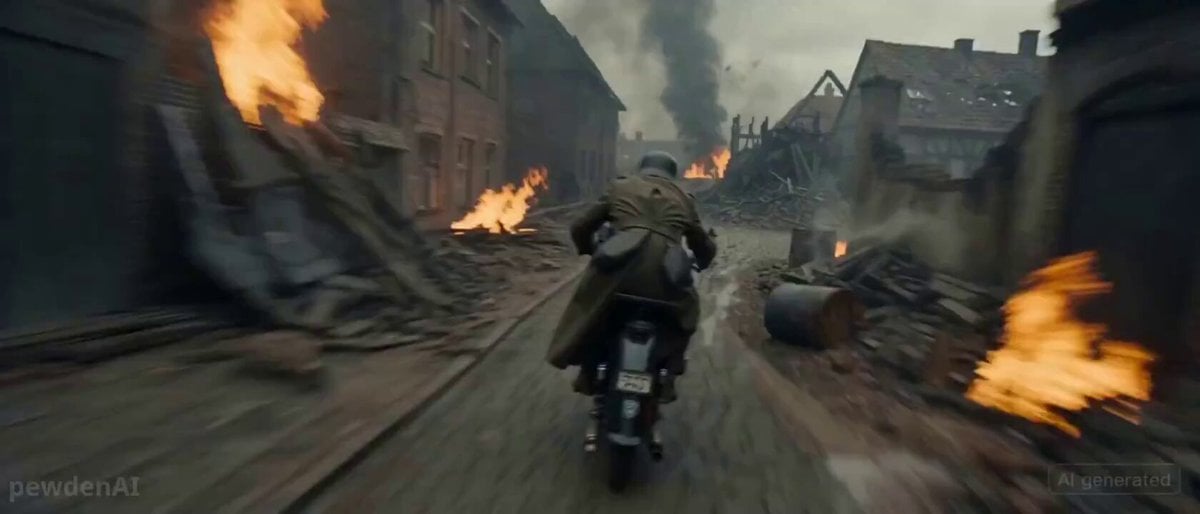
WW2 Motorcycle Escape Sequence
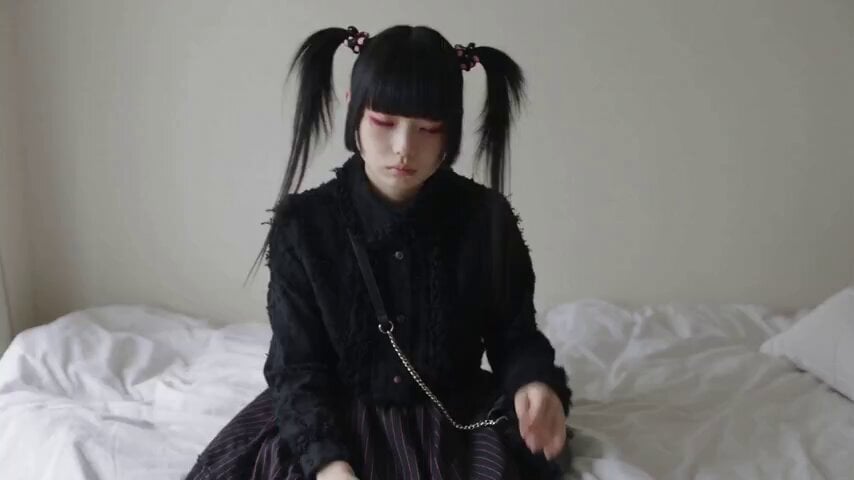
Jirai-kei Girl Daily Life Documentary
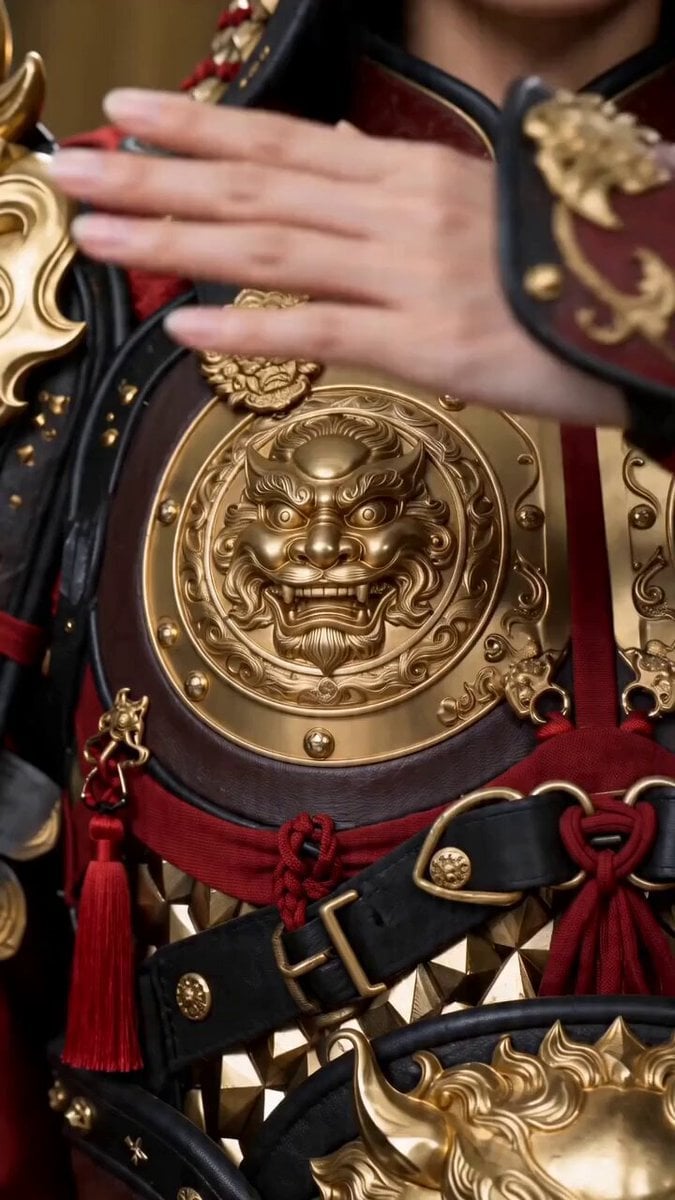
Seedance 2.0 Transformation Prompt: 10 World Female Armors
Ethereal Meditating Figure Pan
Browse template categories
Pixar-style Dancing Couple questions
How do I use the Pixar-style Dancing Couple template?
Add your photo if the template asks for one, edit the prompt if you like — the template's model and format are already selected — and press Generate. Your version opens in PicX Studio.
Can I customize the Pixar-style Dancing Couple template?
Yes. You can change the subject, setting, lighting, mood, format, and available model controls before creating your video.
Is the Pixar-style Dancing Couple template free?
Opening and editing this template is free. Generating uses credits, shown on the Generate button when you are signed in.
Which AI model should I use?
Start with Seedance 2.0, which is the model associated with this template. You can compare another compatible model for a different finish.
Looking for something else? Browse all templates.

Your photo, any look
Thousands of ready templates for every top image and video model, from one credit balance.