
Paris Travel Vlog Cinematic Montage
A high-energy, fast-paced vlog prompt featuring a Japanese woman exploring iconic Paris landmarks with dynamic handheld camera work.
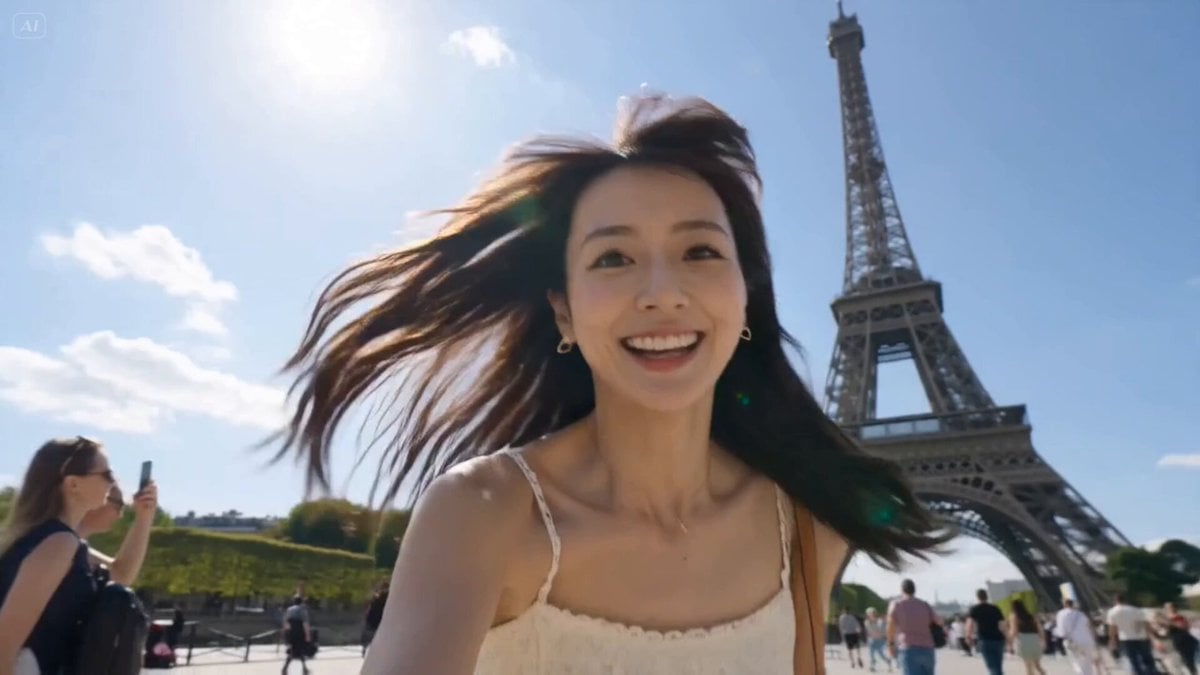
- Prompt included
- Model and format preset
- Free template
The prompt behind this video
Copy the exact prompt behind Paris Travel Vlog Cinematic Montage, or open it in the studio and make it yours.
Style: High-energy cinematic Paris travel vlog, ultra-vivid colors, fast-paced editing, dynamic handheld camera work, authentic influencer aesthetic, energetic motion, natural human movement, trendy TikTok/Reel editing, cinematic realism, bright summer atmosphere. Duration: 15 seconds Aspect Ratio: 9:16 [00:00-00:02] EXTREME CLOSE-UP selfie shot. The cute Japanese woman rushes toward the camera laughing breathlessly with the Eiffel Tower behind her. Fast handheld motion, hair blowing wildly in the wind. She whispers directly into the mic in playful ASMR Japanese: 「ねぇ、15秒でパリ全部見せるね。」 ("Hey, I’ll show you all of Paris in 15 seconds.") Suddenly the rock music DROPS HARD with explosive transition cuts. [00:02-00:03] FAST MULTI-SHOT MONTAGE: — Whip-pan selfie at Eiffel Tower — Quick laugh close-up — Fast spin transition beside the Seine — Sunglasses flip toward camera Heavy rock beat syncs perfectly with cuts. [00:03-00:05] Louvre Pyramid sequence. Hyper-dynamic moving camera circles around her as she grabs the camera and runs toward the glass pyramid. Rapid cuts between: — Looking back smiling — Close-up grin — Tourists rushing past — Low-angle fashion shot — Fast handheld vlog movement Electric guitar intensifies. [00:05-00:06] Notre-Dame Cathedral. She suddenly turns toward camera while crowds blur behind her in motion blur timelapse. She laughs loudly in Japanese: 「ヤバい、映画みたい!!」 ("This is insane, it feels like a movie!!") [00:06-00:08] Arc de Triomphe rapid montage: — Wide cinematic shot beneath the monument — Jump spin transition — Camera tilted upward dramatically — Walking directly toward lens — Quick smile close-up — Speed-ramped city traffic around her Fast energetic editing synced to drum hits. [00:08-00:10] Inside the Louvre beside the Mona Lisa. Chaotic fun vlog energy: — Selfie grin with Mona Lisa behind — Tourists moving rapidly — Camera flash effect — Close-up eye contact with camera — Fast snap zoom transition Rock music briefly cuts for crowd ambience and camera shutter sounds. [00:10-00:12] Versailles Gardens cinematic sequence. Golden sunlight floods the scene. Massive drone pullback while she runs through the gardens laughing. Dress and hair flow naturally in the wind. Rapid intercuts: — Sunglasses on — Twirl — Looking over shoulder — Running toward camera Music reaches emotional uplifting chorus. [00:12-00:13] Massive clock tower interior shot. Fast cinematic orbit around her face as sunlight beams through the giant clock glass. She whispers softly in Japanese: 「パリ、大好き。」 ("I love Paris.") Brief ASMR pause before music explodes back in. [00:13-00:15] FINAL ULTRA-FAST PARIS MONTAGE: — Champs-Élysées walking shot — Arc de Triomphe at sunset — Eiffel Tower sparkle — Louvre smile — Notre-Dame turn-back shot — Fast spinning selfie transition — Final freeze-frame smile directly into camera Camera flash freeze ending.
How to use Paris Travel Vlog Cinematic Montage in 3 steps
- 1
Open
The prompt is already in the box next to the preview, with the template's model and format selected.
- 2…a portrait of your subject in softgolden-hour light, 85mm…
Personalize
Edit the subject and creative details for your destination.
- 3Generate
Generate
Press Generate — your video is created in PicX Studio, so you can compare it with the original and refine one variable at a time.
More like this
Templates with the same subject, style or setup. Open one to see its prompt.

Handheld Tokyo Travel Vlog - Seedance 2.5

Luxury Airport Travel Vlog

Kenting Lifestyle Travel Vlog
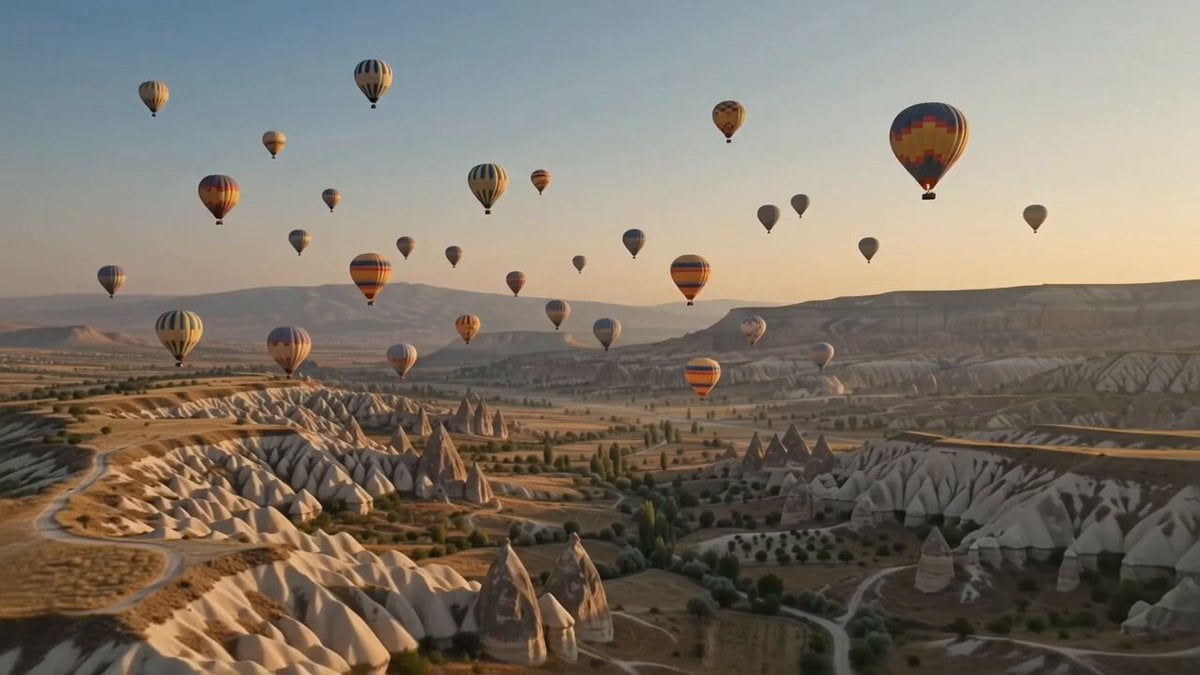
Hot-Air Balloon Travel Vlog
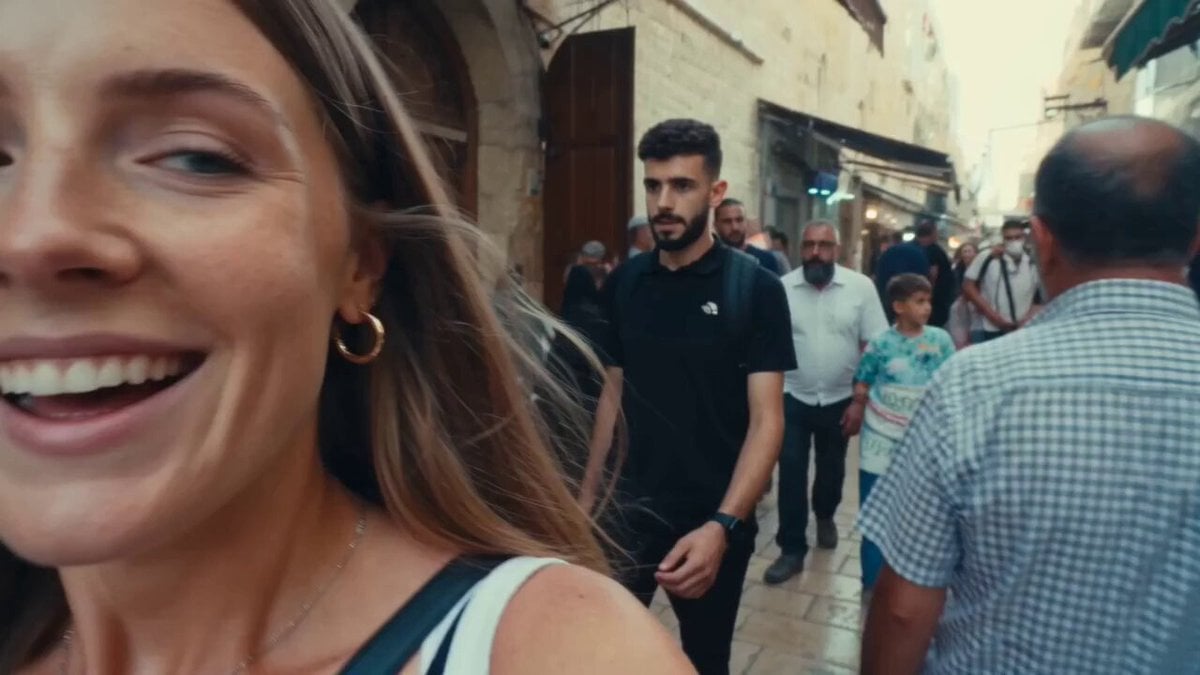
Vintage 16mm Jerusalem Travel Vlog

Japanese Summer Festival Travel Vlog

Mediterranean Coffee Run Vlog - Seedance 2.5

Mysterious Home Exploration Vlog - Seedance 2.5

Realistic Morning Routine Lifestyle Vlog - Seedance 2.5

Nostalgic MiniDV Convenience Store Vlog - Seedance 2.5

Mediterranean Morning Coffee Run Vlog (Seedance 2.5)
Fighter Jet Aerial Combat Montage — Seedance 2.5
Make it yours
Paris Travel Vlog Cinematic Montage works as-is. These are the safest ways to change it without losing the look.
Change one field
Copy a single group, rewrite it, and generate again so you can see what that field is doing.
Keep the frame, change the subject
Hold the composition and light of Paris Travel Vlog Cinematic Montage, then swap wardrobe, props or the person for a new take.
| If the result… | Why | Fix |
|---|---|---|
| The result drifts from the preview | Too many fields changed at once. | Reuse Paris Travel Vlog Cinematic Montage as-is first, then change one group — subject, light, or setting. |
| The model over-stylizes the scene | The prose prompt leaves finish and camera underspecified. | Add one camera or lighting sentence and stay on Seedance 2.0. |
More Seedance 2.0 templates
Other prompts made for Seedance 2.0.

Comical Martial Arts Punch Scene

Maglev Train Action Sequence

Martial Arts Fight Sequence

Wuxia Protection and Trust Script

Vintage Korean Arcade MiniDV Vlog

Mercedes 190 SL Luxury Ad

Rainy Night Supernatural Reverse Comedy Video Script

Amazon Civilization Discovery

Futuristic South Asian City Transformation

Cozy Luxury Cafe Commercial
More video prompts
Fresh picks from across the catalog.
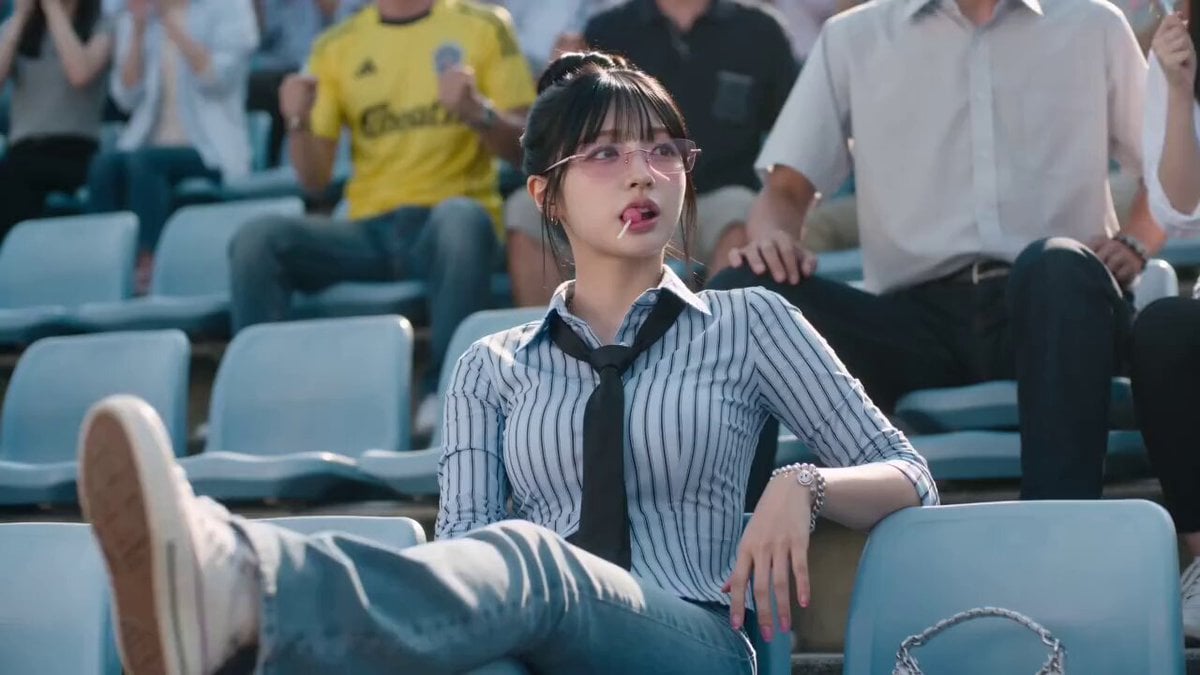
Cinematic Soccer Goal Sequence
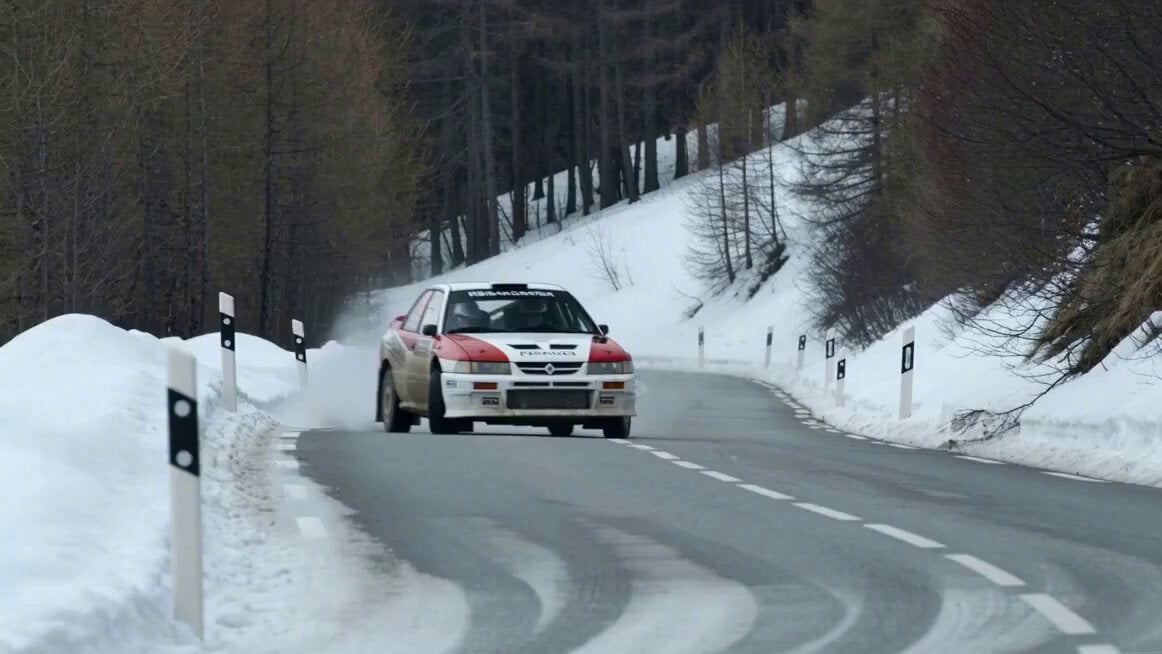
Cinematic Rally Car Scene
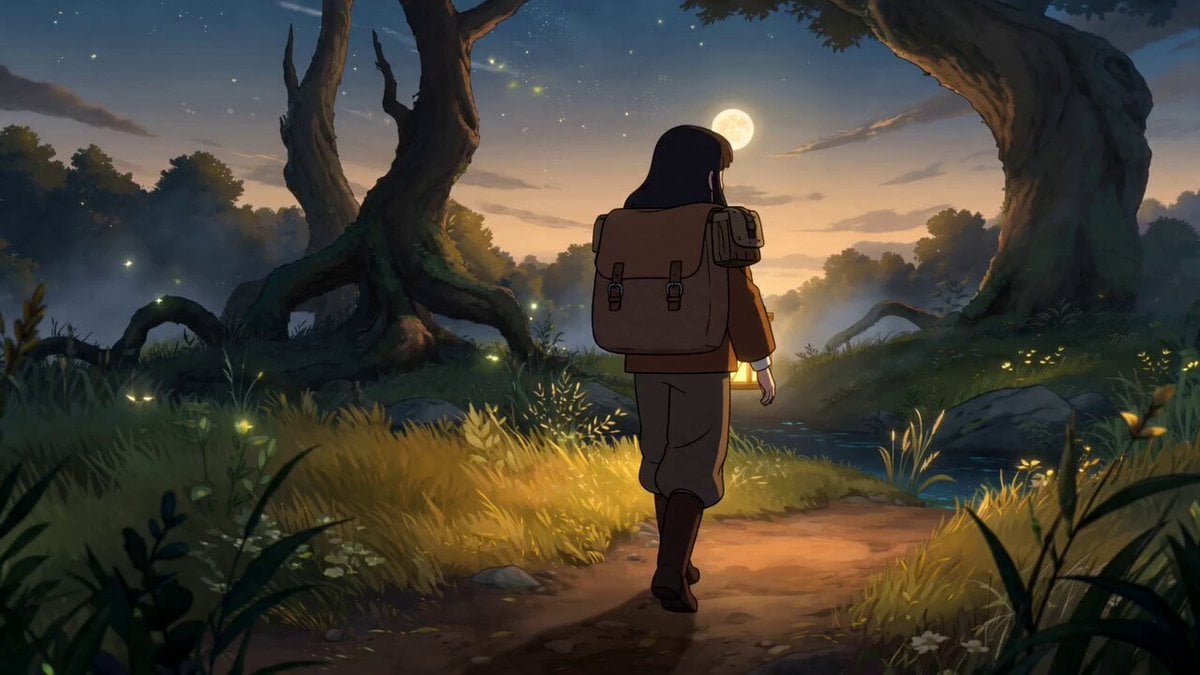
Fantasy Anime Forest Adventure Sequence
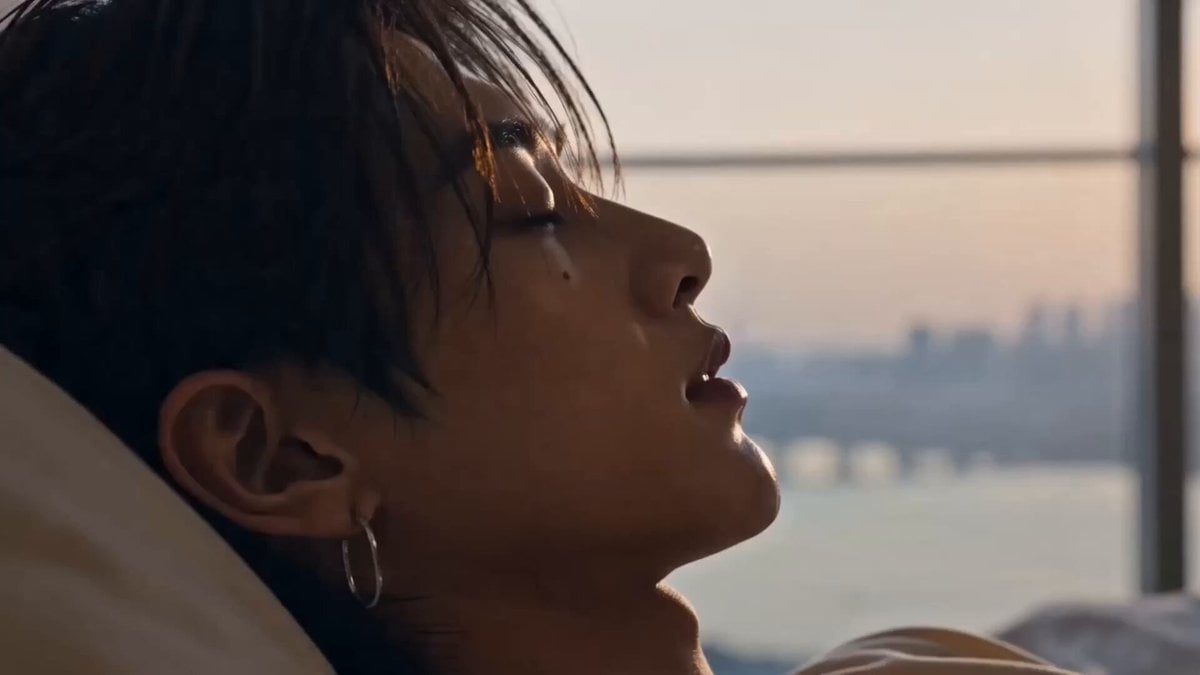
Successful Korean Man Lifestyle Vlog
Mechanical Merlion Transformation ASMR
Dynamic Drone Camera Movement on Subject
Vampire Woman with Platinum Hair
Toku-Style Sci-Fi Action Transformation Sequence
Redwood Construction Timelapse
Morning Skincare Routine Vlog Script
Browse template categories
Paris Travel Vlog Cinematic Montage questions
How do I use the Paris Travel Vlog Cinematic Montage template?
Add your photo if the template asks for one, edit the prompt if you like — the template's model and format are already selected — and press Generate. Your version opens in PicX Studio.
Can I customize the Paris Travel Vlog Cinematic Montage template?
Yes. You can change the subject, setting, lighting, mood, format, and available model controls before creating your video.
Is the Paris Travel Vlog Cinematic Montage template free?
Opening and editing this template is free. Generating uses credits, shown on the Generate button when you are signed in.
Which AI model should I use?
Start with Seedance 2.0, which is the model associated with this template. You can compare another compatible model for a different finish.
Looking for something else? Browse all templates.

Your photo, any look
Thousands of ready templates for every top image and video model, from one credit balance.