How do I use the Cozy Pink Vibes Indoor Portrait template?
Choose the primary action to open PicX Studio with the available template settings. Review the model and format, personalize the creative direction, and generate when ready.
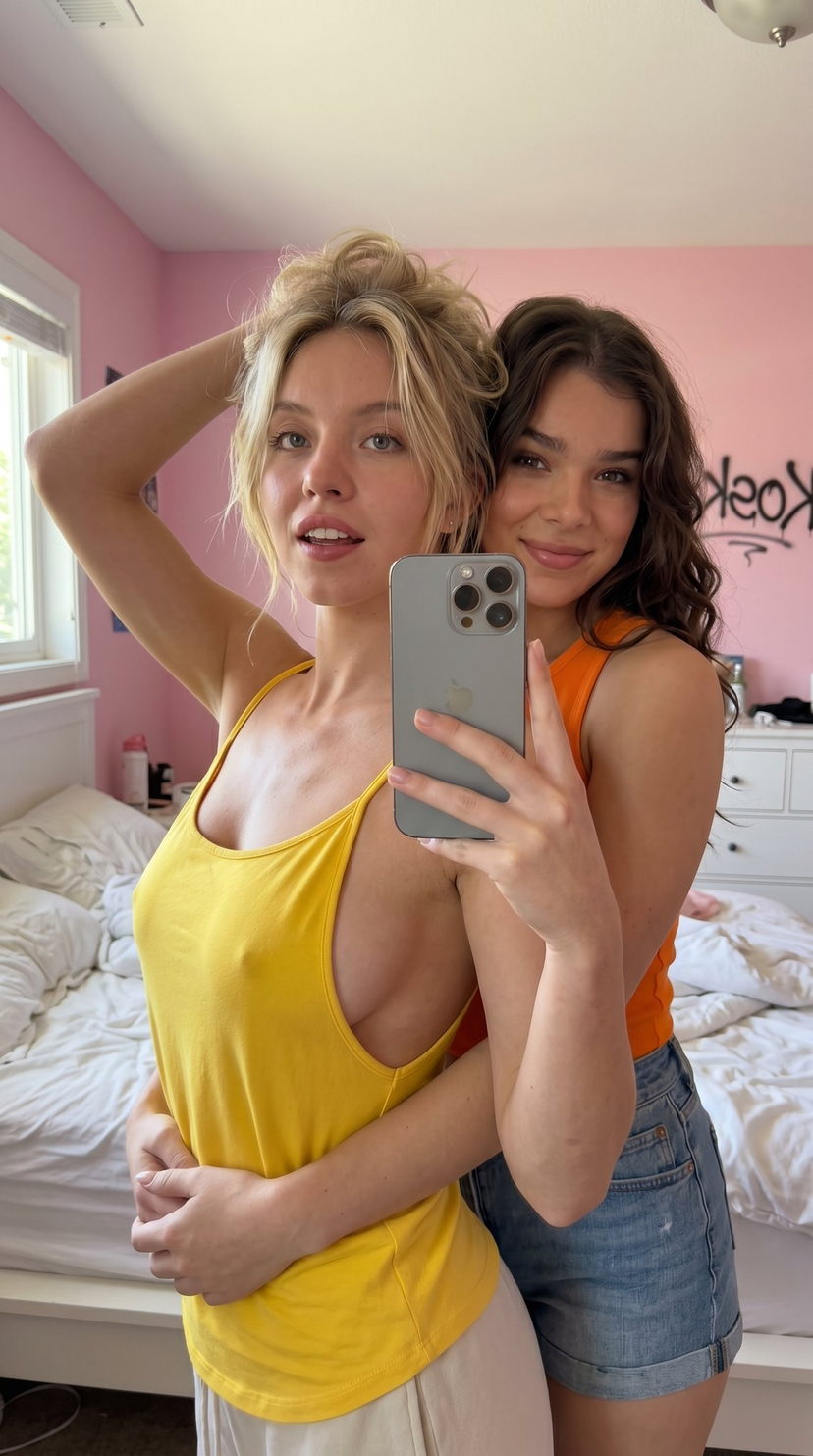
A structured JSON prompt for generating an indoor portrait of a stylish blonde woman in a bedroom setting, focusing on a cozy, intimate evening atmosphere created by warm ambient lighting, featuring a pink crop top and dark purple lingerie bottoms. (free to use) — Free AI image template on PicX Studio.
{ "title": "Cozy Pink Vibes", "category": "Indoor Portrait Photography", "description": "A stylish blonde woman posing confidently in a softly illuminated bedroom setting. She is dressed in a fitted pink crop top layered over a contrasting inner strap and paired with dark purple lingerie bottoms. The warm bedside lighting enhances the natural skin tones and creates a calm, intimate evening atmosphere.", "environment": { "location": "Bedroom", "background_elements": [ "Soft bed with white bedding", "Pillows arranged against the headboard", "Bedside table with warm lamp lighting" ], "interior_style": "Minimal and cozy" }, "lighting": { "type": "Warm ambient lighting", "source": "Bedside lamps", "effect": "Soft shadows and smooth highlights" }, "appearance": { "hair": "Long straight blonde hair", "expression": "Relaxed and confident", "makeup": "Natural makeup with glossy lips" }, "outfit": { "top": { "type": "Fitted crop top", "color": "Pink", "style": "Sleeveless with thin straps" }, "bottom": { "type": "Lingerie bottoms", "color": "Dark purple", "details": "Minimal design with side strap accents" } }, "pose": { "stance": "Standing upright", "hand_position": "One hand resting on hip", "camera_interaction": "Facing directly toward the camera" }, "mood": "Confident, cozy, and softly glamorous" }
Use Cozy Pink Vibes Indoor Portrait to plan an AI image around nano-banana-2 generation. Match the preview's composition first, then personalize the subject, setting, and mood for your own project.
Use the primary action to load the template settings in PicX Studio.
Adjust the subject and creative details for your destination.
Create the image, compare the result with the preview, and refine one variable at a time.
A continuous mix — similar concepts first, woven with same-model prompts and fresh picks from the catalog.
Choose the primary action to open PicX Studio with the available template settings. Review the model and format, personalize the creative direction, and generate when ready.
Yes. You can change the subject, setting, lighting, mood, format, and available model controls before creating your image.
This template is free to open and customize. Generation usage is shown in PicX Studio before you create.
Start with nano-banana-2, which is the model associated with this template. You can compare another compatible model for a different finish.
Follow a topic to a crawlable collection of related PicX Studio templates.
39,155 public templates available. Verified via the PicX Studio public templates API; refreshed hourly.
A continuous mix — similar concepts first, woven with same-model prompts and fresh picks from the catalog.