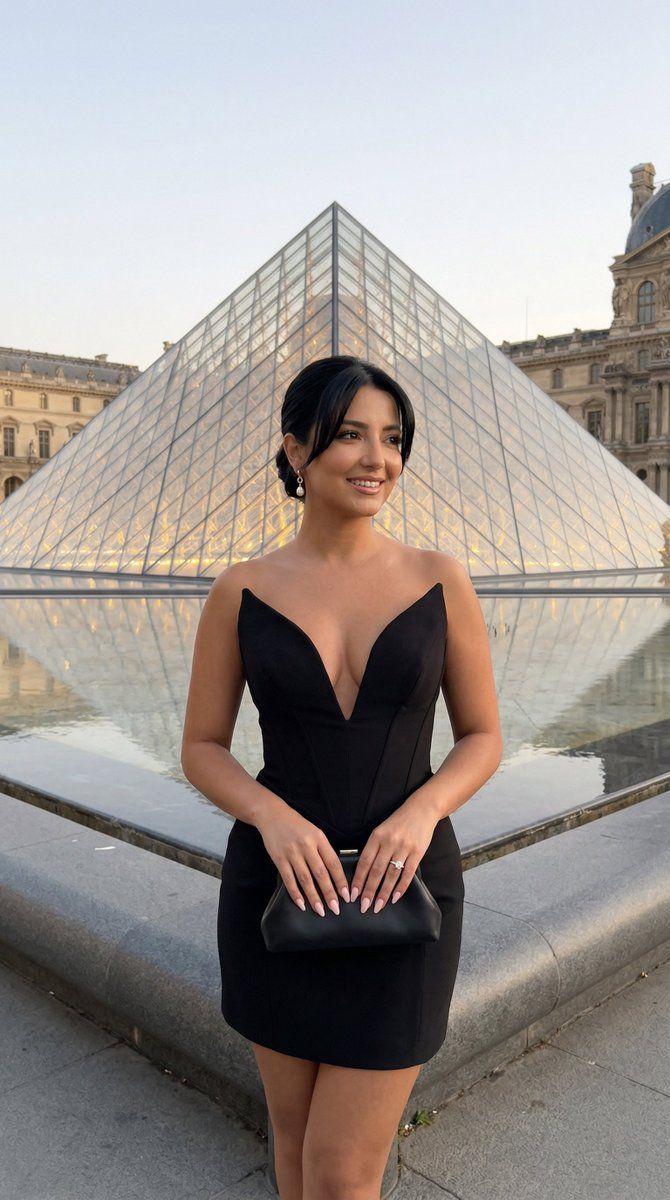
How do I use the Dakota Johnson Cinematic Realism Prompt template?
Choose the primary action to open PicX Studio with the available template settings. Review the model and format, personalize the creative direction, and generate when ready.
A highly structured JSON prompt designed for cinematic realism, focusing on generating an image of Dakota Johnson in a luxury office setting. Change the subject, setting, or lighting one variable at a time.

{ "style": { "genre": "cinematic realism", "aesthetic": "luxury office scene", "mood": "confident, composed, professional", "color_palette": "warm neutrals, black, beige, soft yellow lamp light", "quality": "ultra-detailed, 8k, high resolution, sharp focus" }, "character_description": { "identity_placeholder": "{argument name="celebrity name" default="Dakota Johnson"}", "gender_presentation": "feminine", "age_range": "adult", "expression": "calm, self-assured, slightly serious", "pose": "sitting upright at desk, legs crossed", "gaze_direction": "slightly upward and forward", "hands": "one hand resting on open notebook, other on desk" }, "hair": { "length": "medium length", "style": "straight with soft volume", "bangs": "front bangs", "color": "dark brown" }, "makeup": { "style": "natural glam", "lips": "soft red lipstick", "eyes": "subtle eyeliner, defined lashes", "skin_finish": "smooth, matte" }, "outfit": { "upper_body": "black deep-cut blazer, no visible shirt underneath", "lower_body": "black mini skirt", "legwear": "sheer black tights", "accessories": "small elegant earrings, minimal jewelry" }, "body_language": { "posture": "straight back, confident posture", "shoulders": "relaxed but squared", "legs": "crossed at knees" }, "environment": { "location_type": "modern office", "desk": "dark wooden round desk", "chair": "black leather chair", "background_elements": [ "table lamp with warm light", "beige curtains", "neutral wall" ], "desk_items": [ "open notebook", "small red object", "computer monitor on left side" ] }, "lighting": { "type": "soft cinematic lighting", "source_1": "warm table lamp light from right side", "source_2": "soft ambient room light", "shadow_style": "natural soft shadows", "contrast": "medium contrast" }, "camera": { "angle": "eye-level slightly lower perspective", "framing": "medium full-body seated shot", "lens": "85mm portrait lens", "depth_of_field": "shallow depth of field, slightly blurred background" }, "render_settings": { "engine": "photorealistic renderer", "details": "high skin detail, fabric texture realism", "aspect_ratio": "4:5", "no_distortion": true } }
Choose the primary action to open PicX Studio with the available template settings. Review the model and format, personalize the creative direction, and generate when ready.
Yes. You can change the subject, setting, lighting, mood, format, and available model controls before creating your image.
This template is free to open and customize. Generation usage is shown in PicX Studio before you create.
Start with Nano Banana 2, which is the model associated with this template. You can compare another compatible model for a different finish.
Follow a topic to a crawlable collection of related PicX Studio templates.
43,474 public templates available. Verified via the PicX Studio public templates API; refreshed hourly.


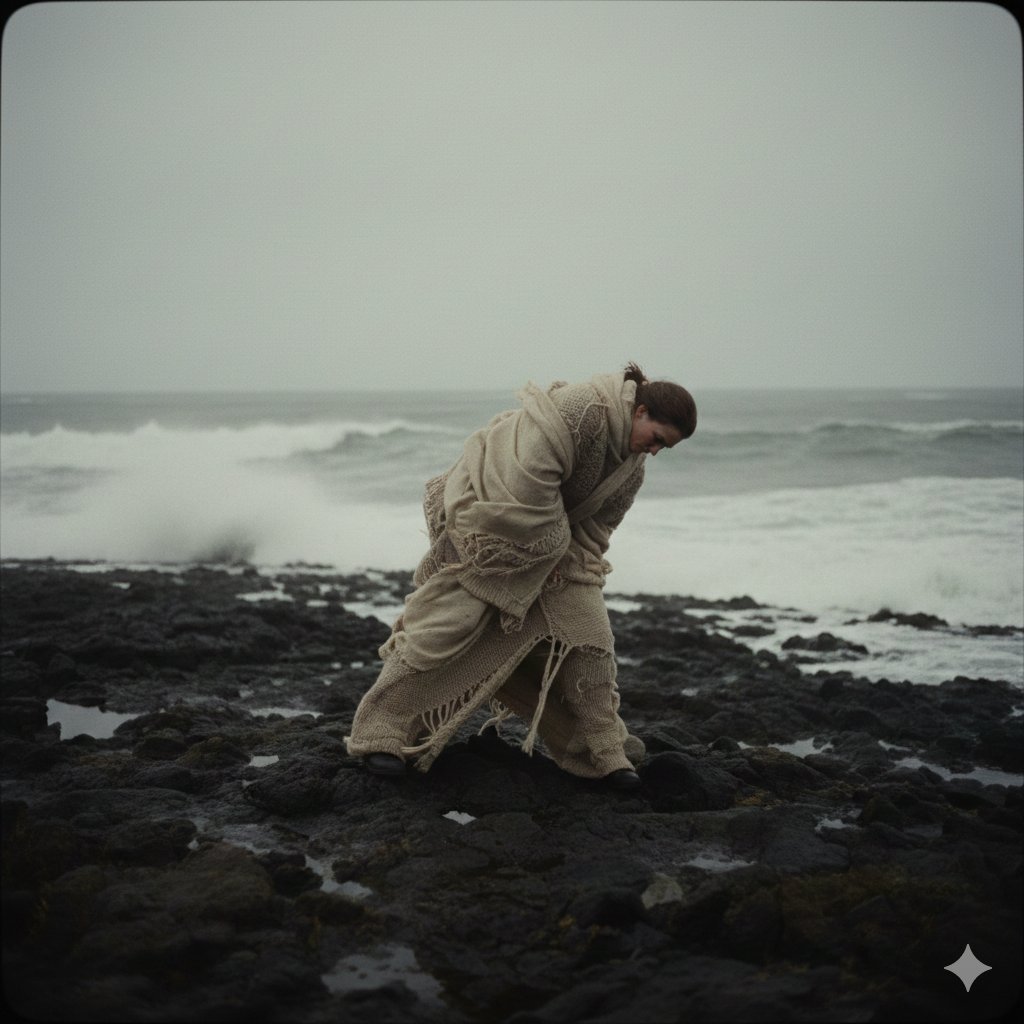
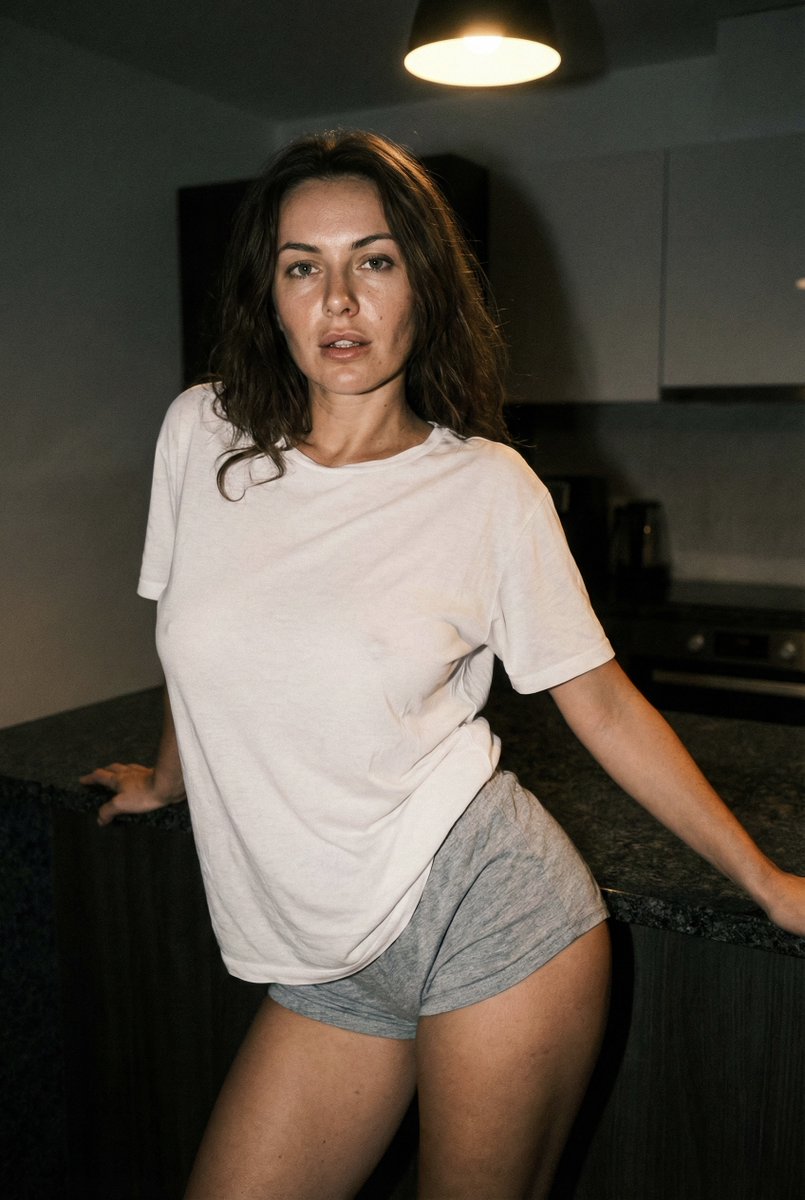

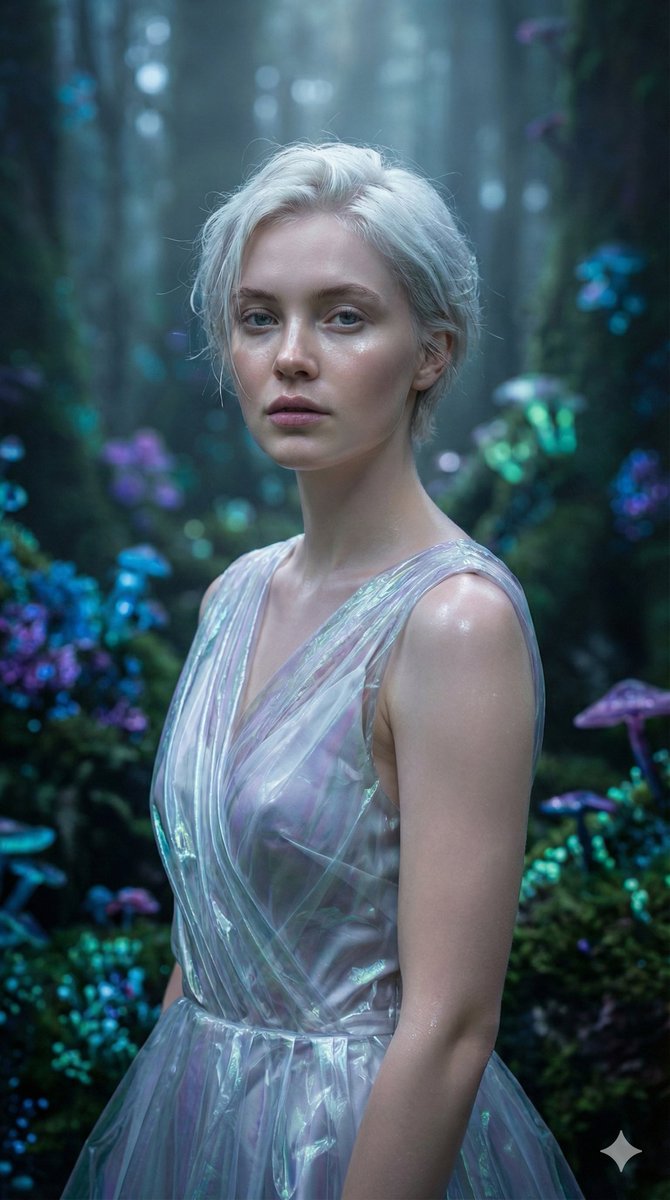

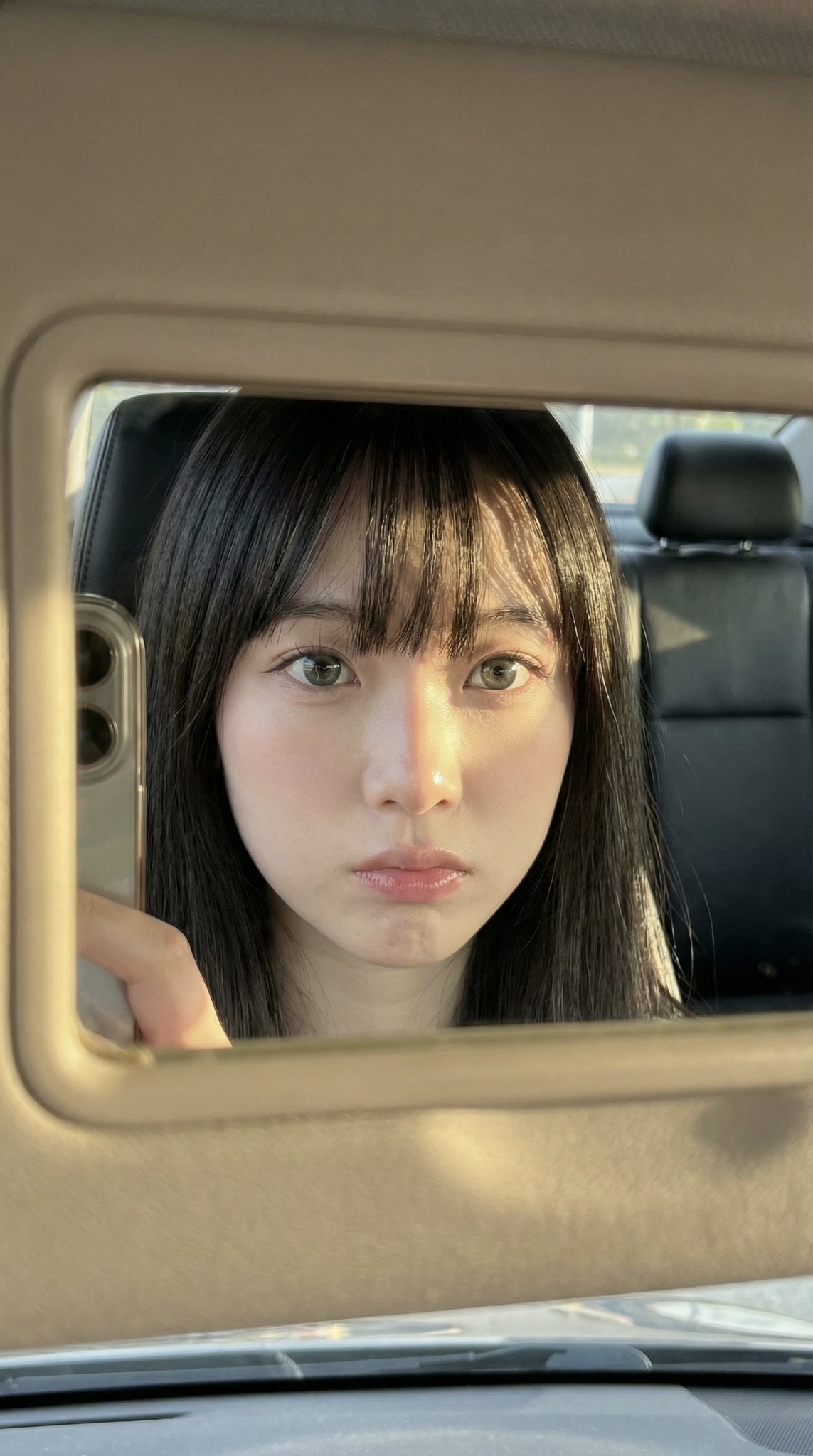
![Hyper-Detailed Prone Selfie with Anatomical Realism — (Vertical 9:16 smartphone aspect ratio). A raw, high-contrast [Mirror Capture] taken with an iPhone 17 Pro](https://pbs.twimg.com/media/G-UpvcKXAAAMYMT.jpg)







![Miniature Realism Prompt for Restoration Scene — Tiny [{argument name="subject" default="WORKERS"}] sitting, resting, or packing up beside a perfectl…](https://pbs.twimg.com/media/G9BA7DDb0AEJkiH.jpg)


![Naive doodle-style subject illustration — A doodle-style {argument name="subject" default="[subject]"}, naive lines, humorous shape exaggeration](https://pbs.twimg.com/media/G6Wl2YxbsAARB2b.jpg)