Pistachio Crochet Cardigan and Plaid Mini Dress
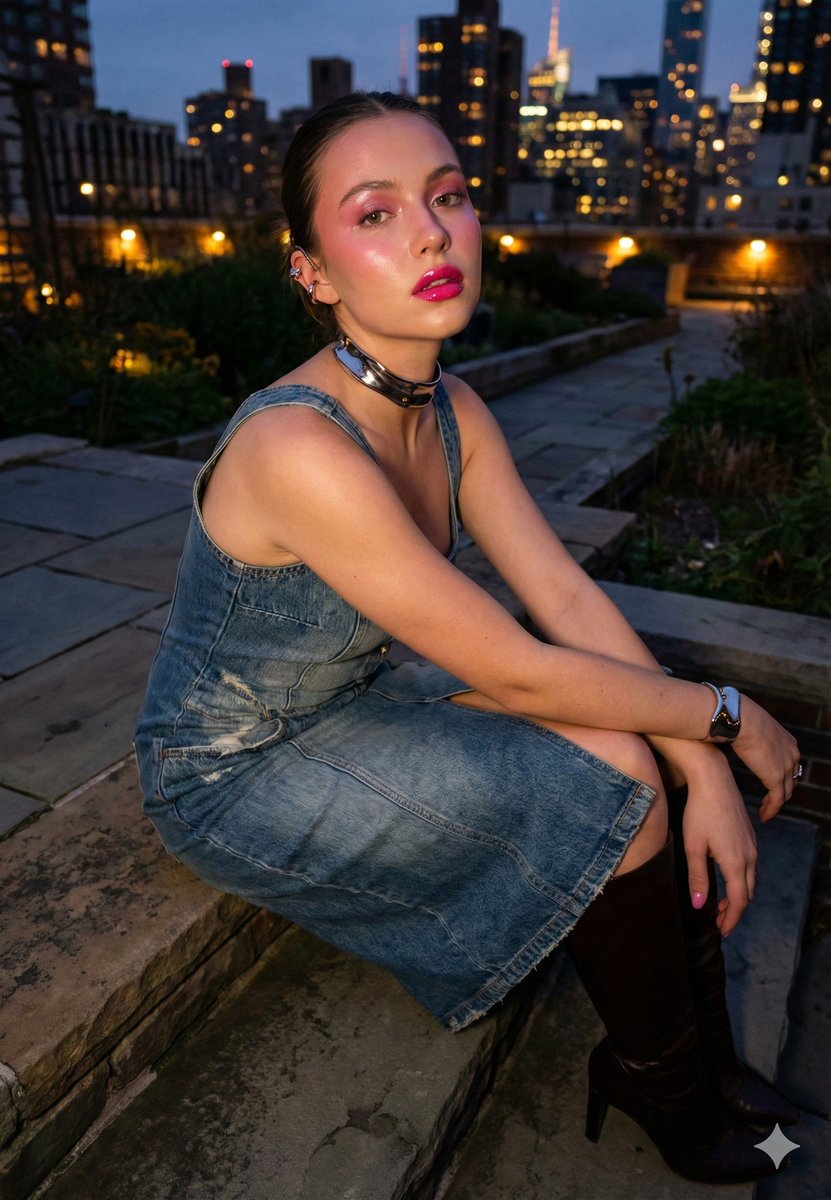
Wardrobe: Outerwear / layers: One solid pistachio short-sleeve crochet cardigan built from fine softly matte yarn. Upper-hip length with a close straight body, lightly shaped waist, and two independent front panels. A deep rounded V opening continues into narrow scalloped front bands. Two short set-in sleeves have compact fitted upper sections, softly expanded lower edges, and narrow scalloped cuffs. The body and sleeves use a consistent openwork construction of slim vertical chain ladders alternating with dense shell-like crochet columns, preserving small irregular apertures and a clearly fibrous looped surface. A narrow scalloped crochet border completes the neckline, both front edges, cuffs, and lower hem. Five evenly spaced pistachio four-hole buttons run down one front band, with aligned crochet buttonholes on the opposite band; all five buttons remain released. Keep the open cells distinct, the shell columns vertically coherent, the front panels balanced, the buttons flat and evenly aligned, and the soft yarn texture clean rather than fuzzy or melted together. Dress / all-in-one: One olive-green, smoky-charcoal, muted-lavender, beige, and black spaghetti-strap mini dress made from lightweight fine-gauge semi-sheer mesh with soft fluid drape. Across the complete plaid shell, an all-over oblique multiscale check places broad smoky-charcoal bands, narrower muted-lavender bands, and fine beige lines over an olive ground, creating a regular field of unequal rectangular cells with stable band order and crisp intersections. The dress is close through the shaped bust and waist, then widens immediately below the fitted waist into a full upper-thigh-length skater skirt with rounded fluid flare and unpleated volume. The front upper edge forms a deep sweetheart V from two shaped bust panels, while the rear upper edge follows a low soft curve. Shaped front, side, and rear bodice panels continue below the curved underbust line, and the fitted torso releases into the full bias-cut skirt with evenly distributed soft folds. Two very narrow constant-width straps join the upper front corners to corresponding rear anchors. Black scalloped floral lace traces the complete bust edge and rear upper edge; a broader black scalloped lace band follows the curved underbust seam, with a compact flat black ribbon knot at the center front. A narrow black mesh binding finishes the full undulating hem. Elastic recovery in the lace bands and pliant bias mesh forms a clean pull-on closure with a continuous fitted upper circuit. The rear lace edge and underbust band continue uninterrupted between the paired strap anchors, and the checked skirt retains its full flare across the rear. Preserve the fine mesh grain, slight translucency through single layers, denser tone at overlaps, delicate lace openwork, crisp scallops, slim seam allowances, stable check-band widths, and thin flexible edge depth throughout. Footwear: One matching pair of solid dark brown platform Mary Jane shoes built from smooth low-luster structured upper material with shallow natural creasing, clean rounded edge returns, and dense molded dark brown rubber at the base. Each shoe has a broad rounded-square overall front envelope and a low substantial platform profile. The low upper opening has a shallow curved rear arc and continues forward into two narrow transverse unfilled instep slots. A broad rounded-square closed toe box and low side quarters form the upper, while a one-piece platform sole follows the full perimeter, projects slightly beyond the toe and sides, and combines a softly rounded sidewall with a nearly level lower profile and a low integrated heel. One wide flat crosswise instep strap spans between the two open slots and anchors directly into both side quarters. The anatomical mirror counterparts use identical toe width, opening geometry, strap position, upper-panel seams, platform depth, and edge finish. Keep the toe boxes broad but not bulbous, the strap planes flat, the instep slots sharply bounded, the upper surfaces smooth, and the sole sidewalls dense and cleanly molded. Belt: Styling: - Belt placement: Place the complete belt as one flat diagonal closed circuit on the outermost surface of Mini dress, with the wearer-left upper-hip side distinctly lower than the wearer-right side. Maintain the same wearer-left-downward diagonal across the front and back; do not mirror it to image-left or twist the band. Preserve any separately selected buckle or knot position and tail treatment, and do not invent unregistered hardware. One pistachio crochet cord belt built from a long slender round braided cord and a dimensional yarn rosette. The flexible cord forms one complete adjustable circuit and retains a consistently narrow circular section. A large rosette is constructed from three concentric tiers of tightly crocheted scalloped petals around a compact spiral center. Two narrow unequal free tails end in clean bound yarn terminals, with the longer tail substantially exceeding the rosette diameter. Beside the rosette, the cord and tails are secured into a compact single-loop knot. Keep the cord smooth and untwisted, the knot compact, the petal tiers clearly separated, the spiral center legible, and the yarn color and stitch scale consistent across every component. Necklace: One fine silver-tone oval-link pendant necklace with a compact single-loop envelope; the pendant is distinctly broader than the chain and its drop remains short compared with the complete chain circuit. Small polished black bead stations punctuate the fine link path. The central pendant is a solid polished black heart with two rounded upper lobes and one clean lower point, framed by a narrow silver-tone rim and joined to the chain by a compact polished bail. Keep the links fine and individually resolved, the bead stations spherical, the heart face smooth and opaque, the rim uniform, and the metal joins precise with controlled reflections. Earrings: One matching pair of small pale warm-gold-tone round stud earrings, each constructed with one compact domed front face carrying subtle fine textured relief, one concealed straight post, and one matching friction clutch. Keep both earrings identical in diameter, section thickness, mounting depth, color, finish, and fastening construction. Complete the rear surfaces, post anchoring, clutches, hidden joins, and polished edges as one coherent matching pair with no chain, drop, pearl, colored enamel, readable branding, or additional component. Preserve precise bilateral matching, clean circular geometry, secure post construction, consistent relief depth, uniform plated finish, and restrained material-correct highlights. Bracelet: Styling: - Bracelet placement: VIEW-CONDITIONAL HARD SIDE MAP — choose one case by facing direction. FRONT OR NEAR-FRONT: IMAGE-RIGHT wrist = TARGET and IMAGE-LEFT wrist = NON-TARGET. BACK OR NEAR-BACK: IMAGE-LEFT wrist = TARGET and IMAGE-RIGHT wrist = NON-TARGET. PROFILE, CROSSED ARMS, OR AMBIGUOUS IMAGE SIDE: trace the subject's left arm from the left shoulder to its wrist; do not choose by screen side. TARGET is always the subject's anatomical left wrist; NON-TARGET is the anatomical right wrist. Render one complete instance of the registered bracelet item described directly below around TARGET only; keep NON-TARGET free of this bracelet and do not duplicate it. Preserve the registered design and count. Keep other separately selected wrist items unchanged. One delicate gold-tone chain bracelet with a fine flexible closed circuit and a sparse sequence of small translucent oval beads separated by exposed chain spans. The bead sequence alternates emerald green, pale rose, and deep plum accents, each bead secured by tiny gold wire loops and remaining distinctly la










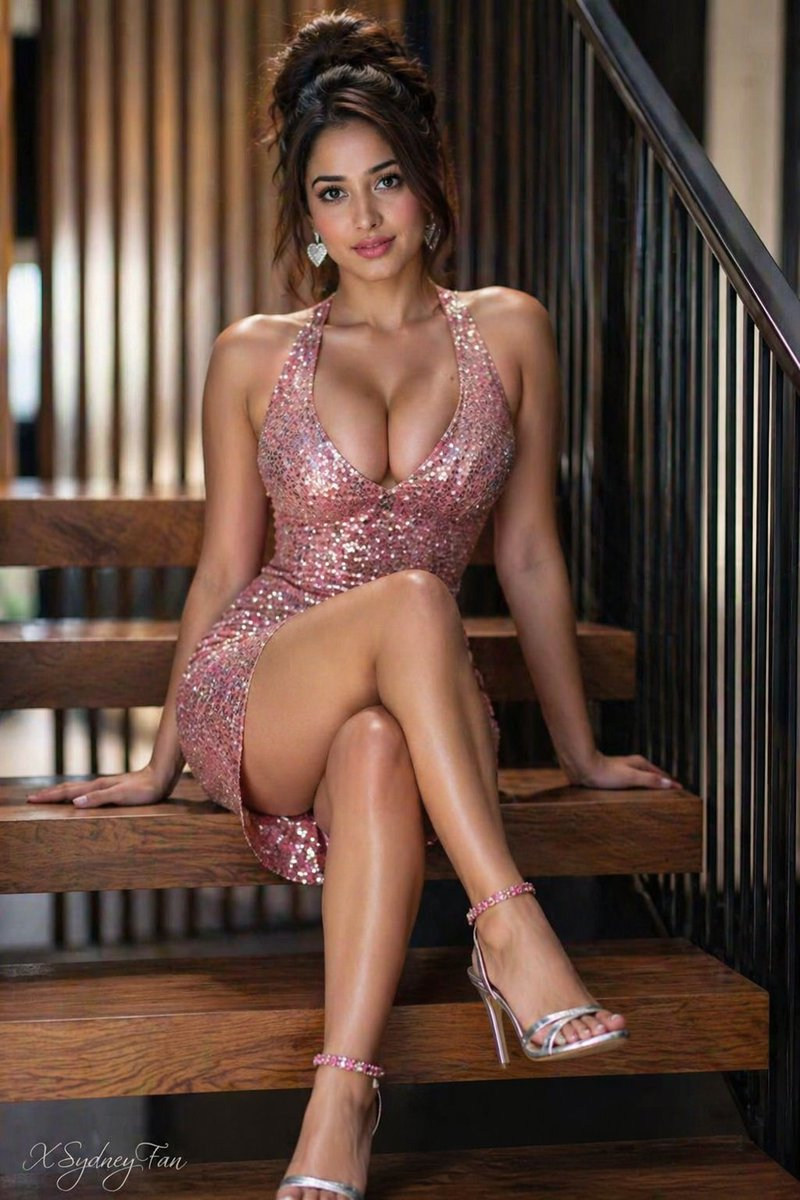
![Dramatic Studio Portrait of Woman in Sequin Dress — [Project Settings]
Title=Studio_Portrait_Sequin_Dress
Resolution_Width=1200
Resolution_Height=1200
AspectRat](https://pbs.twimg.com/media/G9tc1IKbUAEhs2k.jpg)



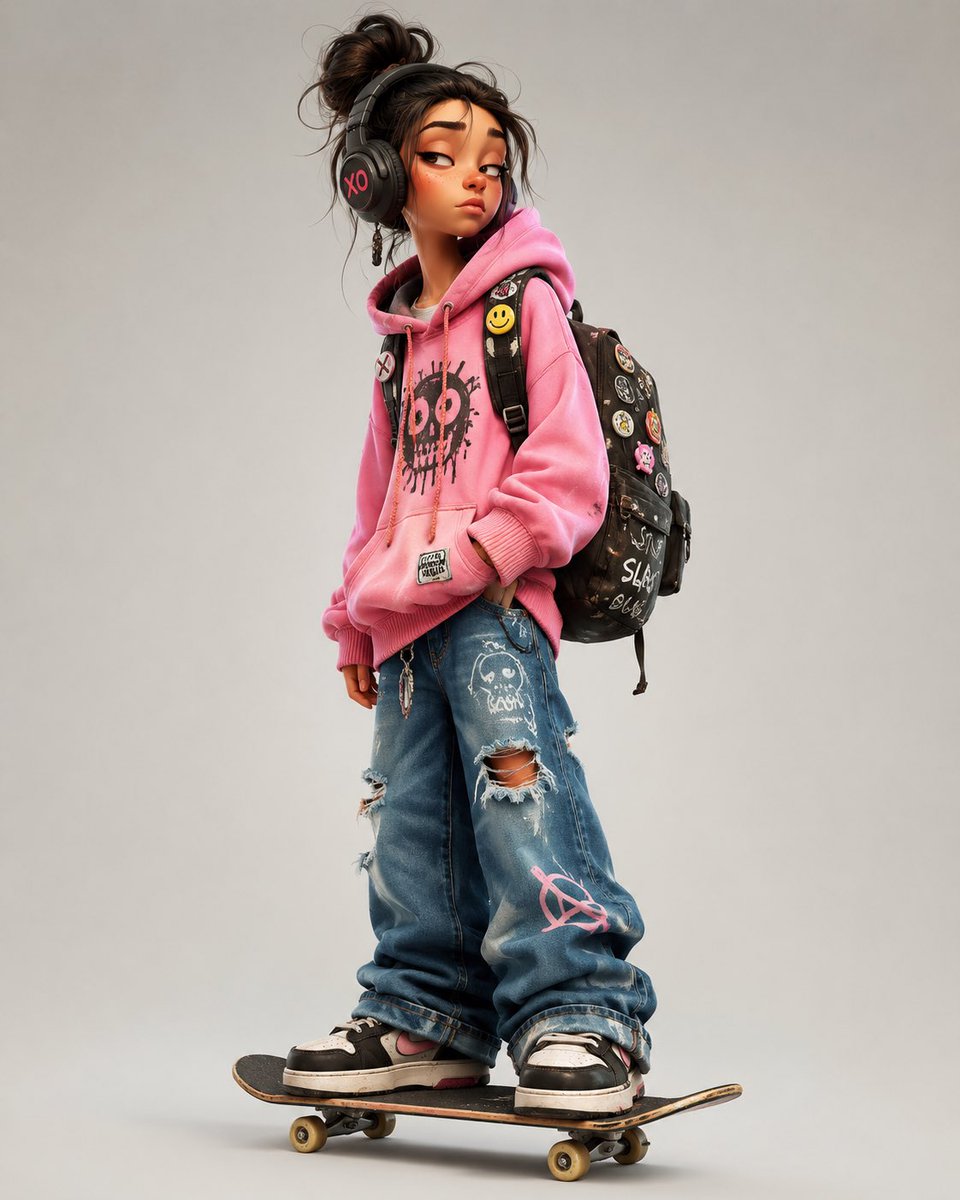
![Naive doodle-style subject illustration — A doodle-style {argument name="subject" default="[subject]"}, naive lines, humorous shape exaggeration](https://pbs.twimg.com/media/G6Wl2YxbsAARB2b.jpg)












![Instagram Feed Generation Prompt (Aesthetic Cohesion Test) — Create a 9-image Instagram feed for this product in [the same aesthetic]. Use different locations,](https://pbs.twimg.com/media/HCHGfWAXcAAtwmD.jpg)


![Scandinavian Folk-Art Depiction — A Scandinavian folk-art depiction of {argument name="subject" default="[SUBJECT]"}, using minimal shapes, soft pastel hues, st](https://pbs.twimg.com/media/G8IcLdWbYAA8J33.jpg)


![Epic Car Chase Action Shot — action shot of all 5 [character references] in an epic car chase, Onomatopoeia style graphic punctuates the action, cinematic shot](https://pbs.twimg.com/media/HCPwDDlXYAA7UGp.jpg)

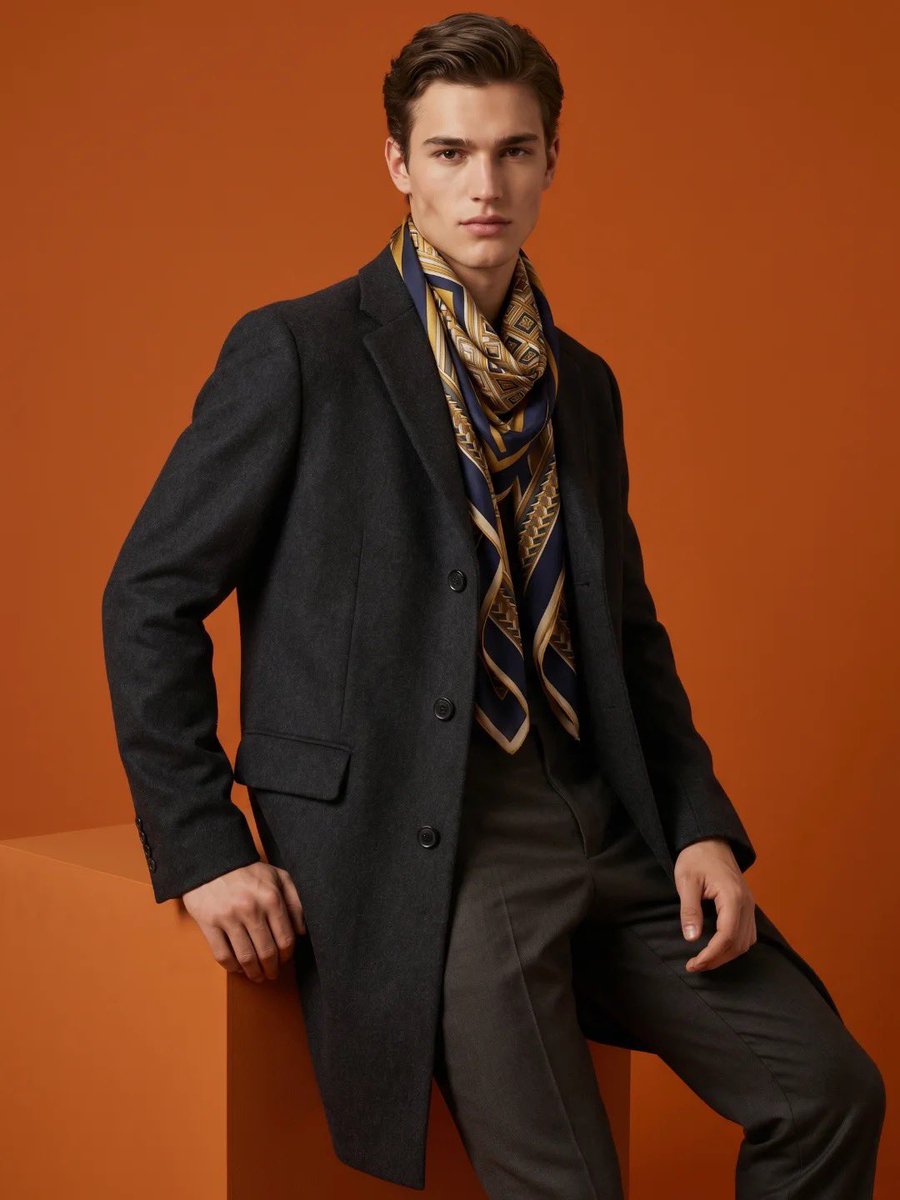

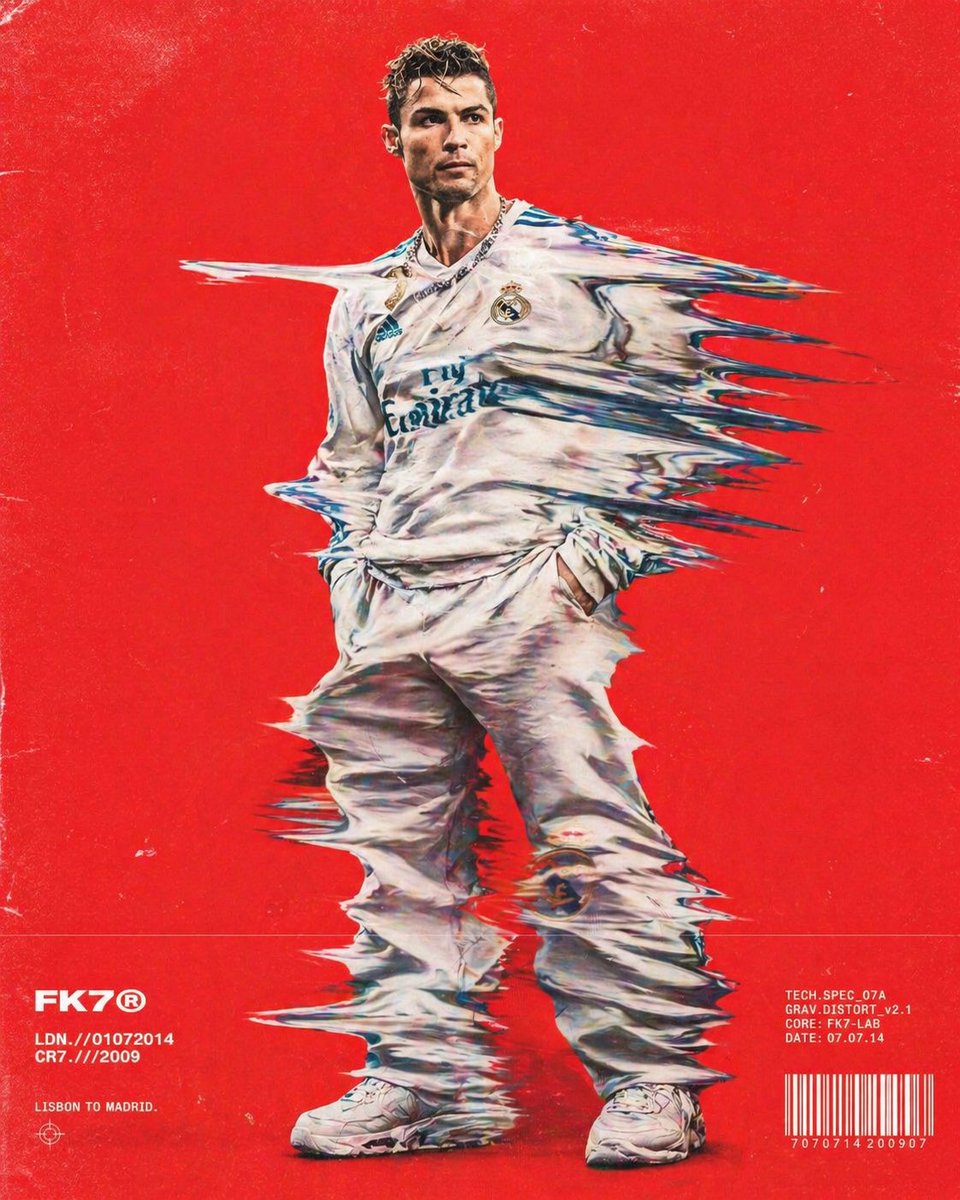


![Desert Mirage Product Photography — A massive {argument name="product" default="[PRODUCT]"} emerging from a vast desert landscape like a mirage, with subtle hea](https://pbs.twimg.com/media/G9TnlWBbgAAJjfa.jpg)






![Realistic Miniature Sports Figurine Transformation — Turn [uploaded_photo] into a realistic miniature isometric figurine, full body, dressed in {argument name="](https://cms-assets.youmind.com/media/1781169529225_0a3hbg_HKblvoKbsAAyeib.jpg)