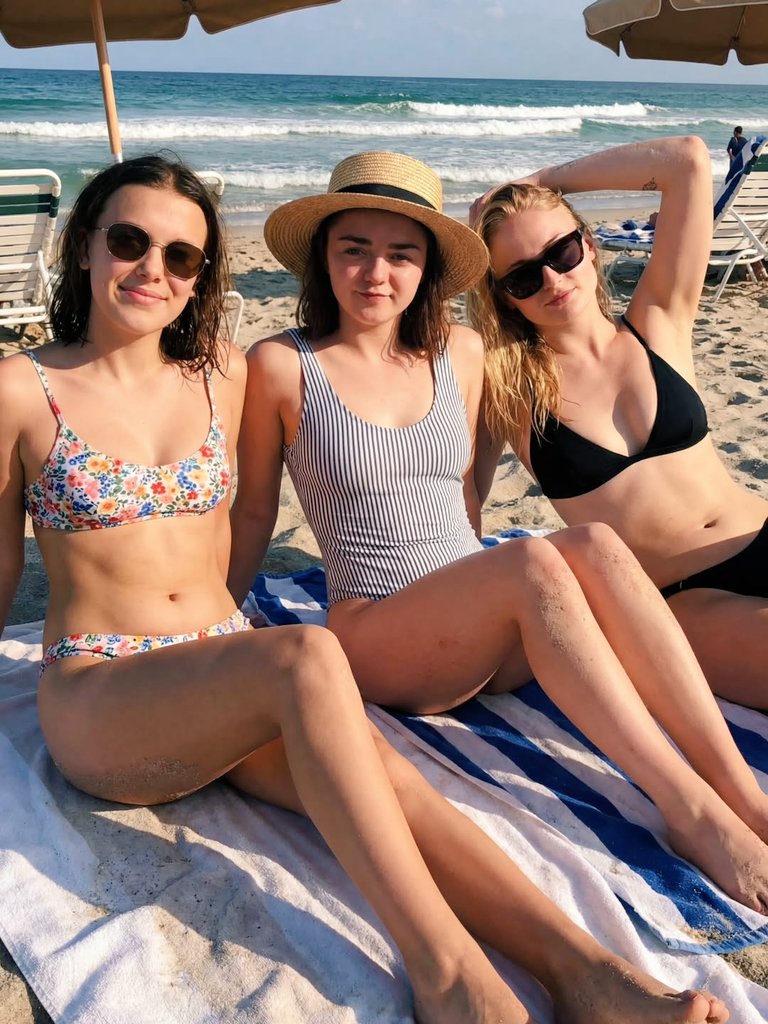
How do I use the 90s-Inspired Beach Portrait at Golden Hour template?
Choose the primary action to open PicX Studio with the available template settings. Review the model and format, personalize the creative direction, and generate when ready.
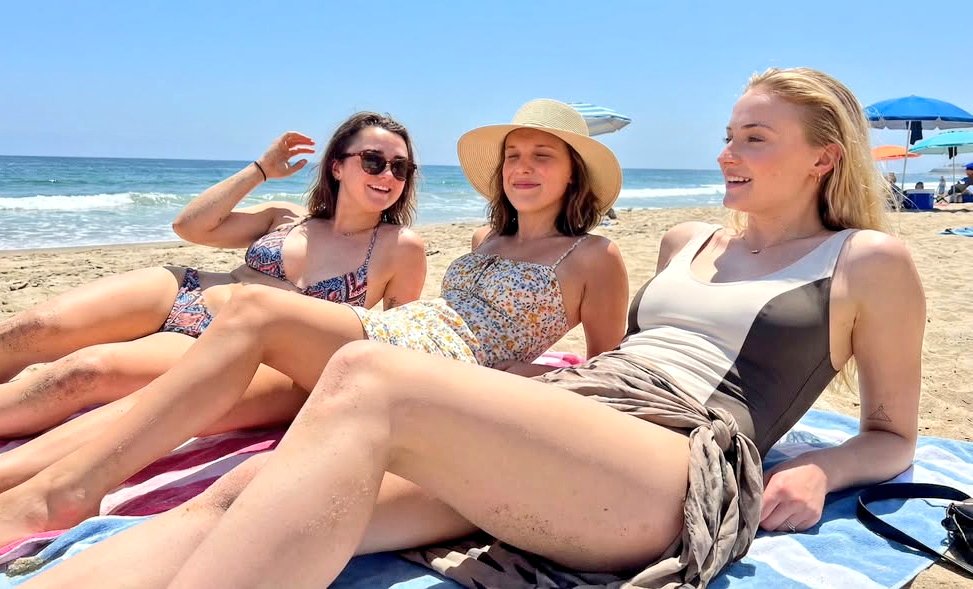
A prompt for generating a medium shot portrait of a young woman (Millie Bobby Brown likeness) on the beach during golden hour, featuring wet, slicked-back hair, a paisley bikini, pearl jewelry, and a 90s-inspired aesthetic. (free to use) — Free AI image template on PicX Studio.
"A medium shot of a young woman with sun-kissed, glowing skin and wet, slicked-back dark hair. In one version, she is holding a translucent yellow spray bottle in one hand while grasping her damp hair with the other; in the second, she is looking directly at the camera with a playful expression, biting her lip. Attire & Accessories: Swimwear: A triangle bikini top featuring a blue, teal, and green paisley pattern with a delicate white crochet ruffled trim. A small silver coin-style pendant hangs from the center of the bikini. Jewelry: A classic strand of white pearls, medium-sized gold hoop earrings, and a tiny heart tattoo visible on her inner right arm. Eyewear: Small, vintage-style thin-frame oval sunglasses with dark lenses. Setting & Lighting: Environment: Standing in the clear, shallow turquoise water of a calm ocean. Lighting: The warm, soft "golden hour" light of a sunset, creating a natural glow on the skin and reflecting off the ripples in the water. Vibe: A casual, candid summer beach aesthetic with a "90s-inspired" fashion feel.
Use 90s-Inspired Beach Portrait at Golden Hour to plan an AI image around nano-banana-2 generation. Match the preview's composition first, then personalize the subject, setting, and mood for your own project.
Use the primary action to load the template settings in PicX Studio.
Adjust the subject and creative details for your destination.
Create the image, compare the result with the preview, and refine one variable at a time.
A continuous mix — similar concepts first, woven with same-model prompts and fresh picks from the catalog.
Choose the primary action to open PicX Studio with the available template settings. Review the model and format, personalize the creative direction, and generate when ready.
Yes. You can change the subject, setting, lighting, mood, format, and available model controls before creating your image.
This template is free to open and customize. Generation usage is shown in PicX Studio before you create.
Start with nano-banana-2, which is the model associated with this template. You can compare another compatible model for a different finish.
Follow a topic to a crawlable collection of related PicX Studio templates.
39,155 public templates available. Verified via the PicX Studio public templates API; refreshed hourly.
A continuous mix — similar concepts first, woven with same-model prompts and fresh picks from the catalog.