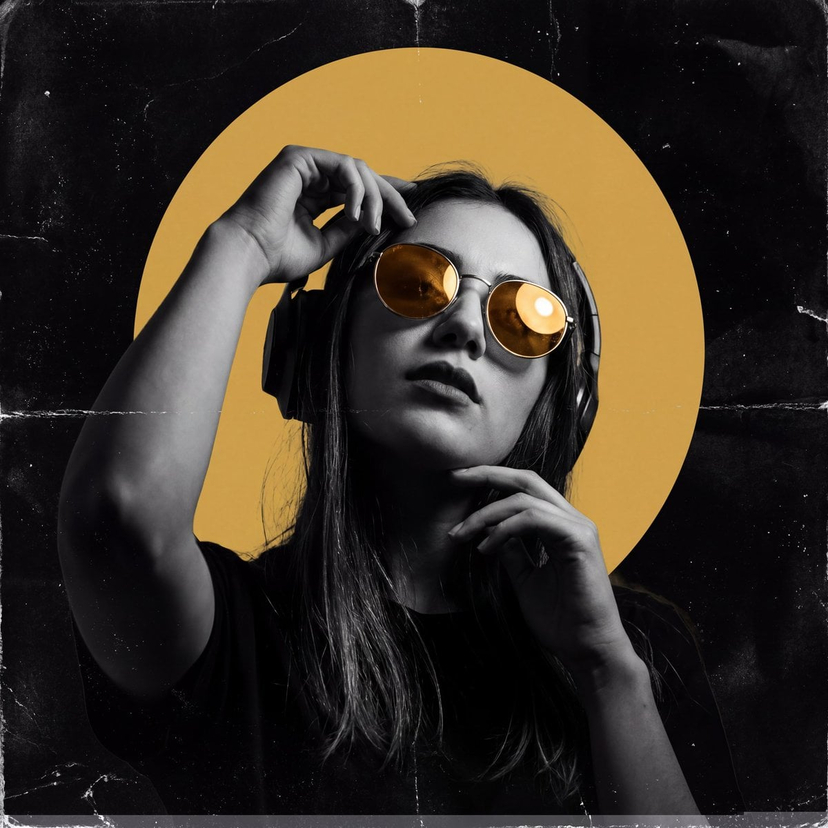
How do I use the Poster-Ready Editorial Portrait of a Music Star template?
Choose the primary action to open PicX Studio with the available template settings. Review the model and format, personalize the creative direction, and generate when ready.
This prompt is designed for the Nano Banana PRO model to generate a professionally polished, poster-ready editorial portrait of a specified music star. Change the subject, setting, or lighting one variable at a time.

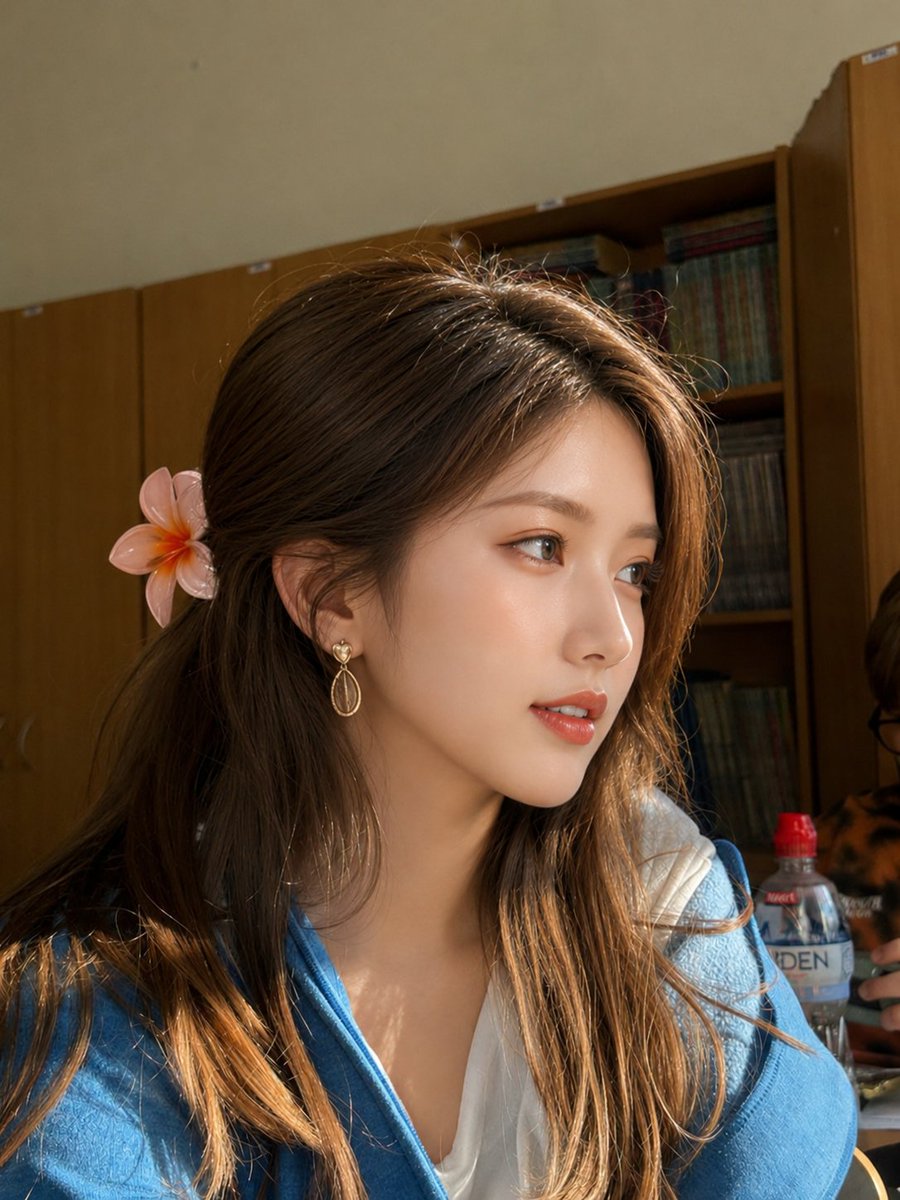
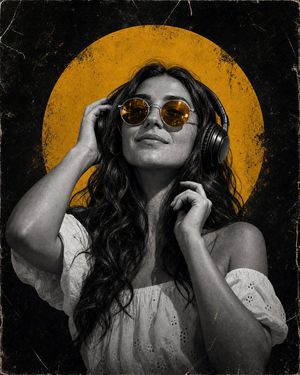
A high-fashion, editorial-style portrait of {argument name="music star" default="[MUSIC_STAR]"}, captured in a dynamic, low-key studio setting. The lighting is dramatic and cinematic, emphasizing strong shadows and highlights on the subject's face and attire. The star is wearing a custom-designed, avant-garde outfit that reflects their iconic style, with metallic textures and bold silhouettes. The composition is a tight, medium close-up, focusing on the intensity of their gaze. The image should have a rich, saturated color palette with deep blacks and vibrant accents, suitable for a glossy magazine cover or concert poster. Shot on a high-resolution digital camera with a wide-aperture lens (f/1.4), ensuring sharp focus on the eyes and a smooth, creamy bokeh background.
Choose the primary action to open PicX Studio with the available template settings. Review the model and format, personalize the creative direction, and generate when ready.
Yes. You can change the subject, setting, lighting, mood, format, and available model controls before creating your image.
This template is free to open and customize. Generation usage is shown in PicX Studio before you create.
Start with Nano Banana 2, which is the model associated with this template. You can compare another compatible model for a different finish.
Follow a topic to a crawlable collection of related PicX Studio templates.
43,474 public templates available. Verified via the PicX Studio public templates API; refreshed hourly.








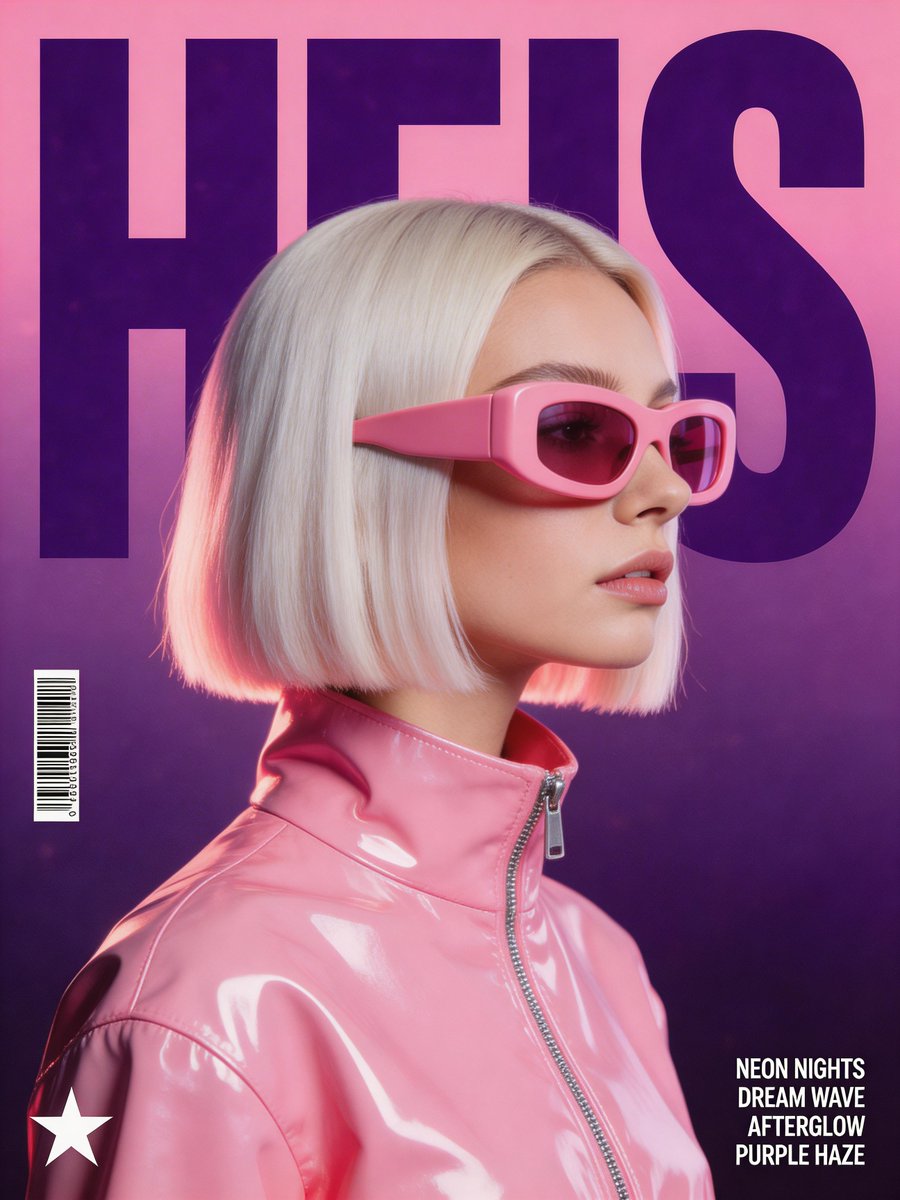




![vertical-football-star-campaign-poster — Create a vertical 9:16 high-resolution football star campaign poster.
Player: [Player Name]
Player concept: [football](/_next/image?url=https%3A%2F%2Fcdn.picxstudio.com%2Fuploads%2Fmeigen_996a192156cb_45d1d198-bb81-4272-be3f-df0eda9f0a74.jpg&w=828&q=100)
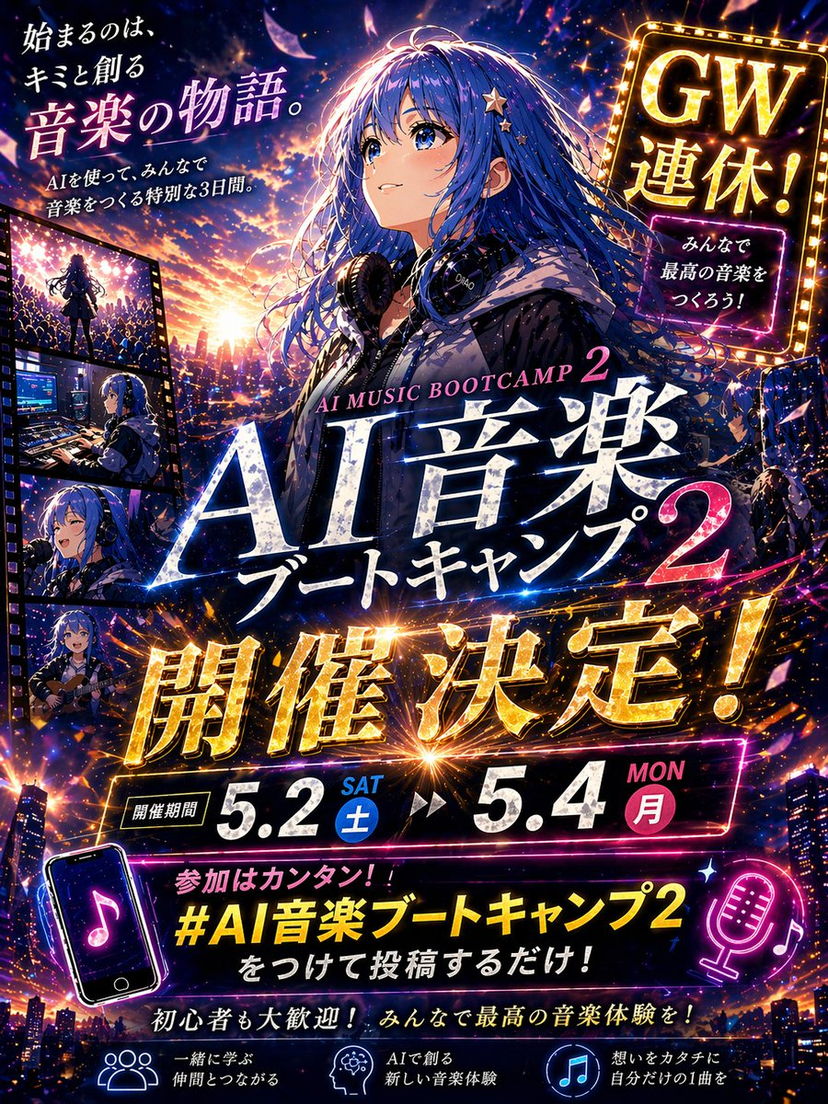


![Naive doodle-style subject illustration — A doodle-style {argument name="subject" default="[subject]"}, naive lines, humorous shape exaggeration](https://pbs.twimg.com/media/G6Wl2YxbsAARB2b.jpg)