How do I use the Photorealistic Music Festival Portrait at Sunset template?
Choose the primary action to open PicX Studio with the available template settings. Review the model and format, personalize the creative direction, and generate when ready.
A photorealistic prompt for generating a fashion portrait of a stylish young woman at a music festival during sunset. Change the subject, setting, or lighting one variable at a time.

{ "prompt": "Music festival scene at sunset with a stylish young woman standing confidently in front of a large illuminated ferris wheel. She has long {argument name="hair color" default="red"} hair with pink highlights, wears a black strapless crop top, dark mini skirt, fingerless gloves, layered bracelets, and a leopard-print scarf tied at the waist. Festival crowd in the background, warm dusk sky, cinematic lighting, edgy boho aesthetic, photorealistic.", "style": "photorealistic", "lighting": "sunset glow with soft artificial lights", "camera": { "angle": "slightly low, fashion portrait", "lens": "50mm", "depth_of_field": "shallow" }, "environment": "outdoor music festival with ferris wheel", "mood": "free-spirited, bold, youthful energy", "quality": "high resolution, sharp focus, editorial photography", "negative_prompt": "blurry, low detail, extra limbs, distorted anatomy, cartoon, illustration, watermark, text" }
Choose the primary action to open PicX Studio with the available template settings. Review the model and format, personalize the creative direction, and generate when ready.
Yes. You can change the subject, setting, lighting, mood, format, and available model controls before creating your image.
This template is free to open and customize. Generation usage is shown in PicX Studio before you create.
Start with Nano Banana 2, which is the model associated with this template. You can compare another compatible model for a different finish.
Follow a topic to a crawlable collection of related PicX Studio templates.
43,474 public templates available. Verified via the PicX Studio public templates API; refreshed hourly.

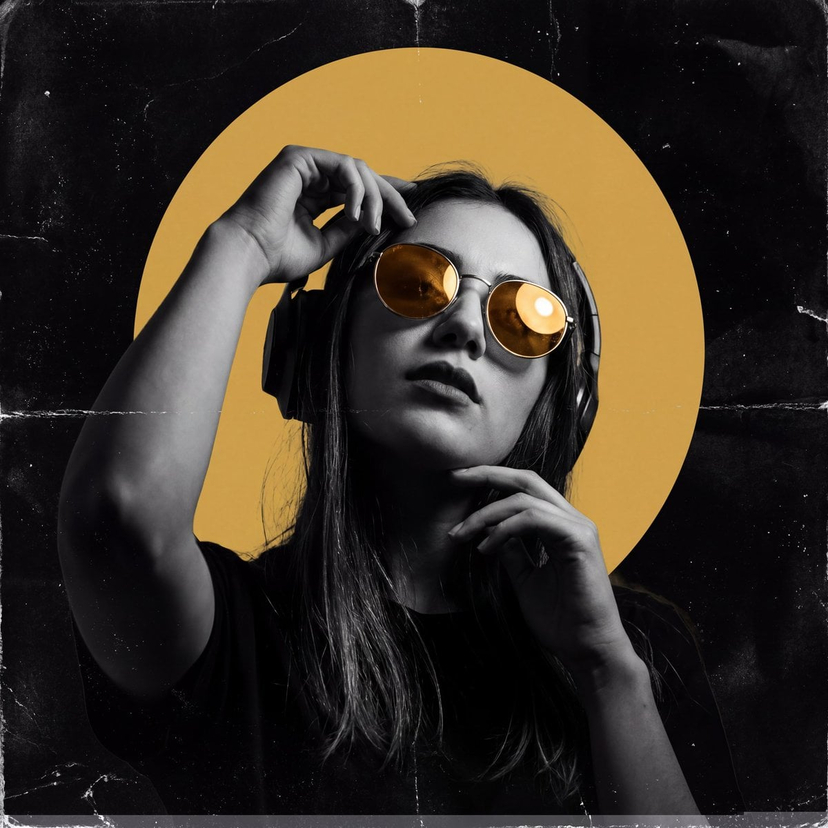












![Naive doodle-style subject illustration — A doodle-style {argument name="subject" default="[subject]"}, naive lines, humorous shape exaggeration](https://pbs.twimg.com/media/G6Wl2YxbsAARB2b.jpg)
















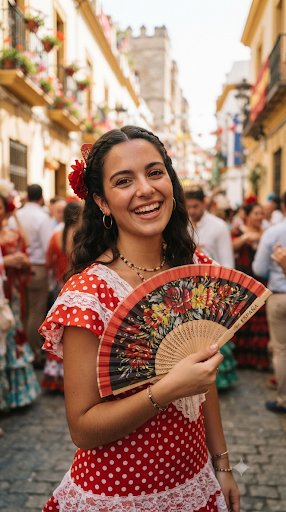
![Micro World Discovery Product Photography Prompt — [PRODUCT] transformed into a colossal structure within a miniature world, tiny people interacting with it, la](https://pbs.twimg.com/media/G-8IOTmXIAAQWhR.jpg)