
Disruptive Music Festival Poster Prompt
Creates a high-energy, contemporary music festival-style poster featuring an intense character close-up with chromatic distortions.
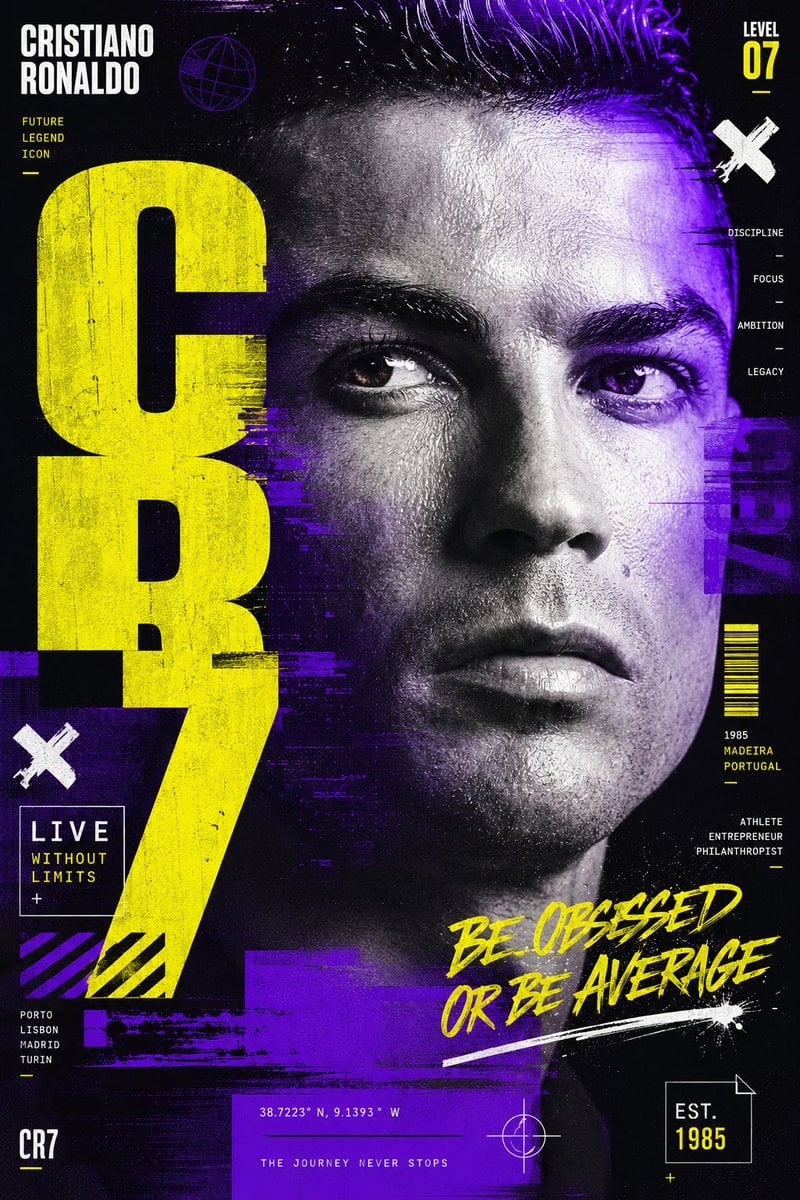
- Prompt included
- Model and format preset
- Free template
The prompt behind this image
Copy the exact prompt behind Disruptive Music Festival Poster Prompt, or open it in the studio and make it yours.
Create a visually disruptive {argument name="subject" default="Cristiano Ronaldo"} poster inspired by contemporary music festival graphics, experimental typography, and modern digital publishing. The portrait should be captured in an intense close-up, allowing the eyes and facial structure to dominate the composition. The design should incorporate controlled chromatic distortions, layered typography, fragmented editorial systems, and bold visual interventions. Every element should feel intentional and professionally art directed rather than chaotic. The portrait remains the anchor while the graphic language creates energy and movement. The palette combines deep violet, fluorescent yellow, black, and white. High contrast and bold hierarchy should ensure the artwork remains instantly recognizable from a distance. The final poster should feel youthful, energetic, and culturally relevant.
How to use Disruptive Music Festival Poster Prompt in 3 steps
- 1
Open
The prompt is already in the box next to the preview, with the template's model and format selected.
- 2…a portrait of your subject in softgolden-hour light, 85mm…
Personalize
Edit the subject and creative details for your destination.
- 3Generate
Generate
Press Generate — your image is created in PicX Studio, so you can compare it with the original and refine one variable at a time.
More like this
Templates with the same subject, style or setup. Open one to see its prompt.

Neon Glitch Cyber Symbiote Music Poster
Synthwave Retro Superhero Music Poster

Gpt2 Youtube Thumbnail Anime Music Bootcamp Promo Poster
Gradient Music Festival Poster

Our Song was on a Cassette

Japan Travel Brochure Poster

Cartoon TV Show Poster Pack

Trendy Cafe Drink Promo Poster

Urban Fashion Editorial Collage Streetwear Poster

Premium Fashion Editorial Cover Layout System

Polo Ralph Lauren Luxury American Heritage Fashion Campaign

Monochrome Halftone Editorial Fashion Poster
Make it yours
Disruptive Music Festival Poster Prompt works as-is. These are the safest ways to change it without losing the look.
Change one field
Copy a single group, rewrite it, and generate again so you can see what that field is doing.
Keep the frame, change the subject
Hold the composition and light of Disruptive Music Festival Poster Prompt, then swap wardrobe, props or the person for a new take.
| If the result… | Why | Fix |
|---|---|---|
| The result drifts from the preview | Too many fields changed at once. | Reuse Disruptive Music Festival Poster Prompt as-is first, then change one group — subject, light, or setting. |
| The model over-stylizes the scene | The prose prompt leaves finish and camera underspecified. | Add one camera or lighting sentence and stay on GPT Image 2. |
More GPT Image 2 templates
Other prompts made for GPT Image 2.

Six VTuber Japanese Logo Sheet

Realistic Portrait of Woman and Deer

The Vista Modular Condo Poster

AI Model Routing Comparison Infographic

2.5D Anime Art Board

Isometric Productivity Desk Scene

New York Double Exposure Poster

Four-Panel AI Landscape Comparison

Japanese Tatami Lifestyle Magazine Cover

NESCAFÉ Coffee Map Poster
More image prompts
Fresh picks from across the catalog.
Rise Above Basketball Playoff Poster

Water Vs Thunder Breathing Anime Battle
Constructivist Anime Poster Art
Paper-Cut Character Art Generation Prompt
Overtime Zone Pachislot Machine
Business Office Manga Page
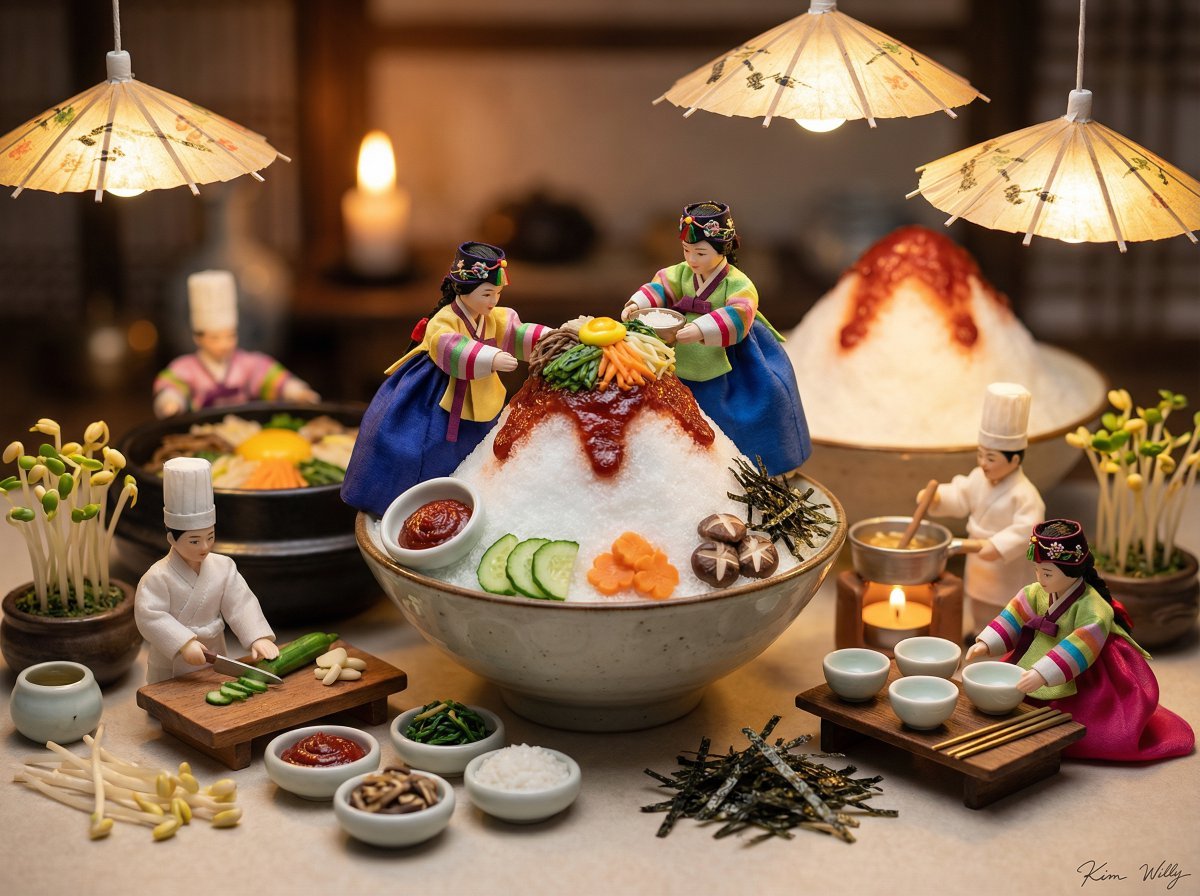
Micro Diorama of Joseon Dynasty Chefs Making Bibimbap
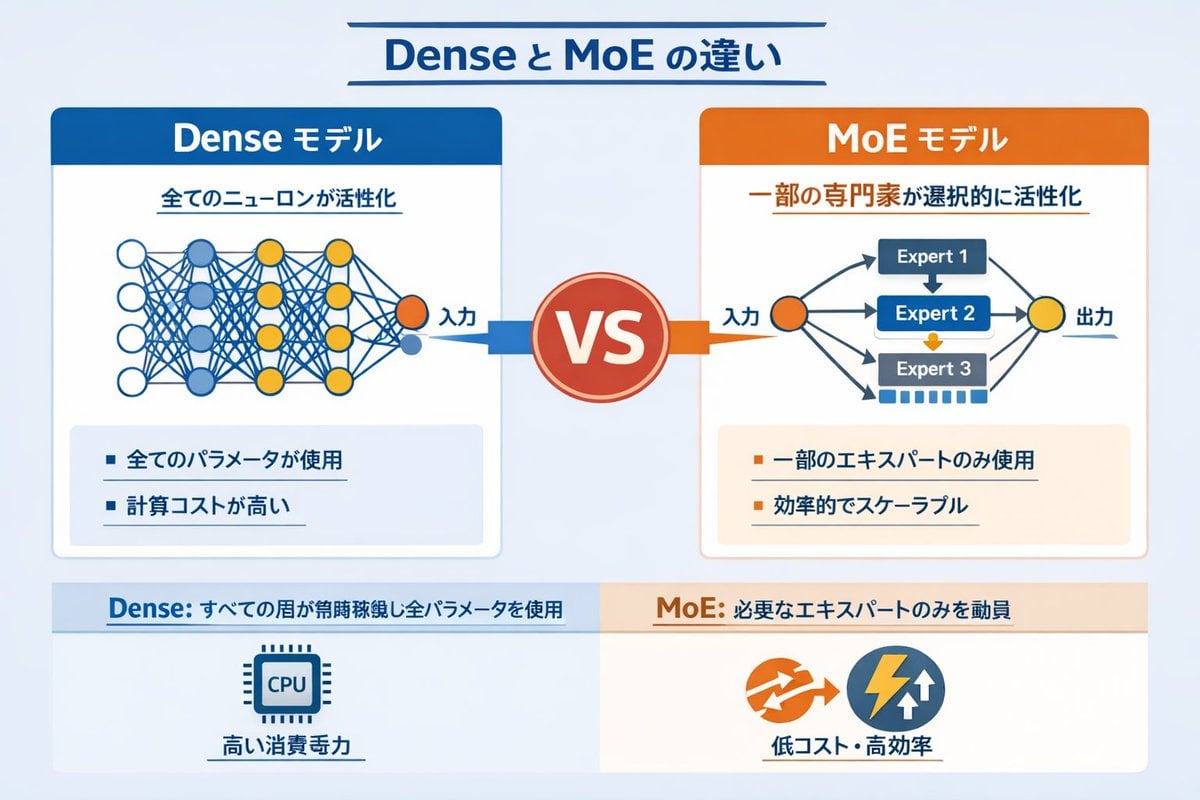
Dense vs MoE Neural Network Infographic

Hollywood Haute Couture Fantasy Seedance
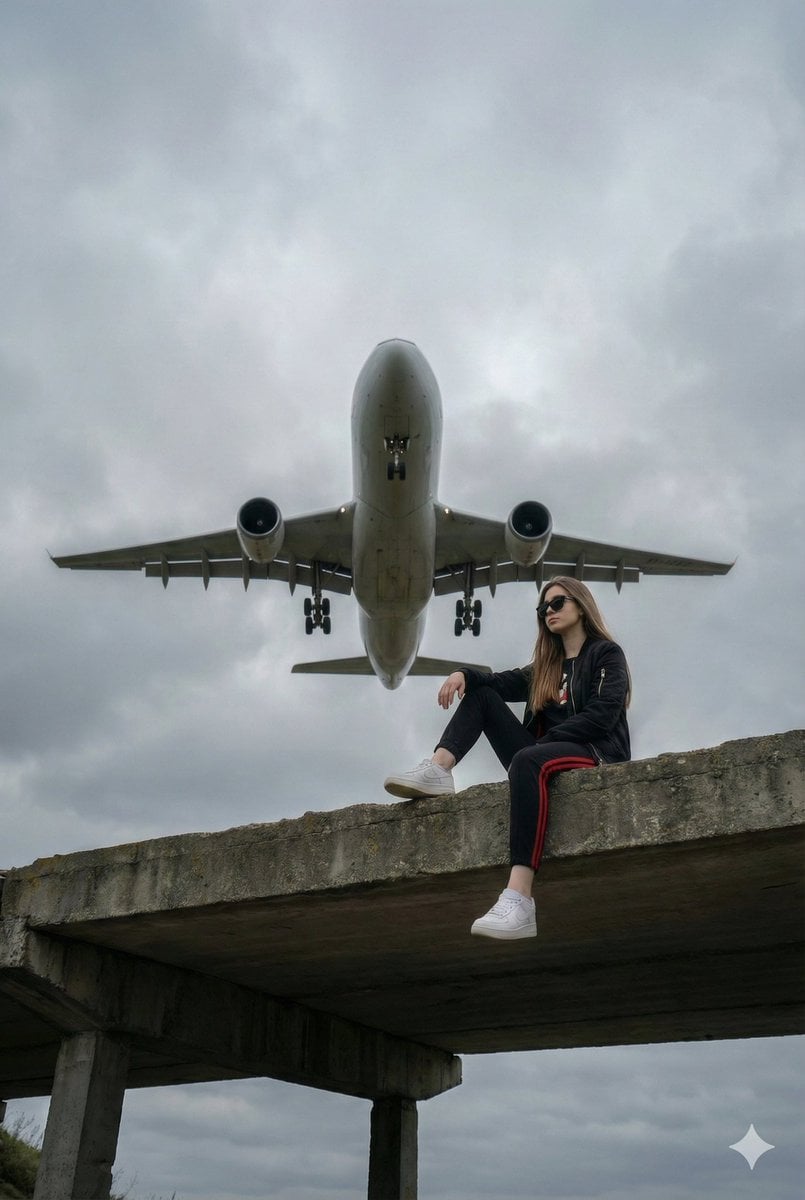
Surreal Low-Angle Portrait with Low-Flying Airplane Prompt
Browse template categories
Disruptive Music Festival Poster Prompt questions
How do I use the Disruptive Music Festival Poster Prompt template?
Add your photo if the template asks for one, edit the prompt if you like — the template's model and format are already selected — and press Generate. Your version opens in PicX Studio.
Can I customize the Disruptive Music Festival Poster Prompt template?
Yes. You can change the subject, setting, lighting, mood, format, and available model controls before creating your image.
Is the Disruptive Music Festival Poster Prompt template free?
Opening and editing this template is free. Generating uses credits, shown on the Generate button when you are signed in.
Which AI model should I use?
Start with GPT Image 2, which is the model associated with this template. You can compare another compatible model for a different finish.
Looking for something else? Browse all templates.

Your photo, any look
Thousands of ready templates for every top image and video model, from one credit balance.