
Vibrant European Festival Portrait
A detailed prompt for generating a lively medium shot of a woman in traditional attire during a sunny festival celebration on a historic European street.
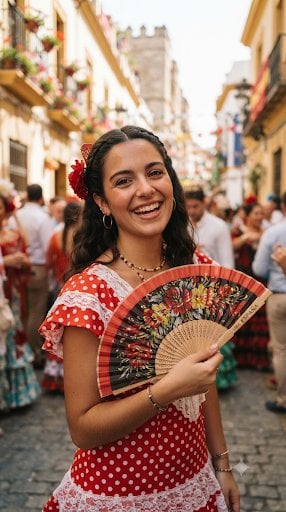
- Prompt included
- Model and format preset
- Free template
The prompt behind this image
Copy the exact prompt behind Vibrant European Festival Portrait, or open it in the studio and make it yours.
A lively and vibrant medium shot of a smiling {argument name="subject" default="young woman"} with dark wavy hair styled with braids and a {argument name="hair accessory" default="red floral hair accessory"}, holding a decorative floral folding fan with red and black accents. She is wearing a traditional red-and-white polka-dot dress trimmed with delicate white lace, accessorized with hoop earrings and layered necklaces. The background is a sunlit, bustling {argument name="setting" default="historic European street"} paved with cobblestones, flanked by traditional buildings with flower boxes on balconies and a blurred crowd of festival-goers enjoying a sunny afternoon celebration.
How to use Vibrant European Festival Portrait in 3 steps
- 1
Open
The prompt is already in the box next to the preview, with the template's model and format selected.
- 2…a portrait of your subject in softgolden-hour light, 85mm…
Personalize
Edit the subject and creative details for your destination.
- 3Generate
Generate
Press Generate — your image is created in PicX Studio, so you can compare it with the original and refine one variable at a time.
More like this
Templates with the same subject, style or setup. Open one to see its prompt.
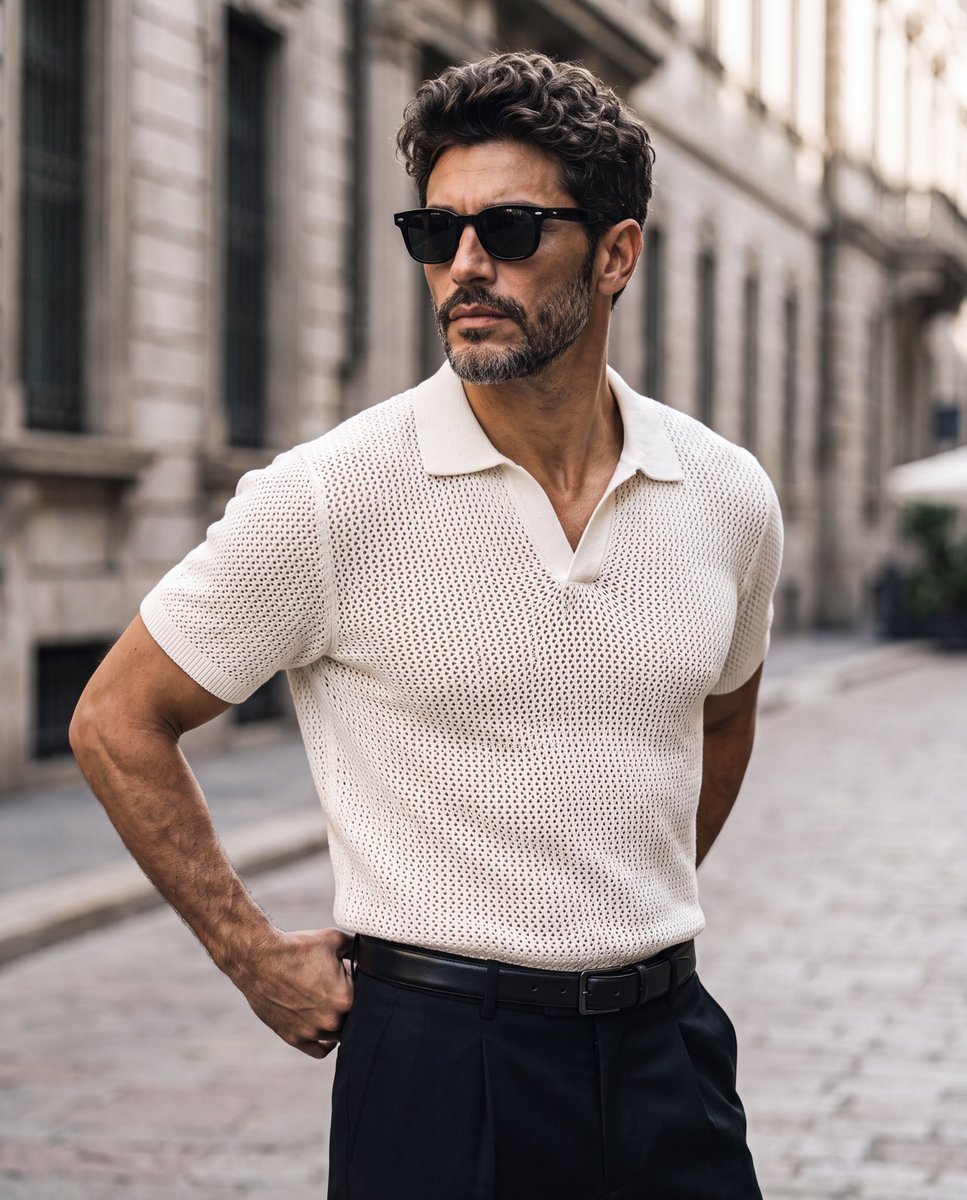
Elegant European Street Portrait
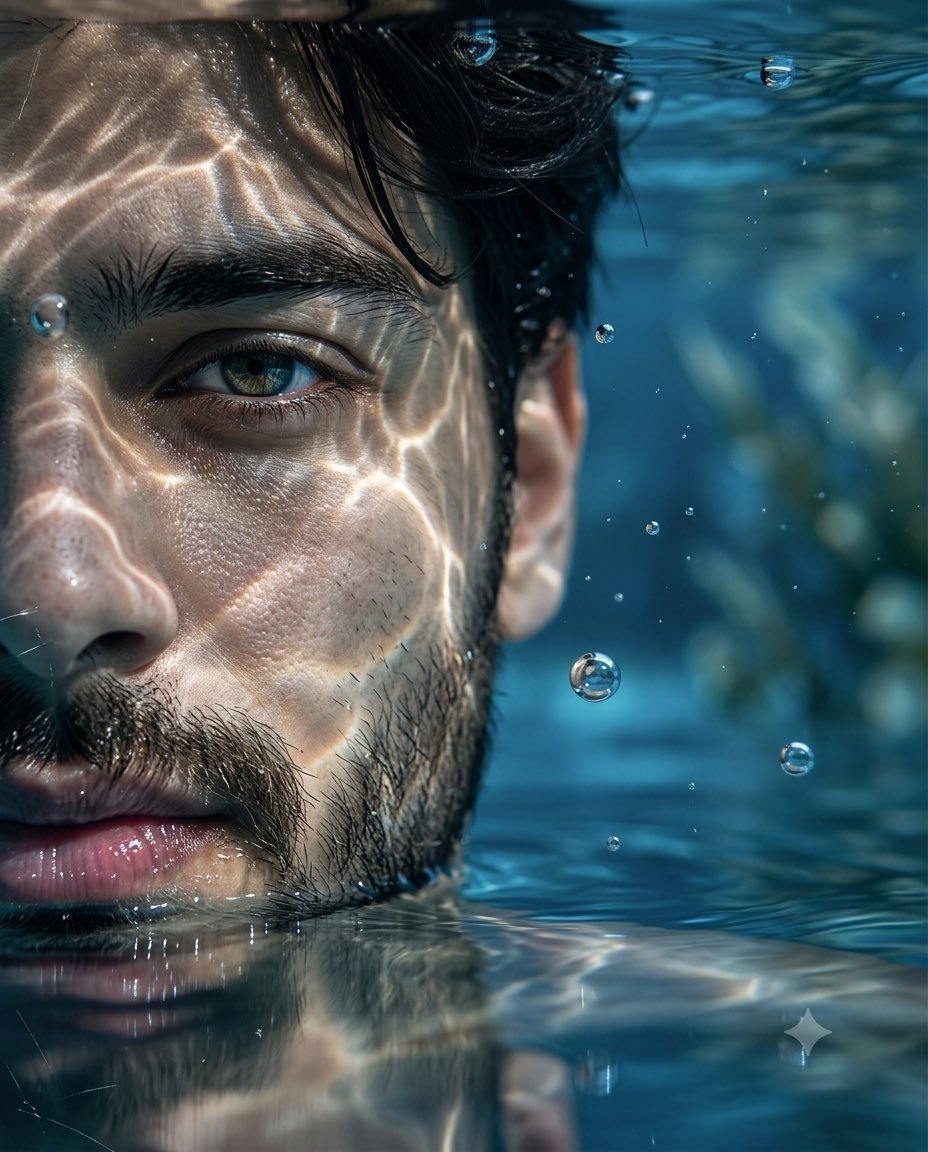
Underwater Macro Face Portrait
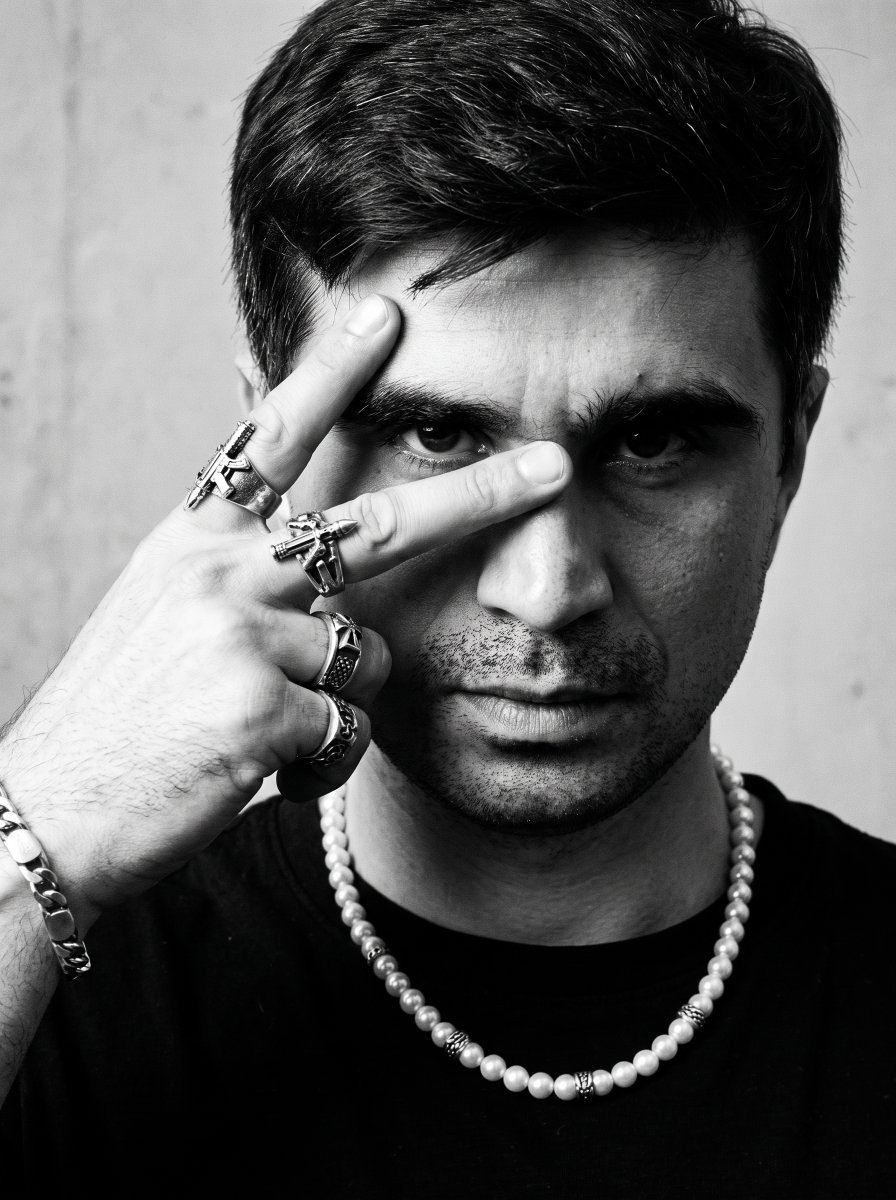
Noir Punk Street Portrait
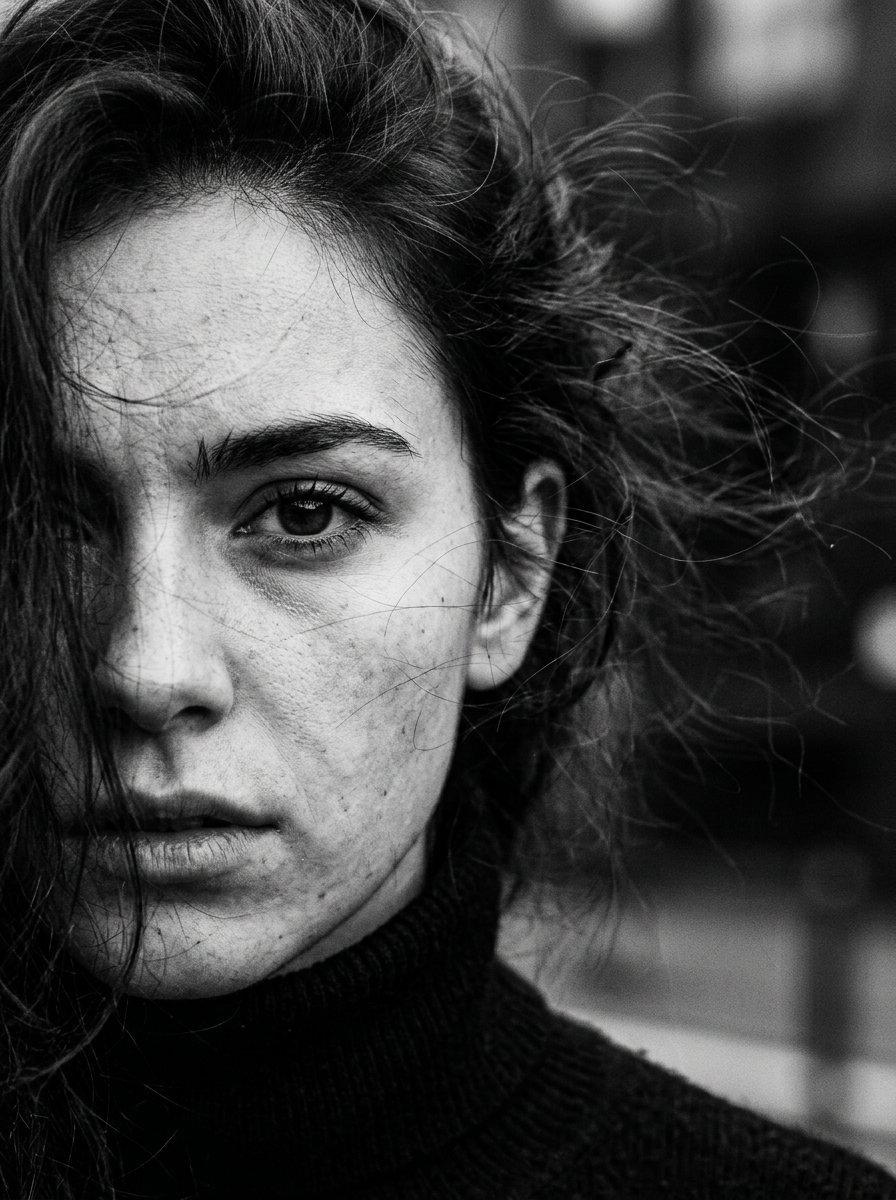
High Contrast Cinematic Face Portrait
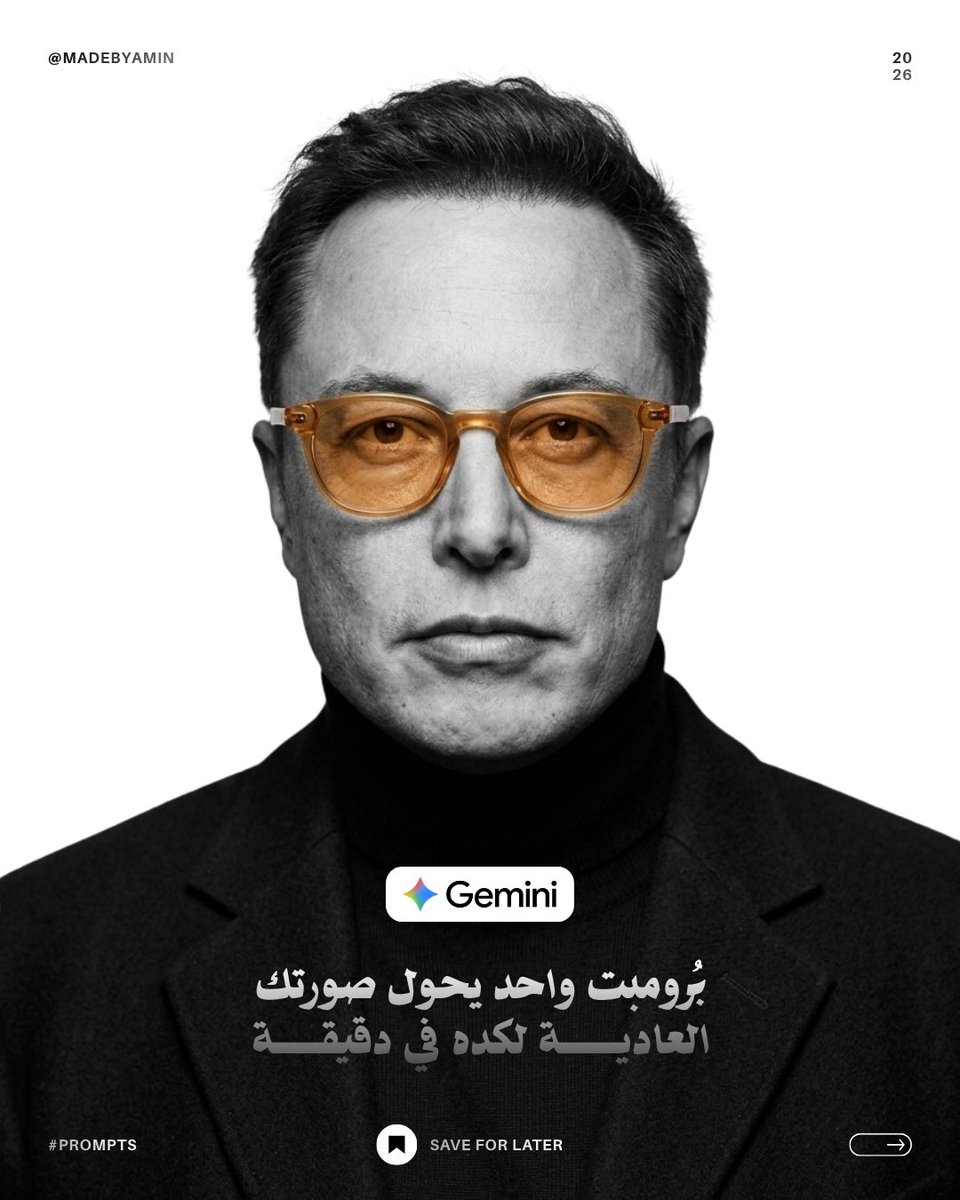
Monochrome Studio Portrait with Colored Lens

Ultra-Realistic Yacht Sunset Portrait

Desert Travel Lifestyle Portrait
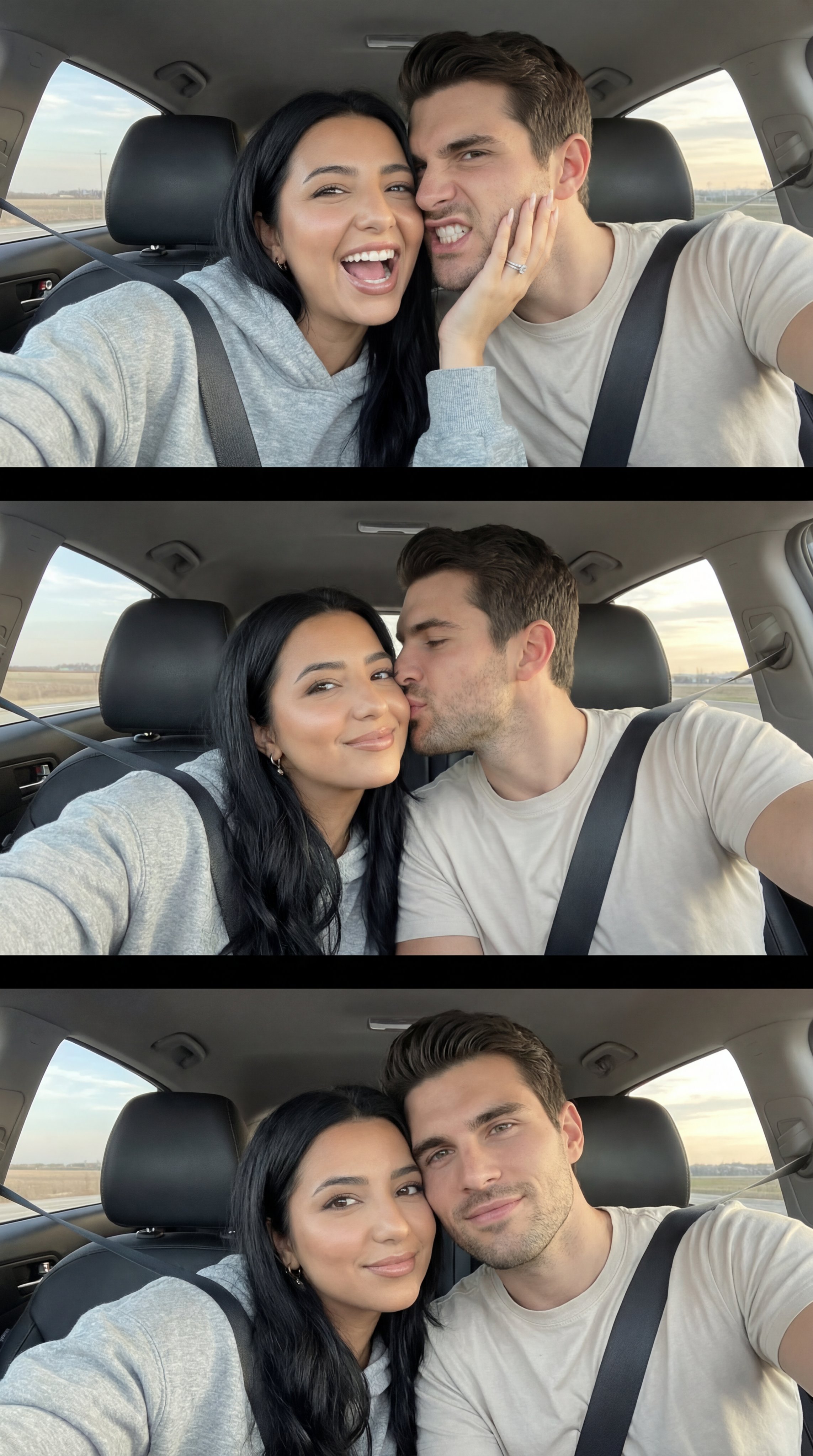
Nano Banana Pro Photoreal Playful Couple

Found Photograph: Us, 1970

80s Couple Studio Portrait

80s Bollywood Star

80s Golden Hour Cinema
Make it yours
Vibrant European Festival Portrait works as-is. These are the safest ways to change it without losing the look.
Change one field
Copy a single group, rewrite it, and generate again so you can see what that field is doing.
Keep the frame, change the subject
Hold the composition and light of Vibrant European Festival Portrait, then swap wardrobe, props or the person for a new take.
| If the result… | Why | Fix |
|---|---|---|
| The result drifts from the preview | Too many fields changed at once. | Reuse Vibrant European Festival Portrait as-is first, then change one group — subject, light, or setting. |
| The model over-stylizes the scene | The prose prompt leaves finish and camera underspecified. | Add one camera or lighting sentence and stay on Gemini 3 Pro Image Preview. |
More Gemini 3 Pro Image Preview templates
Other prompts made for Gemini 3 Pro Image Preview.

Mushroom Still Life Composition
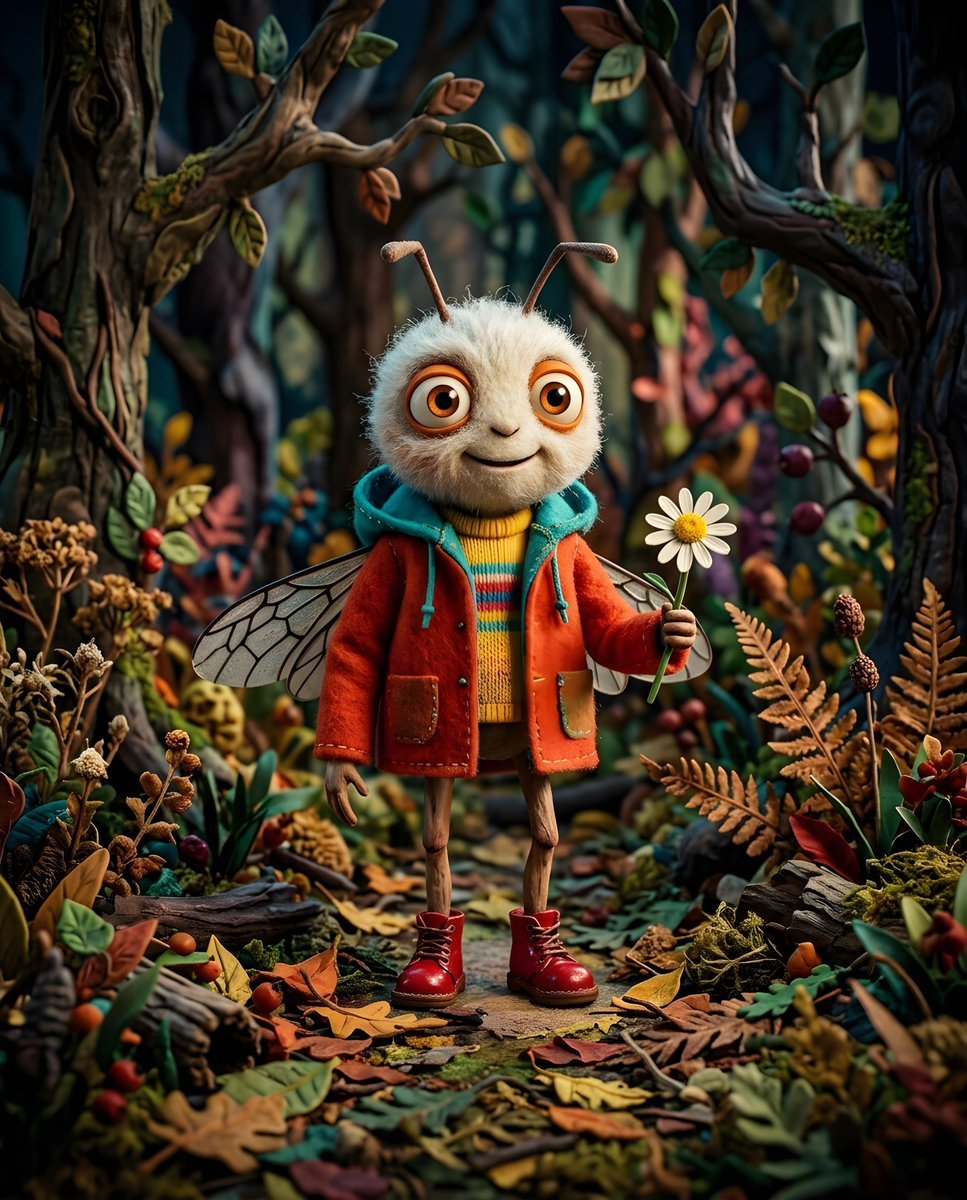
Whimsical Anthropomorphic Friendly Insect
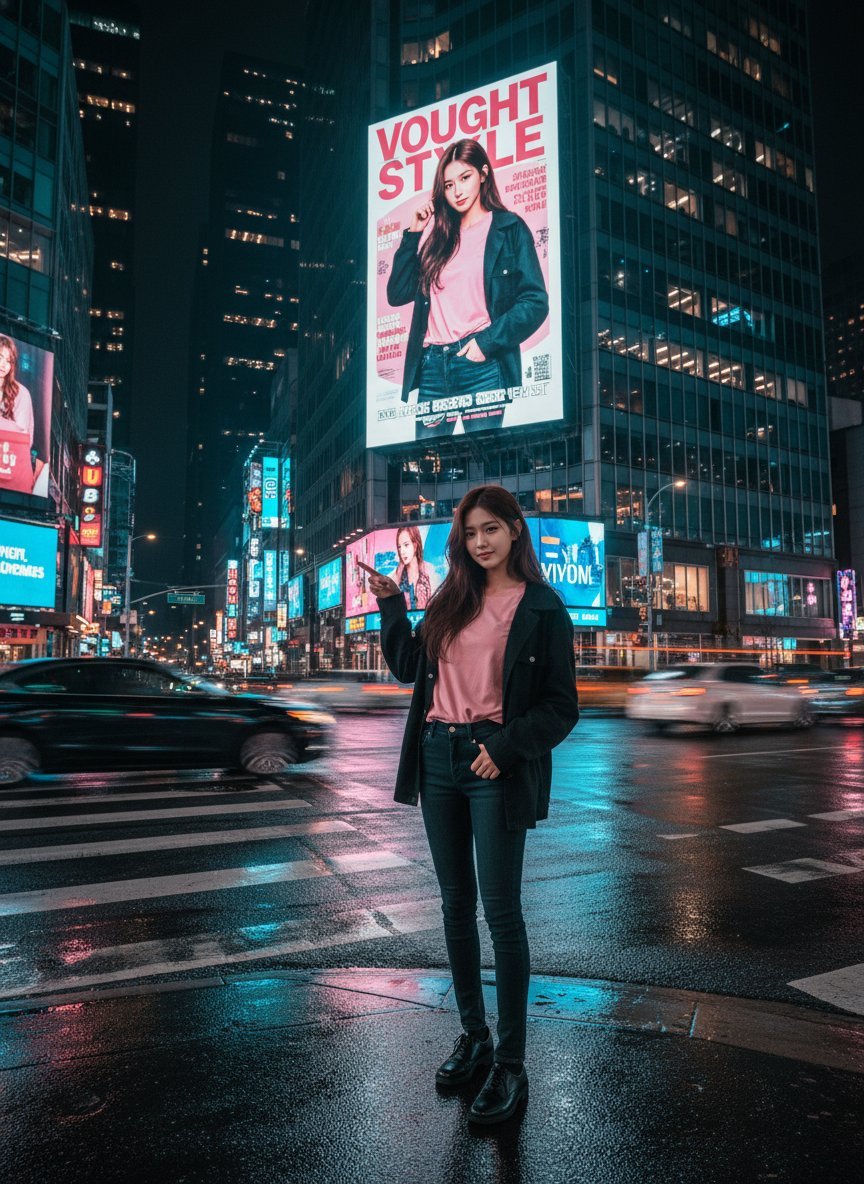
Cinematic Urban Night Billboard Portrait
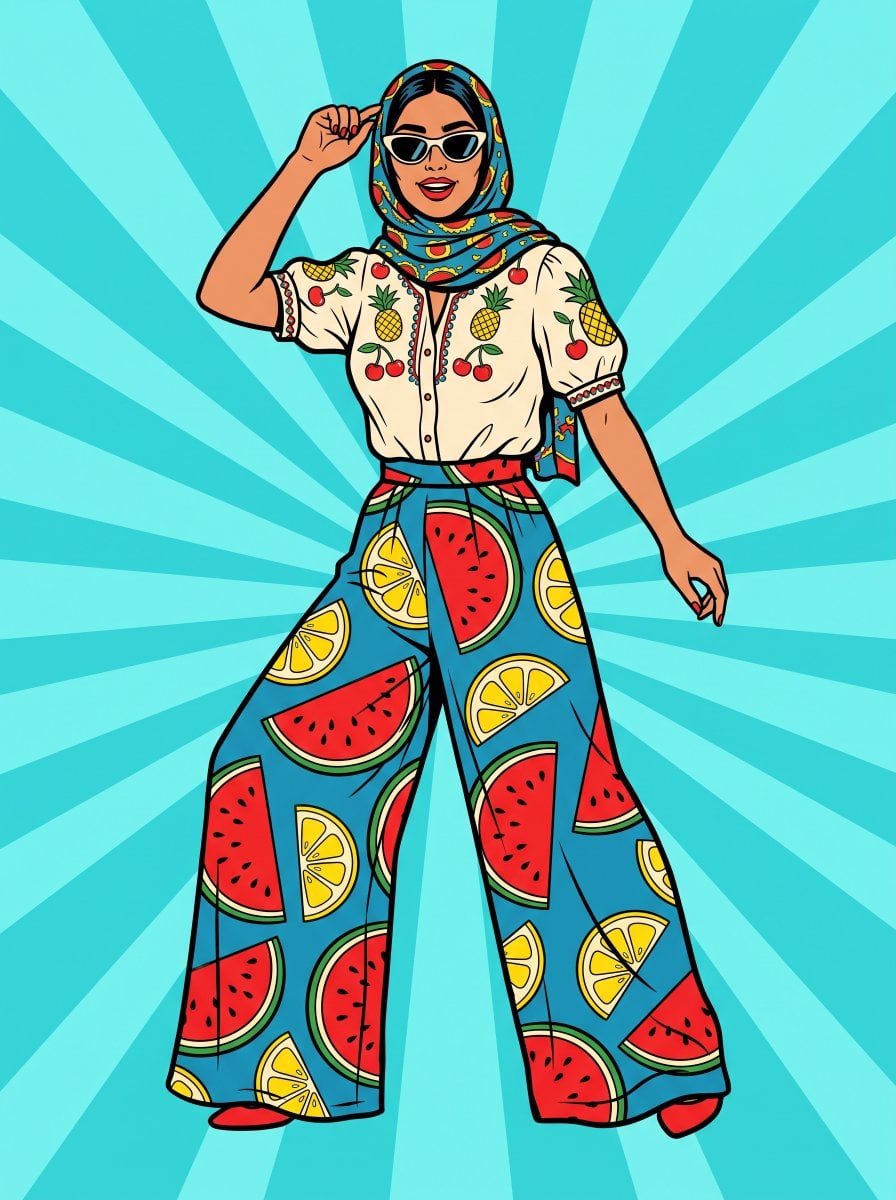
Pop Art Summer Fruit Fashion Illustration
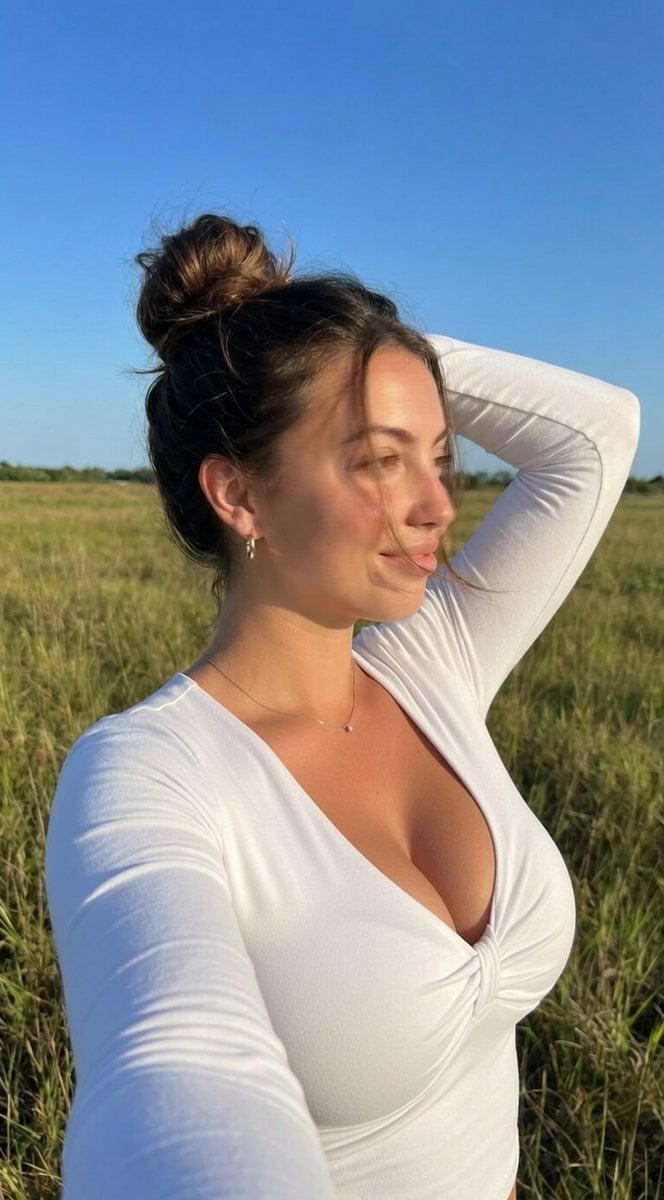
Ultra-Realistic iPhone Selfie with Motion Blur
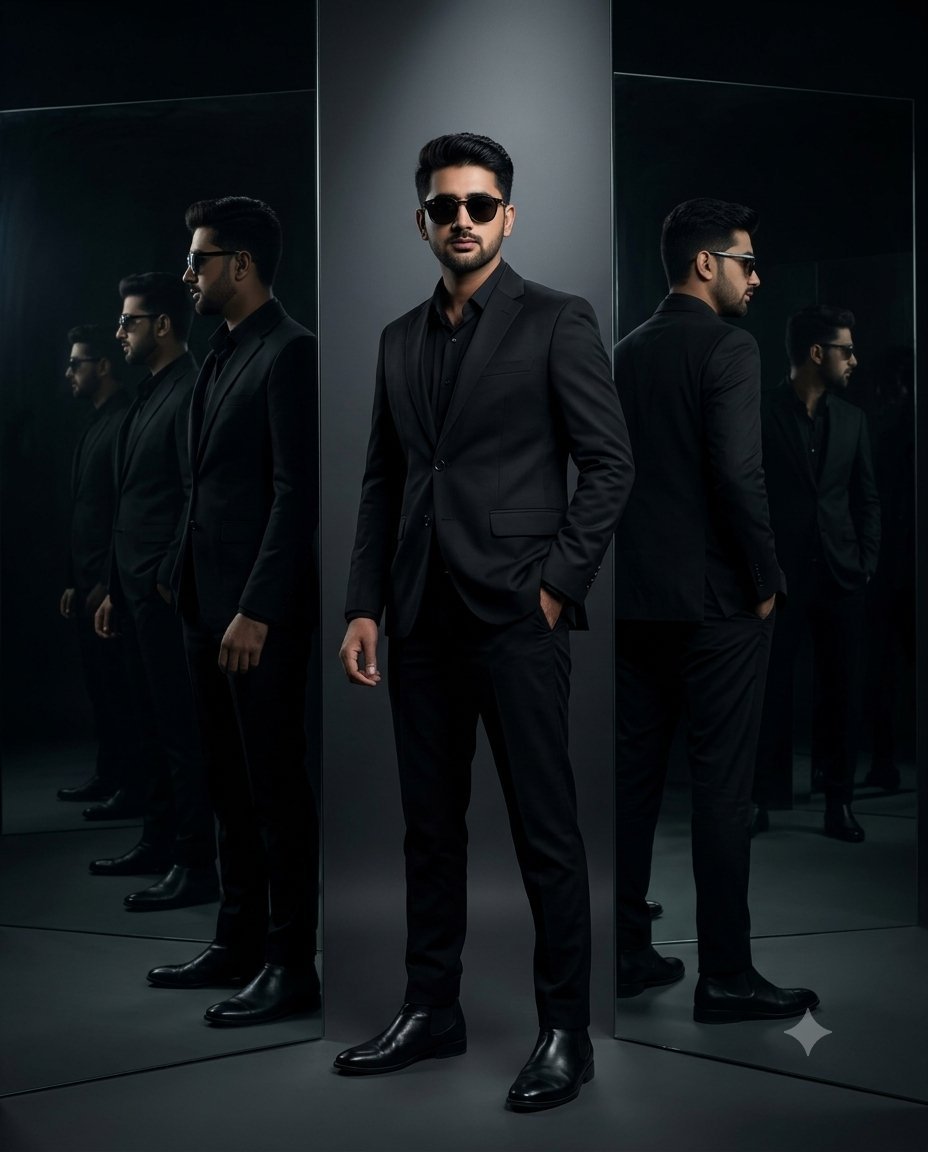
Cinematic Mirror Reflection Portrait
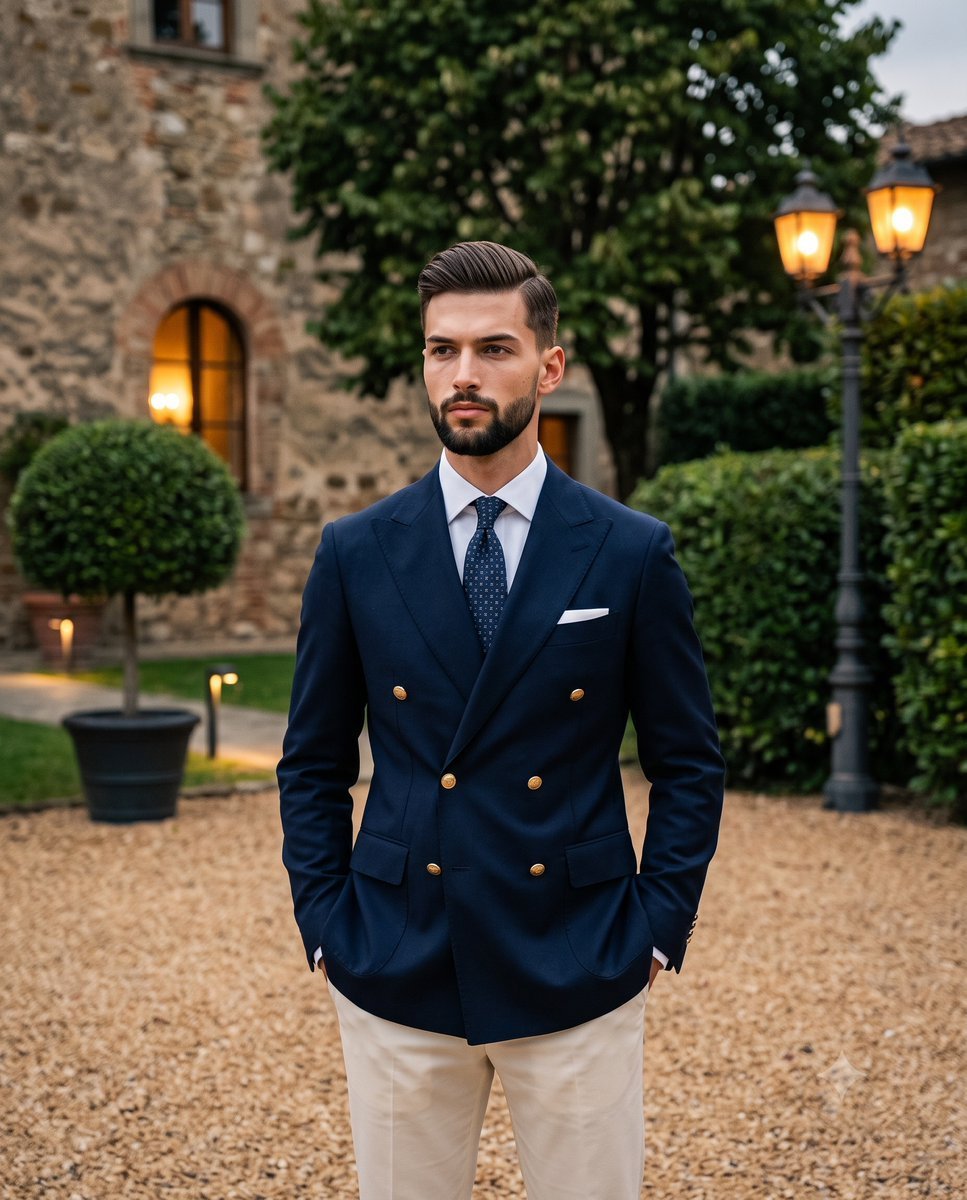
Elegant Men's Twilight Editorial
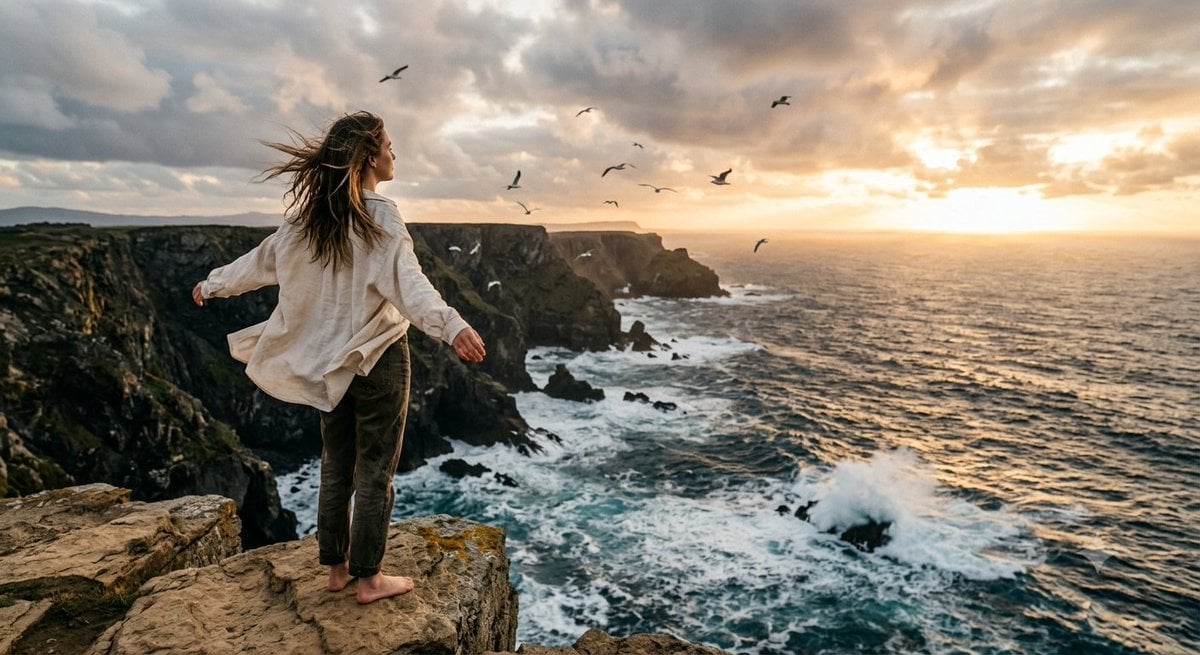
Coastal Freedom Sunset Portrait
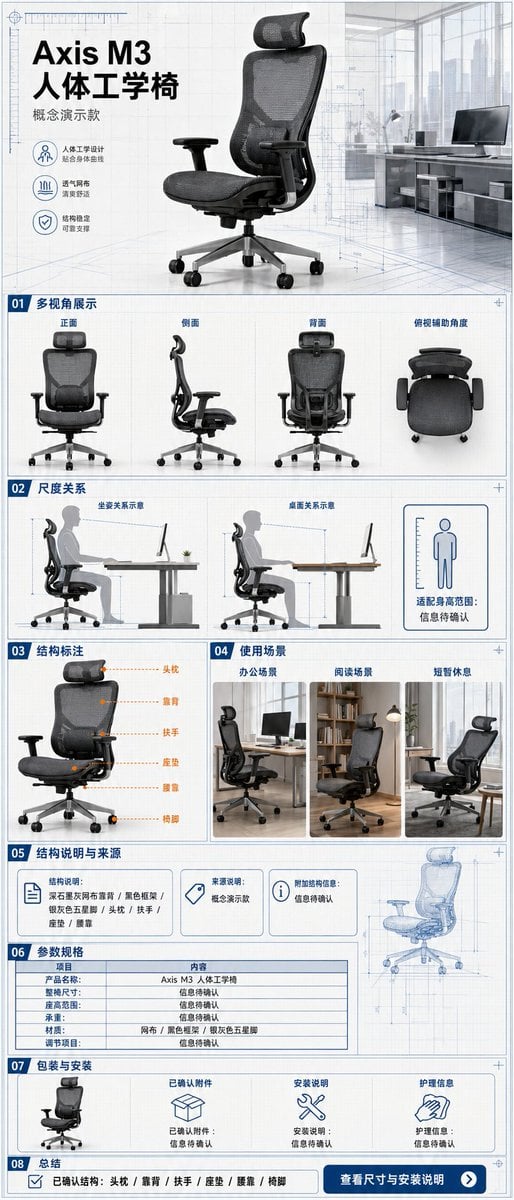
Ergonomic Office Chair E-commerce Mobile Detail Page
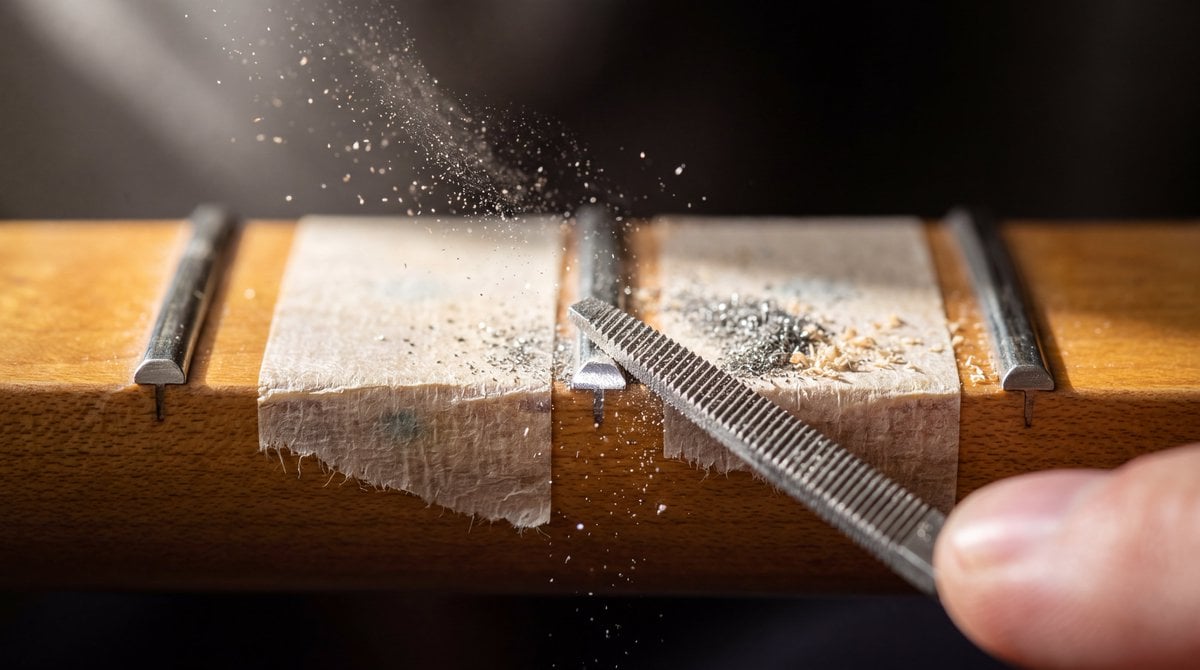
Macro Guitar Fret Dressing
More image prompts
Fresh picks from across the catalog.
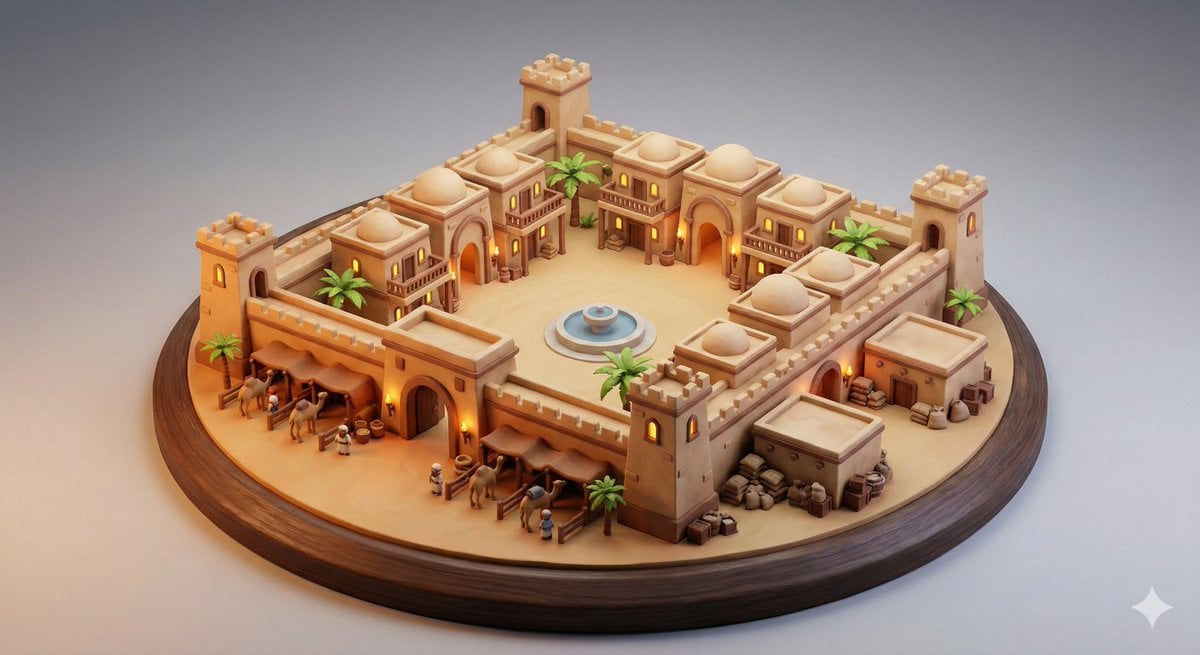
Whimsical Diorama of a Fortified Desert Caravanserai
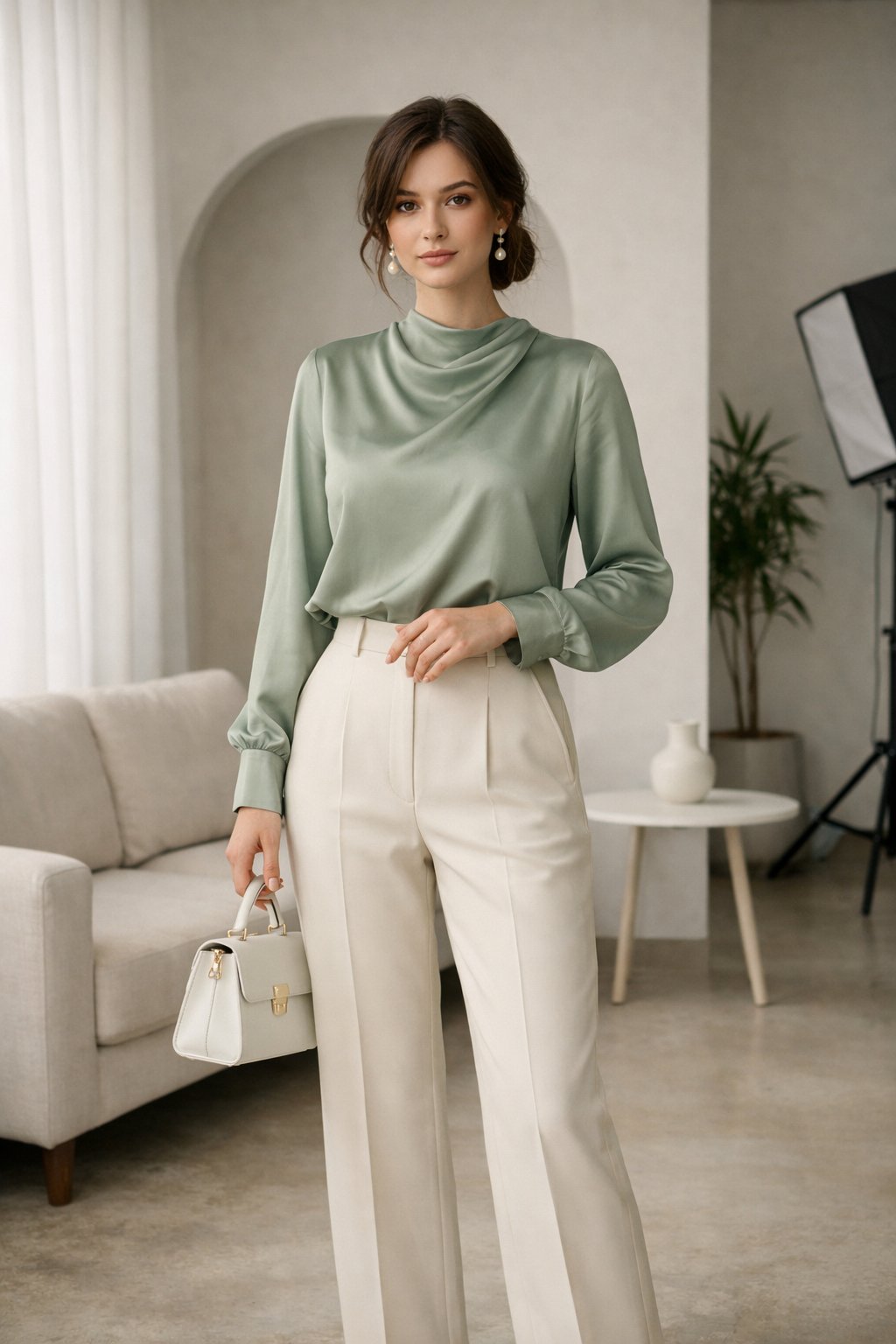
Nano Banana 2
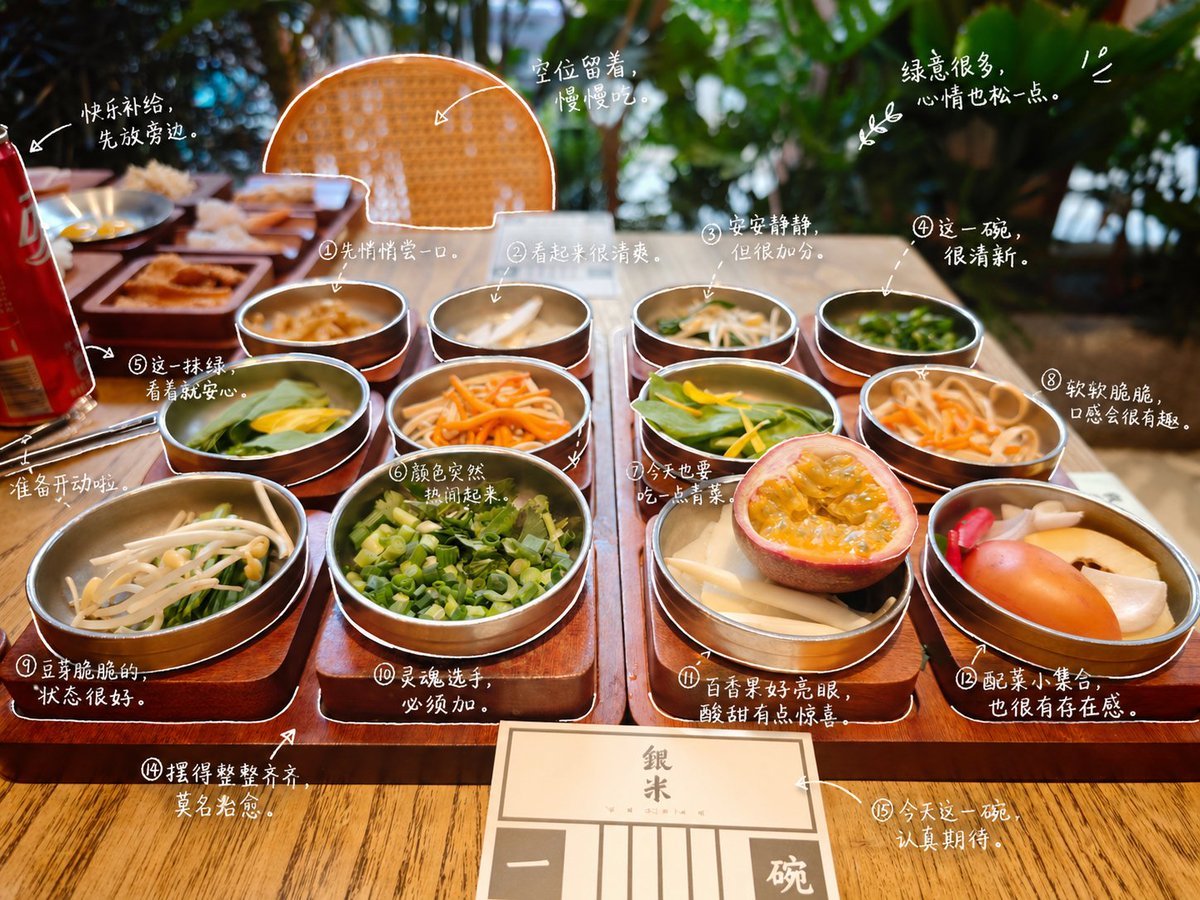
Hand-Drawn Style Photo Annotation
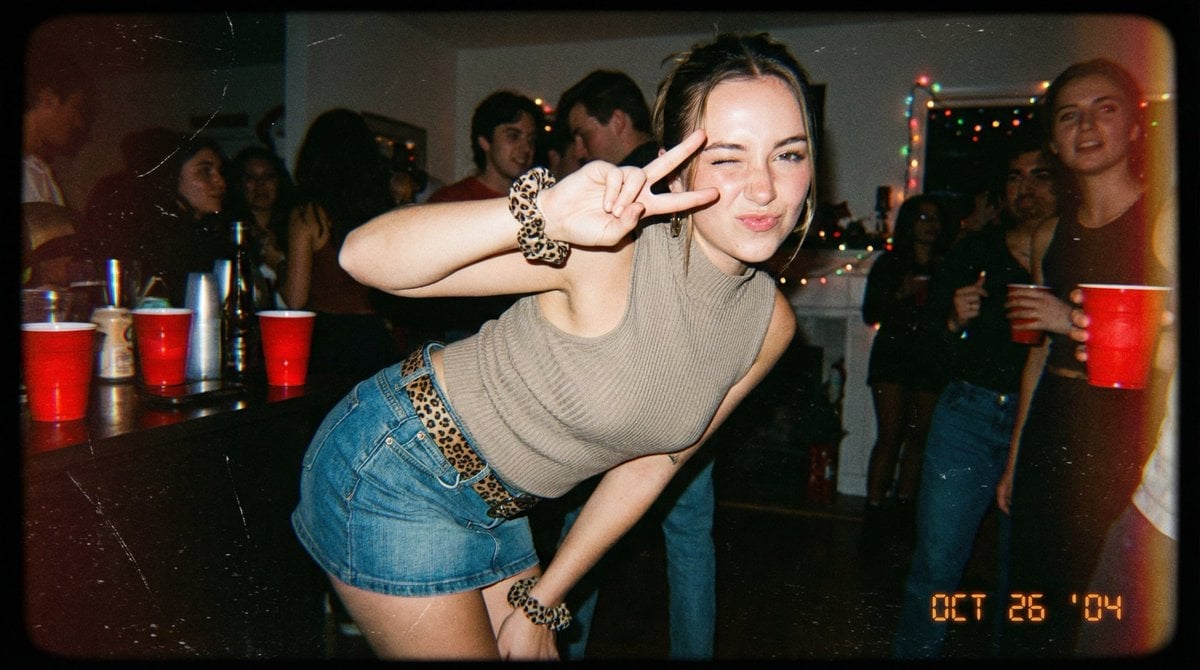
Vintage 2000s Disposable Camera Style Template

PS1 Retro Gaming Style Prompt
Overhead View of Saturday Morning Activity Prompt
Surreal Pink Social Media Poster
Neon Number App Icon
Night Rooftop iPhone Portrait
Bioluminescent Night Beach Portrait
Browse template categories
Vibrant European Festival Portrait questions
How do I use the Vibrant European Festival Portrait template?
Add your photo if the template asks for one, edit the prompt if you like — the template's model and format are already selected — and press Generate. Your version opens in PicX Studio.
Can I customize the Vibrant European Festival Portrait template?
Yes. You can change the subject, setting, lighting, mood, format, and available model controls before creating your image.
Is the Vibrant European Festival Portrait template free?
Opening and editing this template is free. Generating uses credits, shown on the Generate button when you are signed in.
Which AI model should I use?
Start with Gemini 3 Pro Image Preview, which is the model associated with this template. You can compare another compatible model for a different finish.
Looking for something else? Browse all templates.

Your photo, any look
Thousands of ready templates for every top image and video model, from one credit balance.