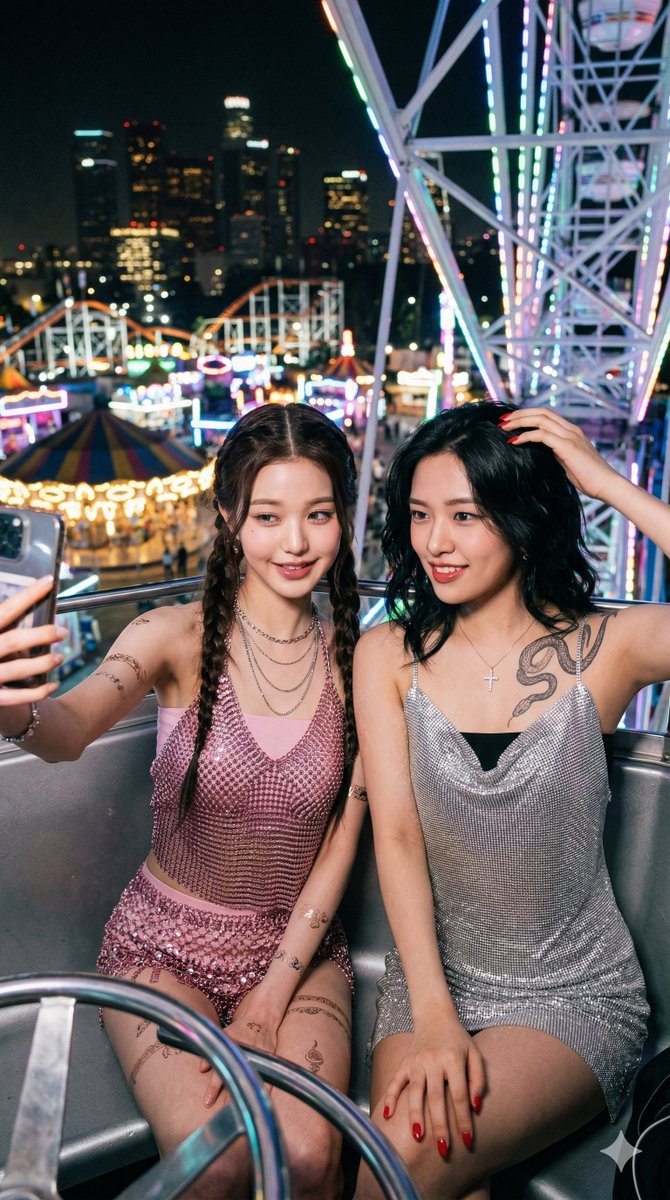
How do I use the Intimate Close-up Portrait with Identity Lock template?
Choose the primary action to open PicX Studio with the available template settings. Review the model and format, personalize the creative direction, and generate when ready.
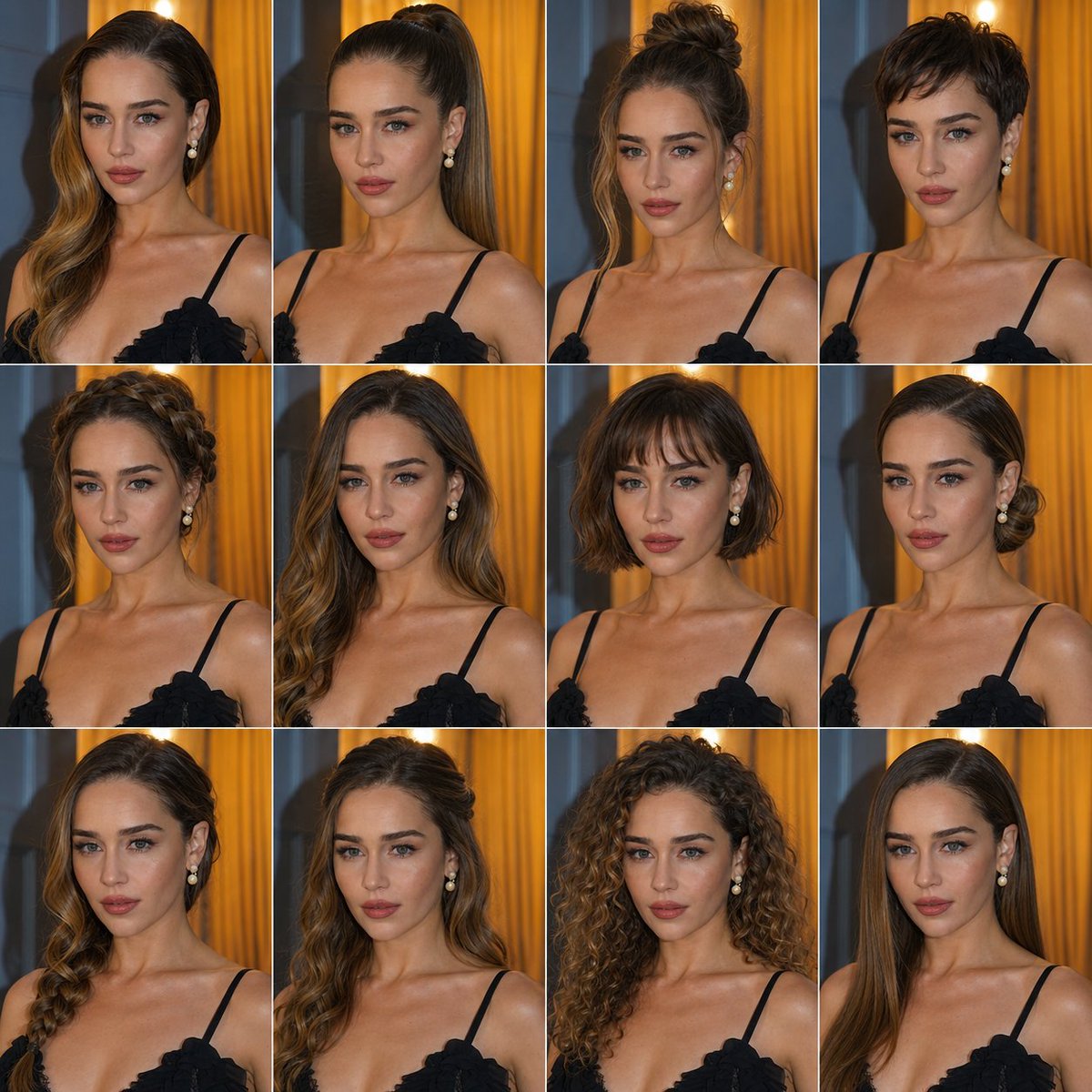
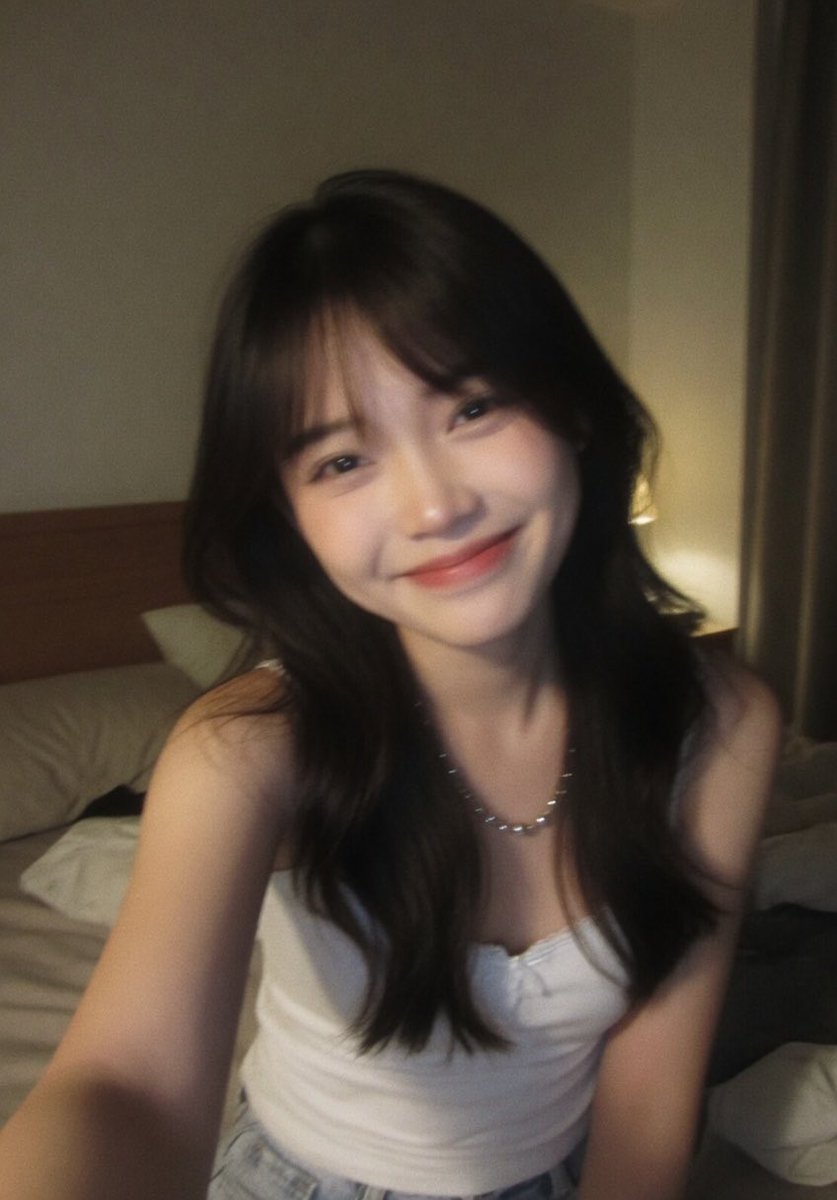
A prompt for generating a hyper-realistic, intimate close-up portrait of a young woman, explicitly requiring 100% face identity lock based on a reference image. Change the subject, setting, or lighting one variable at a time.

"100% same face, High-quality, intimate close-up, hyper-realistic portrait of a young woman with a delicate captivating gaze. Her head is tilted slightly, and her right shoulder is exposed, suggesting a bare-shouldered or off-the-shoulder outfit. She is partially framed by a soft white lace curtain or fabric on the left side of the image. She has long straight dark black hair with a wispy, slightly messy fringe (bangs) that frames her face. Her stunning, bright blue eyes are the focal point, With subtle dark eyeliner and defined lashes. Her cheeks have a soft, natural pink blush, and her lips are full with a natural, light pink hue. There's a single pearl drop earring visible on her right ear. The lighting is soft and ethereal, highlighting her features and the texture of the lace. Intricate detail, cinematic lighting, dramatic look, trending on ArtStation.
Choose the primary action to open PicX Studio with the available template settings. Review the model and format, personalize the creative direction, and generate when ready.
Yes. You can change the subject, setting, lighting, mood, format, and available model controls before creating your image.
This template is free to open and customize. Generation usage is shown in PicX Studio before you create.
Start with Nano Banana 2, which is the model associated with this template. You can compare another compatible model for a different finish.
Follow a topic to a crawlable collection of related PicX Studio templates.
43,474 public templates available. Verified via the PicX Studio public templates API; refreshed hourly.

















![Naive doodle-style subject illustration — A doodle-style {argument name="subject" default="[subject]"}, naive lines, humorous shape exaggeration](https://pbs.twimg.com/media/G6Wl2YxbsAARB2b.jpg)