How do I use the Sydney Sweeney and Ana de Armas Beach Pose template?
Choose the primary action to open PicX Studio with the available template settings. Review the model and format, personalize the creative direction, and generate when ready.
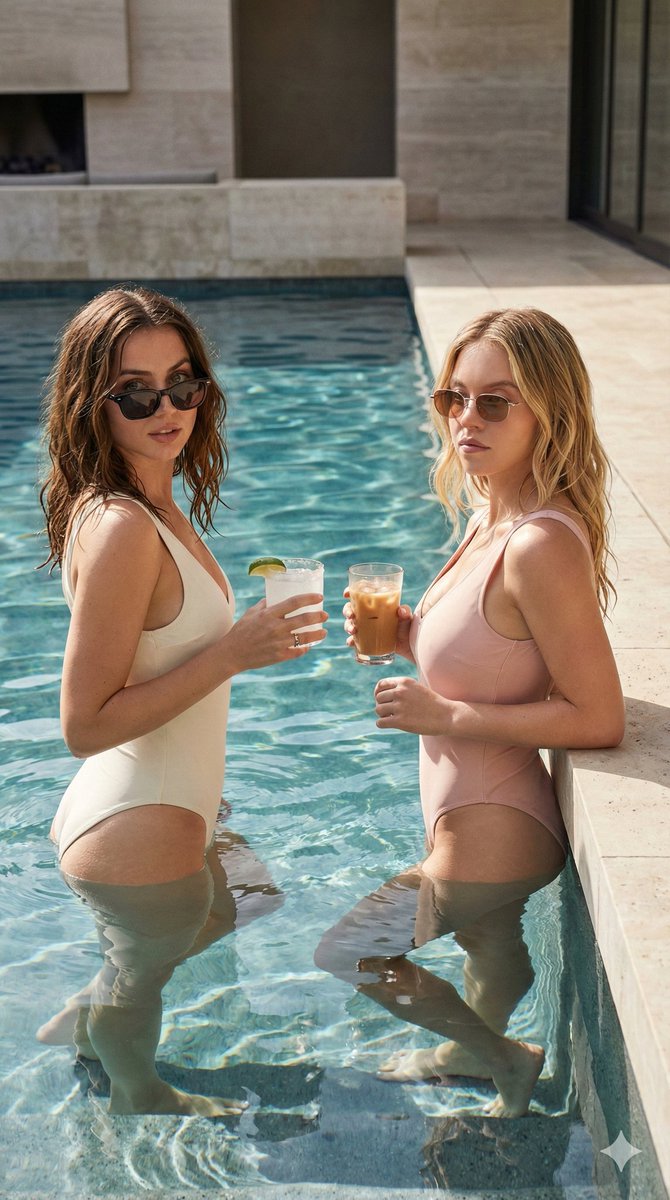
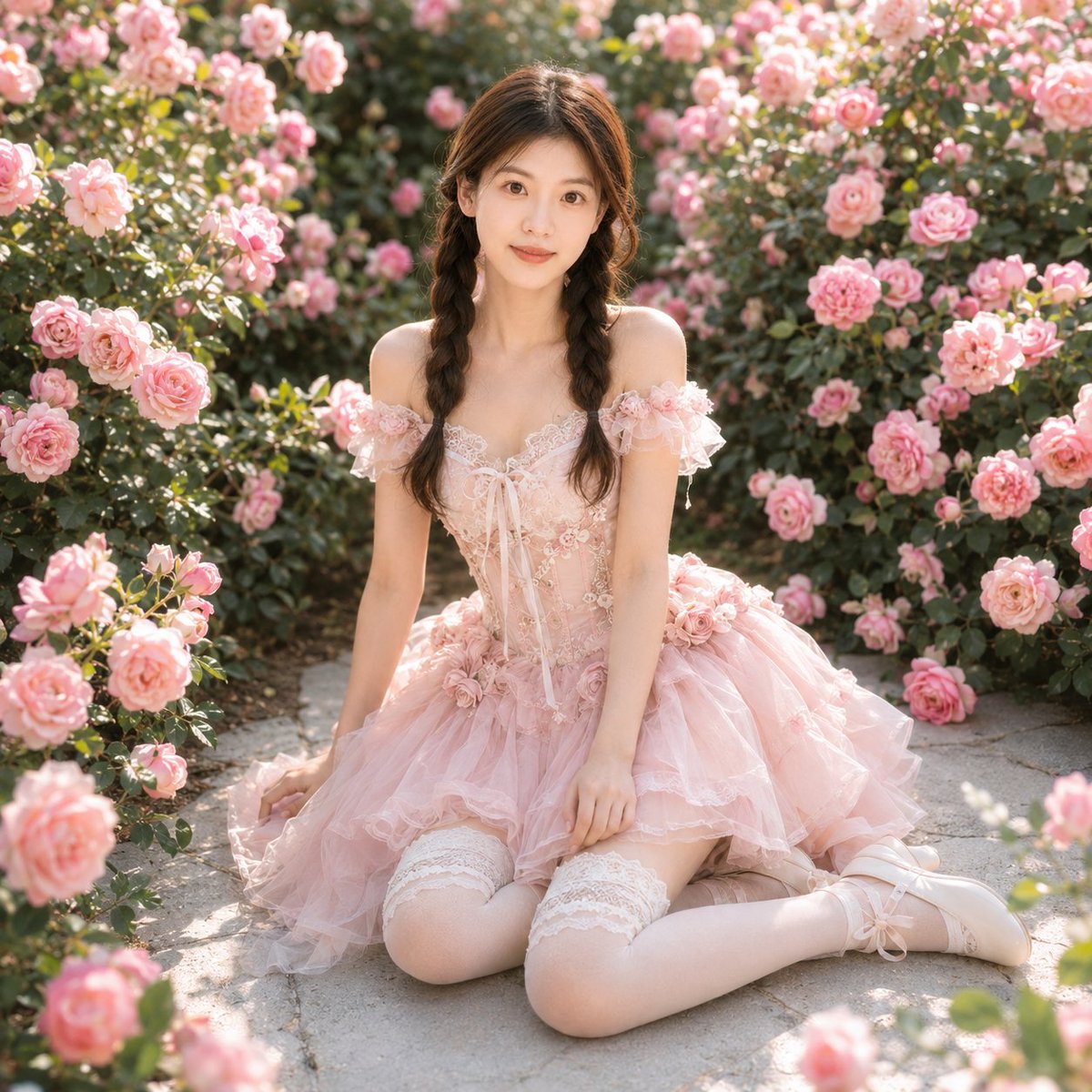
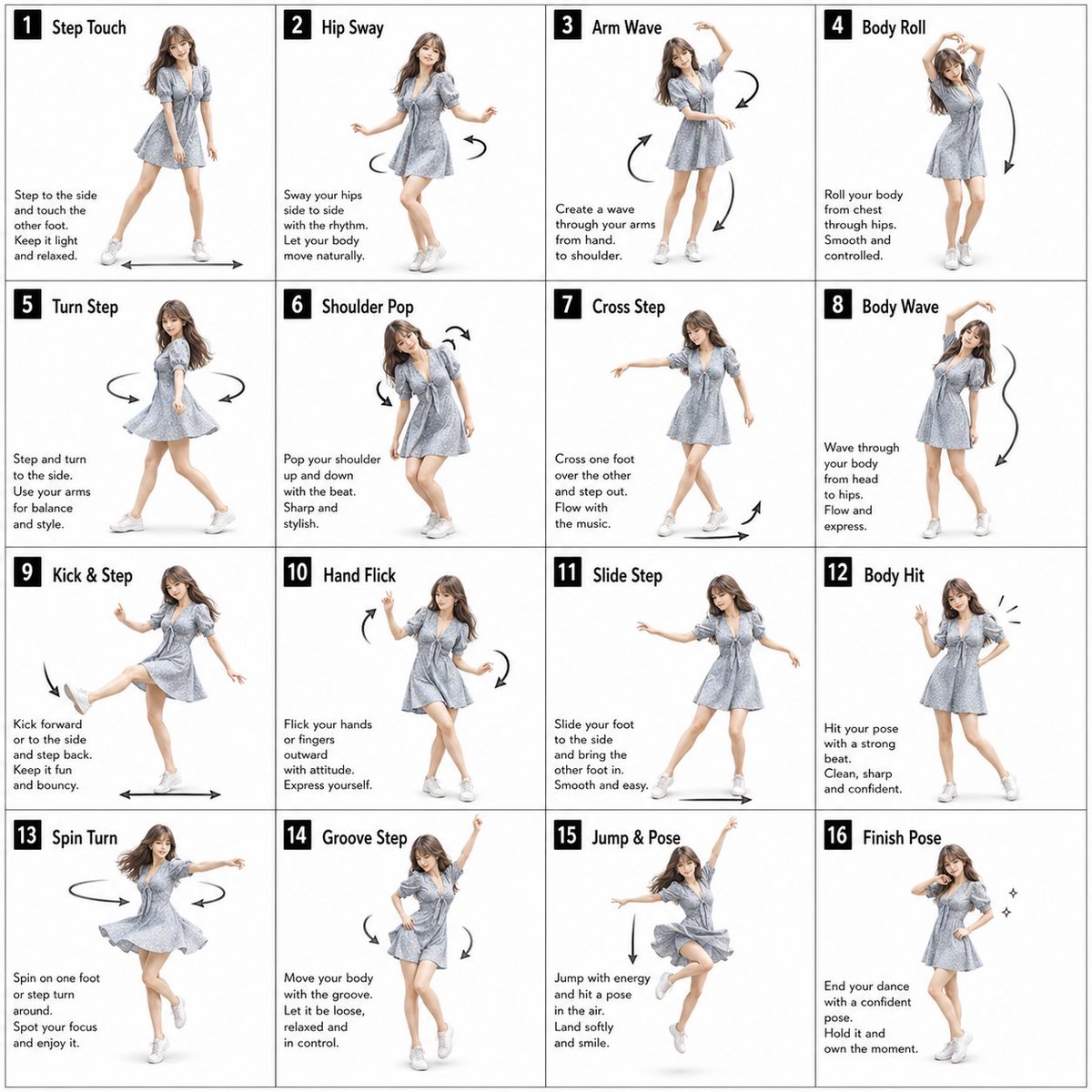
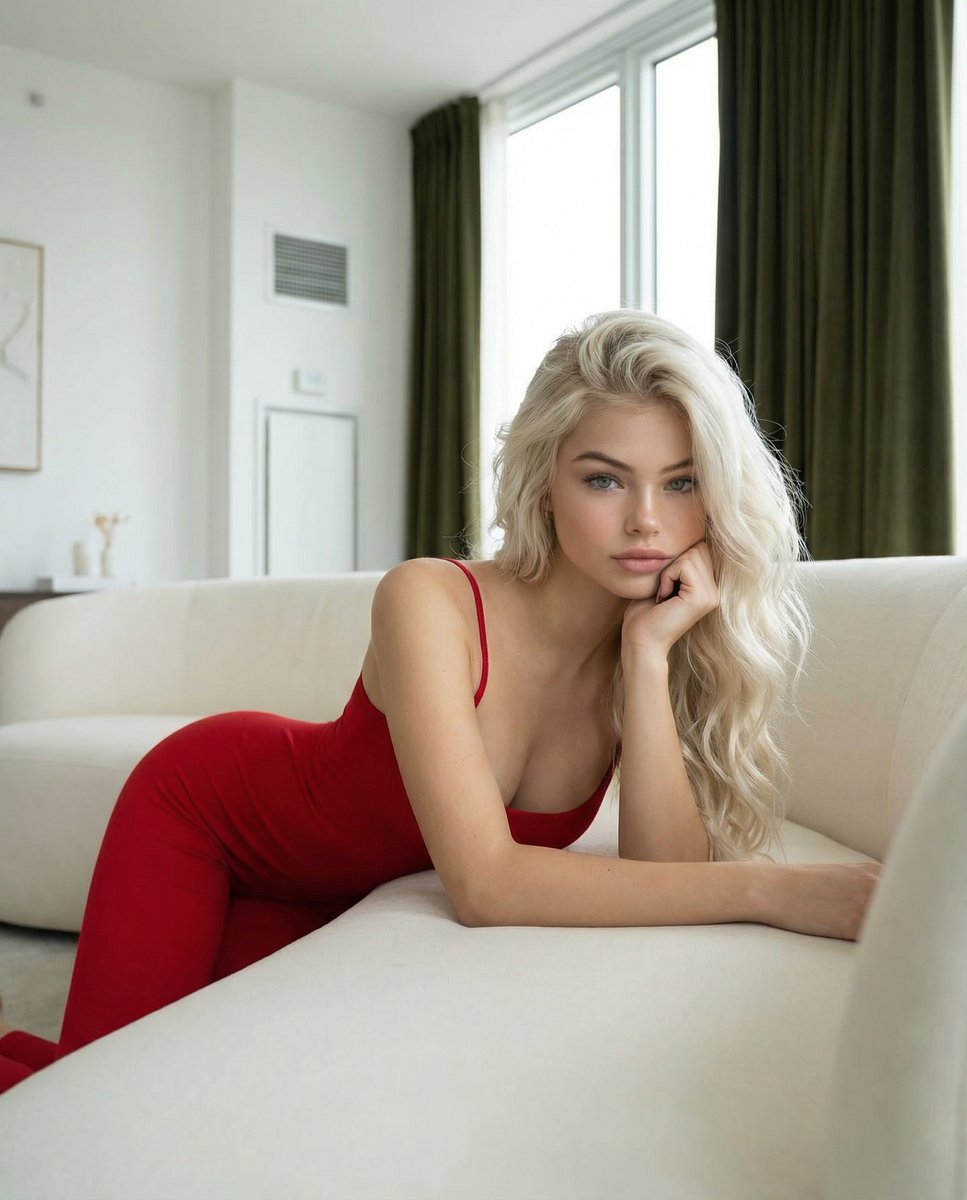
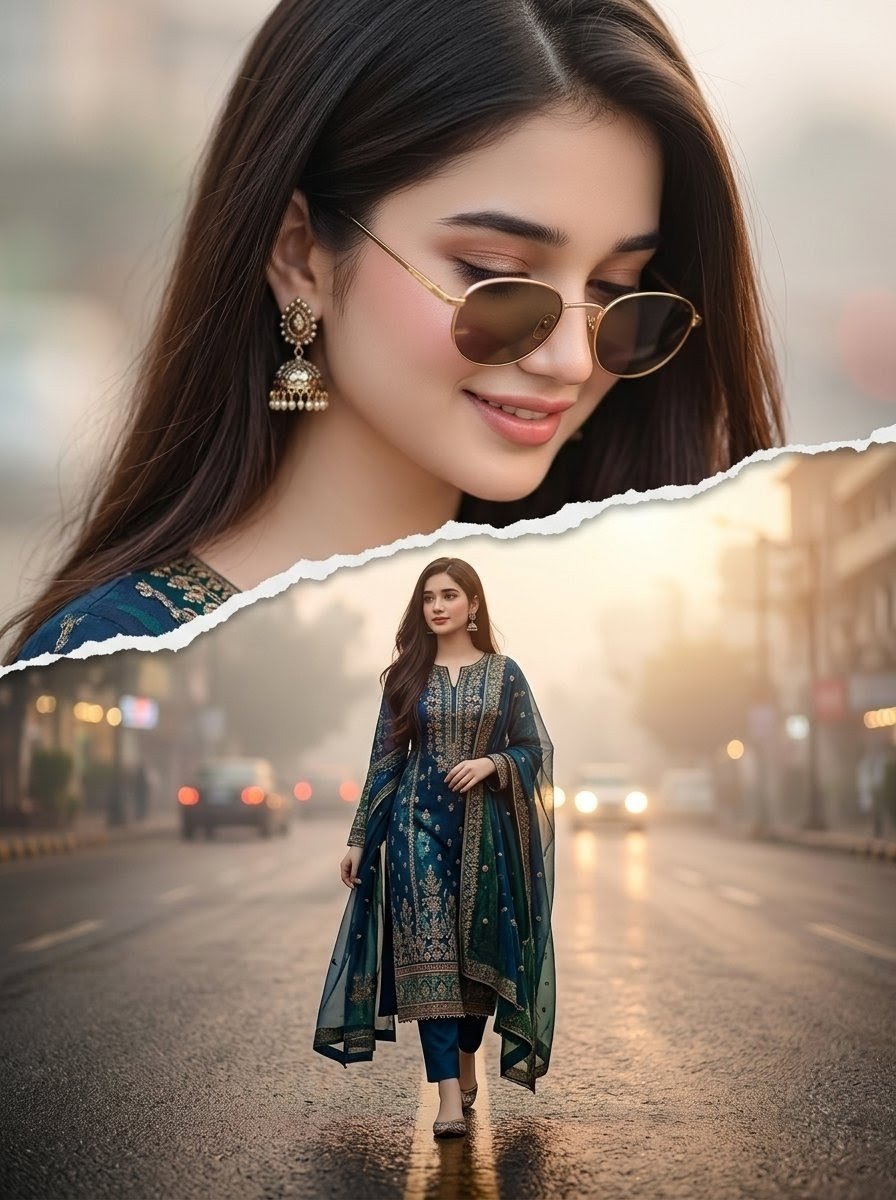
An extremely detailed, structured prompt for generating a photorealistic image of Sydney Sweeney and Ana de Armas in swimwear, propped up on their forearms on towels. The prompt specifies biometric details, exact clothing colors (hex codes), material science, pose, and scene details (beach/poolside setting with white pedicures visible). (free to use) — Free AI image template on PicX Studio.
{ "subject": { "identities": [ { "biometric_reference": "Sydney Sweeney", "facial_structure": { "shape": "oval with defined cheekbones", "eye_morphology": "almond-shaped, hooded eyelid characteristic", "dentition": "natural alignment, bright white", "iris_pattern": "light blue-grey with radial stroma fibers" }, "body_morphology": { "somatotype": "hourglass mesomorph, slightly shorter frame relative to subject_2", "waist_to_hip_ratio": "0.68", "skin_physics": { "tone_hex": "#F8D1B4", "texture": "dewy, high specular highlights, subsurface scattering enabled", "details": "opaque white lacquer on toenails, anatomical bone structure of feet clearly visible" } }, "wardrobe": { "item": "two-piece ribbed bikini", "material": "textured elastane/nylon blend", "color_hex": "#191970", "fit": "low-rise bottom, secure top with thin straps" } }, { "biometric_reference": "Ana de Armas", "facial_structure": { "shape": "oval/heart blend with distinct high cheekbones and balanced jawline", "dentition": "natural alignment, bright white", "iris_pattern": "complex green/hazel with detailed gold flecks and dark limbal rings", "lip_morphology": "balanced cupid's bow, full lower lip" }, "body_morphology": { "somatotype": "slim hourglass mesomorph somatotype, average height frame, proportional dimensions", "waist_to_hip_ratio": "0.71", "skeletal_proportions": "proportional femur and torso lengths", "skin_physics": { "tone_hex": "#FAD6A5", "texture": "pores visible, high specular highlights on solar-exposed areas, natural light olive complexion texture", "details": "opaque white lacquer on toenails, natural skin texture on soles of feet" } }, "wardrobe": { "item": "one-piece scoop-neck swimsuit", "material": "honeycomb waffle-knit texture", "color_hex": "#FFFFFF", "fit": "high-cut leg, form-fitting body contour" } } ] }, "pose_action": { "description": "Propped up on forearms in a semi-recumbent position, leaning on elbows with upper torso elevated", "interaction": "Both subjects facing forward, looking directly into the camera lens with soft expressions", "arm_placement": "Forearms resting on towels to support body weight, hands resting naturally", "leg_position": "Legs extended straight forward toward the lower edge of the frame, showcasing white pedicures", "symmetry": "Side-by-side alignment with subject_1 on the left (white towel) and subject_2 on the right (red towel)" }, "scene": { "en" } }
Use Sydney Sweeney and Ana de Armas Beach Pose to plan an AI image around nano-banana-2 generation. Match the preview's composition first, then personalize the subject, setting, and mood for your own project.
Use the primary action to load the template settings in PicX Studio.
Adjust the subject and creative details for your destination.
Create the image, compare the result with the preview, and refine one variable at a time.
A continuous mix — similar concepts first, woven with same-model prompts and fresh picks from the catalog.
Choose the primary action to open PicX Studio with the available template settings. Review the model and format, personalize the creative direction, and generate when ready.
Yes. You can change the subject, setting, lighting, mood, format, and available model controls before creating your image.
This template is free to open and customize. Generation usage is shown in PicX Studio before you create.
Start with nano-banana-2, which is the model associated with this template. You can compare another compatible model for a different finish.
Follow a topic to a crawlable collection of related PicX Studio templates.
39,155 public templates available. Verified via the PicX Studio public templates API; refreshed hourly.
A continuous mix — similar concepts first, woven with same-model prompts and fresh picks from the catalog.