How do I use the Coastal Photoshoot in a Sea Cave template?
Choose the primary action to open PicX Studio with the available template settings. Review the model and format, personalize the creative direction, and generate when ready.
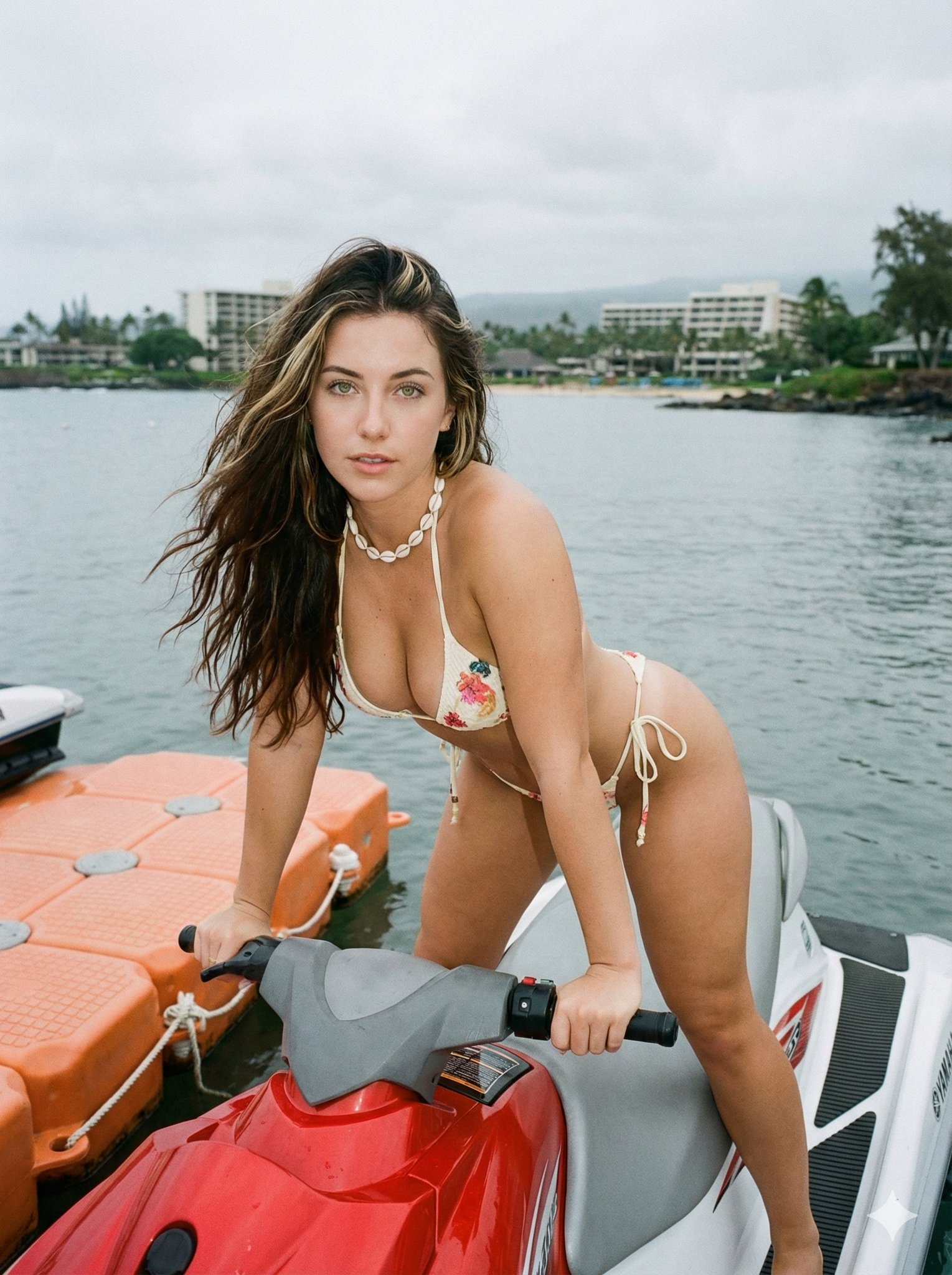
A structured prompt for generating a photorealistic luxury travel editorial image of a woman posing on a boat inside a sea cave. It emphasizes natural light filtering through the cave, turquoise water, and a sensual, adventurous mood. (free to use) — Free AI image template on PicX Studio.
{ "prompt": "A sunlit coastal photoshoot of a woman standing on a boat inside a natural sea cave with turquoise water. She wears a {argument name="bikini pattern" default="green butterfly-pattern bikini"} with tie-side bottoms. Her wet blonde hair is slicked back as she poses with one arm raised, highlighting a toned, athletic figure. Golden sunlight filters through the cave opening, illuminating textured rock walls and sparkling water. The mood is sensual yet natural, tropical, and adventurous, with a luxury travel editorial aesthetic.", "style": [ "photorealistic", "luxury travel editorial", "natural light", "summer aesthetic" ], "camera": { "angle": "side profile", "lens": "50mm", "aperture": "f/2.0", "depth_of_field": "moderate" }, "lighting": { "type": "natural sunlight", "direction": "backlit through cave opening", "mood": "warm, glowing, cinematic" }, "environment": "rocky sea cave with clear turquoise water and small boat", "mood": "confident, sensual, free-spirited", "quality": "ultra high detail, sharp focus, 4k realism" }
Use Coastal Photoshoot in a Sea Cave to plan an AI image around nano-banana-2 generation. Match the preview's composition first, then personalize the subject, setting, and mood for your own project.
Use the primary action to load the template settings in PicX Studio.
Adjust the subject and creative details for your destination.
Create the image, compare the result with the preview, and refine one variable at a time.
A continuous mix — similar concepts first, woven with same-model prompts and fresh picks from the catalog.
Choose the primary action to open PicX Studio with the available template settings. Review the model and format, personalize the creative direction, and generate when ready.
Yes. You can change the subject, setting, lighting, mood, format, and available model controls before creating your image.
This template is free to open and customize. Generation usage is shown in PicX Studio before you create.
Start with nano-banana-2, which is the model associated with this template. You can compare another compatible model for a different finish.
Follow a topic to a crawlable collection of related PicX Studio templates.
39,155 public templates available. Verified via the PicX Studio public templates API; refreshed hourly.
A continuous mix — similar concepts first, woven with same-model prompts and fresh picks from the catalog.