
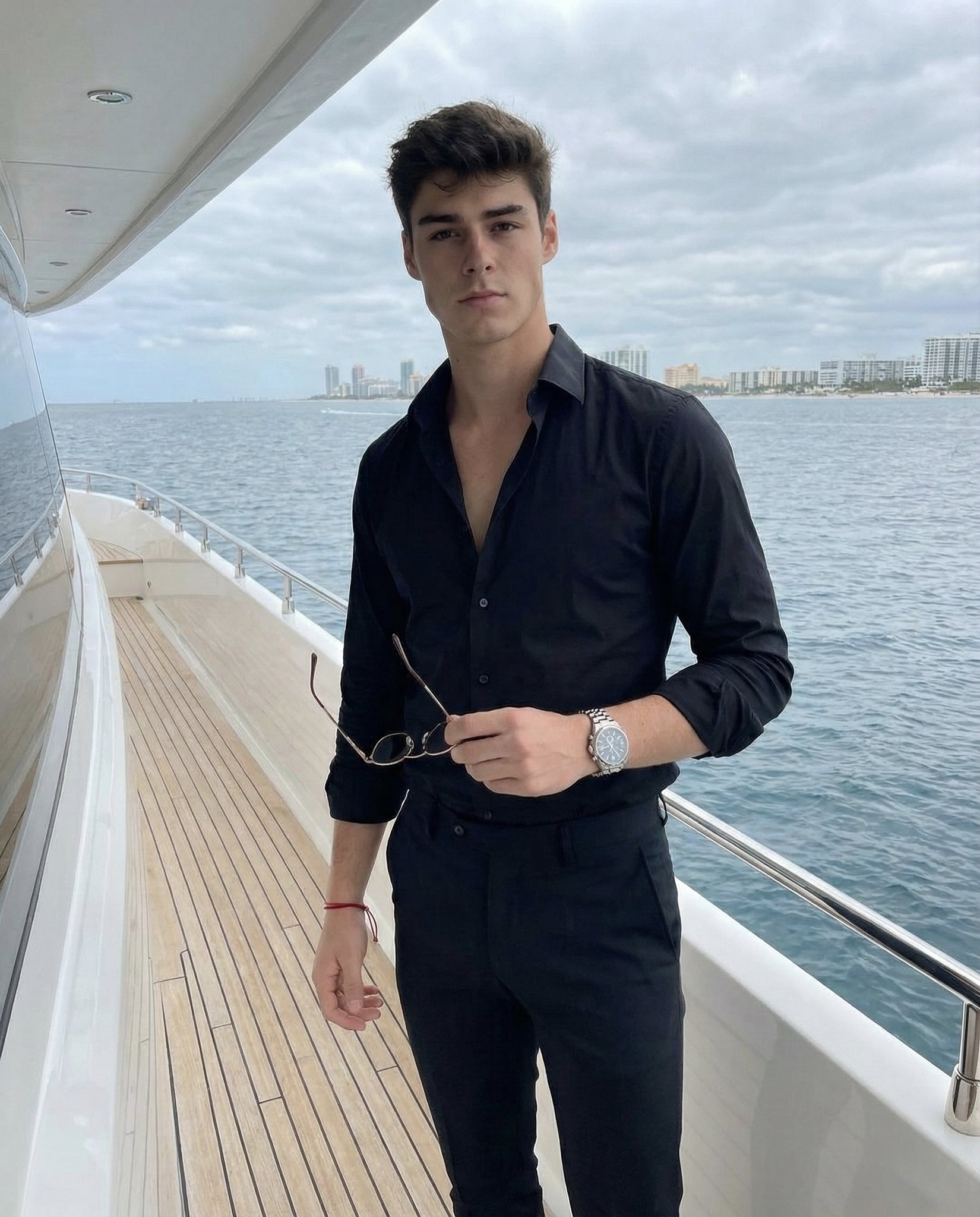
Moderate depth with clear foreground subject and distant cityscape
{ "composition": { "framing": "mid-length portrait from upper thighs to head", "orientation": "vertical", "camera_angle": "eye-level", "subject_position": "left third of the frame", "balance": "subject balanced against…
- Prompt included
- Model and format preset
- Premium template
The prompt behind this image
Copy the exact prompt behind Moderate depth with clear foreground subject and distant cityscape, or open it in the studio and make it yours.
- Composition › Framing
- mid-length portrait from upper thighs to head
- Composition › Orientation
- vertical
- Composition › Camera Angle
- eye-level
- Composition › Subject Position
- left third of the frame
- Composition › Balance
- subject balanced against expansive seascape on the right
- Composition › Depth
- moderate depth with clear foreground subject and distant cityscape background
- Subject › Gender Presentation
- male-presenting
- Subject › Age Range
- young adult
- Subject › Pose
- relaxed standing posture, torso slightly angled, head turned to the left
- Subject › Expression
- neutral to contemplative
- Subject › Gaze Direction
- looking on camera
- Subject › Hair › Color
- dark brown to black
- Subject › Hair › Style
- thick, voluminous, tousled, slightly wavy
- Subject › Skin Tone
- light to medium
- Subject › Facial Features
- defined jawline, straight nose, full lips, clean-shaven
- Clothing And Accessories › Top › Type
- long-sleeve button-up shirt
- Clothing And Accessories › Top › Color
- black
- Clothing And Accessories › Top › Fit
- slim to regular fit
- Clothing And Accessories › Top › Details
- top buttons undone, lightweight fabric with subtle drape
- Clothing And Accessories › Bottom › Type
- trousers
- Clothing And Accessories › Bottom › Color
- dark navy or black
- Clothing And Accessories › Bottom › Fit
- slim fit
- Clothing And Accessories › Accessories › 0 › Item
- sunglasses
- Clothing And Accessories › Accessories › 0 › Color
- black
Raw JSON
{ "composition": { "framing": "mid-length portrait from upper thighs to head", "orientation": "vertical", "camera_angle": "eye-level", "subject_position": "left third of the frame", "balance": "subject balanced against expansive seascape on the right", "depth": "moderate depth with clear foreground subject and distant cityscape background" }, "subject": { "gender_presentation": "male-presenting", "age_range": "young adult", "pose": "relaxed standing posture, torso slightly angled, head turned to the left", "expression": "neutral to contemplative", "gaze_direction": "looking on camera", "hair": { "color": "dark brown to black", "style": "thick, voluminous, tousled, slightly wavy" }, "skin_tone": "light to medium", "facial_features": "defined jawline, straight nose, full lips, clean-shaven" }, "clothing_and_accessories": { "top": { "type": "long-sleeve button-up shirt", "color": "black", "fit": "slim to regular fit", "details": "top buttons undone, lightweight fabric with subtle drape" }, "bottom": { "type": "trousers", "color": "dark navy or black", "fit": "slim fit" }, "accessories": [ { "item": "sunglasses", "color": "black", "held_in": "right hand" }, { "item": "wristwatch", "material": "metal", "worn_on": "left wrist" }, { "item": "bracelet", "color": "red", "worn_on": "right wrist" } ] }, "environment": { "setting": "outdoor, on a boat or waterfront deck", "foreground": "white deck surface", "background": { "elements": [ "open sea with visible water texture", "distant coastal cityscape", "cloud-filled sky" ], "horizon_line": "visible and level" } }, "lighting": { "type": "natural daylight", "quality": "soft and diffused", "direction": "overhead with slight frontal illumination", "shadows": "minimal, soft-edged" }, "color_palette": { "dominant_colors": [ "deep blue", "cyan", "white", "black" ], "contrast": "high contrast between dark clothing and bright environment", "saturation": "moderate, natural tones" }, "technical_characteristics": { "focus": "sharp focus on subject", "depth_of_field": "moderate, background slightly softened but recognizable", "image_clarity": "high", "noise": "minimal", "lens_effect": "no visible distortion, likely standard focal length" }, "artistic_style": { "aesthetic": "clean, modern lifestyle photography", "mood": "calm, confident, aspirational", "visual_theme": "luxury travel or leisure" }, "typography": { "text_present": false } }How to use Moderate depth with clear foreground subject and distant cityscape in 3 steps
- 1
Open
The prompt is already in the box next to the preview, with the template's model and format selected.
- 2…a portrait of your subject in softgolden-hour light, 85mm…
Personalize
Edit the subject and creative details for your destination.
- 3Generate
Generate
Press Generate — your image is created in PicX Studio, so you can compare it with the original and refine one variable at a time.
More like this
Templates with the same subject, style or setup. Open one to see its prompt.
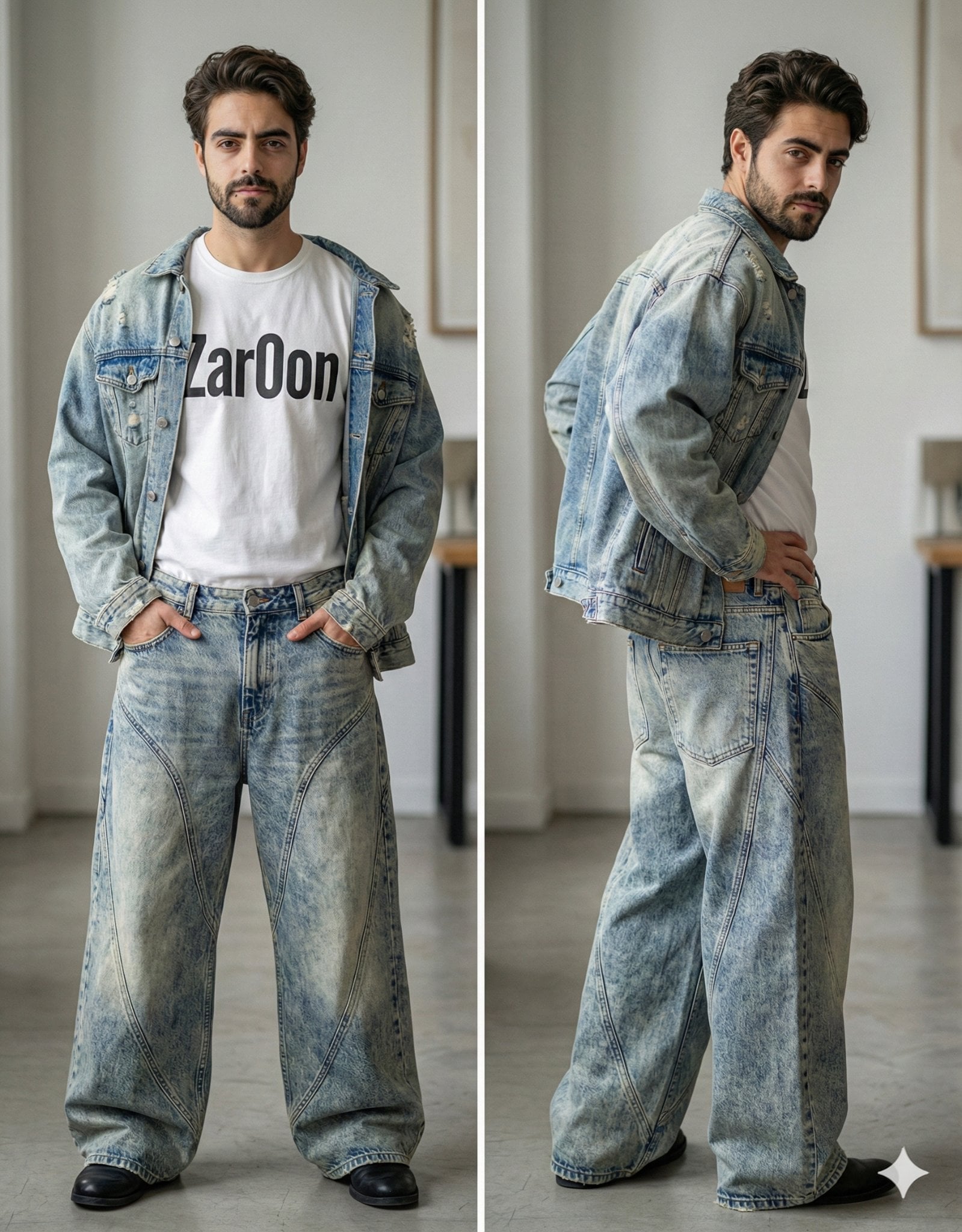
Makeup is minimal and natural, emphasizing clear skin and subtle lip
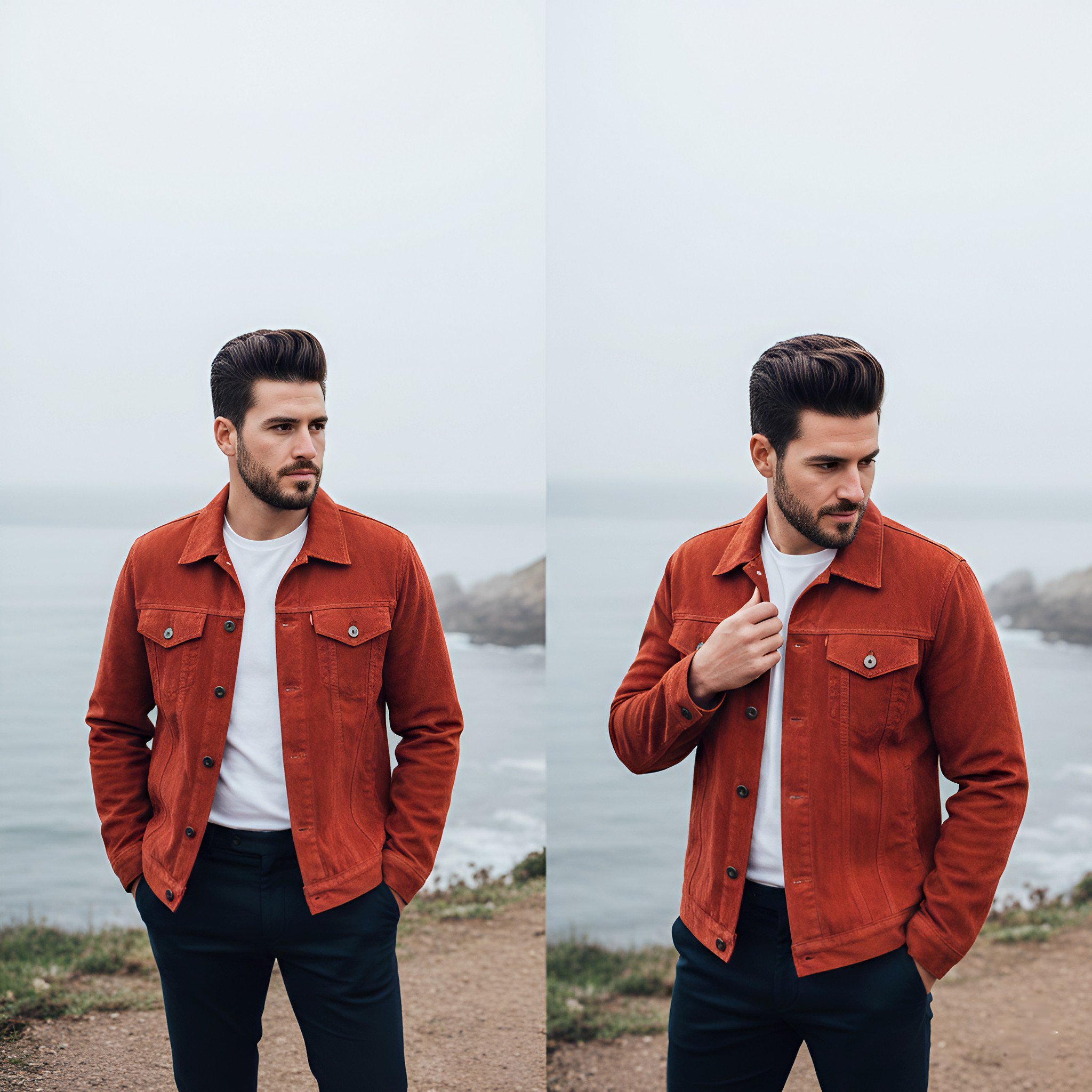
Lifestyle photography, cinematic color grading, shallow depth of field
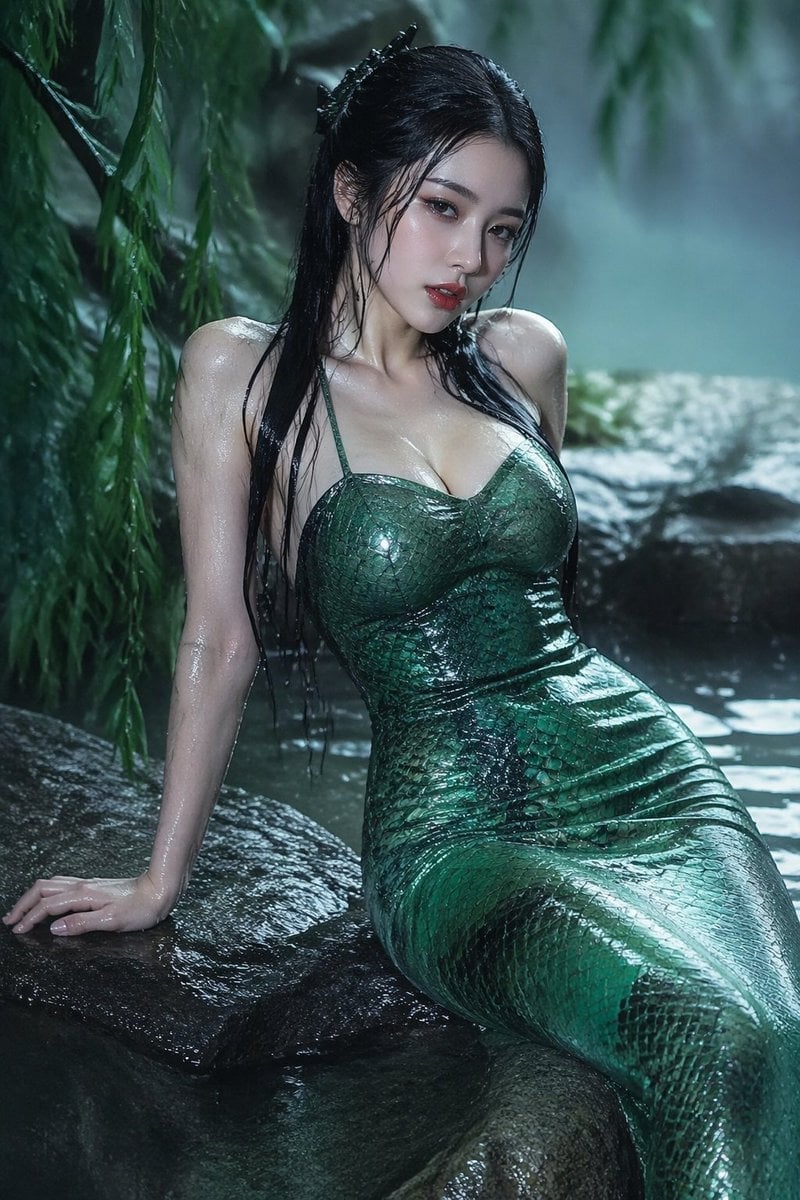
青蛇小青写真大片,绿色紧身蛇鳞裙,湿发红唇,妖娆妩媚
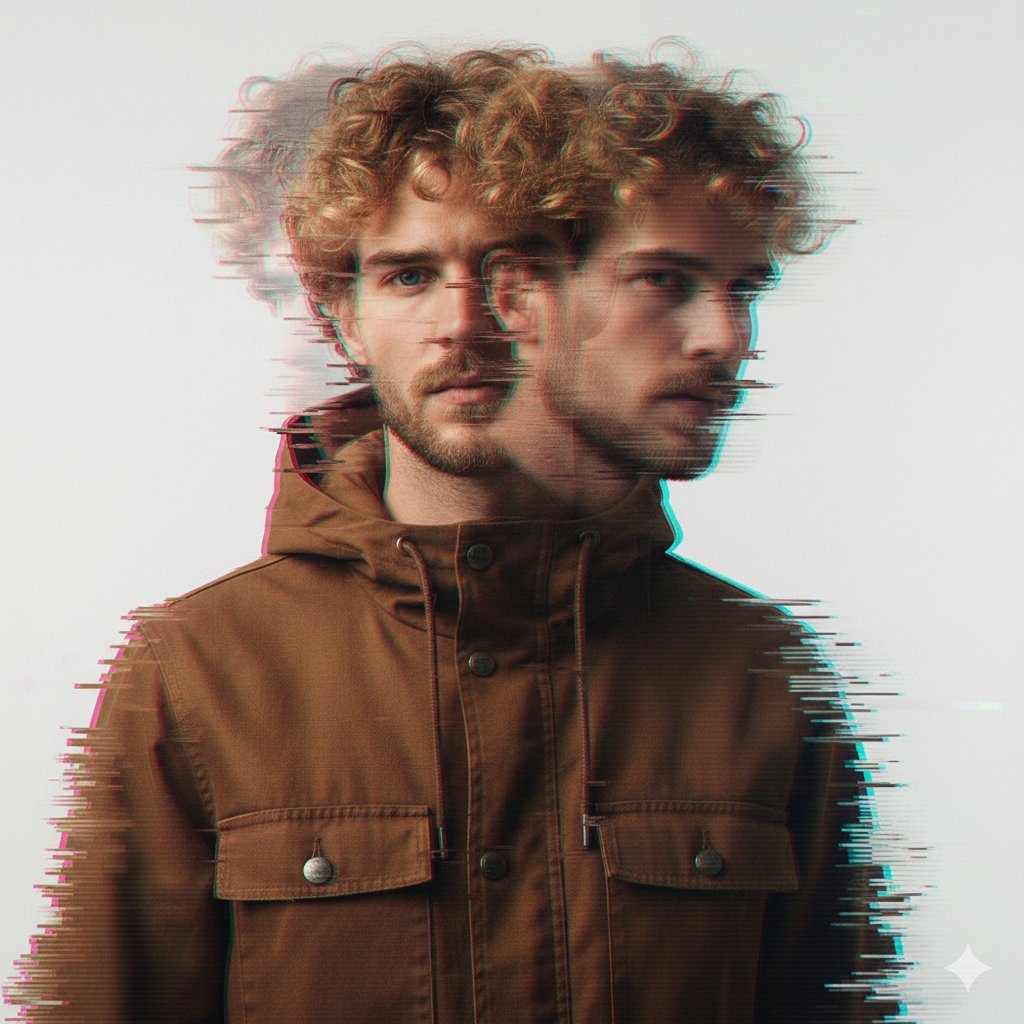
A double exposure, long exposure editorial photograph of a man Use image

Portrait of a young woman in her early 20s walking calmly on a beautiful
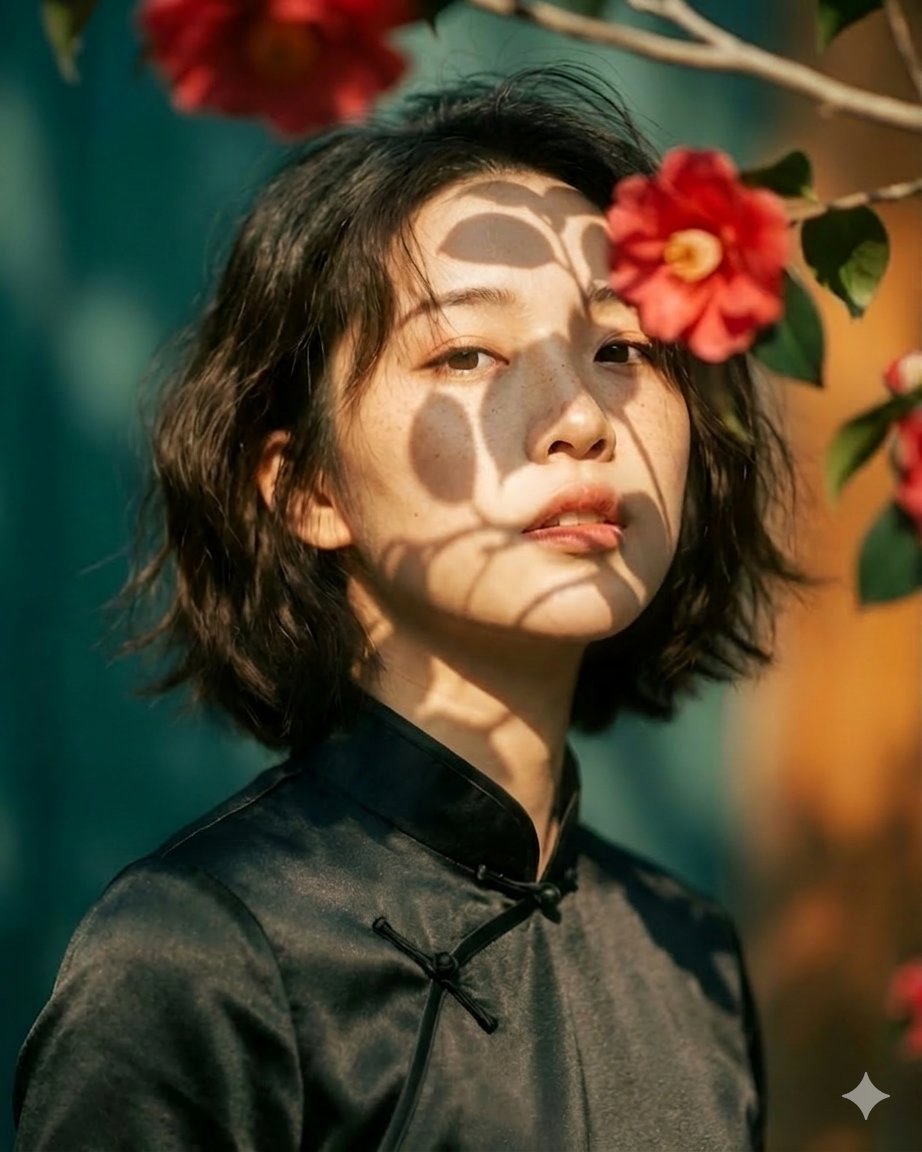
Artistic portrait of an elegant Asian woman wearing a black silk
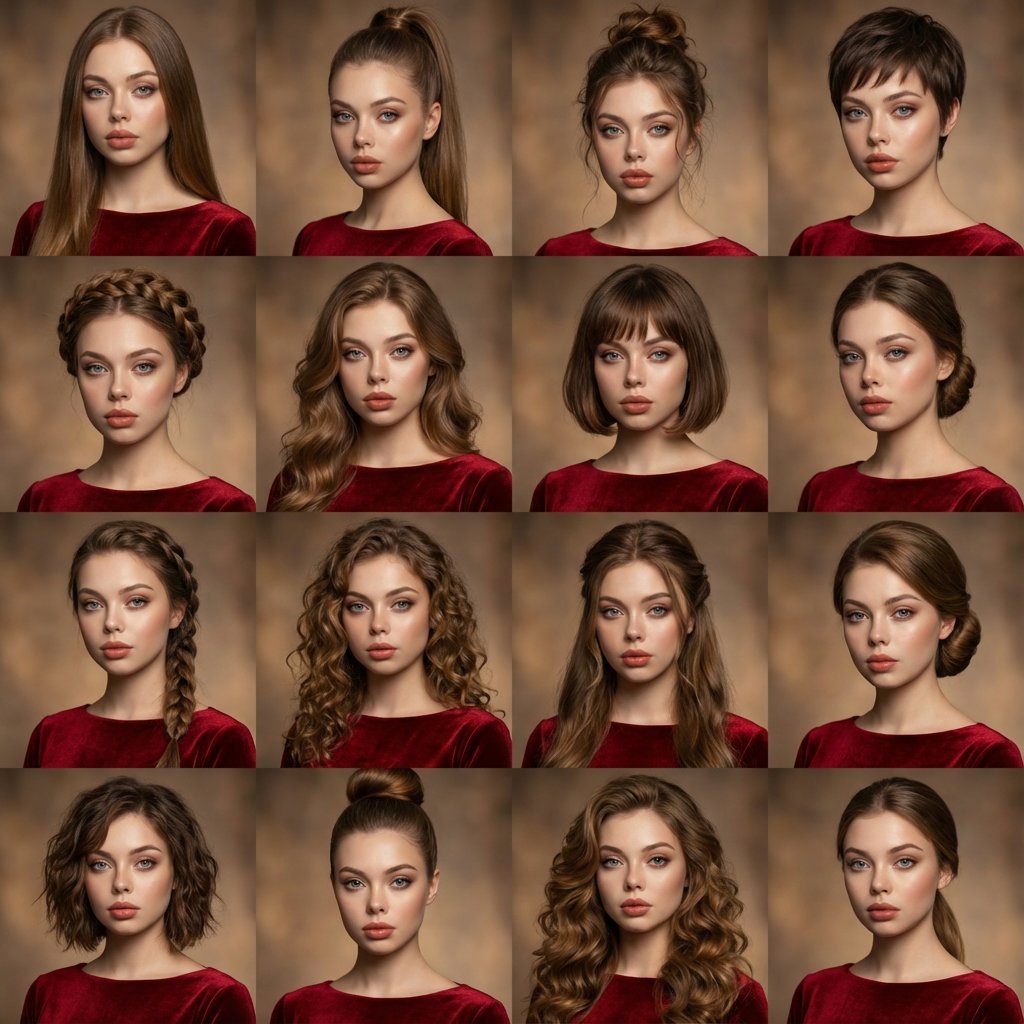
A high-quality photo collage featuring the same person with identical
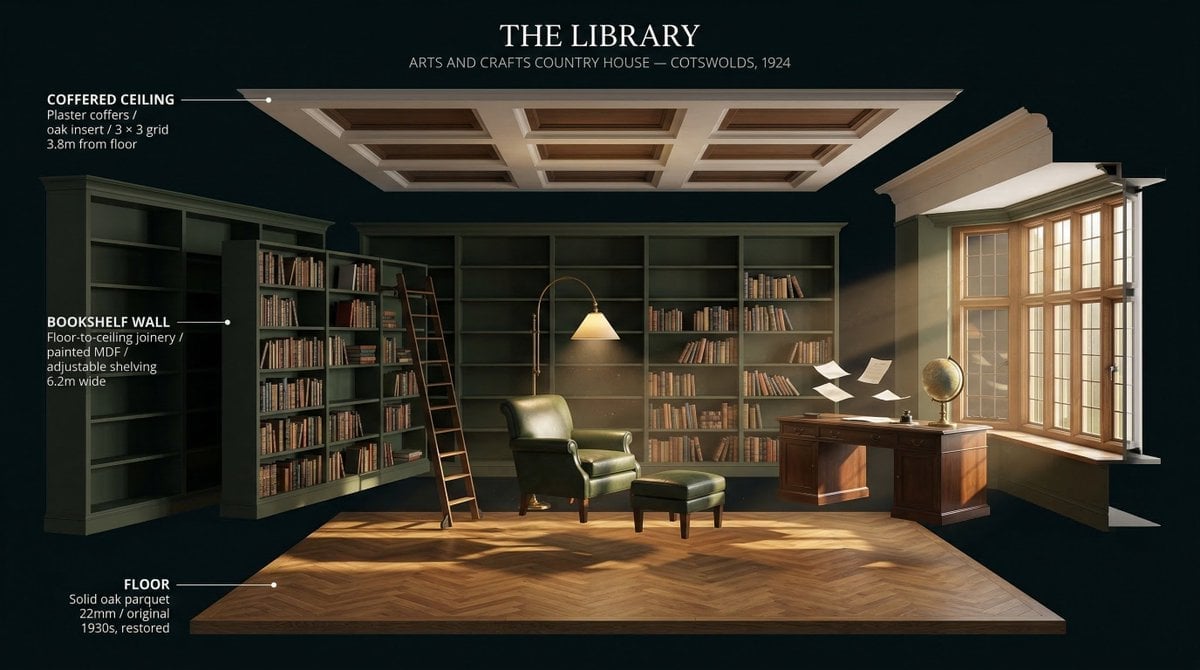
LIGHTING each element still lit by its original source, windows casting
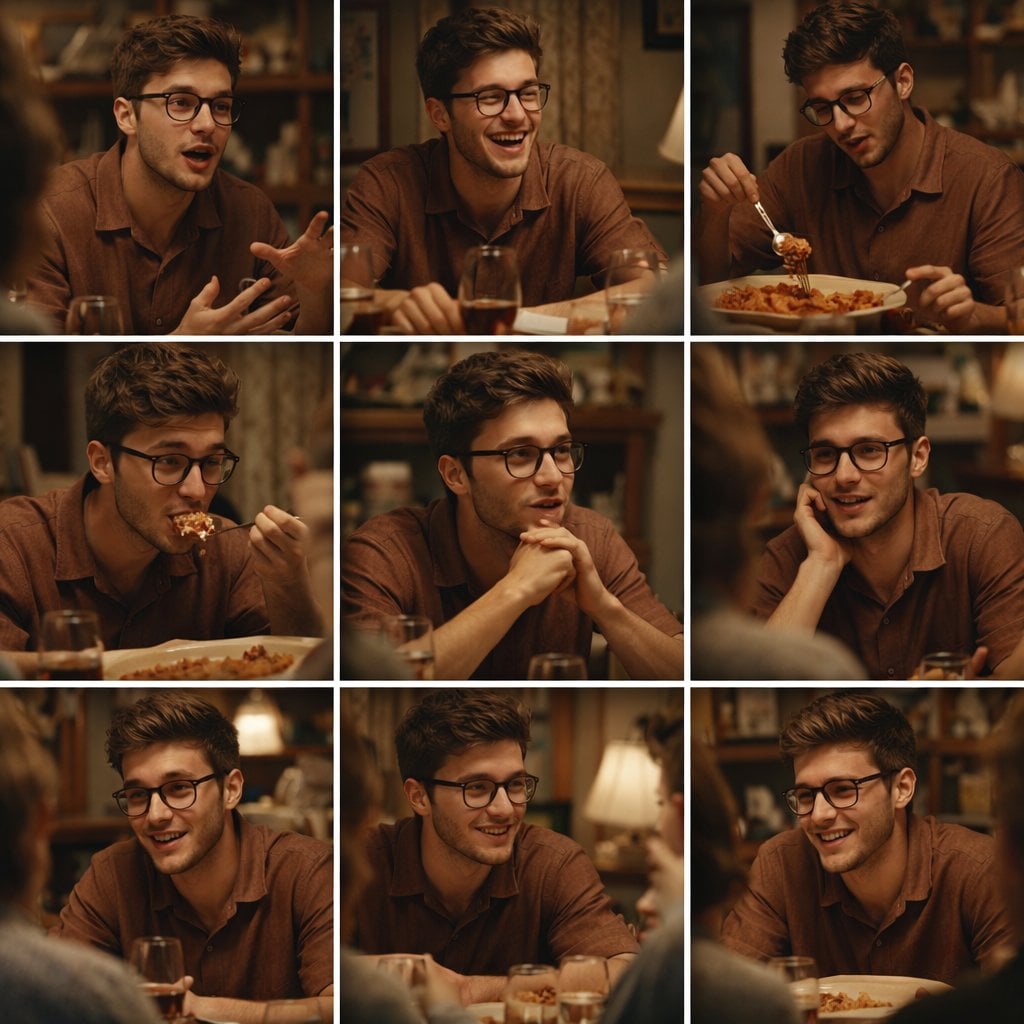
A 3x3 grid storyboard contact sheet comprised of nine candid, cinematic
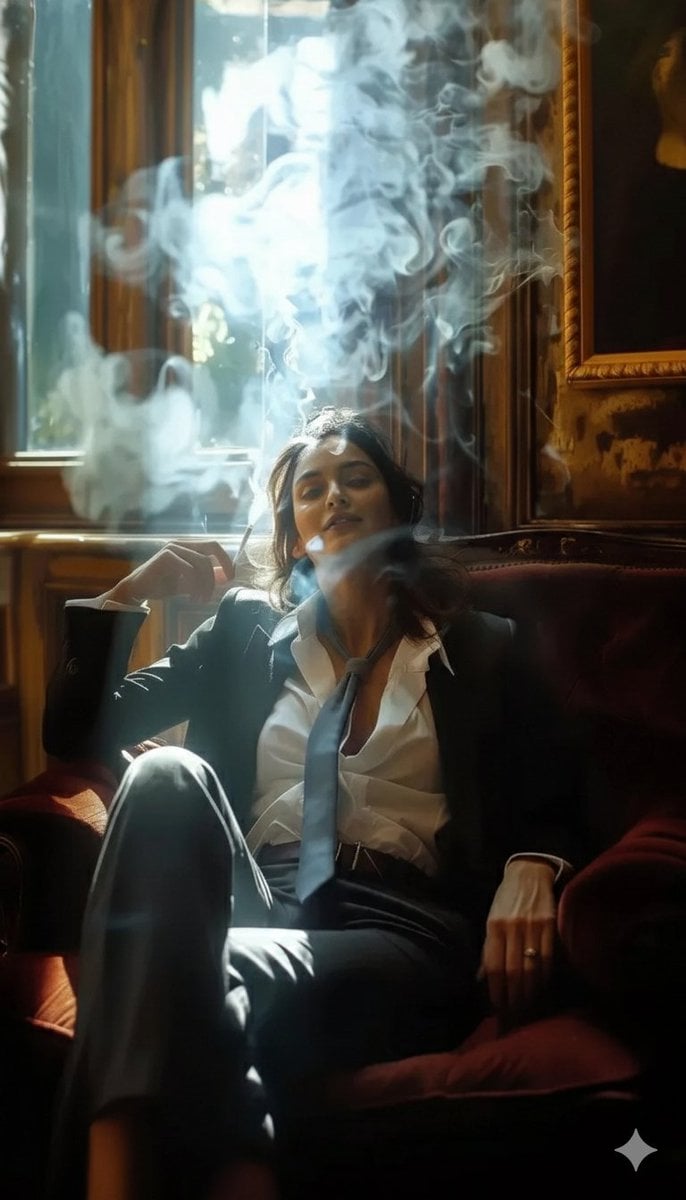
A high-definition cinematic portrait of a sophisticated woman sitting
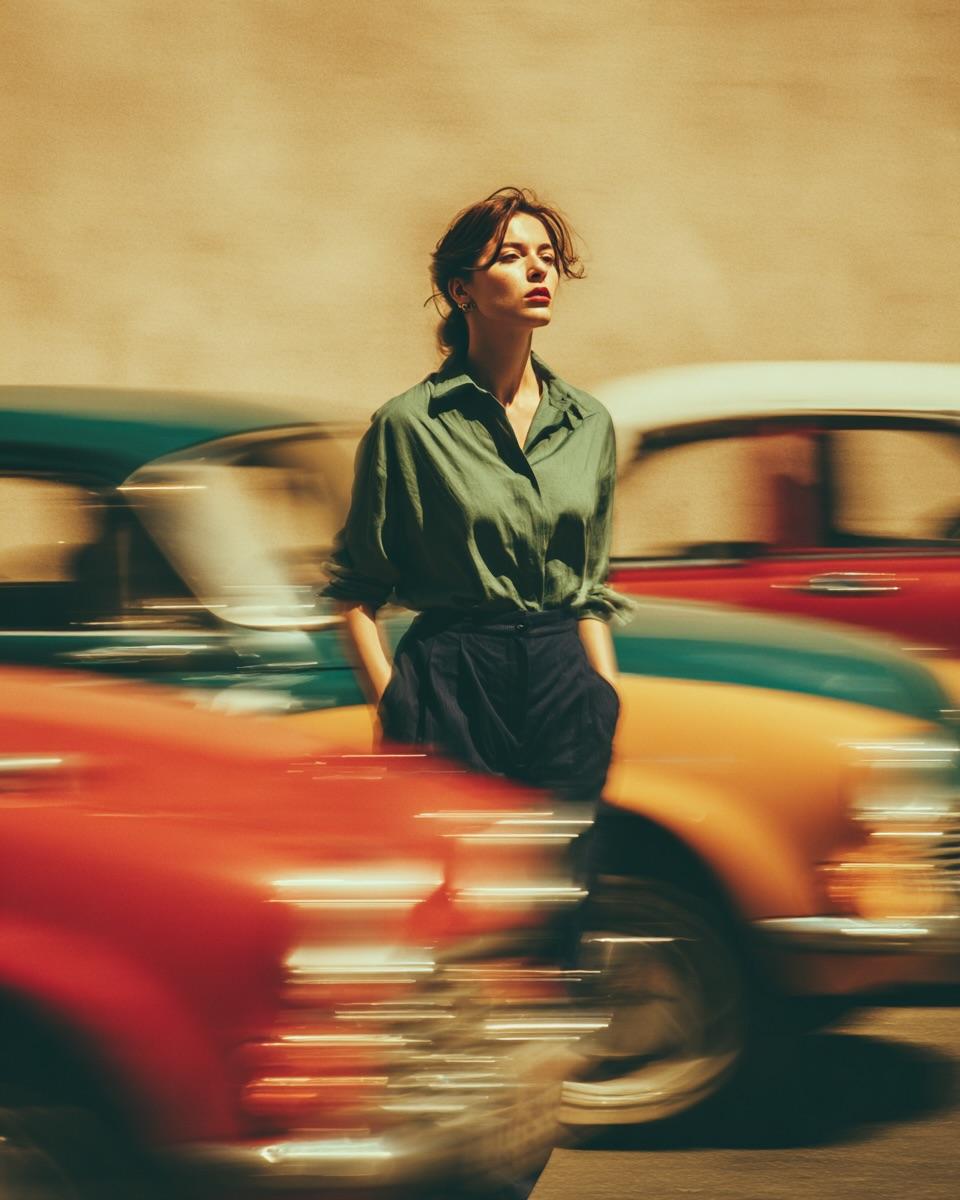
Dramatic motion blur trails, long-exposure photography effect, dynamic
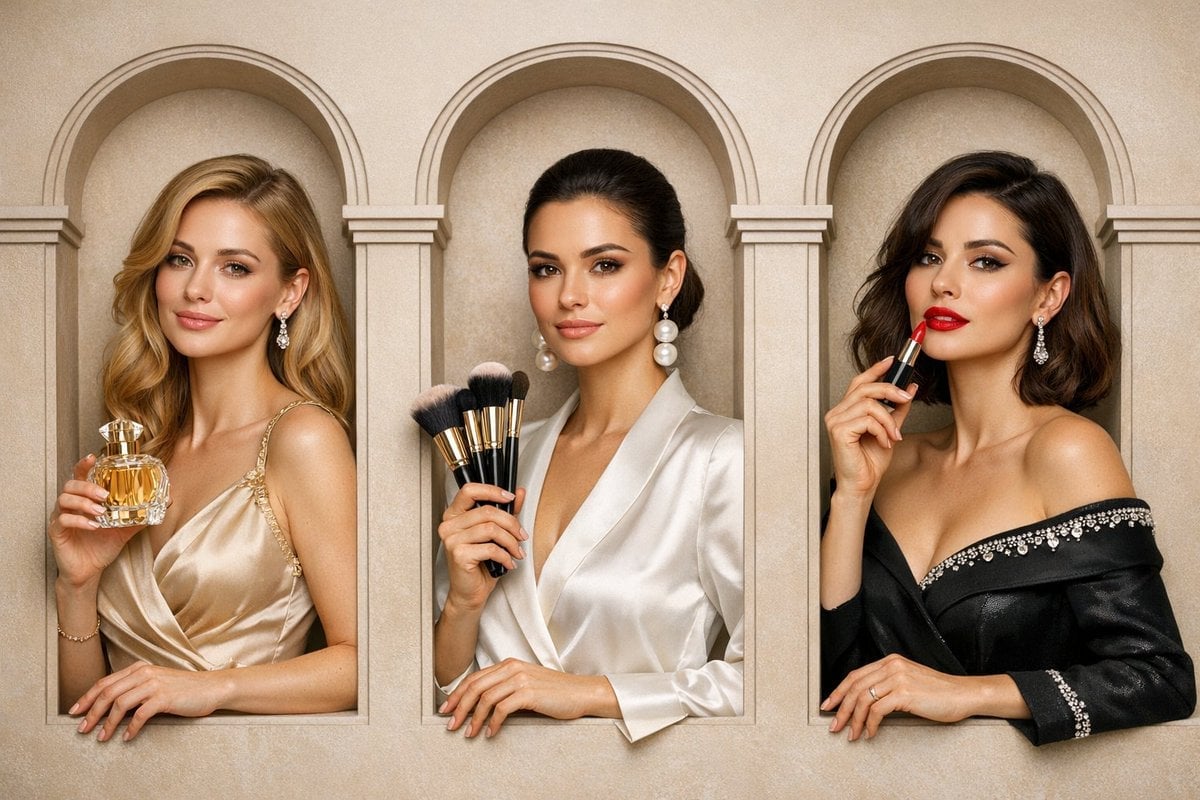
A luxury brand advertisement featuring three stylish arranged
Make it yours
Moderate depth with clear foreground subject and distant cityscape works as-is. These are the safest ways to change it without losing the look.
Swap the setting
Keep the rest of the prompt and replace the location block. The current setting is “outdoor, on a boat or waterfront deck”.
Swap the light
One lighting change is enough to compare takes. Current light: “natural daylight”.
Change one field
Copy a single group, rewrite it, and generate again so you can see what that field is doing.
| If the result… | Why | Fix |
|---|---|---|
| The result drifts from the preview | Too many fields changed at once. | Reuse Moderate depth with clear foreground subject and distant cityscape as-is first, then change one group — subject, light, or setting. |
| Nano Banana 2 ignores part of the JSON | Some models flatten or skip nested keys. | Keep the same values and paste them as a short paragraph instead. |
More Nano Banana 2 templates
Other prompts made for Nano Banana 2.

Photorealistic Leaf Shaped Like a Dragon

K-Pop Idol Portrait Grid for Rapid Selection

Poetic Rain Forest Portrait During Golden Hour

Urban Street Portrait with Cartoon Inner Self Duo

Candid Nighttime Photo with Cat Prompt

High-Concept 3D Diorama Generation Prompt

Cinematic Futuristic Studio Portrait Template

Skincare Editorial Photography Collage Prompt

Hyper-Realistic Commercial Product Photography (Splash Effect)

Hyper-Realistic Nightclub Portrait Prompt
More image prompts
Fresh picks from across the catalog.
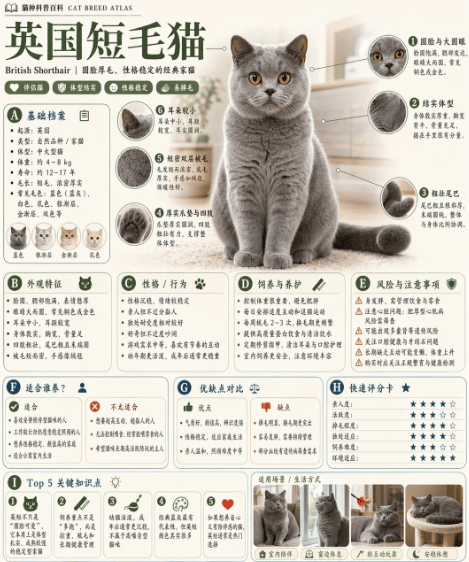
British Shorthair Encyclopedia Card
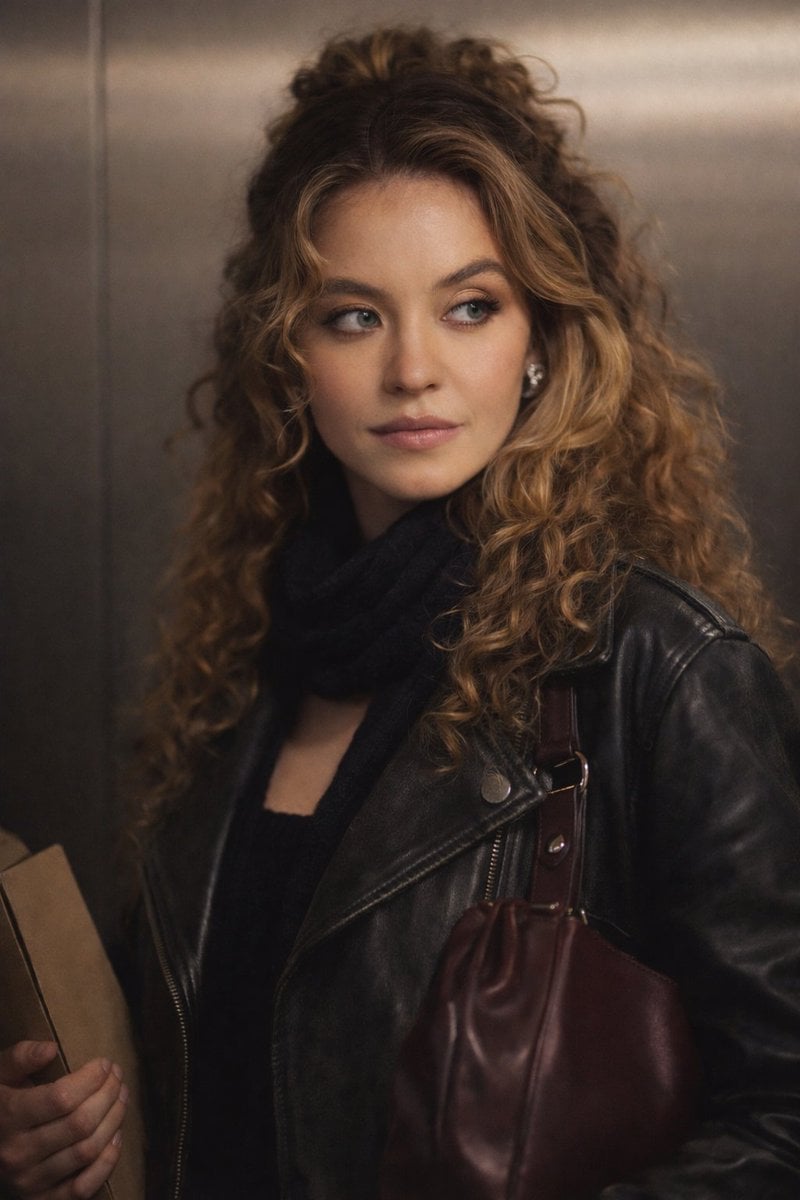
Cinematic Indoor Portrait Prompt for Gemini Nano Banana Pro
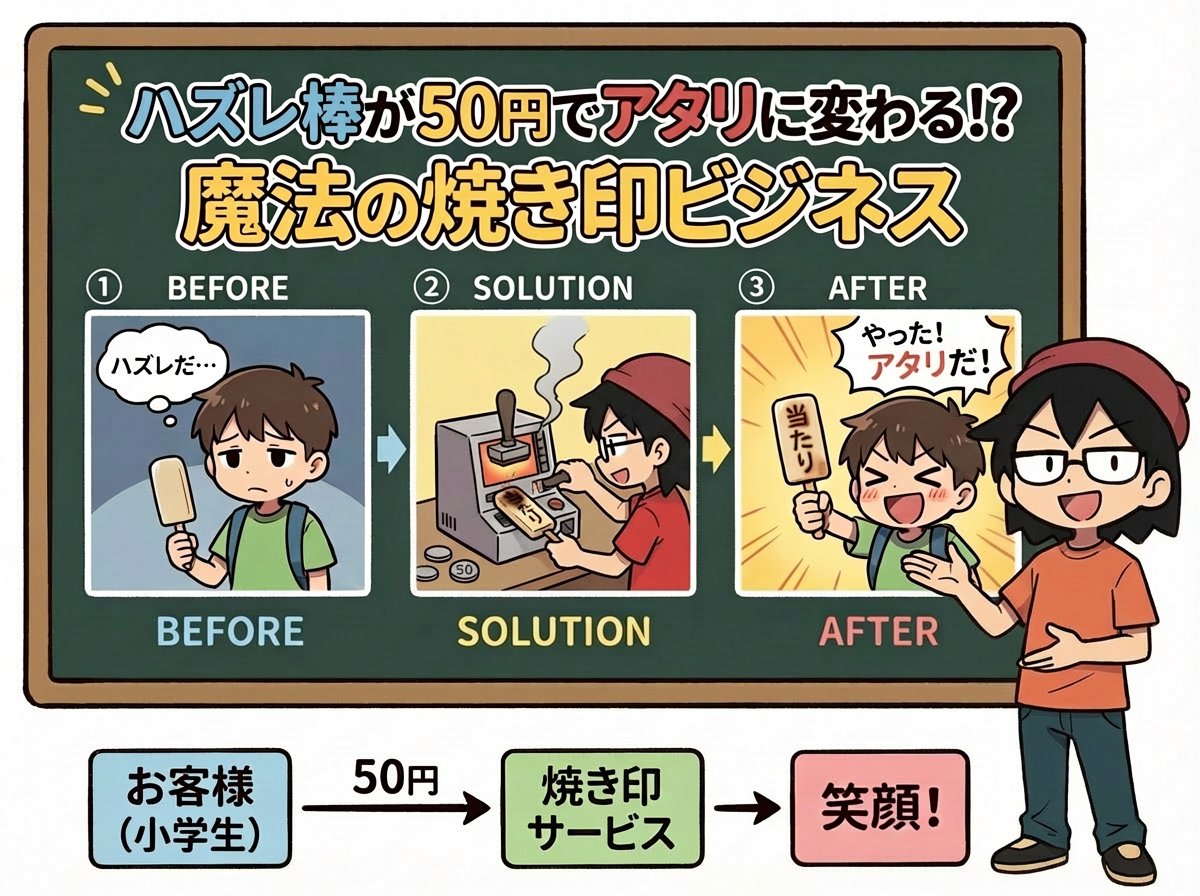
Nano Banana Pro Prompt for Fictional Business Idea
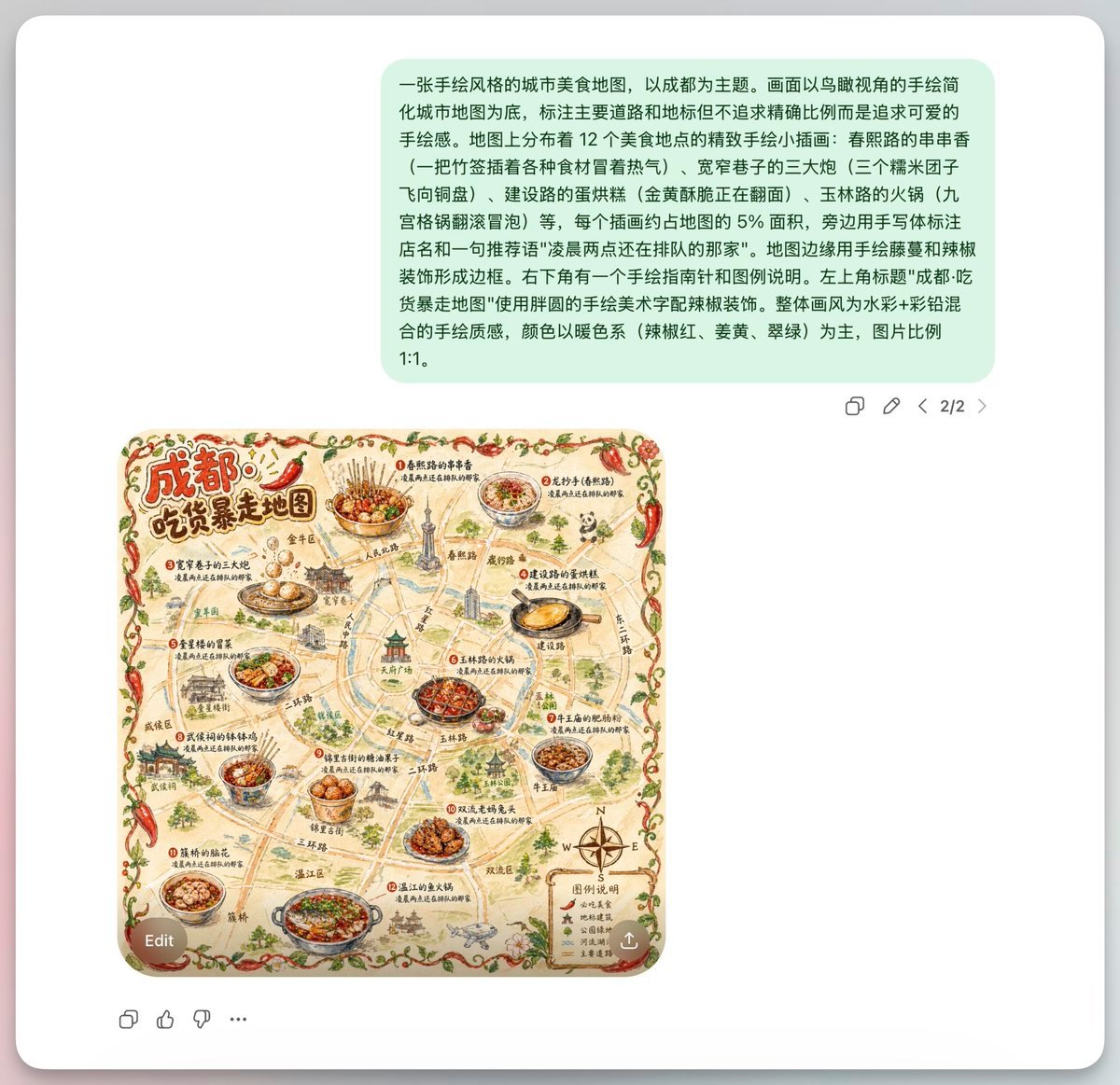
Chengdu Hand-Drawn Food Map UI

Futuristic Tech Strategy Slide
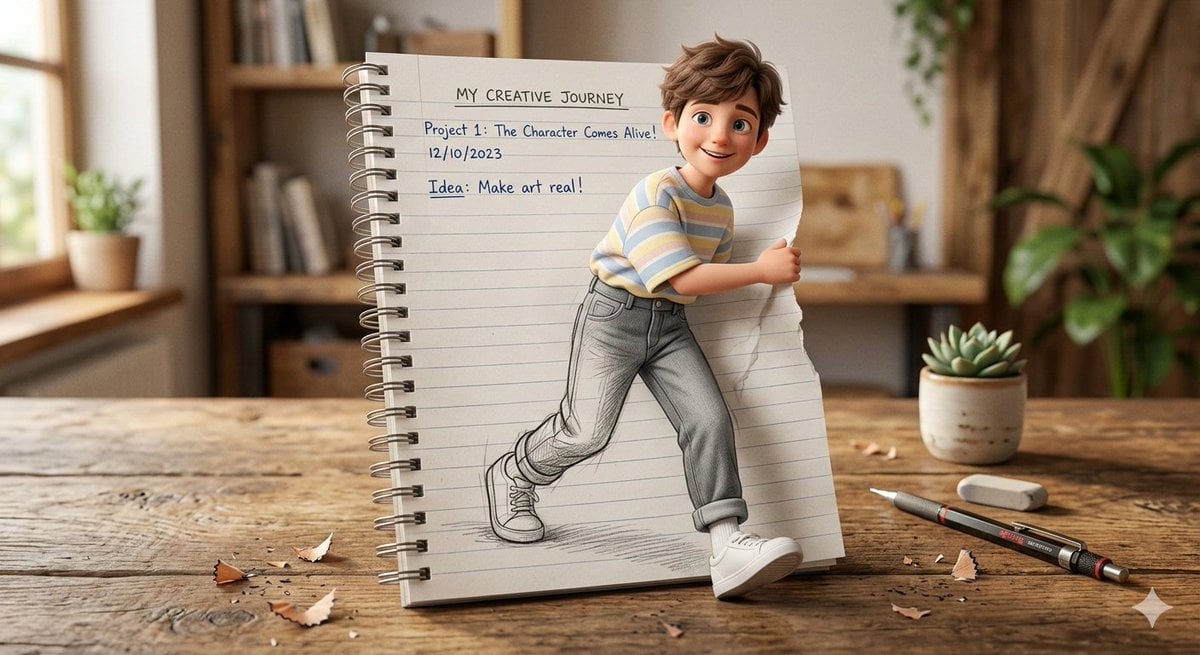
3D Pop-Out Illusion Artwork of a Boy from a Notebook
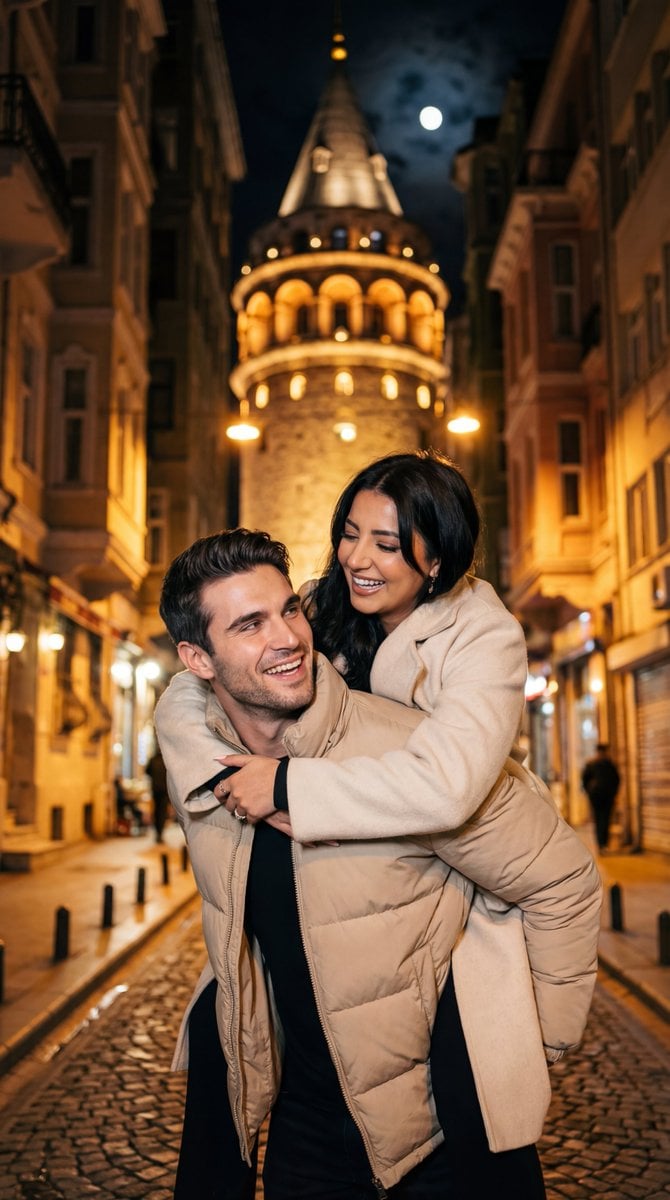
Romantic Nighttime Piggyback in front of Galata Tower
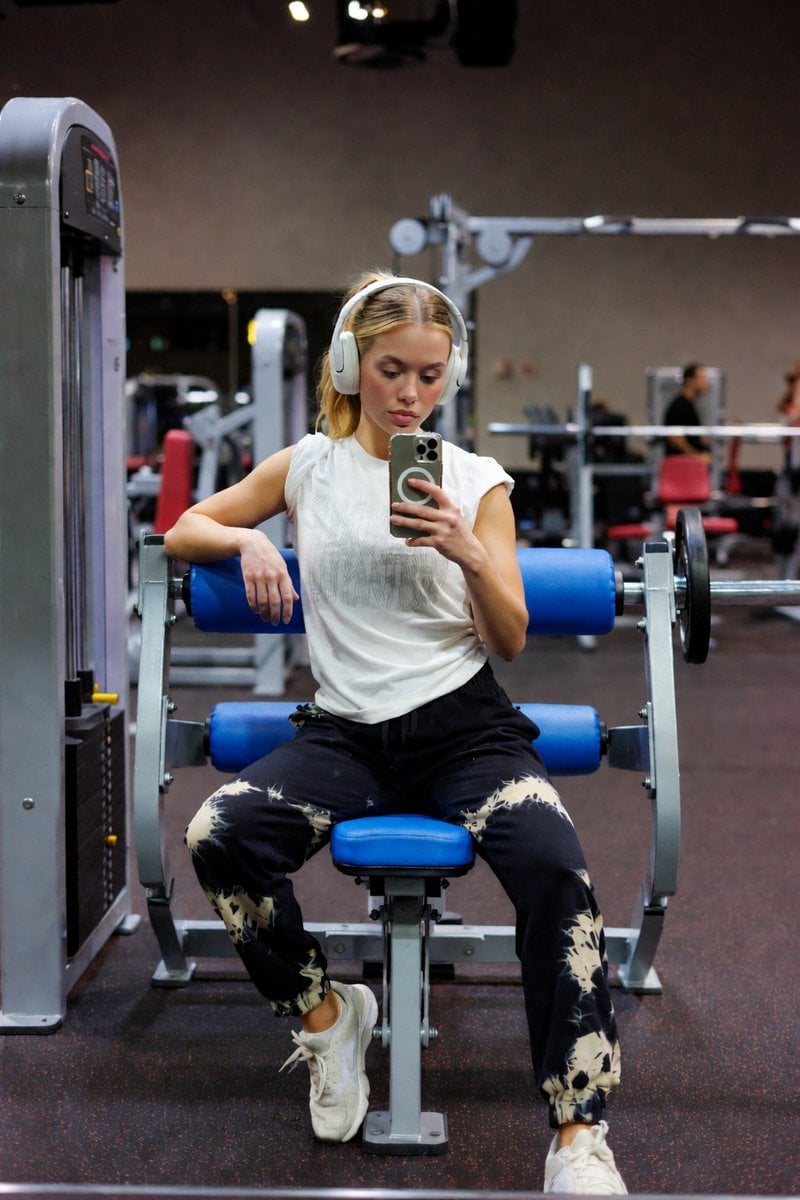
Blue Seat Gym Mirror Selfie Portrait
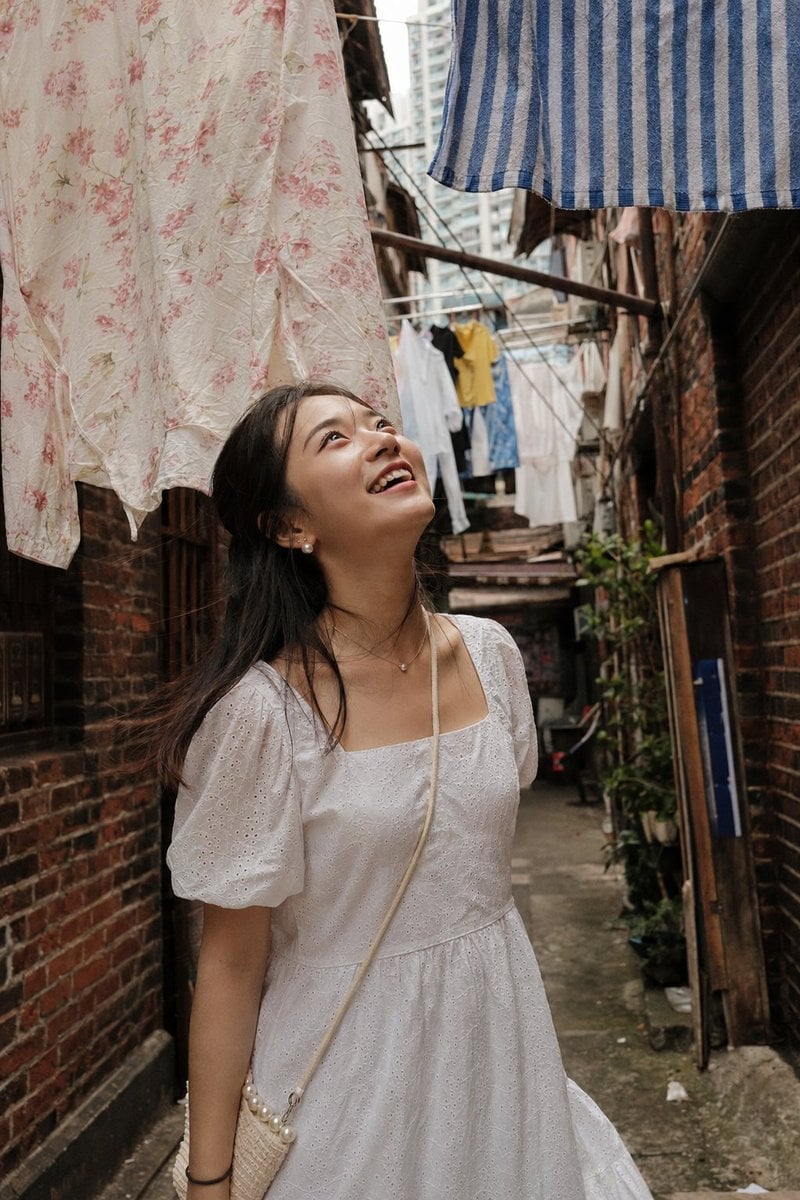
Shanghai Alley Candid Street Photography
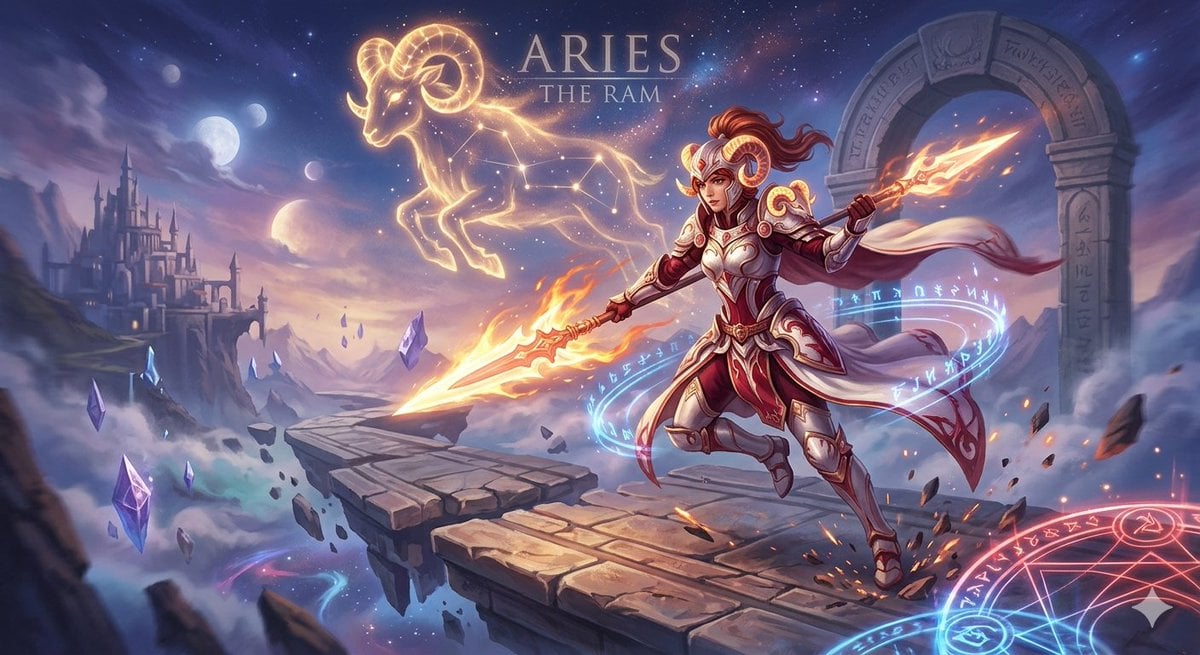
Aries and the Element of Fire
Browse template categories
Moderate depth with clear foreground subject and distant cityscape questions
How do I use the Moderate depth with clear foreground subject and distant cityscape template?
Add your photo if the template asks for one, edit the prompt if you like — the template's model and format are already selected — and press Generate. Your version opens in PicX Studio.
Can I customize the Moderate depth with clear foreground subject and distant cityscape template?
Yes. You can change the subject, setting, lighting, mood, format, and available model controls before creating your image.
Is the Moderate depth with clear foreground subject and distant cityscape template free?
Opening and editing this template is free. Generating uses credits, shown on the Generate button when you are signed in.
Which AI model should I use?
Start with Nano Banana 2, which is the model associated with this template. You can compare another compatible model for a different finish.
Looking for something else? Browse all templates.

Your photo, any look
Thousands of ready templates for every top image and video model, from one credit balance.