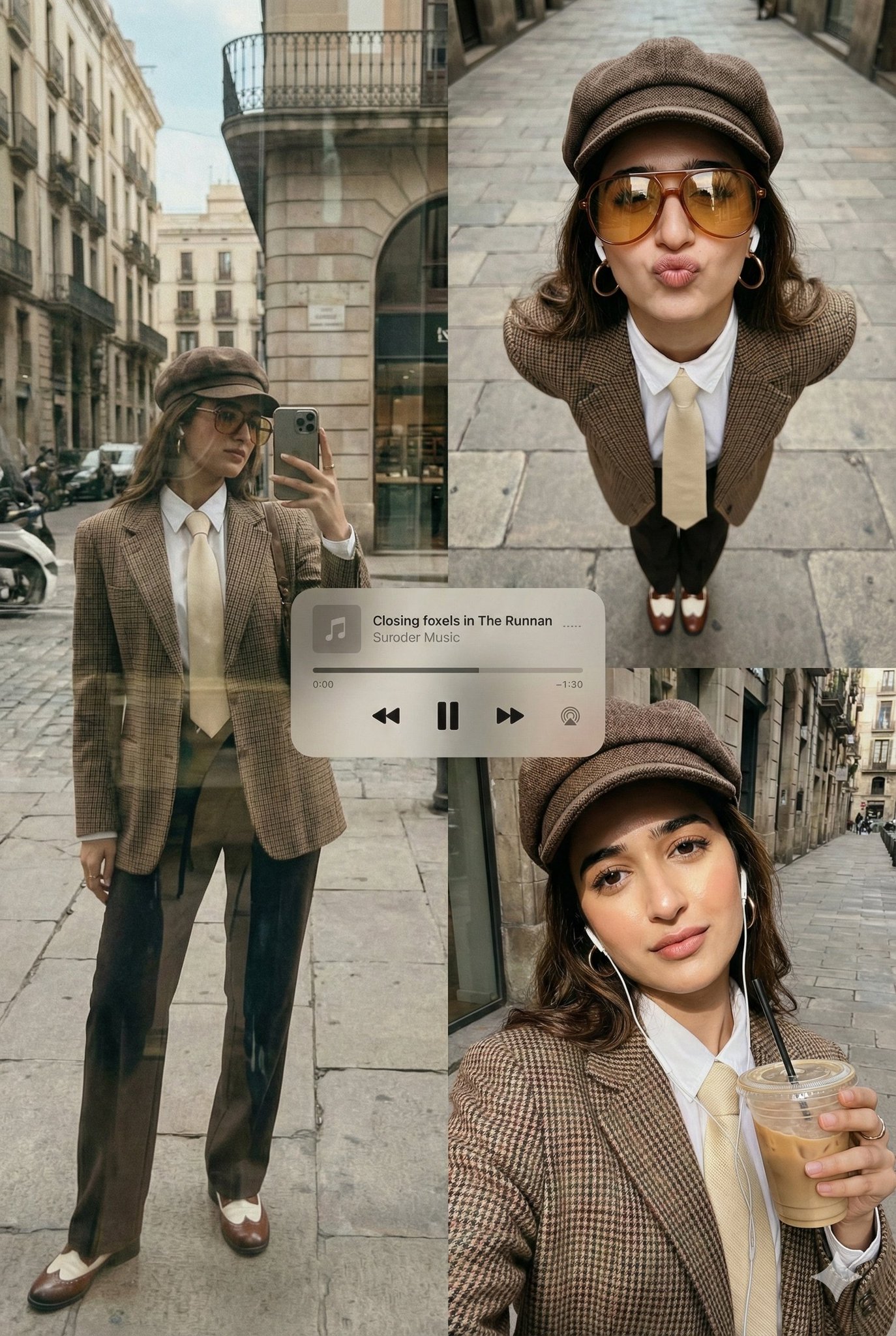
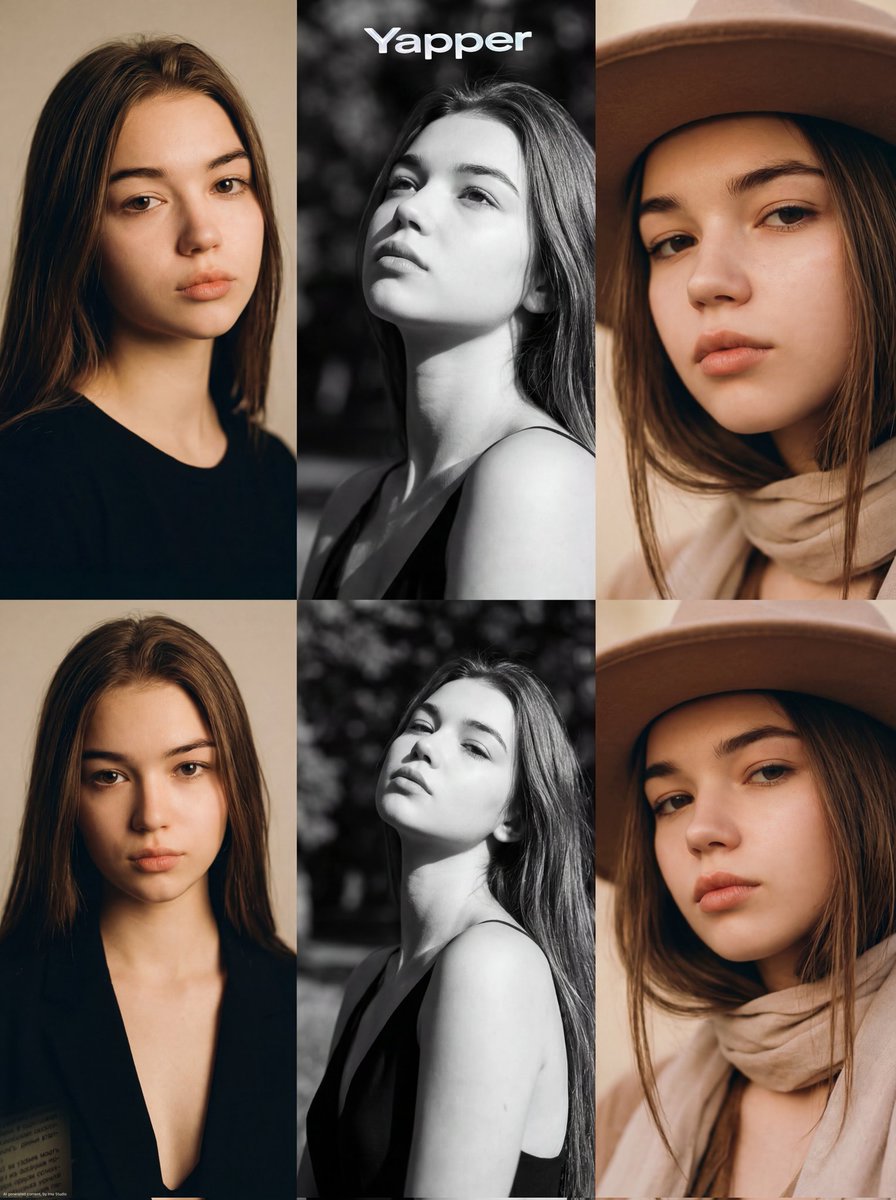
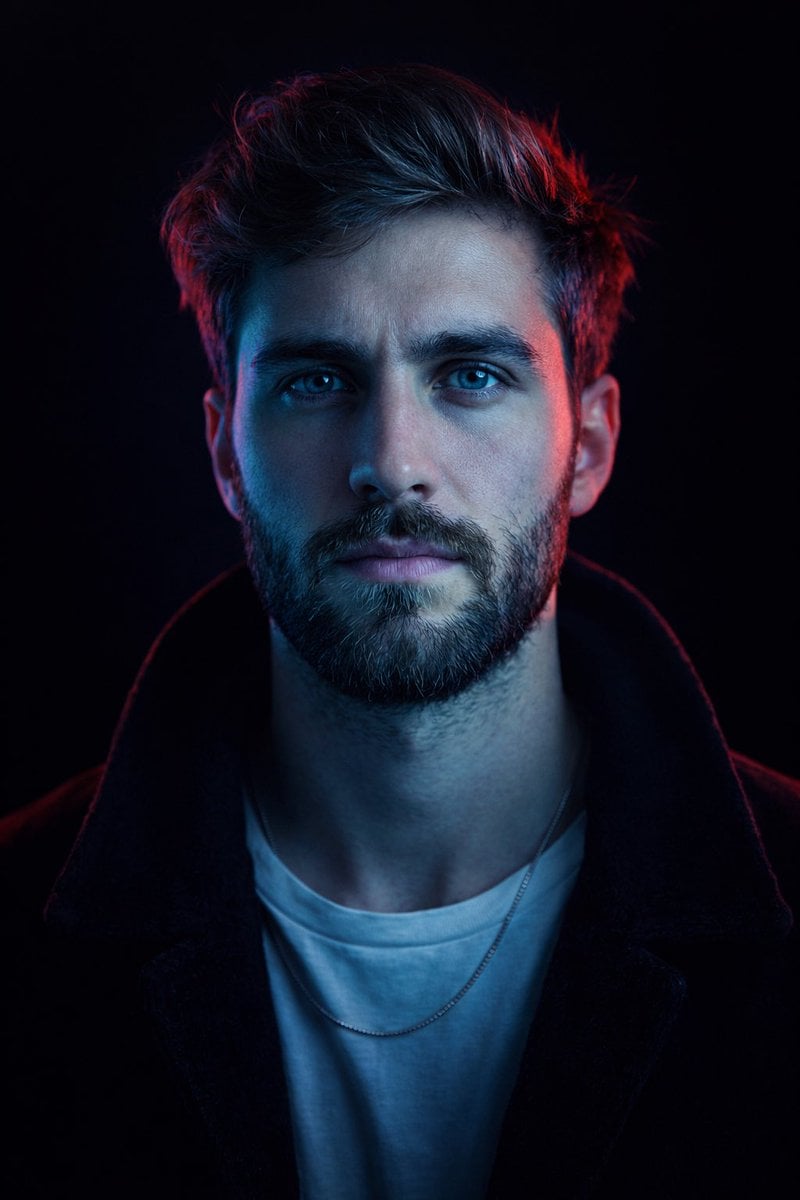
How do I use the Beach Fashion Photography template?
Edit the prompt in the box under the preview — the template's model and format are already selected — and press Generate. Your version appears right on this page.
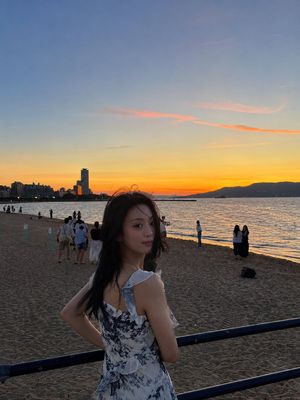
A realistic fashion portrait of a woman at the beach featuring a knitted outfit and soft coastal scenery.

A woman wearing sunglasses, a {argument name="outfit" default="beige knitted long-sleeved crop top with a wide loose fit, and a matching high-waisted midi skirt with a side slit"}, standing on a {argument name="location" default="sandy beach next to a small white and blue wooden boat"}. In the background, there are wild green reeds, distant palm trees, and a clear blue sky. Warm sunlight illuminates the woman with cinematic lighting. Ultra-realistic, 8K resolution, depth of field, professional fashion photography style.
A woman wearing sunglasses, a {argument name="outfit" default="beige knitted long-sleeved crop top with a wide loose fit, and a matching high-waisted midi skirt with a side slit"}, standing on a {argument name="location" default="sandy beach next to a small white and blue wooden boat"}. In the background, there are wild green reeds, distant palm trees, and a clear blue sky. Warm sunlight illuminates the woman with cinematic lighting. Ultra-realistic, 8K resolution, depth of field, professional fashion photography style.
Edit the prompt in the box under the preview — the template's model and format are already selected — and press Generate. Your version appears right on this page.
Yes. You can change the subject, setting, lighting, mood, format, and available model controls before creating your image.
Opening and editing this template is free. Generating uses credits, shown on the Generate button when you are signed in.
Start with GPT Image 2, which is the model associated with this template. You can compare another compatible model for a different finish.
Follow a topic to a crawlable collection of related PicX Studio templates.