How do I use the High-Fashion Editorial Portrait (Identity Lock) template?
Choose the primary action to open PicX Studio with the available template settings. Review the model and format, personalize the creative direction, and generate when ready.
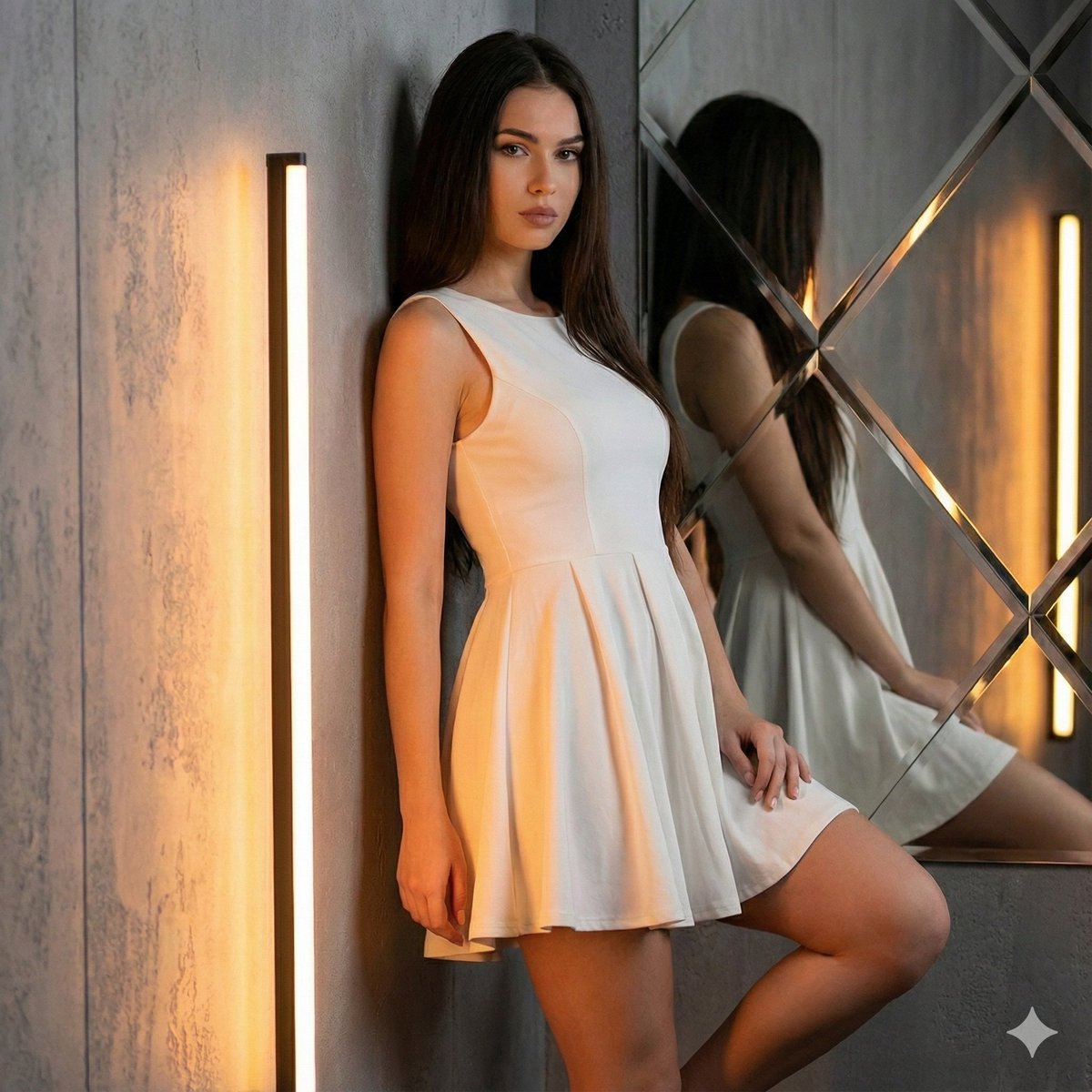
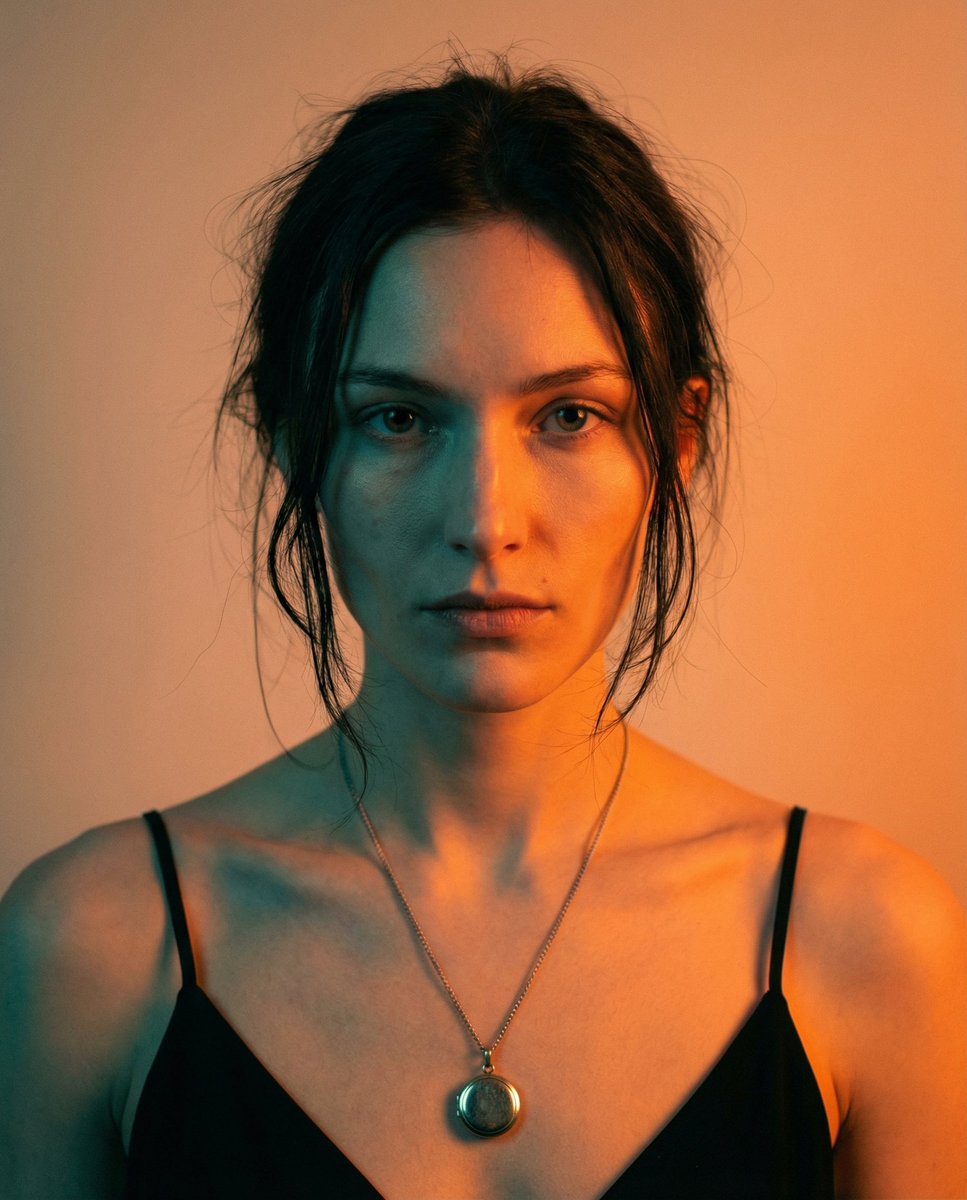
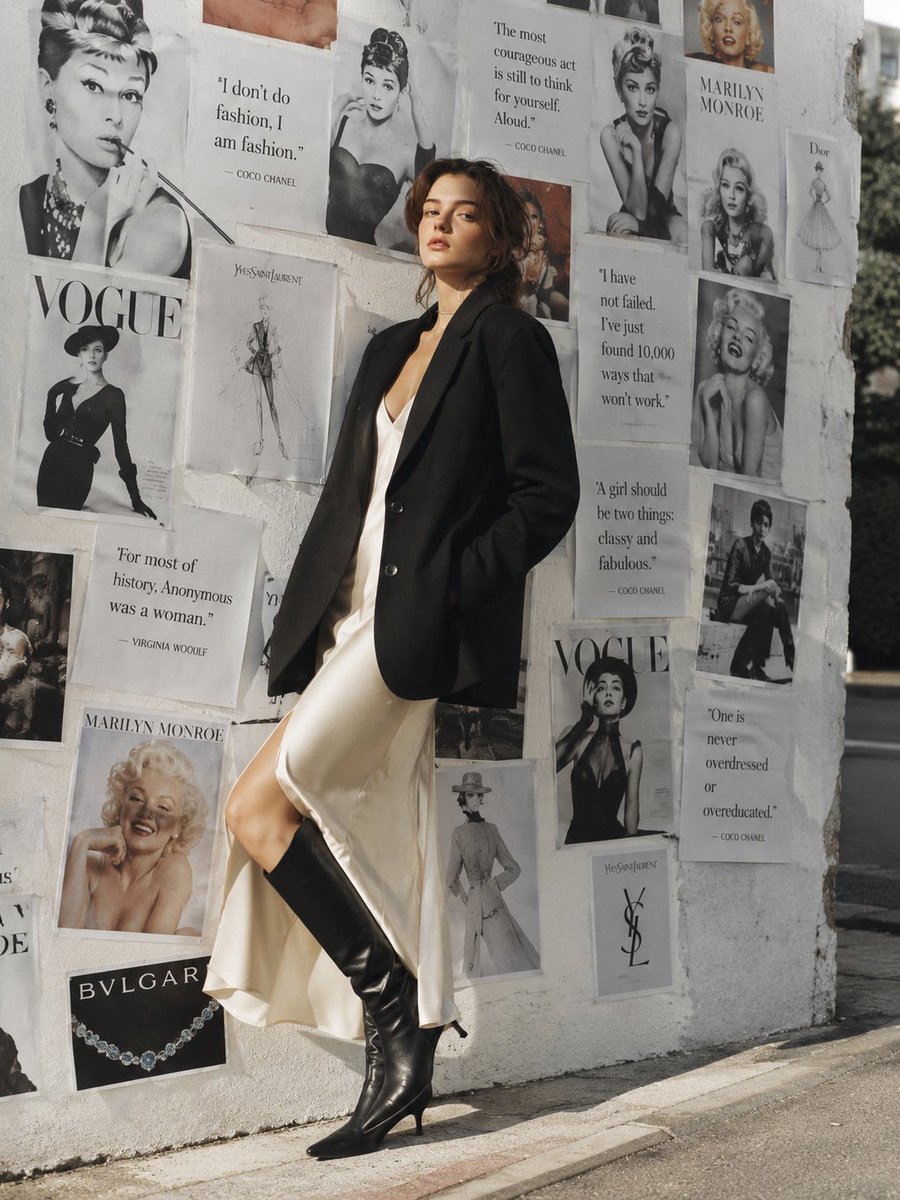
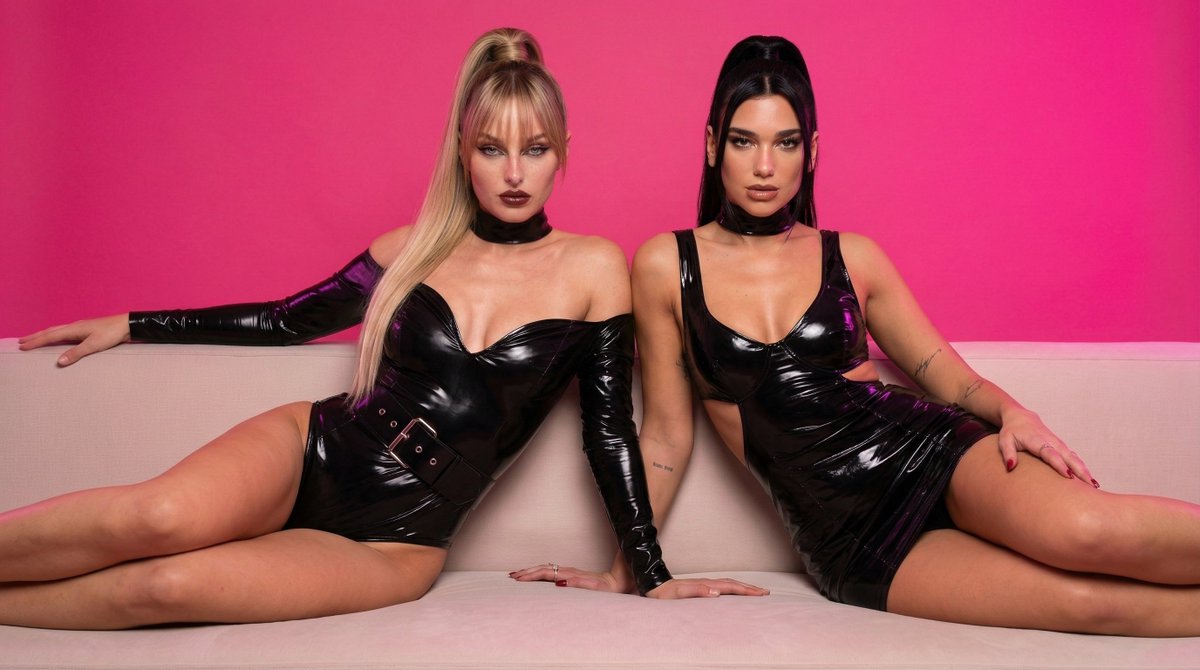
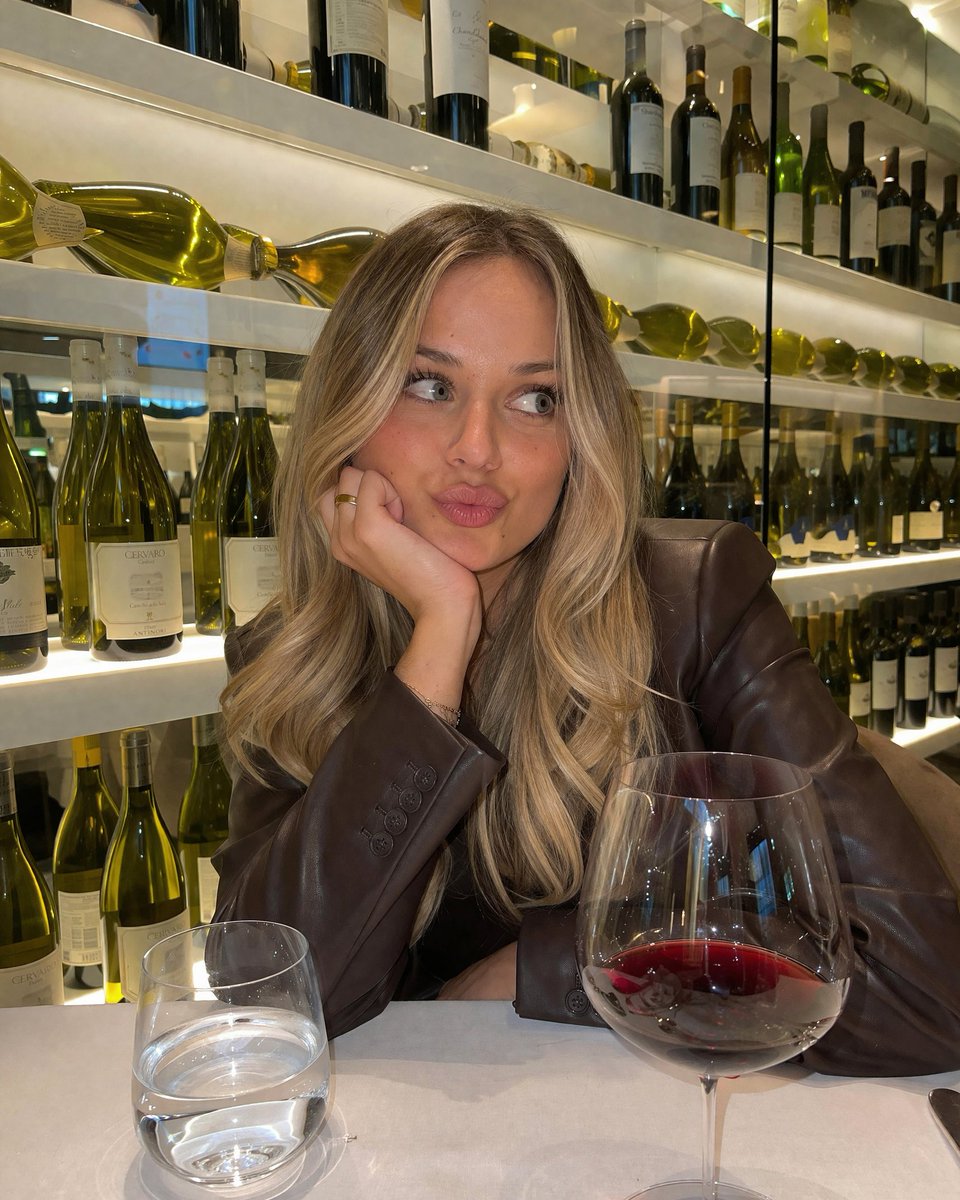
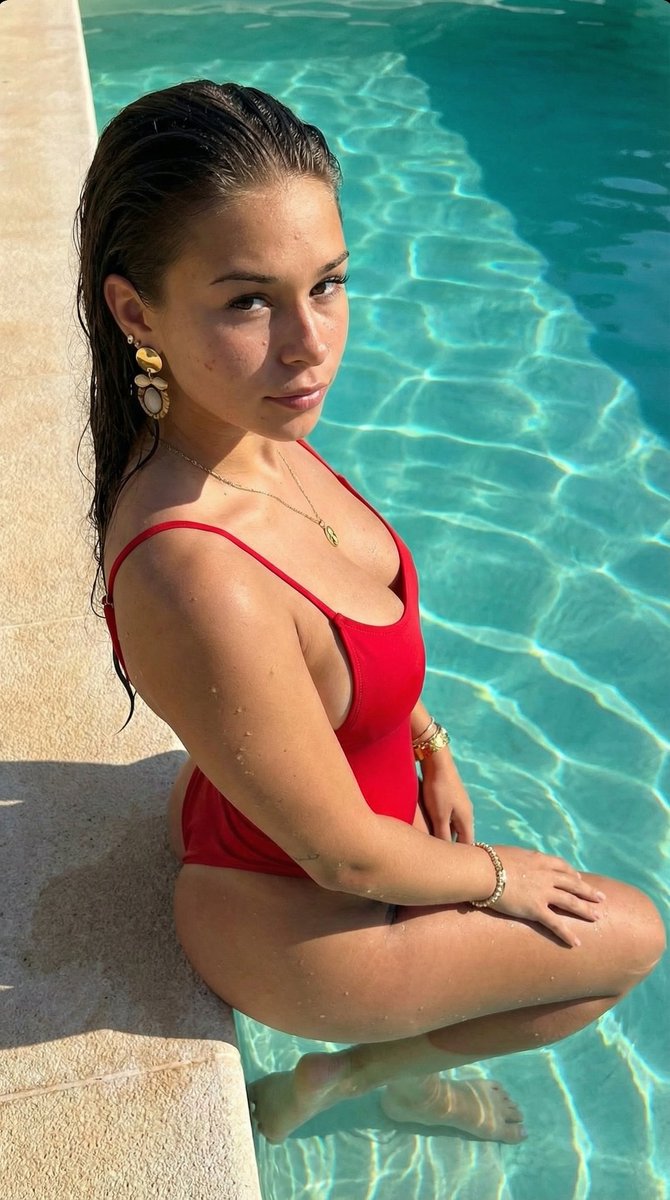
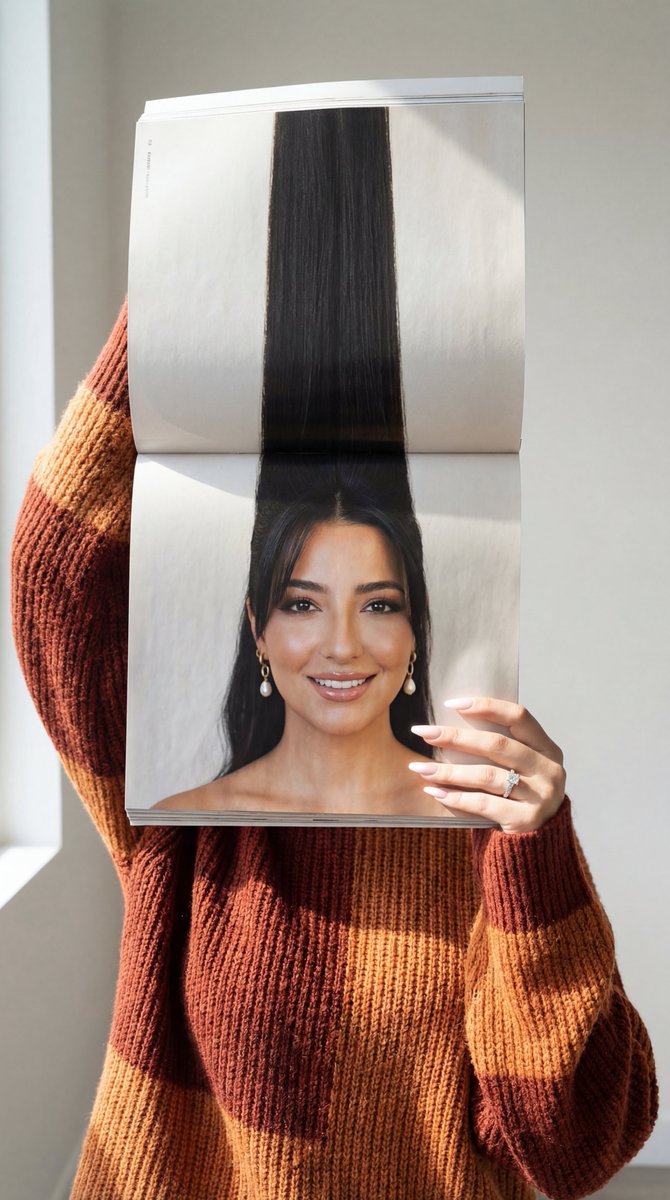
A highly specific prompt for generating a high-fashion editorial portrait, requiring strict identity locking to maintain 100% exact facial features from a reference image, focusing on dramatic cinematic lighting and luxury magazine aesthetics. Change the subject, setting, or lighting one variable at a time.

{ "image_request": { "style": { "genre": "High-fashion editorial portrait", "vibe": "Luxury magazine aesthetic", "mood": "Elegant, bold, confident", "aspect_ratio": "4:4" }, "lighting": { "type": "Dramatic cinematic lighting", "tone": "Warm highlights with soft shadows", "environment": "Studio", "background": "Dark gray, smooth, minimal" }, "subject": { "identity_lock": "Use the provided reference image", "face_constraints": "Maintain 100% exact facial features, proportions, asymmetry, and realism", "gender": "Woman", "expression": "Sensual, confident, calm", "gaze": "Soft and alluring, partially obscured by hair" }, "hair": { "length": "Long", "style": "Loose, cascading over the shoulders", "detail": "Some strands falling over the face for mystery" }, "makeup": { "style": "Subtle yet striking editorial makeup", "lips": "{argument name="lipstick color" default="Intense red"} lipstick", "skin": "Natural, realistic texture", "overall_finish": "High-fashion, refined" }, "wardrobe": { "outfit": "Draped garment", "color": "Muted gray-green", "design": "Off-shoulder, exposing shoulders and collarbones" }, "accessories": { "jewelry": [ "Gold necklace", "Layered gold chains" ] }, "pose": { "body_language": "Confident, elegant, bold", "posture": "Relaxed yet powerful editorial stance" }, "camera": { "quality": "Ultra-realistic, ultra-detailed", "style": "High-end fashion photography", "focus": "Sharp facial detail with natural depth" }, "final_notes": { "realism": "Photorealistic skin, hair, and fabric textures", "editing": "No face alteration, no over-smoothing, no stylization", "overall_feel": "Luxury birthday editorial photoshoot" } } }
Choose the primary action to open PicX Studio with the available template settings. Review the model and format, personalize the creative direction, and generate when ready.
Yes. You can change the subject, setting, lighting, mood, format, and available model controls before creating your image.
This template is free to open and customize. Generation usage is shown in PicX Studio before you create.
Start with Nano Banana 2, which is the model associated with this template. You can compare another compatible model for a different finish.
Follow a topic to a crawlable collection of related PicX Studio templates.
43,474 public templates available. Verified via the PicX Studio public templates API; refreshed hourly.














![Naive doodle-style subject illustration — A doodle-style {argument name="subject" default="[subject]"}, naive lines, humorous shape exaggeration](https://pbs.twimg.com/media/G6Wl2YxbsAARB2b.jpg)











![Fluid Chrome Distortion Product Render — {argument name="product type" default="[PRODUCT]"} · A [product_type] floating against a pure black void background (#0](https://pbs.twimg.com/media/HAuXaHaXoAApqk-.jpg)