How do I use the Old Hollywood Glamour at an Opera House Balcony template?
Choose the primary action to open PicX Studio with the available template settings. Review the model and format, personalize the creative direction, and generate when ready.
A structured prompt for generating an image of a woman in a shimmering gold sequin gown, seen from behind, standing on a balcony railing in a grand European opera house (like Opéra Garnier). Change the subject, setting, or lighting one variable at a time.

{ "prompt_structure": { "subject": { "description": "A young woman seen from behind, glancing slightly to the left profile", "hair": "Voluminous blonde wavy hair styled in a classic glamorous look", "pose": "Standing at a balcony railing, back facing the camera, arms relaxed" }, "attire": { "dress": "Shimmering {argument name="dress color" default="gold"} sequin floor-length evening gown with spaghetti straps and a low open back", "accessories": "A plush white faux fur stole draped loosely around the elbows and lower back", "style": "Old Hollywood glamour, high fashion, elegant" }, "environment": { "location": "Grand European opera house or palace interior, resembling the Opéra Garnier", "architecture": "Beaux-Arts style, ornate marble columns, majestic archways, multiple levels with balconies", "details": "Intricate stone carvings, gold leaf accents, grand staircase visible in the background, limestone textures" }, "lighting_and_atmosphere": { "quality": "Warm ambient indoor lighting, soft golden glow", "sources": "Multiple antique chandeliers and wall sconces emitting warm light", "mood": "Opulent, cinematic, romantic, wealthy, dreamy" }, "technical_specifications": { "resolution": "Ultra-high resolution, 8K image", "detail_level": "Highly detailed, realistic", "file_format": "PNG format", "camera_angle": "Medium shot from behind, slight depth of field blurring the background architecture" } } }
Choose the primary action to open PicX Studio with the available template settings. Review the model and format, personalize the creative direction, and generate when ready.
Yes. You can change the subject, setting, lighting, mood, format, and available model controls before creating your image.
This template is free to open and customize. Generation usage is shown in PicX Studio before you create.
Start with Nano Banana 2, which is the model associated with this template. You can compare another compatible model for a different finish.
Follow a topic to a crawlable collection of related PicX Studio templates.
43,474 public templates available. Verified via the PicX Studio public templates API; refreshed hourly.


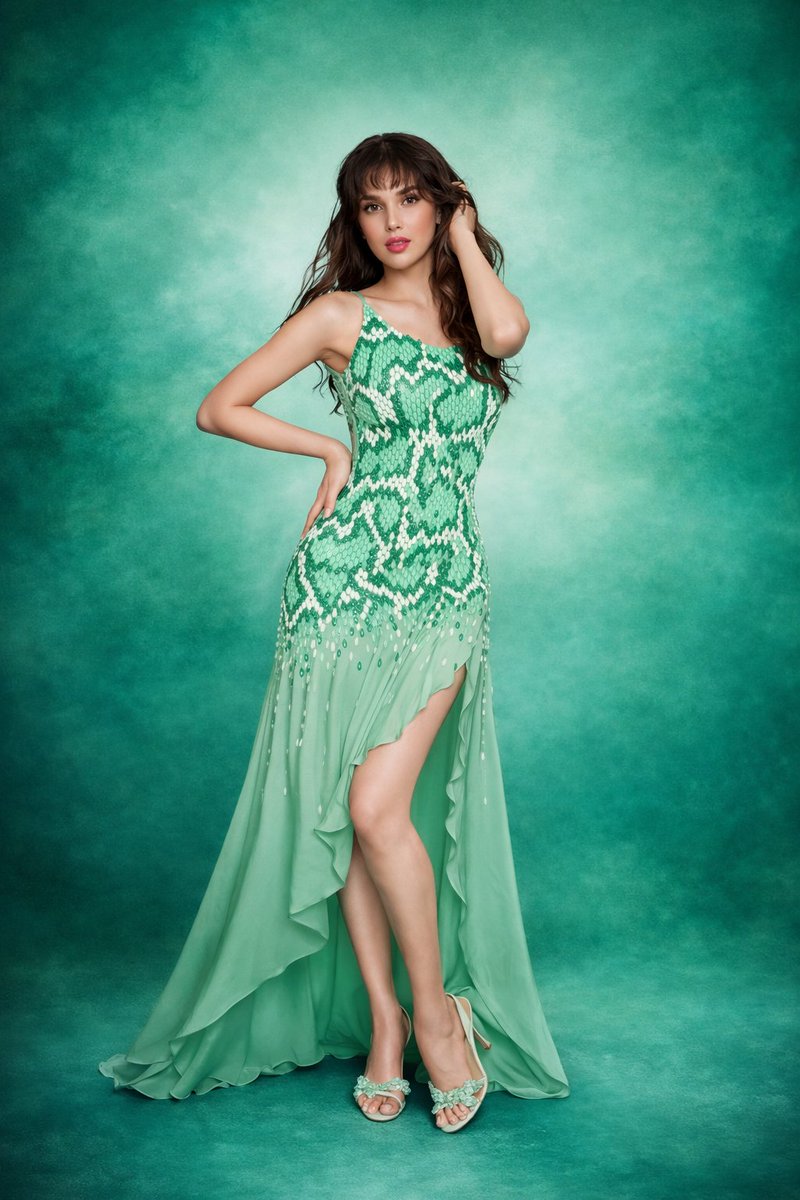








![Naive doodle-style subject illustration — A doodle-style {argument name="subject" default="[subject]"}, naive lines, humorous shape exaggeration](https://pbs.twimg.com/media/G6Wl2YxbsAARB2b.jpg)