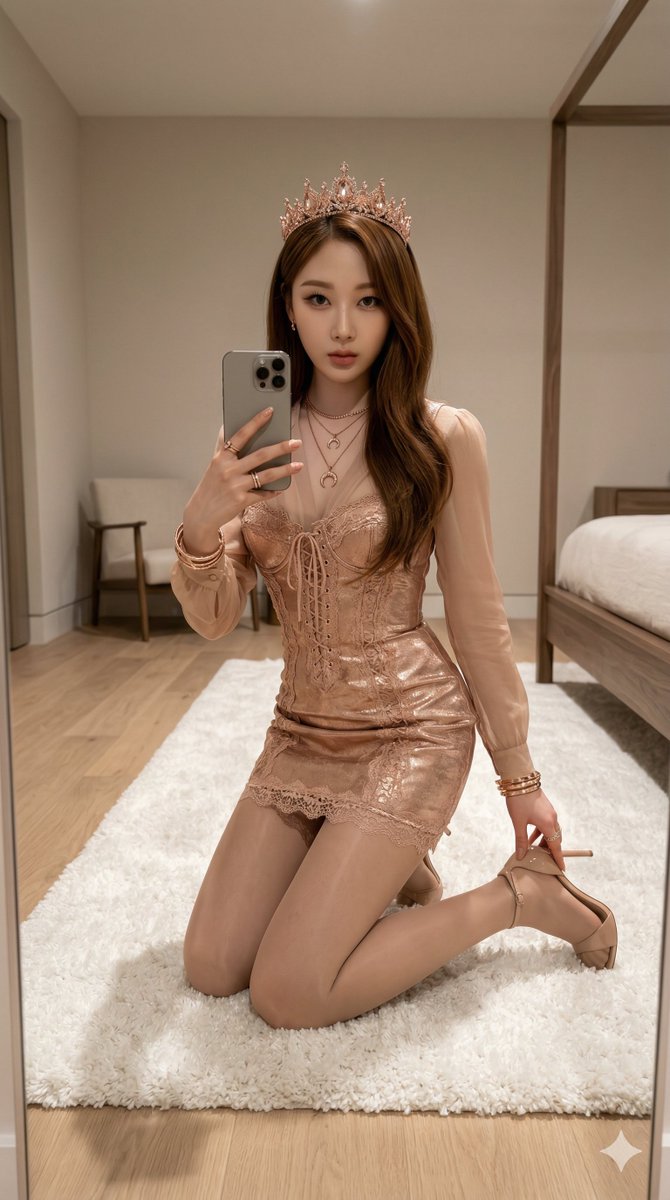
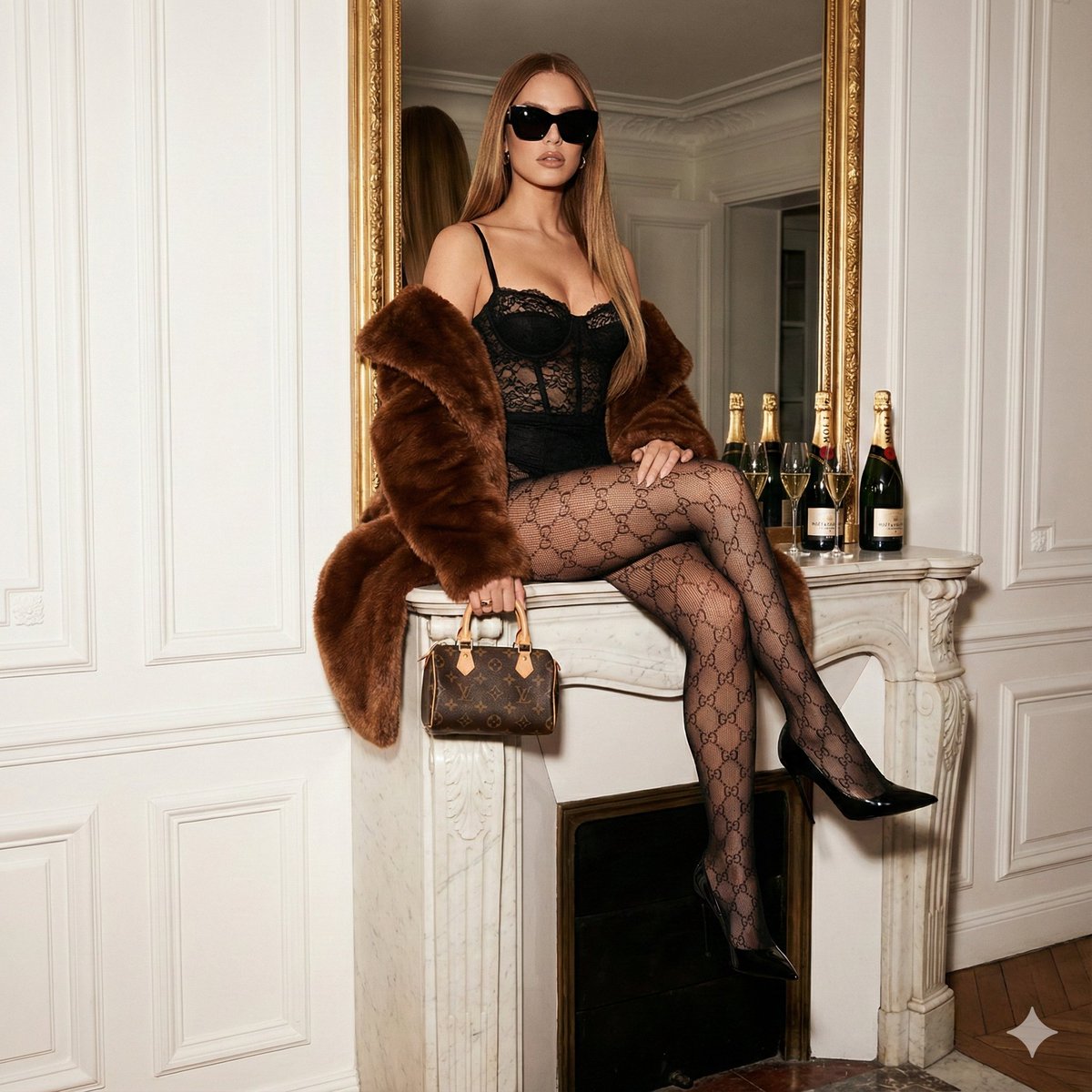
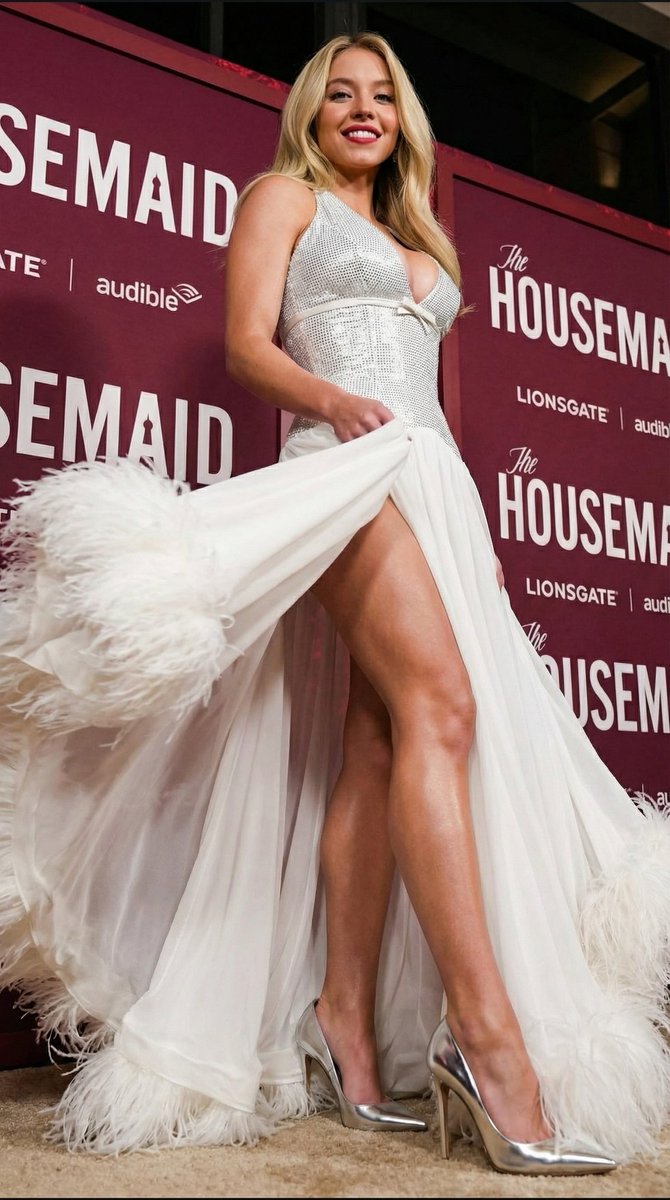
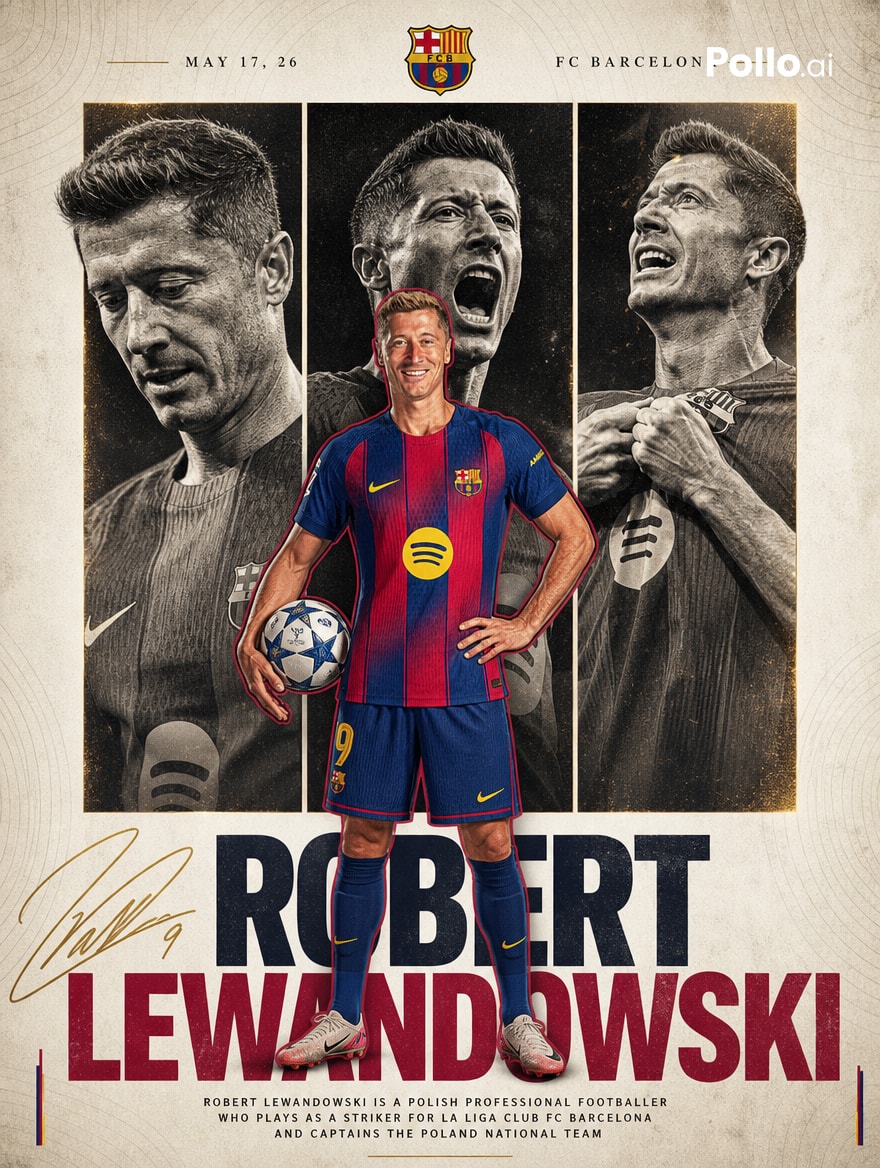
How do I use the Ana De Armas as Wonder Woman Studio Portrait template?
Choose the primary action to open PicX Studio with the available template settings. Review the model and format, personalize the creative direction, and generate when ready.
A highly detailed prompt for generating an ultra-realistic studio portrait photograph of a specified celebrity (Ana De Armas) as Wonder Woman. Change the subject, setting, or lighting one variable at a time.

"Ultra-realistic studio portrait photograph of Sattached celebrity as Wonder Woman in classic heroic costume, standing in a confident three-quarter pose facing camera, left arm bent holding a large round bronze shield with eagle emblem at chest level, right hand resting near hip holding coiled golden lasso, wearing metallic bronze and red-gold strapless armored corset with scale texture and crossed leather straps, dark blue leather skirt with gold-trimmed segmented panels, golden eagle-motif gauntlets, golden tiara with red star centerpiece, tall black boots with gold details, long dark wavy hair, natural heroic makeup with defined features and subtle lip color, clean neutral gray studio background, soft even key lighting with gentle rim light for depth, professional cinematic style, shot on 35mm film emulation with light grain, shallow depth of field, highly detailed armor and leather textures, realistic skin and metallic reflections, photorealistic 8K"
Choose the primary action to open PicX Studio with the available template settings. Review the model and format, personalize the creative direction, and generate when ready.
Yes. You can change the subject, setting, lighting, mood, format, and available model controls before creating your image.
This template is free to open and customize. Generation usage is shown in PicX Studio before you create.
Start with Nano Banana 2, which is the model associated with this template. You can compare another compatible model for a different finish.
© 2026 PicX Studio. All rights reserved.

Follow a topic to a crawlable collection of related PicX Studio templates.
43,474 public templates available. Verified via the PicX Studio public templates API; refreshed hourly.













![118-google-nano-banana-pro-skincare-product- — A professional skincare shot of a [product container] with [cap/lid], labeled [brand, product, descriptor, volume](/_next/image?url=https%3A%2F%2Fcdn.picxstudio.com%2Fuploads%2Fpost118_img0_332898b8-29ea-42a9-87ab-9ed746a3f944.jpg&w=828&q=100)




![Naive doodle-style subject illustration — A doodle-style {argument name="subject" default="[subject]"}, naive lines, humorous shape exaggeration](https://pbs.twimg.com/media/G6Wl2YxbsAARB2b.jpg)