
Vintage Old Hollywood Beauty Portrait
An ultra-realistic close-up portrait layout featuring high-fashion accessories and studio dramatic lighting.
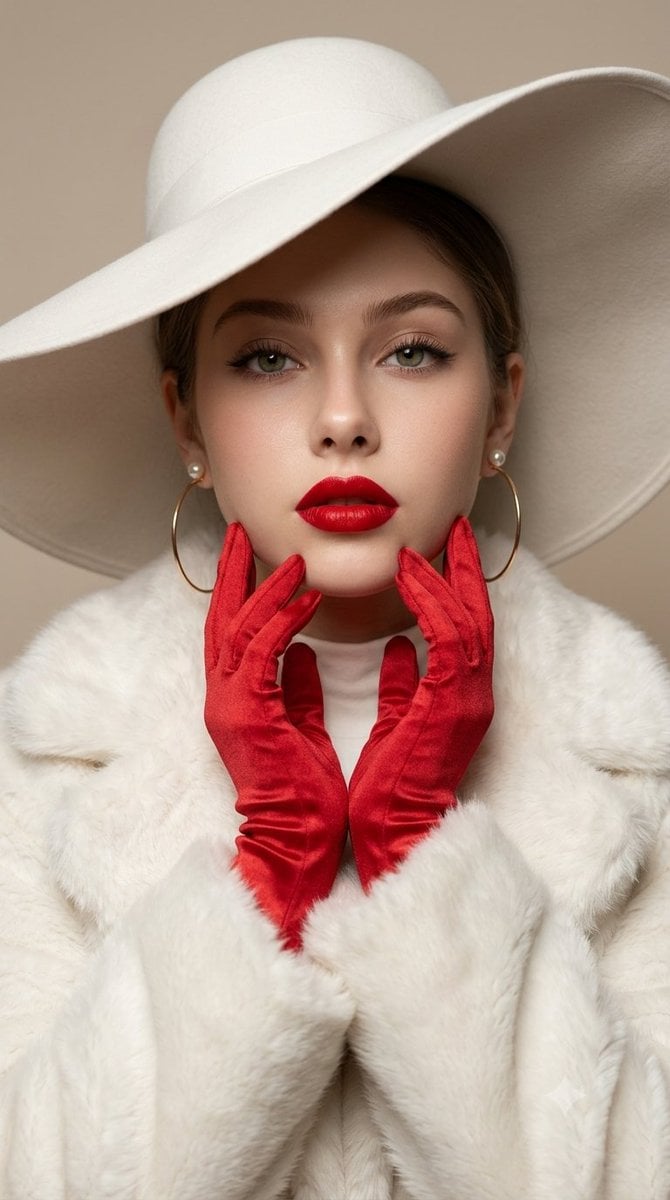
- Prompt included
- Model and format preset
- Free template
The prompt behind this image
Copy the exact prompt behind Vintage Old Hollywood Beauty Portrait, or open it in the studio and make it yours.
Ultra-realistic high-fashion beauty portrait of an elegant woman in a glamorous vintage-inspired look, wearing an oversized wide-brim {argument name="hat color" default="white"} hat casting a soft shadow over her face. Striking {argument name="eye color" default="light green"} eyes, perfectly shaped dark brows, dramatic winged eyeliner, soft rosy blush, flawless glowing skin, and bold vibrant {argument name="lipstick color" default="red"} lipstick. Large thin gold hoop earrings with pearl studs. She wears long satin red gloves, posing gracefully with both hands delicately framing her chin and face. Luxurious white faux-fur coat with a high-neck white outfit underneath. Soft neutral beige background, dreamy diffused studio lighting, smooth cinematic shadows, sophisticated editorial fashion photography, luxurious old-Hollywood aesthetic, high detail, sharp facial features, realistic skin texture, elegant composition, shallow depth of field, 4K, HD, vertical portrait, 9:16.
How to use Vintage Old Hollywood Beauty Portrait in 3 steps
- 1
Open
The prompt is already in the box next to the preview, with the template's model and format selected.
- 2…a portrait of your subject in softgolden-hour light, 85mm…
Personalize
Edit the subject and creative details for your destination.
- 3Generate
Generate
Press Generate — your image is created in PicX Studio, so you can compare it with the original and refine one variable at a time.
More like this
Templates with the same subject, style or setup. Open one to see its prompt.

80s Golden Hour Cinema

Found Photograph: Us, 1970

80s Couple Studio Portrait

80s Bollywood Star
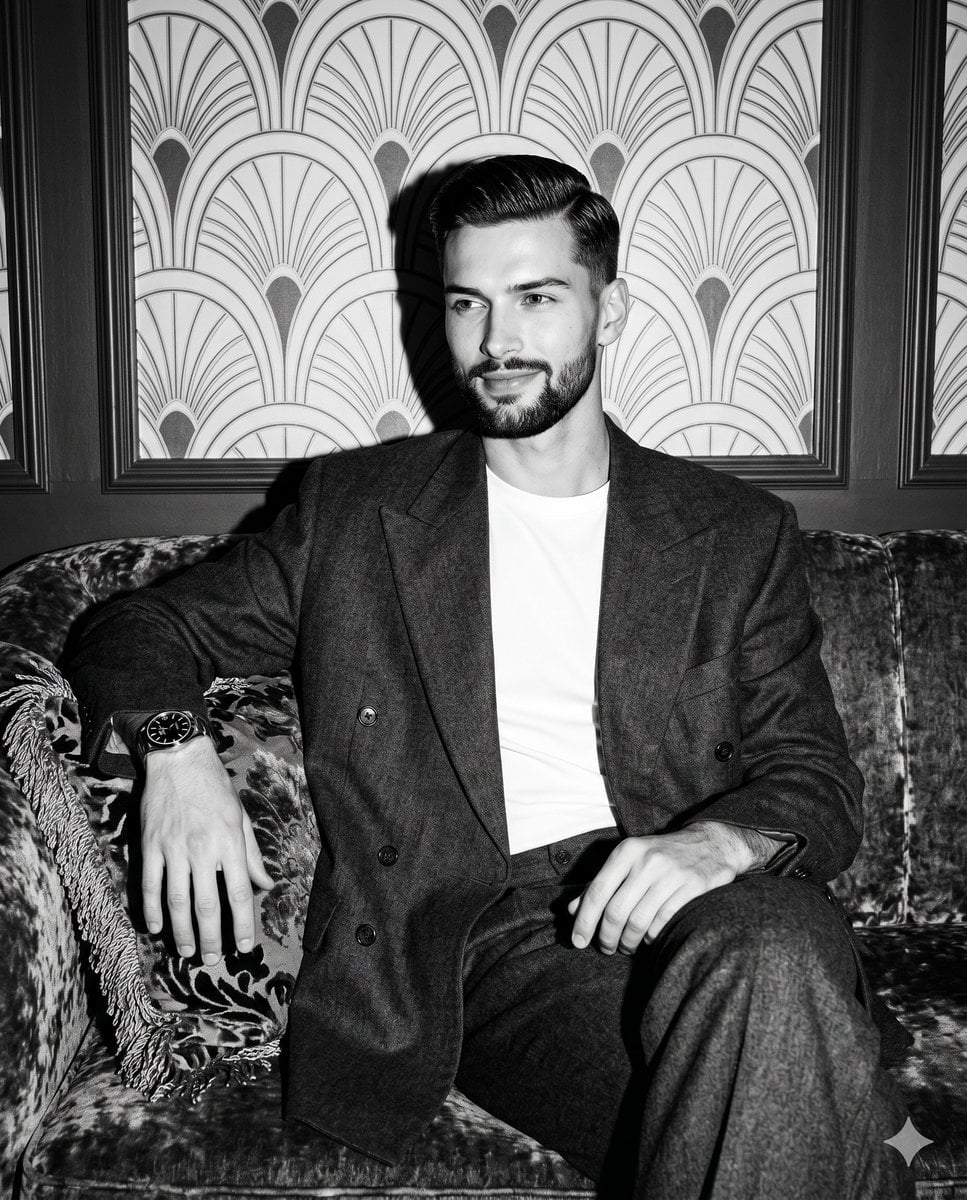
Vintage Hollywood Monochrome Portrait

Hollywood Haute Couture Fantasy Seedance
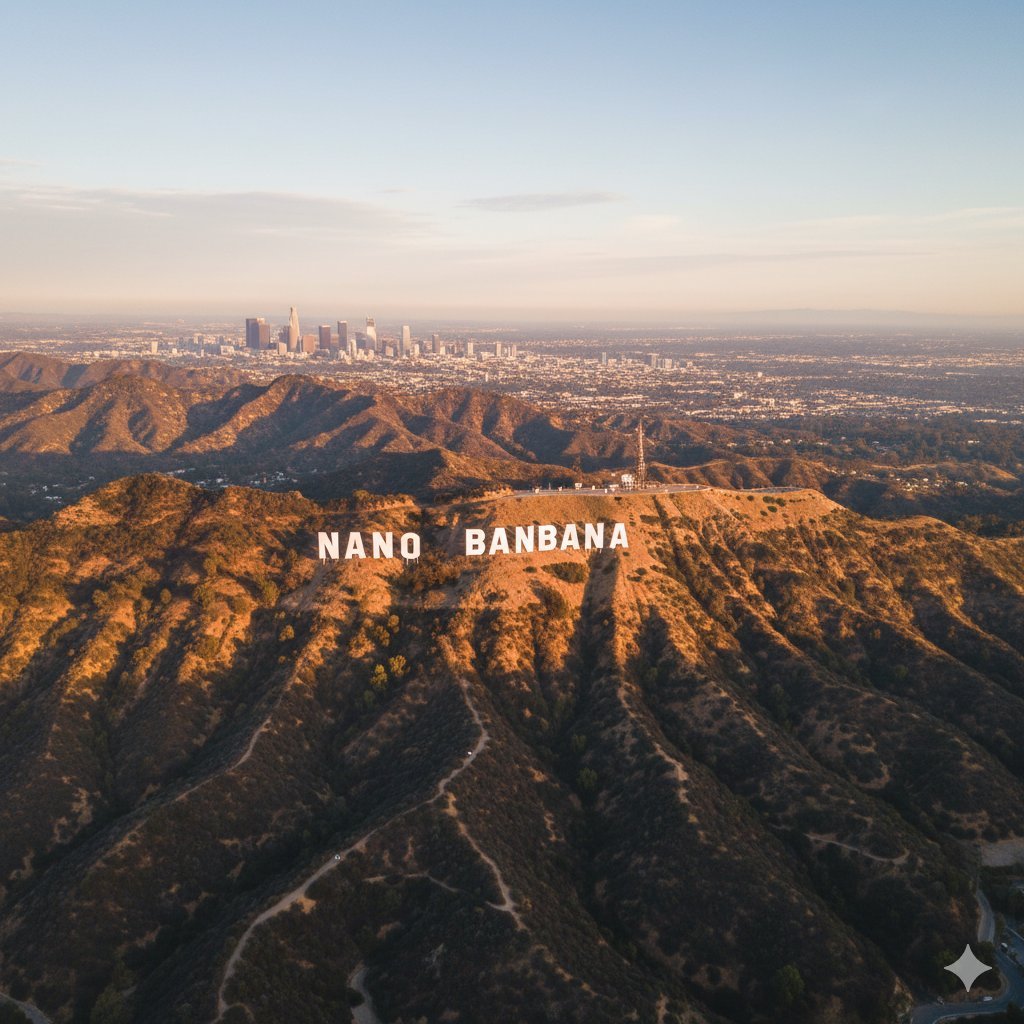
Custom Hollywood Hills Sign Generator

Nano Banana Pro Photoreal Playful Couple

Two Tickets, One Night

If We Met in 1985

One Dance Before Midnight

Before We said Goodbye
Make it yours
Vintage Old Hollywood Beauty Portrait works as-is. These are the safest ways to change it without losing the look.
Change one field
Copy a single group, rewrite it, and generate again so you can see what that field is doing.
Keep the frame, change the subject
Hold the composition and light of Vintage Old Hollywood Beauty Portrait, then swap wardrobe, props or the person for a new take.
| If the result… | Why | Fix |
|---|---|---|
| The result drifts from the preview | Too many fields changed at once. | Reuse Vintage Old Hollywood Beauty Portrait as-is first, then change one group — subject, light, or setting. |
| The model over-stylizes the scene | The prose prompt leaves finish and camera underspecified. | Add one camera or lighting sentence and stay on Gemini 3 Pro Image Preview. |
More Gemini 3 Pro Image Preview templates
Other prompts made for Gemini 3 Pro Image Preview.

Creative Character in Pink Office

Avant-Garde Asian Fashion Model

Underwater Macro Face Portrait

Water-level Bridge Modification

Noir Punk Street Portrait

High Contrast Cinematic Face Portrait

Monochrome Studio Portrait with Colored Lens

Ultra-Realistic Yacht Sunset Portrait

Mushroom Still Life Composition

Whimsical Anthropomorphic Friendly Insect
More image prompts
Fresh picks from across the catalog.

Anime Warrior and Spirit Poster
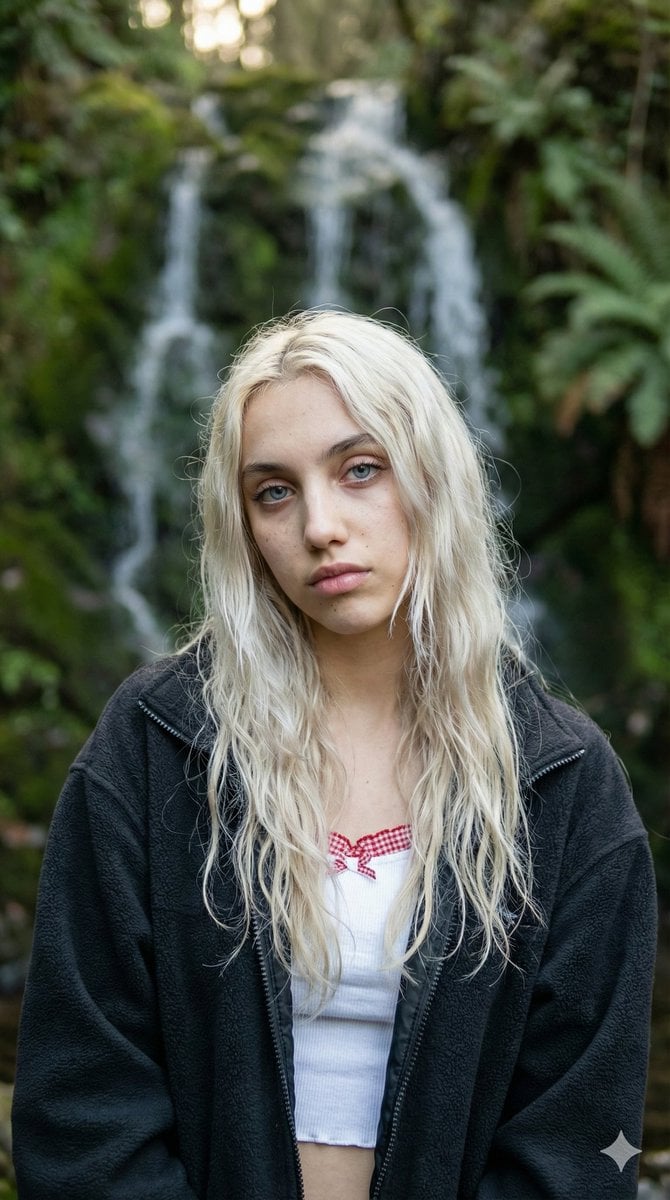
Ethereal Waterfall Selfie Portrait with Natural Imperfections
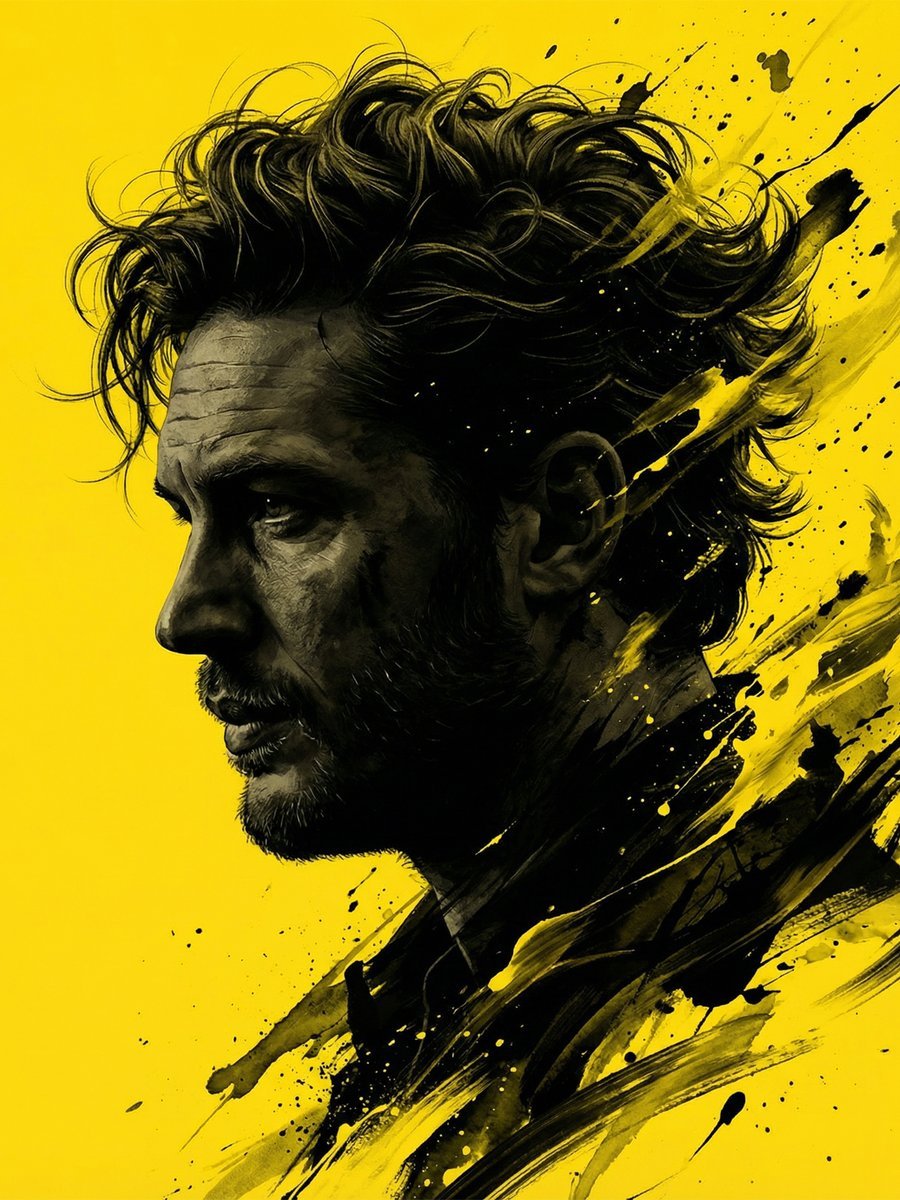
Dramatic Stylized Portrait Conversion Prompt for Nano Banana
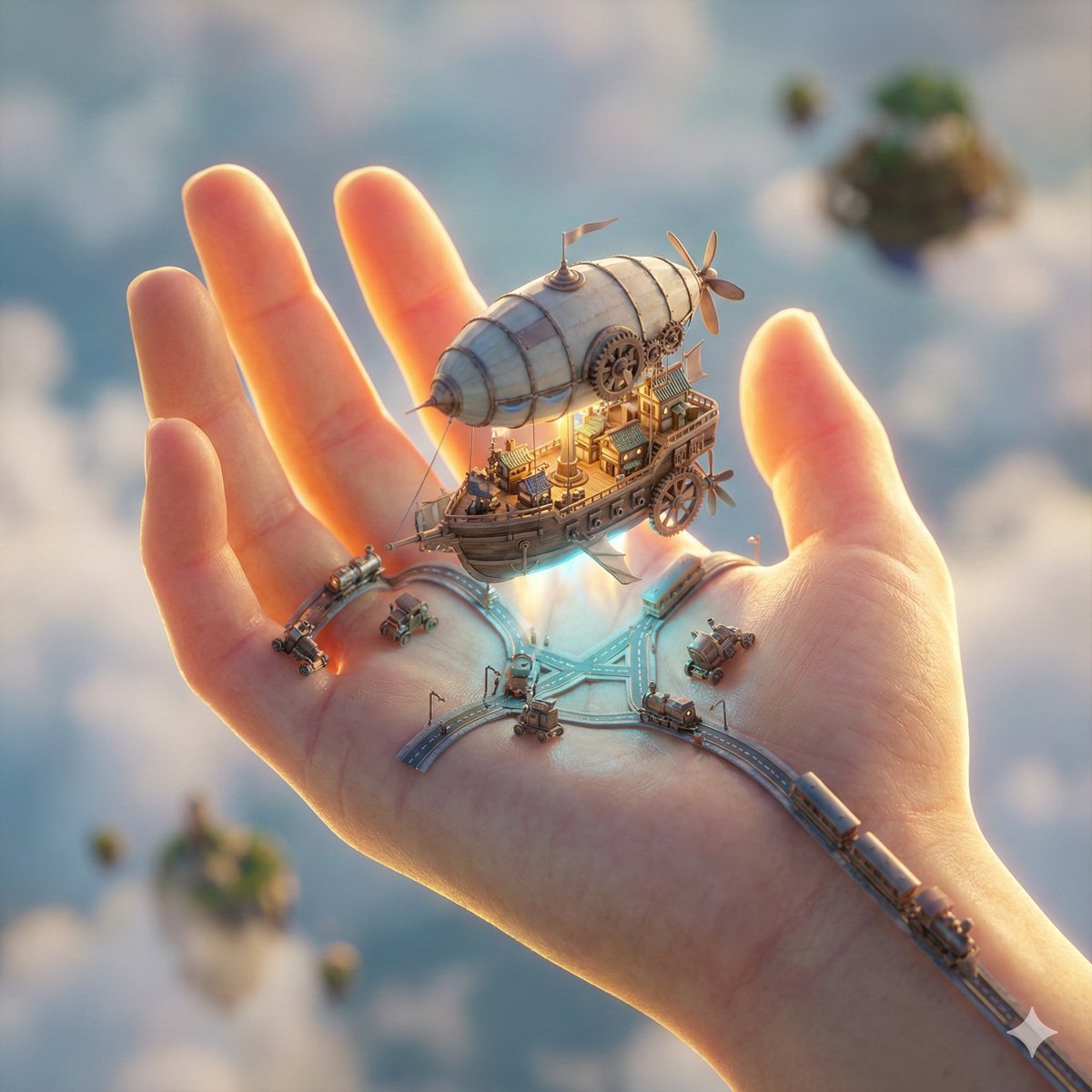
City in Hand Micro-World Prompt
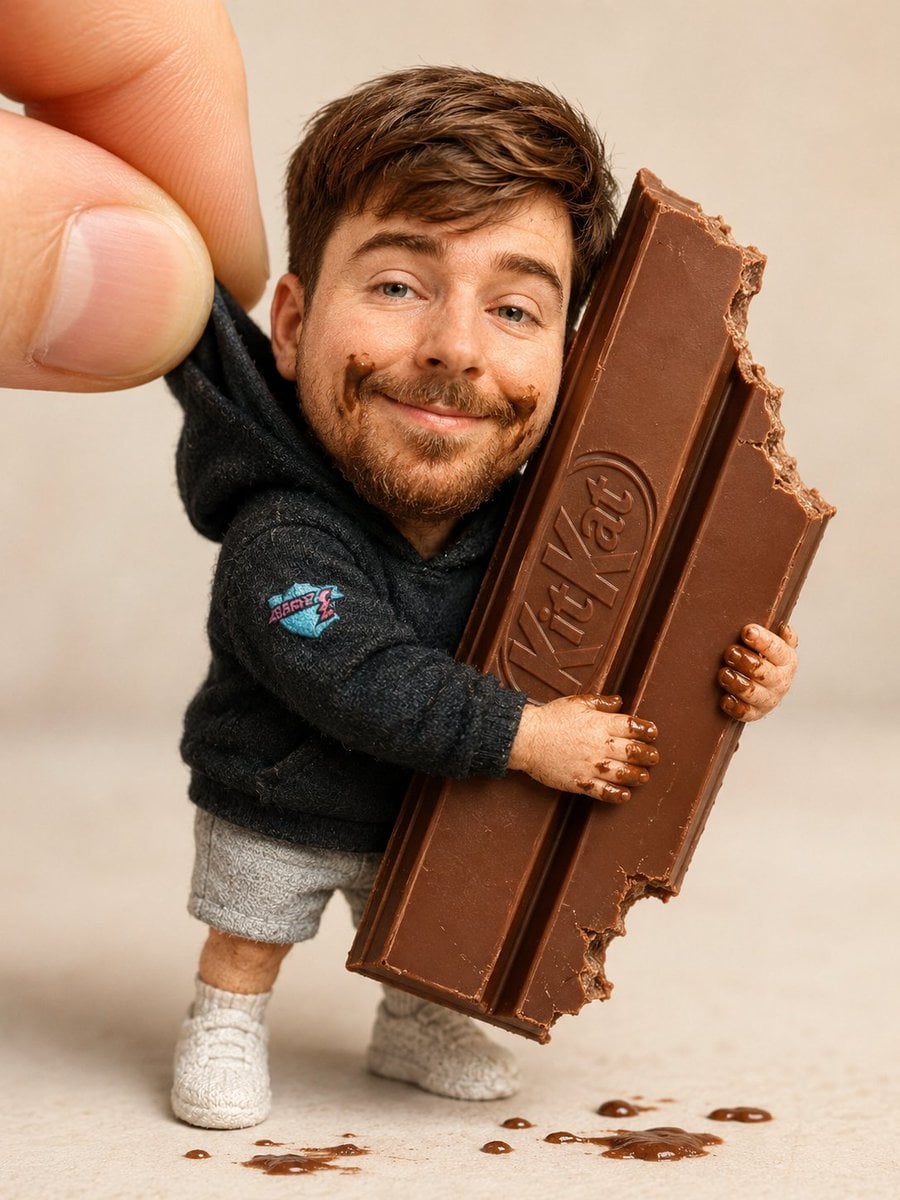
Handmade Collectible Male Doll
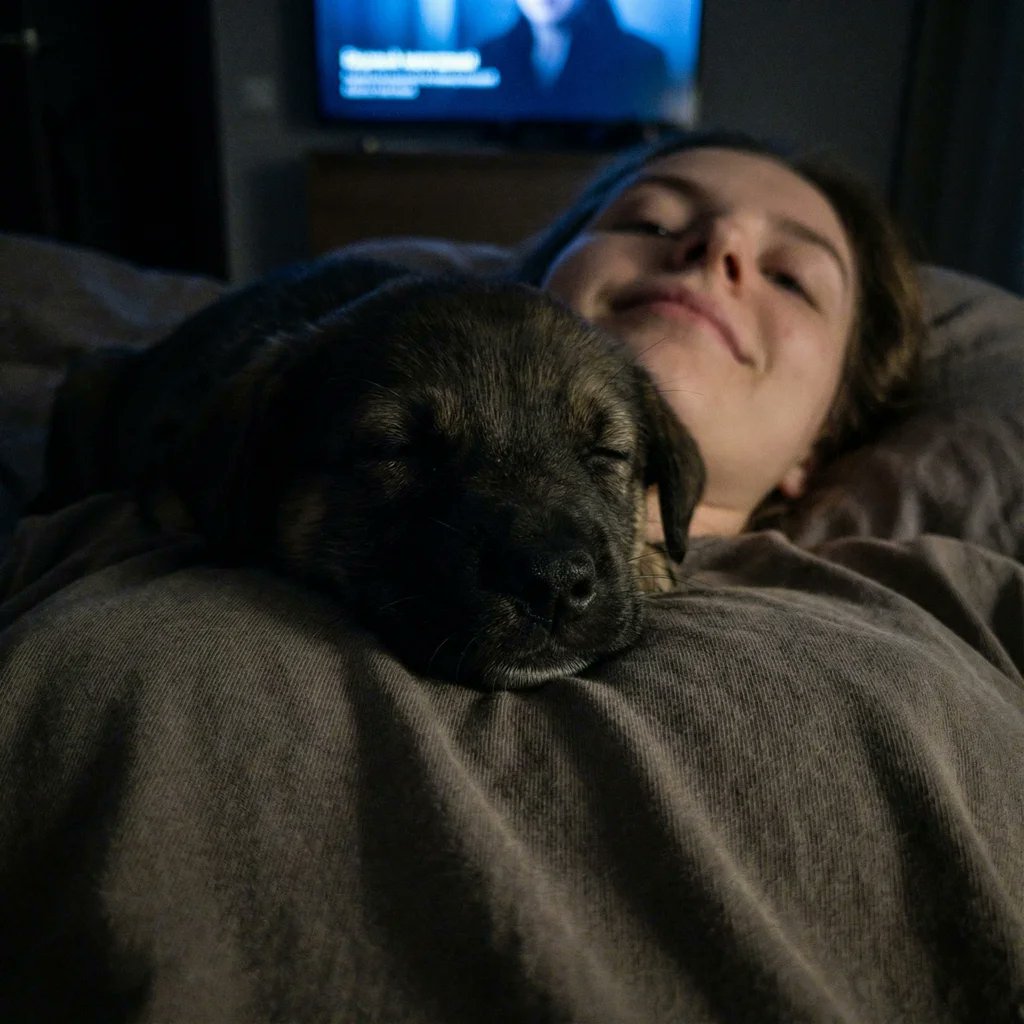
Extreme Close-up Puppy Selfie Prompt (Low Light)
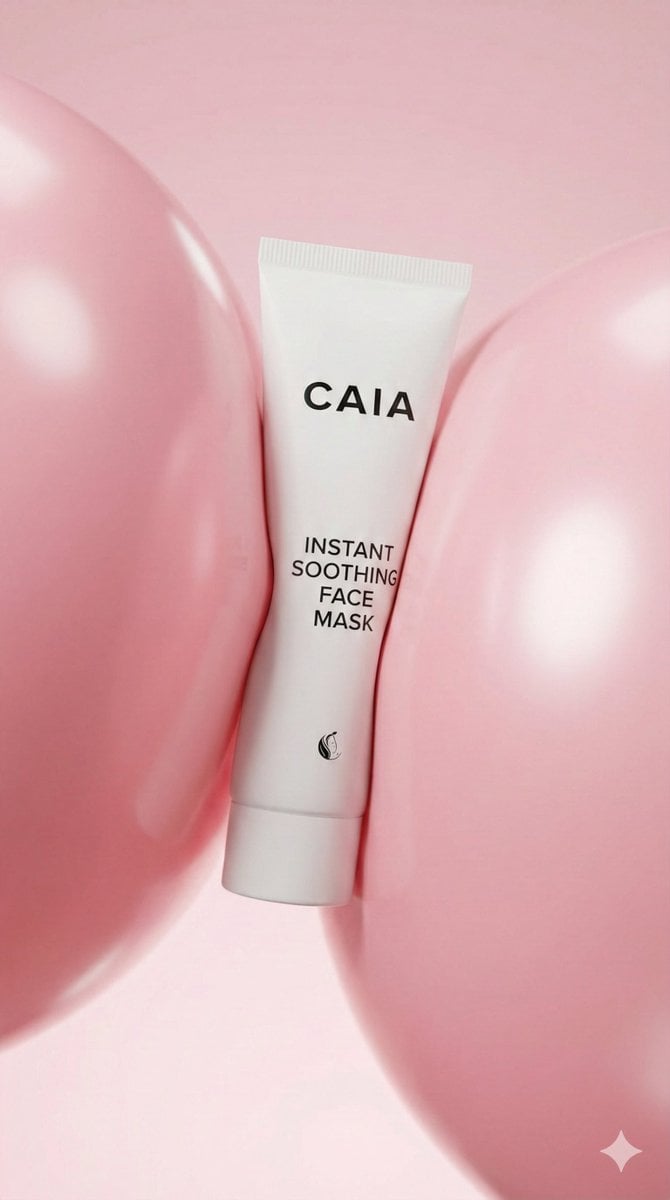
8K Beauty Product Shot with Balloons
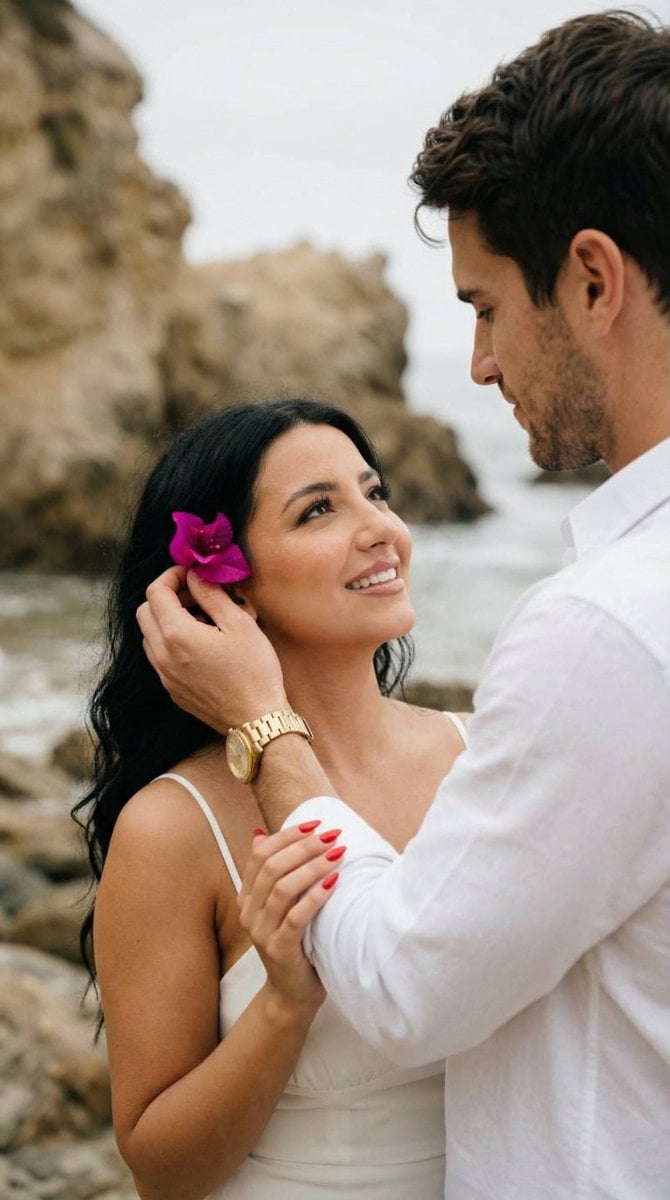
Romantic Beach Couple Closeup with Identity Preservation
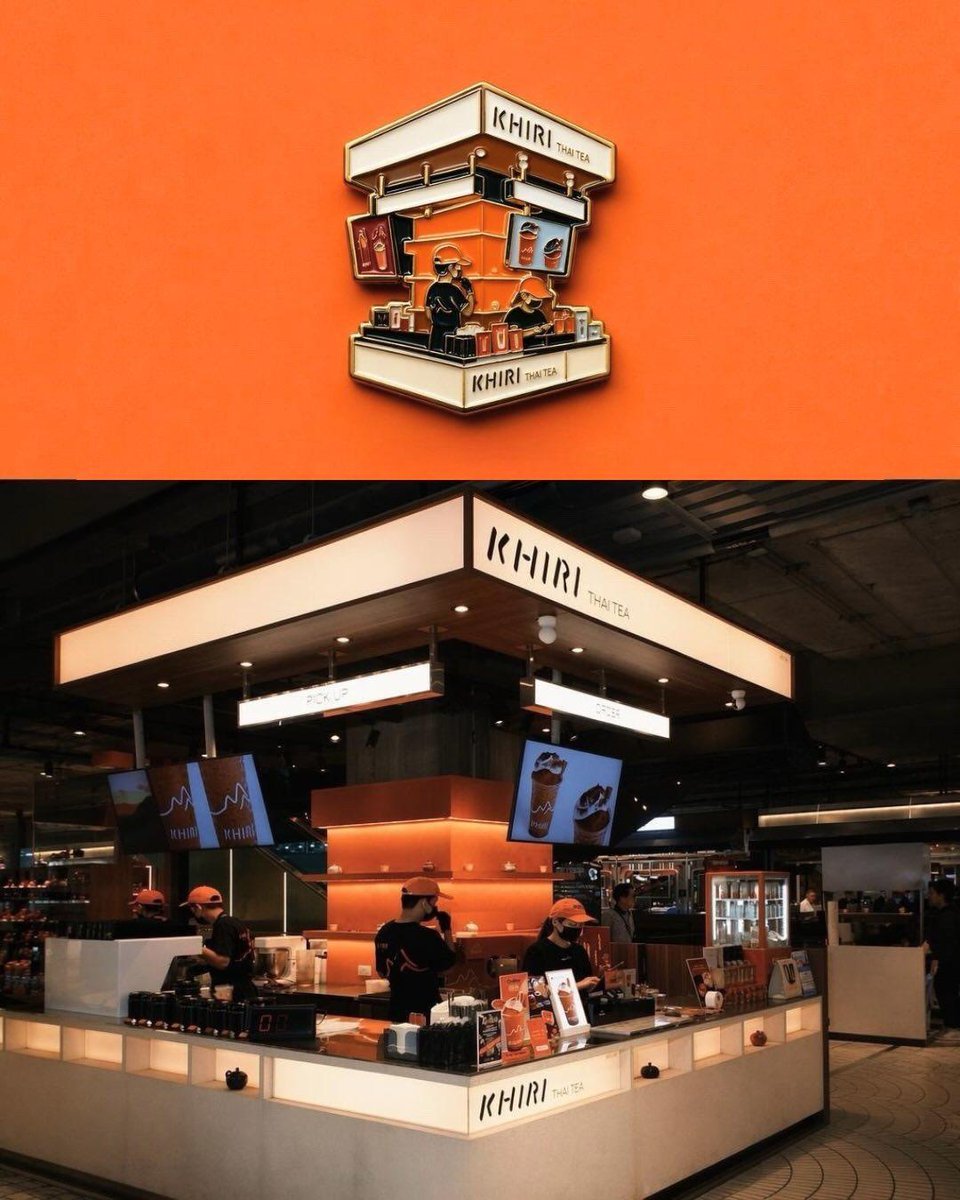
Die-cut Sticker Illustration
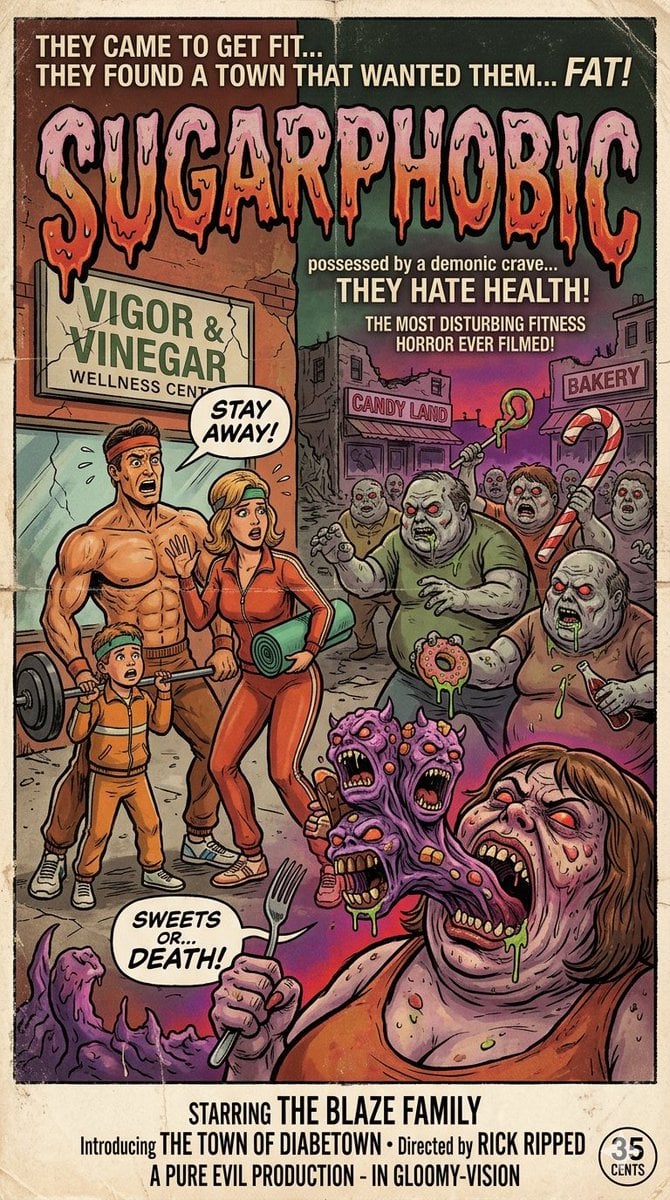
Vintage Movie Poster Prompt using Gemini Nano Banana Pro
Browse template categories
Vintage Old Hollywood Beauty Portrait questions
How do I use the Vintage Old Hollywood Beauty Portrait template?
Add your photo if the template asks for one, edit the prompt if you like — the template's model and format are already selected — and press Generate. Your version opens in PicX Studio.
Can I customize the Vintage Old Hollywood Beauty Portrait template?
Yes. You can change the subject, setting, lighting, mood, format, and available model controls before creating your image.
Is the Vintage Old Hollywood Beauty Portrait template free?
Opening and editing this template is free. Generating uses credits, shown on the Generate button when you are signed in.
Which AI model should I use?
Start with Gemini 3 Pro Image Preview, which is the model associated with this template. You can compare another compatible model for a different finish.
Looking for something else? Browse all templates.

Your photo, any look
Thousands of ready templates for every top image and video model, from one credit balance.