
Vintage Hollywood Monochrome Portrait
A dramatic black and white editorial photography prompt capturing a sophisticated male subject with direct flash lighting and Art Deco backgrounds.
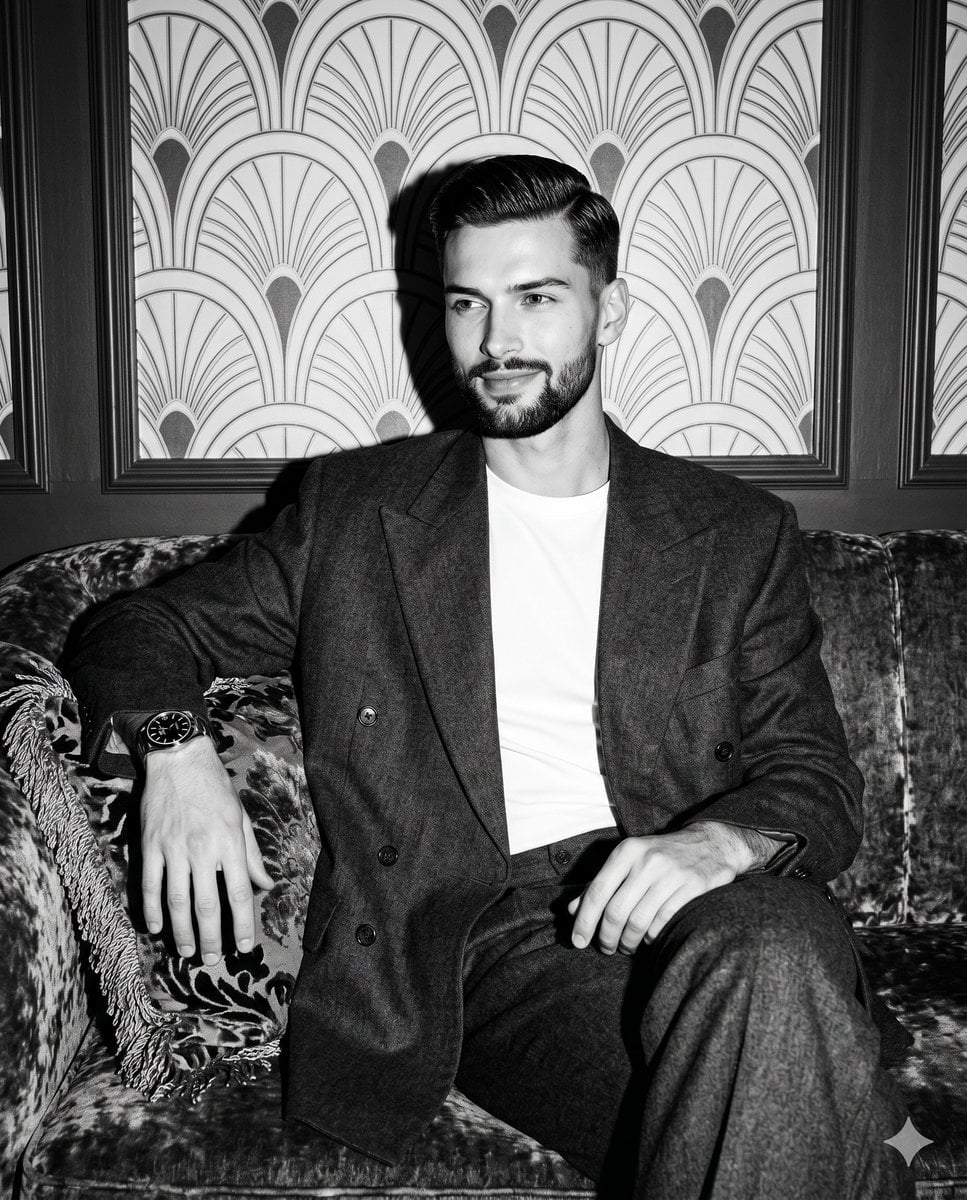
- Prompt included
- Model and format preset
- Free template
The prompt behind this image
Copy the exact prompt behind Vintage Hollywood Monochrome Portrait, or open it in the studio and make it yours.
A young adult male sits confidently facing the camera, his weight comfortably shifted with relaxed shoulders, exuding a sophisticated aura with a subtle, closed smile as his relaxed eyes gaze off-camera to the right. He features short, slicked-back glossy hair that catches the light, complemented by slight facial stubble, and is dressed in an oversized, highly textured dark gray double-breasted suit layered effortlessly over a crisp, bright white t-shirt. His left hand rests casually on the armrest, fingers spread naturally and draped downward over the edge, revealing a dark-dial wrist watch, while his right hand rests gently on his own right thigh with the fingers loosely curled inward. He sits upon a vintage, dark mottled crushed velvet sofa in the foreground that anchors the composition, transitioning into a midground that features a heavy vintage throw pillow adorned with thick, metallic-looking fringe and dark patterned fabric directly beneath his left hand. The medium-depth background reveals a pristine, upscale lounge setting highlighted by an elegant matte wallpaper featuring an Art Deco repeating fan and shell motif inside arched geometric lines in a uniform black, white, and mid-gray pattern, meticulously enclosed within dark wood wall molding panel frames. The entire atmosphere is rendered in monochromatic, high-contrast black and white, defined by a single, highly directional, bright artificial hard light source positioned straight from the front. This intense, direct-flash illumination creates a dramatic, moody vintage Hollywood glamour aesthetic, casting harsh, deep black, defined short shadows under his chin, within the deep folds of the suit fabric, and throwing a sharp, distinct cast shadow directly onto the wall behind his head, while simultaneously preserving brilliant specular highlights on his forehead, nose, cheeks, the glossy sheen of his hair, the white t-shirt, and the metallic watch dial. Captured with the tack-sharp realism of direct-flash editorial photography using a 35mm equivalent lens at an f/5.6 or f/8 aperture for a deep depth of field, the straight-on perspective is refined through monochromatic post-processing with pushed contrast, crushed deep blacks, and a subtle 400 ISO film grain texture enhancing the facial features and clothing, all perfectly framed in a 4:5 aspect ratio.
How to use Vintage Hollywood Monochrome Portrait in 3 steps
- 1
Open
The prompt is already in the box next to the preview, with the template's model and format selected.
- 2…a portrait of your subject in softgolden-hour light, 85mm…
Personalize
Edit the subject and creative details for your destination.
- 3Generate
Generate
Press Generate — your image is created in PicX Studio, so you can compare it with the original and refine one variable at a time.
More like this
Templates with the same subject, style or setup. Open one to see its prompt.

Found Photograph: Us, 1970

80s Couple Studio Portrait

80s Bollywood Star

80s Golden Hour Cinema
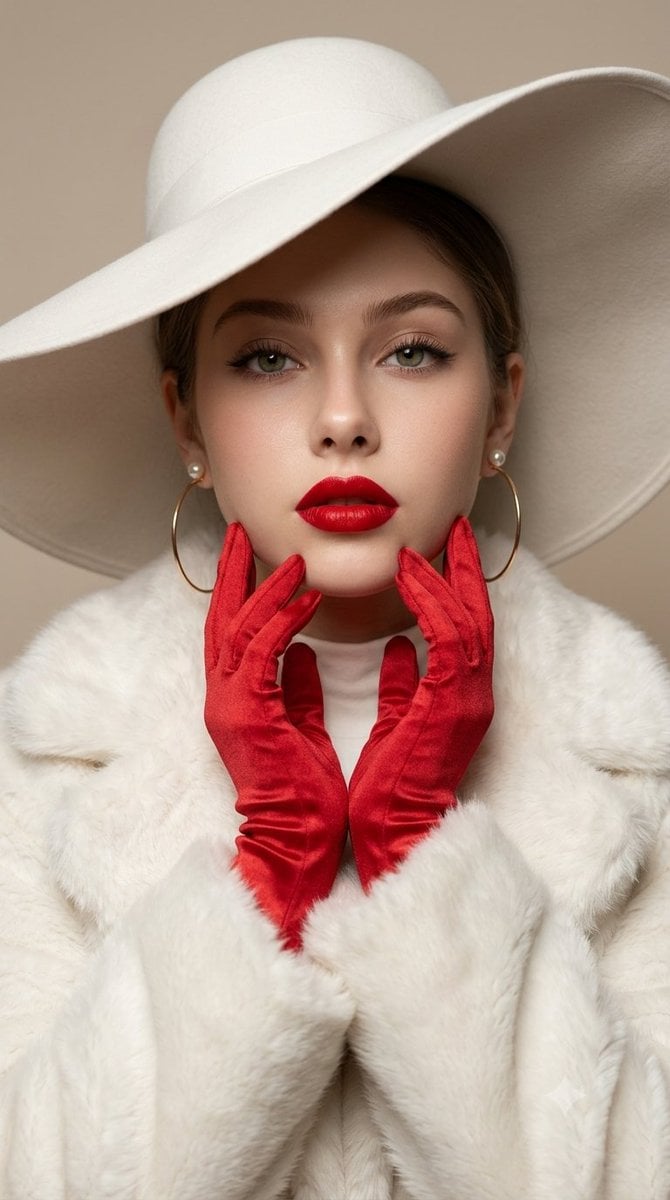
Vintage Old Hollywood Beauty Portrait

Hollywood Haute Couture Fantasy Seedance
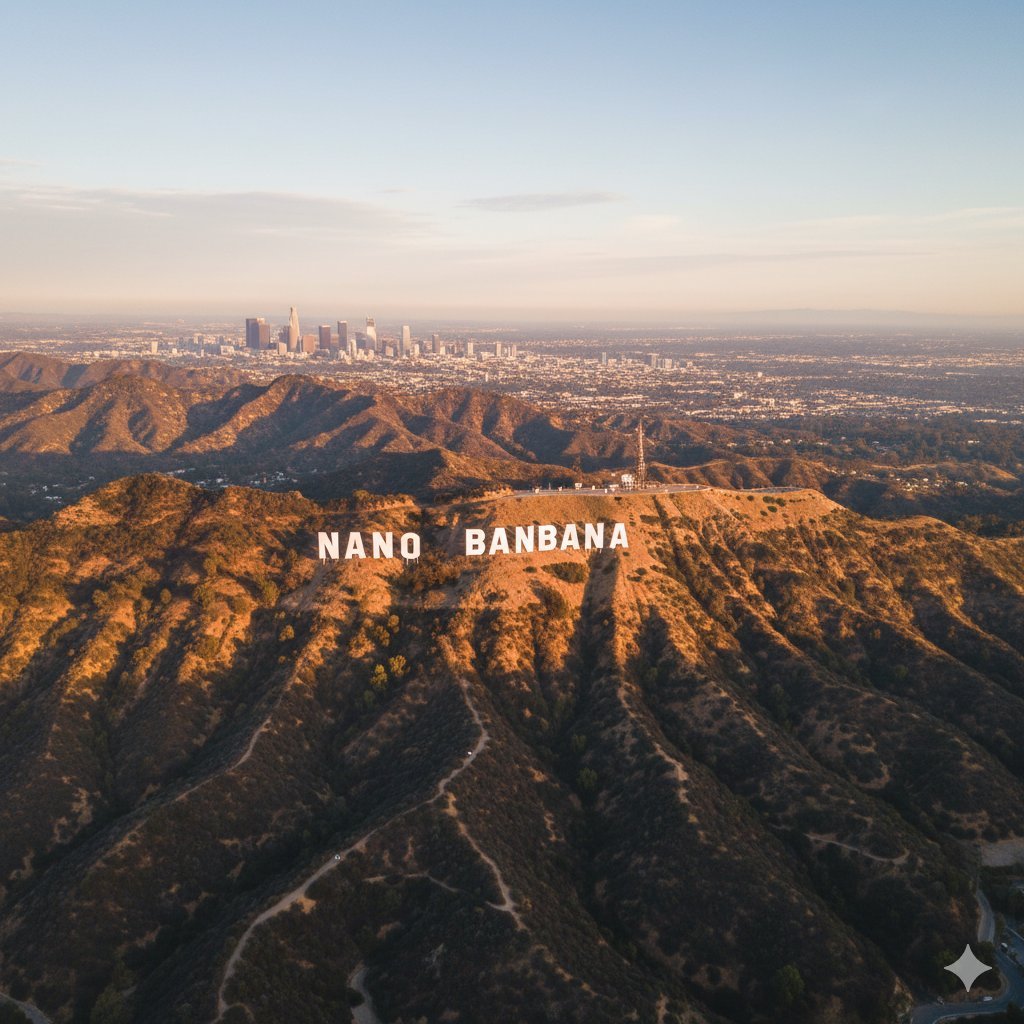
Custom Hollywood Hills Sign Generator

Two Tickets, One Night

If We Met in 1985

One Dance Before Midnight

Before We said Goodbye

Our Song was on a Cassette
Make it yours
Vintage Hollywood Monochrome Portrait works as-is. These are the safest ways to change it without losing the look.
Change one field
Copy a single group, rewrite it, and generate again so you can see what that field is doing.
Keep the frame, change the subject
Hold the composition and light of Vintage Hollywood Monochrome Portrait, then swap wardrobe, props or the person for a new take.
| If the result… | Why | Fix |
|---|---|---|
| The result drifts from the preview | Too many fields changed at once. | Reuse Vintage Hollywood Monochrome Portrait as-is first, then change one group — subject, light, or setting. |
| The model over-stylizes the scene | The prose prompt leaves finish and camera underspecified. | Add one camera or lighting sentence and stay on Nano Banana 2. |
More Nano Banana 2 templates
Other prompts made for Nano Banana 2.

Photorealistic Leaf Shaped Like a Dragon

K-Pop Idol Portrait Grid for Rapid Selection

Poetic Rain Forest Portrait During Golden Hour

Urban Street Portrait with Cartoon Inner Self Duo

Candid Nighttime Photo with Cat Prompt

High-Concept 3D Diorama Generation Prompt

Cinematic Futuristic Studio Portrait Template

Skincare Editorial Photography Collage Prompt

Hyper-Realistic Commercial Product Photography (Splash Effect)

Hyper-Realistic Nightclub Portrait Prompt
More image prompts
Fresh picks from across the catalog.

Minimalist Corporate Portrait Sprite Sheet
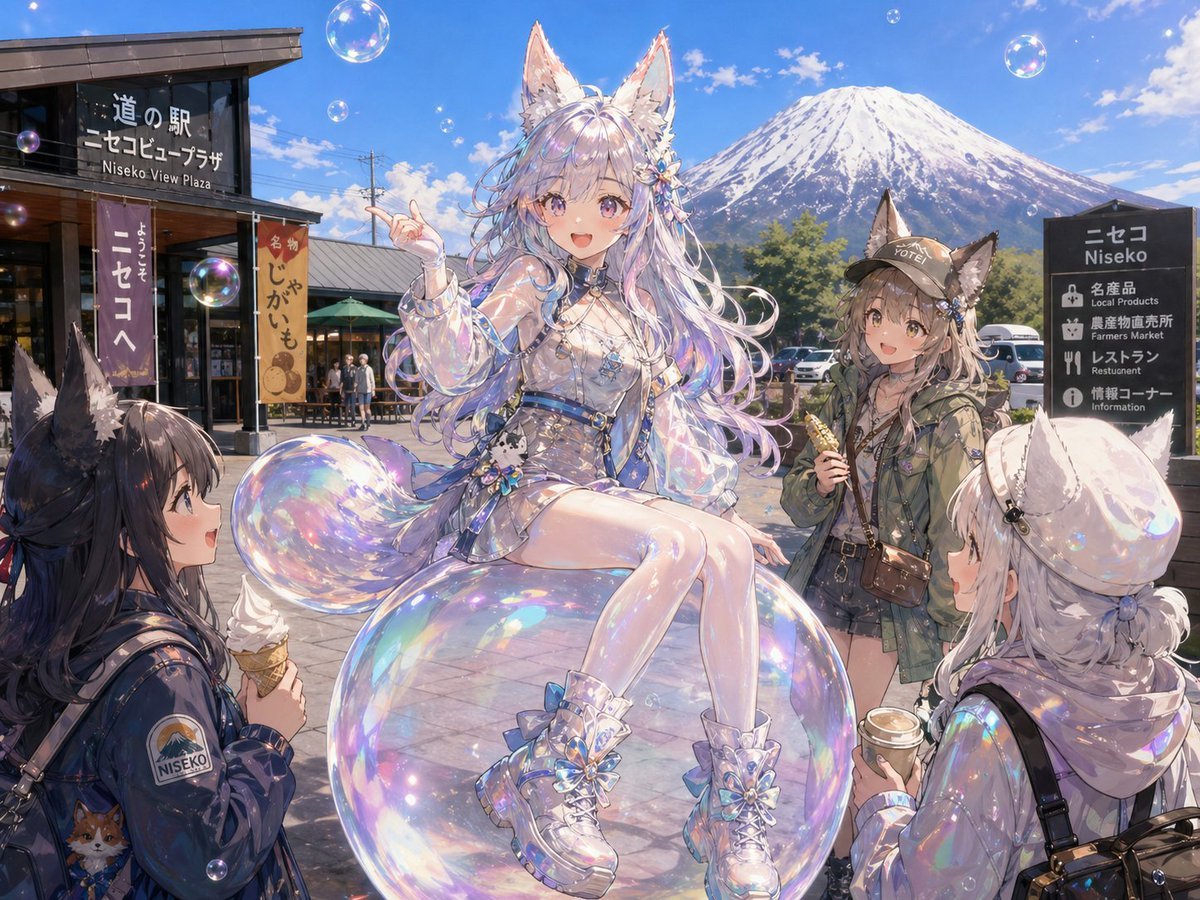
Bubble Fox Friends Meet in Niseko
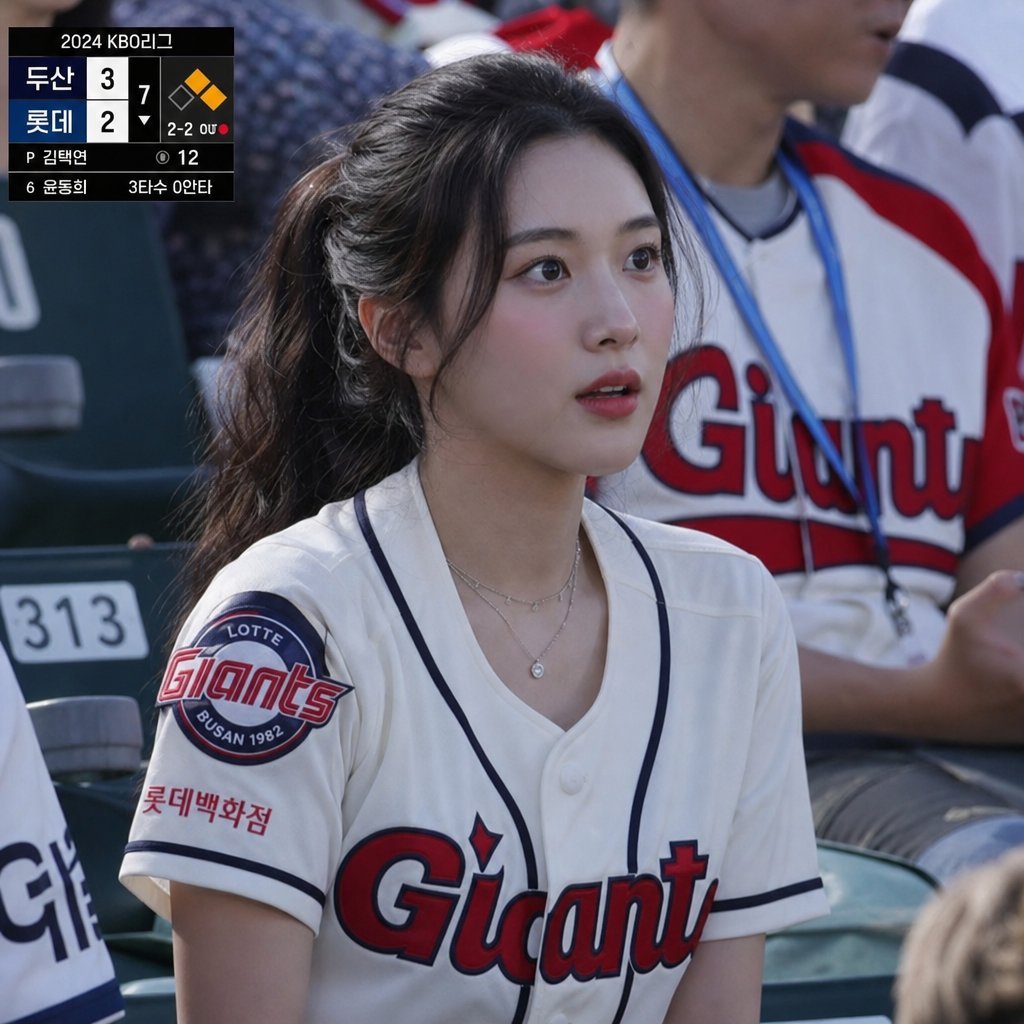
KBO Lotte Giants Broadcast Fan Shot
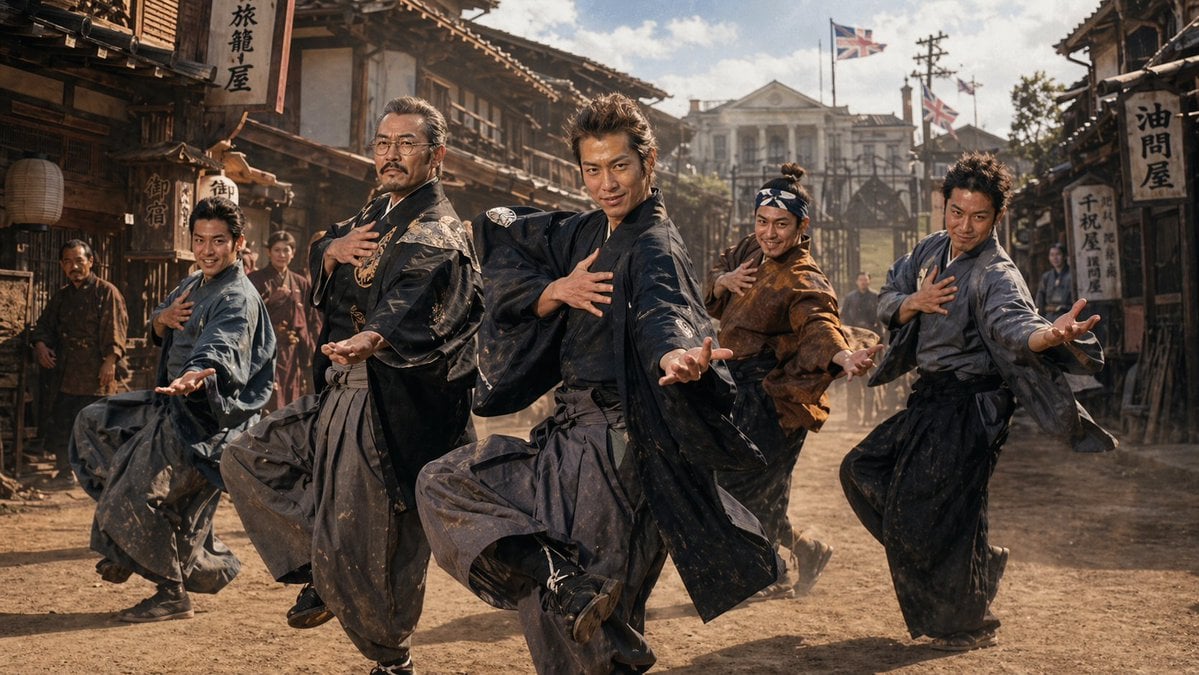
1980s Japanese Film Style Storyboard
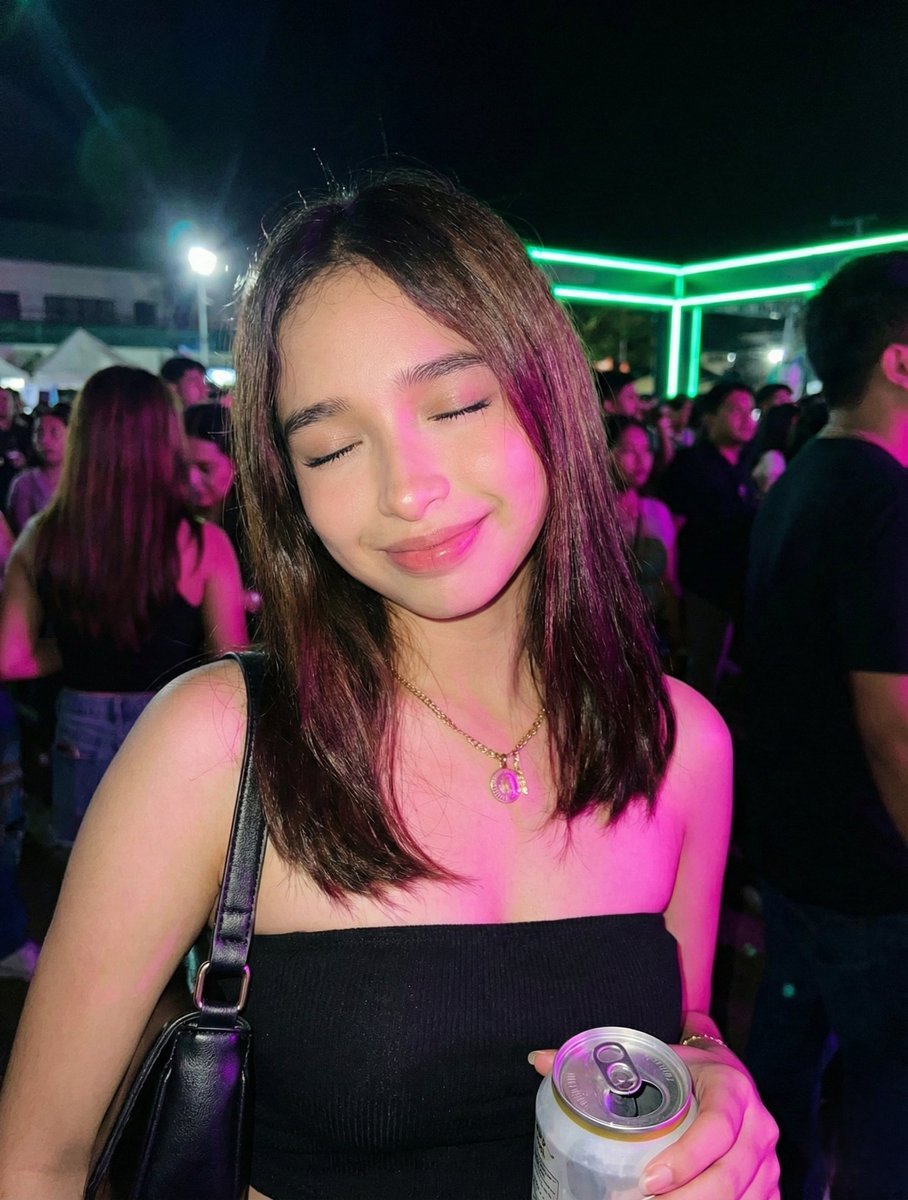
Night Party Portrait with Identity Lock Prompt
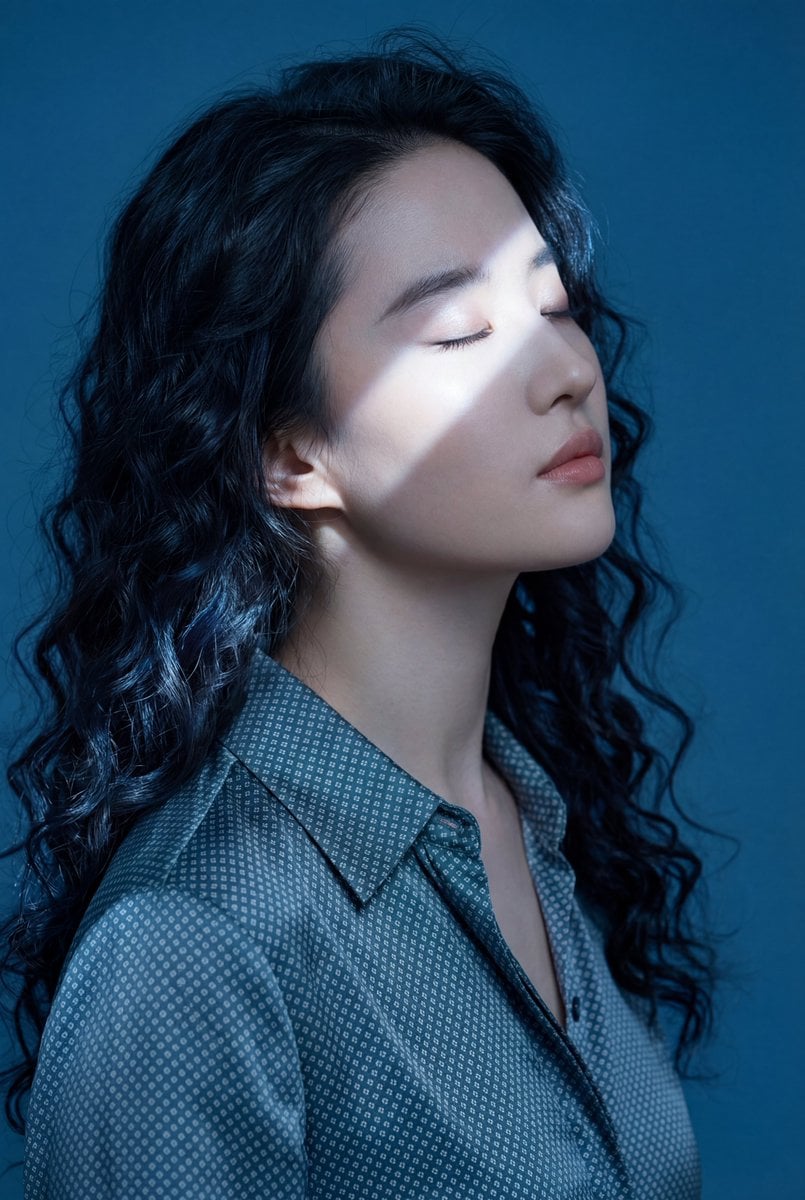
Ethereal Blue Light Editorial Portrait (Chinese Context)
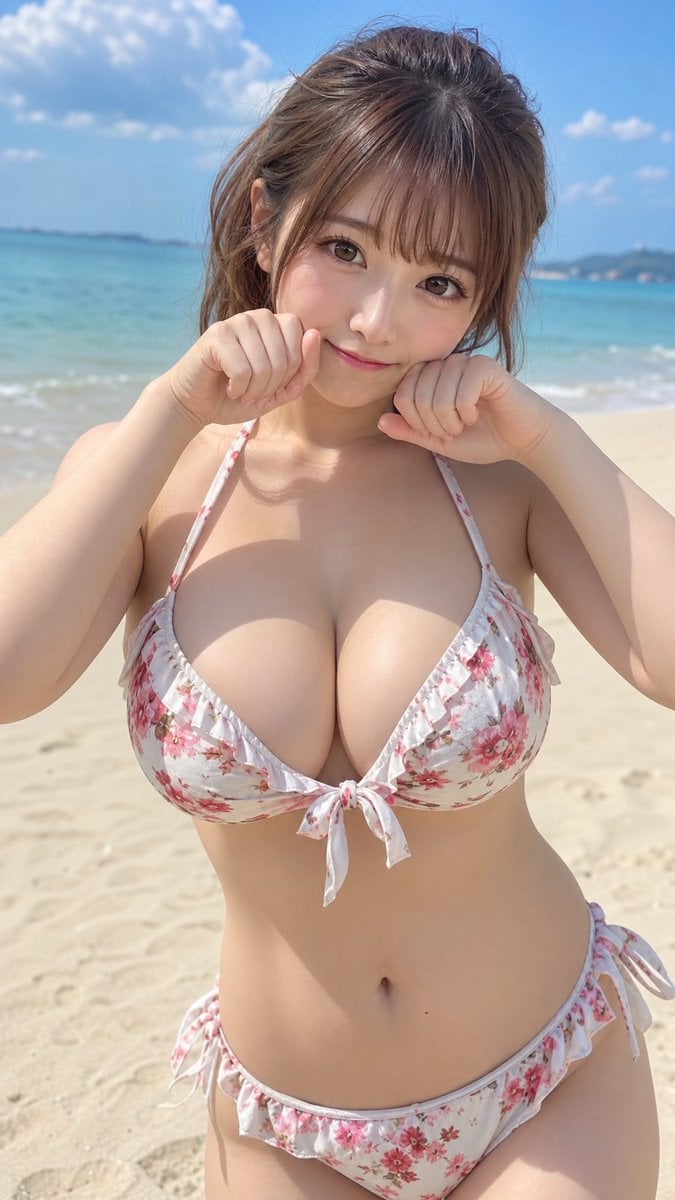
Japanese Fashion Model Beachwear Portrait
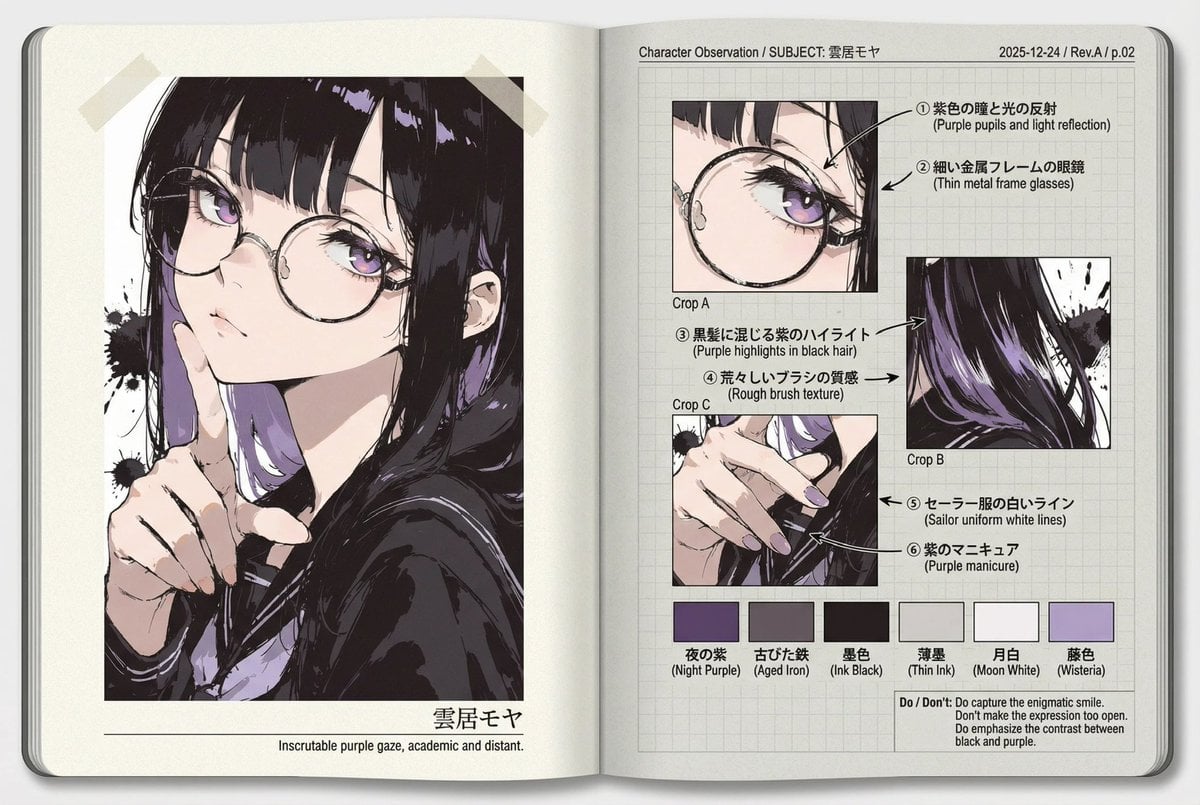
Research Notebook Art Book Template Prompt
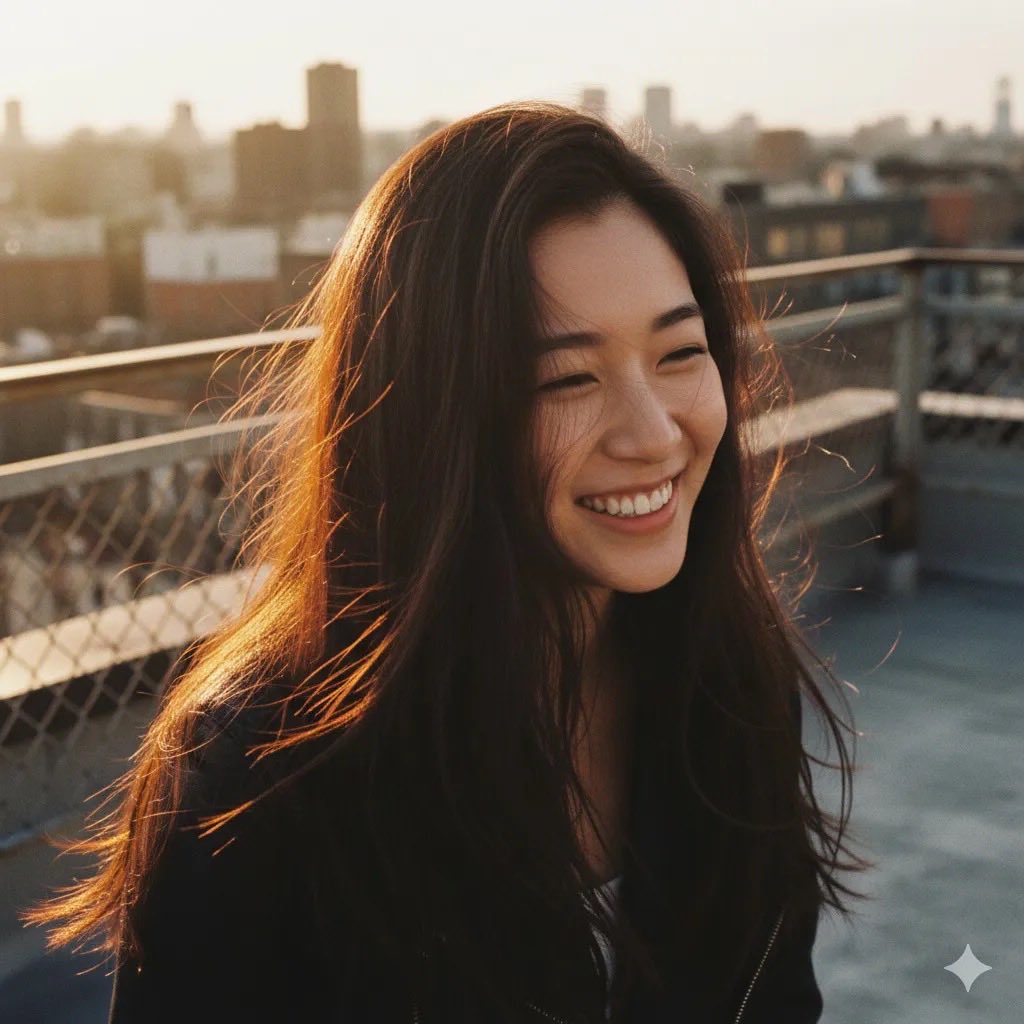
Rooftop Golden Hour Cinematic Portrait
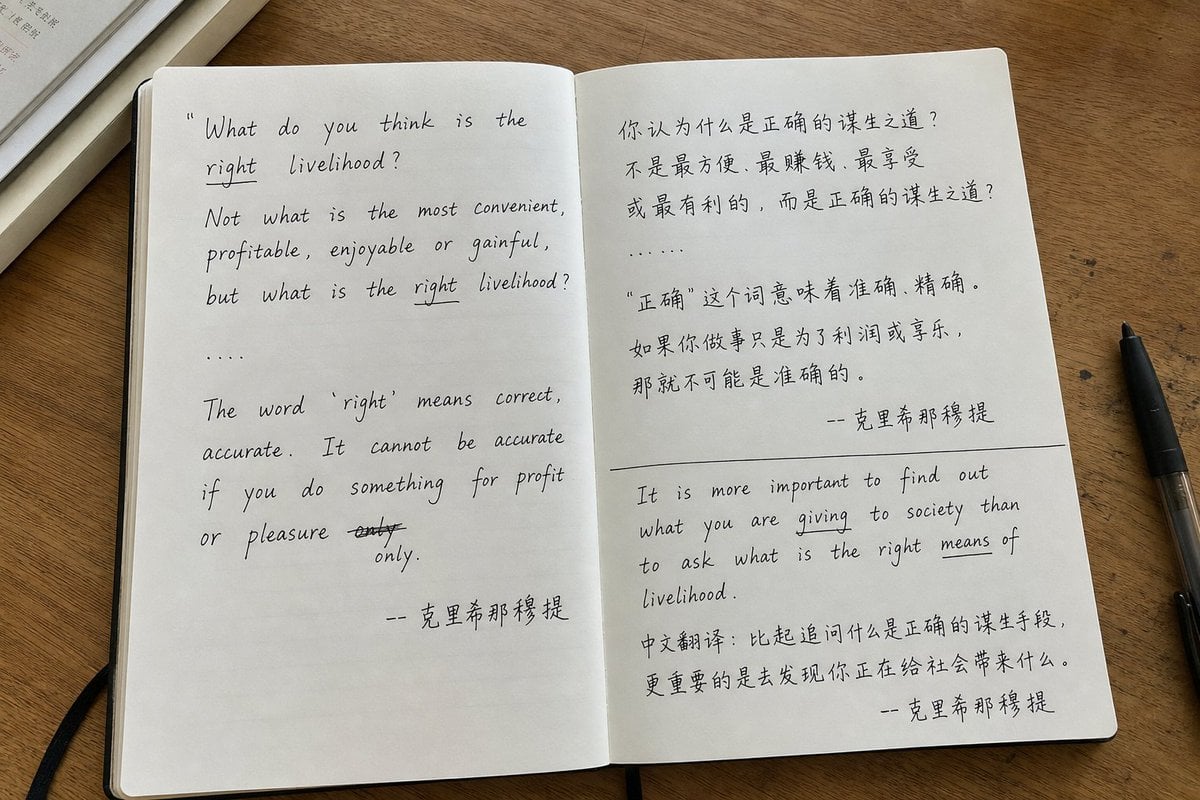
Candid iPhone Handwritten Notebook Photo
Browse template categories
Vintage Hollywood Monochrome Portrait questions
How do I use the Vintage Hollywood Monochrome Portrait template?
Add your photo if the template asks for one, edit the prompt if you like — the template's model and format are already selected — and press Generate. Your version opens in PicX Studio.
Can I customize the Vintage Hollywood Monochrome Portrait template?
Yes. You can change the subject, setting, lighting, mood, format, and available model controls before creating your image.
Is the Vintage Hollywood Monochrome Portrait template free?
Opening and editing this template is free. Generating uses credits, shown on the Generate button when you are signed in.
Which AI model should I use?
Start with Nano Banana 2, which is the model associated with this template. You can compare another compatible model for a different finish.
Looking for something else? Browse all templates.

Your photo, any look
Thousands of ready templates for every top image and video model, from one credit balance.