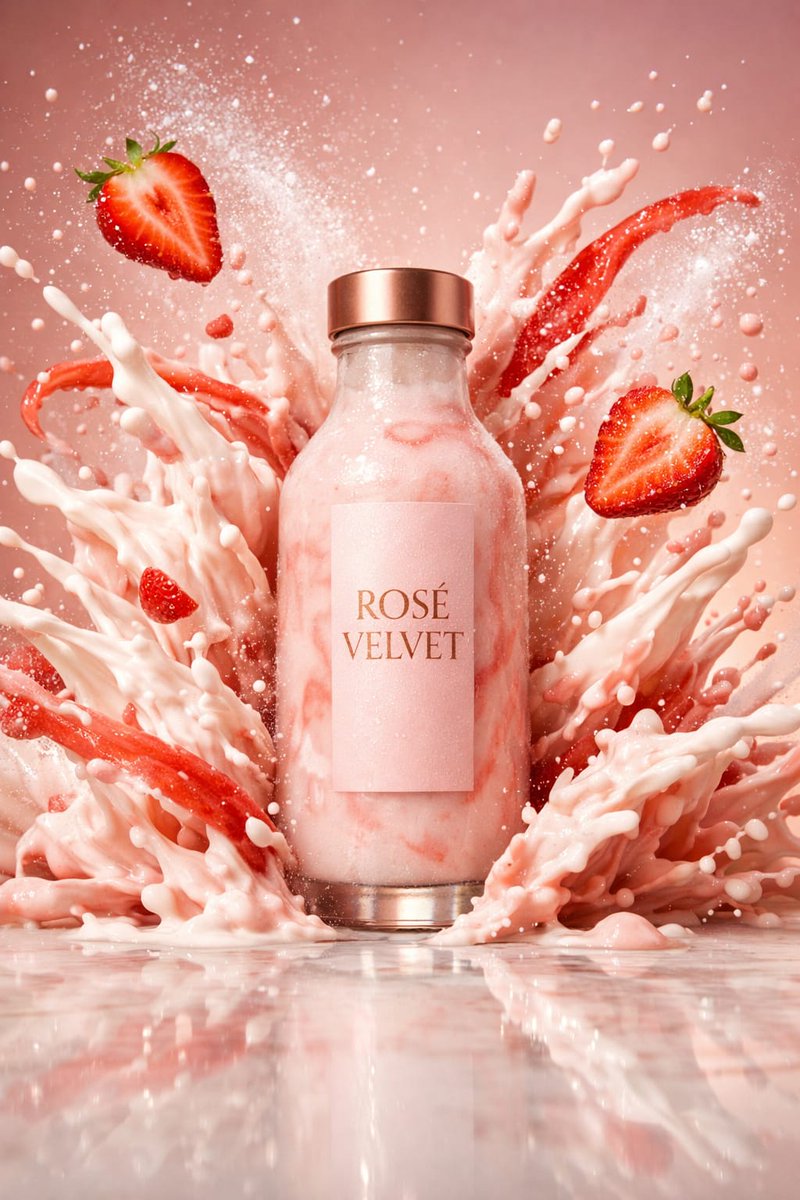
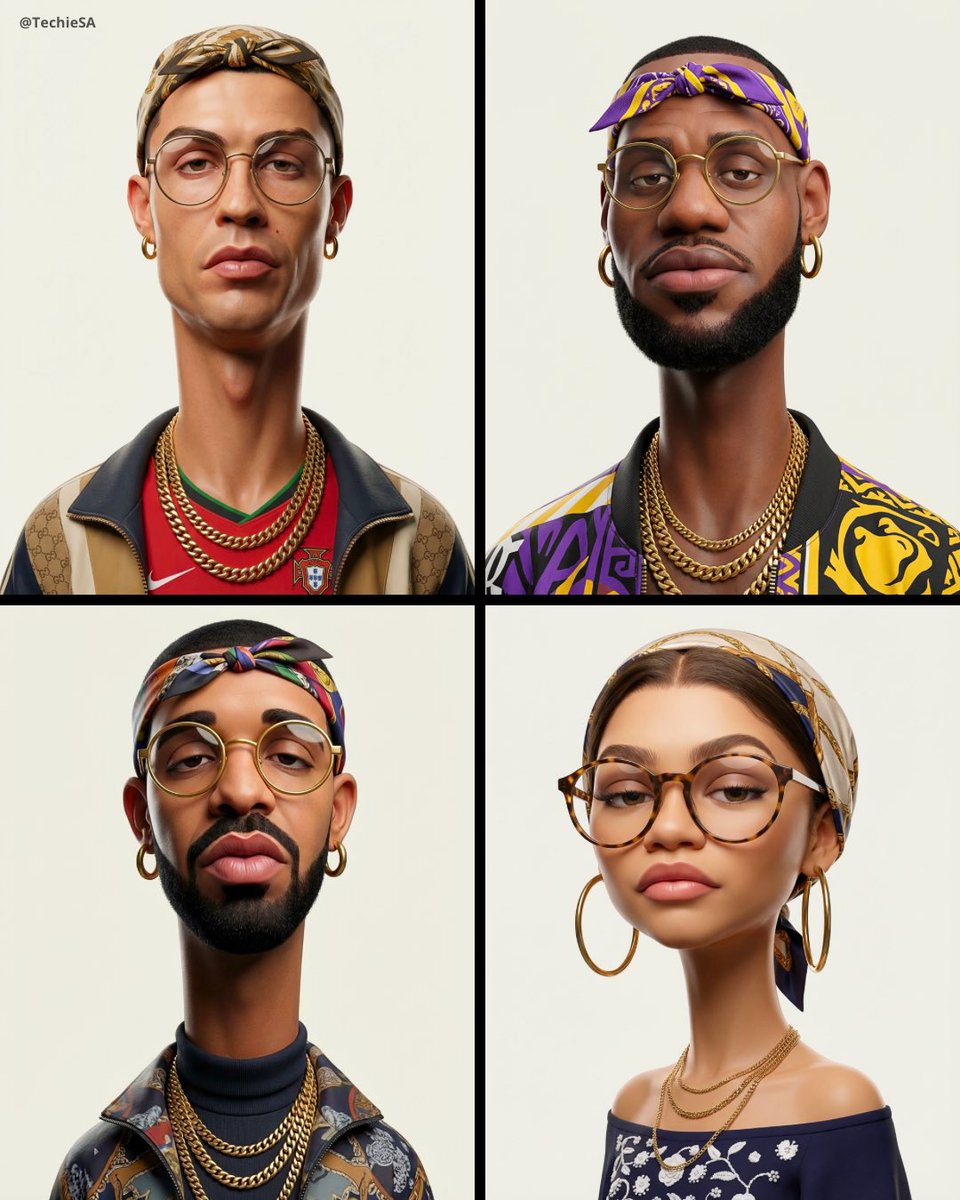
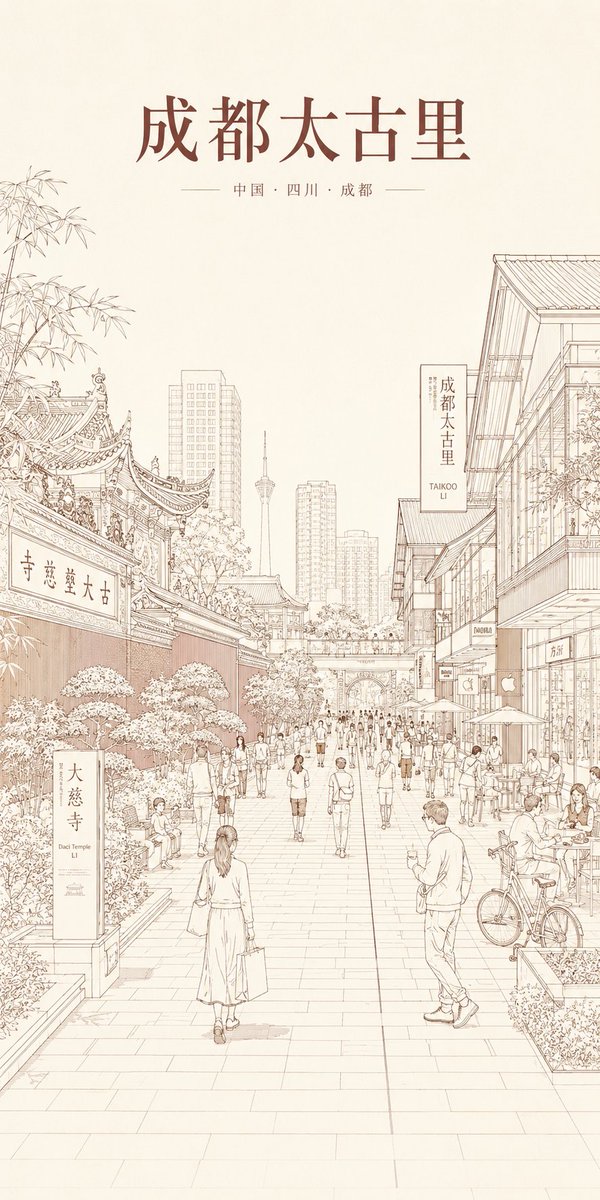
How do I use the Realistic Portrait of Curvy Woman in Bathroom template?
Choose the primary action to open PicX Studio with the available template settings. Review the model and format, personalize the creative direction, and generate when ready.
A highly detailed prompt focused on generating an ultra-realistic portrait of a curvy young woman in a chocolate brown slip dress, wearing large square glasses, set in a modern bathroom interior. Change the subject, setting, or lighting one variable at a time.

{ "subject": { "description": "Young adult female with sun-kissed tan skin and long, layered blonde hair with darker roots and bright highlights.", "face": "Oval face shape, full lips with natural mauve tone, groomed eyebrows, wearing large, thick-framed black square glasses. Make-up is present but looks lived-in, featuring winged eyeliner and contouring.", "body_type": "Curvy and voluptuous figure with a prominent, naturally heavy bust. The anatomy emphasizes natural weight distribution, soft tissue volume, and gravity-affected positioning rather than artificially lifted shapes. Shoulders are relaxed, waist is defined but not exaggeratedly snatched.", "outfit": "A tight-fitting {argument name="dress color" default="chocolate brown"} spaghetti-strap mini dress or slip dress. A visible layer of white scalloped lace trims the neckline of a bra or camisole underneath, creating contrast against the brown fabric and tan skin. The fabric creates natural tension wrinkles around the torso.", "accessories": "A colorful beaded bracelet (yellow, pink, blue beads) on the left wrist. A delicate silver necklace with a cursive nameplate pendant. Small stud earrings.", "skin_details": "High-fidelity skin texture showing pores, natural oil sheen on the forehead and nose, slight redness on cheeks, and realistic coloring that varies across the chest and neck. No plastic smoothing." }, "pose": { "stance": "Standing three-quarter view, angled slightly to the right, facing the camera.", "arms": "Left arm is raised, with the hand gently grasping the back of the head/hair in a relaxed gesture. Right arm hangs naturally by the side (mostly out of frame).", "head": "Head tilted slightly to the left, chin slightly up, looking directly at the lens through the glasses.", "expression": "Confident, calm, slightly sultry but candid expression with lips closed." }, "environment": { "location": "A modern, clean bathroom interior.", "background_elements": "To the left, a grey doorframe and white wall. To the right, the edge of a large white freestanding bathtub with a modern chrome faucet stand. A small glass jar candle sits on the corner of the tub.", "atmosphere": "Domestic, private, and quiet." }, "camera": { "type": "Digital SLR or Mirrorless (e.g., Sony A7R series).", "lens": "50mm portrait lens.", "aperture": "f/2.8 for gentle depth of field.", "focus": "Sharp focus on the eyes and glasses, with a gentle fall-off blurring the background elements (tub and door) slightly.", "perspective": "Eye-level, natural perspective with no wide-angle distortion." }, "lighting": { "type": "Indoor ambient lighting mixed with vanity light.", "quality": "Soft, diffused, and flattering but realistic. Top-down lighting creates subtle shadows under the chin and emphasizes the volume of the chest.", "highlights": "Specular highlights on the nose tip, forehead, shoulders, and the rim of the glasses. Reflection visible in the glasses lenses.", "shadows": "Natura
Choose the primary action to open PicX Studio with the available template settings. Review the model and format, personalize the creative direction, and generate when ready.
Yes. You can change the subject, setting, lighting, mood, format, and available model controls before creating your image.
This template is free to open and customize. Generation usage is shown in PicX Studio before you create.
Start with Nano Banana 2, which is the model associated with this template. You can compare another compatible model for a different finish.
Follow a topic to a crawlable collection of related PicX Studio templates.
43,474 public templates available. Verified via the PicX Studio public templates API; refreshed hourly.





![69-untitled — FORMAT: 15s / 145 BPM / 14 SHOTS
SUBJECT: @[image1]
WARDROBE: Clean modern outfit
ENVIRONMENT: Street / indoor transitions
MOOD: Discovery → contr](/_next/image?url=https%3A%2F%2Fcdn.picxstudio.com%2Fuploads%2Fpost69_img0_d45faecf-38c3-4bcb-81a4-f6eb1cf42bb2.jpg&w=828&q=100)









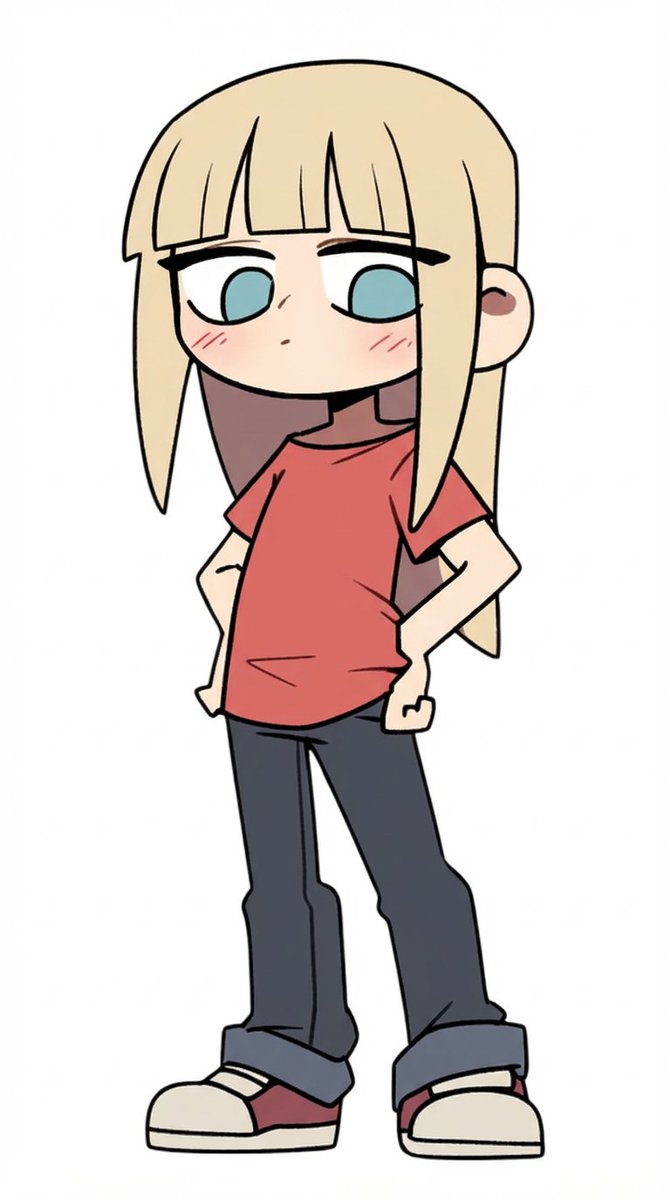
![Naive doodle-style subject illustration — A doodle-style {argument name="subject" default="[subject]"}, naive lines, humorous shape exaggeration](https://pbs.twimg.com/media/G6Wl2YxbsAARB2b.jpg)











![Infographic Prompt Template for Body Parts — Create an infographic image of [{argument name="body part" default="Eye"}], combining a realistic photograph or pho](https://pbs.twimg.com/media/G_YaM8_W0AAX6Ox.jpg)
![Ultra-Realistic 3D Render of a Furry Logo — Ultra-realistic 3D render of the official [{argument name="brand name" default="BRAND NAME"}] logo, exact original s](https://pbs.twimg.com/media/HAjlHnJacAEf8YV.jpg)





![Feature Article Generation Prompt for K-Pop Magazine — Nano Banana Pro에 기사 작성 및 형식 지정을 요청할 수 있습니다. [프롬프트] 검색 기능을 통해 {argument name="어워드" default="2025 MAMA AWA](https://pbs.twimg.com/media/G8fDyCQaMAASnUG.jpg)