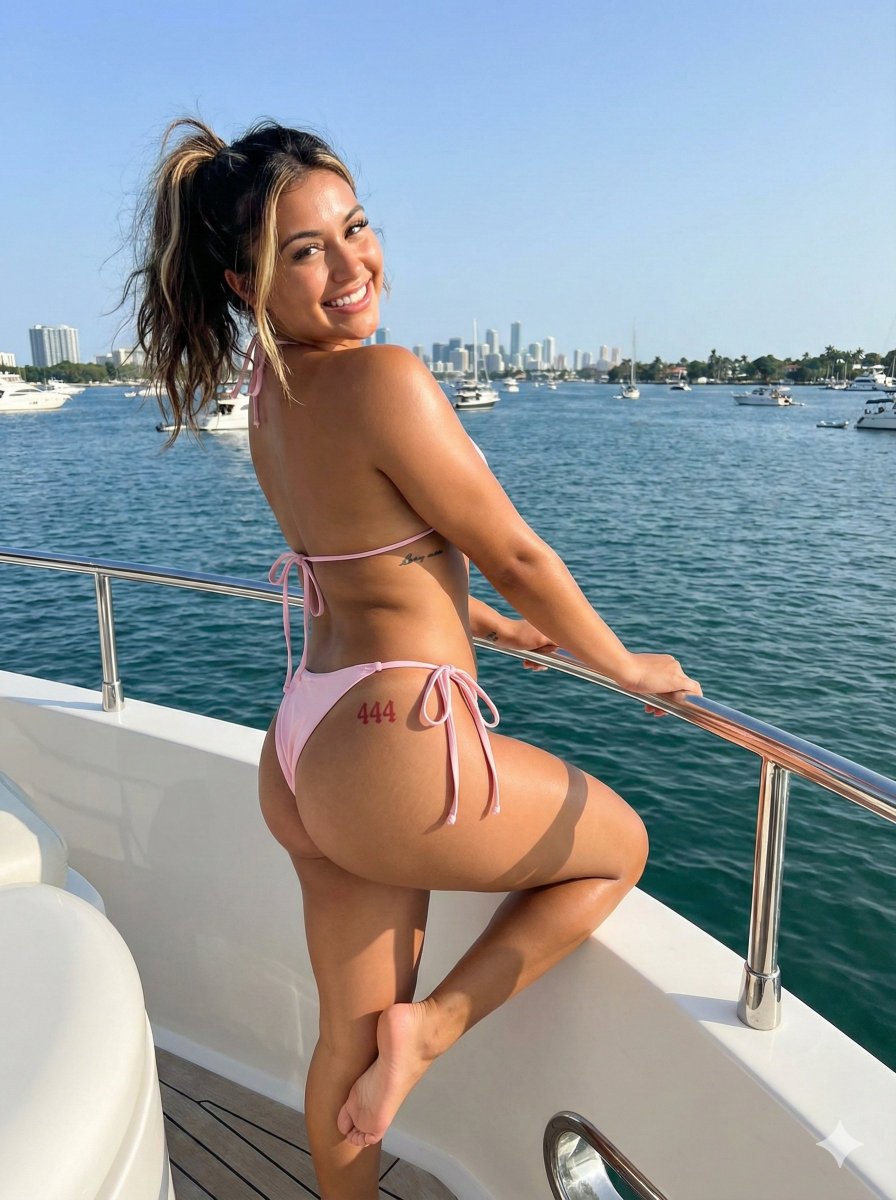
How do I use the Raw Outdoor iPhone Snap of a Curvy Woman template?
Choose the primary action to open PicX Studio with the available template settings. Review the model and format, personalize the creative direction, and generate when ready.
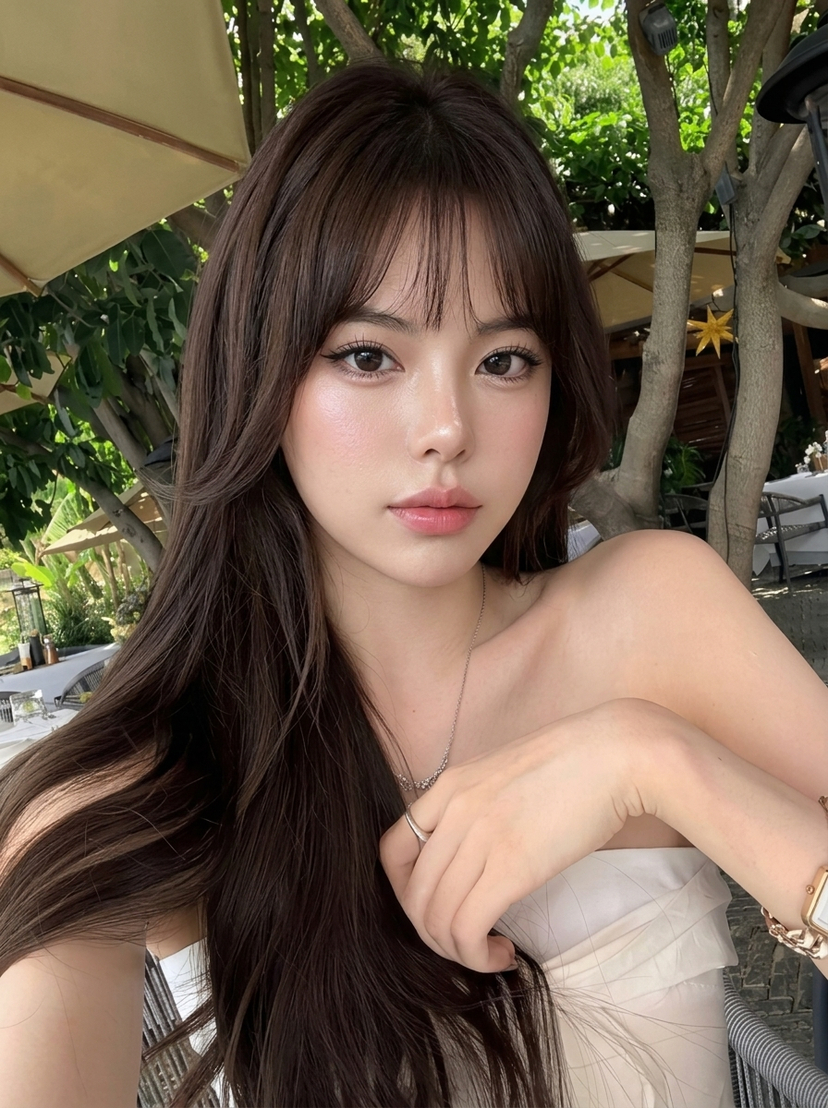
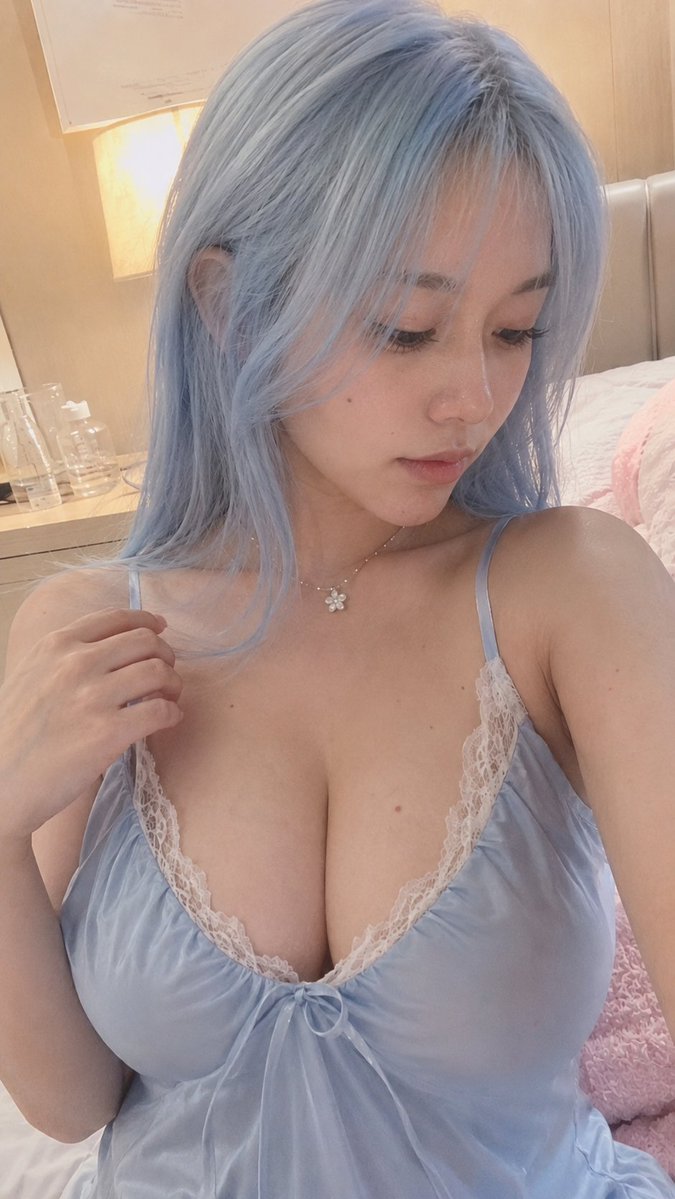
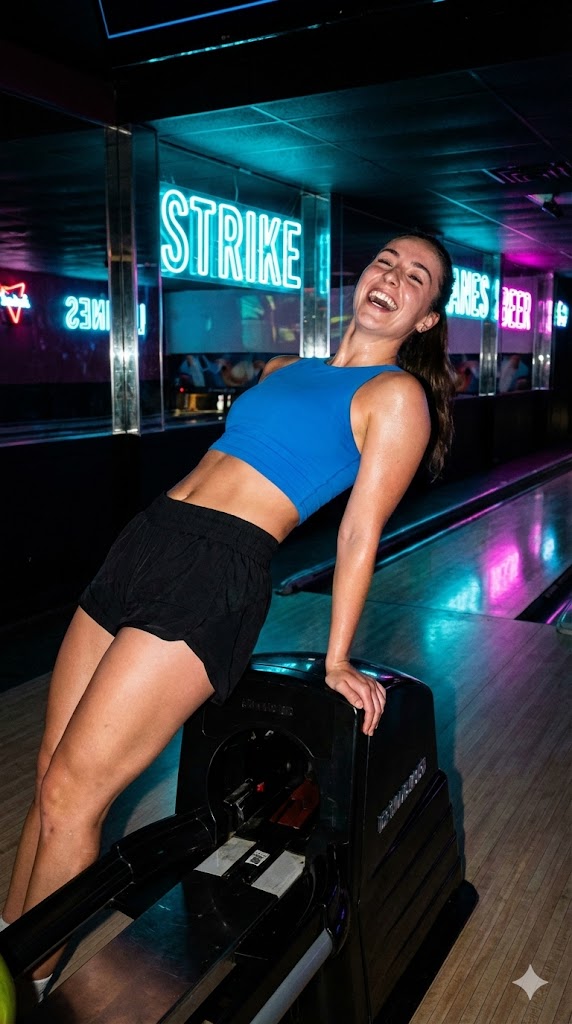
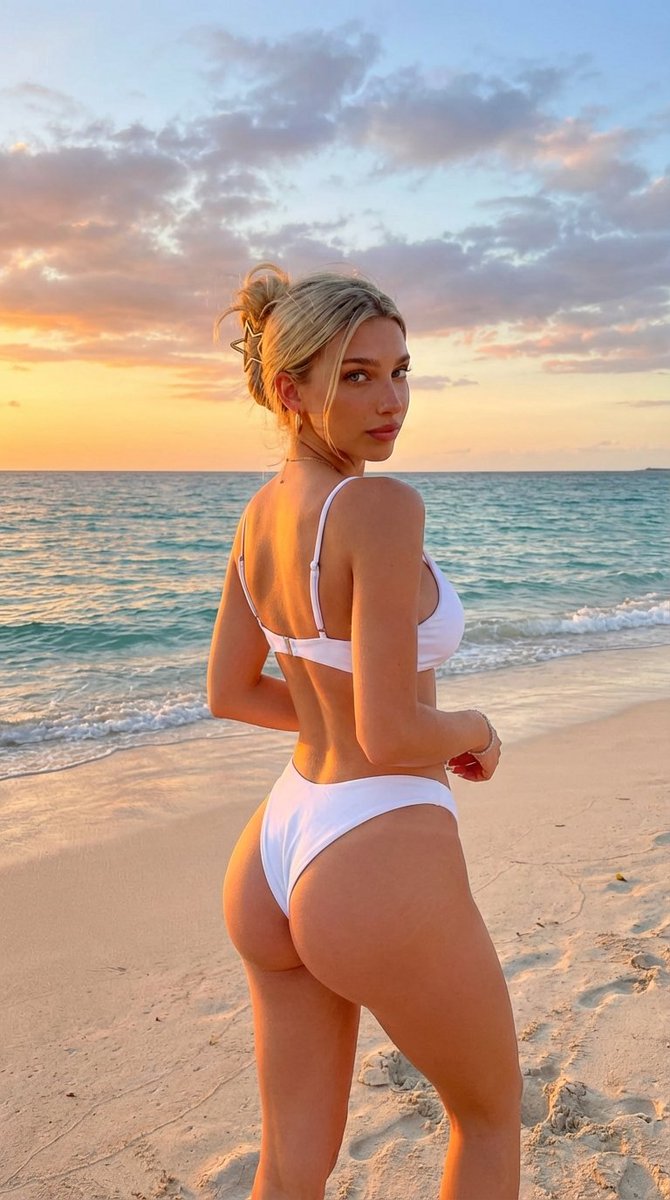
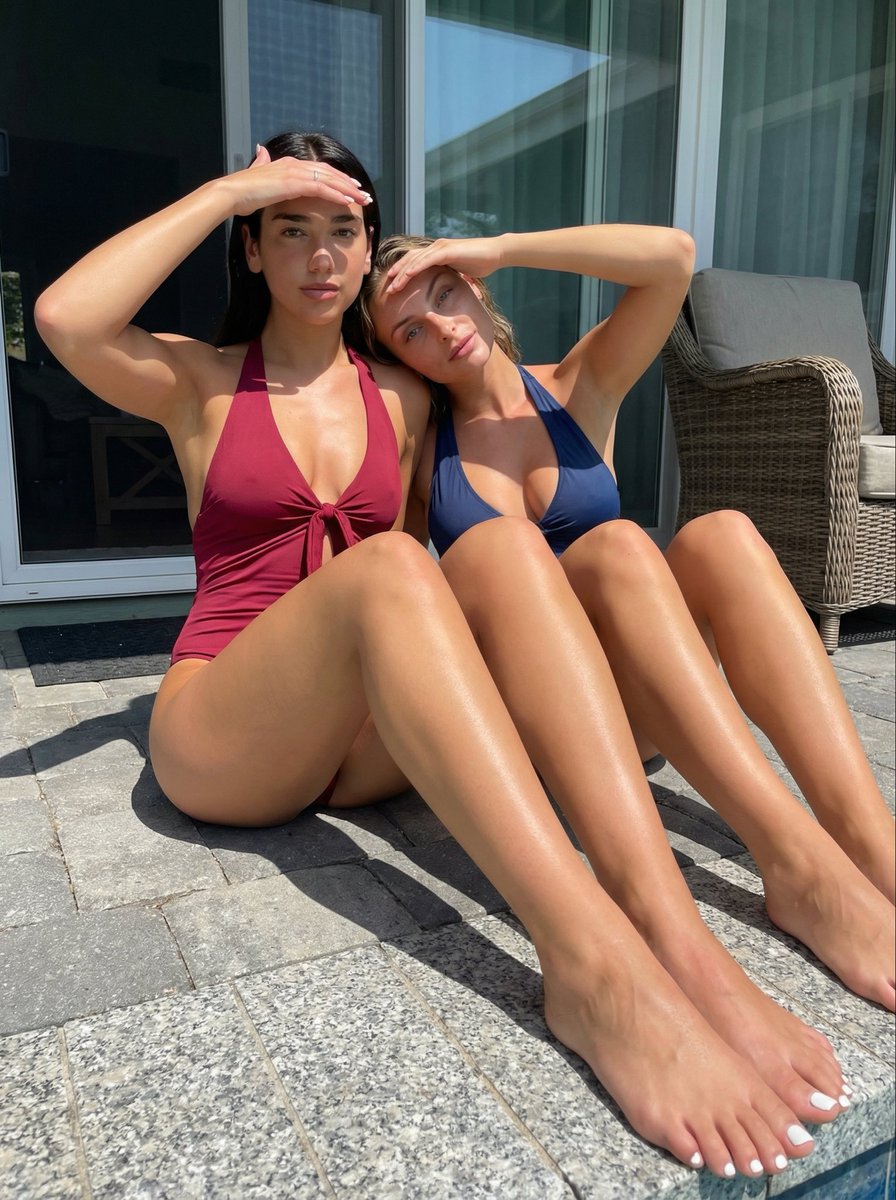
A highly detailed JSON prompt designed to generate a photorealistic image mimicking a casual outdoor smartphone snapshot. Change the subject, setting, or lighting one variable at a time.

{ "photo_type": "Casual outdoor snapshot, amateur smartphone photography", "subject": { "age": "Early 20s", "body_type": "Athletic and extremely curvy hourglass figure with highly pronounced glutes", "description": "An individual with an oval-shaped face and a smooth, fair complexion. Long, dark, wavy hair is parted to the side, with a red hibiscus flower tucked behind one ear.", "ethnicity": "Fair-skinned", "expression": "Soft, direct gaze with a subtle, natural smile", "gender": "Female", "mirror_rules": "n/a", "pose_description": "Standing with her back to the camera, twisting her torso to look back over her right shoulder directly at the lens. Her hands are raised near her shoulders, lightly touching the sides of her head and hair.", "tattoos": "Small dark tattoo visible on the side of the ribs, partially obscured by the left arm." }, "clothing": { "bottom": { "color": "Matte black", "details": "High-waisted, tight-fitting athletic compression shorts", "fabric": "High-density spandex-polyester blend", "type": "Athletic shorts" }, "fit_and_physics": "Extreme fabric tension over the glutes and hips, visible compression creases around the waist and underarms, with stretching seams highlighting the material's elasticity.", "outerwear": { "color": "n/a", "details": "n/a", "fabric": "n/a", "type": "n/a" }, "shoes": { "color": "n/a", "details": "n/a", "fabric": "n/a", "type": "n/a" }, "top": { "color": "Matte black", "details": "Tight-fitting short-sleeved athletic shirt with a small white stylized 'x' logo on the left sleeve", "fabric": "Performance compression fabric", "type": "Athletic top" } }, "hair": { "color": "Dark brown", "interaction": "Hand interaction with hair strands near the shoulders", "style": "Long, dark, wavy hair is parted to the side, with a red hibiscus flower tucked behind one ear" }, "face": { "description": "Use the uploaded character reference image, keep all facial details 100% unchanged", "eyebrows": "Dark, well-defined arched eyebrows", "eyes": "Large, almond-shaped brown eyes", "lips": "Full, symmetrical lips with a prominent cupid's bow", "makeup": "Minimal, natural 'no-makeup' look" }, "skin_texture": "Smooth, fair complexion with visible micro-texture, including natural pores and very fine vellus hair (peach fuzz) along the jawline.", "biological_features": { "eye_complexity": "Sharp corneal reflections and visible veins in the sclera for realistic wetness", "hair_strand_physics": "Individual flyaway strands reacting to the air, richly textured dark waves", "skin_micro_texture": "Authentic skin grain with varying pore sizes on the nose and cheeks", "subsurface_scattering": "Soft light penetration on the edges of the ears and
Choose the primary action to open PicX Studio with the available template settings. Review the model and format, personalize the creative direction, and generate when ready.
Yes. You can change the subject, setting, lighting, mood, format, and available model controls before creating your image.
This template is free to open and customize. Generation usage is shown in PicX Studio before you create.
Start with Nano Banana 2, which is the model associated with this template. You can compare another compatible model for a different finish.
Follow a topic to a crawlable collection of related PicX Studio templates.
43,474 public templates available. Verified via the PicX Studio public templates API; refreshed hourly.










![Naive doodle-style subject illustration — A doodle-style {argument name="subject" default="[subject]"}, naive lines, humorous shape exaggeration](https://pbs.twimg.com/media/G6Wl2YxbsAARB2b.jpg)












![Crystal Hologram Product Photography Prompt — {
"ultra_high_fidelity_request": {
"subject": "{argument name="product" default="[PRODUCT]"}",
"framing"](https://pbs.twimg.com/media/HA1kySHWUAEpy6f.jpg)





![Six-Panel Cinematic Storyboard Sketch — [Image reference/object/person] as a [movie/TV show genre] movie storyboard, six sequential panels, pencil sketch with t](https://pbs.twimg.com/media/HCp-CEpbUAAvvFi.jpg)




![Cinematic Pure Joy Splashing Prompt — Cinematic Frames, Pure Joy
{argument name="subject" default="[SUBJECT]"} splashing in {argument name="water type" d](https://pbs.twimg.com/media/G-6zluMW8AA67AK.jpg)