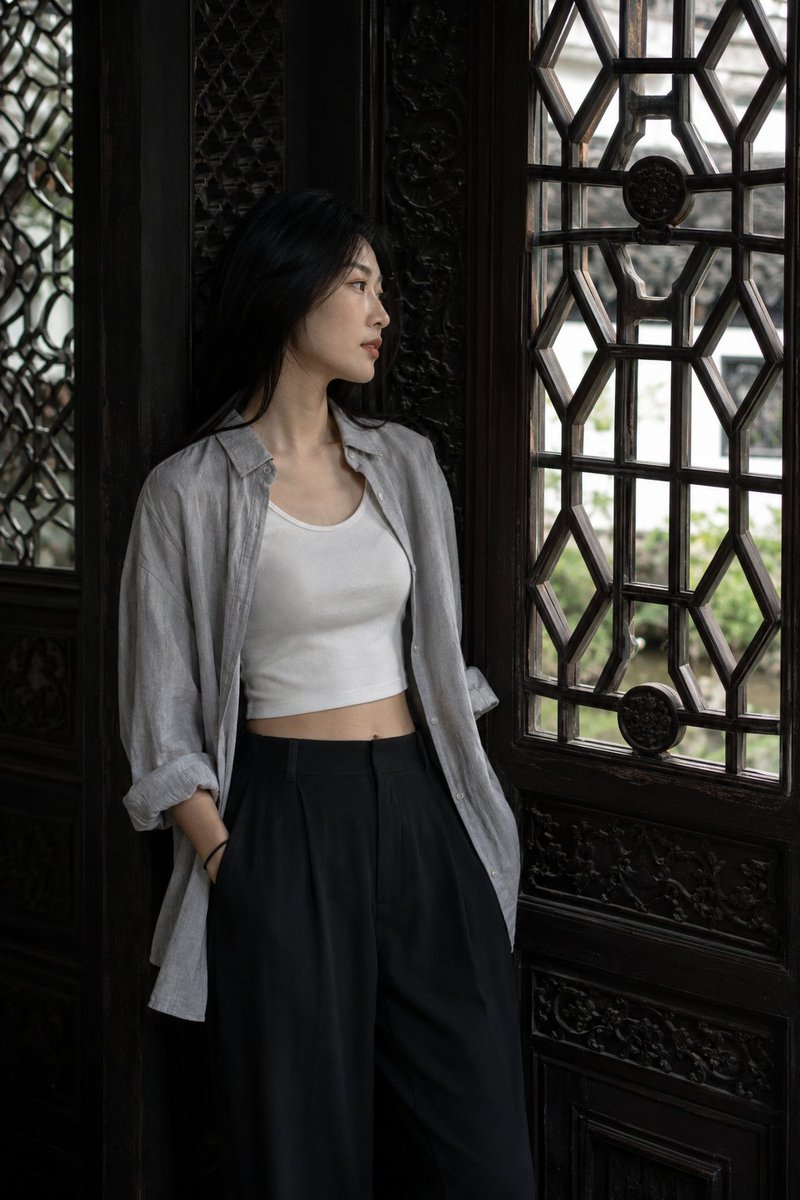
How do I use the Cinematic Festival Photo of Millie Bobby Brown template?
Choose the primary action to open PicX Studio with the available template settings. Review the model and format, personalize the creative direction, and generate when ready.
A highly detailed, cinematic, photorealistic prompt for Nano Banana 2 to generate an image of Millie Bobby Brown at an outdoor festival near a Ferris wheel. Change the subject, setting, or lighting one variable at a time.

"Create a highly detailed, cinematic, photorealistic lifestyle photograph of {argument name="subject" default="Millie Bobby Brown"} at an outdoor festival during early evening. She has long, slightly wavy hair and a playful expression, smiling with her teeth visible while looking back over her right shoulder directly at the camera. Her makeup is light and natural. She is wearing sunglasses resting on top of her head, large teal-colored drop-shaped earrings, and a bright yellow festival wristband on her right wrist. She has a slim, fit body and is dressed in a light greenish-gray cropped short-sleeve t-shirt with a faded print on the front, paired with light blue ripped denim cut-off shorts. On her feet, she wears classic black high-top canvas sneakers with white laces, a white toe cap, and white soles. Her pose is dynamic and confident: she is standing with her back facing the camera, her torso twisted as she looks over her right shoulder. Her right arm is slightly raised with a relaxed hand near her waist, while her left arm hangs naturally. Her weight is mostly on her extended left leg, with her right leg slightly bent, creating a casual and energetic posture. The setting is a lively outdoor festival, resembling an amusement park. In the background, there is a large Ferris wheel illuminated with neon pink and white lights along its spokes and rim. Blurred figures of people walking can be seen in the background, and the ground appears dark, like a temporary paved surface. The lighting combines soft dusk light with strong, cool artificial ambient light coming from the Ferris wheel. The neon lights create a glowing rim light around her hair, shoulders, and silhouette, while a soft front fill light clearly illuminates her face and body. The overall mood is vibrant, youthful, energetic, and cinematic, capturing the lively atmosphere of a summer festival. The color palette emphasizes neon pink, bright white, light denim blue, greenish-gray, black, and soft pink tones. The image should be captured in a portrait orientation (9:16), using a slightly low camera angle and a tight framing (medium close-up or American shot), with the subject occupying almost the entire frame. Use a telephoto lens between 85mm and 135mm to compress perspective and emphasize the subject, with a shallow depth of field to keep her extremely sharp while the background remains softly blurred with bokeh. The final result should be highly detailed, with sharp focus on the subject, vibrant and contrasting colors, professional lighting, and 8K resolution quality."
Choose the primary action to open PicX Studio with the available template settings. Review the model and format, personalize the creative direction, and generate when ready.
Yes. You can change the subject, setting, lighting, mood, format, and available model controls before creating your image.
This template is free to open and customize. Generation usage is shown in PicX Studio before you create.
Start with Nano Banana 2, which is the model associated with this template. You can compare another compatible model for a different finish.
Follow a topic to a crawlable collection of related PicX Studio templates.
43,474 public templates available. Verified via the PicX Studio public templates API; refreshed hourly.









![Naive doodle-style subject illustration — A doodle-style {argument name="subject" default="[subject]"}, naive lines, humorous shape exaggeration](https://pbs.twimg.com/media/G6Wl2YxbsAARB2b.jpg)