How do I use the AI Influencer Bikini Portrait Prompt template?
Choose the primary action to open PicX Studio with the available template settings. Review the model and format, personalize the creative direction, and generate when ready.
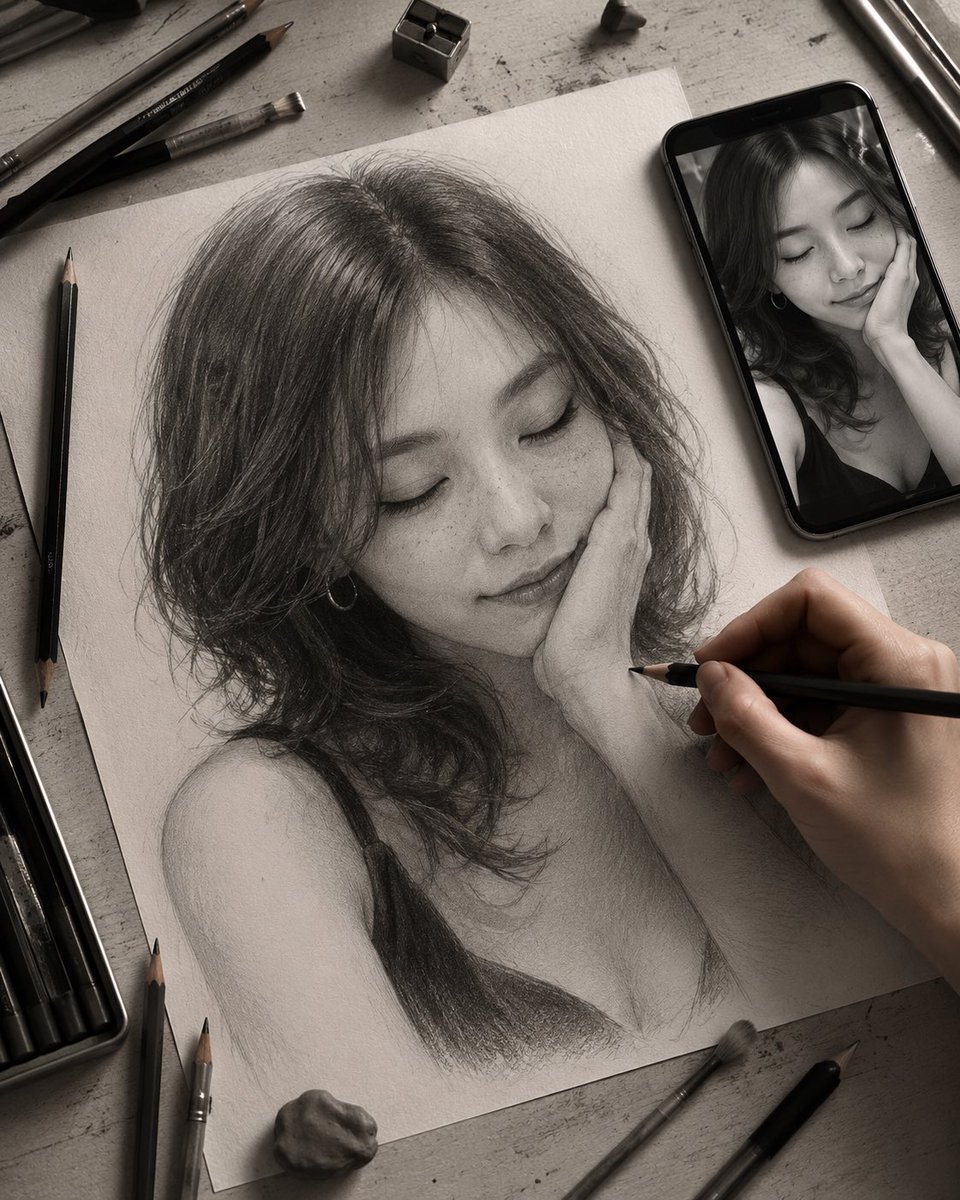
A highly structured JSON prompt for generating an ultra-realistic medium shot of an AI influencer (adult woman with a fit physique and wet blonde hair) wearing a red and orange tie-dye string bikini, set in a warm, tropical resort patio while she holds a cup of gelato. (free to use) — Free AI image template on PicX Studio.
{ “ar”: “4:5”, “subject”: { “type”: “adult woman”, “age”: “mid-20s”, “character_outline”: “fit physique with prominent, athletically sculpted curves; hair is long, wet, and blonde, falling loose around her shoulders”, “expression”: “thoughtful, pensive expression with a slight frown, hand resting on her cheek”, “gaze”: “looking slightly off-camera to the side” }, “wardrobe”: { “bikini”: { “type”: “string bikini set”, “color”: “red and orange tie-dye pattern”, “top_detail”: “triangle cups with thin straps, designed for a fuller bust”, “bottom_detail”: “matching bottoms with side ties, accentuating the hips” }, “bag”: “small white textured shoulder bag tucked under her arm” }, “accessories”: { “jewelry”: “layered gold pendant necklaces, a watch, and a bracelet on her left wrist”, “other”: “holding a small cup of gelato with a spoon in her left hand” }, “pose_action”: { “shot_type”: “standing medium shot”, “stance”: “standing casually with her weight on one leg, emphasizing her silhouette”, “arms_hands”: “right hand touching her cheek in a pensive gesture; left hand holding the ice cream cup”, “framing”: “centered composition capturing her from the mid-thigh up” }, “scene”: { “location”: “covered patio or open-air hallway of a resort or villa”, “background”: “large dark wood door behind her; a large potted plant with green and purple leaves on the left; light beige stucco walls; a glimpse of a bright outdoor area through a doorway on the left”, “atmosphere”: “warm, tropical vacation setting” }, “lighting”: { “type”: “natural shaded daylight”, “look”: “soft, diffused light filtering into the covered area, creating gentle shadows and highlighting the skin’s tanned texture and the wet hair” }, “camera”: { “device_vibe”: “high-quality candid photograph”, “focus”: “sharp focus on the subject”, “style”: “ultra-realistic, detailed image capturing the natural textures of skin, hair, fabric, and the environment” } }
Use AI Influencer Bikini Portrait Prompt to plan an AI image around nano-banana-2 generation. Match the preview's composition first, then personalize the subject, setting, and mood for your own project.
Use the primary action to load the template settings in PicX Studio.
Adjust the subject and creative details for your destination.
Create the image, compare the result with the preview, and refine one variable at a time.
A continuous mix — similar concepts first, woven with same-model prompts and fresh picks from the catalog.
Choose the primary action to open PicX Studio with the available template settings. Review the model and format, personalize the creative direction, and generate when ready.
Yes. You can change the subject, setting, lighting, mood, format, and available model controls before creating your image.
This template is free to open and customize. Generation usage is shown in PicX Studio before you create.
Start with nano-banana-2, which is the model associated with this template. You can compare another compatible model for a different finish.
Follow a topic to a crawlable collection of related PicX Studio templates.
39,155 public templates available. Verified via the PicX Studio public templates API; refreshed hourly.
A continuous mix — similar concepts first, woven with same-model prompts and fresh picks from the catalog.