Ultra-Minimalist Magazine Cover Portrait
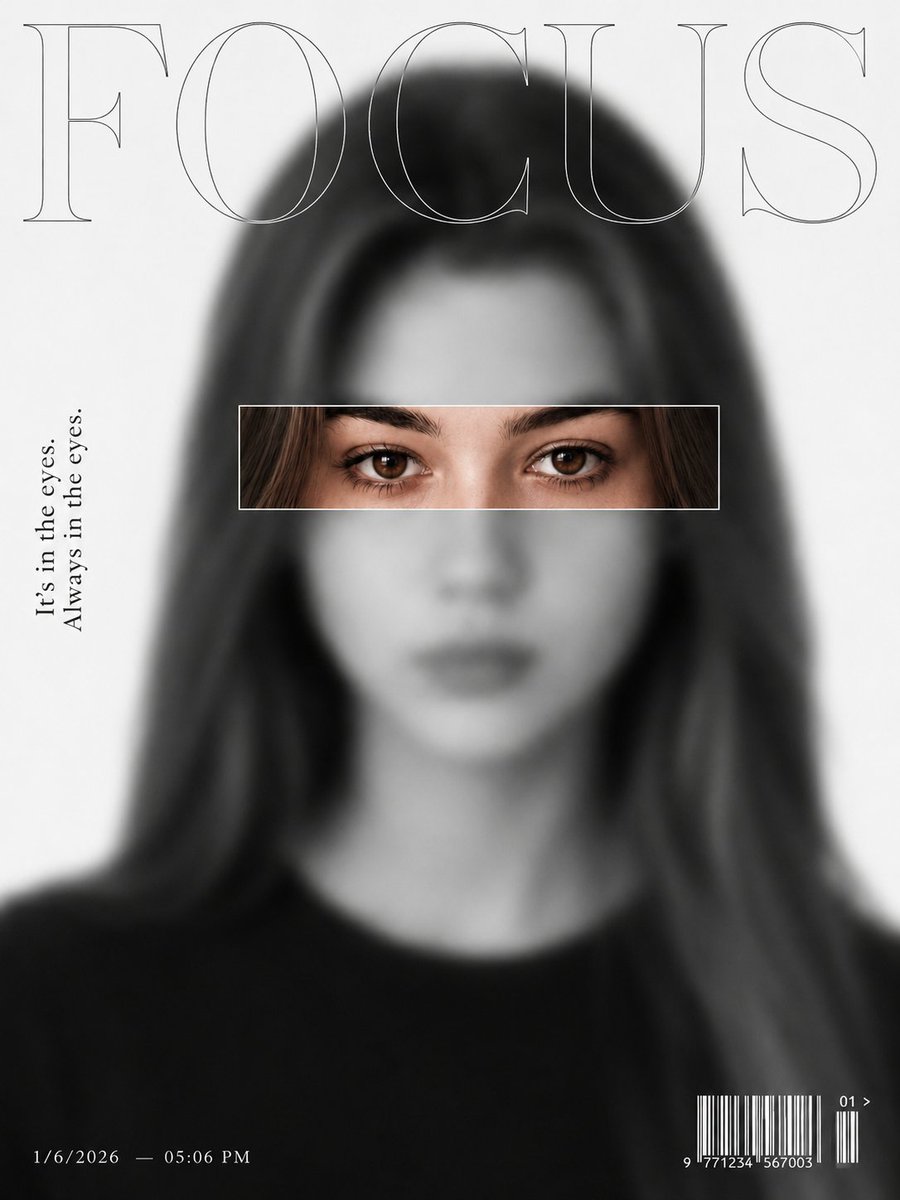
Editorial magazine cover portrait, ultra-minimalist fashion editorial design, black-and-white monochrome photography, high-contrast silver-tone grading, subject intentionally blurred and out of focus across the entire face and body, dreamy soft-focus aesthetic, smooth creamy bokeh, shallow depth of field, soft diffused studio lighting, clean "white" seamless background.
A horizontal rectangular focus window centered across the {argument name="focal point" default="eye region"} only, eyes displayed in razor-sharp 8K detail inside the frame, crystal-clear iris texture, tack-sharp eyelashes, extreme eye clarity, intense gaze, hyper-realistic skin texture around eyes, high micro-contrast, eyes becoming the sole focal point of the composition.
Large transparent outlined only eyes should be colour. typography at top reading "{argument name="headline" default="FOCUS"}", modern luxury magazine layout, vertical editorial quote on left side reading "{argument name="quote" default="It's in the eyes."}"
Always in the eyes realistic barcode at bottom right, premium Vogue-inspired cover design, minimalist graphic elements, professional typography hierarchy, Hasselblad medium-format camera, 120mm portrait lens, f/1.2 aperture, editorial fashion photography, award-winning composition, cinematic depth, masterpiece, ultra-detailed, photorealistic.
NEGATIVE PROMPT
fully sharp face, fully sharp image, entire face in focus, clear nose, clear mouth, clear cheeks, sharp hair, sharp ears, sharp background, deep depth of field, flat focus, everything in focus, blurry eyes, soft eyes, out-of-focus eyes, low-detail eyes, eye distortion, crossed eyes, asymmetrical eyes, duplicate eyes, bad anatomy, deformed face, warped glasses, distorted frame, cartoon, anime, CGI, 3D render, illustration, painting, doll face, plastic skin, excessive skin smoothing, over-
retouched skin, beauty filter, HDR effect, oversaturated, low contrast, overexposed, blown highlights, underexposed, noise, grain, pixelation, jpeg artifacts, watermark, logo, signature, text errors, extra facial features, duplicate face, cropped eyes, cut-off focus frame, messy typography, low-resolution, low quality.









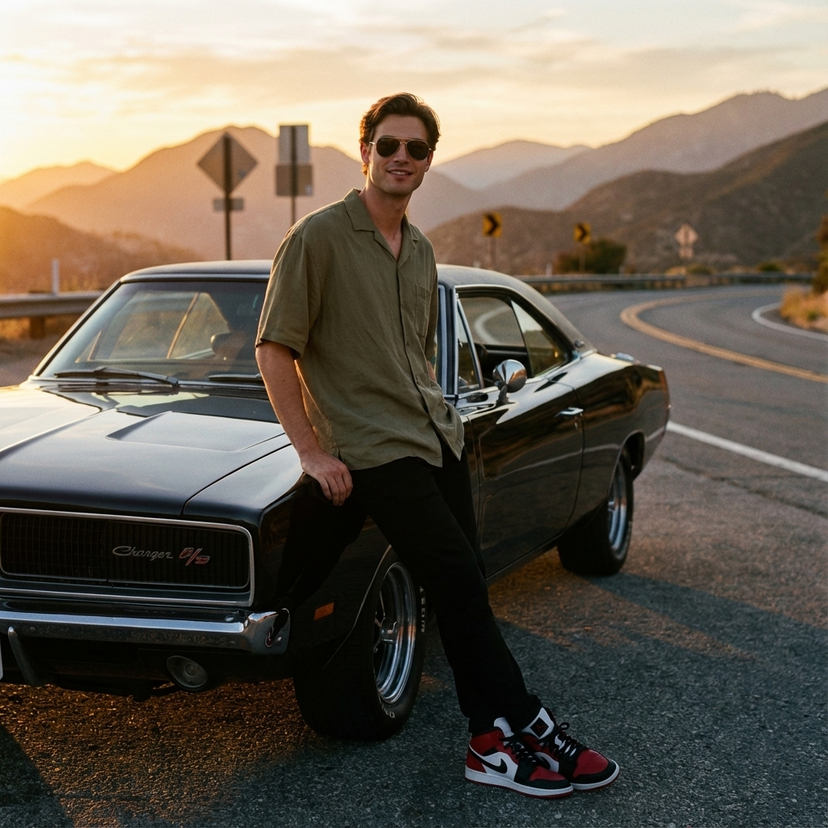













![Naive doodle-style subject illustration — A doodle-style {argument name="subject" default="[subject]"}, naive lines, humorous shape exaggeration](https://pbs.twimg.com/media/G6Wl2YxbsAARB2b.jpg)














![Luxury Culinary Menu Poster — Create a luxury menu poster for {argument name="restaurant" default="[RESTAURANT NAME]"} promoting {…](https://cms-assets.youmind.com/media/1777193313557_a635b0_HGwIgkRa8AA2Ojj.jpg)