
Sunlit Urban Golden Hour Fashion Portrait
A photorealistic fashion portrait of a young woman in an urban setting during golden hour, featuring a casual-chic aesthetic and high-resolution detail.
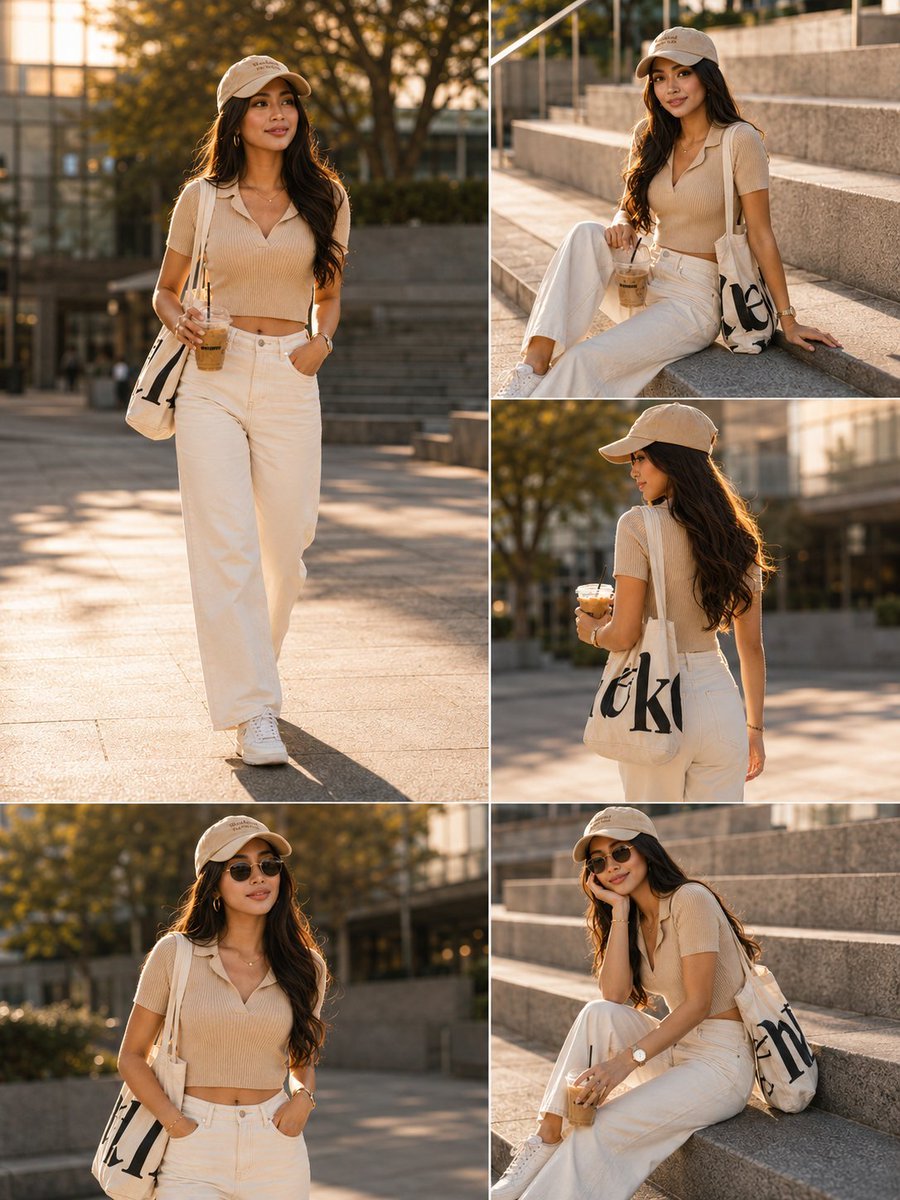
- Prompt included
- Model and format preset
- Free template
The prompt behind this image
Copy the exact prompt behind Sunlit Urban Golden Hour Fashion Portrait, or open it in the studio and make it yours.
Full-body fashion portrait of a young woman in a {argument name="setting" default="sunlit urban plaza"} during golden hour, casual-chic outfit: {argument name="outfit" default="beige ribbed short-sleeve polo sweater with subtle V-neck and cropped hem, high-waisted cream wide-leg jeans with visible button and pockets, white chunky sneakers, canvas tote bag with bold black graphic print, beige baseball cap"}, long wavy dark brown hair, minimal jewelry (watch and bracelet) and optional sunglasses, holding an iced coffee as a prop; relaxed confident poses — hands in pockets, walking, seated on steps, three-quarter front and back views, gentle natural smile and candid gaze. Warm directional soft sunlight creating long soft shadows and flattering highlights, shallow depth of field with gentle bokeh, high-resolution photorealistic rendering, neutral beige/cream/white color palette, emphasis on knit and denim textures, modern concrete steps, metal railing and greenery in the background, clean editorial lifestyle aesthetic, cinematic film tones, soft contrast and natural skin tones, crisp detail, authentic street-style mood.
How to use Sunlit Urban Golden Hour Fashion Portrait in 3 steps
- 1
Open
The prompt is already in the box next to the preview, with the template's model and format selected.
- 2…a portrait of your subject in softgolden-hour light, 85mm…
Personalize
Edit the subject and creative details for your destination.
- 3Generate
Generate
Press Generate — your image is created in PicX Studio, so you can compare it with the original and refine one variable at a time.
More like this
Templates with the same subject, style or setup. Open one to see its prompt.

80s Golden Hour Cinema

Rooftop Fisheye — Cat-Ear Balaclava at Golden Hour

Nano Banana 2 High Fashion Sports Campai

Couture Fashion Editorial Woman and Drag

Ive Yujin Fashion Portrait in Blue

Nano Banana 2 Editorial Fashion Portrait

Caution Tape Fashion — Industrial Editorial

Cinematic Golden Hour Urban Portrait

Cinematic Golden Hour Garden Portrait
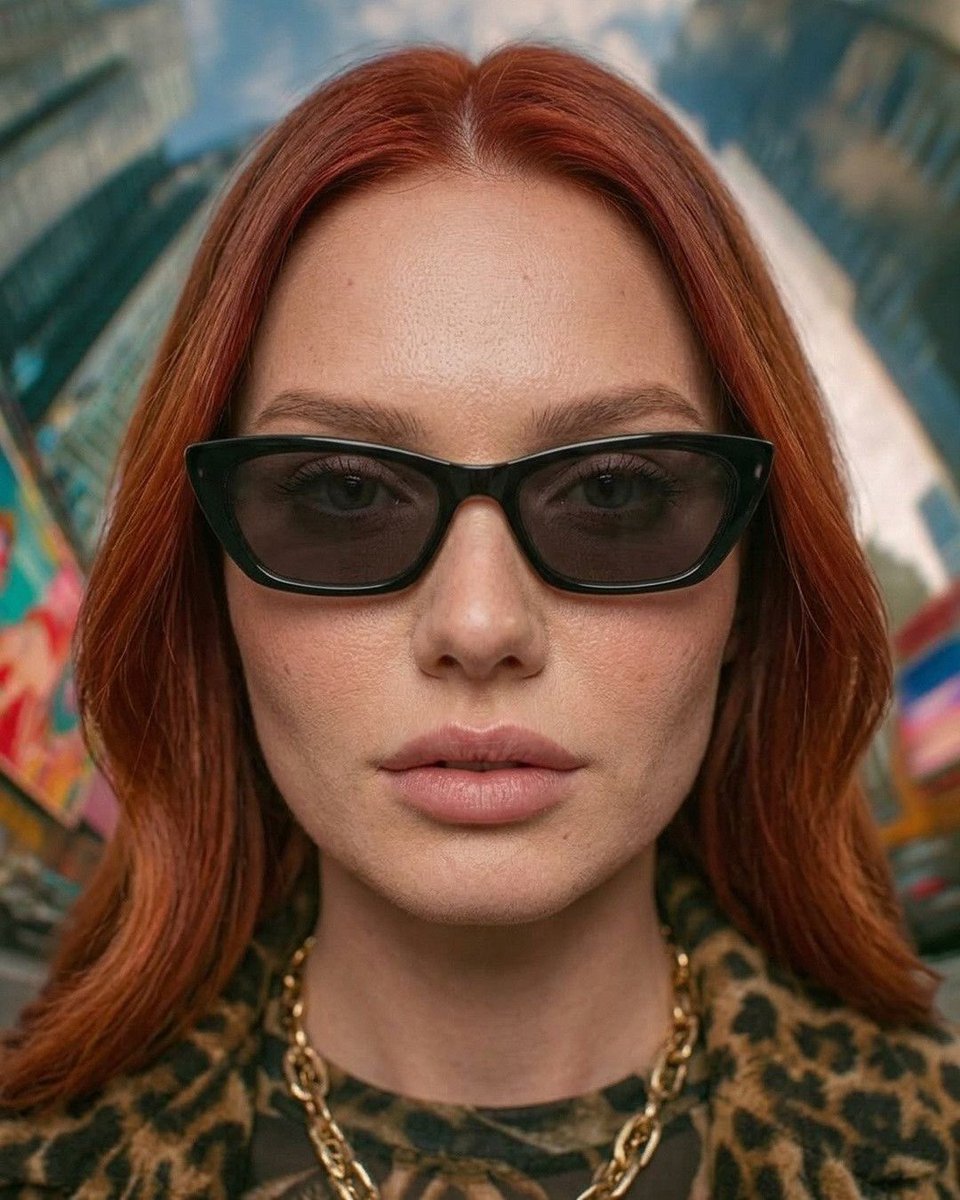
Urban Fashion Symmetrical Portrait
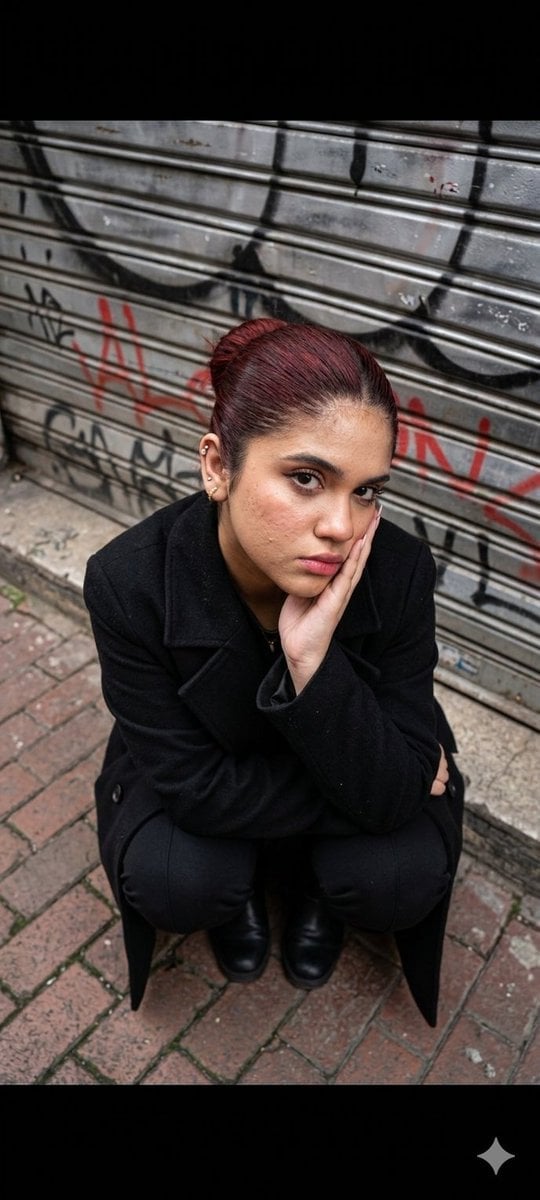
Urban Fashion Portrait

Golden Hour Redhead Portrait
Make it yours
Sunlit Urban Golden Hour Fashion Portrait works as-is. These are the safest ways to change it without losing the look.
Change one field
Copy a single group, rewrite it, and generate again so you can see what that field is doing.
Keep the frame, change the subject
Hold the composition and light of Sunlit Urban Golden Hour Fashion Portrait, then swap wardrobe, props or the person for a new take.
| If the result… | Why | Fix |
|---|---|---|
| The result drifts from the preview | Too many fields changed at once. | Reuse Sunlit Urban Golden Hour Fashion Portrait as-is first, then change one group — subject, light, or setting. |
| The model over-stylizes the scene | The prose prompt leaves finish and camera underspecified. | Add one camera or lighting sentence and stay on GPT Image 2. |
More GPT Image 2 templates
Other prompts made for GPT Image 2.

Six VTuber Japanese Logo Sheet

Realistic Portrait of Woman and Deer

The Vista Modular Condo Poster

AI Model Routing Comparison Infographic

2.5D Anime Art Board

Isometric Productivity Desk Scene

New York Double Exposure Poster

Four-Panel AI Landscape Comparison

Japanese Tatami Lifestyle Magazine Cover

NESCAFÉ Coffee Map Poster
More image prompts
Fresh picks from across the catalog.
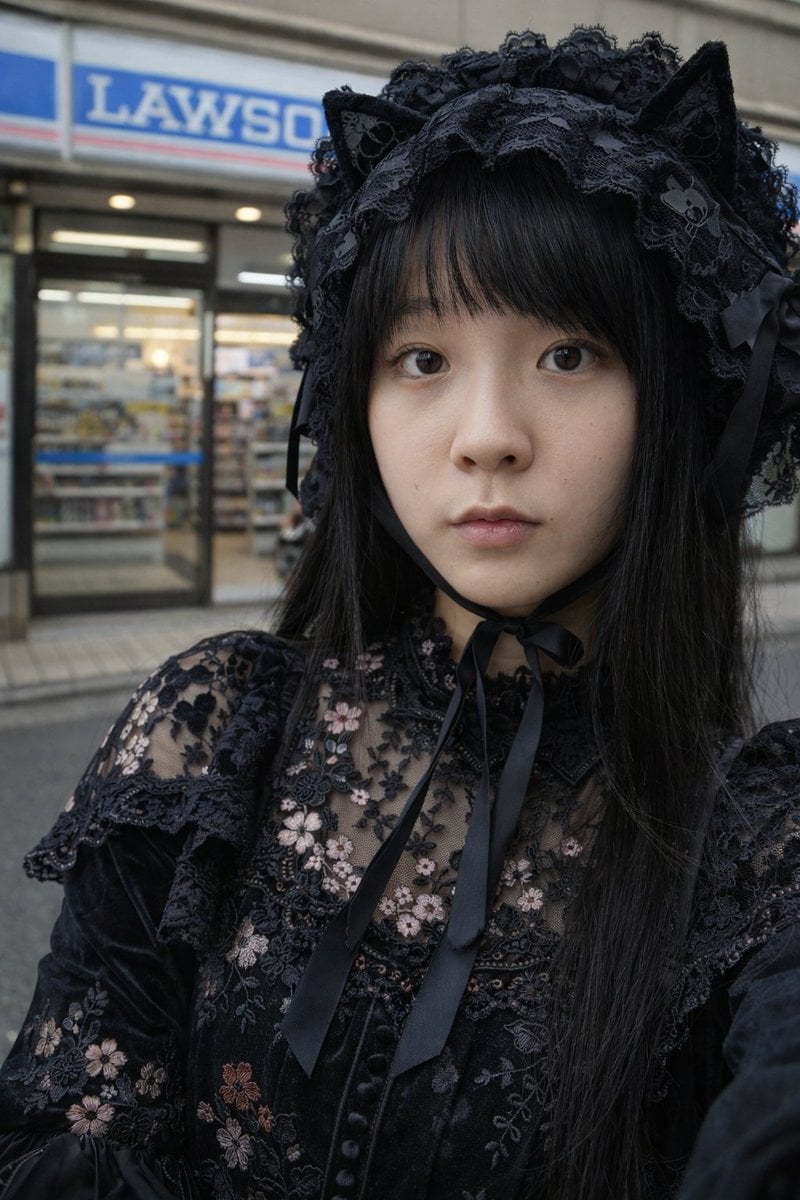
Gothic Lolita Portrait at Convenience Store
Colossal Optimus Prime and Human Cinematic Photo Prompt
Detailed Image Generation Prompt for a Young Asian Woman in a Pink Knit Set
VR Headset Exploded View Poster
Photorealistic 3D Floor Plan Render with Furniture
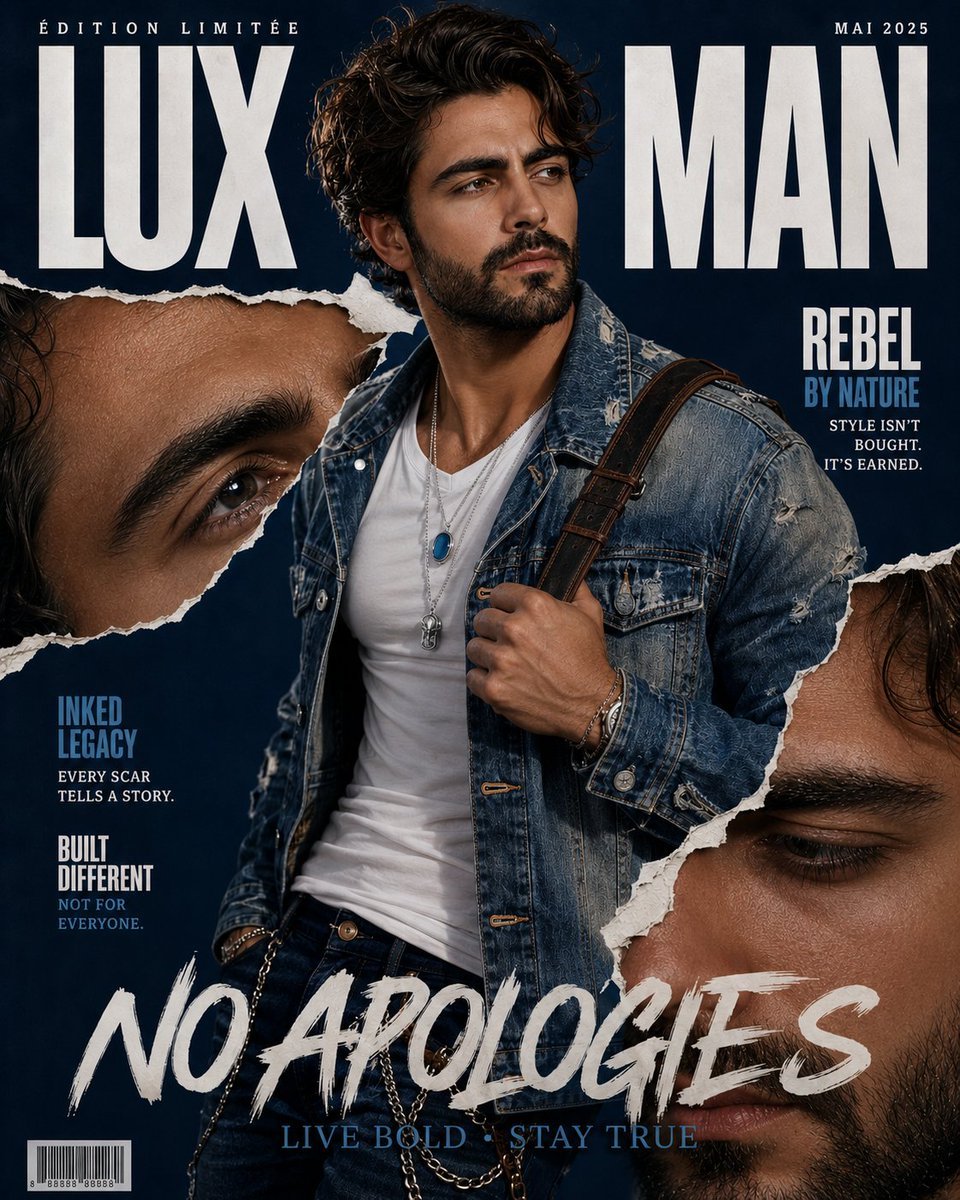
Tattooed Rebel Magazine Cover
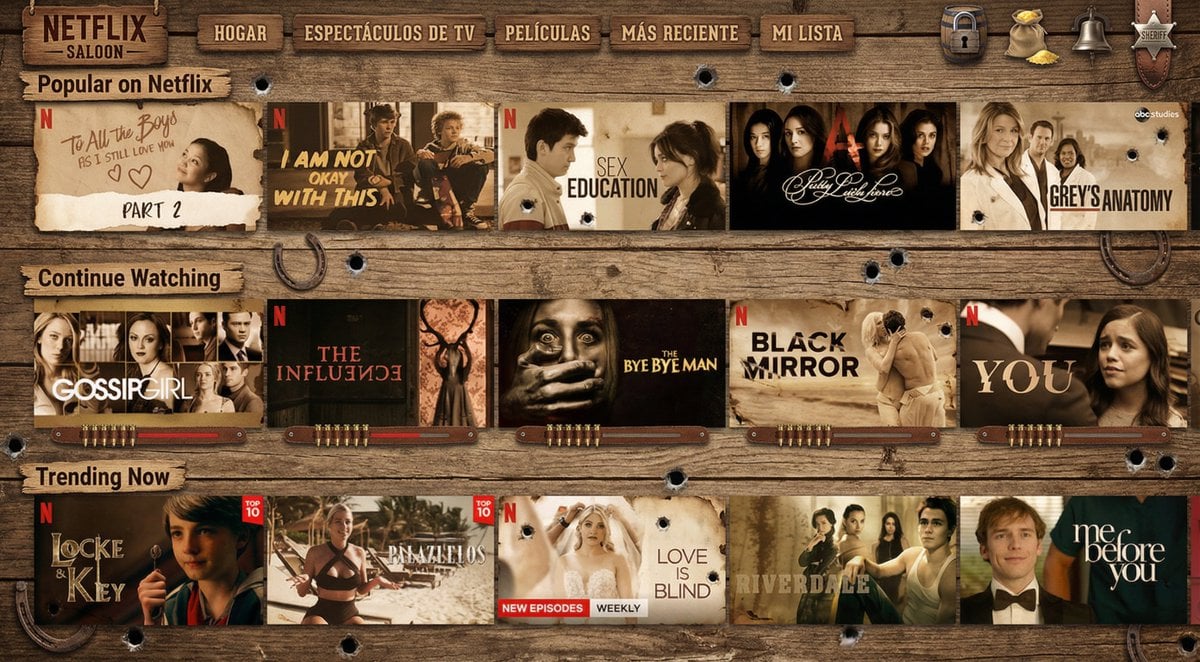
Turn Netflix screen into a western version
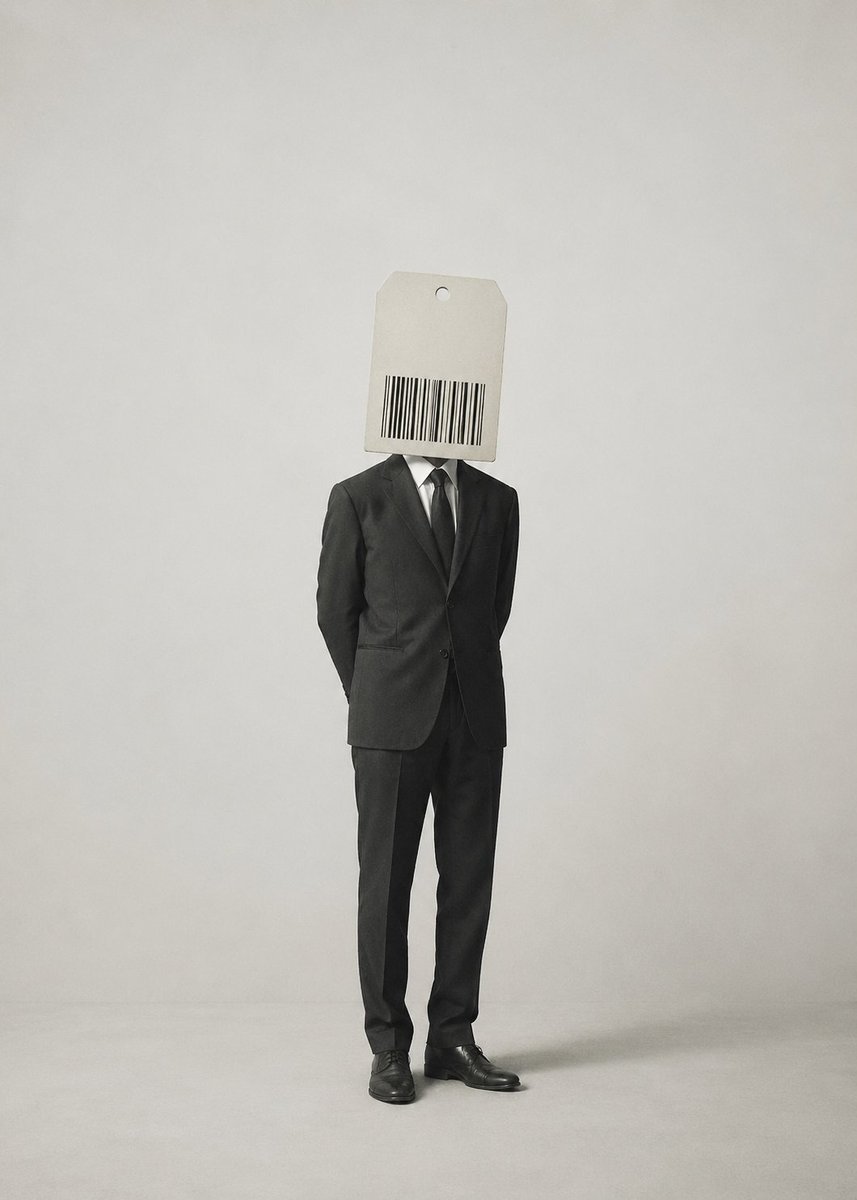
Surrealist Satirical Illustration Prompt
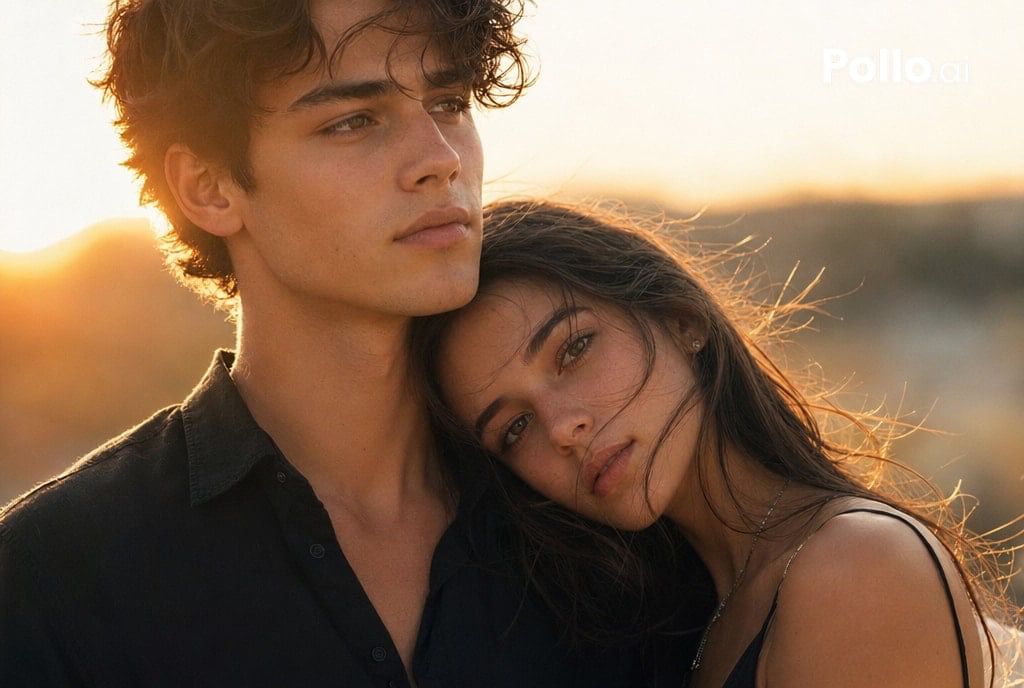
Cinematic Sunset Couple Close-Up

Professional Business Portrait Generation Prompt
Browse template categories
Sunlit Urban Golden Hour Fashion Portrait questions
How do I use the Sunlit Urban Golden Hour Fashion Portrait template?
Add your photo if the template asks for one, edit the prompt if you like — the template's model and format are already selected — and press Generate. Your version opens in PicX Studio.
Can I customize the Sunlit Urban Golden Hour Fashion Portrait template?
Yes. You can change the subject, setting, lighting, mood, format, and available model controls before creating your image.
Is the Sunlit Urban Golden Hour Fashion Portrait template free?
Opening and editing this template is free. Generating uses credits, shown on the Generate button when you are signed in.
Which AI model should I use?
Start with GPT Image 2, which is the model associated with this template. You can compare another compatible model for a different finish.
Looking for something else? Browse all templates.

Your photo, any look
Thousands of ready templates for every top image and video model, from one credit balance.