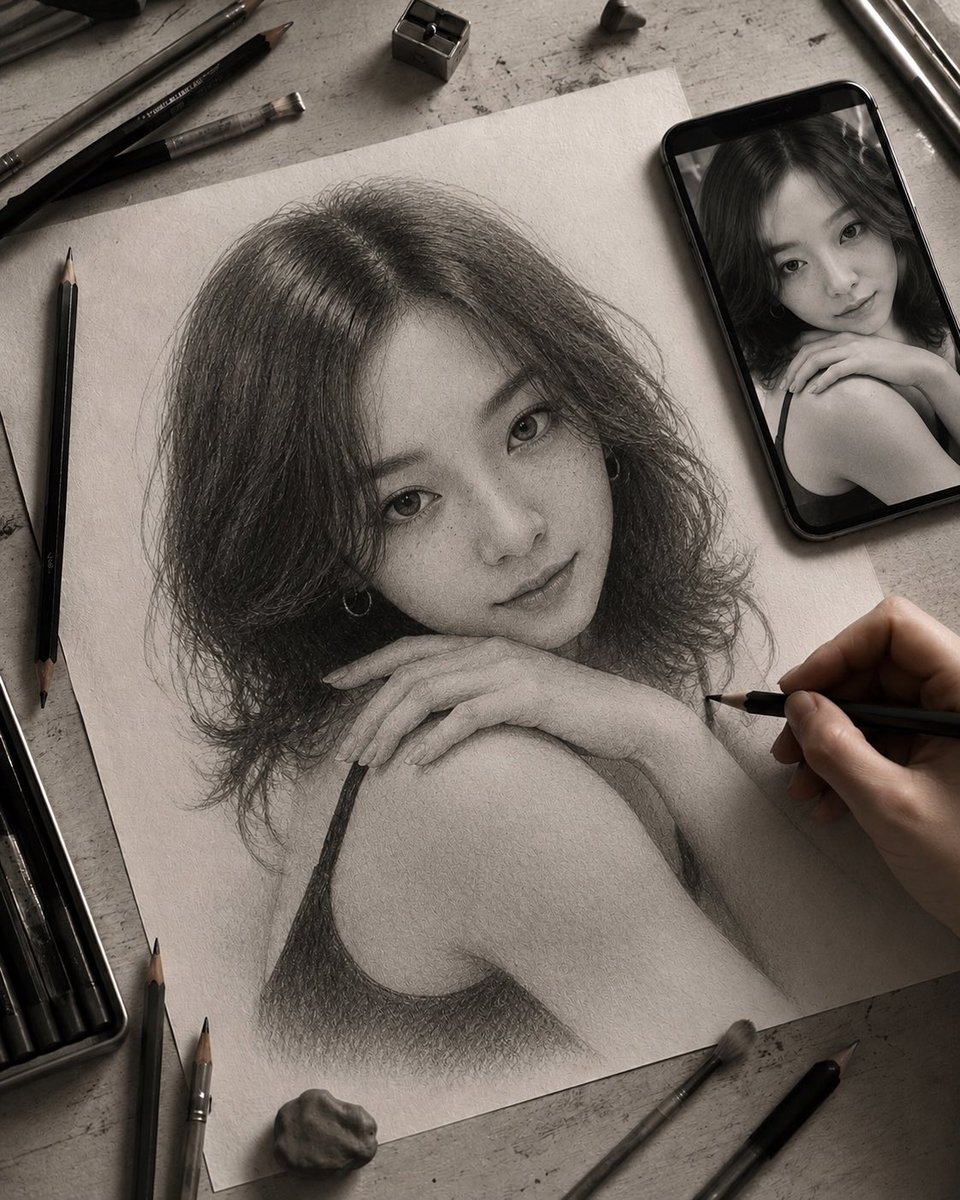
How do I use the Late-Night Graphite Portrait Workspace template?
Choose the primary action to open PicX Studio with the available template settings. Review the model and format, personalize the creative direction, and generate when ready.
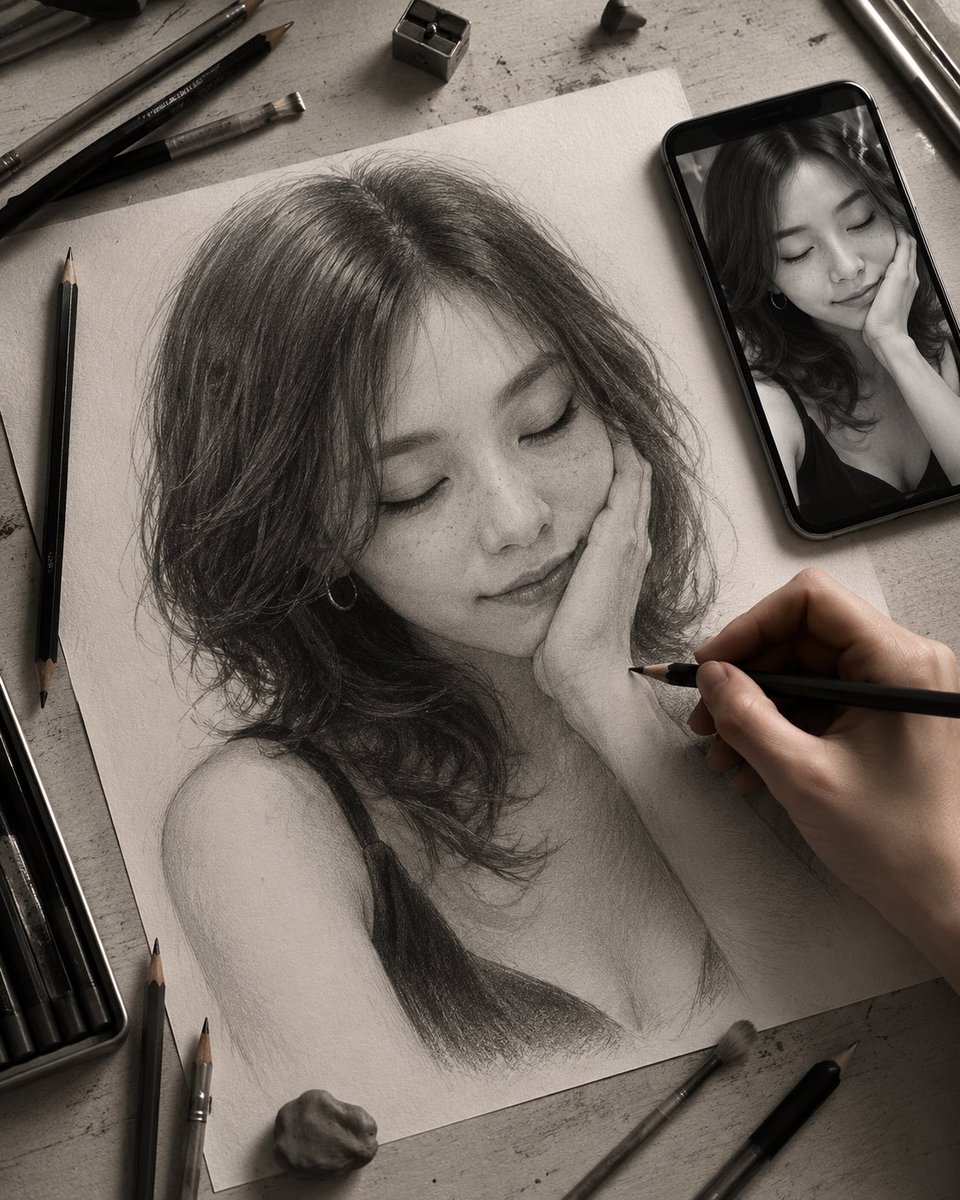
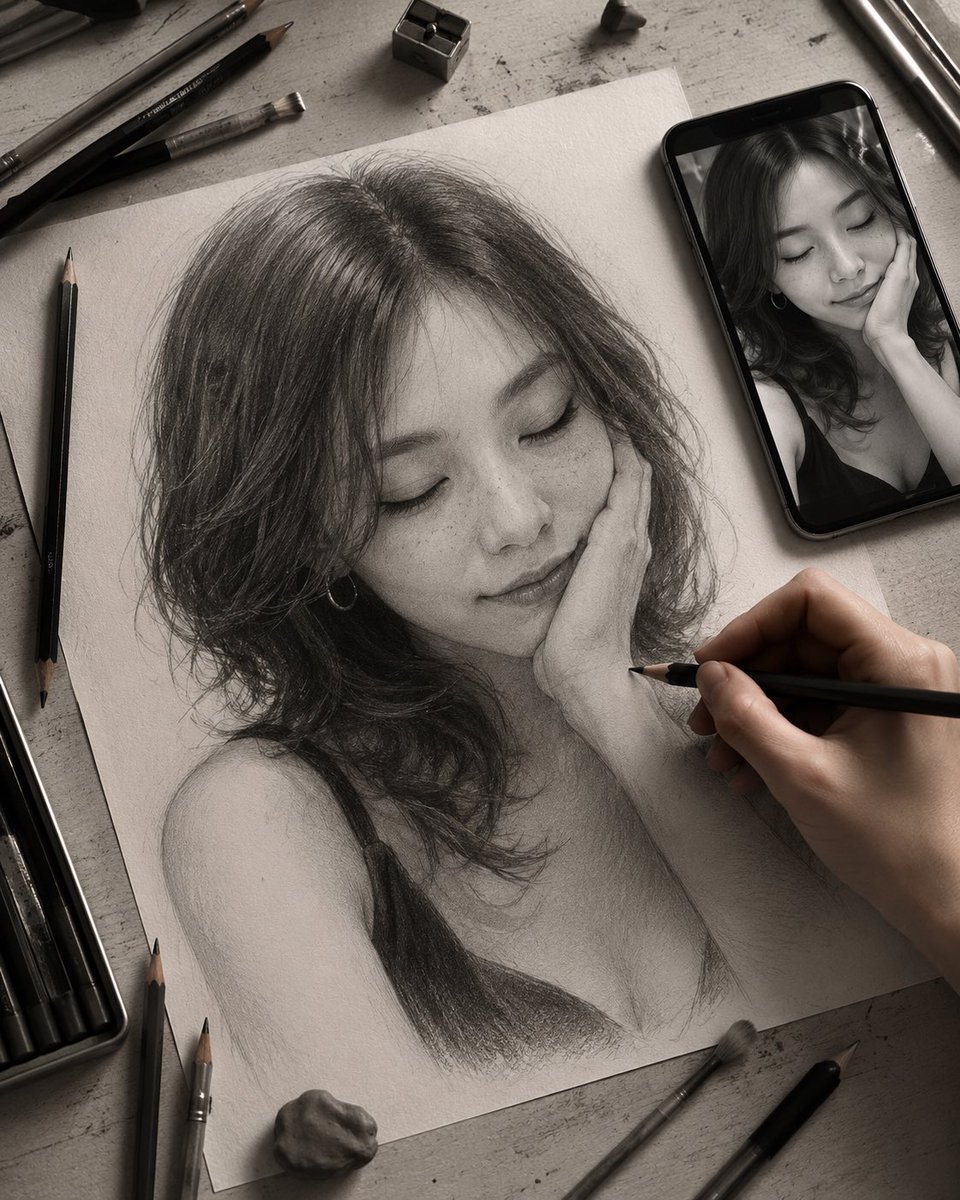
Generates a realistic overhead artist desk scene with an unfinished graphite portrait, reference phone, drawing tools, and a private late-night studio mood. (free to use) — Free AI image template on PicX Studio.
Create a moody monochrome overhead photo-realistic scene of a late-night artist workspace: a textured off-white sheet of drawing paper lies diagonally on a worn gray desk, holding an unfinished graphite portrait of {argument name="subject description" default="a young woman with shoulder-length wavy dark hair, bare shoulder, and a black camisole strap"}. The drawing is highly detailed in the hair, neck, shoulder, and clothing, with visible layered graphite strokes, smudging, paper grain, and soft unfinished shading. A realistic right hand enters from the lower right, actively drawing with a black pencil near the portrait’s cheek and neck area. Place a black smartphone at the upper right showing the matching black-and-white reference photo of the same subject. Add exactly two opaque soft-edged gray privacy rectangles: one large square covering the face in the pencil portrait and one smaller rectangle covering the face on the phone screen. Surround the paper with a believable artist’s desk arrangement: one metal pencil sharpener near the top, one kneaded eraser or small stone near the bottom, one open pencil tin at the lower left, five loose black graphite pencils, two brushes, and two metallic drawing tools scattered naturally around the paper. Use {argument name="lighting mood" default="dim warm desk-lamp lighting"}, deep shadows, subtle vignette, intimate private-work-in-progress atmosphere, realistic paper texture, charcoal and graphite tones, shallow depth of field, high-resolution editorial photography style, no visible text.
Use Late-Night Graphite Portrait Workspace to plan an AI image around gpt-image-2 generation, themes such as en and gpt-image-2. Match the preview's composition first, then personalize the subject, setting, and mood for your own project.
Use the primary action to load the template settings in PicX Studio.
Adjust the subject and creative details for your destination.
Create the image, compare the result with the preview, and refine one variable at a time.
A continuous mix — similar concepts first, woven with same-model prompts and fresh picks from the catalog.
Choose the primary action to open PicX Studio with the available template settings. Review the model and format, personalize the creative direction, and generate when ready.
Yes. You can change the subject, setting, lighting, mood, format, and available model controls before creating your image.
This template is free to open and customize. Generation usage is shown in PicX Studio before you create.
Start with gpt-image-2, which is the model associated with this template. You can compare another compatible model for a different finish.
Follow a topic to a crawlable collection of related PicX Studio templates.
39,157 public templates available. Verified via the PicX Studio public templates API; refreshed hourly.
A continuous mix — similar concepts first, woven with same-model prompts and fresh picks from the catalog.