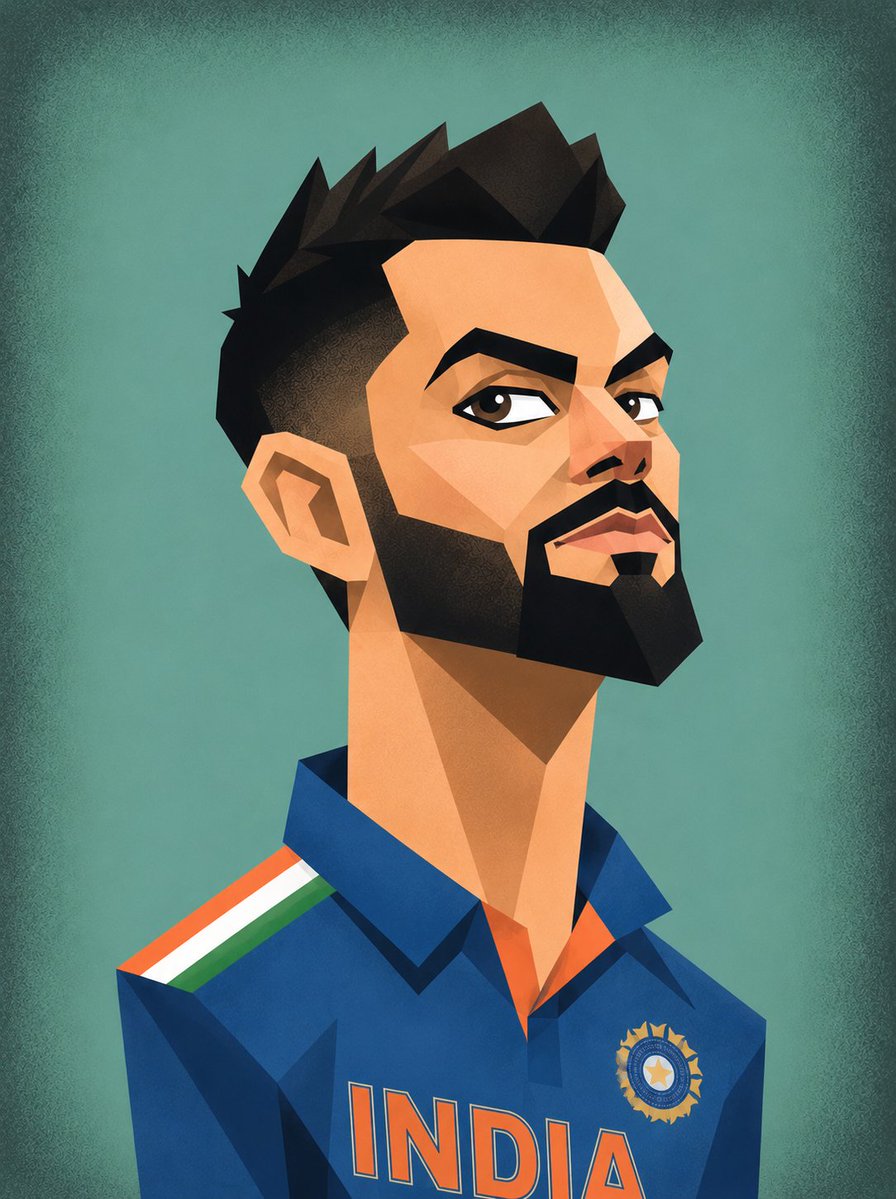
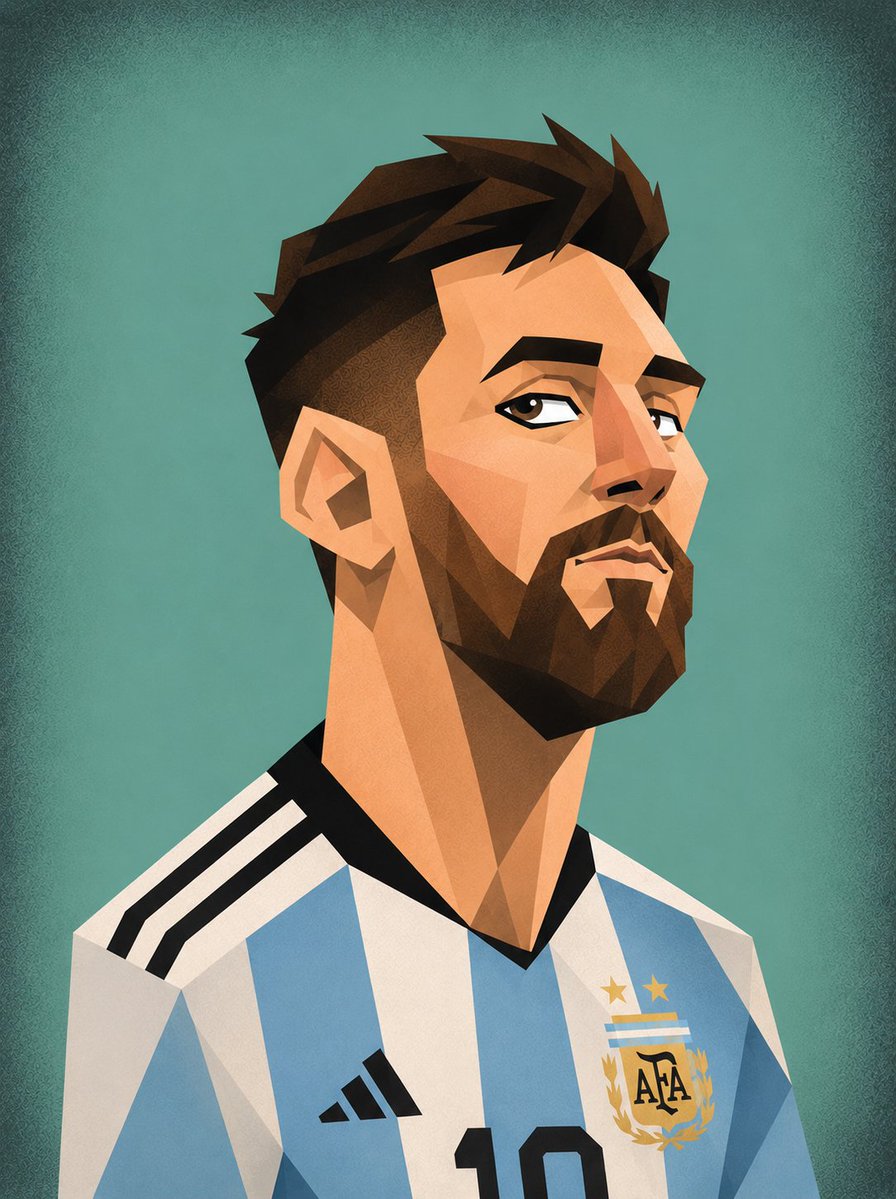
How do I use the Cubist Vector Caricature Portraits template?
Choose the primary action to open PicX Studio with the available template settings. Review the model and format, personalize the creative direction, and generate when ready.
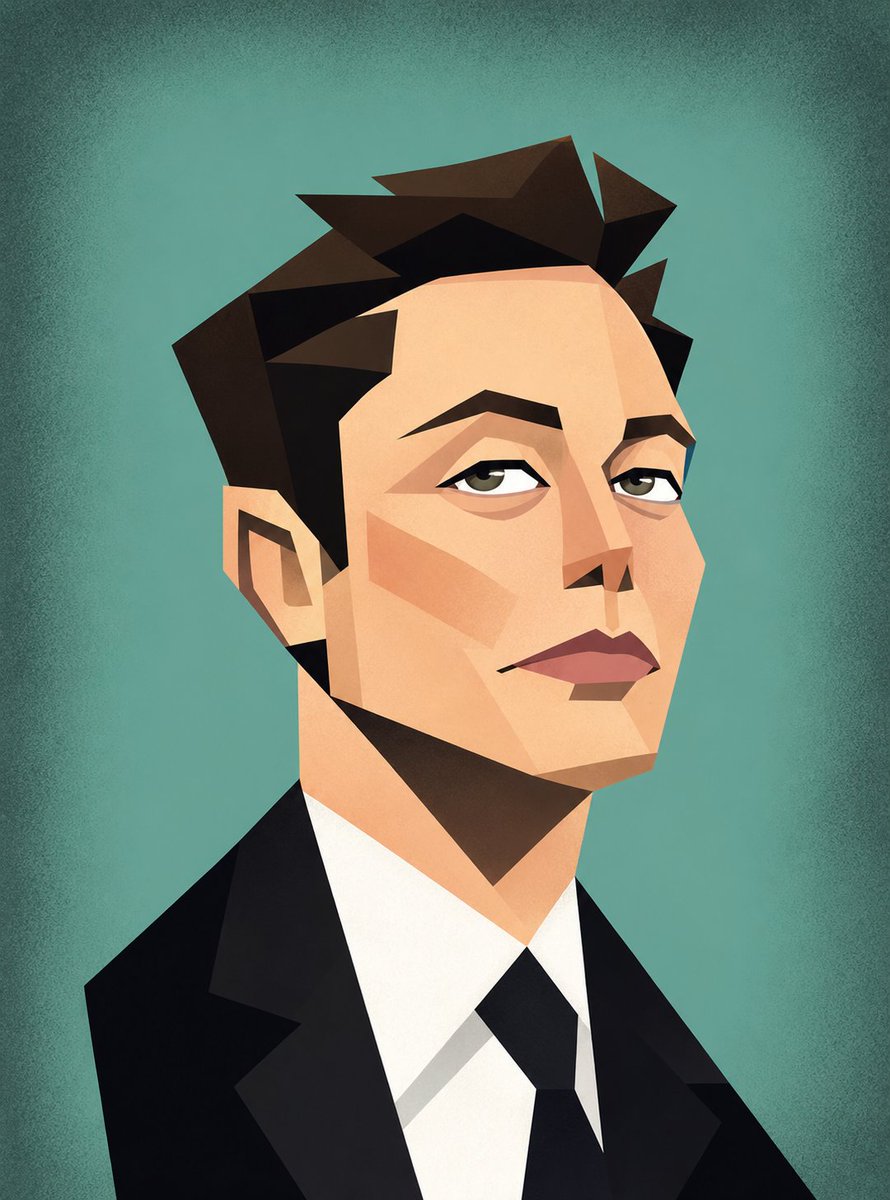
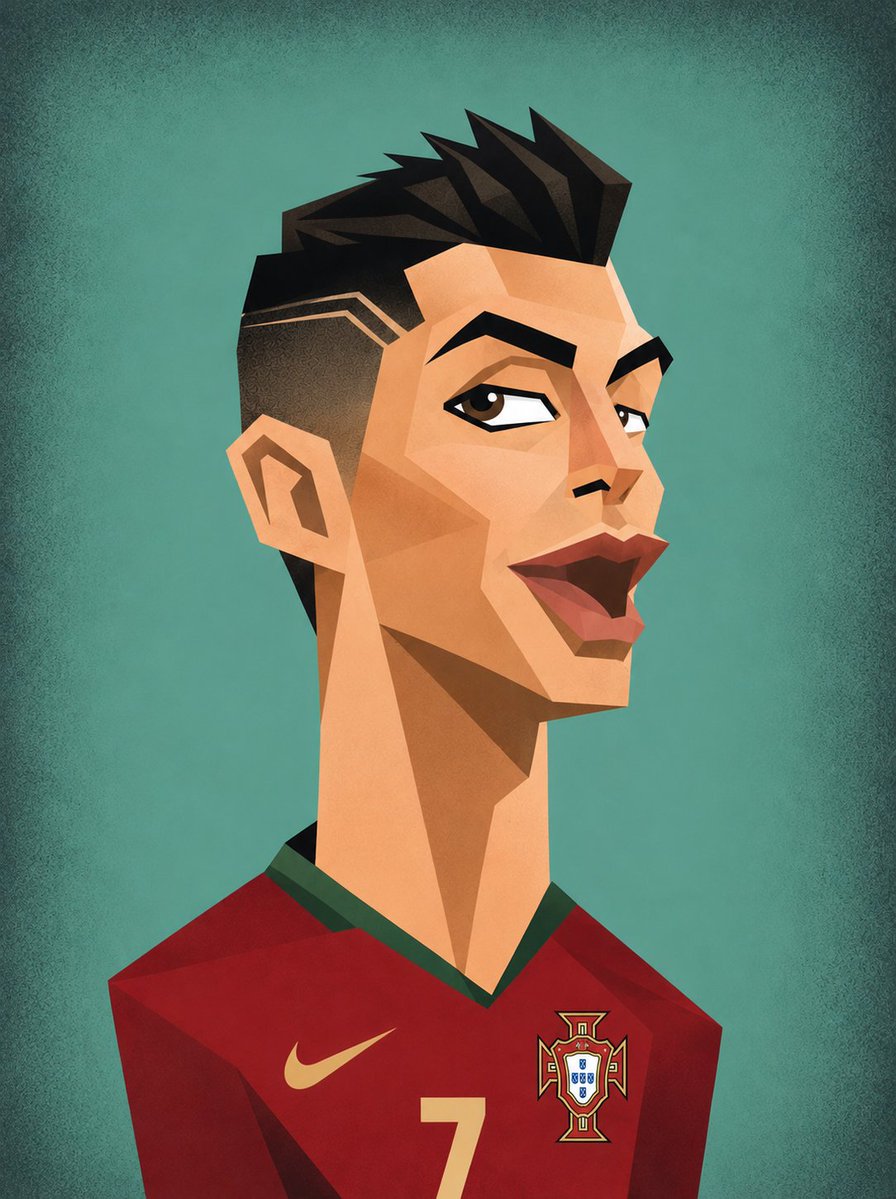
A creative prompt to generate geometric, cubist-style vector caricatures of celebrities with exaggerated features and a minimalist retro aesthetic. (free to use) — Free AI image template on PicX Studio.
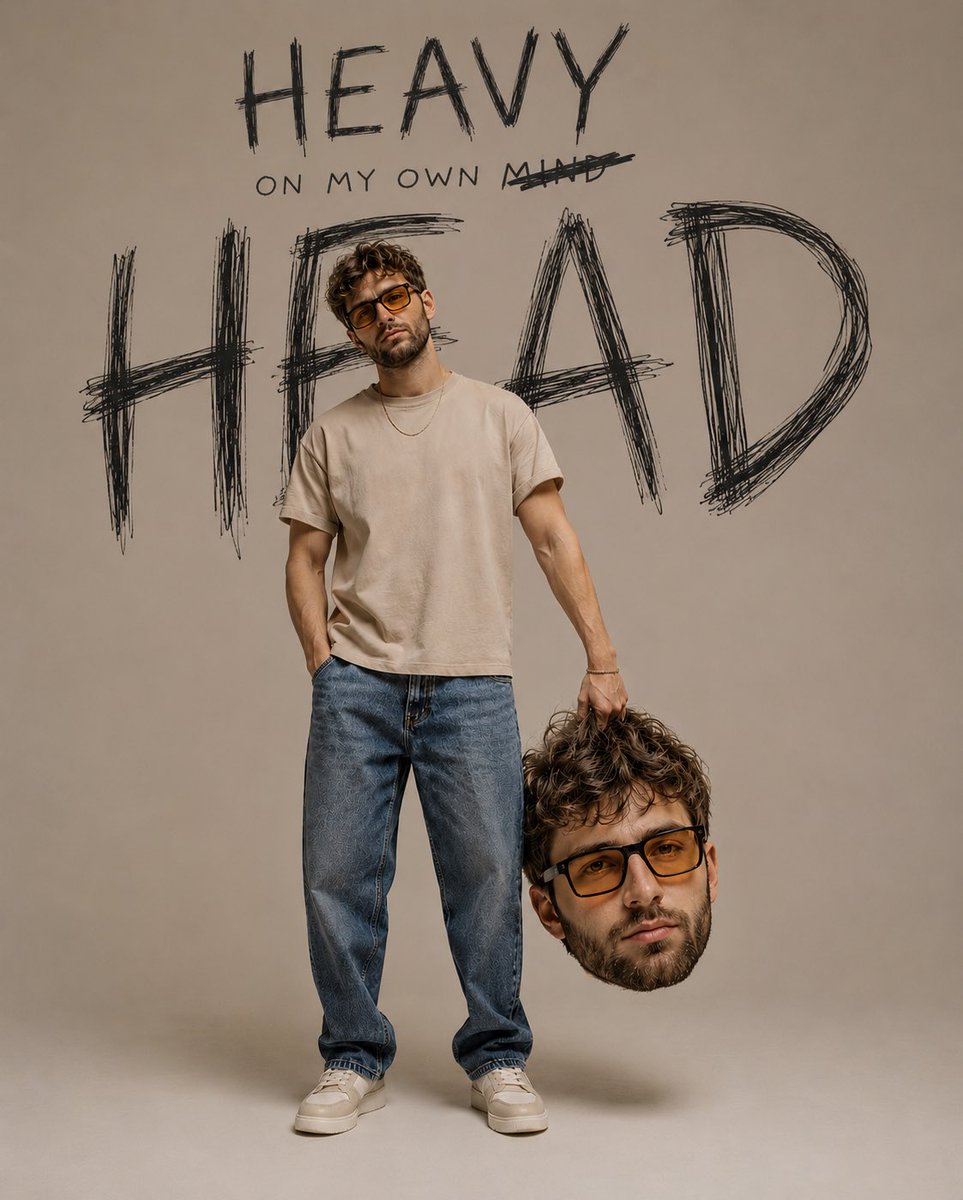
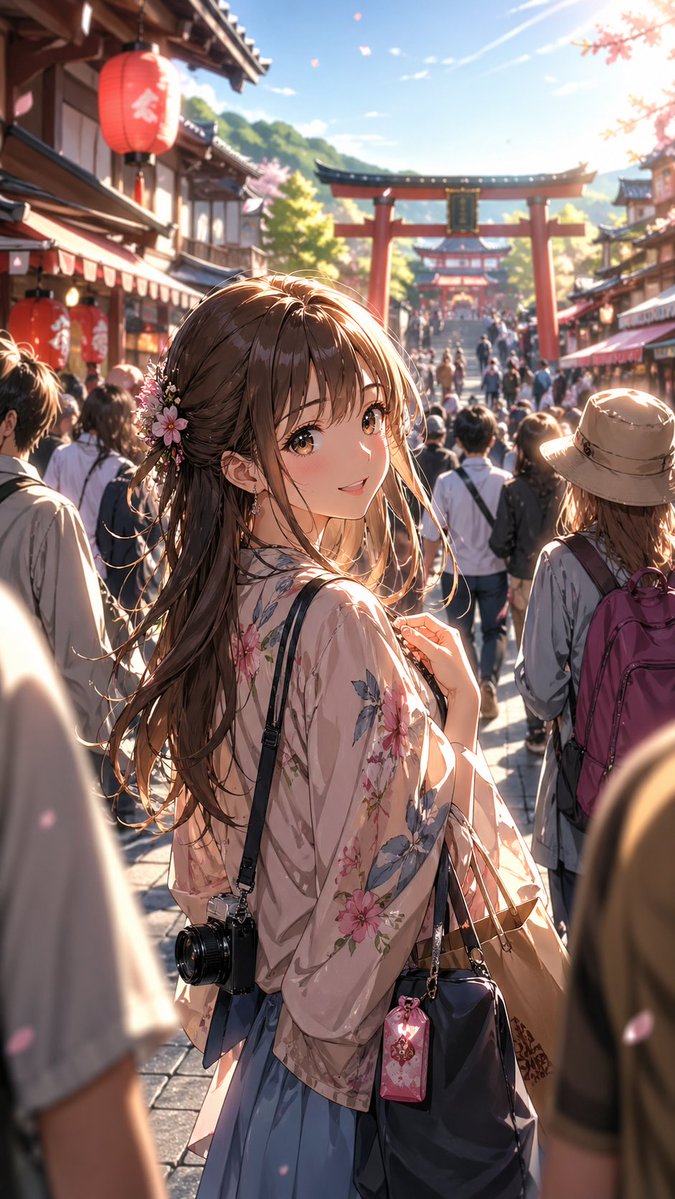
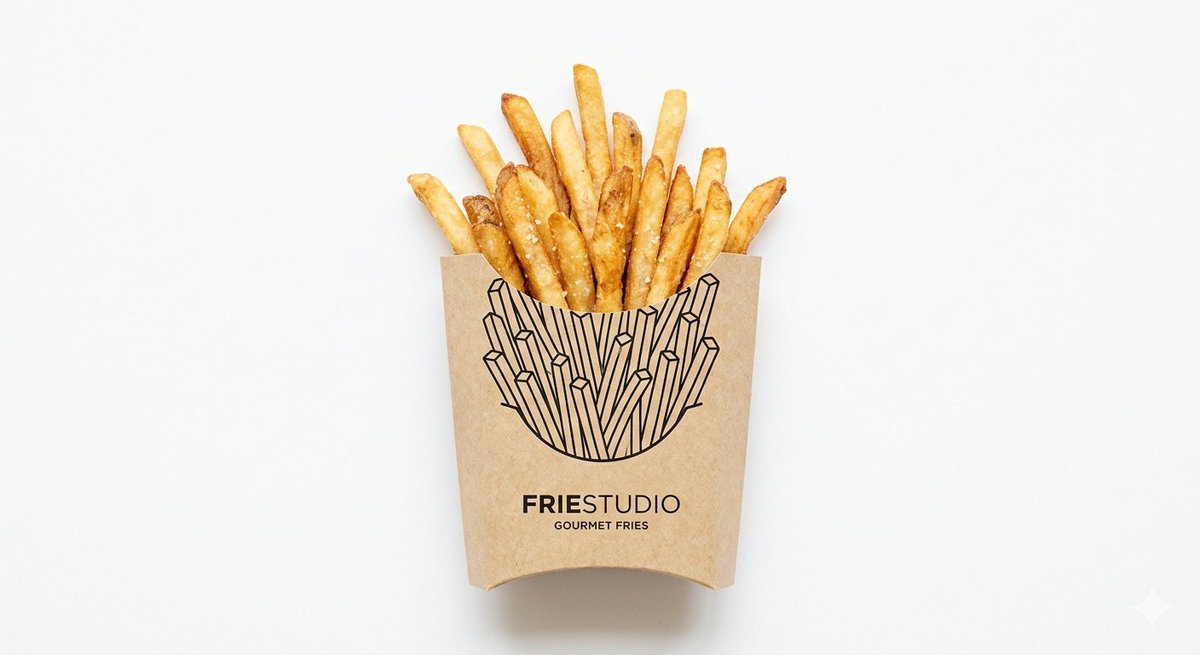
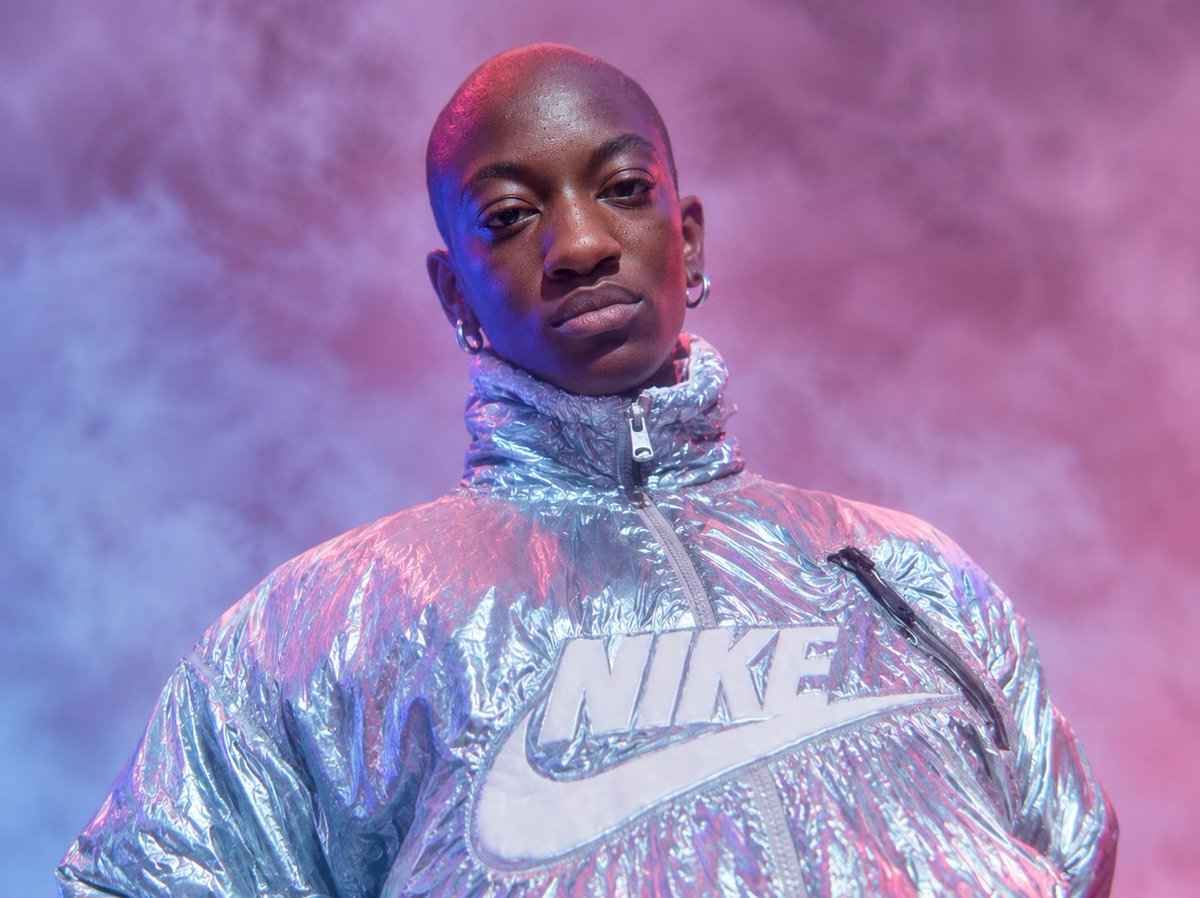
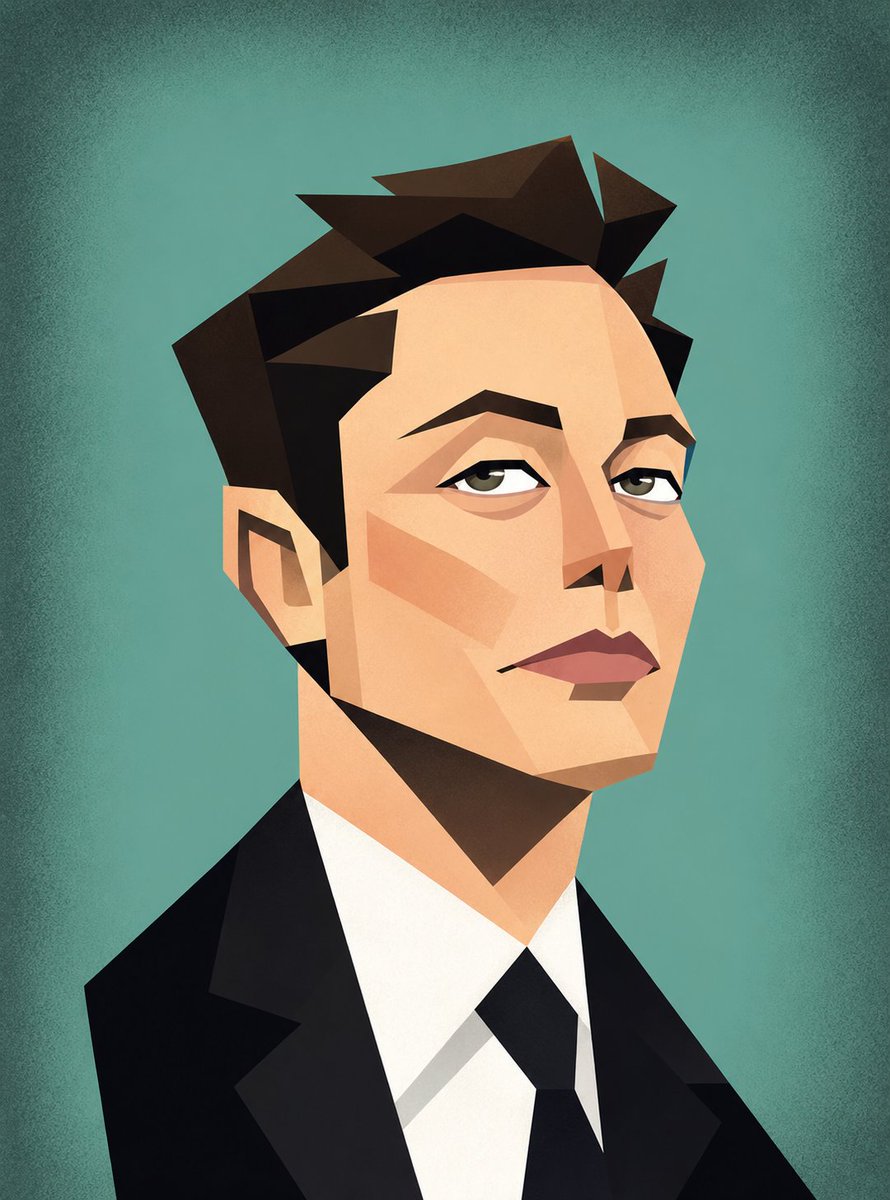
Create a funny geometric cubist-style vector caricature portrait inspired by modern minimalist editorial illustrations. The artwork should feature exaggerated facial proportions, long neck, angular jawlines, sharp polygonal shading, oversized expressive eyes, stylized hair, and flat pastel colors. Use a clean {argument name="background color" default="teal"} textured background with soft vignette edges. The art style should look like a playful retro vector poster mixed with cubism and fashion illustration aesthetics. Create four separate portraits in this exact same style: {argument name="subjects" default="1. Elon Musk in a black futuristic outfit, 2. Cristiano Ronaldo in a Portugal jersey, 3. Virat Kohli in an India cricket jersey, 4. Lionel Messi in an Argentina jersey"}. Style details: geometric polygon face design, flat vector shading, minimal smooth gradients, exaggerated funny proportions, long neck and sharp facial structure, modern cartoon/editorial illustration vibe, clean crisp edges, retro pastel color palette, no watermark, highly detailed vector art, centered composition, portrait poster format
Use Cubist Vector Caricature Portraits to plan an AI image around gpt-image-2 generation, themes such as en and gpt-image-2. Match the preview's composition first, then personalize the subject, setting, and mood for your own project.
Use the primary action to load the template settings in PicX Studio.
Adjust the subject and creative details for your destination.
Create the image, compare the result with the preview, and refine one variable at a time.
A continuous mix — similar concepts first, woven with same-model prompts and fresh picks from the catalog.
Choose the primary action to open PicX Studio with the available template settings. Review the model and format, personalize the creative direction, and generate when ready.
Yes. You can change the subject, setting, lighting, mood, format, and available model controls before creating your image.
This template is free to open and customize. Generation usage is shown in PicX Studio before you create.
Start with gpt-image-2, which is the model associated with this template. You can compare another compatible model for a different finish.
Follow a topic to a crawlable collection of related PicX Studio templates.
39,157 public templates available. Verified via the PicX Studio public templates API; refreshed hourly.
A continuous mix — similar concepts first, woven with same-model prompts and fresh picks from the catalog.