
Live-Action Movie Pitch & Character Sheet
Generates a comprehensive live-action film production document including a cinematic poster, detailed character turnarounds, animal references, and storyboard stills.
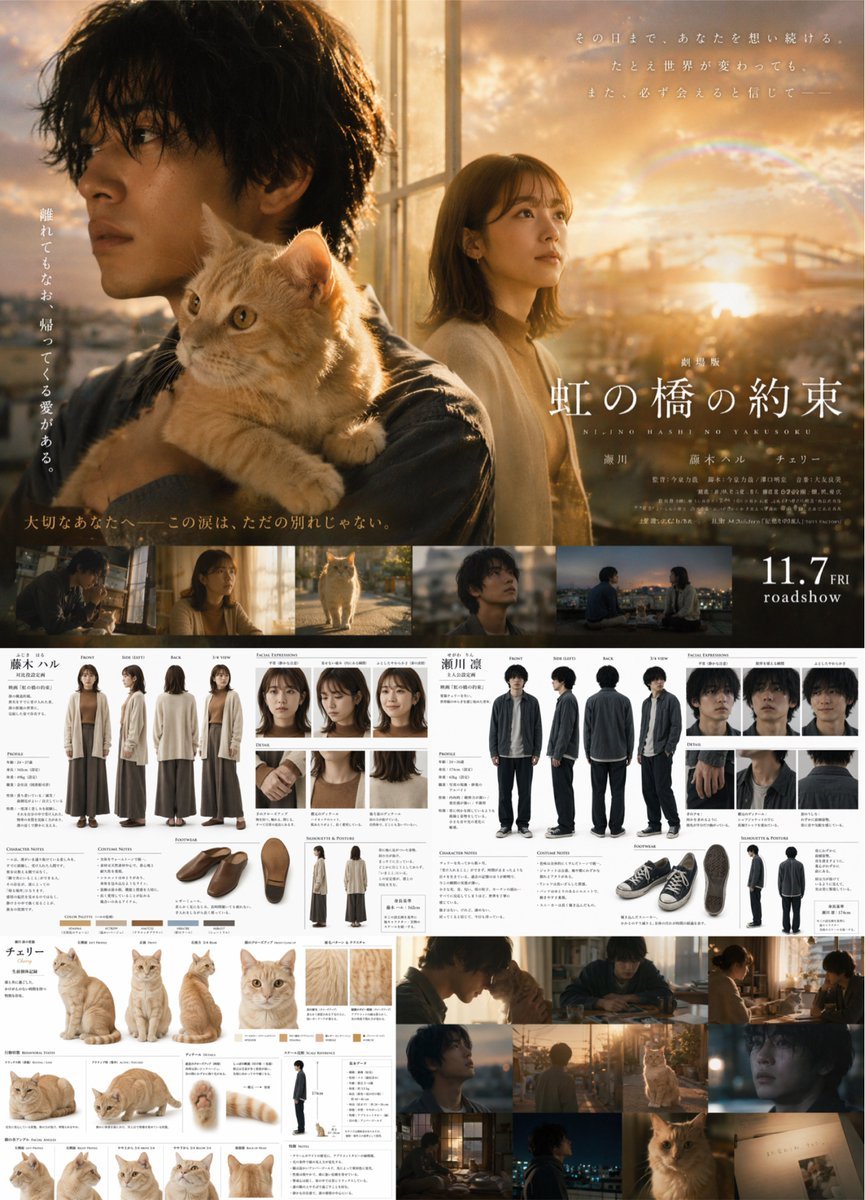
- Prompt included
- Model and format preset
- Free template
The prompt behind this image
Copy the exact prompt behind Live-Action Movie Pitch & Character Sheet, or open it in the studio and make it yours.
- Type
- comprehensive movie production design document
- Style
- live-action cinematic photography, highly detailed, Japanese movie promotional material
- Theme
- {argument name="cinematic vibe" default="emotional sunset drama"}
- Layout › Top Section › Type
- Movie Poster
- Layout › Top Section › Title
- {argument name="movie title" default="虹の橋の約束"}
- Layout › Top Section › Subtitle
- NIJINO HASHI NO YAKUSOKU
- Layout › Top Section › Release Date
- 11.7 FRI roadshow
- Layout › Top Section › Visuals
- Large cinematic montage featuring {argument name="male character description" default="young Japanese man with messy dark hair"} looking left, an {argument name="animal companion" default="orange tabby cat"} on his shoulder, and a {argument name="female character description" default="young Japanese woman with shoulder-length brown hair"} in the background against a sunset cityscape with a rainbow.
- Layout › Top Section › Film Strip › Count
- 5
- Layout › Top Section › Film Strip › Description
- horizontal cinematic stills showing the characters and cat in various scenes
- Layout › Middle Left Section › Type
- Female Character Reference
- Layout › Middle Left Section › Label
- 藤木ハル
- Layout › Middle Left Section › Full Body Turnaround › Count
- 4
- Layout › Middle Left Section › Full Body Turnaround › Poses
- Front, Side (Left), Back, 3/4 View
- Layout › Middle Left Section › Full Body Turnaround › Outfit
- long beige cardigan, brown top, wide brown pants
- Layout › Middle Left Section › Facial Expressions › Count
- 3
- Layout › Middle Left Section › Details › Count
- 3
- Layout › Middle Left Section › Details › Description
- close-ups of hands, collar, and hair
- Layout › Middle Left Section › Footwear › Count
- 3
- Layout › Middle Left Section › Footwear › Description
- angles of brown slip-on shoes
- Layout › Middle Left Section › Silhouette › Count
- 2
- Layout › Middle Left Section › Color Palette › Count
- 5
- Layout › Middle Left Section › Color Palette › Description
- swatches
- Layout › Middle Right Section › Type
- Male Character Reference
Raw JSON
{
  "type": "comprehensive movie production design document",
  "style": "live-action cinematic photography, highly detailed, Japanese movie promotional material",
  "theme": "{argument name=\"cinematic vibe\" default=\"emotional sunset drama\"}",
  "layout": {
    "top_section": {
      "type": "Movie Poster",
      "title": "{argument name=\"movie title\" default=\"虹の橋の約束\"}",
      "subtitle": "NIJINO HASHI NO YAKUSOKU",
      "release_date": "11.7 FRI roadshow",
      "visuals": "Large cinematic montage featuring {argument name=\"male character description\" default=\"young Japanese man with messy dark hair\"} looking left, an {argument name=\"animal companion\" default=\"orange tabby cat\"} on his shoulder, and a {argument name=\"female character description\" default=\"young Japanese woman with shoulder-length brown hair\"} in the background against a sunset cityscape with a rainbow.",
      "film_strip": {
        "count": 5,
        "description": "horizontal cinematic stills showing the characters and cat in various scenes"
      }
    },
    "middle_left_section": {
      "type": "Female Character Reference",
      "label": "藤木ハル",
      "full_body_turnaround": { "count": 4, "poses": ["Front", "Side (Left)", "Back", "3/4 View"], "outfit": "long beige cardigan, brown top, wide brown pants" },
      "facial_expressions": { "count": 3 },
      "details": { "count": 3, "description": "close-ups of hands, collar, and hair" },
      "footwear": { "count": 3, "description": "angles of brown slip-on shoes" },
      "silhouette": { "count": 2 },
      "color_palette": { "count": 5, "description": "swatches" }
    },
    "middle_right_section": {
      "type": "Male Character Reference",
      "label": "瀬川 凛",
      "full_body_turnaround": { "count": 4, "poses": ["Front", "Side (Left)", "Back", "3/4 View"], "outfit": "dark grey jacket, white shirt, dark pants" },
      "facial_expressions": { "count": 3 },
      "details": { "count": 3, "description": "close-ups of hands, collar, and hair" },
      "footwear": { "count": 3, "description": "angles of black sneakers" },
      "silhouette": { "count": 2 }
    },
    "bottom_left_section": {
      "type": "Animal Reference",
      "label": "チェリー",
      "main_poses": { "count": 3, "description": "sitting, standing, walking" },
      "face_closeup": { "count": 1 },
      "fur_details": { "count": 2 },
      "behavioral_poses": { "count": 2, "description": "lying down" },
      "anatomy_details": { "count": 3, "description": "paws and tail" },
      "scale_reference": { "count": 1, "description": "cat next to human silhouette" },
      "facial_angles": { "count": 4 }
    },
    "bottom_right_section": {
      "type": "Cinematic Storyboard",
      "grid": { "count": 9, "description": "cinematic stills featuring the man, woman, and cat in various lighting conditions like sunset and dusk indoors" }
    }
  }
}How to use Live-Action Movie Pitch & Character Sheet in 3 steps
- 1Upload ImagePNG, JPG or paste
Add your photo
Upload the photo the template builds on. The prompt, model and format are already set.
- 2…a portrait of your subject in softgolden-hour light, 85mm…
Personalize
Edit the subject and creative details for your destination.
- 3Generate
Generate
Press Generate — your image is created in PicX Studio, so you can compare it with the original and refine one variable at a time.
More like this
Templates with the same subject, style or setup. Open one to see its prompt.
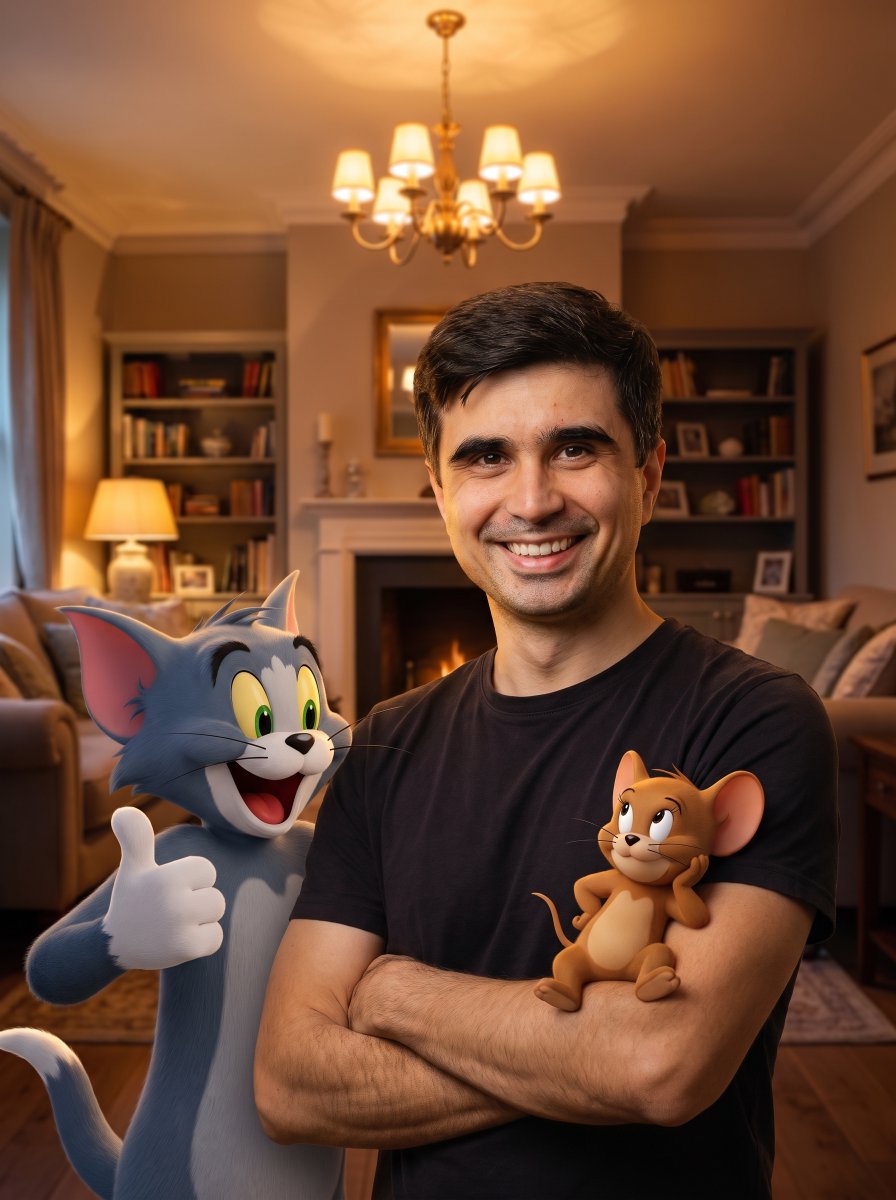
Hybrid Live-Action and Cartoon Portrait

Venom SpongeBob Hyperreal Cinematic Mix

Hero Portrait Comic Multi-Panel Poster

Panning Motion Soccer Kick Poster

Dual Composition Hero Action Football Poster
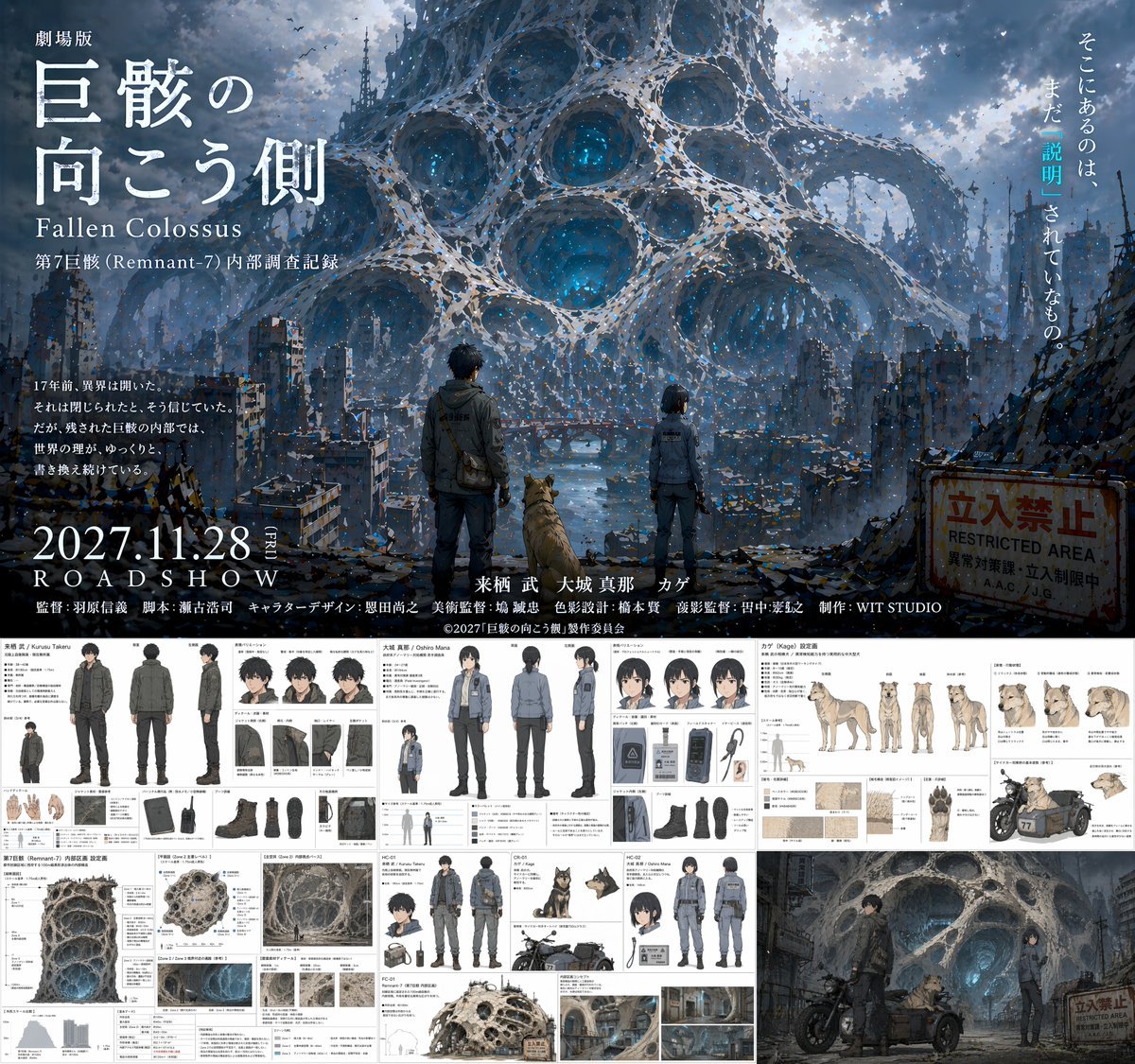
Anime Movie Pitch Document with Poster and Settei
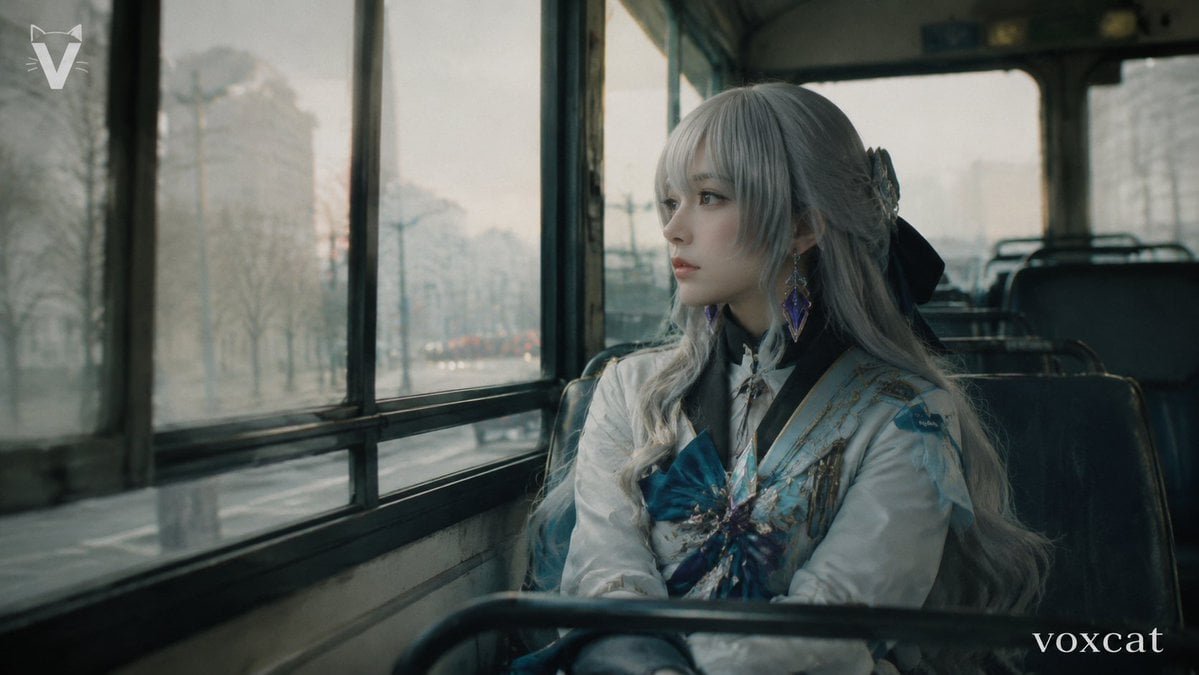
Rainy Bus Live-Action Cosplay Still

Dancer Character - Four View Reference Sheet

Movement Sheet - Dance Reference (Seedance 2.0)
Live-action video game BTS scene
High Fashion Action Nike Nano Banana
Freedom in Motion — Cinematic Sprint
Make it yours
Live-Action Movie Pitch & Character Sheet works as-is. These are the safest ways to change it without losing the look.
Change one field
Copy a single group, rewrite it, and generate again so you can see what that field is doing.
Keep the frame, change the subject
Hold the composition and light of Live-Action Movie Pitch & Character Sheet, then swap wardrobe, props or the person for a new take.
| If the result… | Why | Fix |
|---|---|---|
| The result drifts from the preview | Too many fields changed at once. | Reuse Live-Action Movie Pitch & Character Sheet as-is first, then change one group — subject, light, or setting. |
| GPT Image 2 ignores part of the JSON | Some models flatten or skip nested keys. | Keep the same values and paste them as a short paragraph instead. |
More GPT Image 2 templates
Other prompts made for GPT Image 2.

Realistic Portrait of Woman and Deer

The Vista Modular Condo Poster

AI Model Routing Comparison Infographic

2.5D Anime Art Board

Isometric Productivity Desk Scene

New York Double Exposure Poster

Four-Panel AI Landscape Comparison

Japanese Tatami Lifestyle Magazine Cover

NESCAFÉ Coffee Map Poster

Brutalist Cogito Chinese Typography Poster
More image prompts
Fresh picks from across the catalog.
Chibi Character Sticker Sheet Ad
Photoreal Nue on Alpine Cliff
Snack Kingdom Potato Fries Ad
Fashion Color Theme Advertising Grid
Artwork to 4K Photo Transformation Prompt
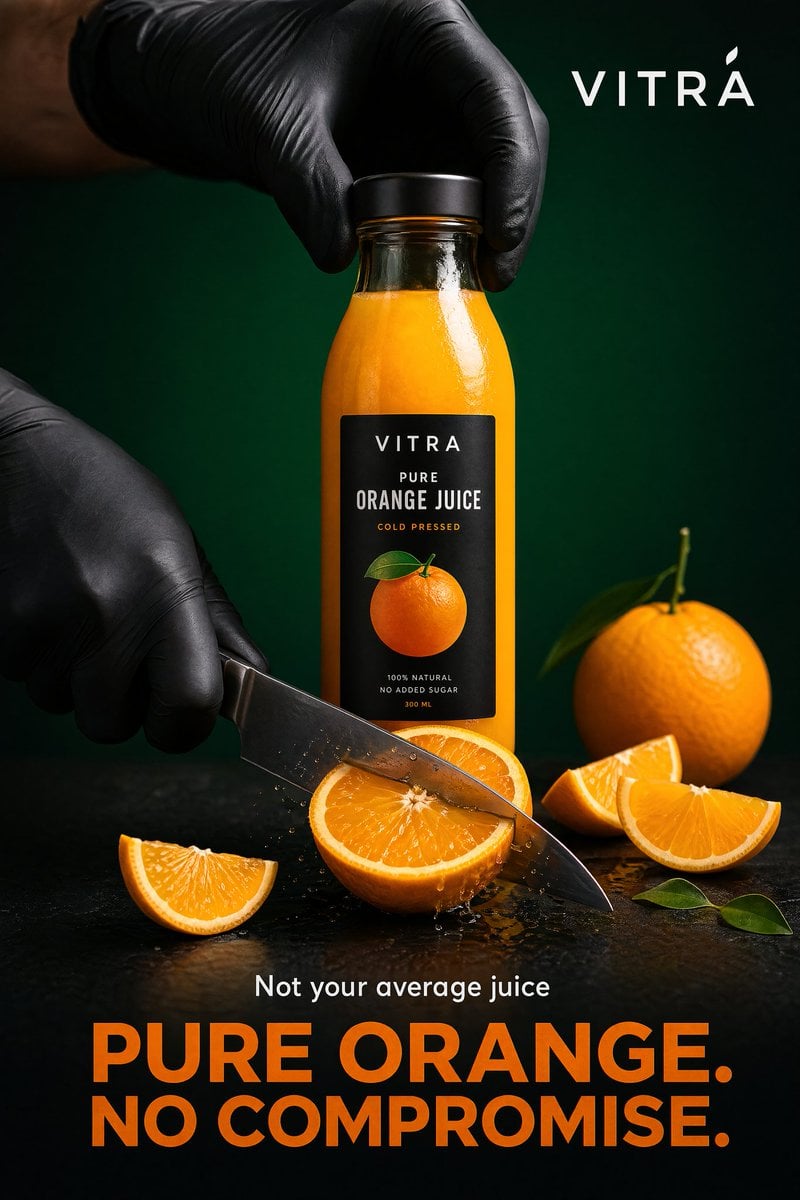
Premium Beverage Commercial Poster

Luxury Golf Fashion Editorial Campaign
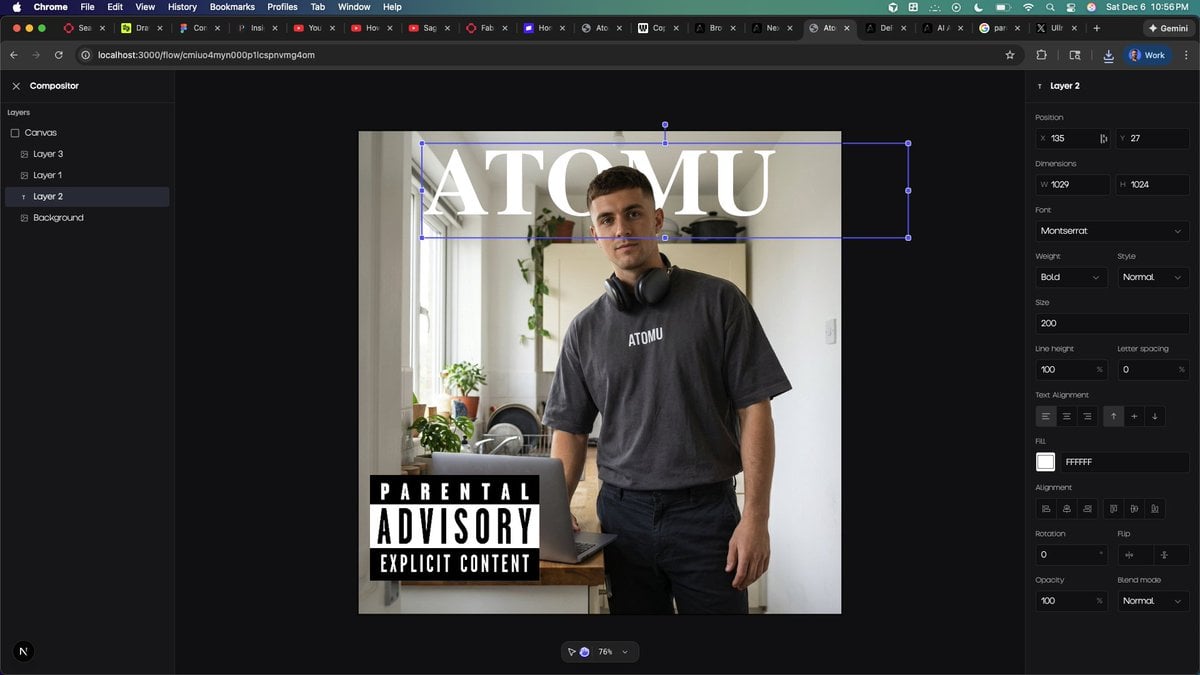
Font Change Prompt
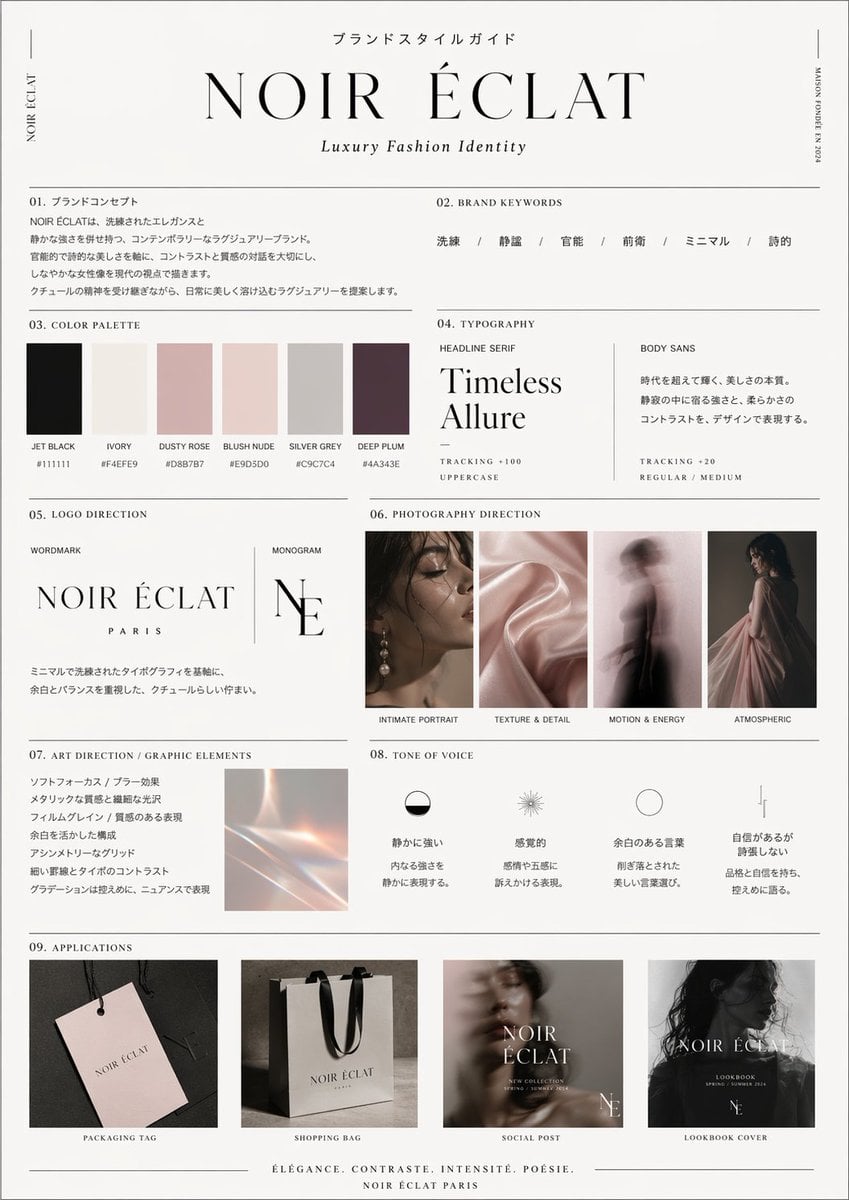
High-End Brand Guide Prompt
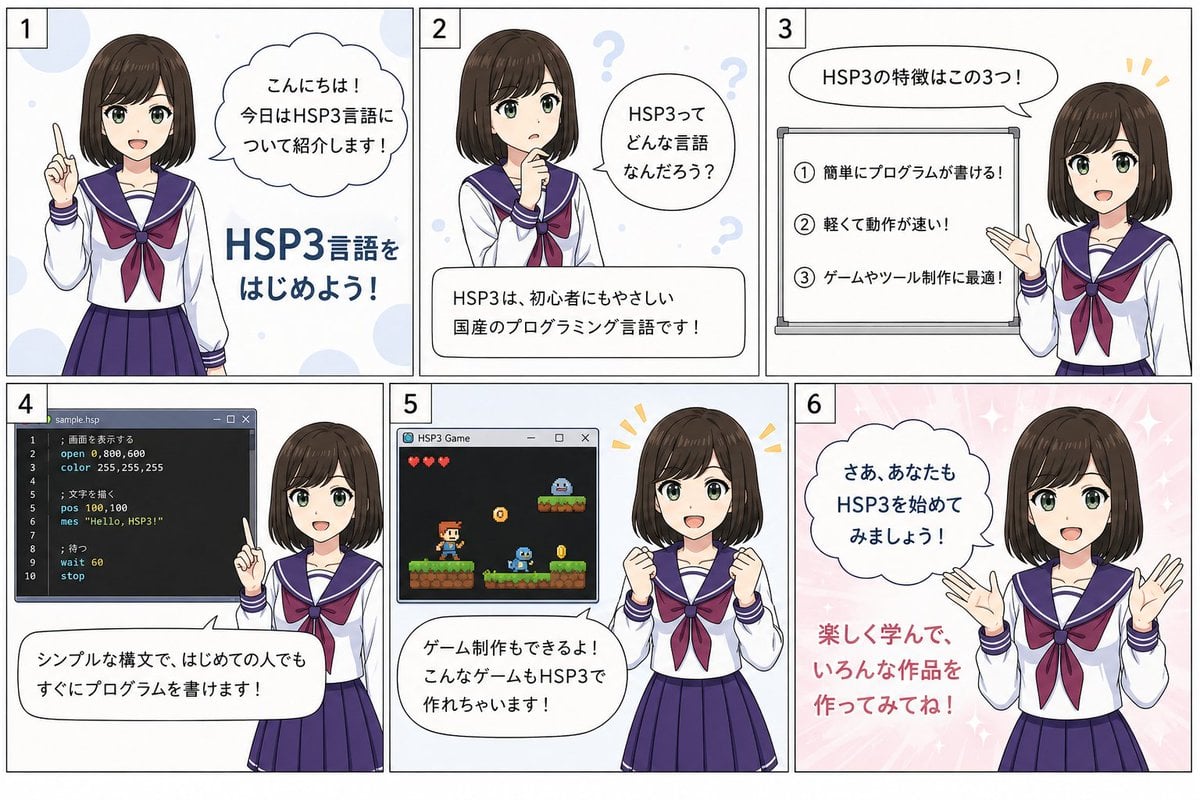
HSP3 Manga Introduction Comic
Browse template categories
Live-Action Movie Pitch & Character Sheet questions
How do I use the Live-Action Movie Pitch & Character Sheet template?
Add your photo if the template asks for one, edit the prompt if you like — the template's model and format are already selected — and press Generate. Your version opens in PicX Studio.
Can I customize the Live-Action Movie Pitch & Character Sheet template?
Yes. You can change the subject, setting, lighting, mood, format, and available model controls before creating your image.
Is the Live-Action Movie Pitch & Character Sheet template free?
Opening and editing this template is free. Generating uses credits, shown on the Generate button when you are signed in.
Which AI model should I use?
Start with GPT Image 2, which is the model associated with this template. You can compare another compatible model for a different finish.
Looking for something else? Browse all templates.

Your photo, any look
Thousands of ready templates for every top image and video model, from one credit balance.