
Rainy Bus Live-Action Cosplay Still
A cinematic prompt for generating a realistic adult cosplay film still inside a rainy city bus with muted DV-style atmosphere.
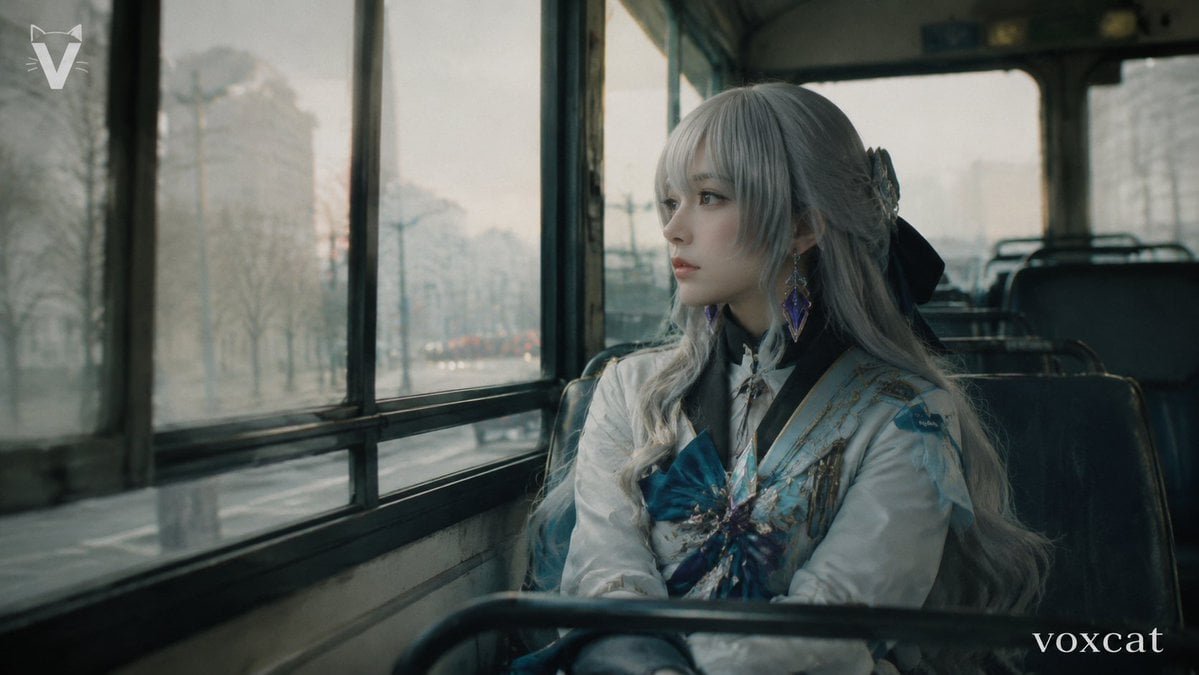
- Prompt included
- Model and format preset
- Free template
The prompt behind this image
Copy the exact prompt behind Rainy Bus Live-Action Cosplay Still, or open it in the studio and make it yours.
Create a live-action cinematic cosplay photograph of an {argument name="character name" default="elegant silver-haired fantasy heroine"} seated alone on an old city bus, framed from the waist up beside the left-side bus windows. The subject is an adult cosplayer with a believable pose, looking quietly out the rainy window rather than at the camera; keep the face mostly hidden by long bangs and soft shadow, with no glamour retouching. Use natural skin texture and realistic fabric texture. The costume should feel elegant and integrated into daily life: exactly 6 visible costume cues, including long wavy {argument name="hair color" default="silver-gray"} hair, a large black ribbon bow behind the head, a white high-collar coat, pale blue and gold embroidered shoulder panels, a large teal-blue chest bow with jeweled ornament, and dangling purple gemstone earrings. The setting is the interior of a worn public bus with dark green-black vinyl seats, metal seat rails in the foreground, tall fogged windows on the left, and a blurred low-saturation city street outside after rain with bare trees, streetlights, and distant traffic. Shoot in a 16:9 film still composition with the subject on the right third, bus windows leading into the left background, shallow depth of field, muted teal-gray color grading, soft overcast winter light, slight glass reflections, subtle motion blur outside, visible film grain, old DV / early-2000s movie still texture, realistic lens softness, and a melancholic quiet mood. Add a small white angular V-like logo in the upper-left corner and a small lowercase serif watermark reading {argument name="watermark text" default="voxcat"} in the lower-right corner. Avoid illustration, anime rendering, plastic skin, studio lighting, exaggerated cosplay posing, and overly clean AI perfection.
How to use Rainy Bus Live-Action Cosplay Still in 3 steps
- 1Upload ImagePNG, JPG or paste
Add your photo
Upload the photo the template builds on. The prompt, model and format are already set.
- 2…a portrait of your subject in softgolden-hour light, 85mm…
Personalize
Edit the subject and creative details for your destination.
- 3Generate
Generate
Press Generate — your image is created in PicX Studio, so you can compare it with the original and refine one variable at a time.
More like this
Templates with the same subject, style or setup. Open one to see its prompt.

Hybrid Live-Action and Cartoon Portrait
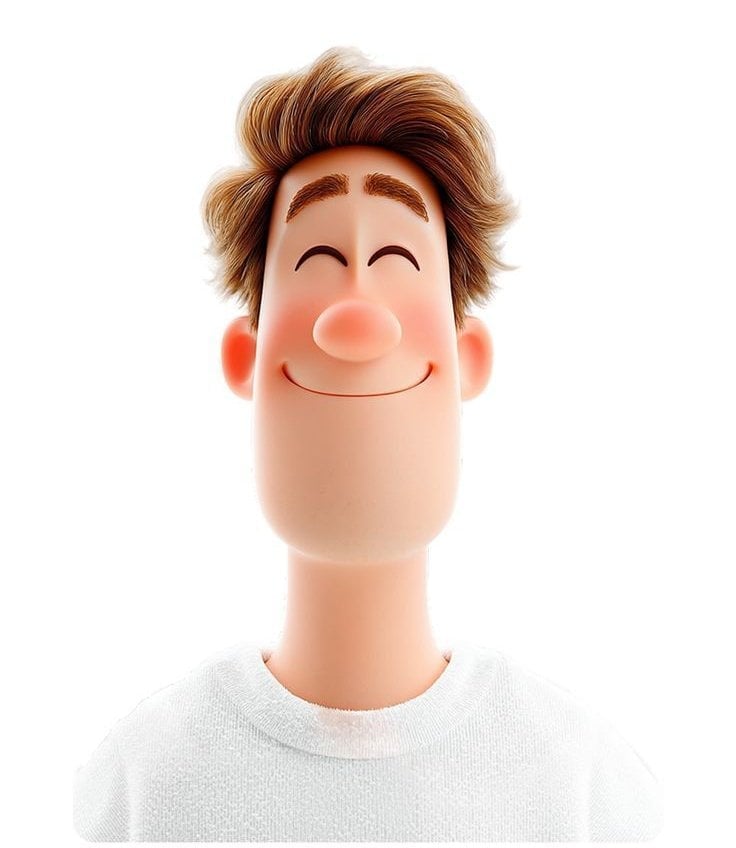
Toon Cartoon Rainy Bus Stop

Paper Cut Rainy Bus Stop

Pixel Limited Rainy Bus Stop

Watercolor Anim Rainy Bus Stop

Motion Graphics Rainy Bus Stop
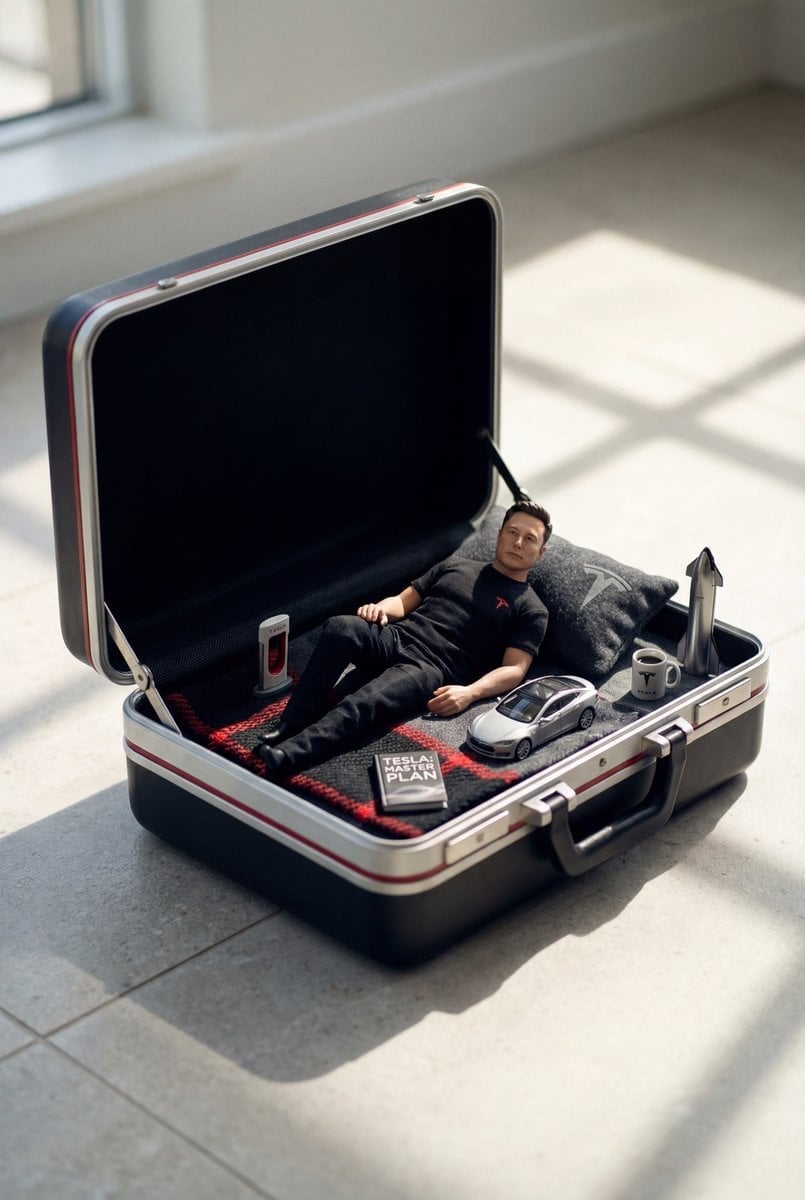
Stop Motion Rainy Bus Stop

CGI 3D Rainy Bus Stop

Cel 2D Rainy Bus Stop

Venom SpongeBob Hyperreal Cinematic Mix

Hero Portrait Comic Multi-Panel Poster

Panning Motion Soccer Kick Poster
Make it yours
Rainy Bus Live-Action Cosplay Still works as-is. These are the safest ways to change it without losing the look.
Change one field
Copy a single group, rewrite it, and generate again so you can see what that field is doing.
Keep the frame, change the subject
Hold the composition and light of Rainy Bus Live-Action Cosplay Still, then swap wardrobe, props or the person for a new take.
| If the result… | Why | Fix |
|---|---|---|
| The result drifts from the preview | Too many fields changed at once. | Reuse Rainy Bus Live-Action Cosplay Still as-is first, then change one group — subject, light, or setting. |
| The model over-stylizes the scene | The prose prompt leaves finish and camera underspecified. | Add one camera or lighting sentence and stay on GPT Image 2. |
More GPT Image 2 templates
Other prompts made for GPT Image 2.

Six VTuber Japanese Logo Sheet

Realistic Portrait of Woman and Deer

The Vista Modular Condo Poster

AI Model Routing Comparison Infographic

2.5D Anime Art Board

Isometric Productivity Desk Scene

New York Double Exposure Poster

Four-Panel AI Landscape Comparison

Japanese Tatami Lifestyle Magazine Cover

NESCAFÉ Coffee Map Poster
More image prompts
Fresh picks from across the catalog.
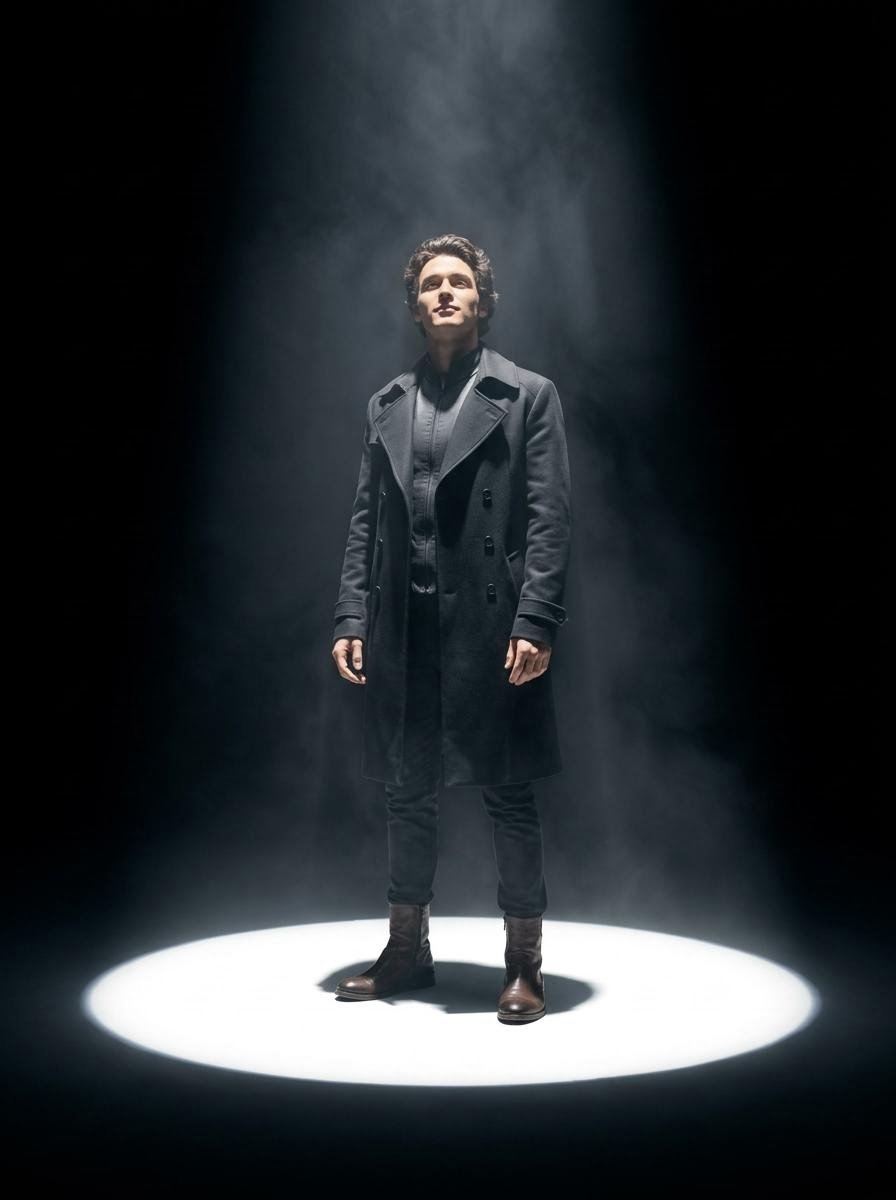
Dramatic Spotlight Portrait
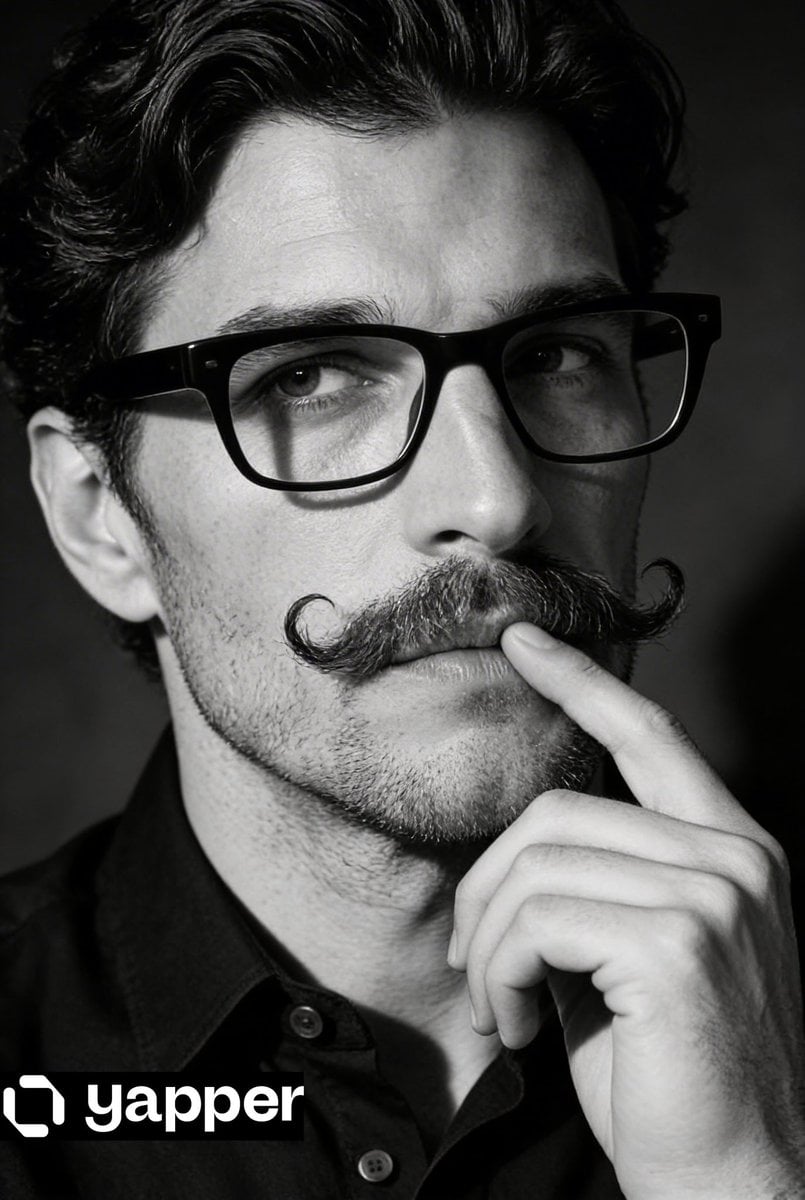
Black and White Contemplative Portrait
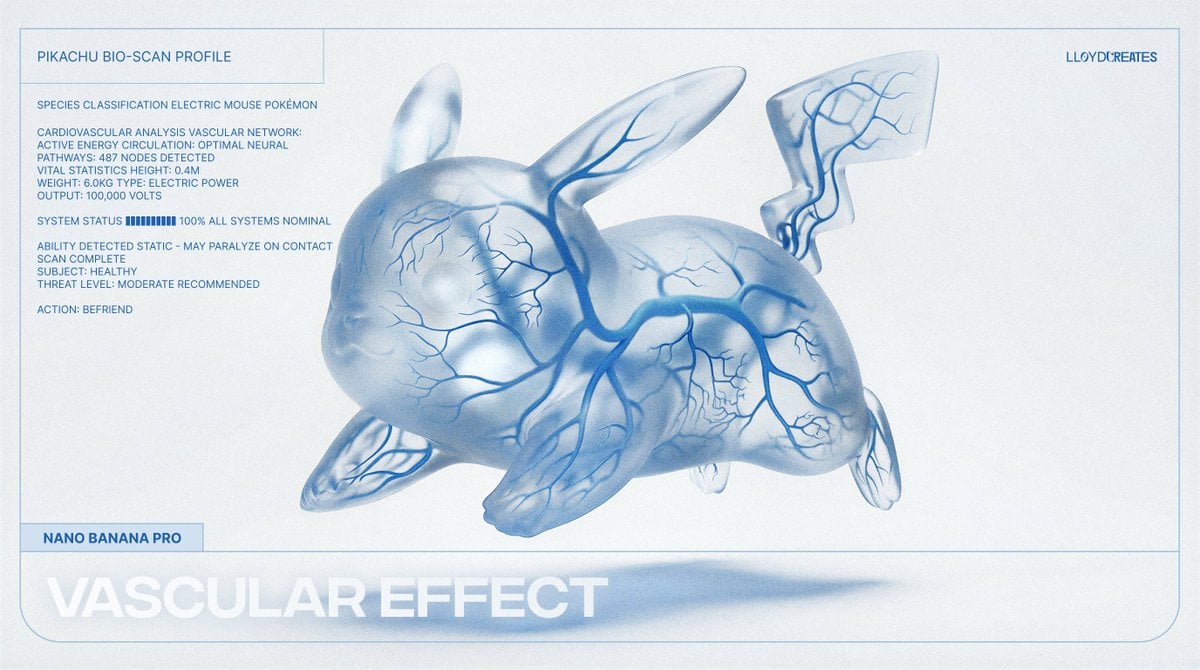
Vascular Effect Object Prompt
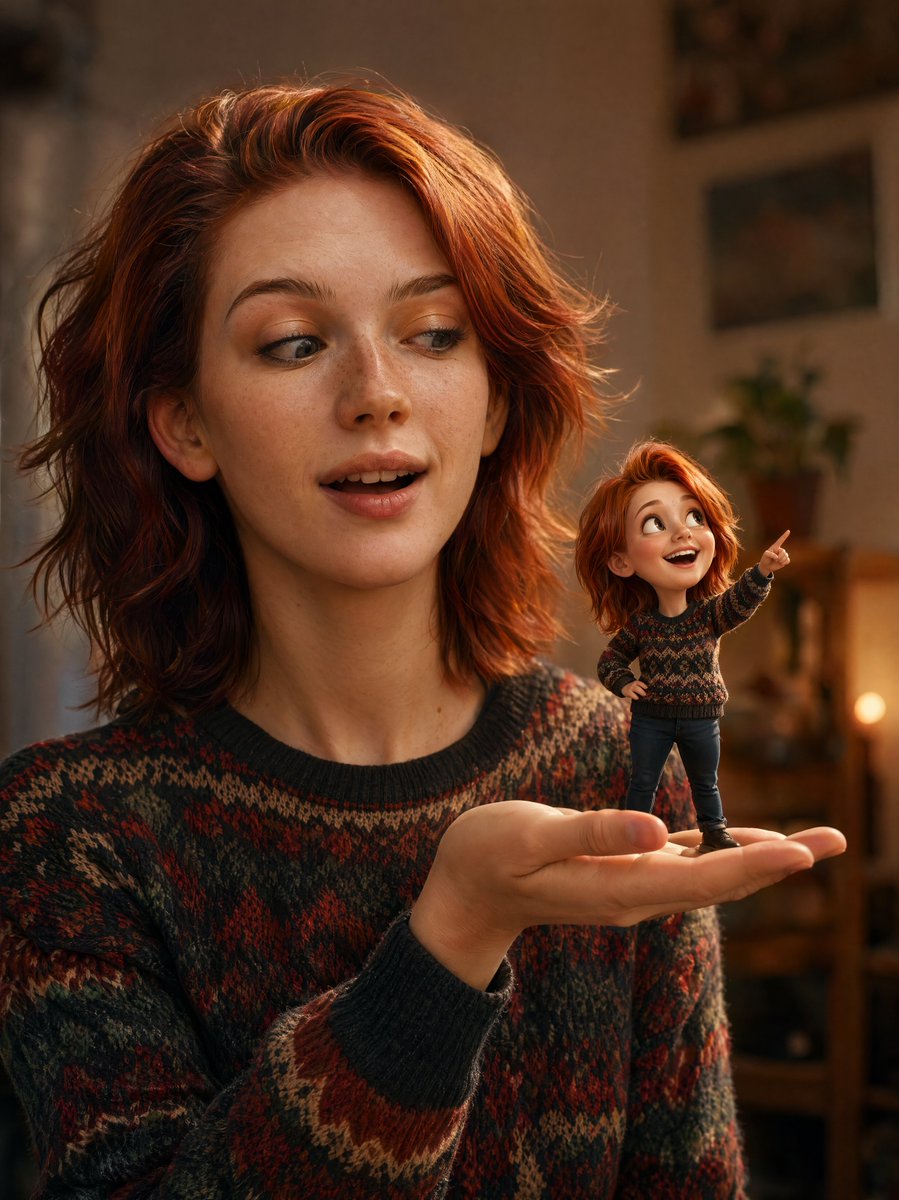
Cinematic Portrait with 3D Mini Character
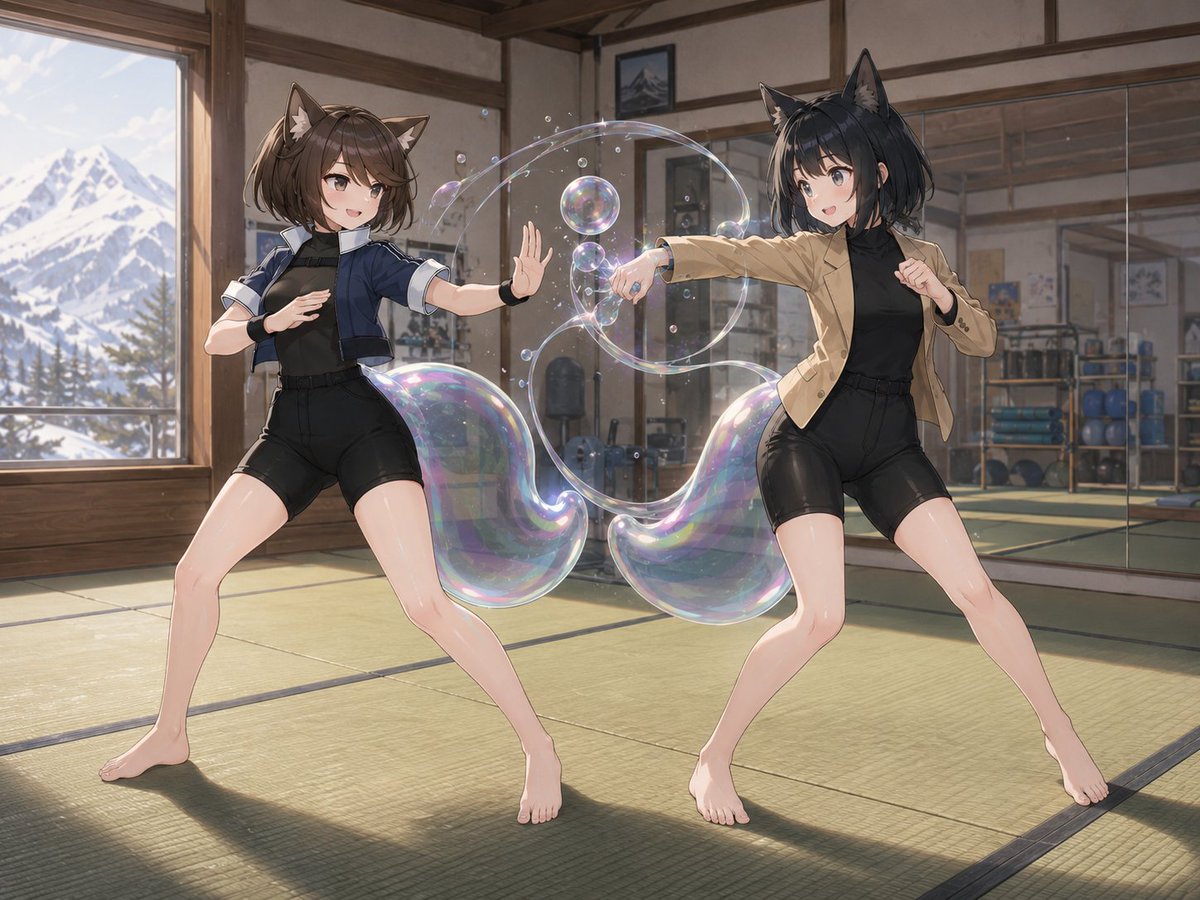
Catgirl Dojo Bubble Sparring

Psychedelic Mathematics Fractal Prompt for Menger Sponge
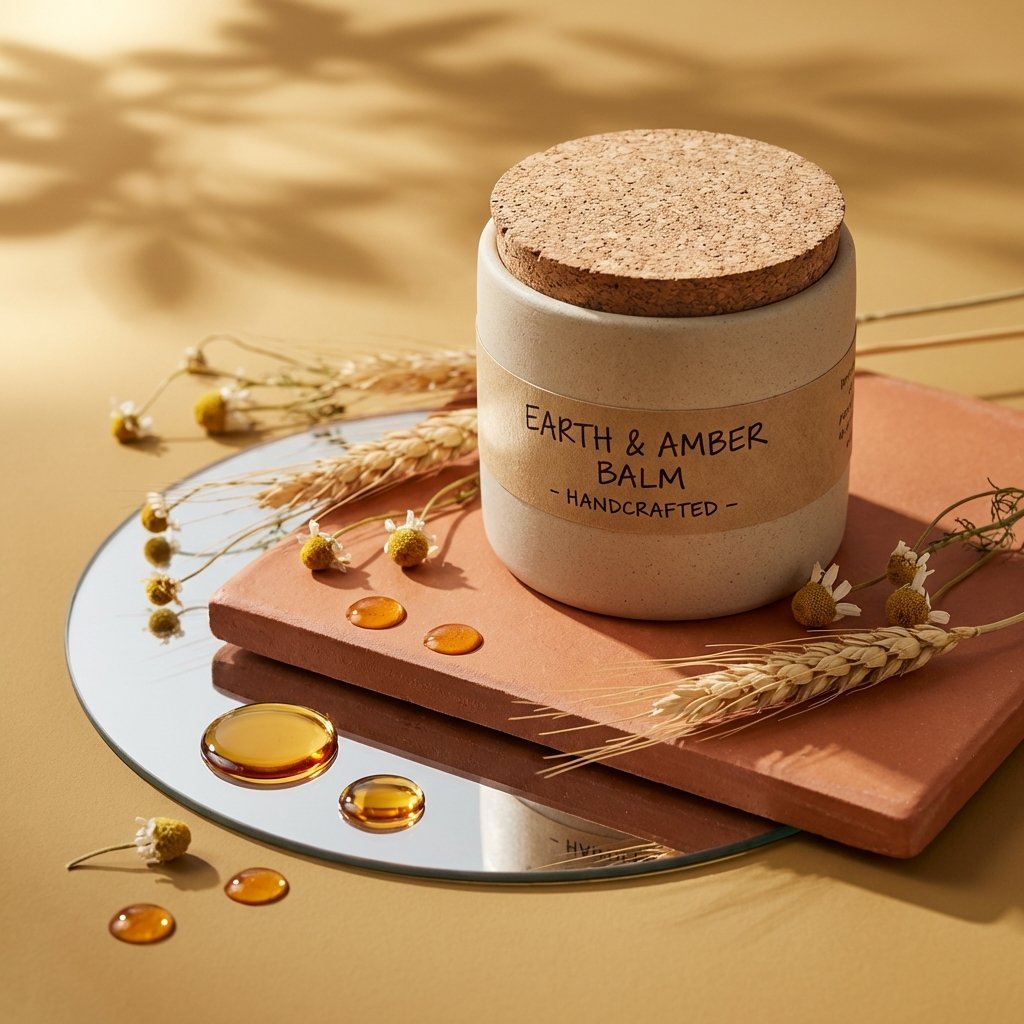
Luxury Product Photography Template

Google Nano Banana 64th Work: 'Habits of Adventurers'
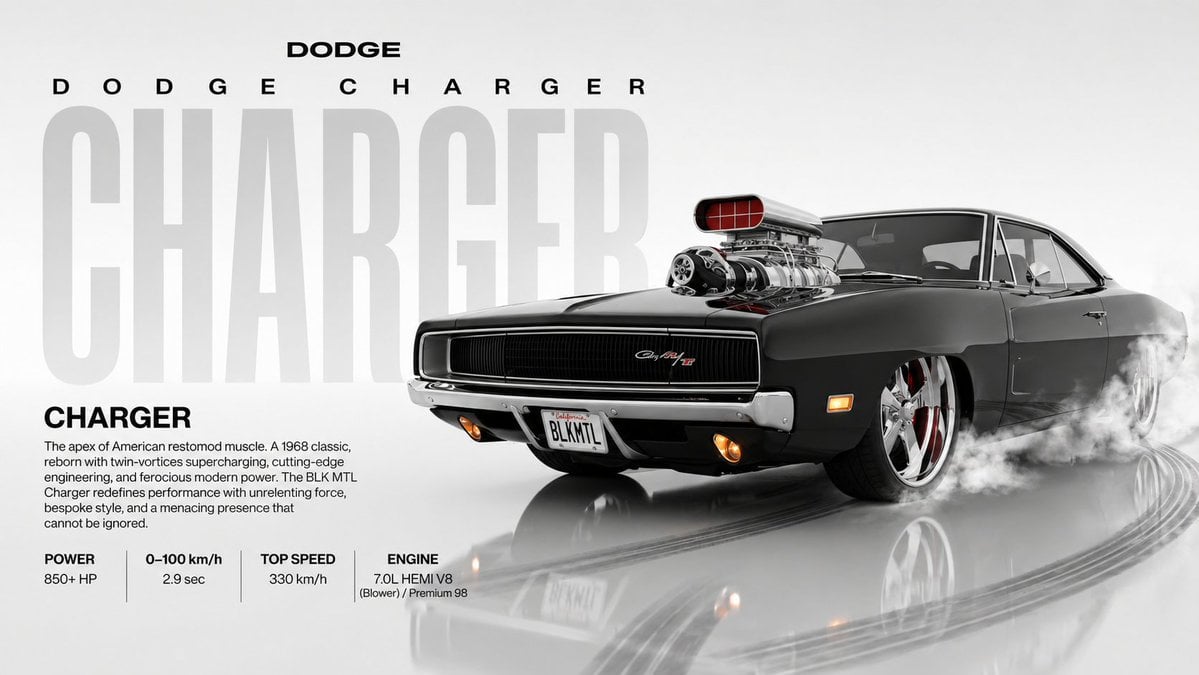
Dynamic Automotive Poster Reconstruction
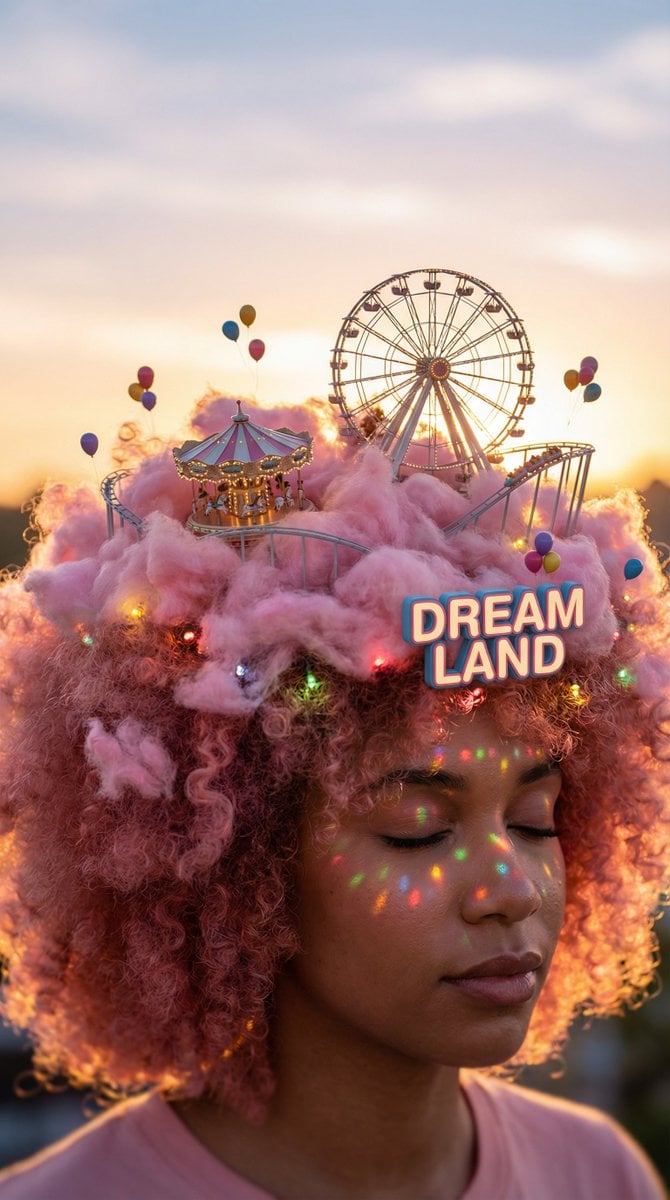
Head-top Diorama Prompt for Nano Banana Pro Agent V1.2 (Afro/Cloud Amusement Park)
Browse template categories
Rainy Bus Live-Action Cosplay Still questions
How do I use the Rainy Bus Live-Action Cosplay Still template?
Add your photo if the template asks for one, edit the prompt if you like — the template's model and format are already selected — and press Generate. Your version opens in PicX Studio.
Can I customize the Rainy Bus Live-Action Cosplay Still template?
Yes. You can change the subject, setting, lighting, mood, format, and available model controls before creating your image.
Is the Rainy Bus Live-Action Cosplay Still template free?
Opening and editing this template is free. Generating uses credits, shown on the Generate button when you are signed in.
Which AI model should I use?
Start with GPT Image 2, which is the model associated with this template. You can compare another compatible model for a different finish.
Looking for something else? Browse all templates.

Your photo, any look
Thousands of ready templates for every top image and video model, from one credit balance.