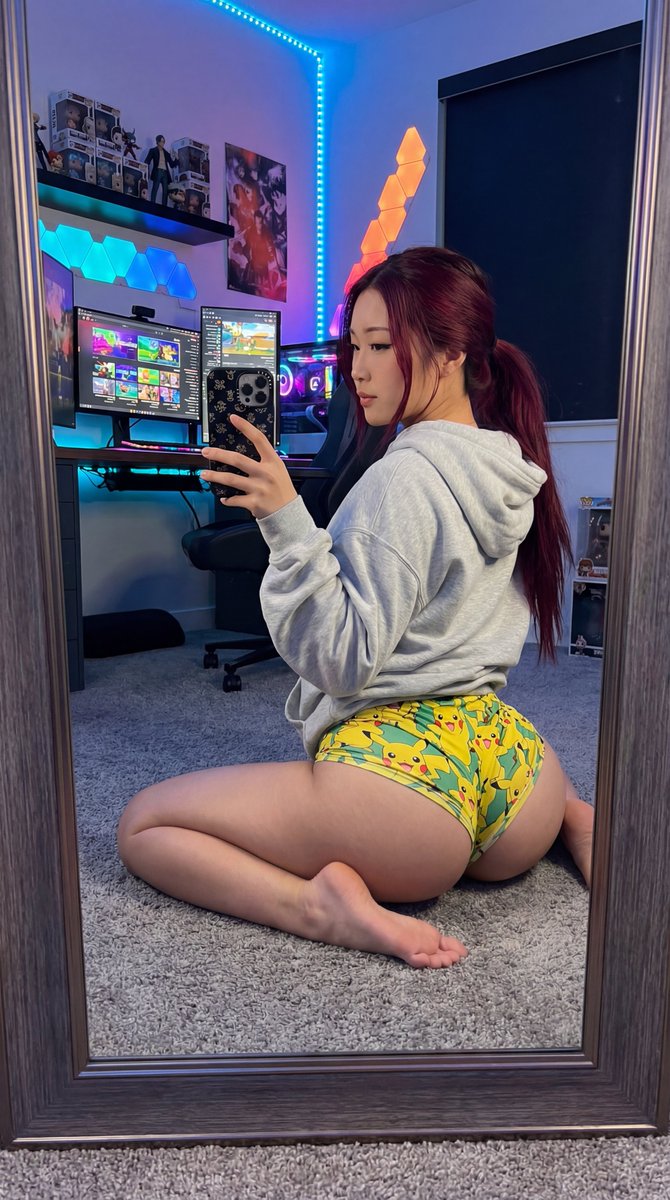
Exaggerated Gamer Girl Mirror Selfie Prompt
{
"subject": {
"type": "person",
"description": "A beautiful East Asian young woman with long, dark red/burgundy hair tied back in a ponytail. She is sitting on a plush carpet in a gaming room, facing away from the camera, holding up her phone to take a mirror selfie. She is no longer wearing glasses.",
"body": {
"physique": "Extraordinarily pronounced hourglass figure with very large, prominent glutes and an extreme waist-to-hip ratio. Her hips are wide, and her waist is very narrow. Her legs are athletic and toned, tucked under her as she sits. Her back is arched, emphasizing her curves.",
"proportions": "Exaggerated lower body curve, full and rounded glutes, slender upper body, toned limbs."
},
"wardrobe": {
"top": "A oversized, light grey hooded sweatshirt with the hood down, revealing her neck and back.",
"bottoms": "Ultra-short, form-fitting shorts in a vibrant yellow and green pattern, possibly featuring stylized Pikachu or similar characters. The shorts are significantly shorter than, barely covering her large glutes.",
"accessories": "No glasses, ear piercings, holding a smartphone with a black patterned case."
}
},
"scene": {
"type": "interior",
"description": "A detailed, modern gamer room. The background includes a large desk with a multi-monitor setup showing gaming interfaces, a high-end gaming chair, RGB LED light strips lining shelves and behind the monitors creating a warm and cool light mix (blues, purples, oranges), various gaming peripherals, posters, and collectible figurines on shelves. A plush grey carpet covers the floor.",
"objects": [
"Multi-monitor PC setup",
"Gaming chair",
"RGB LED light strips",
"Gaming keyboard and mouse",
"Posters",
"Collectible figurines",
"Headset stand",
"Plush grey carpet"
]
},
"lighting": {
"type": "mixed",
"description": "Warm and cool light from the RGB LEDs and screen glow, creating soft shadows and highlights on her body and the room's textures. The primary light source is from the gaming setup and ambient room LEDs.",
"setup": "Professional interior lighting with LED accents, creating a cozy and dynamic atmosphere."
},
"camera": {
"type": "DSLR",
"lens": "Wide-angle lens",
"aperture": "Low f-stop, shallow depth of field, focused on the subject, particularly her back and glutes",
"perspective": "Eye-level, capturing the selfie reflection",
"style": "Professional photograph with sharp details and rich colors"
},
"aspect_ratio": "9:16",
"negative_constraints": [
"no logos",
"no beautify smoothing",
"no extra limbs",
"no text"
],
"reflection_integrity_rules": "Ensure the mirror reflection accurately matches the subject's pose, wardrobe, and the gaming room background without distortion."
}






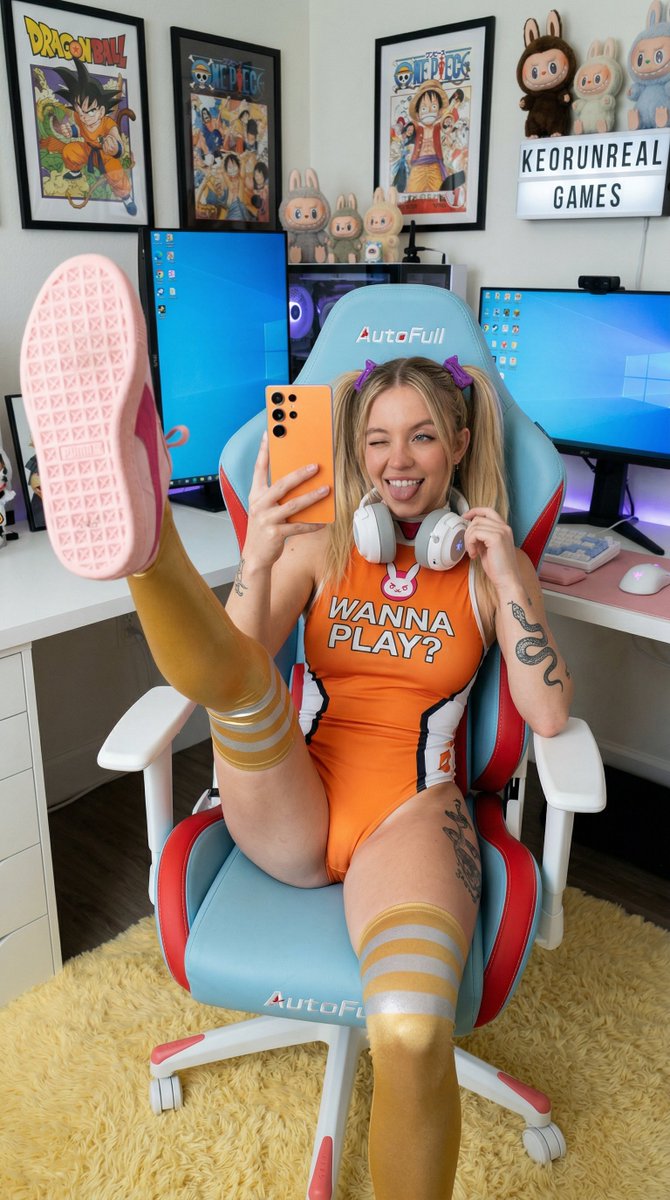





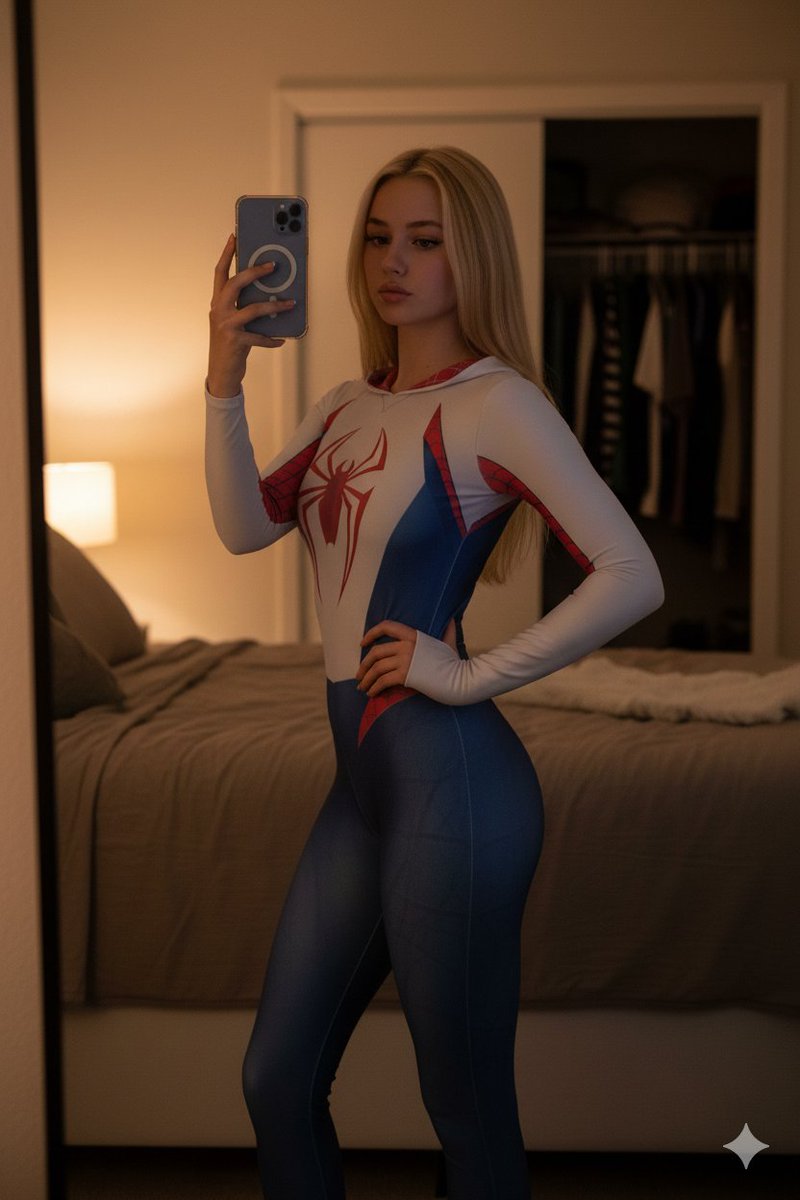


![nano-banana-grwm-mirror-selfie-pink — Nano Banana 2
Prompt (JSON):
{
"type": "image_prompt",
"description": {
"subject": {
"main": "[NAME] com o](/_next/image?url=https%3A%2F%2Fcdn.picxstudio.com%2Fuploads%2Ftweet_img_10a_612da6f9-cf6d-417e-bdd5-cc1300d1d830.jpg&w=828&q=100)
![Naive doodle-style subject illustration — A doodle-style {argument name="subject" default="[subject]"}, naive lines, humorous shape exaggeration](https://pbs.twimg.com/media/G6Wl2YxbsAARB2b.jpg)











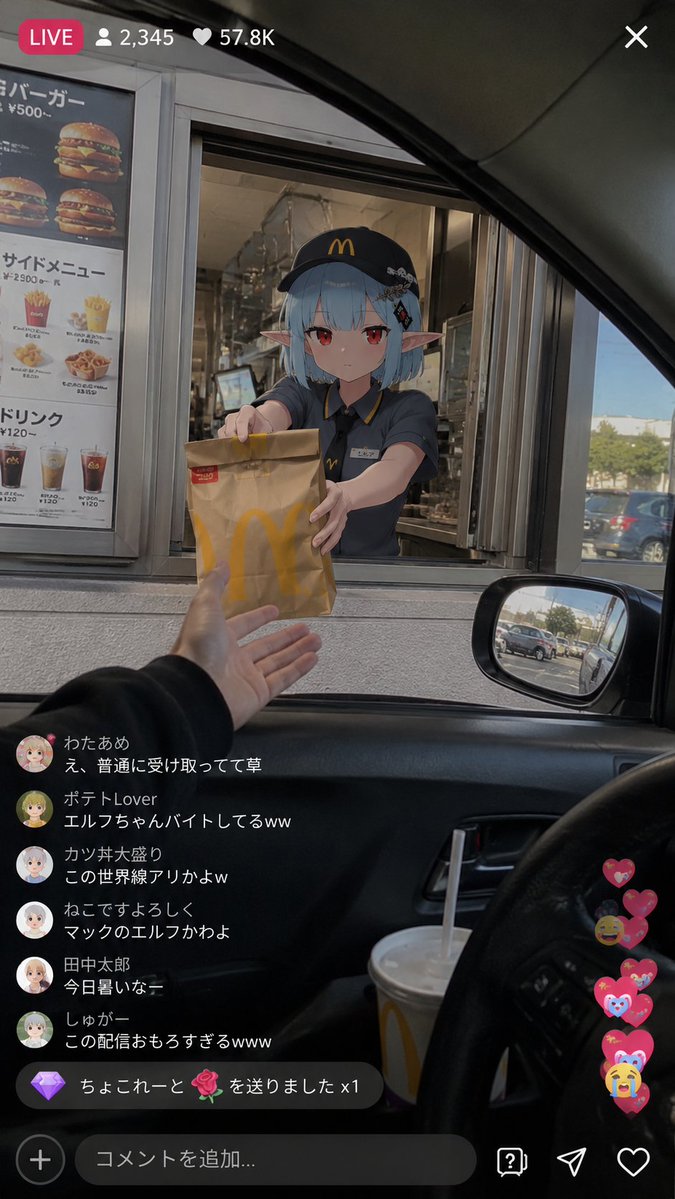


![Four Seasons Puzzle for 2026 New Year Greeting — 一张 2x2 的四宫格构图摄影,展示同一位女性主角在四个不同的季节奇幻场景中,亲手拼凑出新年魔法拼图。
[左上格,冬季蓝主题]:同一位女性,冰雪王后装扮,穿着缀满冰晶的海军蓝礼服。她双手托举着一块巨大的蓝色发光冰晶拼图块,](https://pbs.twimg.com/media/G9ayv2kWIAE_1vt.jpg)
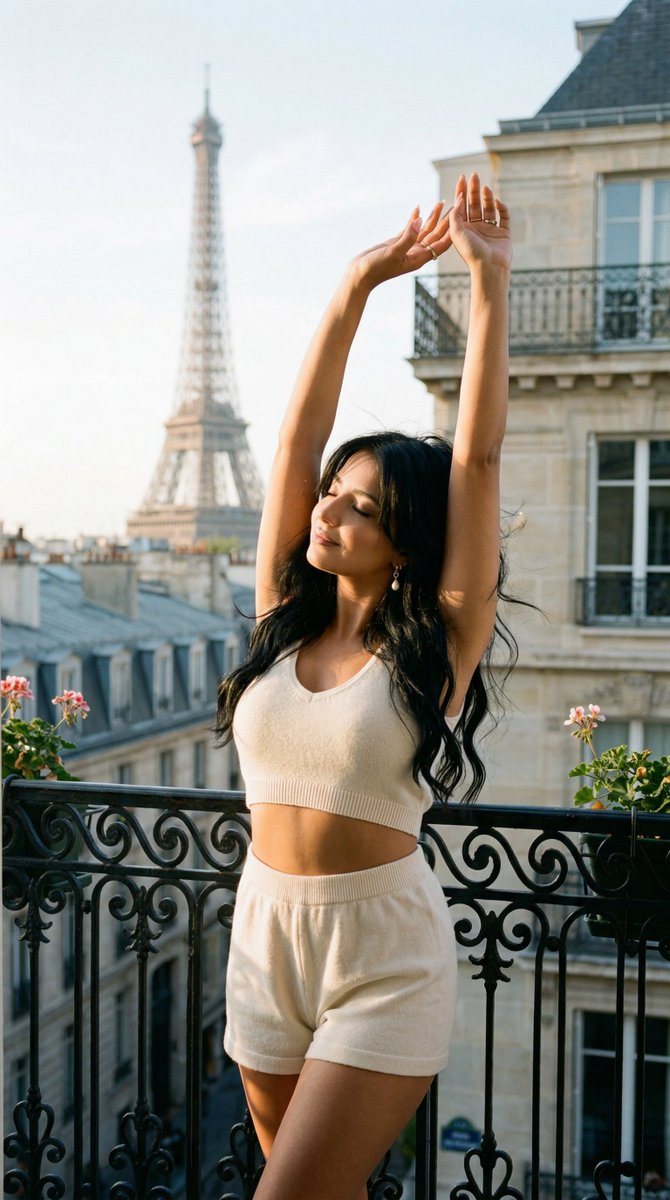








![K-Pop Choreography Instruction Sheet — K-Pop Dance 16-Step Instruction Sheet (4×4 Grid)
[VISUAL STYLE]
High-end K-pop choreography guide in monochrome grayscal](https://cms-assets.youmind.com/media/1777539302475_28y0fd_HHFfuhfbkAAWGXK.jpg)