
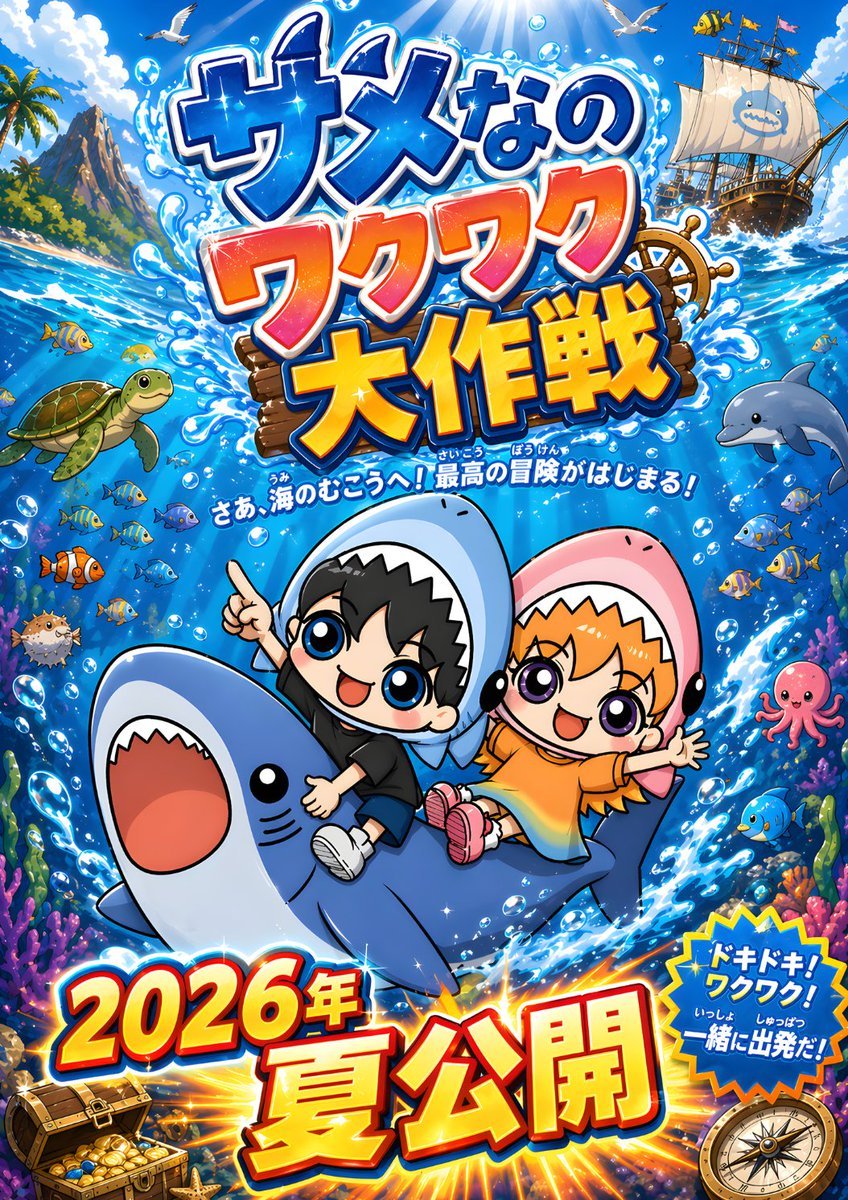
Chibi Shark Adventure Movie Poster
A colorful Japanese-style anime poster for a children’s ocean adventure film, ideal for recreating bold promotional key art with cute characters and dramatic title typography.
- Prompt included
- Model and format preset
- Free template
The prompt behind this image
Copy the exact prompt behind Chibi Shark Adventure Movie Poster, or open it in the studio and make it yours.
A bright, hyper-energetic Japanese movie poster illustration in a polished anime chibi style, set in a sparkling tropical ocean adventure scene. Center the composition on 2 cute chibi children riding a smiling blue shark that leaps diagonally upward through swirling seawater and white splash effects. The left child is a boy with short black hair, huge glossy blue eyes, a happy open-mouth smile, a black T-shirt, dark shorts, white sneakers, and a light blue shark hoodie with a tooth-edged hood framing his face; he points upward with one hand and hugs the shark with the other. The right child is a girl with orange hair, large glossy purple eyes, a joyful open-mouth smile, an orange dress, pink shoes, and a pink shark hoodie with a tooth-edged hood; she throws one arm wide in excitement while holding on with the other. Make the shark large and friendly with a rounded body, pale belly, tiny black eyes, and a wide open mouth. Surround them with a vivid underwater-and-surface world: schools of small tropical fish, exactly 1 sea turtle on the left, exactly 1 dolphin on the right, exactly 1 pink octopus on the right, exactly 1 pufferfish on the lower left, coral reefs and sea plants along the bottom edges, air bubbles throughout, and strong blue water motion lines. In the upper background, show a sunny sky with dramatic sun rays streaming into the water, fluffy clouds, 2 seagulls flying, a rocky tropical island with palm trees on the upper left, and a pirate ship on the upper right with white sails and a cute shark emblem. Add a ship wheel partly visible behind the main title. Use a dense, exciting Japanese kids-anime promotional layout with oversized 3D lettering and explosive effects. At the top, place the giant Japanese title text {argument name="headline text" default="サメなの ワクワク 大作戦"} in stacked lines, with glossy blue, orange-pink, and yellow-orange gradient letters, thick white outlines, dark blue shadows, water splashes, and sparkles. Beneath the title, add a smaller curved Japanese tagline in white with blue outline: {argument name="tagline" default="さあ、海のむこうへ!最高の冒険がはじまる!"}. At the bottom, place huge release text in Japanese, {argument name="release text" default="2026年 夏公開"}, in bold red-to-yellow gradient 3D letters with white and blue edging, sitting over a radiant orange burst. On the lower right, add a blue starburst badge with the Japanese text {argument name="badge text" default="ドキドキ!ワクワク!いっしょに出発だ!"} in white and yellow. Include exactly 2 treasure-themed corner props: an open treasure chest with gold coins at the lower left and a compass at the lower right. The overall look should be glossy, saturated, family-friendly, whimsical, cinematic, and toy-like, with crisp outlines, exaggerated expressions, high contrast, and a poster-ready vertical composition. No photorealism, no muted colors, no minimalism.
How to use Chibi Shark Adventure Movie Poster in 3 steps
- 1Upload ImagePNG, JPG or paste
Add your photo
Upload the photo the template builds on. The prompt, model and format are already set.
- 2…a portrait of your subject in softgolden-hour light, 85mm…
Personalize
Edit the subject and creative details for your destination.
- 3Generate
Generate
Press Generate — your image is created in PicX Studio, so you can compare it with the original and refine one variable at a time.
More like this
Templates with the same subject, style or setup. Open one to see its prompt.

Gpt2 Youtube Thumbnail Wuxia Movie Character Posters
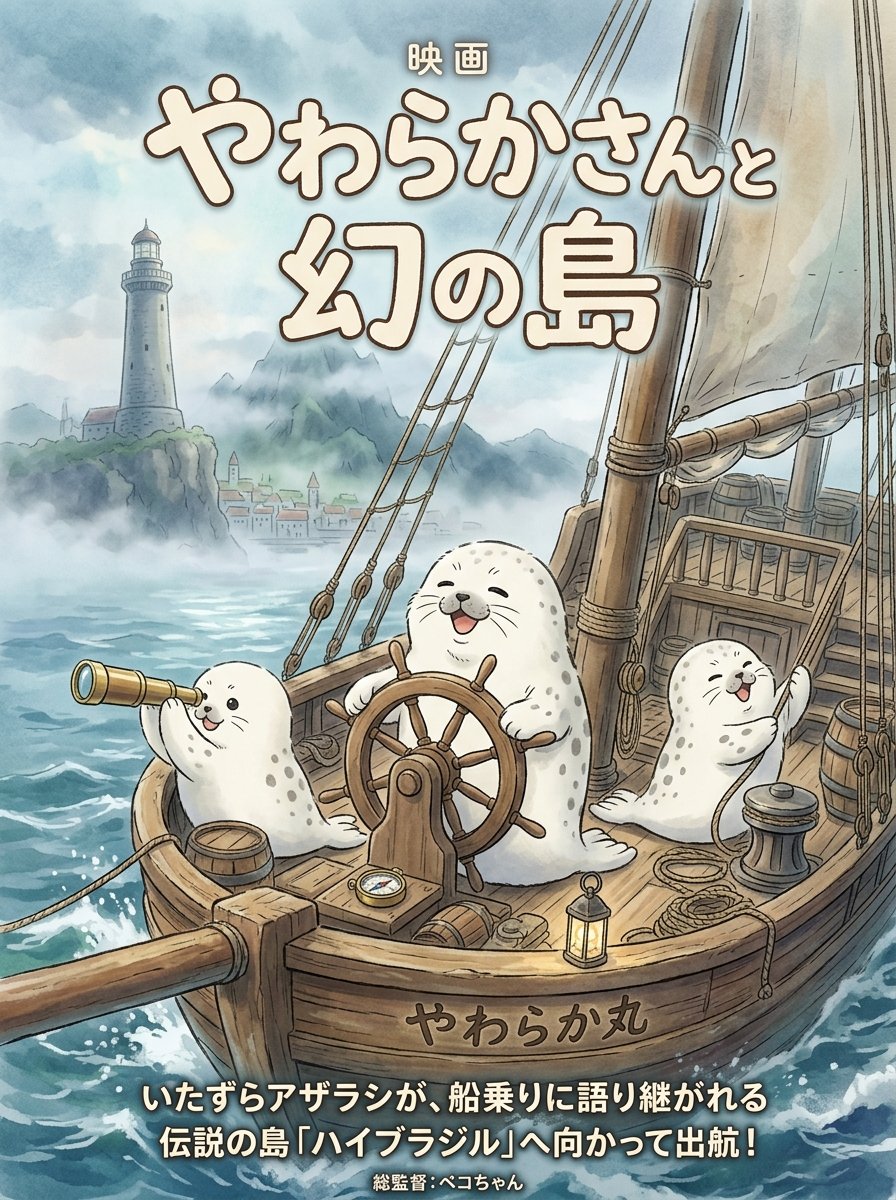
Seal Adventure Movie Poster
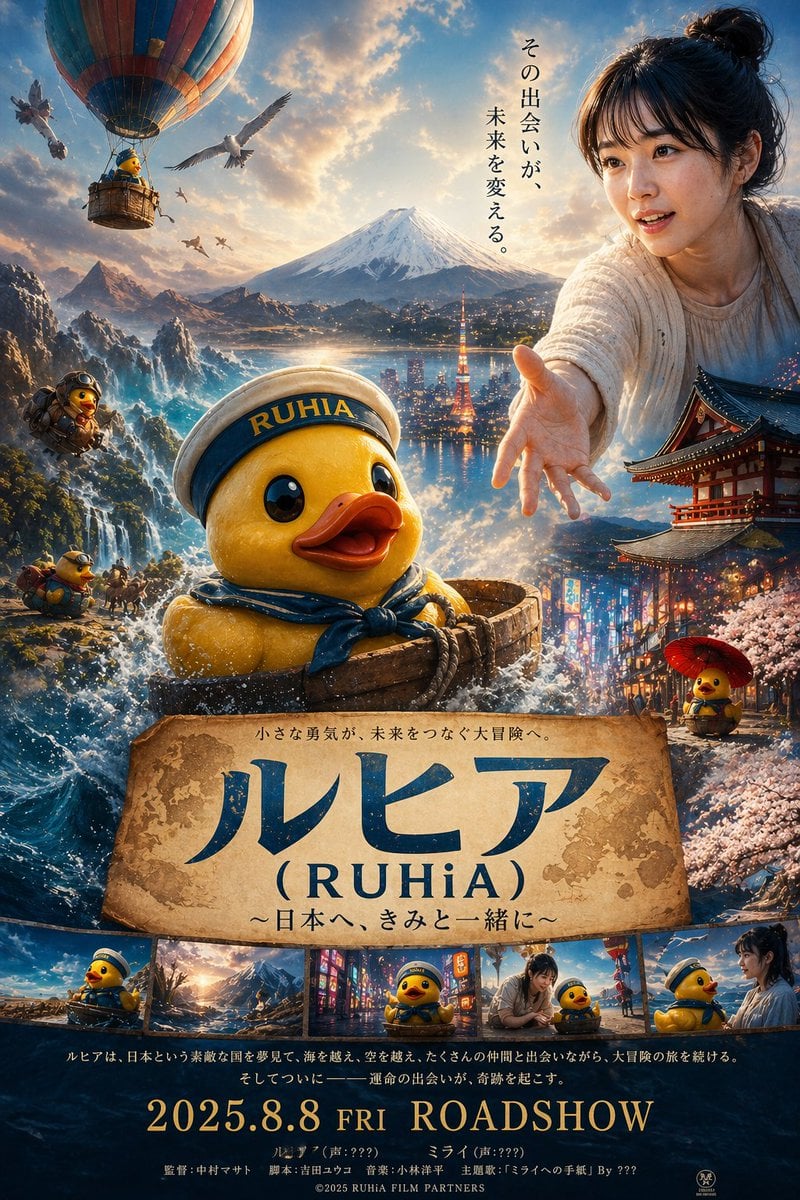
Rubber duck adventure movie poster prompt

Japan Travel Brochure Poster

Cartoon TV Show Poster Pack

Trendy Cafe Drink Promo Poster

Urban Fashion Editorial Collage Streetwear Poster

Premium Fashion Editorial Cover Layout System

Polo Ralph Lauren Luxury American Heritage Fashion Campaign

Monochrome Halftone Editorial Fashion Poster

Retro Mirror Luxury Fashion Campaign Poster

Luxury Fashion Campaign Typography Poster System
Make it yours
Chibi Shark Adventure Movie Poster works as-is. These are the safest ways to change it without losing the look.
Change one field
Copy a single group, rewrite it, and generate again so you can see what that field is doing.
Keep the frame, change the subject
Hold the composition and light of Chibi Shark Adventure Movie Poster, then swap wardrobe, props or the person for a new take.
| If the result… | Why | Fix |
|---|---|---|
| The result drifts from the preview | Too many fields changed at once. | Reuse Chibi Shark Adventure Movie Poster as-is first, then change one group — subject, light, or setting. |
| The model over-stylizes the scene | The prose prompt leaves finish and camera underspecified. | Add one camera or lighting sentence and stay on GPT Image 2. |
More GPT Image 2 templates
Other prompts made for GPT Image 2.

Six VTuber Japanese Logo Sheet

Realistic Portrait of Woman and Deer

The Vista Modular Condo Poster

AI Model Routing Comparison Infographic

2.5D Anime Art Board

Isometric Productivity Desk Scene

New York Double Exposure Poster

Four-Panel AI Landscape Comparison

Japanese Tatami Lifestyle Magazine Cover

NESCAFÉ Coffee Map Poster
More image prompts
Fresh picks from across the catalog.
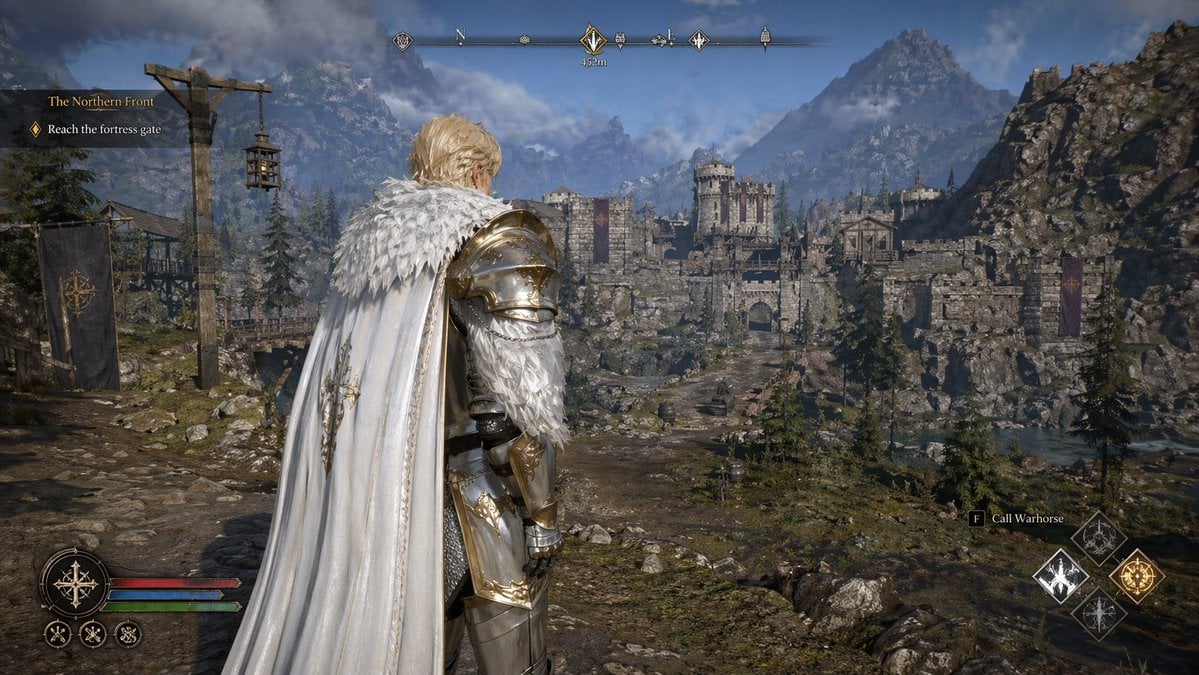
Open-world RPG screenshot style
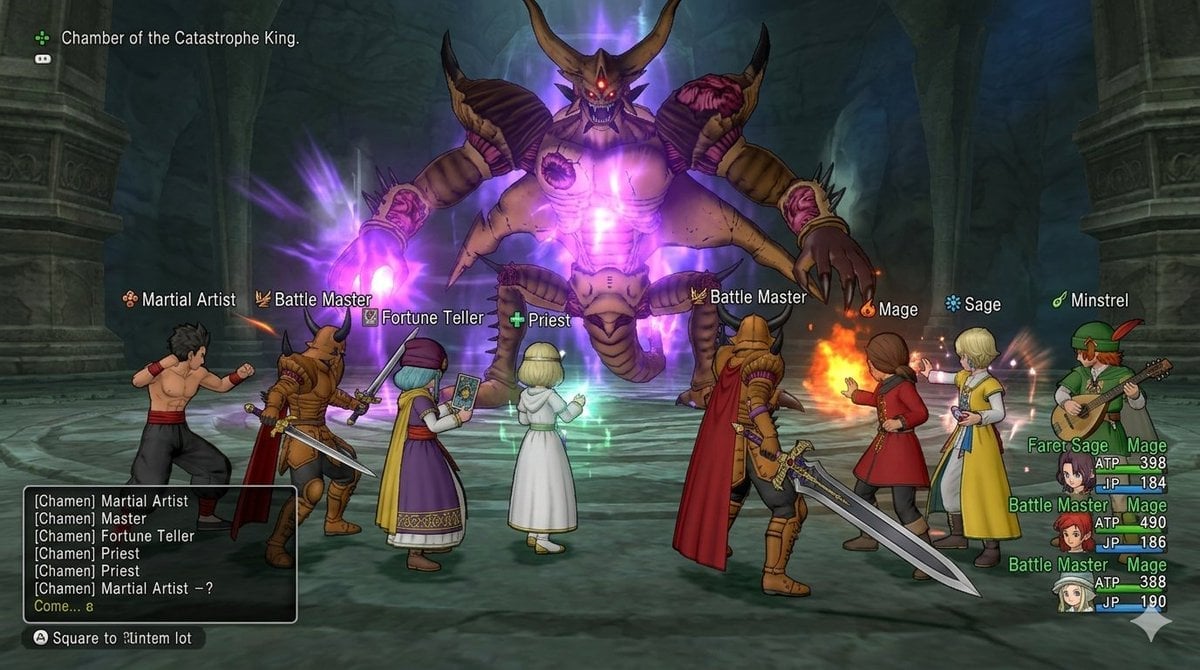
Image generation for Dragon Quest X: VS Calamity King
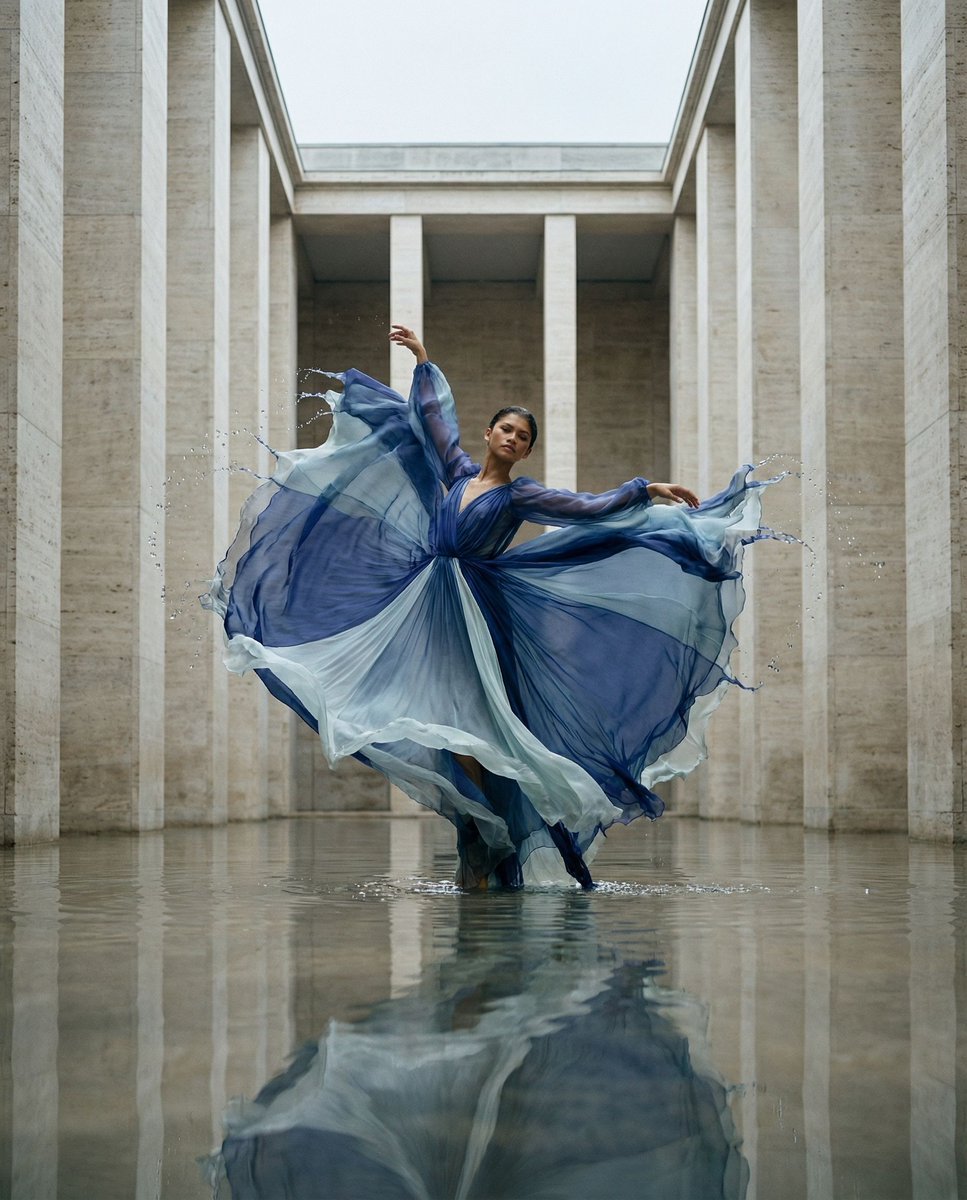
Cinematic Symmetrical Motion Portrait
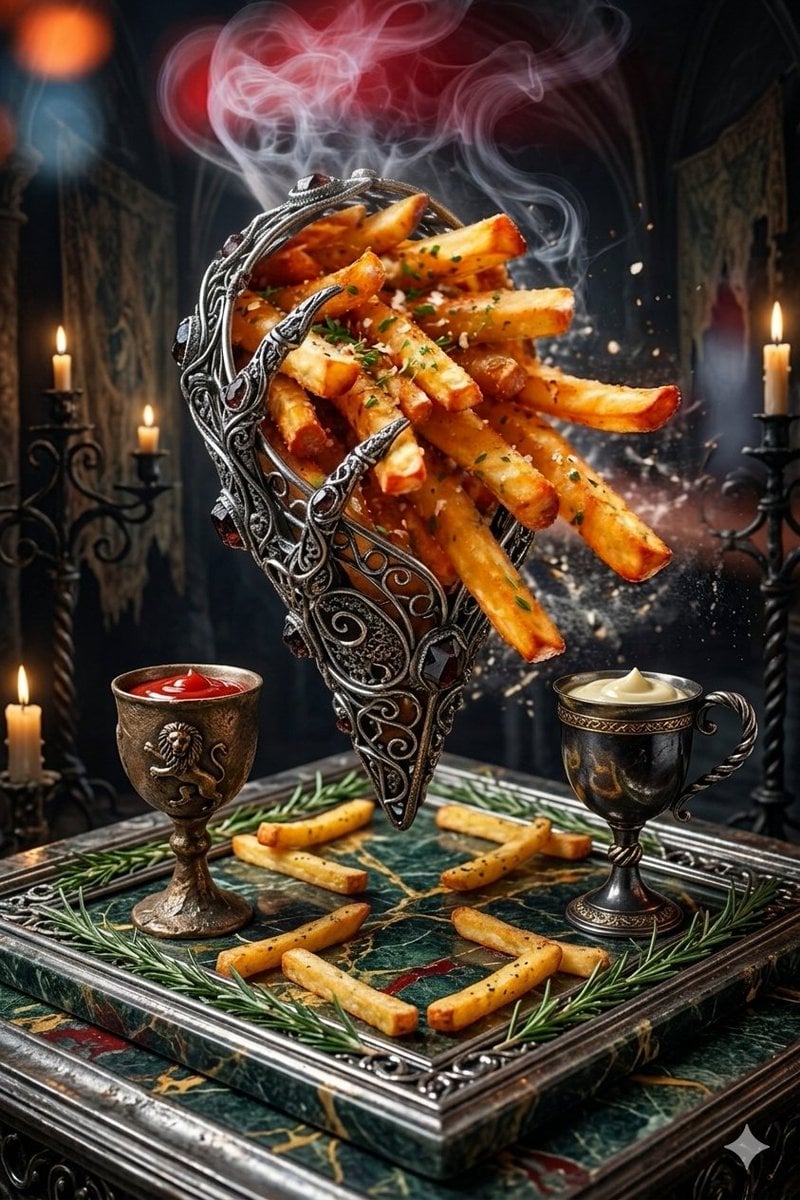
Gothic Fantasy Food Photography

JSON Prompt Generation for Hyper-Realistic AI Photos
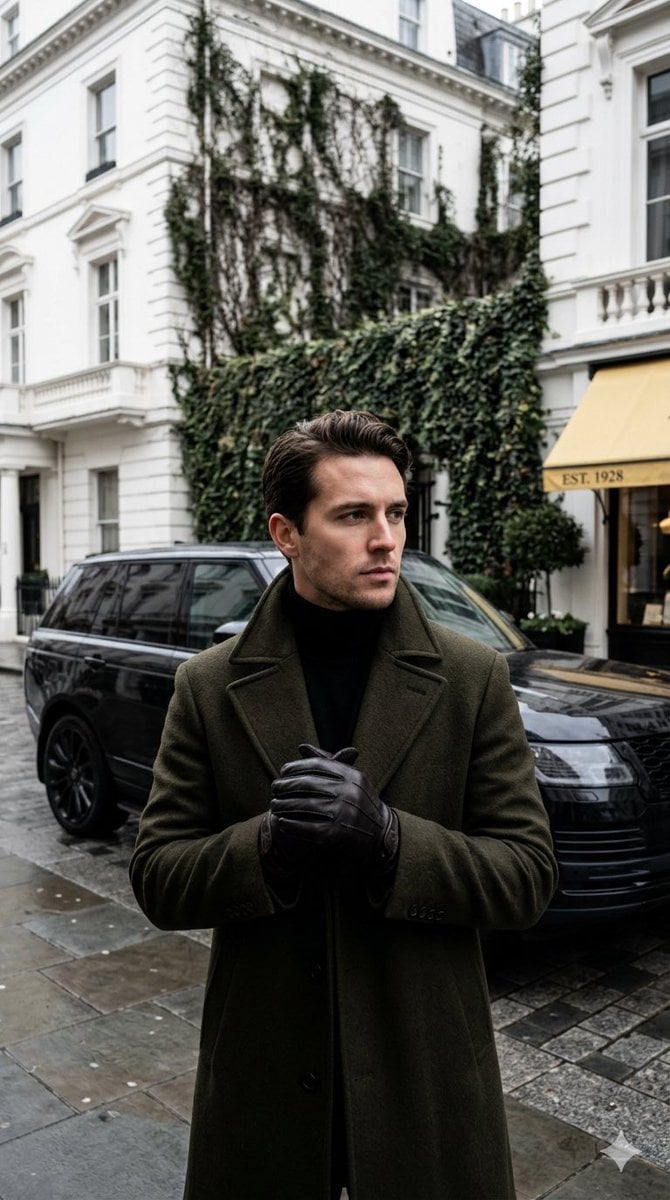
Monochrome Luxury Street Editorial
K-pop Idol Rosé at Payphone
Opposite camera view of anime girl by the river
Cinematic Portrait Collage of an East Asian Woman

Retro AI Creative Brand Poster
Browse template categories
Chibi Shark Adventure Movie Poster questions
How do I use the Chibi Shark Adventure Movie Poster template?
Add your photo if the template asks for one, edit the prompt if you like — the template's model and format are already selected — and press Generate. Your version opens in PicX Studio.
Can I customize the Chibi Shark Adventure Movie Poster template?
Yes. You can change the subject, setting, lighting, mood, format, and available model controls before creating your image.
Is the Chibi Shark Adventure Movie Poster template free?
Opening and editing this template is free. Generating uses credits, shown on the Generate button when you are signed in.
Which AI model should I use?
Start with GPT Image 2, which is the model associated with this template. You can compare another compatible model for a different finish.
Looking for something else? Browse all templates.

Your photo, any look
Thousands of ready templates for every top image and video model, from one credit balance.