How do I use the Gen Z Fashion Mirror Selfie in a Fitting Room template?
Choose the primary action to open PicX Studio with the available template settings. Review the model and format, personalize the creative direction, and generate when ready.
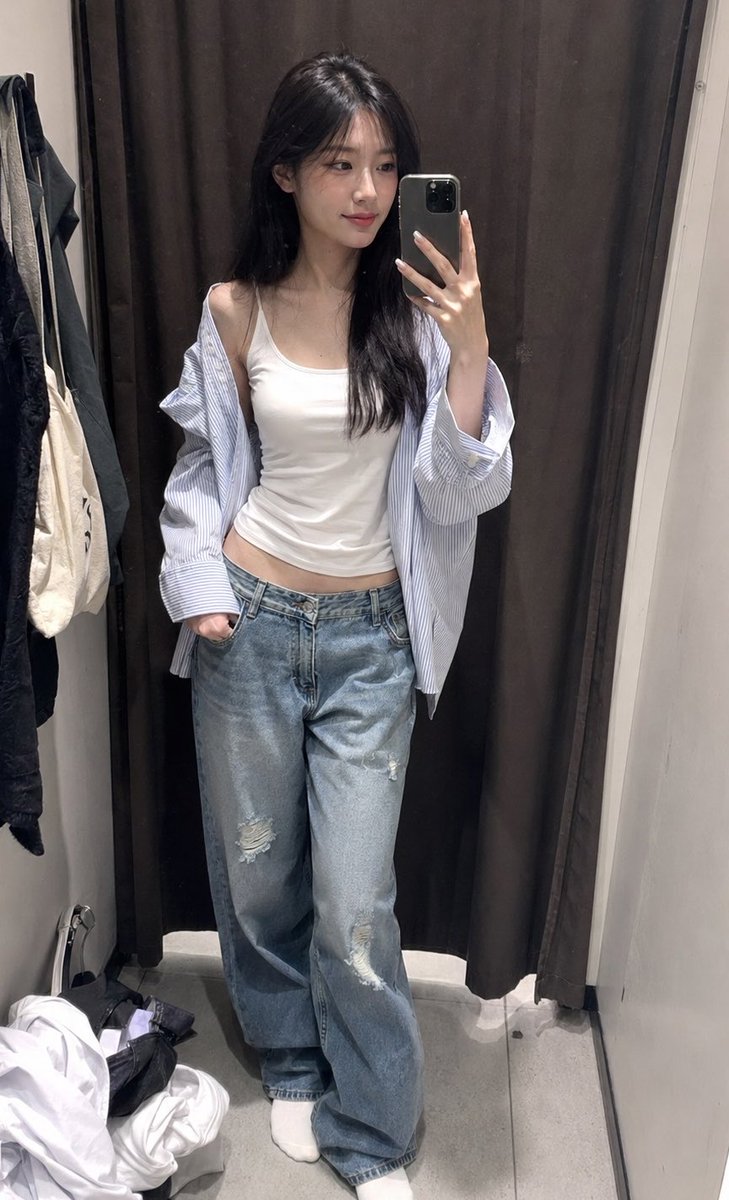
A structured image generation prompt for a vertical mirror selfie taken in a fitting room. Change the subject, setting, or lighting one variable at a time.

{ "scene_description": "A vertical mirror selfie captured in a fitting room featuring a stylish young woman posing confidently.", "subject": { "type": "Young woman", "age": "Late teens to early 20s", "features": { "hair": "Waist-length, straight platinum blonde hair with visible dark roots and a center part", "expression": "Soft, confident gaze with a slight tilt of the head", "other": "Light complexion, soft pink blush, manicured fingernails with light tips" }, "attire": "{argument name="top wear" default="Black velvet sleeveless crop top with a V-neck and white buttons"}, paired with {argument name="bottom wear" default="light wash blue denim jeans"}", "position": "Standing, angling torso slightly to the side, left hand holding a smartphone, right hand raised with fingers gently framing the cheek" }, "action": { "primary": "Taking a mirror selfie while looking at the phone screen", "secondary": "Posing with a hand gesture near the face to frame features", "effect": "Creating a trendy, social-media-ready aesthetic" }, "environment": { "setting": "Clothing store fitting room", "foreground_elements": [ "Reflection in a large mirror", "Smartphone blocking part of the hand." ], "background": "Beige heavy curtains with vertical folds, typical of dressing rooms" }, "lighting": { "style": "Soft, diffused indoor retail lighting", "key_light": { "type": "Overhead/frontal fixture", "color": "Neutral white", "illuminates": [ "Evenly lights the face and torso", "Creates soft highlights on the platinum hair." ] }, "background_light": { "color": "Dimmer ambient indoor light" }, "shadows": "Minimal, soft shadows under the chin and hair strands" }, "style": { "medium": "Digital Smartphone Photography", "aesthetic": "Gen Z fashion influencer style, casual and trendy", "quality": "High-definition social media snapshot", "details": "Focus on outfit details and hair texture." }, "scene_composition": { "subject_action": "Centered in the mirror frame", "camera_behavior": "Eye-level shot relative to the reflection", "depth_layering": "Subject in sharp focus against a slightly softer curtain background" }, "visual_description": { "core_subject": "A trendy figure with striking platinum hair contrasting against a dark top.", "attire_physics": "Velvet fabric fitting snugly against the torso; hair draping straight down with weight.", "skin_rendering": "Smooth, even tone with natural lighting." }, "lighting_and_atmosphere": { "type": "Indoor Casual", "specifics": "Flattering fitting room mirror lighting designed to enhance appearance", "color_grade": "Natural colors with a slight cool tone from the phone processing" }, "attire_customization": { "current_clothing": "Black velvet crop top and jeans", "customizable_clothing": "Coul
Choose the primary action to open PicX Studio with the available template settings. Review the model and format, personalize the creative direction, and generate when ready.
Yes. You can change the subject, setting, lighting, mood, format, and available model controls before creating your image.
This template is free to open and customize. Generation usage is shown in PicX Studio before you create.
Start with Nano Banana 2, which is the model associated with this template. You can compare another compatible model for a different finish.
Follow a topic to a crawlable collection of related PicX Studio templates.
43,474 public templates available. Verified via the PicX Studio public templates API; refreshed hourly.











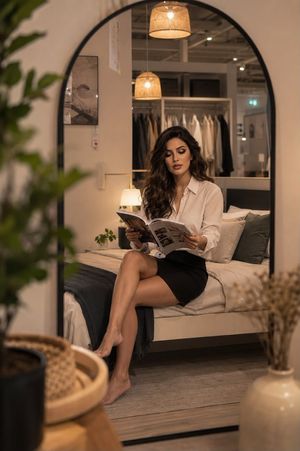


![Naive doodle-style subject illustration — A doodle-style {argument name="subject" default="[subject]"}, naive lines, humorous shape exaggeration](https://pbs.twimg.com/media/G6Wl2YxbsAARB2b.jpg)











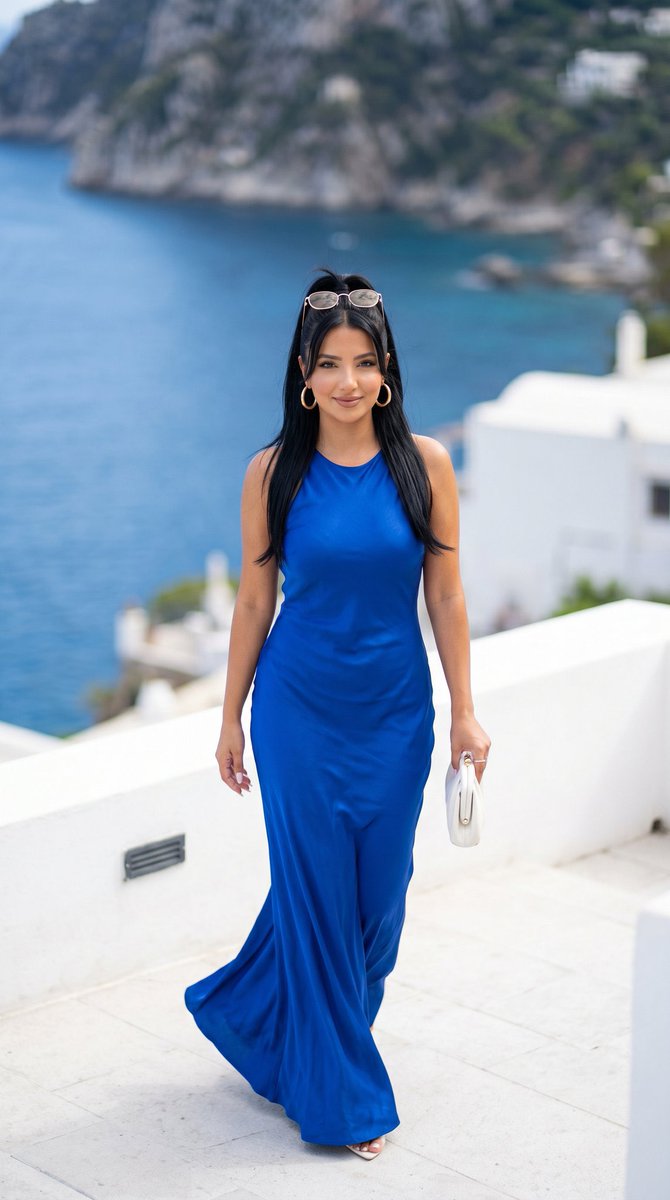










![Miniature Realism Prompt for Restoration Scene — Tiny [{argument name="subject" default="WORKERS"}] sitting, resting, or packing up beside a perfectl…](https://pbs.twimg.com/media/G9BA7DDb0AEJkiH.jpg)